-
-
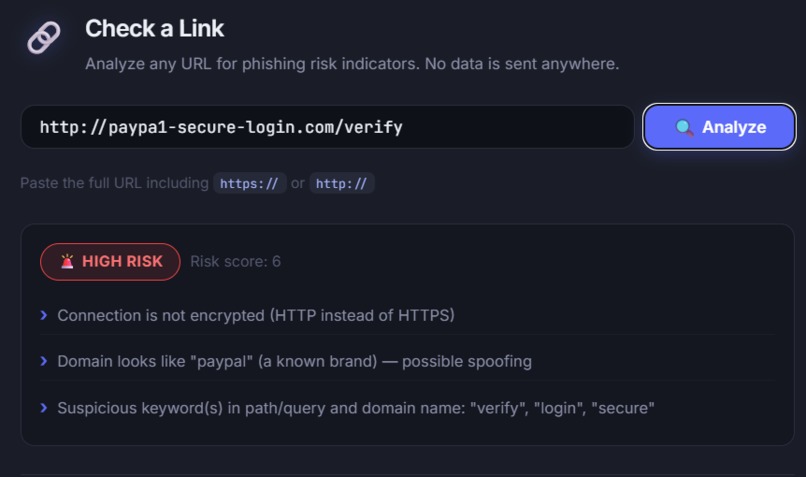
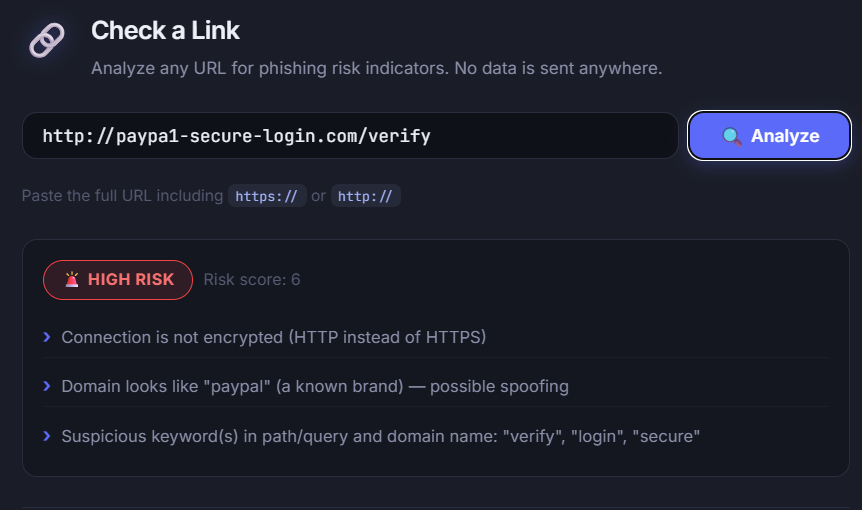
Flags lookalike phishing domains like paypa1-secure-login.com — catches missing HTTPS, brand spoofing, and suspicious keywords at once.
-
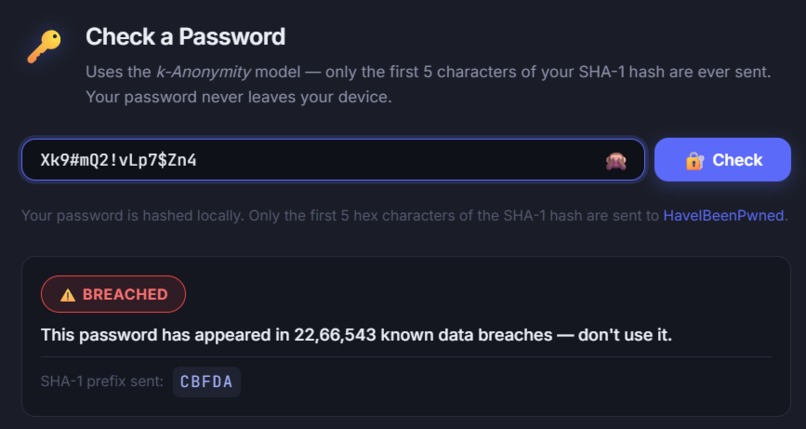
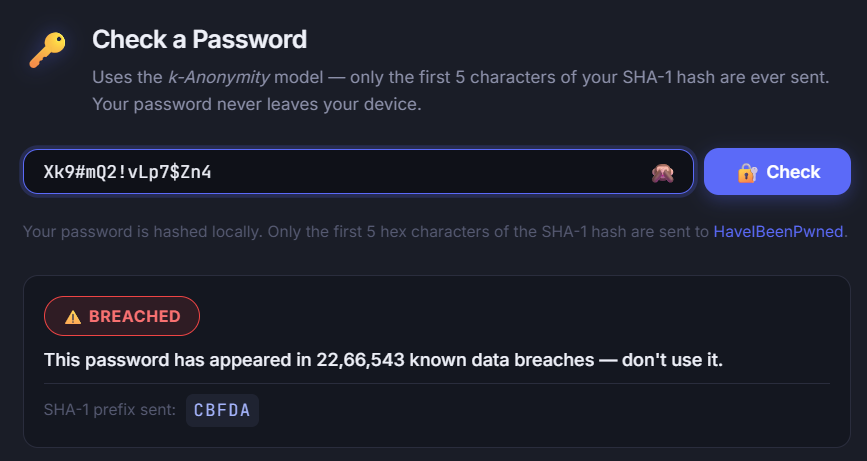
A strong, unique password correctly shows as not breached — proving the checker isn't just defaulting to warnings.
-
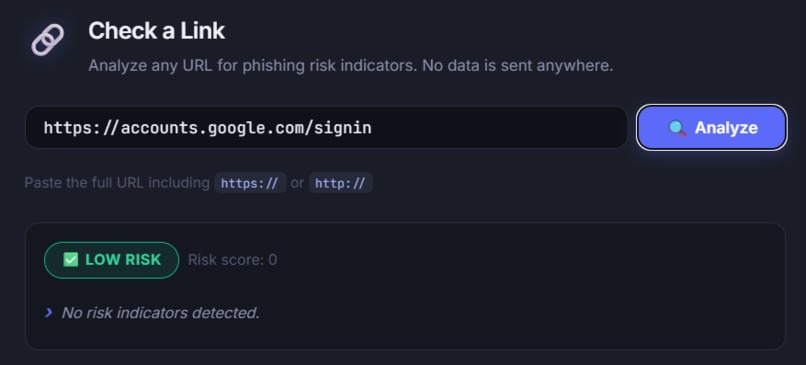
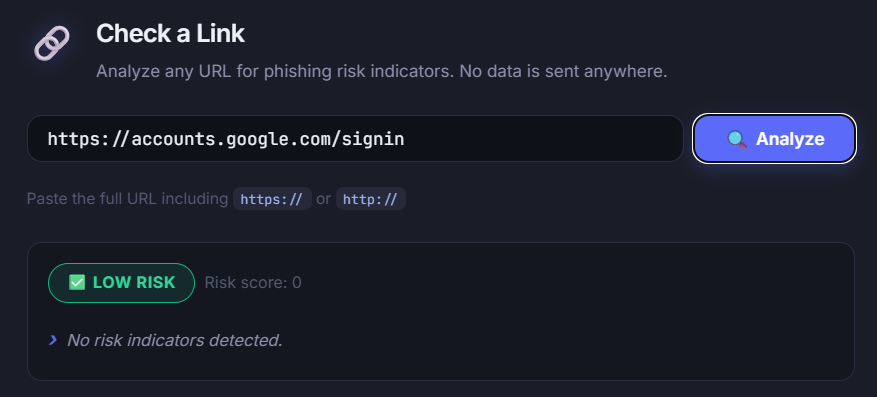
Correctly marks legitimate domains as safe — distinguishes real threats from false positives instead of flagging everything.
-
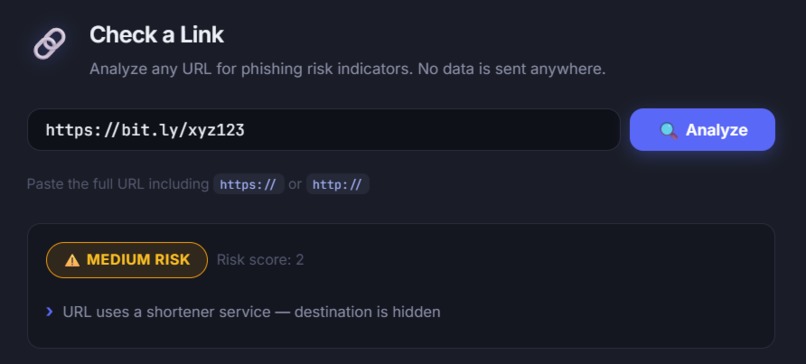
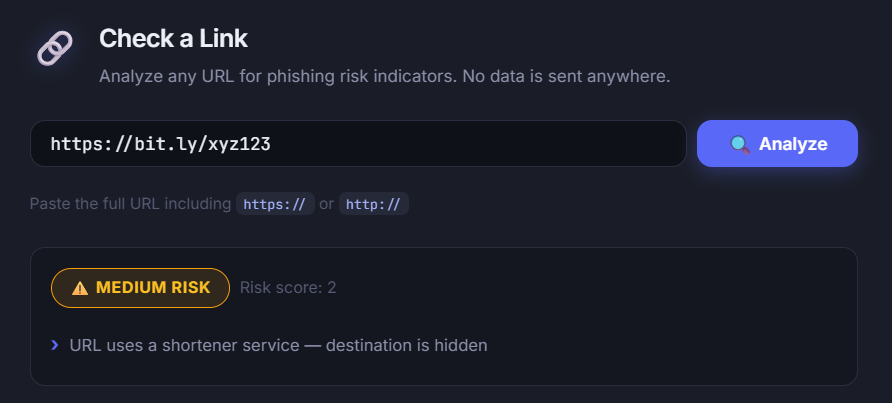
Flags URL shorteners as medium risk since the real destination stays hidden until you click — a common phishing tactic.
-
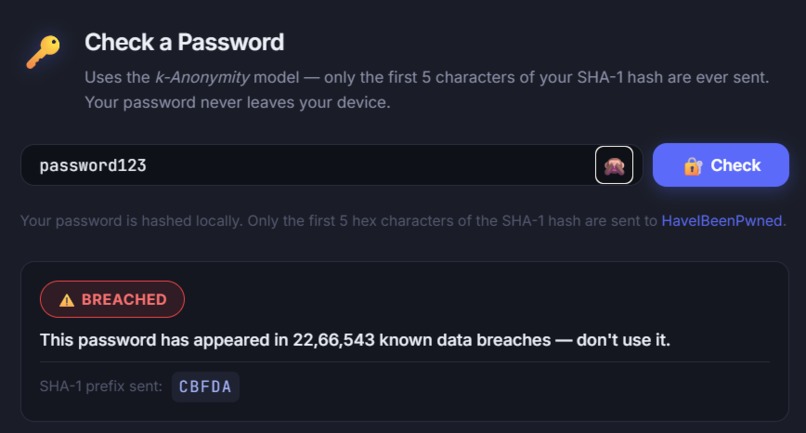
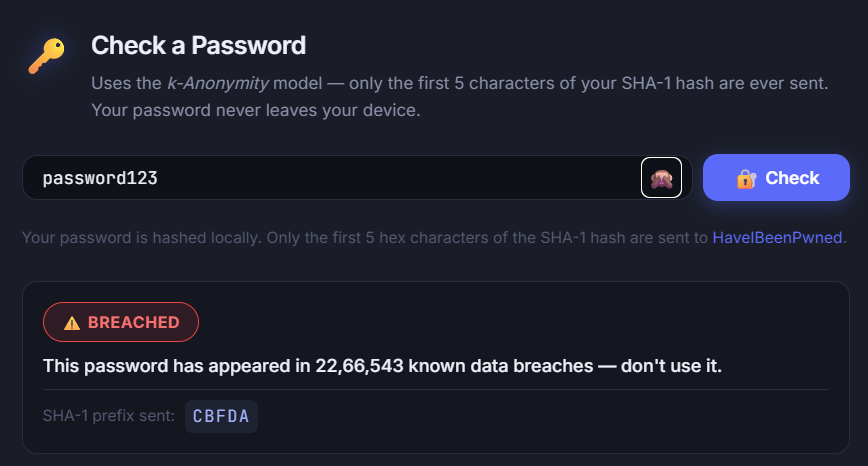
Checks passwords against real breach data via Have I Been Pwned — 100% client-side using k-anonymity, password never leaves the browser.
Inspiration
Every day, people get tricked by phishing links designed to look like real login pages, and most have no idea if their passwords have already leaked in a data breach. Security tools that catch this exist, but they're scattered across different sites, require signups, or are too technical for a non-expert to use. I wanted to build something that combines both checks in one clean, private tool — no login, no data sent to any server I control, nothing to sign up for.
What it does
SecureCheck has two features:
URL Phishing Checker — paste any link, and it's scored against 8 heuristic rules (no HTTPS, IP-address URLs, lookalike brand domains like
paypa1.com, excessive subdomains, known shorteners, suspicious keywords,@obfuscation tricks). It returns a color-coded verdict — Low / Medium / High risk — with plain-English reasons for every flag raised.Password Breach Checker — type a password, and it tells you if that password has appeared in known public data breaches, and how many times.
How I built it
Everything runs 100% client-side — no backend, no database, no server at all:
- URL checker: pure JavaScript regex and string-matching heuristics, plus a
Levenshtein-distance check against a list of commonly spoofed brand names, to catch
lookalike domains like
paypa1-secure-login.com. - Password checker: uses the Have I Been Pwned Pwned Passwords API with the k-Anonymity model — the password is hashed with SHA-1 in the browser, and only the first 5 characters of the hash are ever sent to the API. The full password, and even the full hash, never leaves the user's device.
- Built with vanilla HTML, CSS, and JavaScript — no frameworks, no build step, no npm
install. Just open
index.htmland it works.
Challenges I ran into
- Tuning the URL risk-scoring so genuinely risky links (like raw IP-address URLs) scored high enough on their own, without over-flagging legitimate sites — this took several rounds of testing against real examples.
- Correctly catching
@-symbol obfuscation tricks (e.g.[email protected]), where the visible domain isn't the one the browser actually navigates to. - Making sure the password checker never transmits sensitive data — implementing the k-anonymity hash-prefix approach correctly so privacy is airtight by design, not just by promise.
What I learned
- How k-anonymity models let you check sensitive data (like passwords) against a public API without ever exposing the actual data — a technique with real DevSecOps relevance beyond just this project.
- Practical heuristics for phishing detection, and how attackers use lookalike characters,
URL shorteners, and
@-symbol tricks to disguise malicious links. - How much a security-focused tool can accomplish with zero backend infrastructure — everything here runs statically and privately in the browser.
What's next
- Expanding the lookalike-brand list and adding more heuristic rules (e.g. domain age lookup via a free WHOIS API)
- Adding a browser extension version for real-time link checking
- Batch-checking multiple URLs or a list of passwords at once
Built With
- client-side
- css3
- cybersecurity
- devsecops
- have-i-been-pwned-api
- html5
- javascript
- k-anonymity
- phishing-detection
- sha-1

