-
-
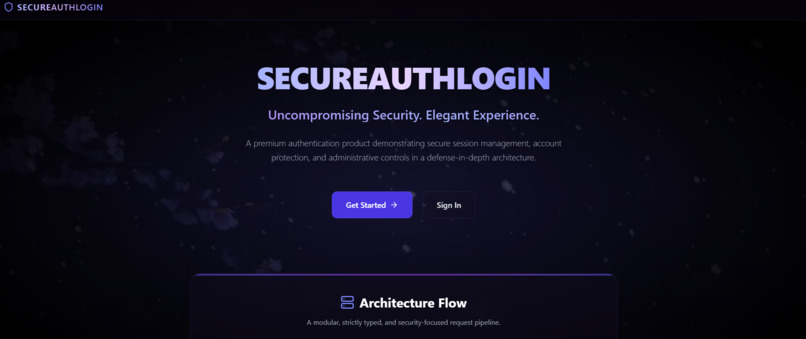
SecureAuth
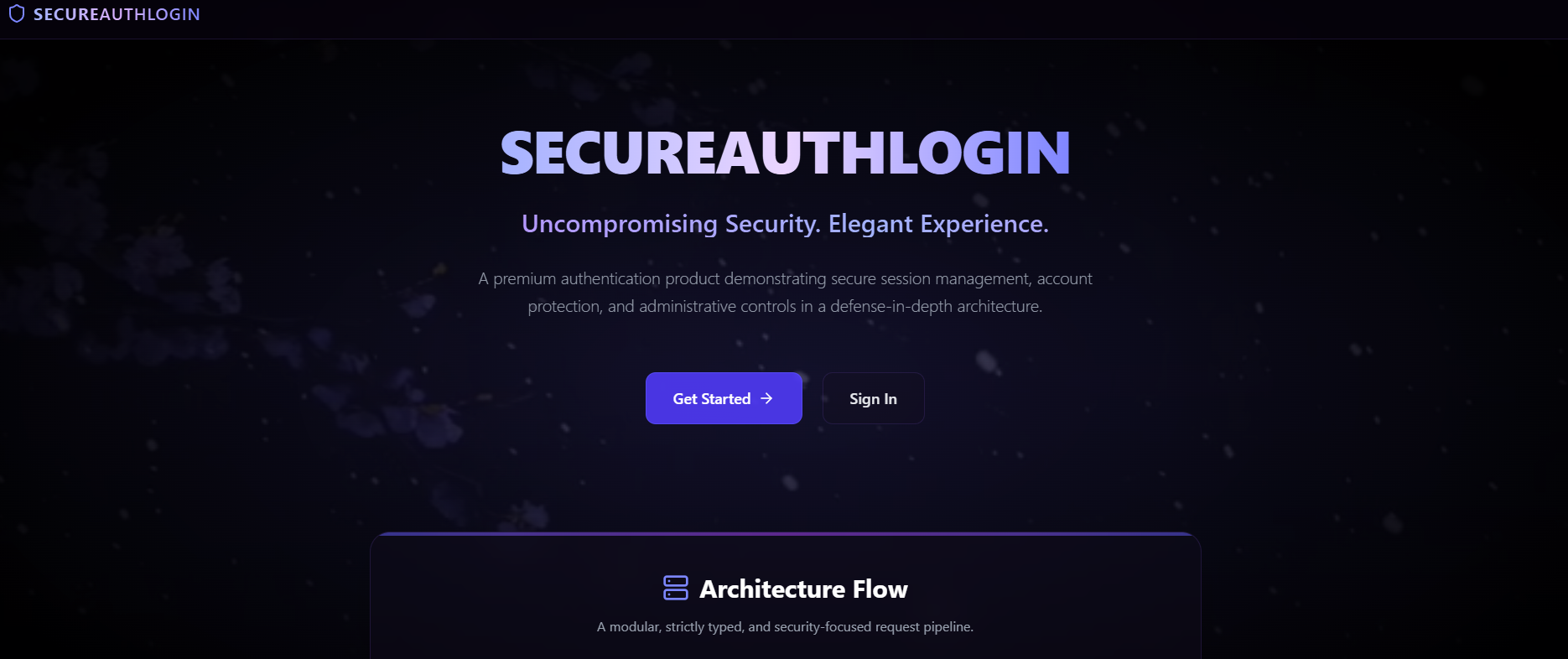
SecureAuth
A security-focused authentication platform designed around layered protection, identity verification, and controlled access.
Repository: larvianankani7/SecureAuthLogin
Project name: SecureAuth
Project status: Early-stage scaffold; core authentication and infrastructure integrations are documented as planned
1. Inspiration & Problem Statement
What inspired me
Authentication is often treated as a simple login form, but it is one of the first barriers protecting a user's identity and private data. A weak or incomplete authentication flow can expose an application to repeated login attempts, unauthorized access, stolen or misused tokens, and insecure account-verification processes.
This inspired me to design SecureAuth as a minimal, modular authentication application that considers security as a set of layers rather than a single password check.
Problem statement
How can a web application be designed to authenticate users and control access while reducing common risks such as brute-force attempts, unauthorized access, weak verification flows, and poorly managed temporary authentication state?
SecureAuth's proposed approach combines role-based access control (RBAC), one-time-password (OTP) verification, rate limiting, token validation, and session-related security controls. These are the intended security mechanisms described by the project; the repository currently identifies the real authentication and supporting backend logic as work still to be completed.
Real-world example
Imagine an online service where someone repeatedly attempts to sign in to another person's account. A layered authentication design could limit repeated requests, require an additional verification step where configured, validate authentication tokens, and restrict protected actions according to the user's role. SecureAuth is being structured around this type of defense-in-depth approach.
2. Key Features
The following list distinguishes the project's documented goals from functionality confirmed as complete.
Implemented/scaffolded in the current project phase
- Frontend scaffold: React and Vite application setup.
- Frontend routing and mocked authentication state:
- Project structure: separate
frontend,backend, andemail-relaydirectories. - Local infrastructure configuration: Docker Compose configuration for PostgreSQL and Redis services.
Planned security capabilities
- Role-Based Access Control (RBAC): design access rules around user roles.
- OTP verification: support a one-time verification step in the authentication flow.
- Rate limiting: limit excessive requests to reduce brute-force and abuse risks.
- JWT validation: validate authentication tokens before granting access.
- PostgreSQL data storage: use a relational database for persistent application data.
- Redis-backed temporary state: intended for OTP storage, rate-limit state, and related short-lived security data.
- Email delivery: Nodemailer/SMTP-based delivery for verification messages and administrative alerts.
- Security-oriented backend validation: Fastify is selected as the backend framework, with schema validation planned as part of the design.
3. Tech Stack
The following technologies are listed in the repository's README and package manifests.
| Layer | Technology | Intended role |
|---|---|---|
| Frontend | React, React DOM | User interface |
| Frontend tooling | Vite | Development server and build tooling |
| Language | TypeScript | Type checking and safer code structure |
| Styling | Tailwind CSS | Utility-based styling |
| UI animation | Framer Motion | Interface motion and transitions |
| Icons | Lucide React | Interface icons |
| Frontend navigation | React Router | Client-side routing |
| Backend runtime | Node.js | JavaScript/TypeScript runtime |
| Backend framework | Fastify | API server and request handling |
| Authentication tokens | JWT via @fastify/jwt |
Planned token validation/handling |
| Password hashing | Argon2 | Dependency selected for password hashing |
| Database | PostgreSQL | Persistent relational data |
| Database access | Drizzle ORM and Drizzle Kit | Typed database access and migration tooling |
| Temporary state / rate limiting | Redis and Fastify Redis/rate-limit plugins | Planned short-lived state and request limiting |
| Nodemailer; Resend dependency also appears in the backend manifest | Email delivery options/integration dependencies | |
| Security middleware | Fastify Helmet, cookie and CORS plugins | Security headers and request/cookie configuration |
| Local infrastructure | Docker Compose | Local PostgreSQL and Redis services |
| Email relay | Separate Fastify service with Nodemailer and rate limiting | Separate email-relay component |
Manifest accuracy note: A dependency being present in package.json confirms it is declared, not that it is wired into a working authentication flow. The repository's root package.json is metadata-only and has no application dependencies or run script beyond a placeholder test script; the frontend and backend have their own package manifests and scripts.
4. System Architecture
flowchart TD
    U[User] --> FE[React + Vite Frontend]
    FE -->|HTTP API request| RL{Rate limiting<br/>planned}
    RL -->|Allowed request| API[Fastify Backend API]
    RL -->|Limit exceeded| R429[429 Too Many Requests]

    API --> AUTH[Authentication and<br/>authorization logic planned]
    AUTH --> JWT[JWT validation]
    AUTH --> RBAC[Role-based access control]
    AUTH --> OTP[OTP verification]

    API --> DB[(PostgreSQL)]
    API --> REDIS[(Redis<br/>OTP and temporary state)]
    OTP --> MAIL[Email Relay / Nodemailer]
    MAIL --> EMAIL[SMTP or email provider]

    classDef planned stroke-dasharray: 5 5;
    class RL,AUTH,JWT,RBAC,OTP,DB,REDIS,MAIL,EMAIL planned;
Architecture overview
- Frontend: React and Vite provide the user-facing application and routing.
- API layer: the planned Fastify backend will handle incoming requests and authentication-related operations.
- Protection layer: rate limiting, token validation, OTP verification, and role checks are intended to work together.
- Persistent storage: PostgreSQL is configured as the intended relational database.
- Temporary security state: Redis is configured as an infrastructure dependency for short-lived state and rate-limiting support.
- Email delivery: a separate
email-relaydirectory exists for the email service component.
5. How I Built the Project
I organized SecureAuth into separate components so the interface, API, data layer, and email delivery can be developed and tested independently.
- Created the frontend foundation: the frontend uses React, Vite, TypeScript, Tailwind CSS, React Router, Framer Motion, and Lucide React.
- Set up a dedicated backend project: the backend manifest defines a TypeScript/Fastify application and scripts for development, compilation, type checking, and Drizzle migrations.
- Selected the data and security components: the backend dependencies include PostgreSQL access through
postgresand Drizzle ORM, Redis, JWT and rate-limiting plugins, Argon2, and security-related Fastify plugins. - Separated email delivery: an
email-relaydirectory has its own package manifest using Fastify, Nodemailer, and rate limiting. - Defined local infrastructure:
docker-compose.ymlconfigures PostgreSQL 15 and Redis 7, including environment-variable requirements, persistent volumes, health checks, and localhost-bound ports. - Documented the next implementation phase: the README records real authentication logic, schemas, token issuance, Redis behavior, and SMTP configuration as pending work.
6. Challenges I Faced
- Designing defense in depth: authentication needs several controls working together; relying on only a login form or token would leave gaps.
- Coordinating multiple components: the frontend, Fastify API, PostgreSQL, Redis, and email relay need consistent configuration and clear interfaces.
- Handling temporary security state: OTPs and rate-limit counters need suitable expiration and storage behavior rather than being treated like permanent database records.
- Managing secrets and configuration: database credentials, Redis credentials, JWT secrets, and email-provider settings must be configured safely and kept out of source control.
- Moving from scaffold to working behavior: the main remaining challenge is to implement and test the real authentication flows, database schema/migrations, token lifecycle, rate limiting, OTP delivery, and error handling.
- Verifying security rather than assuming it: each security control needs tests for expected behavior and failure cases before it can be described as complete.
7. What I Learned
Through planning and structuring this project, the key learning areas are:
- Authentication is a system, not just a form: identity verification, authorization, token handling, rate limiting, and temporary state must be considered together.
- Defense in depth: multiple complementary controls can reduce reliance on any single safeguard.
- Separation of responsibilities: keeping the frontend, backend, and email relay separate makes the architecture easier to reason about and extend.
- Typed development and database migrations: TypeScript and Drizzle tooling provide a structured path for type checking and schema evolution.
- Infrastructure matters: PostgreSQL and Redis require secure configuration, health checks, persistence decisions, and environment-specific settings.
- Implementation status must be explicit: selecting a security library or documenting a feature is not the same as implementing, integrating, and testing it.
8. Future Scope
The next stage is to turn the scaffold into a working and testable authentication system:
- Implement registration, login, logout, and protected routes.
- Define database schemas and run migrations.
- Implement JWT issuance, verification, expiry, and revocation strategy.
- Add and test Argon2 password hashing.
- Implement OTP generation, expiry, one-time use, and email delivery.
- Connect Redis-backed rate limiting and temporary OTP state.
- Enforce RBAC on the server, not only in the UI.
- Add validation, safe error handling, security logging without secrets, and automated tests.
- Test abuse cases such as repeated login attempts, invalid/expired OTPs, invalid tokens, and unauthorized role access.
- Document deployment configuration and verify the system before describing it as production-ready.
9. Contributors
- larvianankani7 — project maintainer.
10. Project Links
- GitHub repository: https://github.com/larvianankani7/SecureAuthLogin
- README: https://github.com/larvianankani7/SecureAuthLogin#readme
- Deployed Link:https://secureauthlogin-web.onrender.com
Built With
- antigravity
- css3
- fingerprinting
- hashing
- postgresql
- rbac
- react
- redis
- render
- supabase
- tailwind
- typescript
- vite


Log in or sign up for Devpost to join the conversation.