-

Cover Image
-
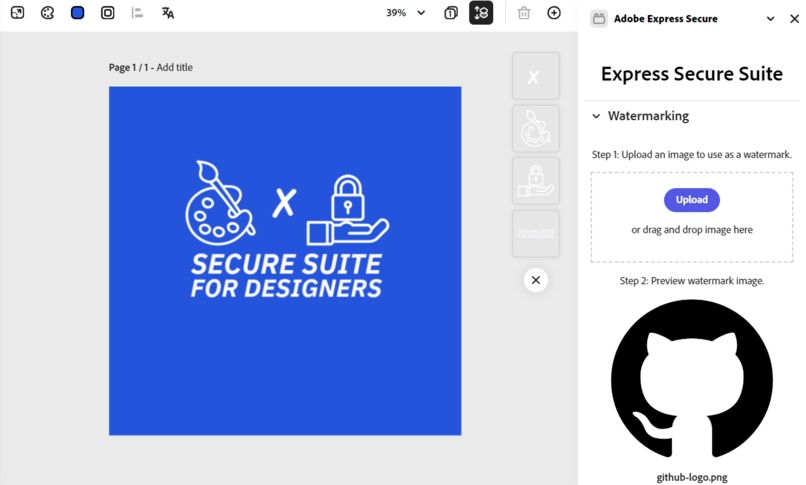
Adobe Express Add-On (Part 1 of 4)
-
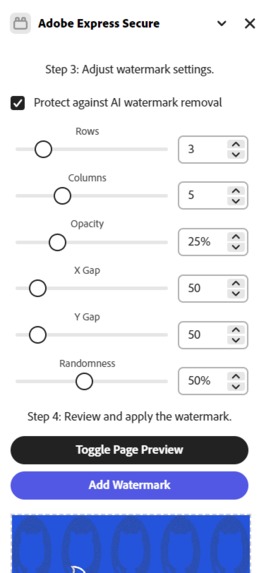
Adobe Express Add-On (Part 2 of 4)
-

Those Poor Defenseless Stock Images... (Part 3 of 4)
-

Stopping Pesky AI Watermark Removal Tools :-) (Part 4 of 4)
-
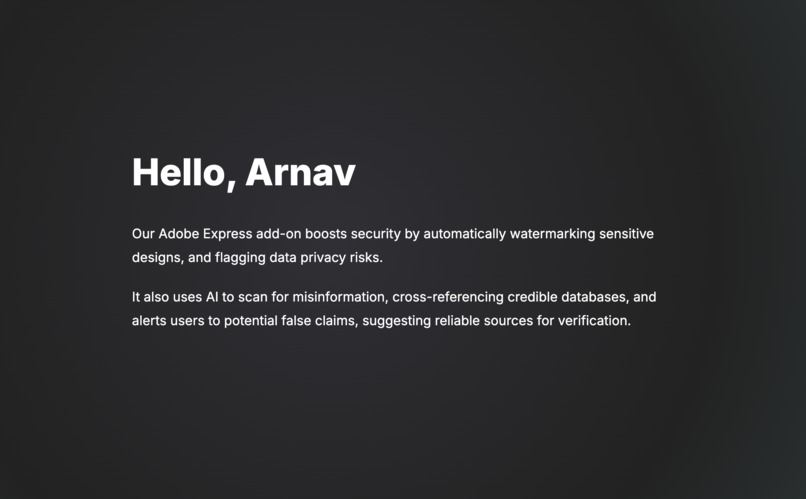
Main App (Part 1 of 3)
-
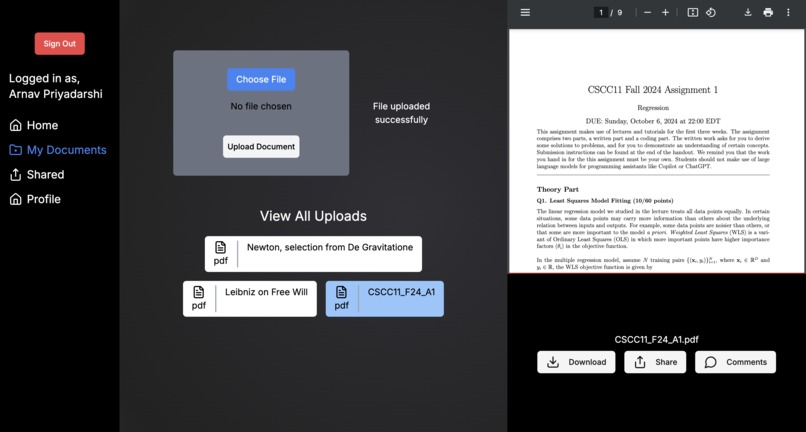
Main App (Part 2 of 3)
-
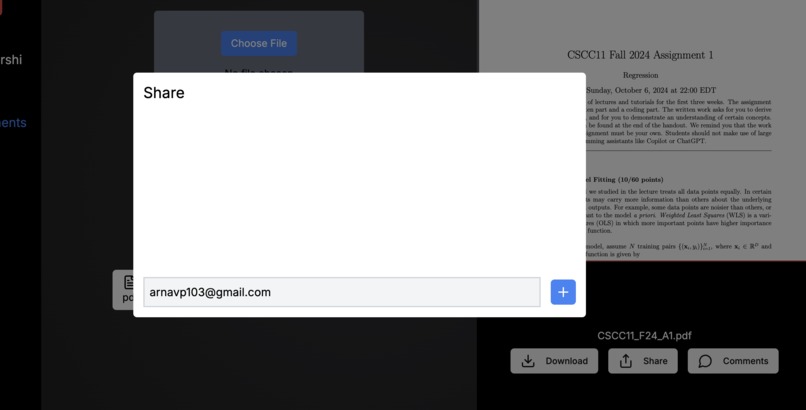
Main App (Part 3 of 3)
-
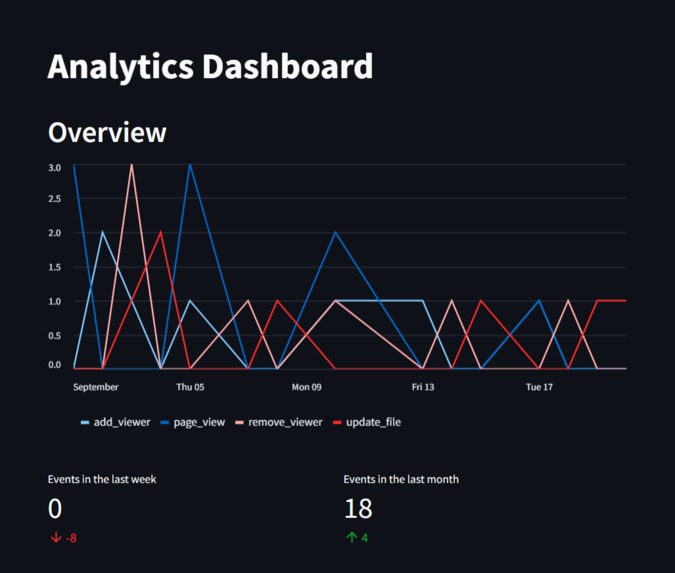
Analytics (Part 1 of 3)
-
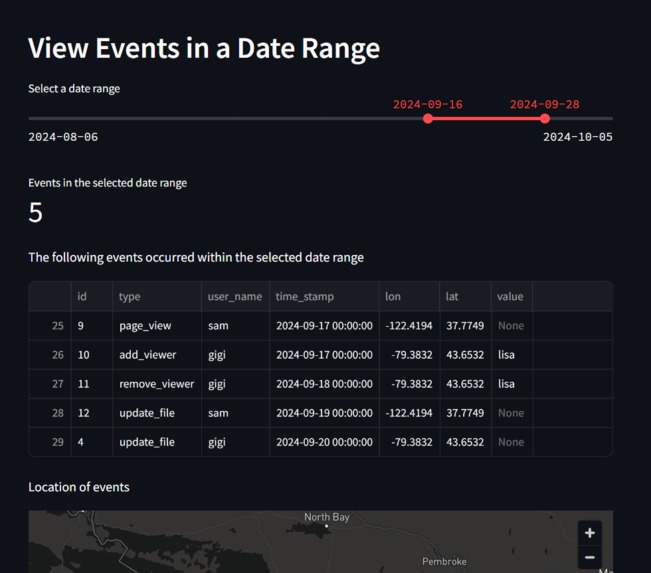
Analytics (Part 2 of 3)
-
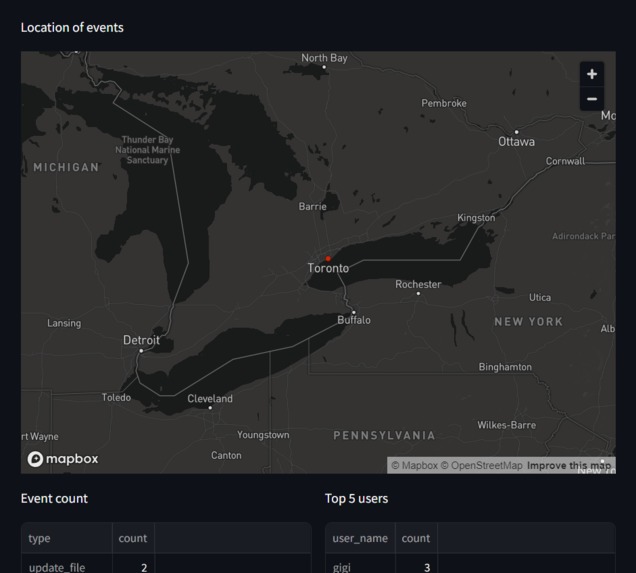
Analytics (Part 3 of 3)




Inspiration
Creating this project allowed us to combine three of our passions: art and design, AI and cybersecurity. We understand the challenges artists, designers, and marketers face in protecting their work, and we wanted to develop a solution that addresses those needs. – Team HTTPS (High Tech Taskforce for Privacy and Security)
We’ve all heard stories of freelancers who have shared a sample of their completed work only to be ghosted by clients without pay, never to be heard from again. In other cases, images or clips from a TV show get leaked online before the official release, ruining months of hard work and preparation by the creative team.
Artists, designers, and marketers must protect their work in a rapidly evolving world of AI and potential threat actors. Whether you’re a freelancer, or part of a marketing team managing sensitive or confidential assets, we wanted to equip creators with essential security tools to protect their work, control and monitor access, and ensure integrity.
How we built it
As an overview, our project consists of the following three integrated parts:
- Adobe Express Add-On: Adobe APIs, Spectrum Web Components, React, Typescript
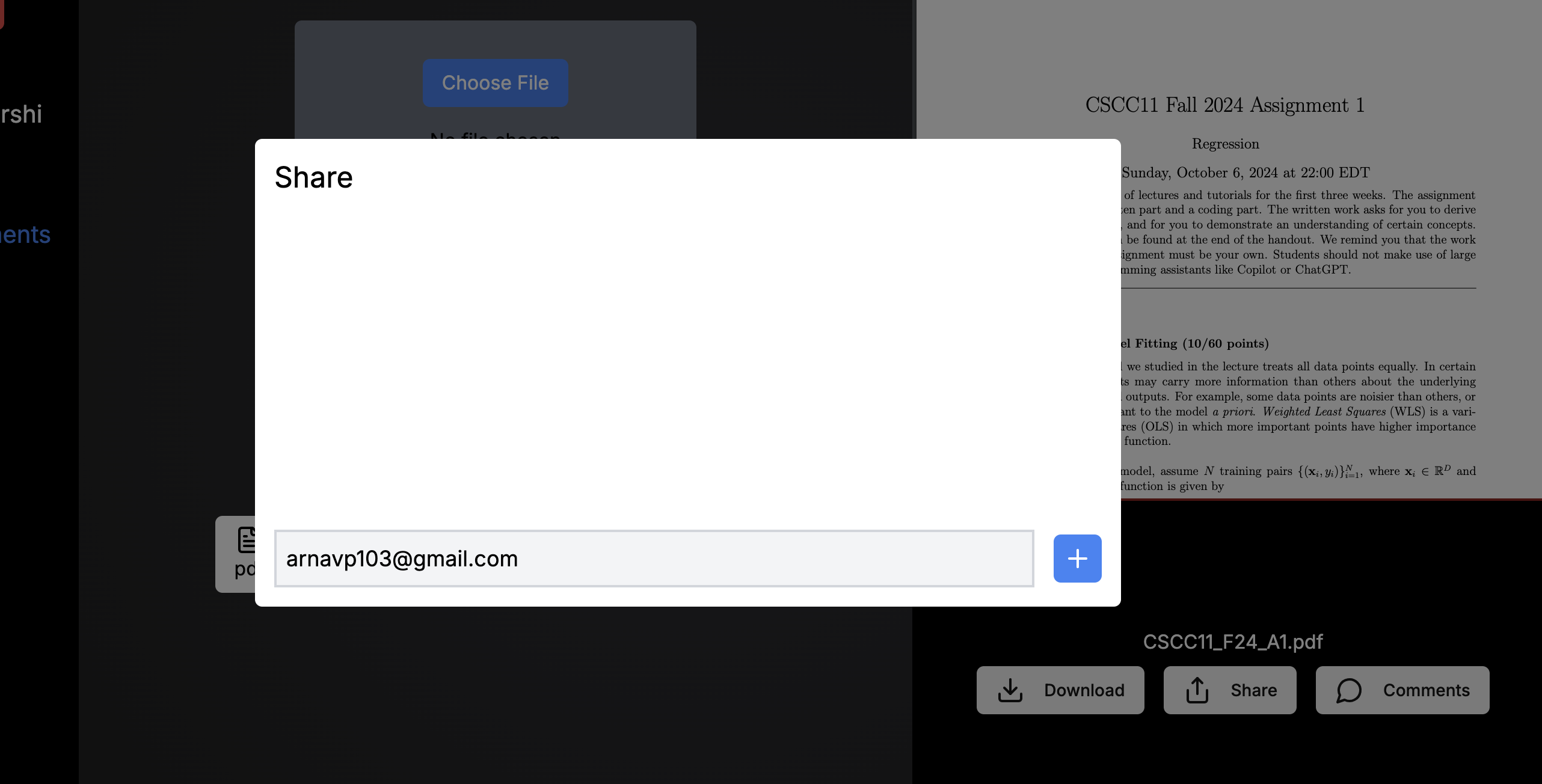
- Main platform for secure storage and access: OpenAI API, Auth0, Cloudflare (R2, D1, C3 and more), Drizzle, Next.js, React, Typescript, TailwindCSS, shadcn
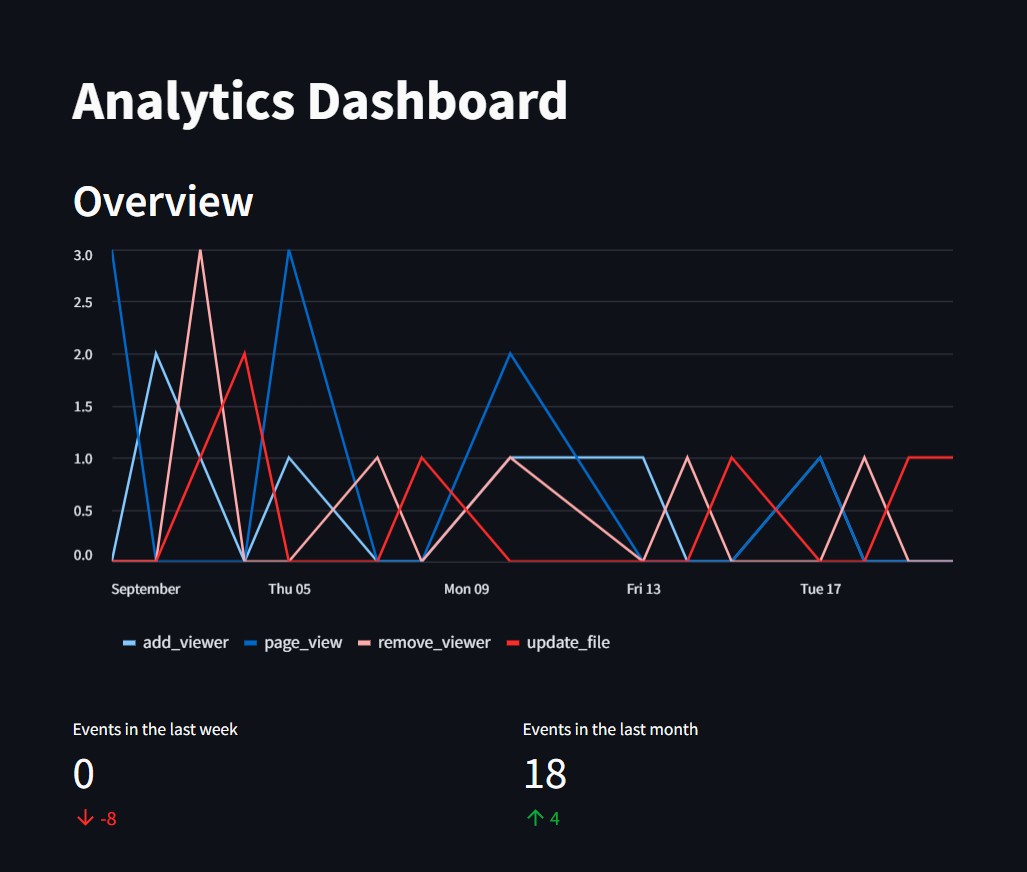
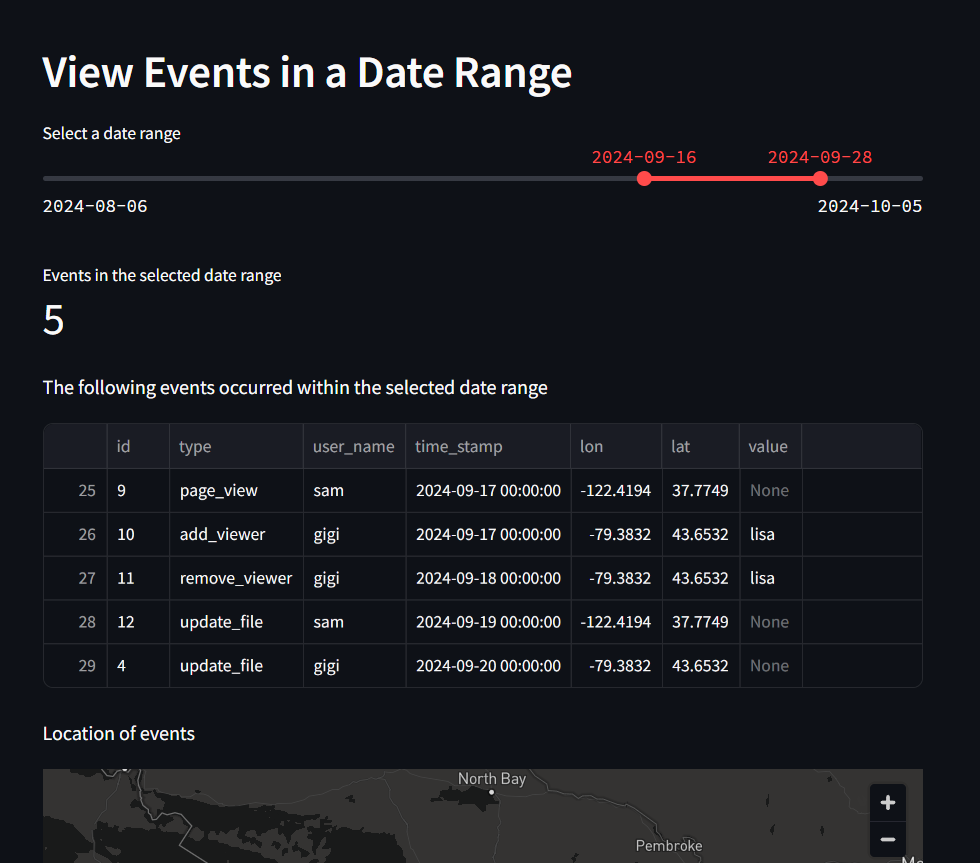
- Analytics applet: Streamlit, Python, Pandas
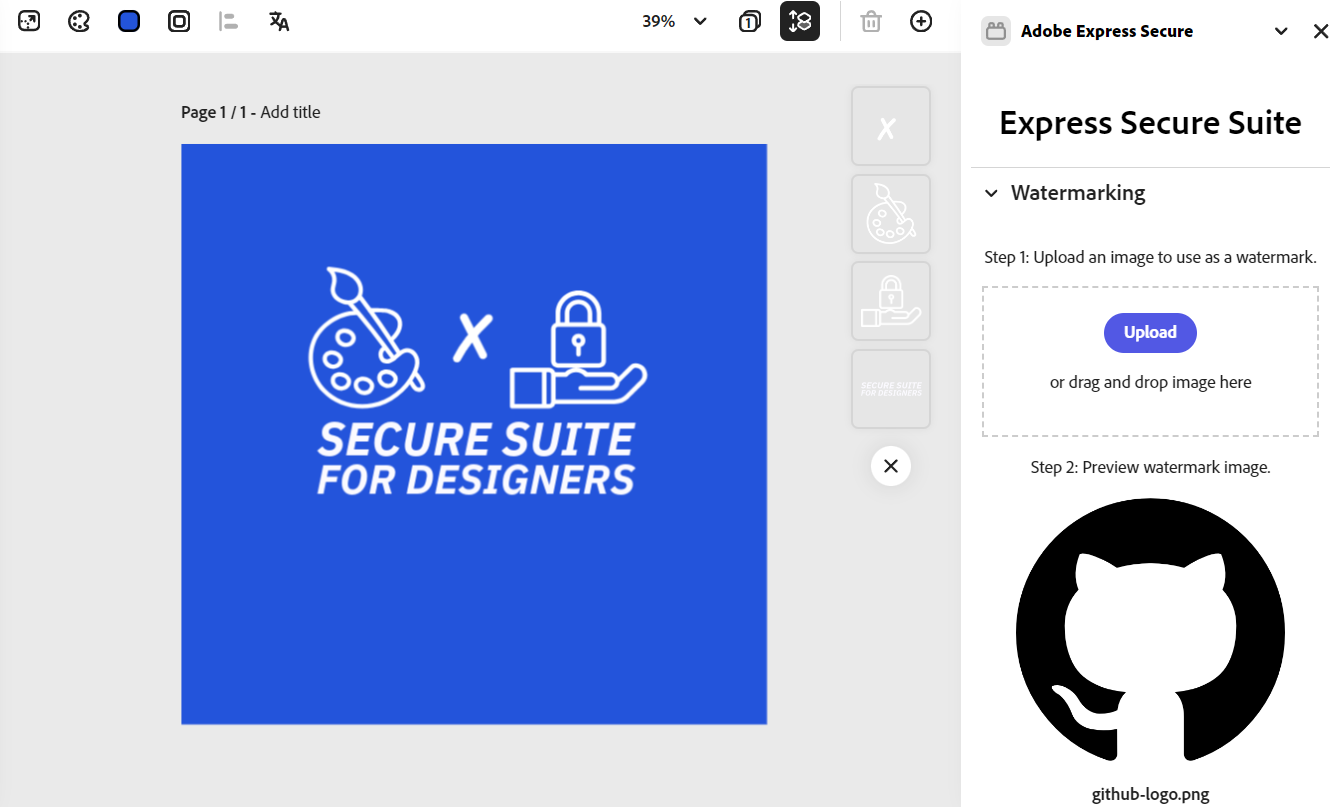
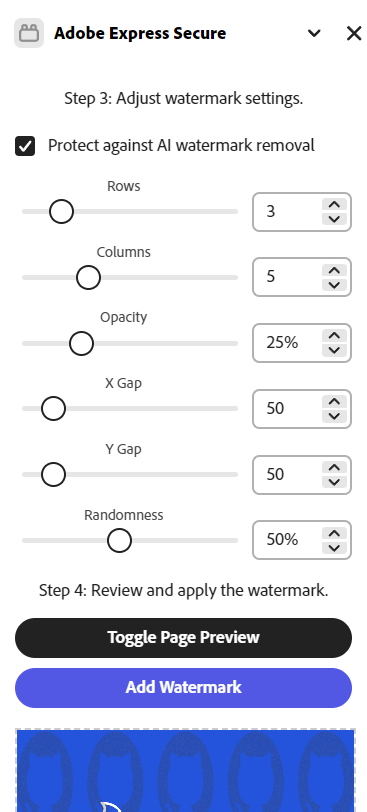
The Adobe Express Add-On (1) features an AI-resistant watermarker, a counter to the rising usage of AI watermark removers. Easily and securely upload to the…
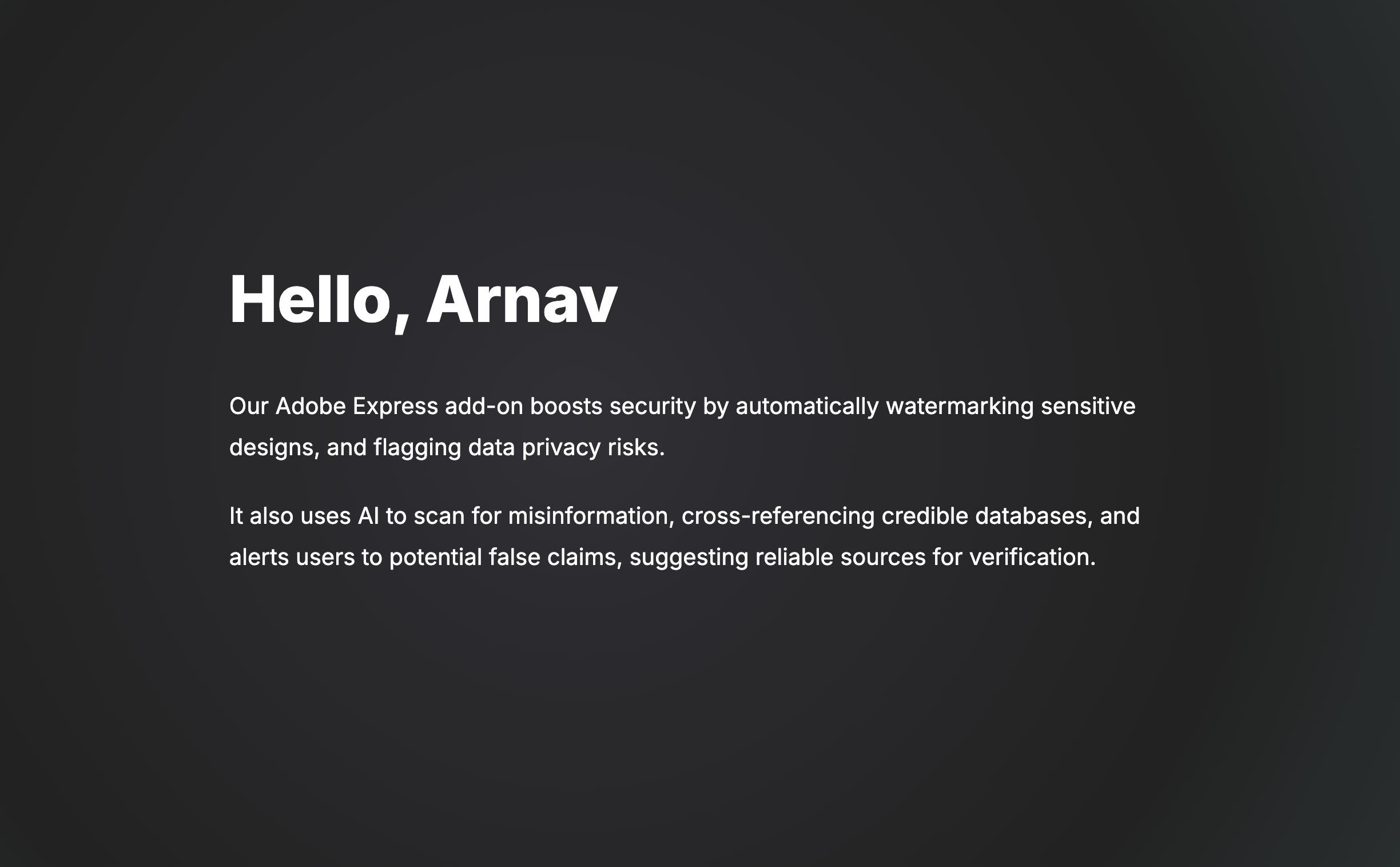
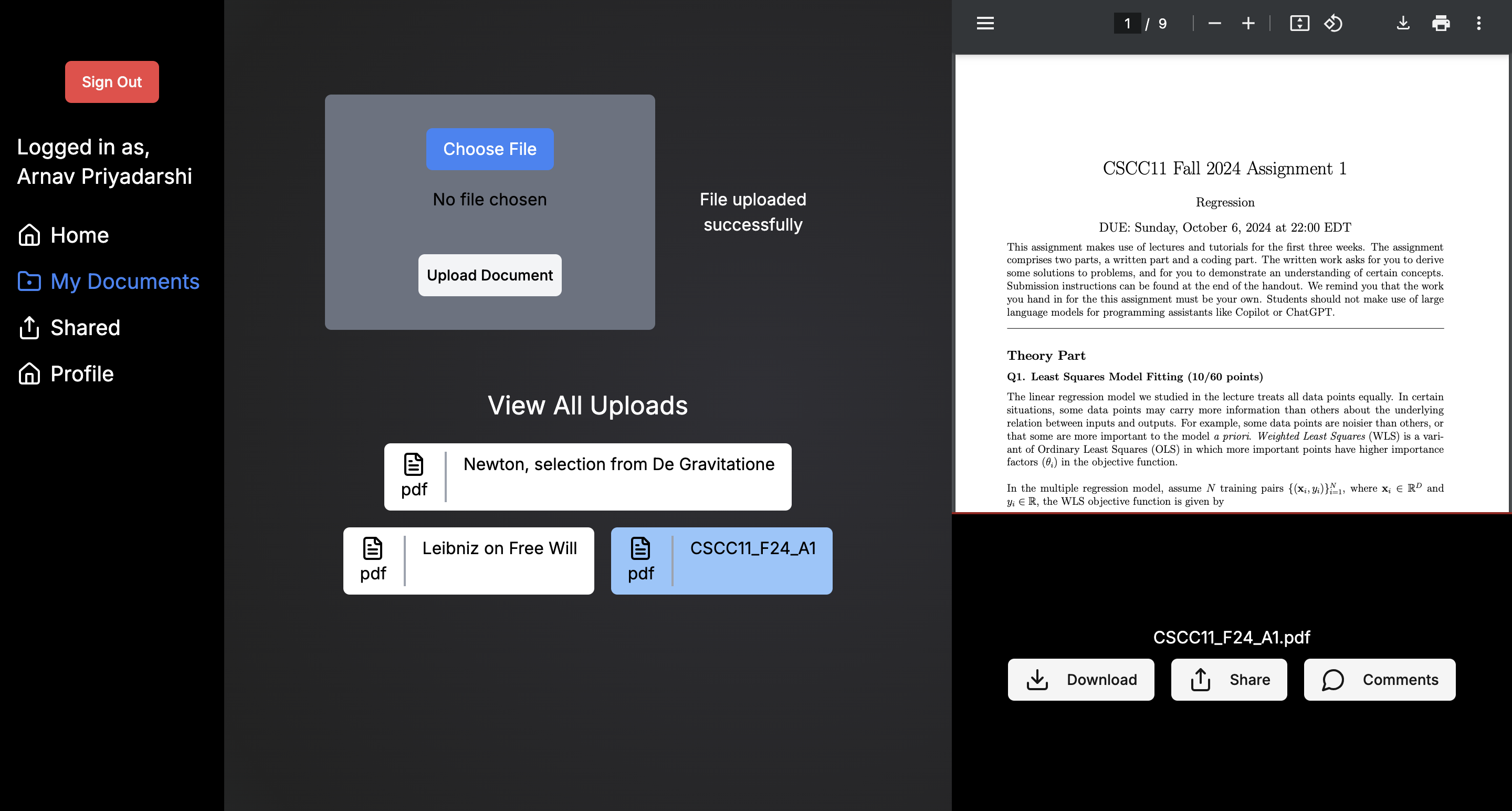
Main platform (2) for secure storage, access control and monitoring. Upload files and share only to your privileged viewers or revoke access at any time. Use AI to fact check files, helping protect companies from spreading misleading/false information.
Analytics applet powered by Streamlit (3) provides in-depth insights into your viewers, inspired by monitoring and threat detection cybersecurity best practices.
All data is encrypted at rest by AES-256 and transported securely via HTTPS using SSL/TLS.
Roadblocks and challenges
The two biggest challenges were the lack of accessibility to good documentation/examples and integration issues.
We were unable to integrate Adobe’s Document Sandbox API: We wanted to parse text by directly accessing TextNodes using the Document Sandbox API, but we ran into various issues and couldn’t find any working examples in time. We overcame this by parsing the text from the export instead.
Despite the popularity of Next.js, there was no good documentation on how to integrate it with some of the various Cloudflare services. The development process was troublesome since we could only see certain changes when we deploy. Troubleshooting these issues took up a significant amount of time.
Overall, we often had trouble finding and accessing information on the APIs that we wanted to use. Good documentation often weren’t the top results, and integrating many different services and technologies came with challenges that were even harder to find solutions for. The issues we ran into emphasized the importance of well documented APIs for a fast and seamless developer experience.
What we learned
We learned a lot about the various APIs and technologies we used for this project, as well as the challenges that came with integrating them all together. We learned about Cloudflare’s many useful services, from deployment with Pages, storage with R2, databases with D1 and more… working with Next.js and a new and unfamiliar ORM called Drizzle… how to create an add-on for Adobe Express and using Adobe’s APIs… setting up an SSL certificate to work in HTTPS for local development. All of this has been a great learning experience.
Built With
- adobe-express-api
- auth0
- cloudflare
- drizzle
- nextjs
- openai
- pandas
- python
- react
- shadcn
- spectrum-web-components
- streamlit
- tailwindcss
- typescript

Log in or sign up for Devpost to join the conversation.