-
-
Logo
-
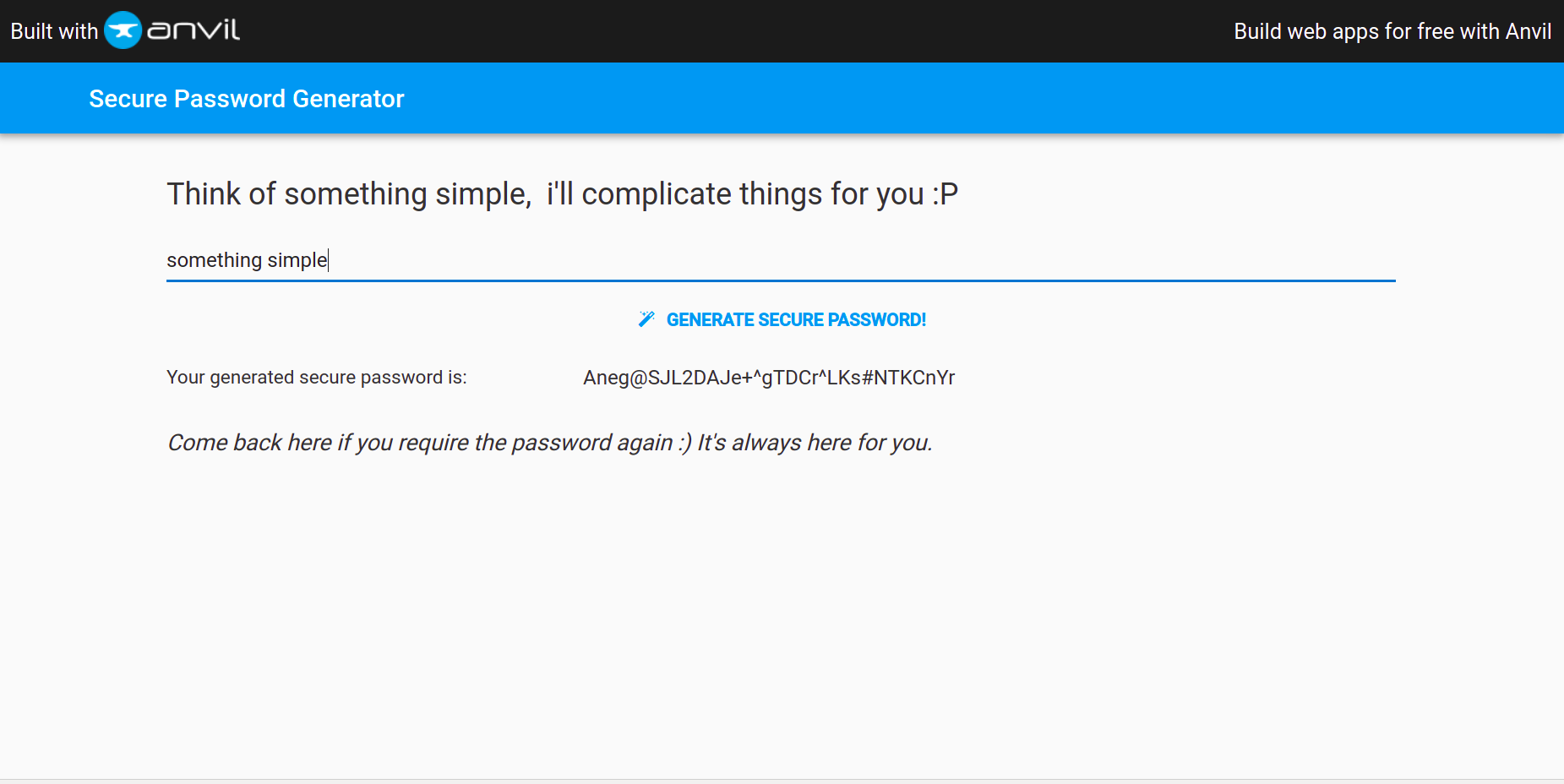
Sample Password generated
-
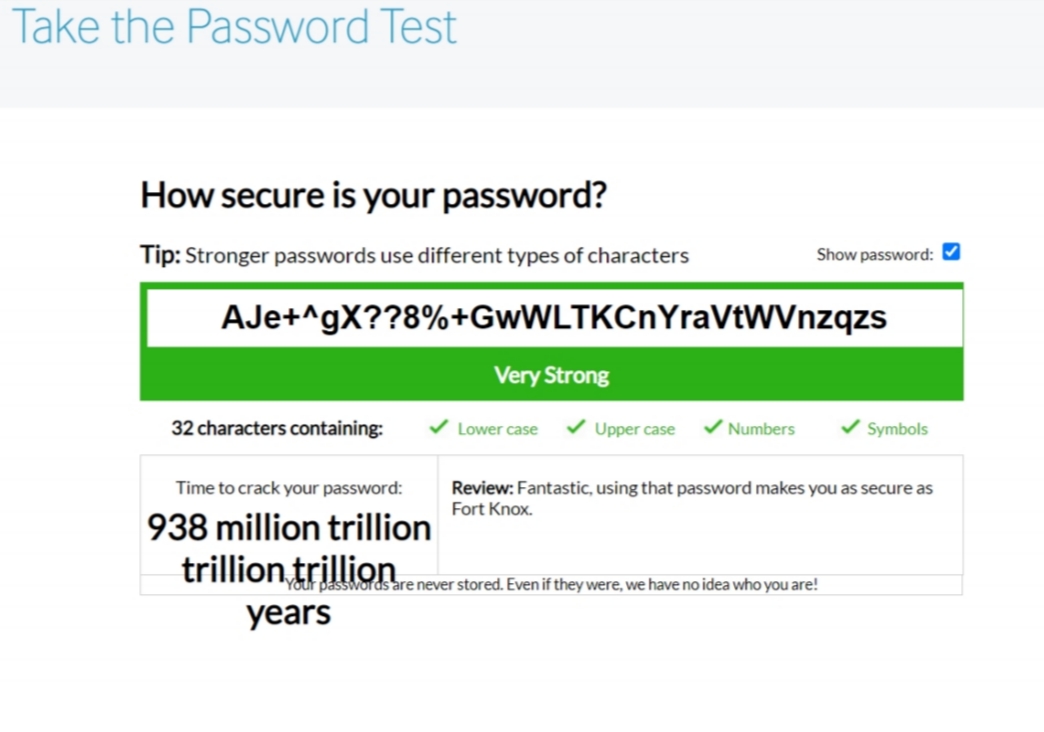
Typical password strength
Inspiration
As the digital society takes over the world, passwords are becoming easier and easier to crack, while digital users are getting more and more complacent in their trust in the strange internet world full of strangers, by setting simple pAsSwOrDs and putting their valuable information at risk for malicious planners.
I am attempting to crack this issue with Secure-Passgen. It is based on a simple idea where all users have to do is to remember the website, as well as something simple (take simple for example).
What it does
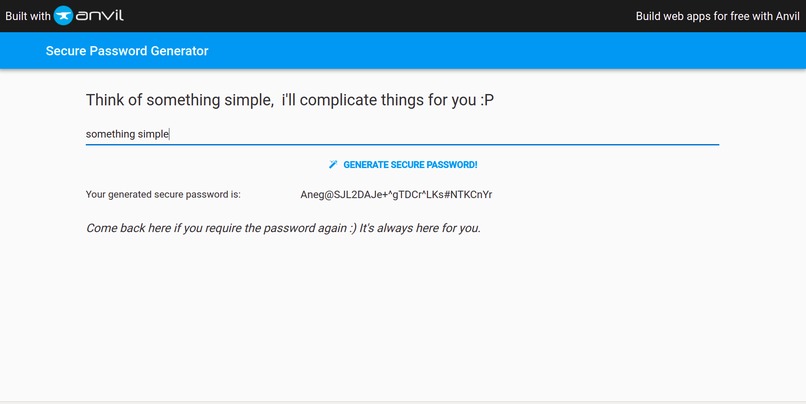
The application requests for the user to key in a word/phrase/sentence, and generates a password that is almost impossible for computers to guess. The application also allows users to retrieve the password by entering the same word/phrase/sentence in the website.
There are no database to store the password, the interface is clean, simple and does one thing and only one thing - to provide users the password that secures them from hackers.
All you need to remember is something that you definitely will remember, be it your phone number, 1234, or the module number/code that you liked/hated the most. Oh, and the website.
The password in general will:
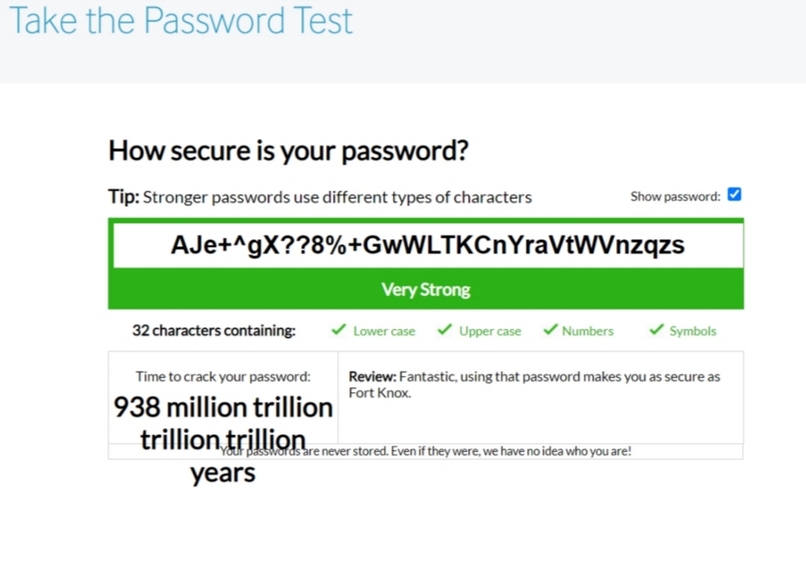
- have 32 characters
- contain uppercases, lowercases, numbers and symbols
How we built it
The web-app is built using python and a python web-app creator Anvil. I'll try to walkthrough the coding process.
The string that is given by the user will take a specific letter from the word, and with that letter it will dictate which set of characters to use for the randomisation. For this application, there are 11 different sets, each set containing 128 characters generated randomly using a random password generator (hehe)
An example of a set of characters generated: "3ySsMH4B2Y*Fw!4xgsaZ2Ch#pNkw=Nr%#7D3BM&ZuU%wwWvgU&ppNyRL3szUfeagCZT3r3C+WjT2pVDKZdDL#*YgceJ7%4*hzY3=76b6LBm-kMkjahtxDFhSyV2gTZ*h"
The word will be resized to 32 characters (spaces removed). if it has not enough characters more characters will be appended by using the strings generated previously, or cut to 32 characters if there are more than 32 characters.
Then, according to an algorithm we modify each character in the word based on the the character to be modified and the string that was selected. Then, a final check is done to ensure that there are at least one uppercase, lowercase, number and symbol in the password. if the check fails, they will be added into the password before outputting to the user.
Challenges we ran into
The main challenge was finding out a way to randomise the given word such that it couldn't be "unscrambled".
Accomplishments that we're proud of
Be able to find a way to integrate python programming into web applications, which makes it way easier to code out things than i originally thought straight onto a website.
What we learned
The main takeaway gotten was to really try to understand what a user might want from the application, and to create it in such a way that users are not overly cluttered by options and just be able to get the job done.
What's next for Secure PassGen
Definitely changing the way the password is generated since now there's a copy of the source code floating in github :')
Moving forward, there are a few things that could be done with Secure PassGen after i have settled down on my studies:
Improvements to the website:
- Make a more robust generation of secure password than what i have now
- Have different password lengths that allow users to either increase security or for use on platforms that restricted their password.
Adoption
- It might be useful for institutions/corporations to have a second layer of protection, so if planned well it might be a solution for places that require people to change their password every few months
Built With
- anvil
- python


Log in or sign up for Devpost to join the conversation.