-
-
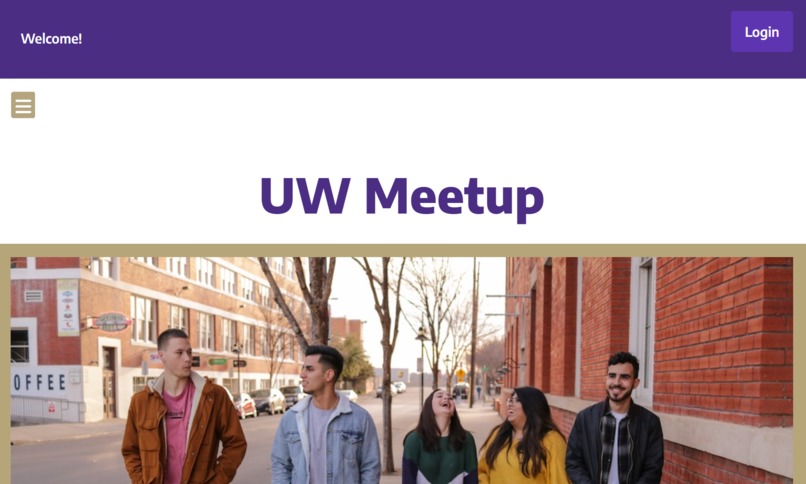
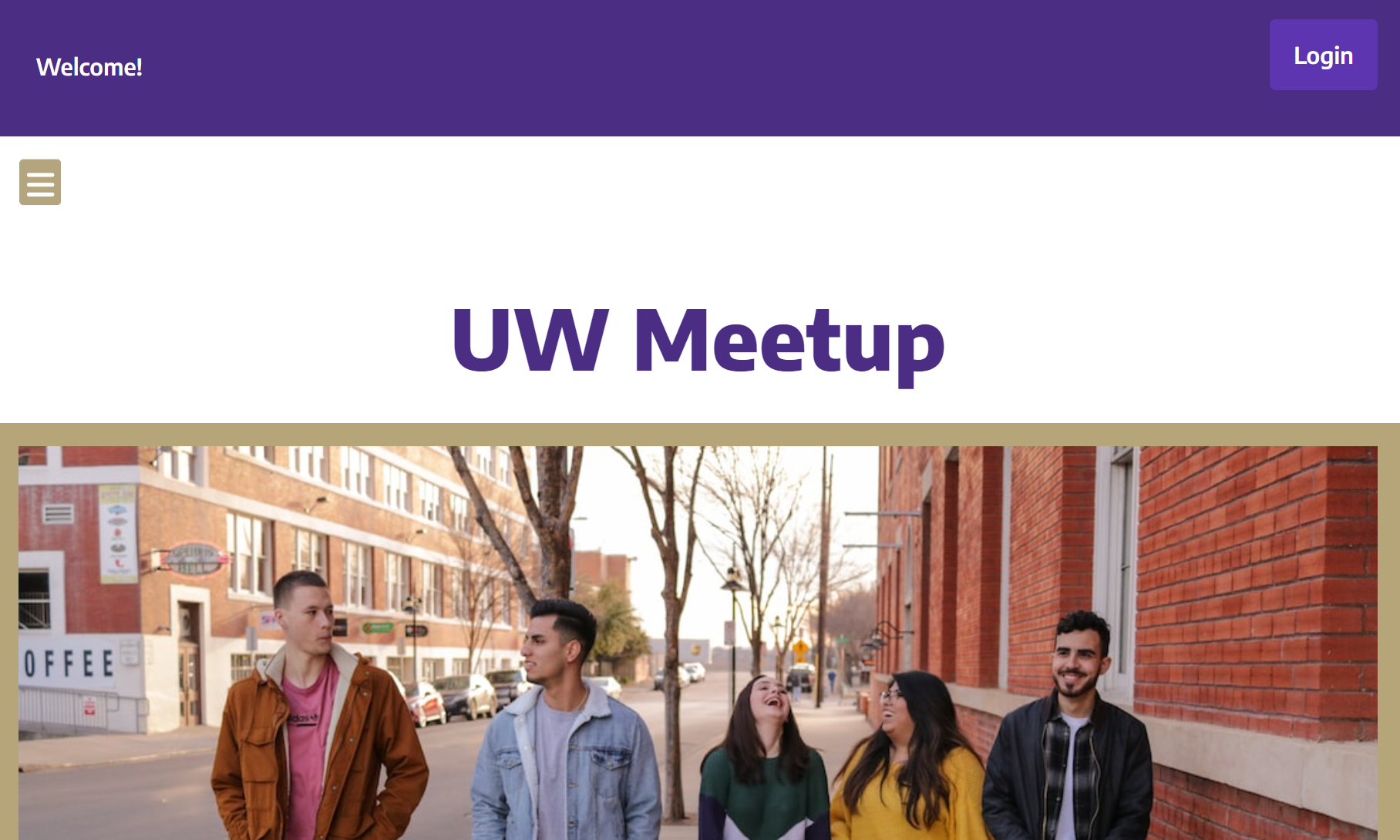
Homepage
-
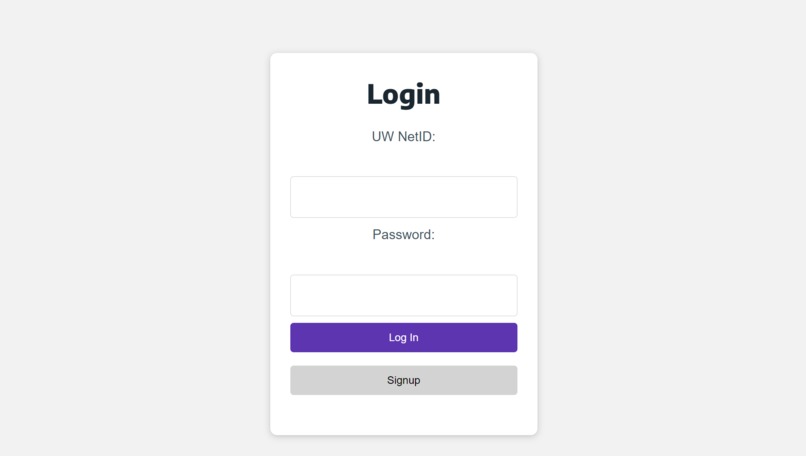
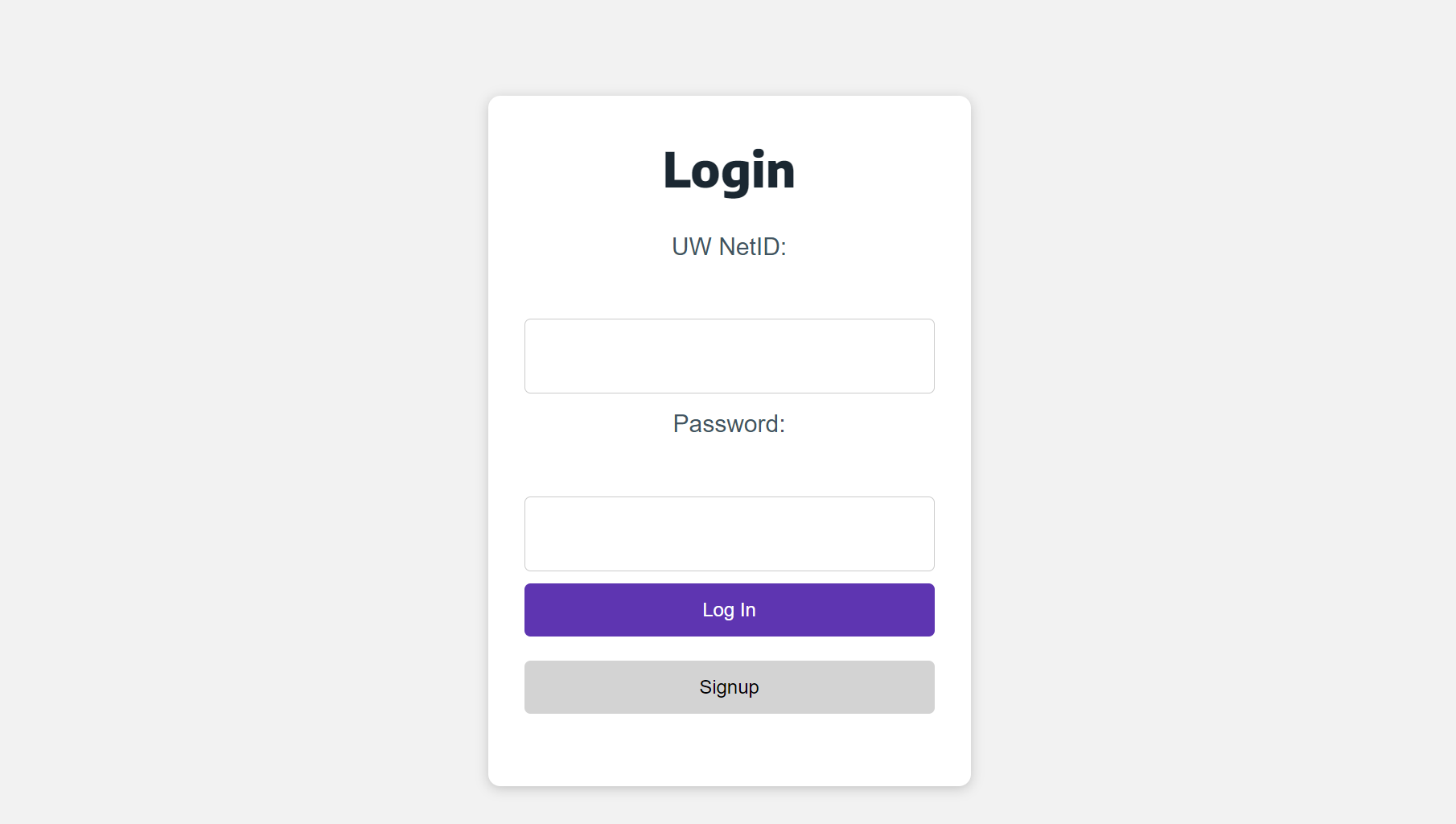
Sign-in/sign-up
-
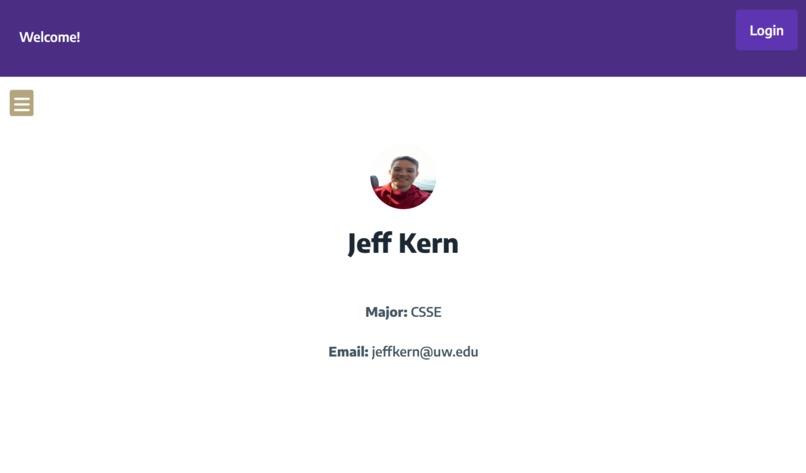
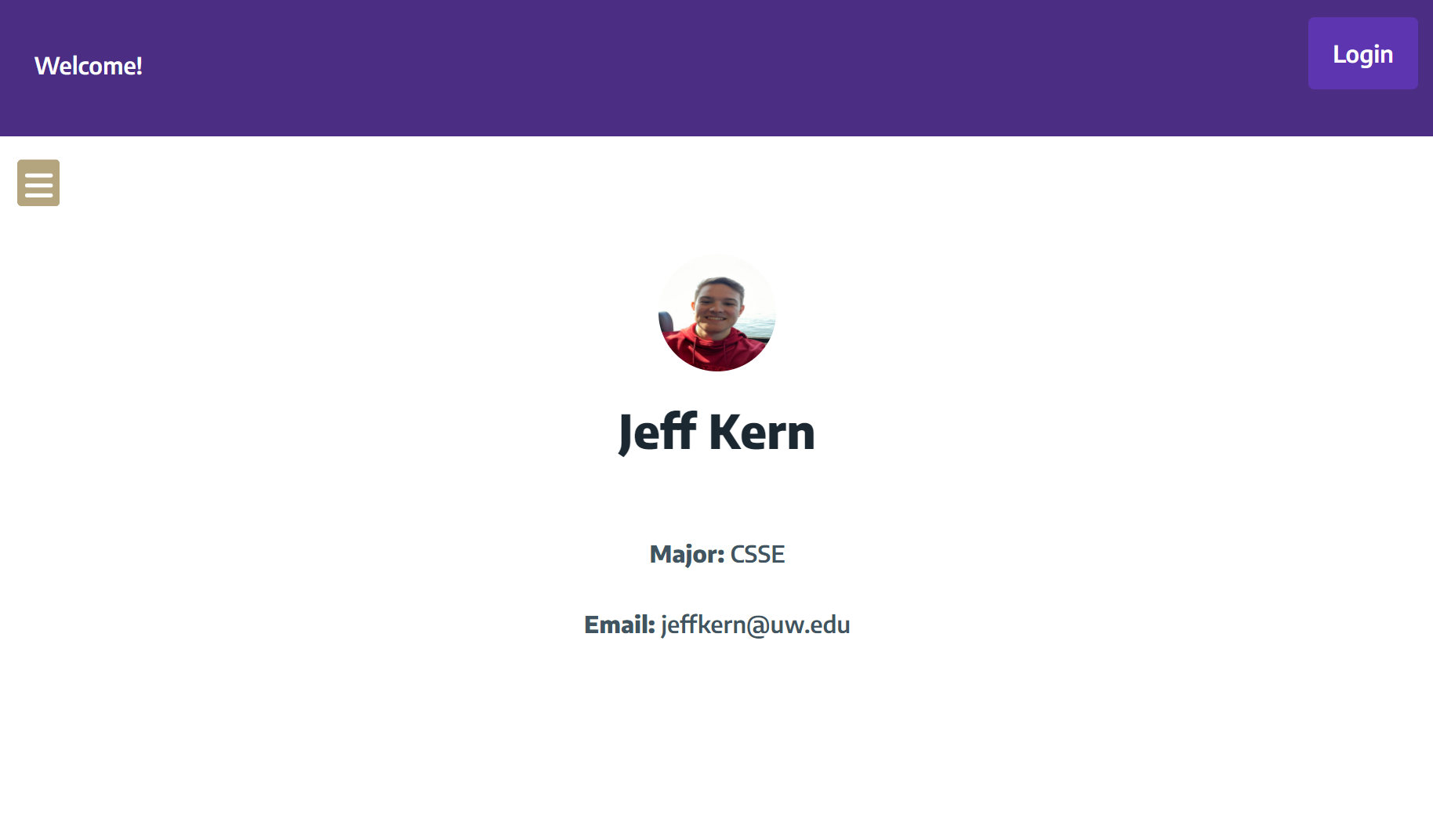
Profile
-
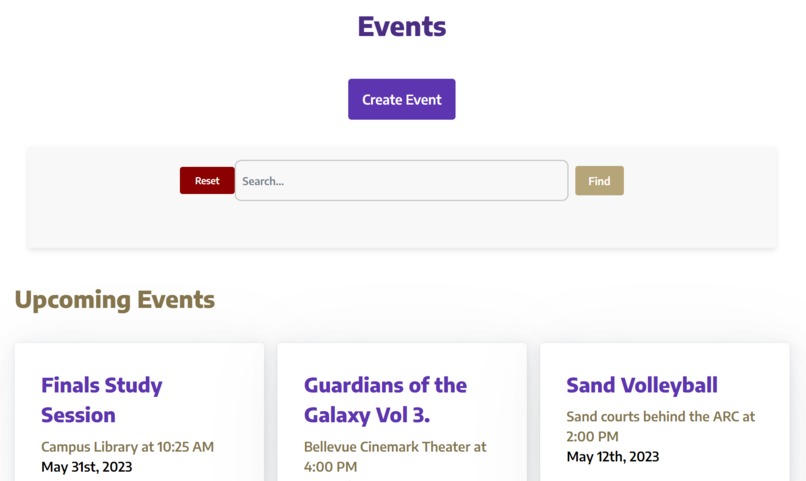
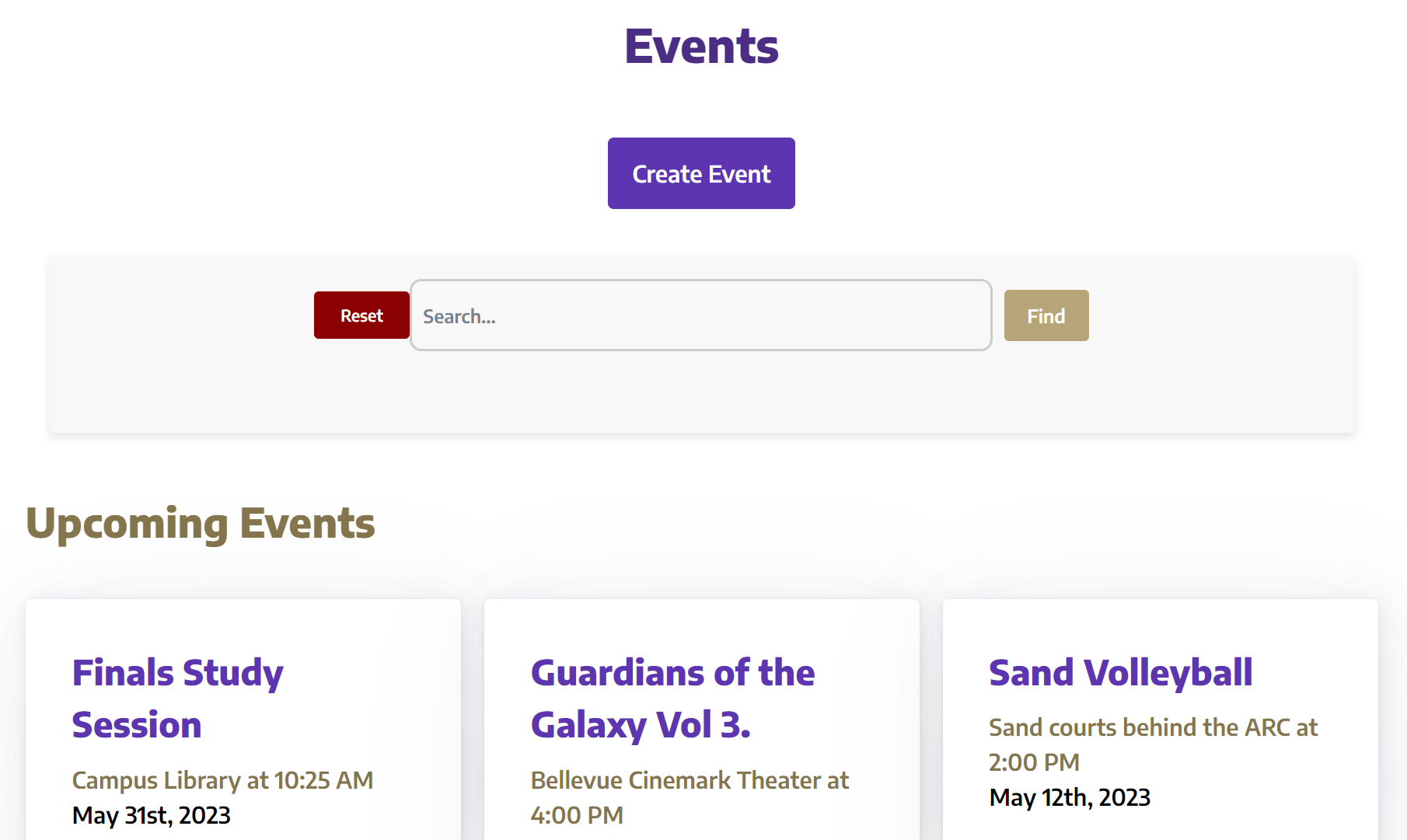
Events page
-
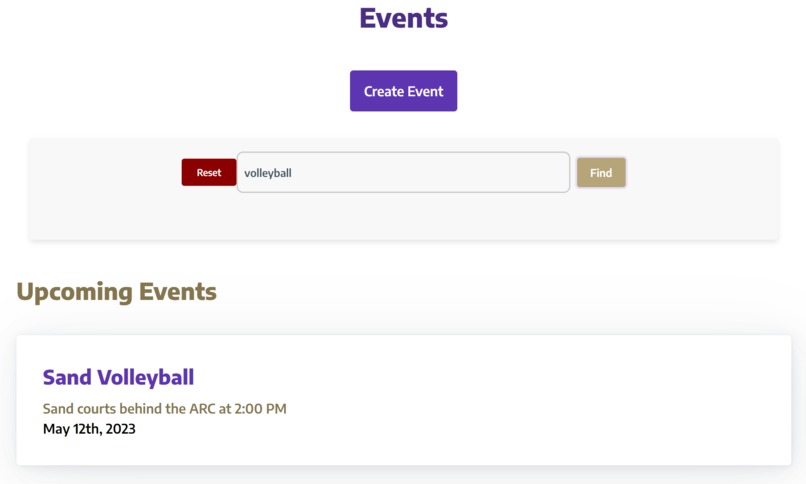
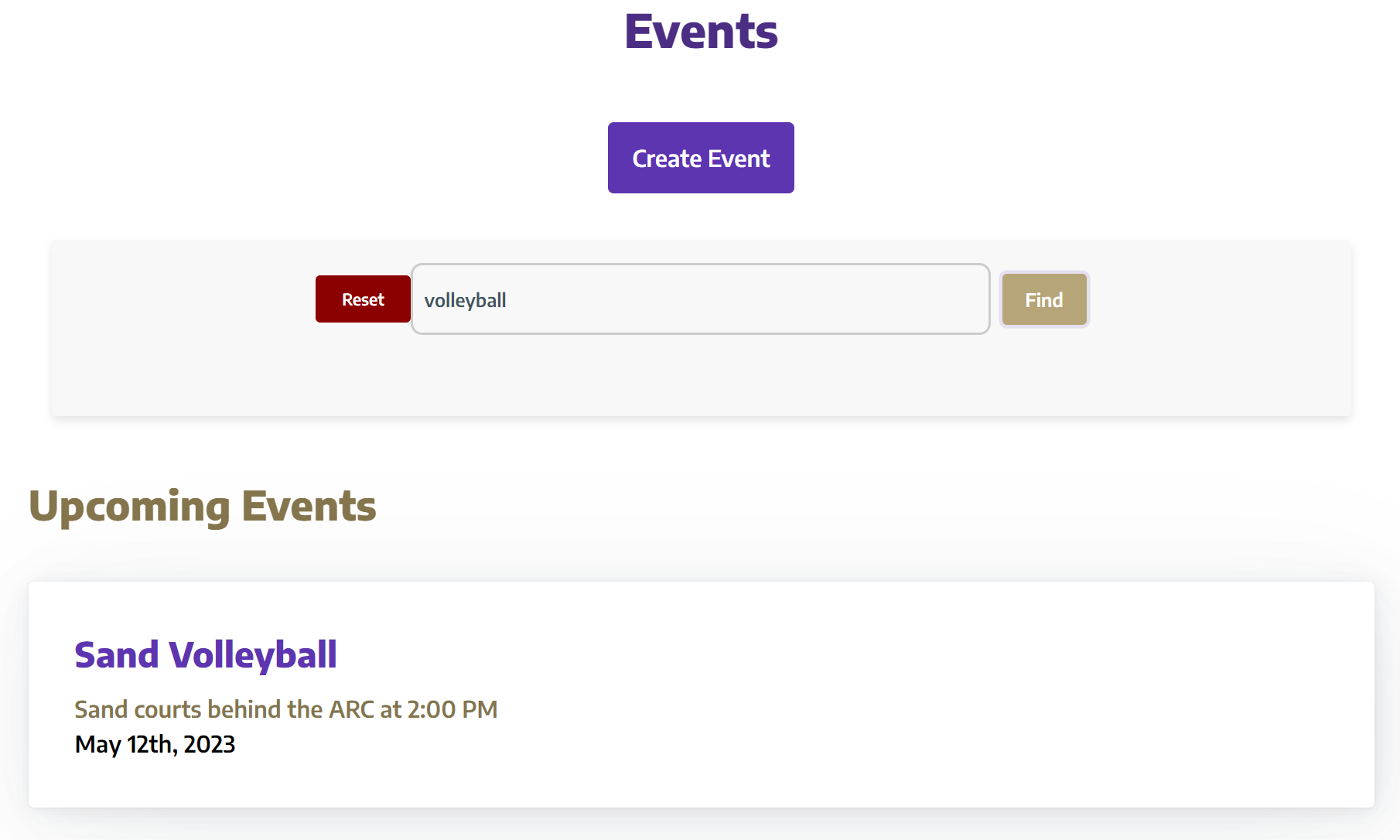
Searching for events
-
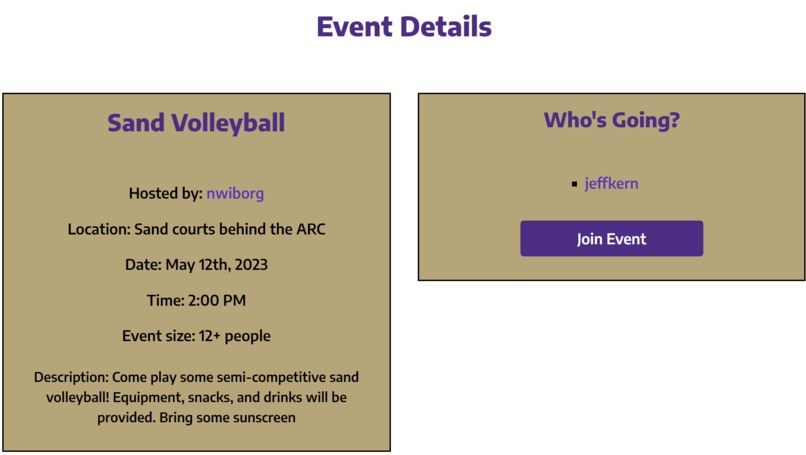
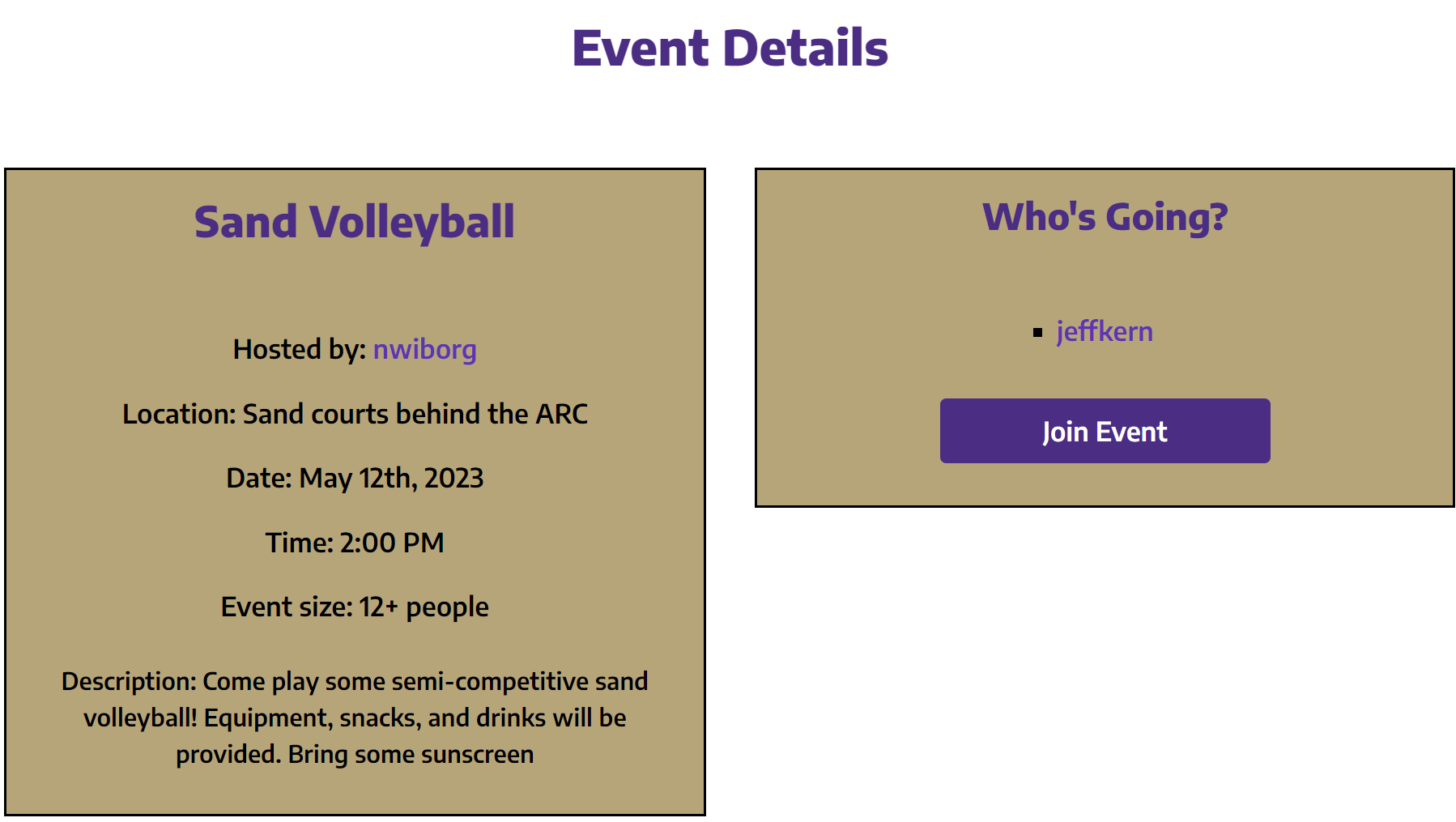
Information about an event
-
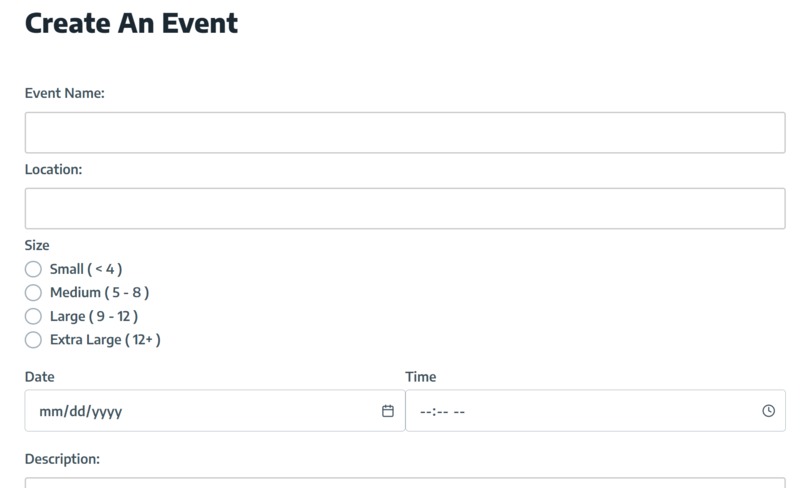
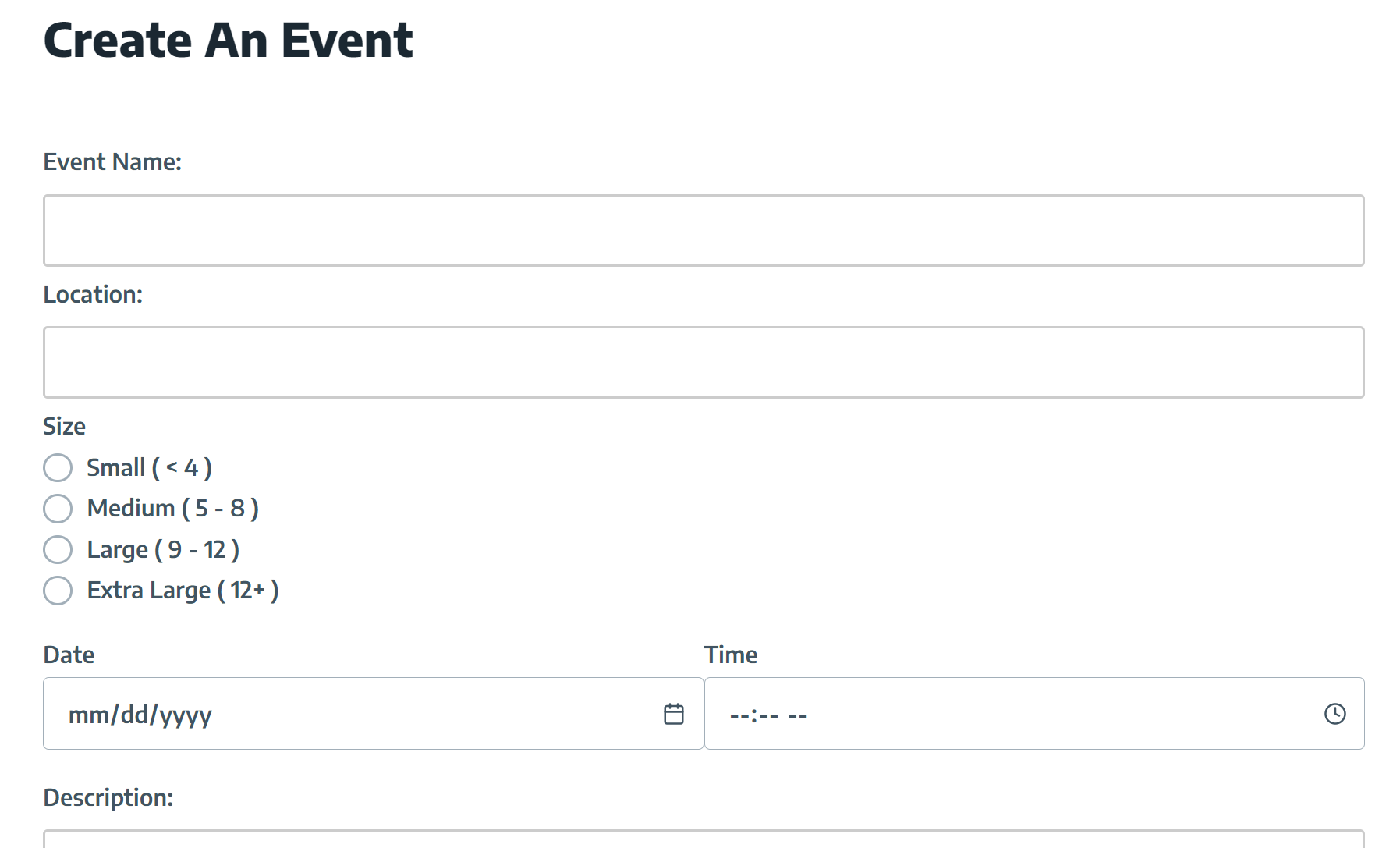
Creating an event
Inspiration
When the COVID-19 pandemic began in March 2020, people all over the world were forced to stay home as a preventive measure. They suddenly went from frequently meeting with friends and family to only being able to interact with them over the Internet. Over the next few years, as lockdown restrictions began to be lifted and COVID-19 restrictions began to be removed, people regained the ability to meet with their friends and family in person. In spite of this, it has been difficult for many people to readjust to actually meeting with others in person. Students, in particular, know this all too well. The difficulty we, and many other students, have had in meeting others in person in the latter years of the pandemic is the main reason that we decided to make UW Meetup. UW Meetup was created for the Entertainment track of the UWB Hacks In Person hackathon.
What it does
UW Meetup allows students to find upcoming events, RSVP to events, and host events. Students can see a list of upcoming events by going to the Events page. They can filter events using a search term they provide. After selecting an event on the Events page, students can see the following event details: the student hosting the event, the event name, the event location, the event date and time, the approximate size of the event, a description of the event, and a list of students who have RSVP'd to the event. Students provide these event details when they create an event.
UW Meetup also allows students to create profiles. Students can add the following to their profile: first name, last name, UW email address, major, and profile picture. Students can see other students' profiles by selecting them from lists of students who have RSPV'd to events.
How we built it
UW Meetup uses Svelte and CSS for its front-end and Flask for its back-end. It uses Amazon DynamoDB to store information about students and events and Amazon S3 to store students' profile pictures. Amazon Route 53 is used to route DNS traffic for uwmeetup.com to the AWS Elastic Beanstalk environment where we deployed UW Meetup.
Challenges we ran into
- We attempted to authenticate students using an Amazon Cognito user pool. This effort was led primarily by Guy Hayardeny. We unfortunately faced problems when trying to retrieve student information from the ALB that we had configured for the AWS Elastic Beanstalk environment we created.
- We had to learn about many of the technologies that we used as we used them. The front-end, which was almost entirely created by Jeff Kern, was particularly difficult to work on because it was written using Svelte, with which we did not have a lot of experience before starting to work on UW Meetup.
- We also attempted to manually create cookies in the back-end to authenticate students. This approach was pursued by Neil Wiborg. We ultimately decided to use a different approach after running into problems with this approach.
Accomplishments that we're proud of
We are very proud that we were able to create UW Meetup and add all the features we added to it in the 45 hours that were given to work on it. The aspect of UW Meetup that we are proud of the most is the styling that we applied to the front-end. The styling we applied, which is similar to the styling used by the UW, makes UW Meetup more user-friendly. Another aspect of UW Meetup that we are proud of is the API that we created to allow the front-end to communicate with Amazon DynamoDB and Amazon S3.
What we learned
Working on UW Meetup allowed us to learn a lot about multiple technologies. Specifically, it allowed us to get more comfortable with using Svelte as the front-end and Flask as the back-end. It also allowed us to gain experience in several AWS Cloud Products, including Amazon DynamoDB, Amazon S3, Amazon Route 53, AWS Elastic Beanstalk, and Amazon Cognito.
What's next for UW Meetup
- Improve student authentication.
- Allow students to add other students as friends.
- Allow students to join groups.
- Allow students to add event pictures when creating events.
Built With
- amazon-dynamodb
- amazon-elastic-beanstalk
- amazon-route-53
- amazon-web-services
- css
- flask
- html
- javascript
- svelte


Log in or sign up for Devpost to join the conversation.