-
-
cipher-vault
Inspiration I was inspired by the growing need for personal data privacy in an era of frequent data breaches. Existing password managers often rely on trusting a third party with encrypted data. I wanted to build a truly zero-knowledge, device-bound password vault where even I, the developer, cannot access user dataensuring absolute privacy and security.
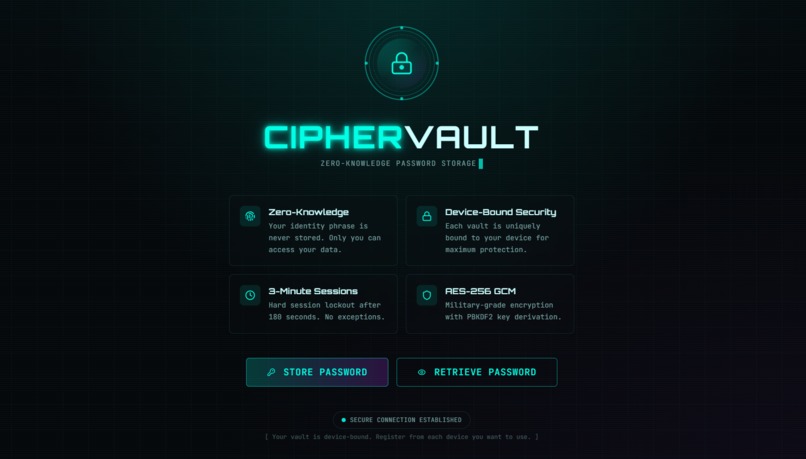
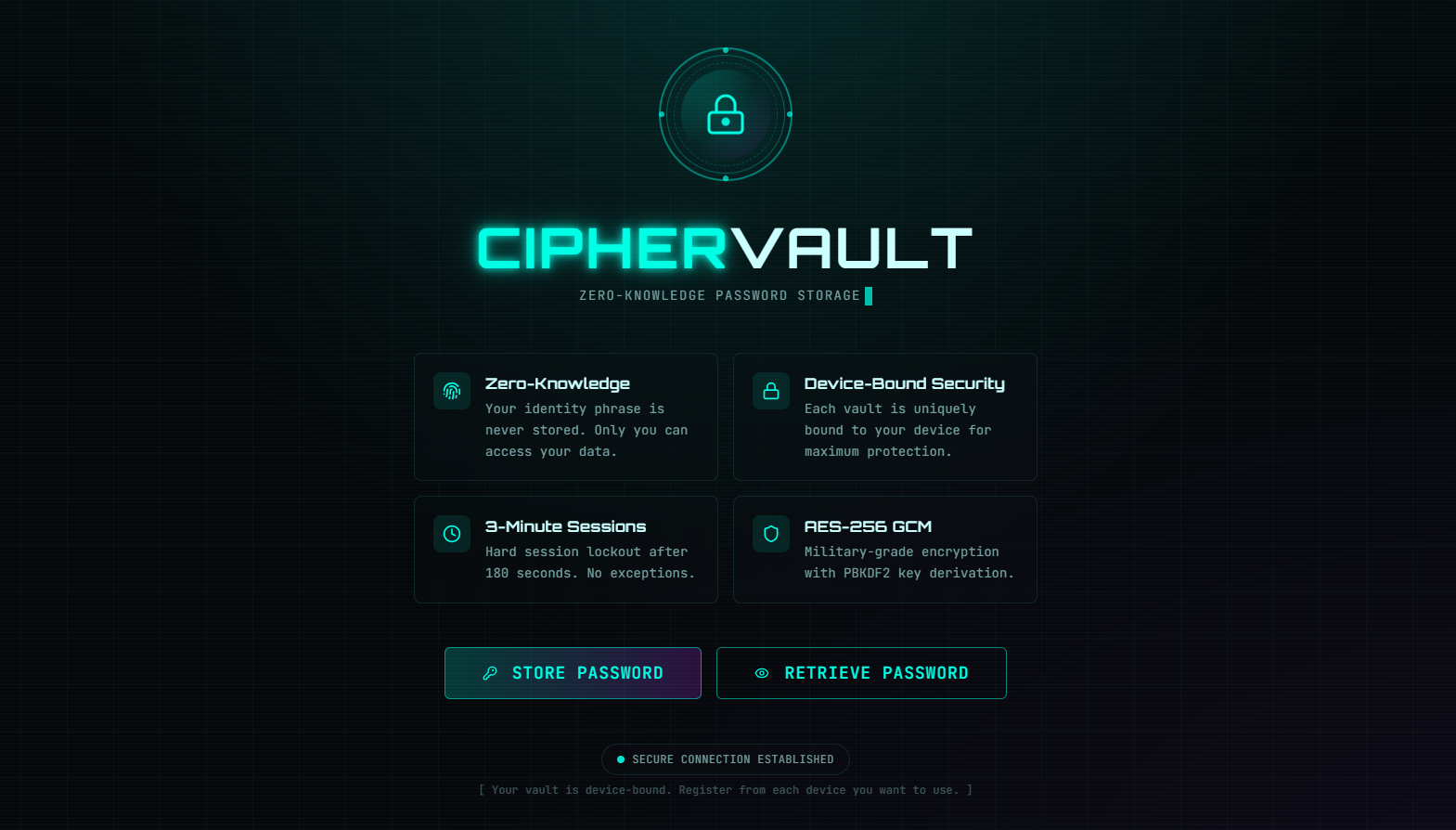
What it does Secret-key-vault is a client-side encrypted password manager that: Stores passwords and sensitive data only on your device Uses AES-256-GCM encryption with PBKDF2 key derivation Enforces 3-minute session timeouts for security Never transmits unencrypted data to any server Allows password retrieval only from the registered device
How I built it Frontend: Next.js (React) with TypeScript and Tailwind CSS Cryptography: Web Crypto API for AES-256-GCM and PBKDF2 Storage: Superbase / IndexedDB for encrypted data Hosting: Deployed on Vercel as a static site Architecture: Fully client-side, zero-knowledge design with no backend database
Challenges I ran into Ensuring secure key derivation and encryption entirely in the browser Managing device-binding without compromising user experience Implementing session timeouts that are both secure and user-friendly Preventing data loss while maintaining zero-knowledge principles Debugging cryptographic operations in a client-side environment
Accomplishments that I'm proud of Building a truly zero-knowledge system where even I can't access user data Creating a clean, intuitive UI for a complex security product Implementing military-grade encryption entirely in the browser Achieving device-bound security without sacrificing usability Deploying a fully functional privacy tool as a static website
What I learned Deep understanding of Web Crypto API and client-side encryption The importance of key derivation in password-based systems How to design zero-knowledge architectures Balancing security features with user experience The limitations and capabilities of browser-based cryptography What's next for Secret-key-vault Multi-device sync using end-to-end encrypted cloud storage Biometric authentication support (Touch ID, Face ID, Windows Hello) Browser extension for auto-fill functionality Password strength analyzer and breach detection Secure sharing feature for trusted contacts Open-source release for community audit and contributions Mobile app versions for iOS and Android
Built With
- crypto
- react
- superbase
- tailwind
- typescript
- vercel


Log in or sign up for Devpost to join the conversation.