-
-
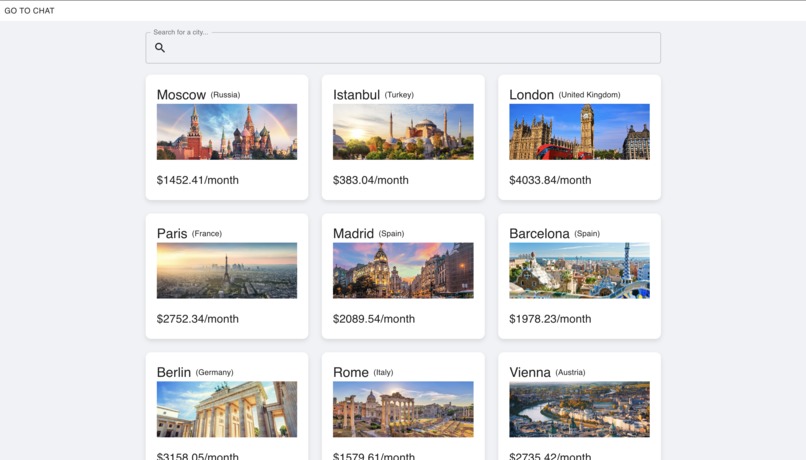
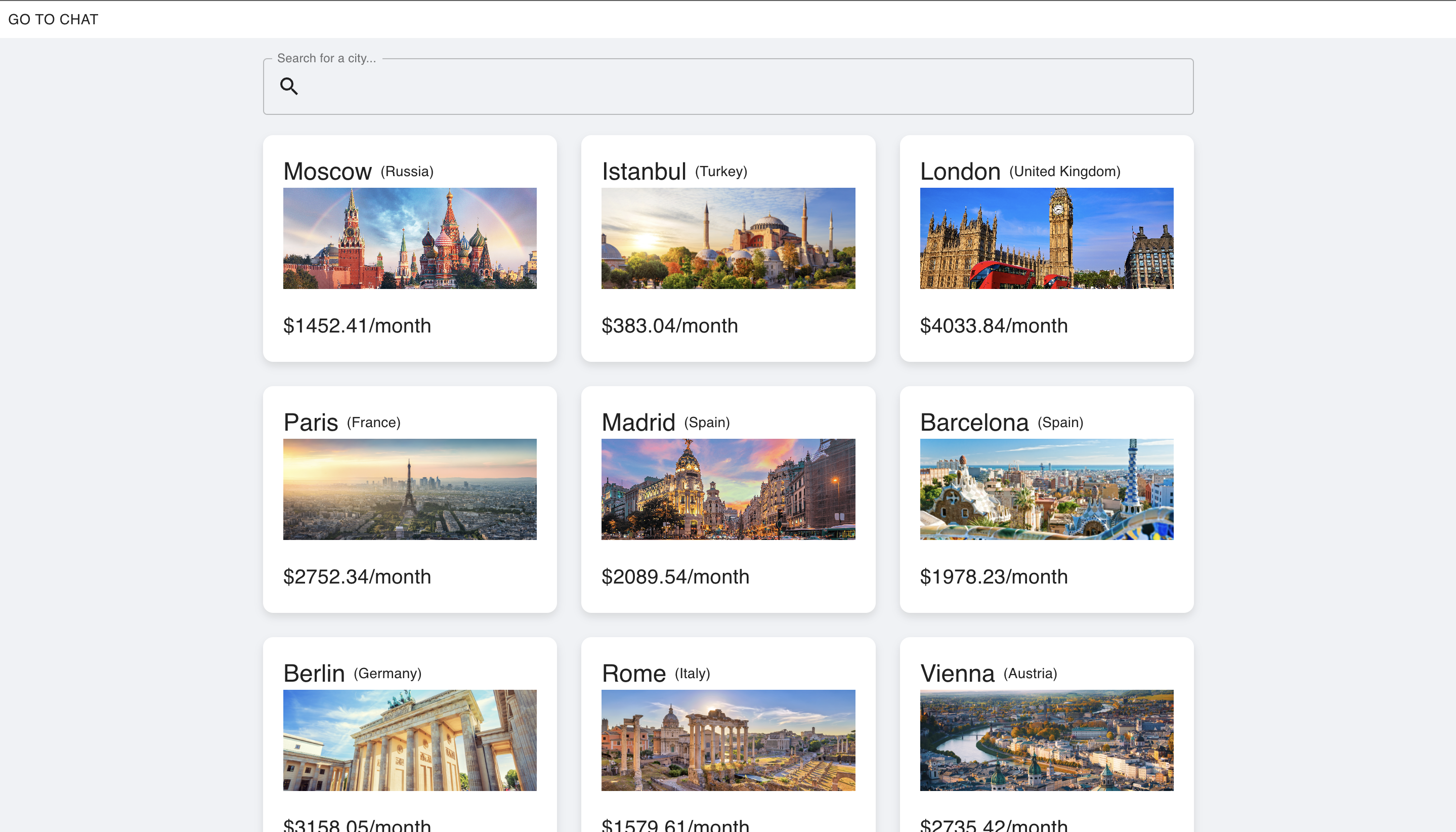
Dashboard
-
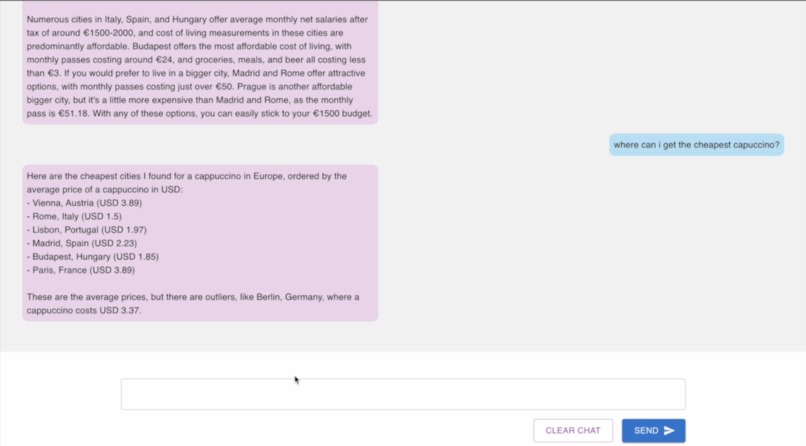
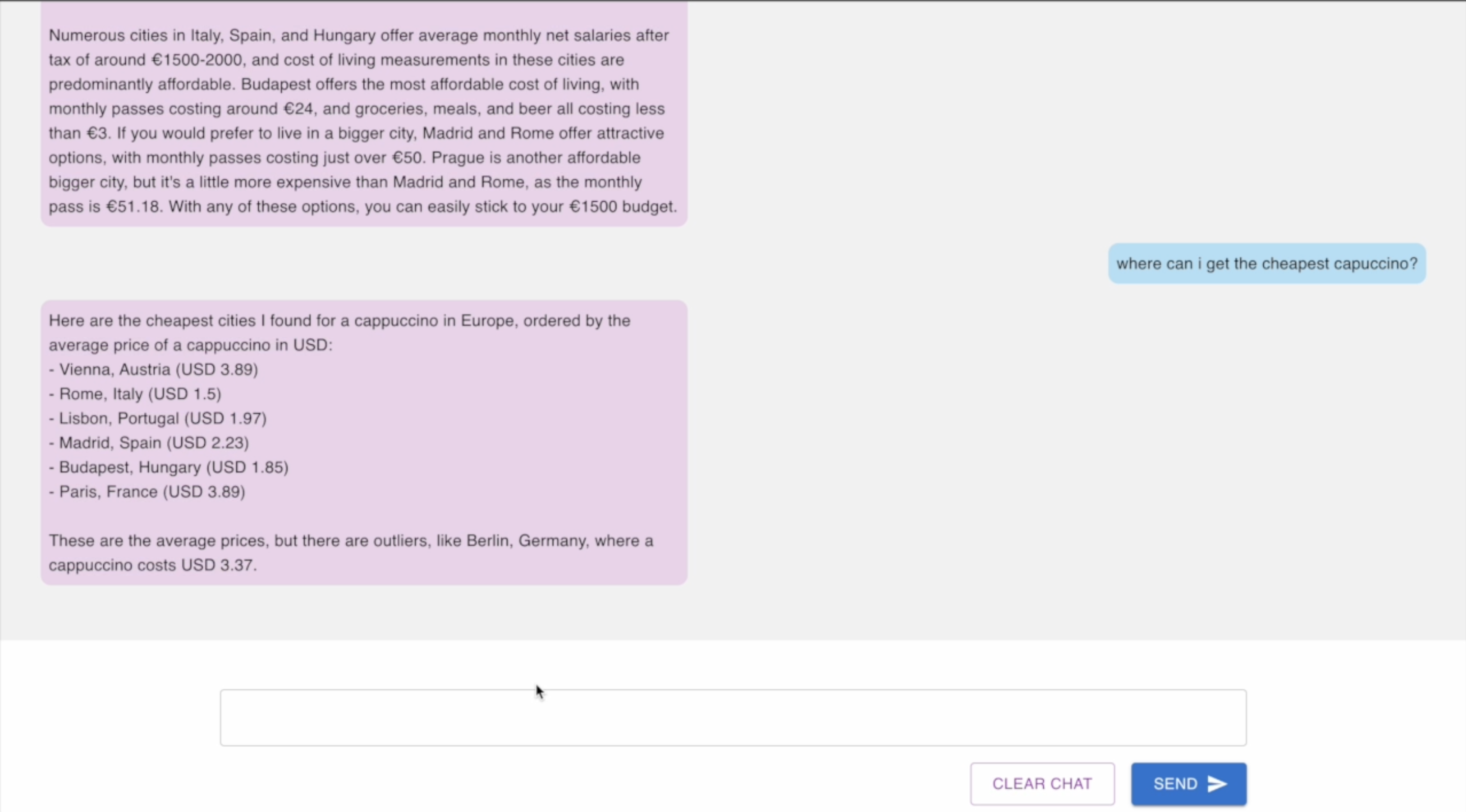
Chatbot
Inspiration
What it does
Our journey began with a simple question: "How can we make it easier for people to find cities that match their lifestyle and budget?" Inspired by the challenges faced by friends and our self who moved to new cities and struggled to adapt to unexpected costs, we wanted to create a tool that provided clear, comprehensive cost-of-living data to help others make informed decisions.
What we Learned
This project was a deep dive into full-stack development. We gained hands-on experience with:
- React.js for building a dynamic and responsive frontend.
- Django for a robust backend and handling data management.
- Material-UI for designing a user-friendly interface that is both functional and aesthetic.
Through this process, we improved skills in data handling, development, and the integration of frontend and backend technologies.
How we Built It
The App was built in several phases:
Planning
Defined the core features and data requirements.
Backend Development
Used Django to set up models for storing city data. Created a database on AWS with mariaDB to fetch city information and detailed living costs. Trained a AI model for the chat function.
Frontend Development
Designed a interface using Material-UI. Implemented React components to fetch and display data based on user inputs.
Integration
Connected the React frontend with the Django backend. Ensured seamless data flow and state management across components.
Testing and Refinement
Conducted thorough testing and enhance user experience. Optimized performance for better load times and responsiveness.
AI Implementation with Cohere
The integration of a chatbot using Cohere presented an opportunity to incorporate advanced natural language processing capabilities into our app. The chatbot was designed to assist users by providing instant responses to inquiries about city details, cost comparisons, and personalized recommendations based on the user's preferences.
Chatbot Training
The initial challenge was the chatbot's inability to provide accurate responses due to insufficient and non-specific training data.
We addressed this by assembling a dataset with high relevance and specificity regarding city information, cost of living, and user preferences.
Regular iterations of training with enhanced datasets improved the chatbot's understanding and response accuracy dramatically.
Integration and Testing
The chatbot was integrated into the frontend where it could directly interact with users, using Django to handle backend requests efficiently.
Testing ensured that the chatbot could handle a variety of user queries without errors and with satisfactory response times.
Challenges Faced
One of the main challenges was ensuring accurate and efficient data fetching from the backend without overwhelming the server or causing delays in the frontend. Implementing data filtering and ensuring efficient data flow were crucial in solving this.
Another significant hurdle was handling CORS issues during the integration phase, which we resolved by configuring Django to allow requests from various origins.
Additionally, integrating a chatbot posed unique challenges. Initially, the chatbot did not provide accurate responses, which stemmed from the insufficient quality and specificity of the data it was trained on. To enhance its performance, we refined the data inputs, focusing on the relevance and accuracy of the information provided to the chatbot. This adjustment significantly improved its ability to deliver precise and helpful answers, making it a valuable feature of our application.
What is next?
For future enhancements of our project, we plan to include more cities, provide richer, more detailed city information, and enhance the data used by our chatbot for more accurate and detailed responses.
Built With
- ai
- amazon-web-services
- chatbot
- django
- mariadb
- python
- react
- sql

Log in or sign up for Devpost to join the conversation.