Braille should not depend on finding a teacher who isn't there.
Inspiration
Most people imagine blindness as something you are born with. In reality, most vision loss happens later in life, from diabetes, glaucoma, and macular degeneration, to adults who already have careers, families, and a whole world built around sight.
Then they are handed braille. A language made entirely of touch, no pictures, no sound, learned through the fingertips alone. And this is the part that stopped us: there is almost no one left to teach it. Certified braille instructors number only in the hundreds across the country. A newly blind adult can wait months for a teacher, or never find one.
We noticed something else. Almost every tool that claims to help talks. It reads letters aloud and quizzes you with audio. But braille does not live in your ears. It lives in your hands. You do not learn it by listening. You learn it by feeling a letter and forming it yourself, again and again, until your fingers know it on their own.
That gap is where Lumi comes in.
What it does
Lumi teaches braille the way it is actually learned, by doing.
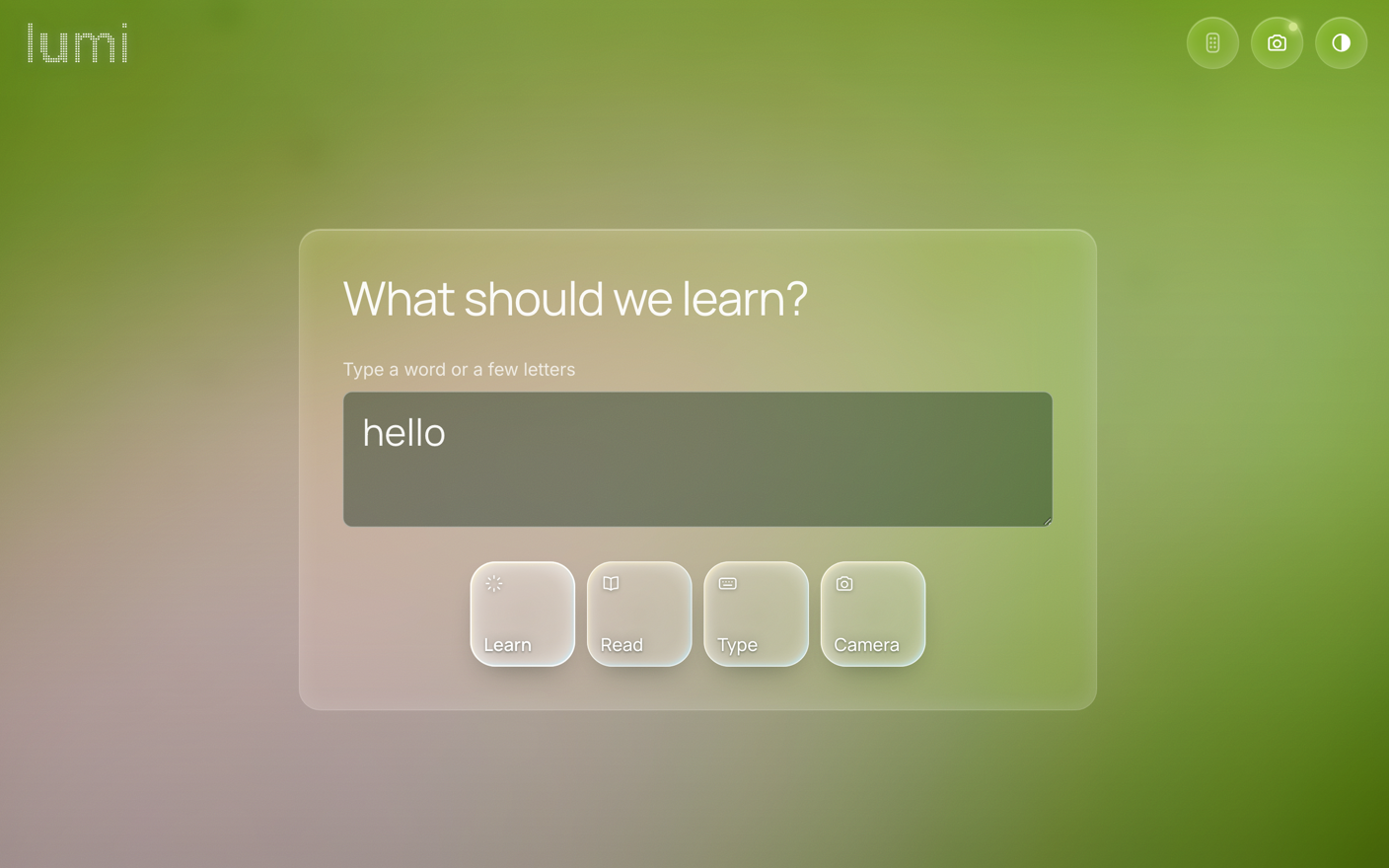
- Look. Point the camera at an object in the real world. Computer vision reads it and sets it as the target.
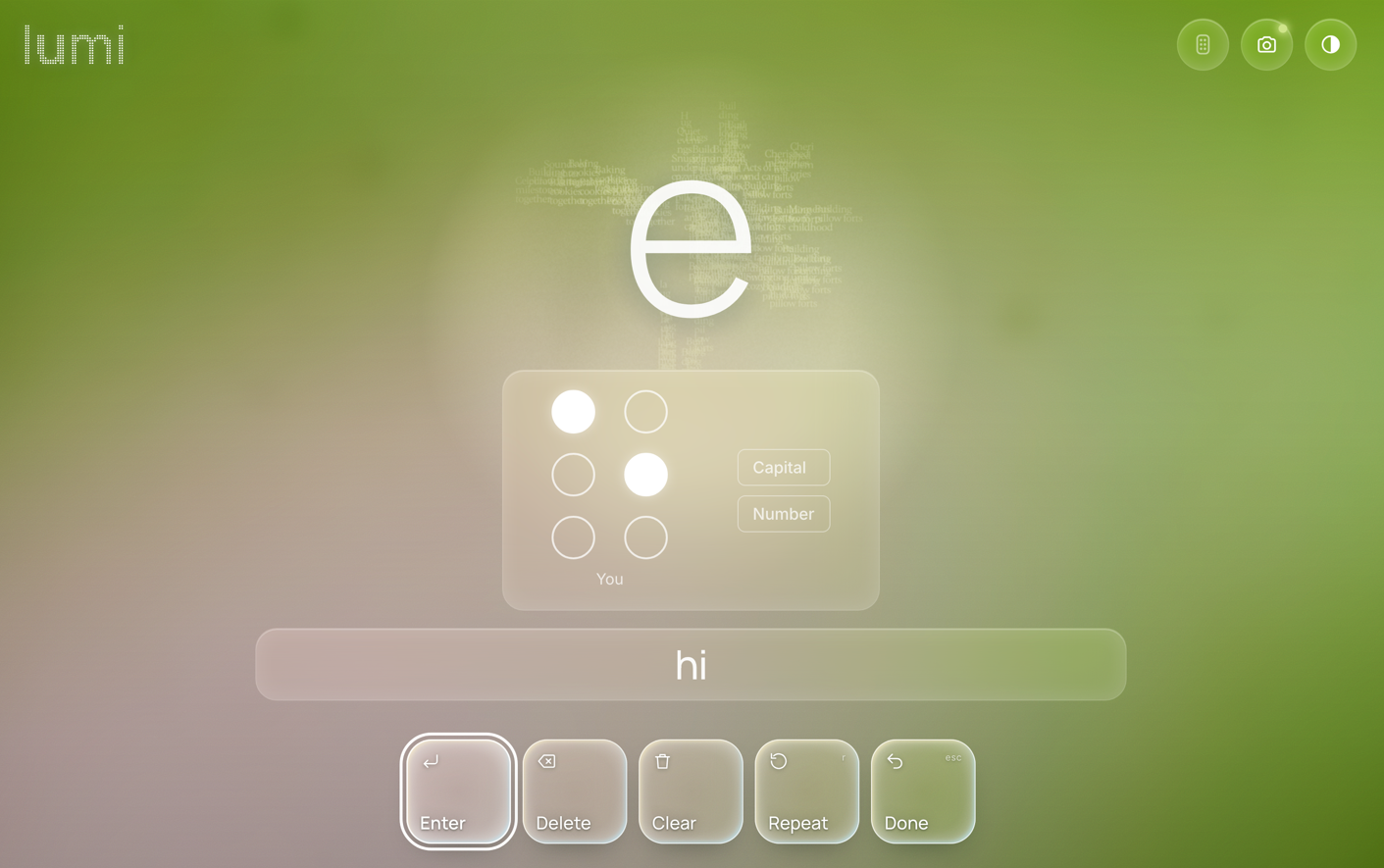
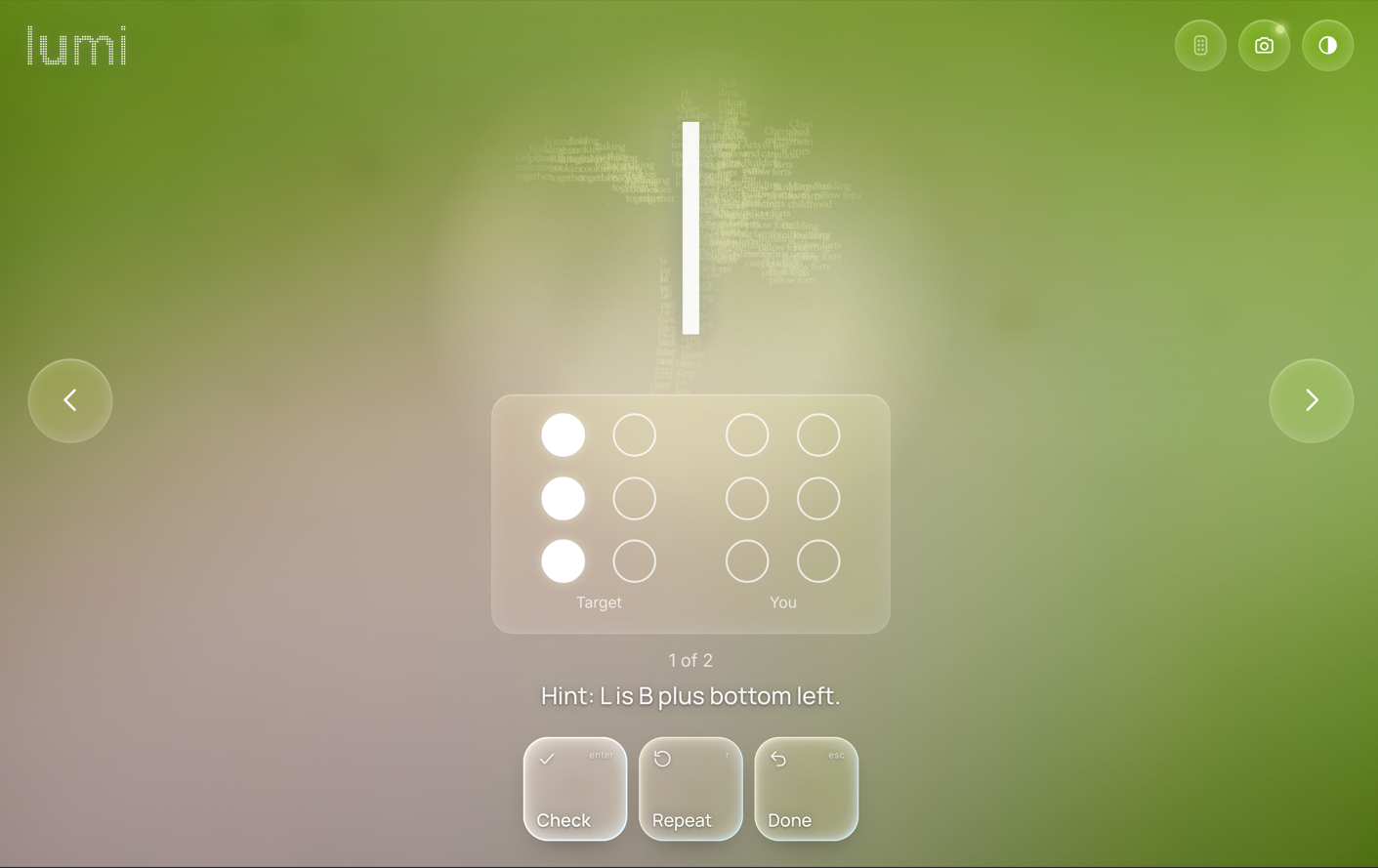
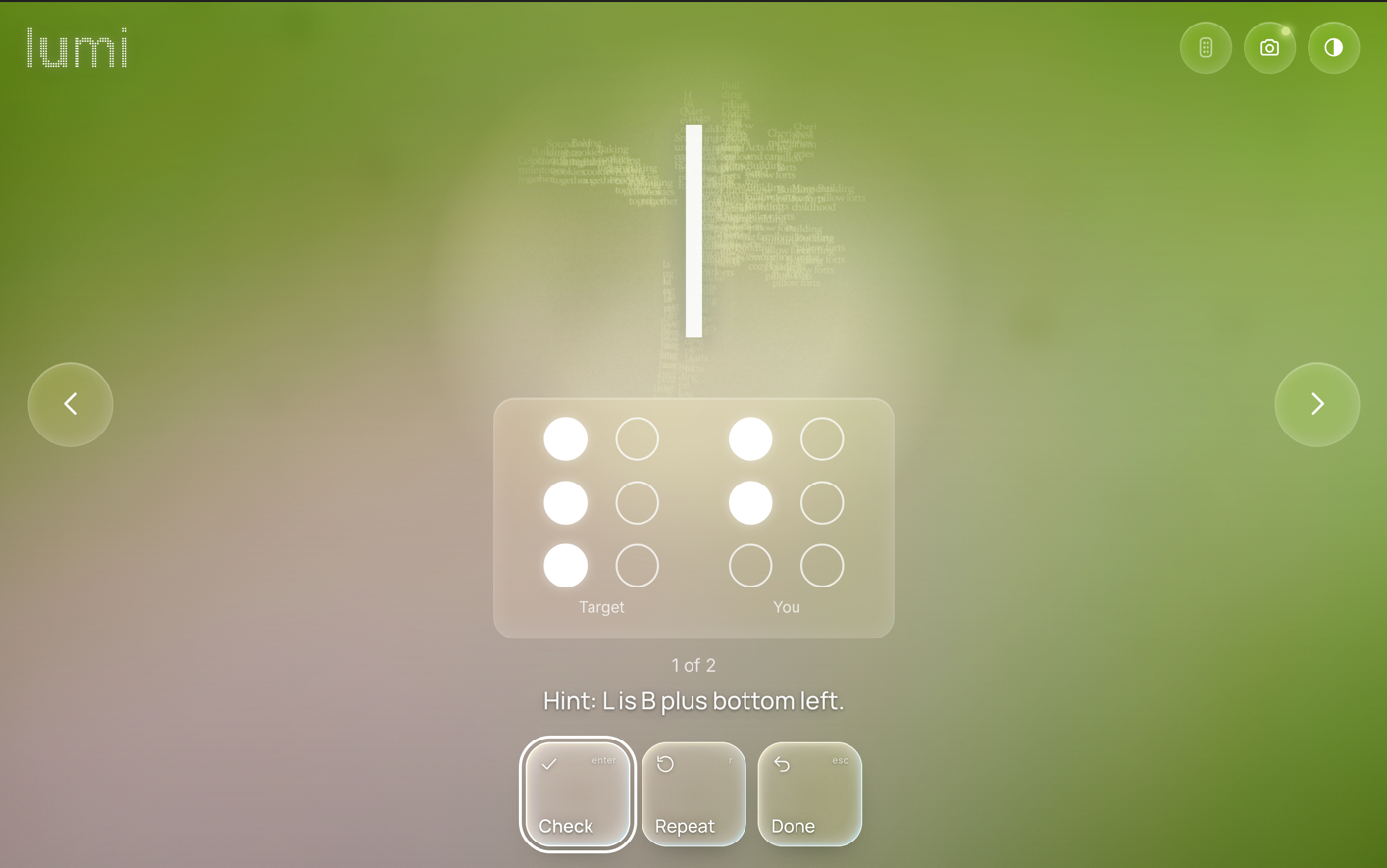
- Type it. The app asks you to build that word, letter by letter on a small braille keypad we built, a two by three grid of buttons that maps to the six dots of a braille cell.
- Get honest feedback. Get the exercise right, and the whole cell flashes. Wrong, and the lights dim so you feel the miss and try again. No skipping ahead.
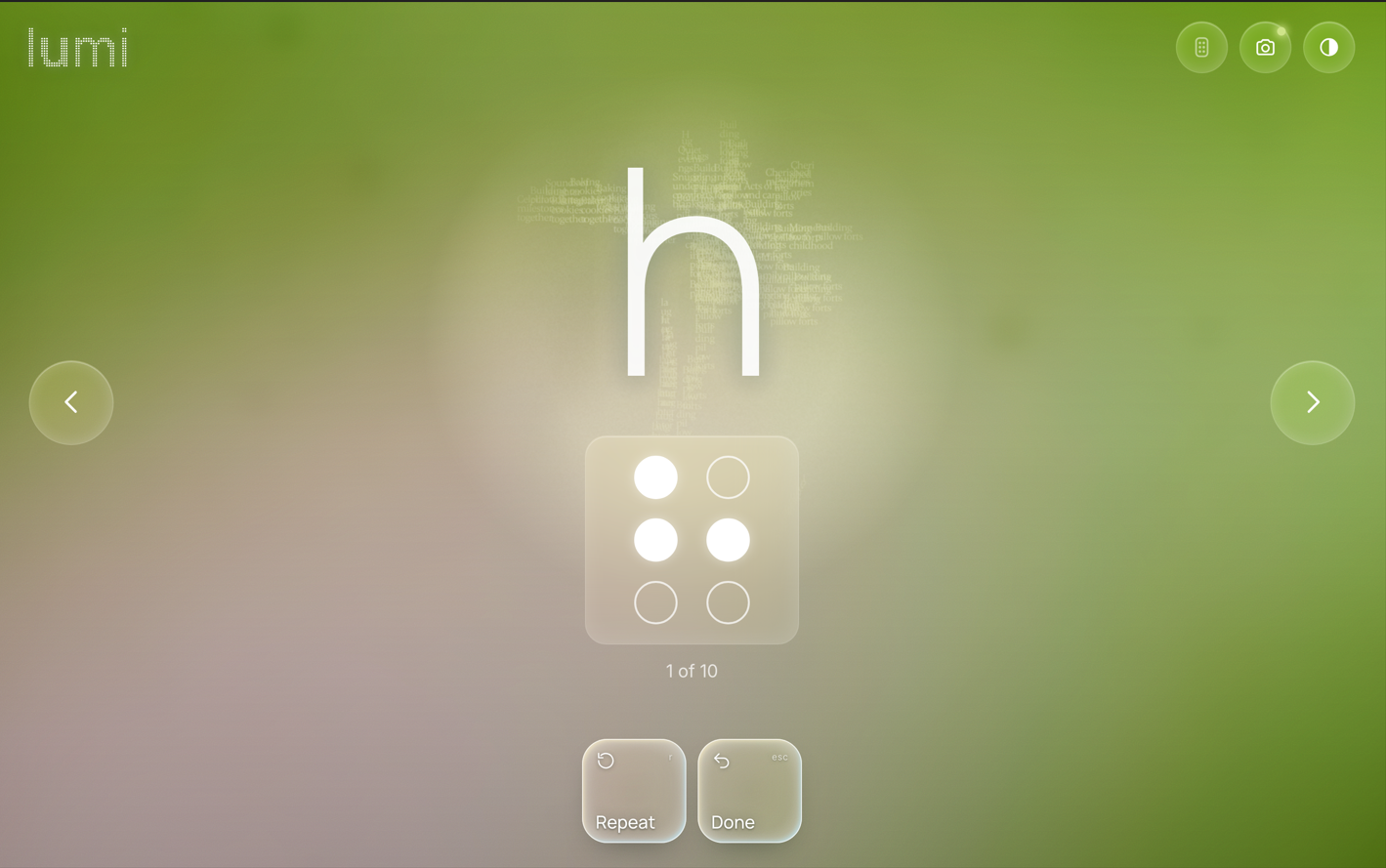
- Feel the real thing. After every correct answer, a motorized wheel turns to that same letter in raised dots, so your fingertip meets true braille and ties the shape to the feeling.
Look, type, see, feel. Sight, audio and touch together, so each letter lands in more than one sense.
How we built it
Everything runs on a single Arduino from a basic electronics kit. That mattered to us. We wanted this to cost about the price of a pizza, not the thousands that commercial braille hardware demands.
- The remote (input). Six dot buttons and an enter key, read with the pullups inside the Arduino. Each cell is stored as a single number, one bit per dot, so the whole braille alphabet fits inside all \(2^6 = 64\) possible patterns.
- One board, one cable. We combined the input and the output onto a single breadboard, so the whole device is one clean object instead of a tangle.
- The tactile wheel. A paper plate with raised dots made from pen tips, eight letters spaced evenly around it and turned by a small stepper motor. The spacing is exact, \(360^\circ / 8 = 45^\circ\) per letter, with a home mark so the motor always knows where the first letter sits.
- The brain. Computer vision picks the object, the software speaks it, listens for your answer over a serial link, and decides between a flash and a dim.
The eight letters we taught first:
A = dot 1
B = dots 1 and 2
C = dots 1 and 4
E = dots 1 and 5
I = dots 2 and 4
L = dots 1, 2 and 3
N = dots 1, 3, 4 and 5
P = dots 1, 2, 3 and 4
Challenges we ran into
Turning an idea into a real object was the whole battle. It is one thing to sketch a braille tutor on paper. It is another to build something a person can hold, press, feel, and read. Almost every obstacle we hit came from that leap, from idea to a device that works in your hands, and it turned out to be the part of this project we care about most.
The output nearly broke us. Reading button presses is easy. Building something a blind person can read by touch, cheaply, is not. Our first attempt was a spinning cam meant to push real dots up and down. Our second was a pen rigged to click its own tip up as a raised dot. Both looked brilliant on paper and fell apart the moment we built them, too fragile, too fiddly, too unreliable to trust in front of judges. We had to let go of ideas we were attached to and begin again.
We built with whatever we could find. We did not have specialized braille parts or a budget for them, so we improvised. A paper plate became a spinning wheel. The small metal tips from ballpoint pens became raised dots. A beginner electronics kit became the entire brain and body of the device. A lot of our best choices came from looking at what was on the table and asking what each object could turn into. Bending everyday things into exactly what we needed was slow and messy, and it was the most satisfying kind of problem to solve.
Picking the right motor took a hard lesson. We reached for a basic servo first, then learned it could only swing about 180 degrees and would never reach letters spread around a full circle. Working out why, and moving to a stepper motor that can turn all the way around and hold a precise position, was one of those moments where the physics quietly settled the argument for us.
Calibration. A wheel that sits even slightly off center sends every letter to the wrong place under the finger. We had to pin down the exact center, space the letters evenly, and give the motor a home position, so it lands on the right letter each time.
Sleep. It was a hackathon. There was not much of it.
None of this came easily, and that is exactly why it stayed with us. Every dead end taught us something the next version needed, and watching a working braille tutor rise out of plates, pens, and stubbornness was worth every hour we lost to it.
What we learned
- Braille literacy is tied to independence, confidence, and employment, and access to it has been quietly slipping. The need is real and it is unmet.
- Accessibility does not have to be expensive. Ours is built from a starter kit anyone can buy.
- The strongest learning is active and reaches more than one sense. Designing for the fingertips changed how we thought about every piece of feedback.
- A stack of new skills: Arduino, computer vision, motor control, and the particular patience of debugging hardware at 3 in the morning.
Why this is social good
A newly blind adult with no teacher nearby could sit at their kitchen table and start learning to read again, at their own pace, for the cost of a snack. That is the entire point. Not a gadget. A door back to literacy for people the system has left waiting.
What's next for Lumi
A full alphabet, then the contractions of grade two braille. Testing with blind and low vision users, so the people we built this for shape where it goes. And open sourcing the whole build, so anyone, anywhere, can make one. But our real vision is Lumi Lens. Camera glasses read any sign, label, or menu you look at, and a wristband taps each word to you in braille. It’s quiet and private, so no one else hears your mail or your medicine.
Built with love and care at Hacklanta by Sri, Ke'Ron, Navi, and Diego


Log in or sign up for Devpost to join the conversation.