In a time where everything is connected all the time our online spaces are constantly attacked by tricks meant to steal our information. There are messages that look like they're from banks fake messages about deliveries and other tricky attempts to get our personal details. For people who know a lot about technology it might be easy to spot a link.. For many people, especially older individuals or those who aren't very comfortable with technology it's really hard to tell the difference between a real message and a dangerous one. We had an idea to build a tool that helps people check messages easily. We wanted to create an AI that acts like a helpful friend giving people a quick and easy way to make sure they're not about to make a big mistake.
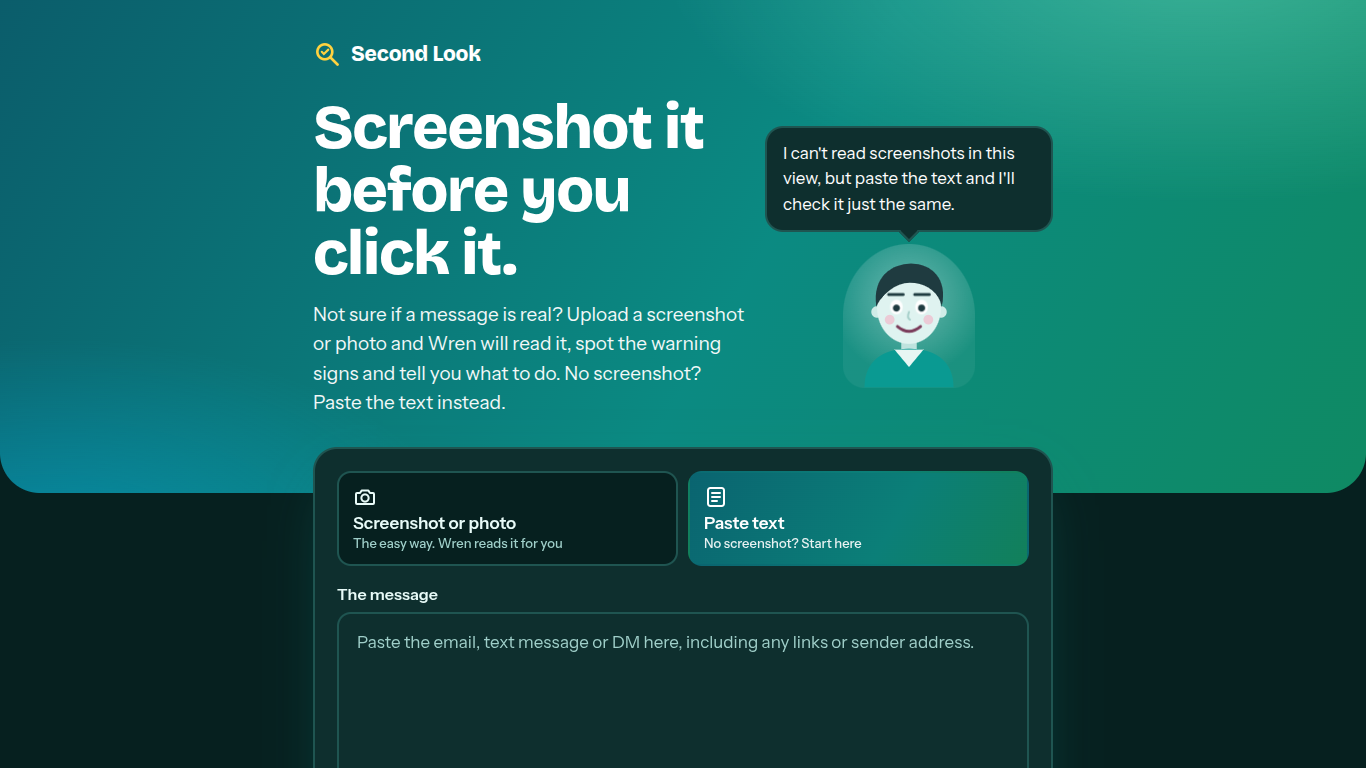
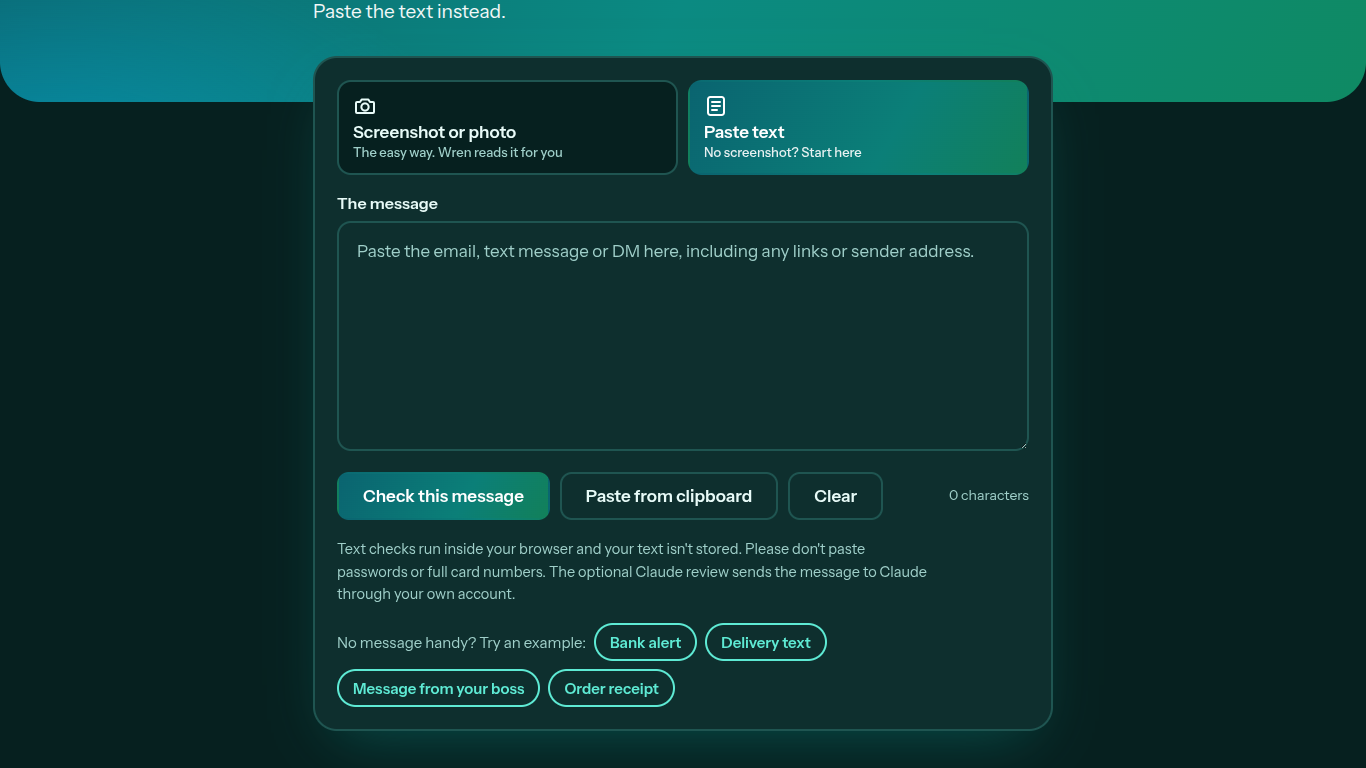
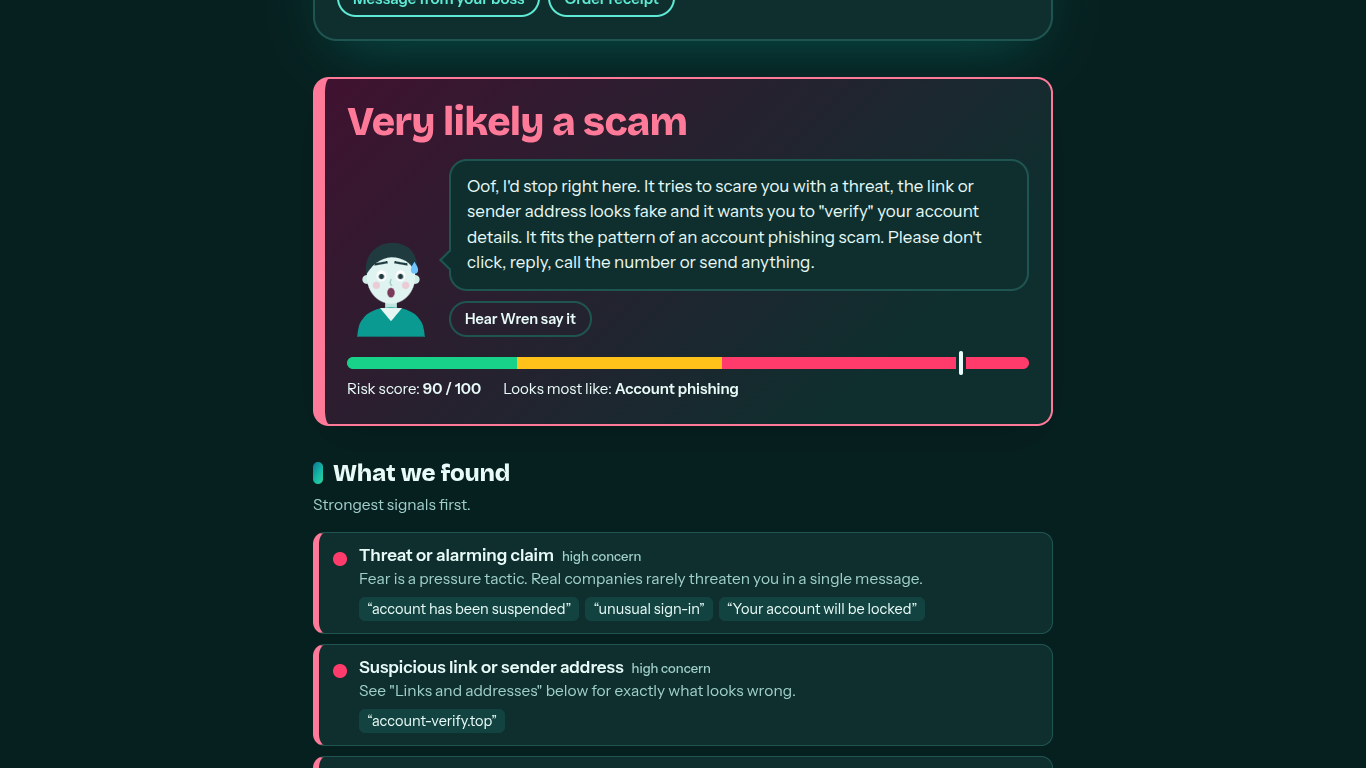
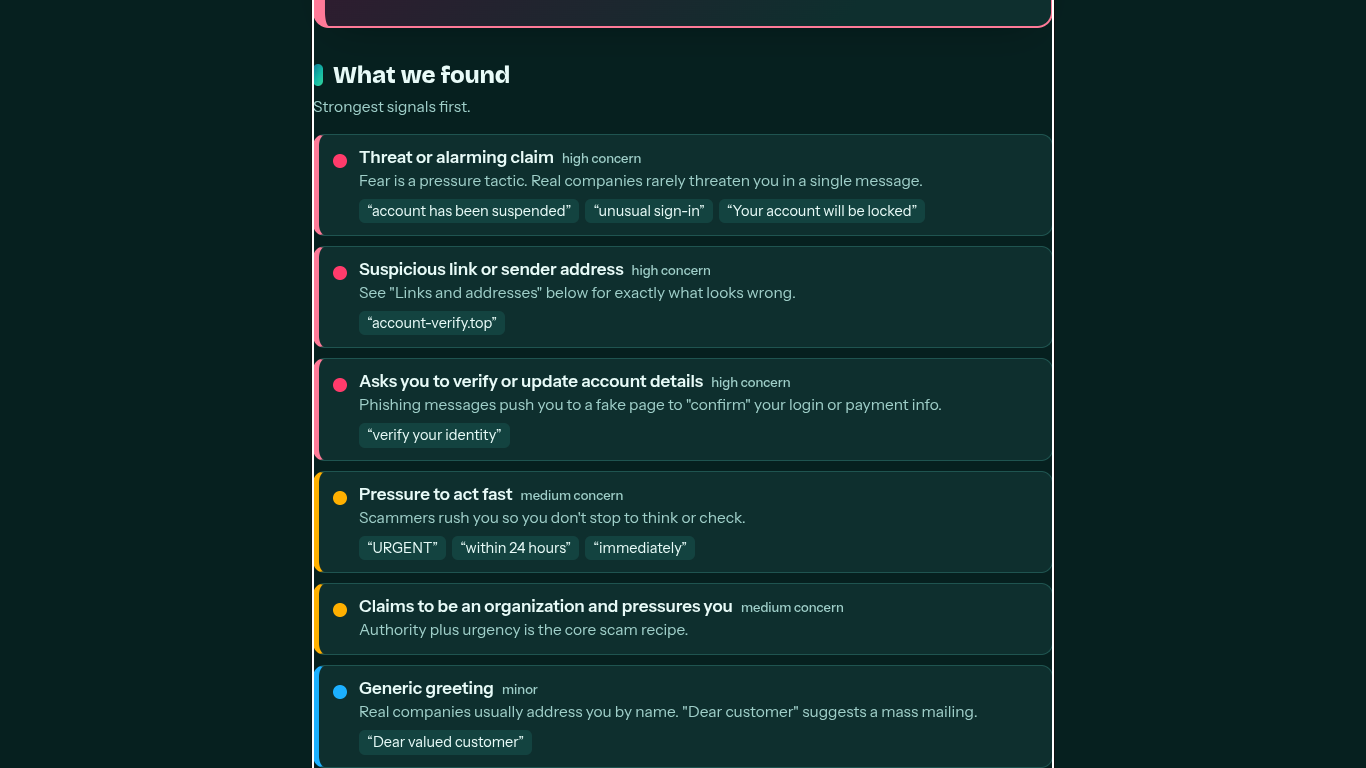
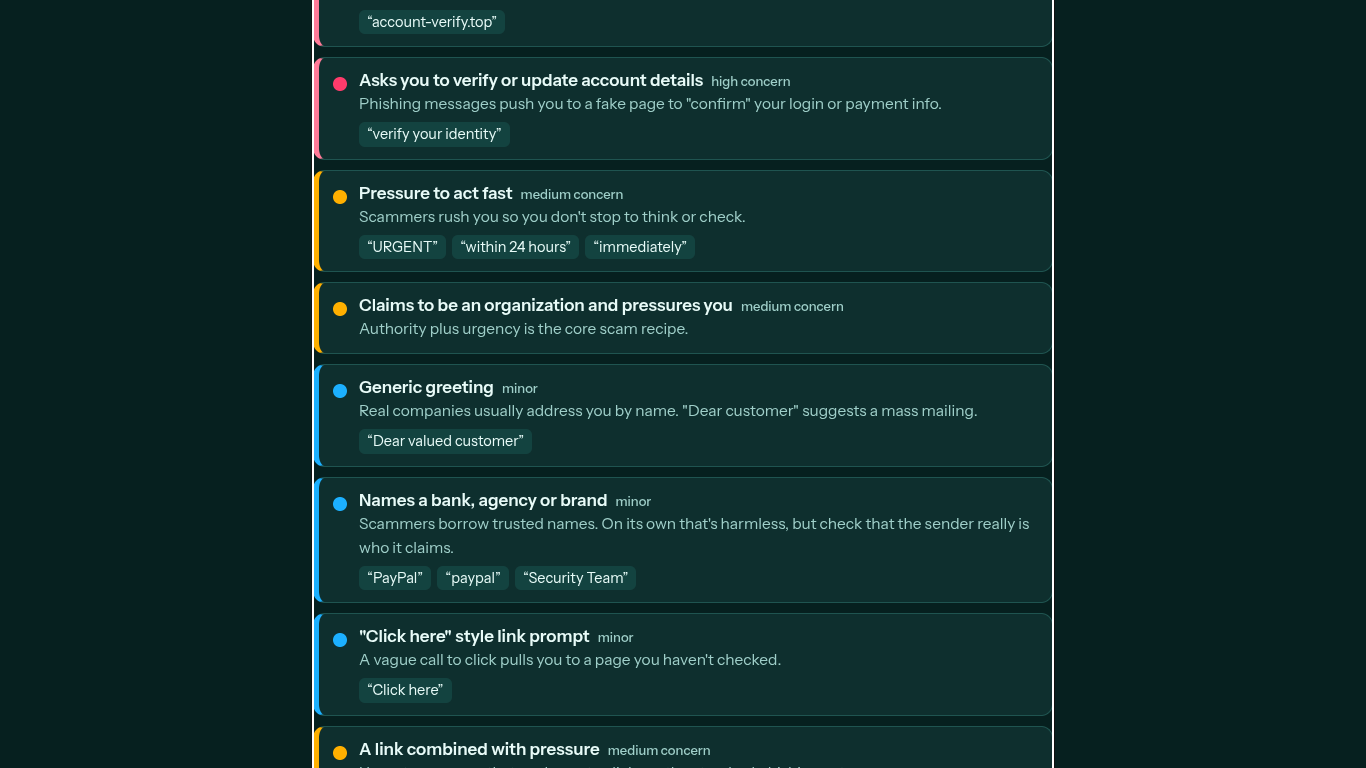
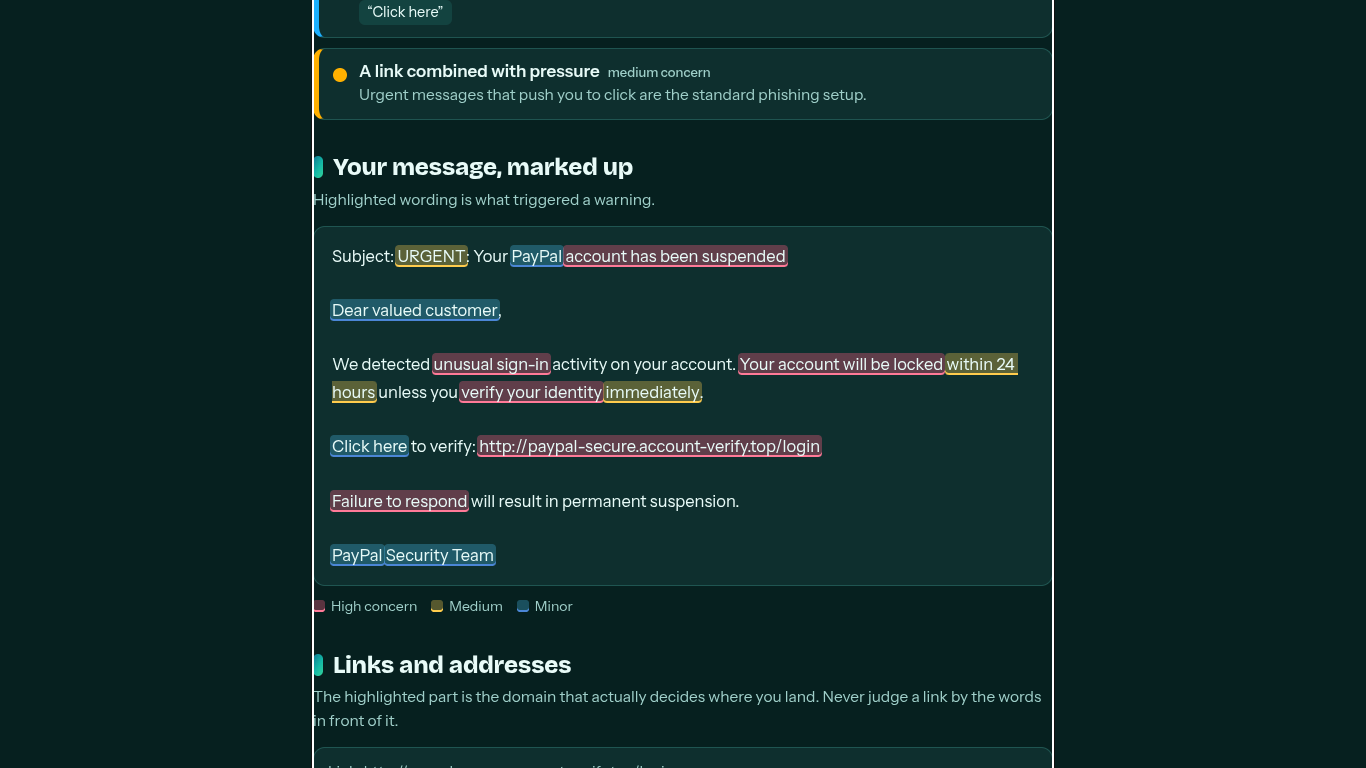
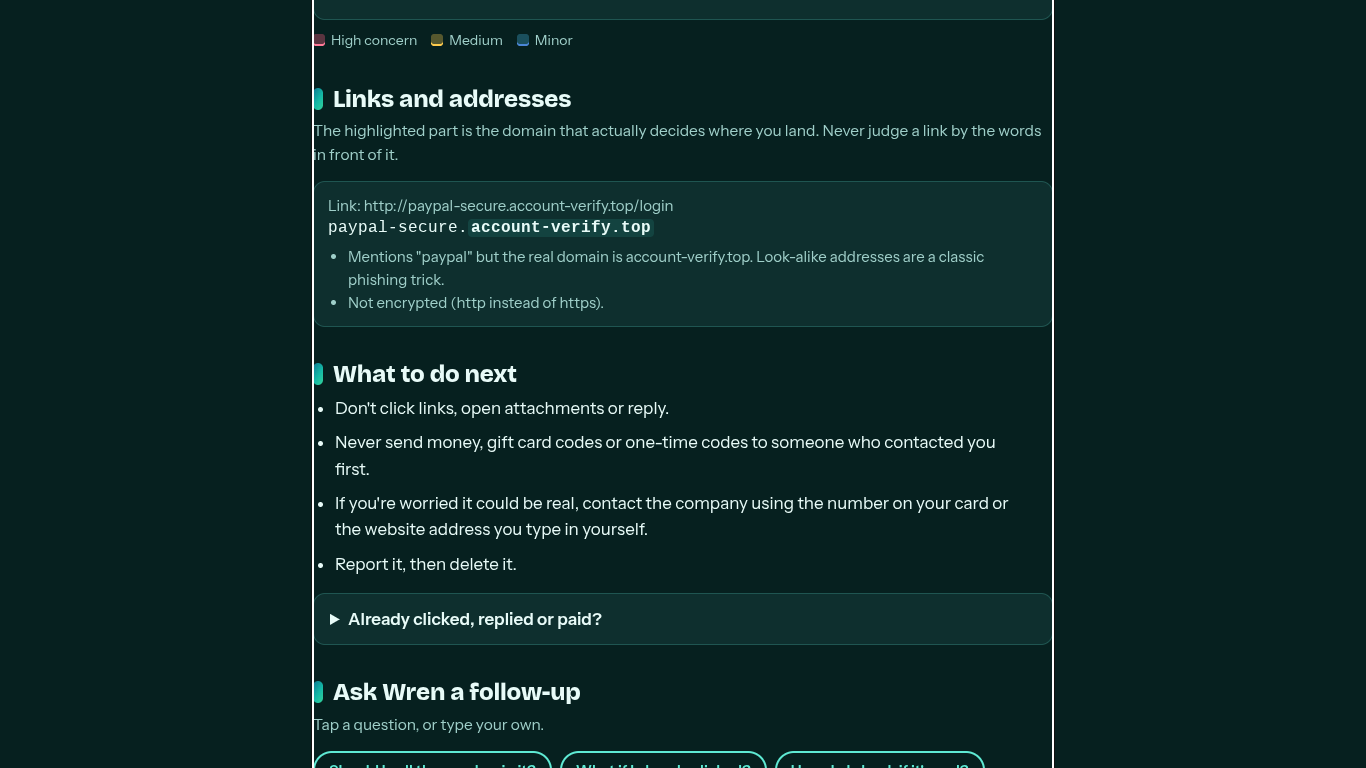
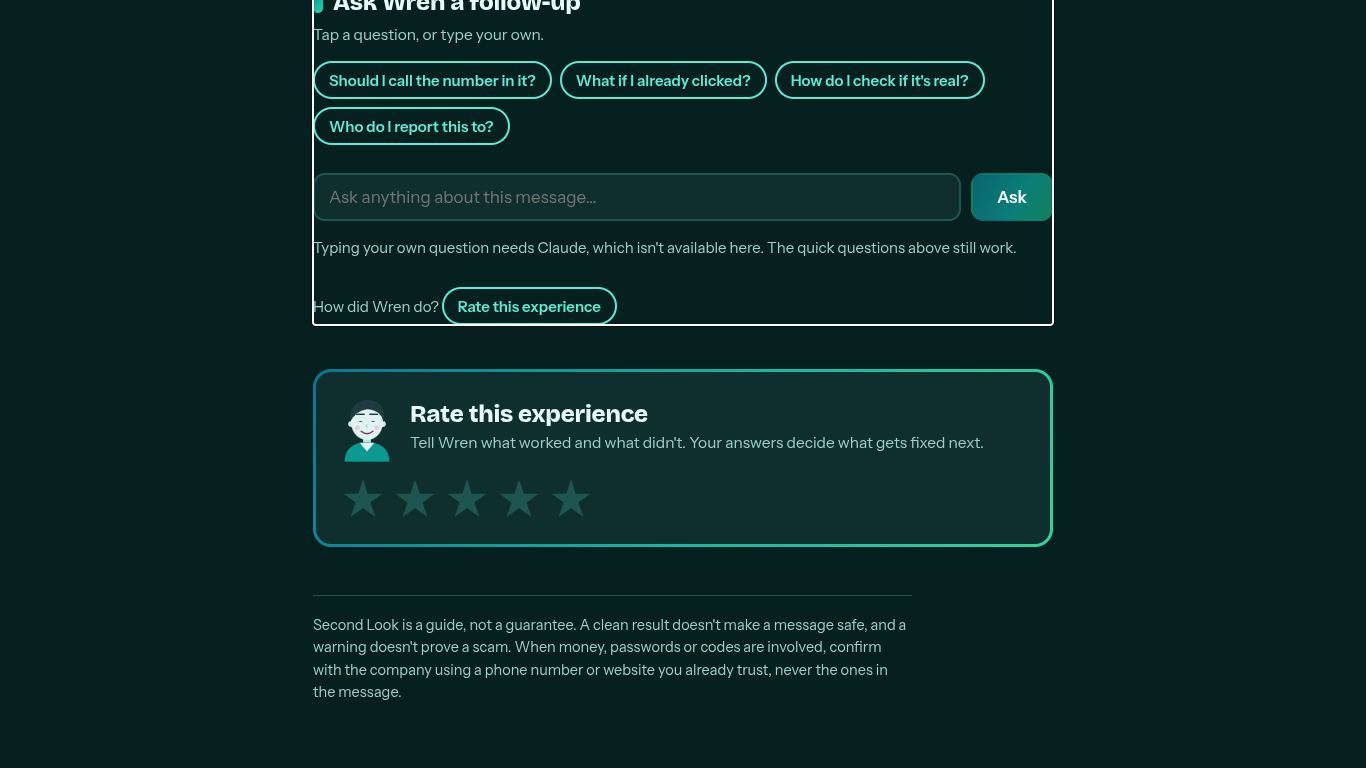
Second Look is a website that helps people check suspicious messages. You don't have to type anything out. You can take a picture upload a file or copy and paste a screenshot into the website. The AI, named Wren looks at the image reads the words and checks for signs of a scam. It looks for things like urgency scary messages or unusual logos. It points out the warning signs. Tells the user exactly what to do next. If taking a picture isn't possible the site still has a place where users can type in the text directly.
The app was made with speed and privacy in mind.
• The design is simple and easy to use, with web tools that let you quickly paste images from your computer.
• The checking happens in your browser so your private information is never sent to another server.
• We used an AI from a company called Anthropic to handle the hard parts like reading text from images and checking for scams.
• Users always have control. The app sends any requests through their special website addresses so their images stay temporary and safe.
One of the problems was making sure the app could handle different types of pictures. People take photos in light from strange angles or with low-quality phones. It was hard to get the AI to read all of them correctly. We had to spend a lot of time making the system better and better. Also keeping everything was a big challenge. Because the messages might have details we made sure the app worked without saving any of that information anywhere.
We are really happy with how simple the tool's. It doesn’t use words that only experts understand. It feels like a conversation like texting a friend. Features like copying text from your computer and pasting it right into the app made things much easier. Importantly the app teaches users what to do not just gives a guess. For example it explains how to check the phone number of a company instead of the one in the fake message.
This project taught us that the best security tools are the ones that anyone can use. We learned a lot about how to handle mistakes in text and how to make sure the app doesn’t just give a number but helps the user understand what to do. We also learned that security is not about making decisions but about helping people think for themselves.
We want to make Second Look available on phones too. As you can go to the Github Repo, we gave a apk and a Mac file, and a exe file too, please use it wisely. We plan to build apps that let you use the tool directly from your messages. We also want to create a system that helps spot scams in areas without risking peoples privacy. We hope to make Second Look more than a website. We want it to be a tool that helps people, around the world stay online.
Built With
- claude
- gemini
- grok


Log in or sign up for Devpost to join the conversation.