Inspiration
Shopping in a supermarket is a simple, relaxing routine for most people, but for individuals who are blind, it is often stressful, disorienting, and dependent on external assistance. Aisles filled with unfamiliar products, changing layouts, and silent obstacles create a world that is hard to navigate independently. We believe that technology should remove barriers, not create new ones.
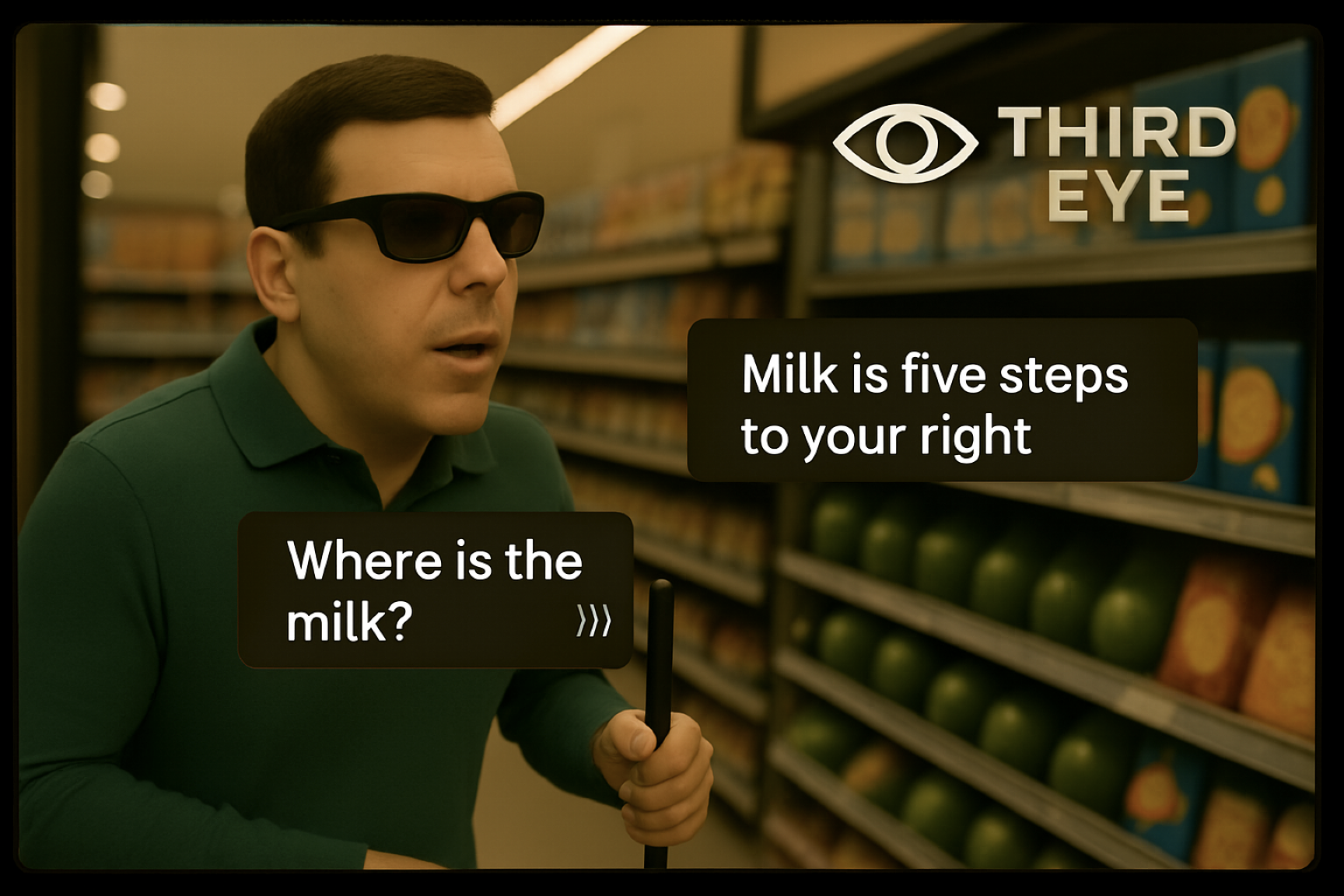
Our inspiration came from imagining a world where blind users could simply listen to their surroundings: a world where they can hear, in real time, what objects are around them such as “apples on your left,” “milk three steps ahead,” “checkout counter in front.”
We want to give blind individuals the same sense of confidence, freedom, and enjoyment that sighted people experience when exploring a store. Our goal is not just to identify objects, but to enable independent, dignified, and joyful navigation of everyday environments.
What it does
Our system enables blind users to “hear” their surroundings. It uses computer vision and voice interaction to:
Identify nearby objects in real time, e.g.,
“There are bananas, bread, and yogurt in front of you.”Locate specific items the user wants
- The user can say:
“Where is the milk?” - The system responds with:
“Milk is ahead on the right, three meters away.”
- The user can say:
Provide safe navigation guidance, e.g.,
“Shelf on your left,”“Checkout counter ahead,”“Obstacle in front.”Support hands-free interaction: The user can fully control the system by voice, no screen needed.
Create a more relaxing, independent shopping experience: By turning the visual world into audio cues, the system helps blind users navigate with confidence.
How we built it
We designed and built the system as an end-to-end multimodal pipeline that connects speech understanding, real-time vision perception, and spatial reasoning. Our goal is to enable a blind user to speak their needs and instantly receive audio guidance to the desired object.
1. Voice Command → Text Understanding
The user begins by speaking the name of the item they want to find. This audio stream is sent to our first AI agent, which performs:
- Speech-to-Text (ASR): Converts the raw audio into clean text.
- Keyword Extraction: Identifies the essential object name (e.g., “apple”, “milk”, “toothpaste”). This extracted keyword becomes the text prompt for the vision model.
This keeps the user interaction hands-free and fully accessible.
2. Real-Time Visual Perception
The smartphone continuously captures images or video frames of the user’s surroundings. We feed sampled frames together with the extracted text prompt into a vision-language model (e.g., Grounding-DINO). The model outputs:
- Whether the target object is detected
- The bounding box and confidence score
- Its approximate pixel-space location in the frame
These results are passed into our second AI agent for decision-making.
3. Intelligent Decision Agent
The second agent evaluates the detection results:
- If no object is found, the agent does not interrupt the user and simply waits for the next frame.
- If the object is found, the agent triggers the navigation stage and sends a concise TTS message → “I found milk.”
This modular design allows the model to act only when relevant information is available.
4. Spatial Localization via 3D Reconstruction
Once the target object is found in the image, we estimate the 3D position of both:
- The user (via camera pose estimation)
- The target object (via bounding box → depth estimation → 3D projection)
We experiment with lightweight 3D reconstruction/depth networks to convert bounding box detection into approximate world-space coordinates.
This step enables the system to provide accurate spatial guidance, rather than simply indicating “object detected.”
5. Relative Position Computation
Using the camera’s intrinsic parameters and estimated depth, we compute object direction, object distance, and left/right / ahead orientation.
Example output of the geometric module:
Object direction: 27° to the right Estimated distance: 2.1 meters
This is then sent to our final audio agent.
6. Audio Guidance via Speech Generation
The navigation agent converts spatial information into natural, actionable voice instructions:
- “The apples are two meters ahead on your right.”
- “Move slightly left.”
- “You are very close—reach forward.”
This closes the loop and helps the user physically reach the object.
Challenges we ran into
Building an audio-guided object-finding assistant for blind users proved far more challenging than we expected. We had to overcome difficulties in speech understanding, real-time detection, frame-to-frame stability, 3D localization, system performance, and accessible voice guidance. Each challenge pushed us to refine the pipeline and improve the user experience.
Accomplishments that we're proud of
- A working prototype that detects obstacles in real-time
- Successfully tested with users in indoor navigation scenarios.
- Designed a low-cost and scalable solution.
- Built with a strong focus on accessibility and human-centered design.
What we learned
- Accessibility requires listening, we iterated based on real user needs
- Edge AI optimization is key to real-world adoption
- The best technology disappears into everyday life
What's next for The third Eye — Light for every life
Expand support for indoor navigation scenarios with higher accuracy Enhance data processing and privacy protection to ensure secure and reliable operation Optimize real-time performance and computing efficiency for smoother user experiences
Built With
- fastapi
- javascript
- langchain
- python
- react
- swift

Log in or sign up for Devpost to join the conversation.