-
-
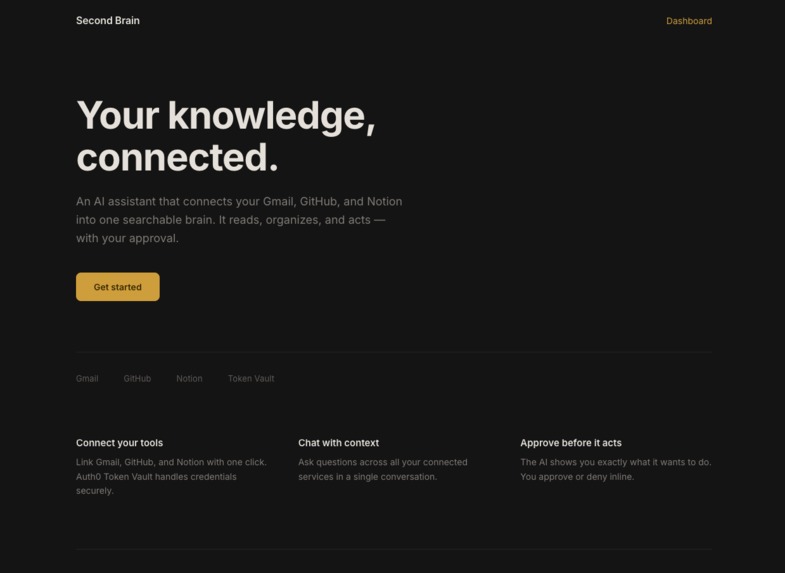
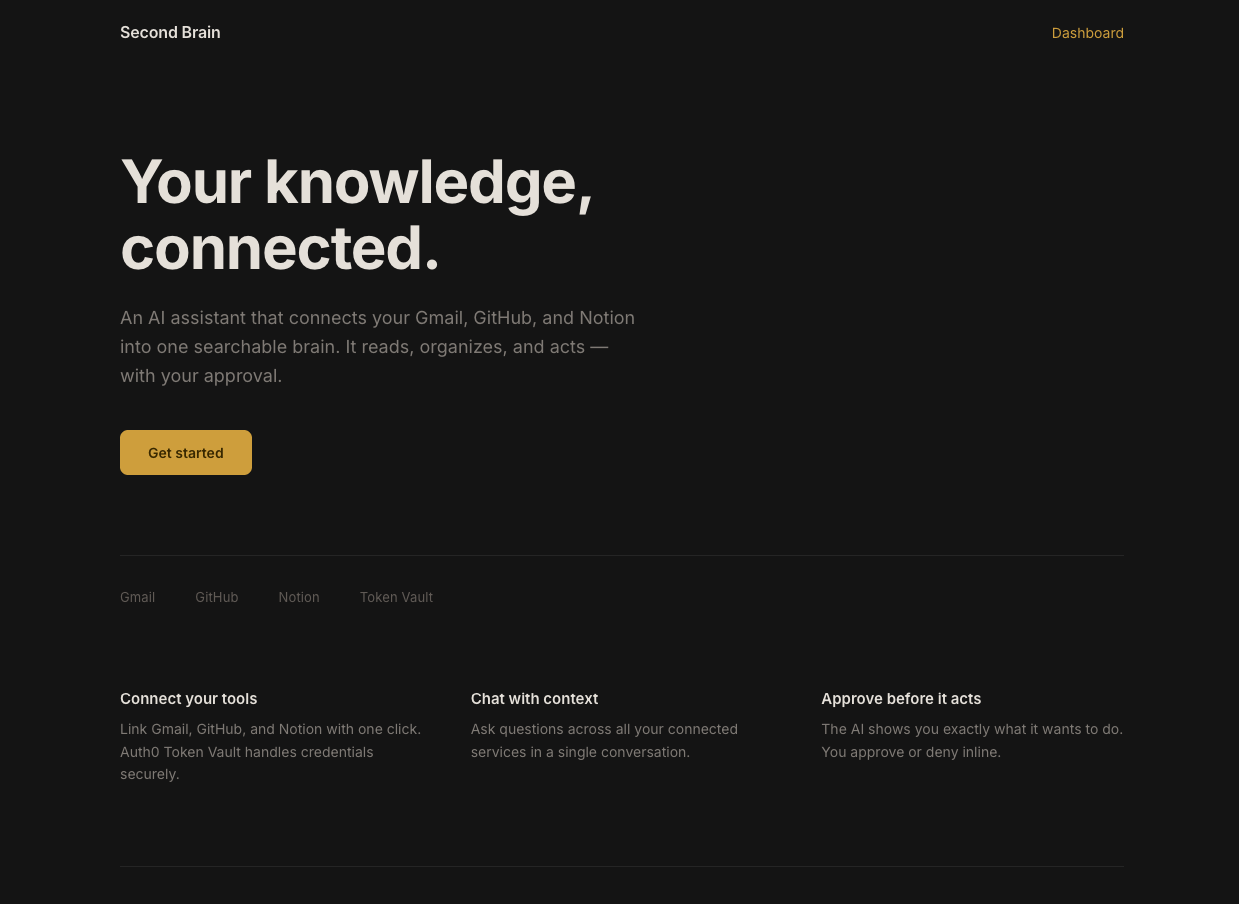
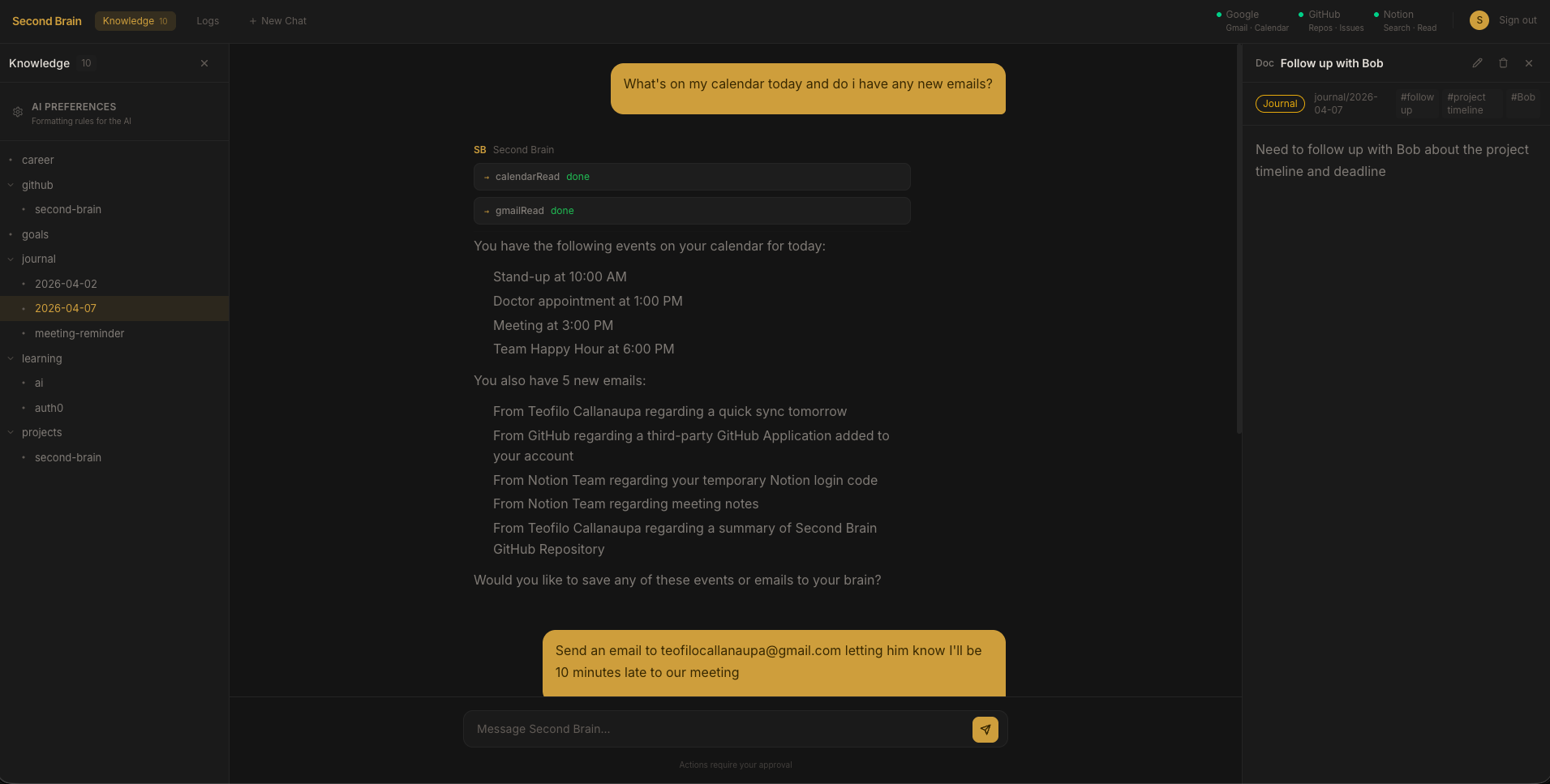
Landing Page
-
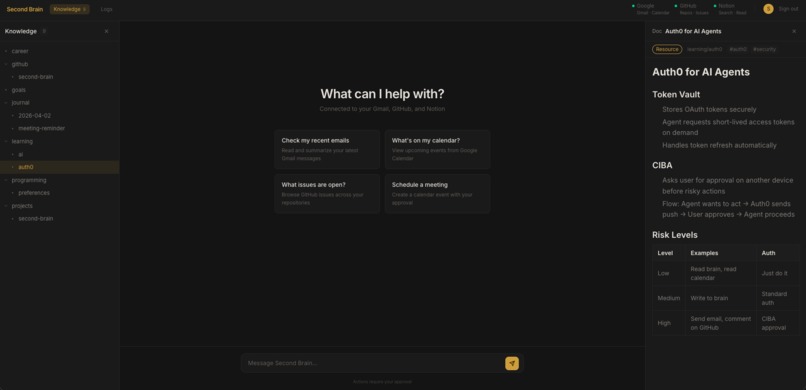
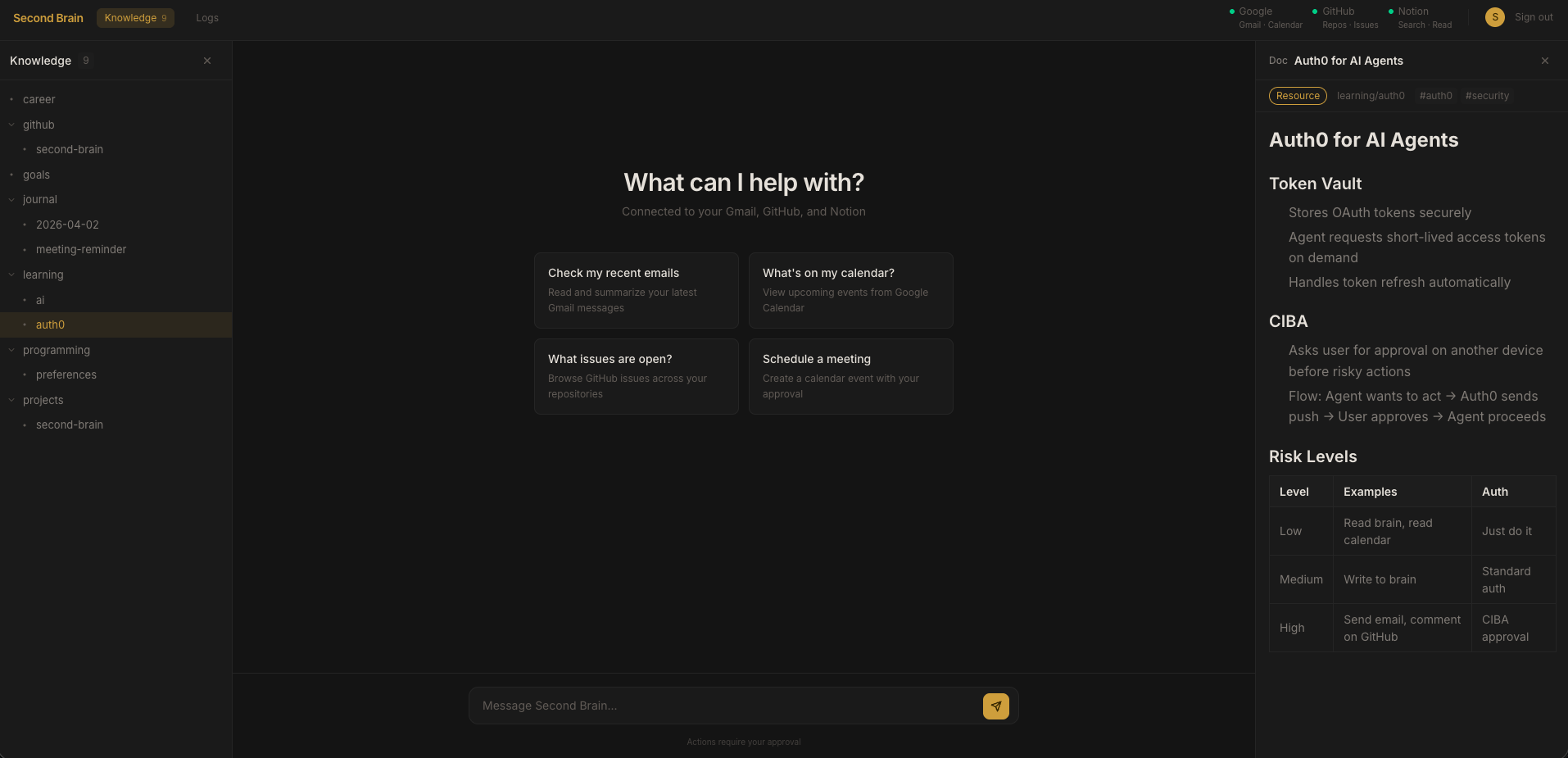
User Dashboard
-
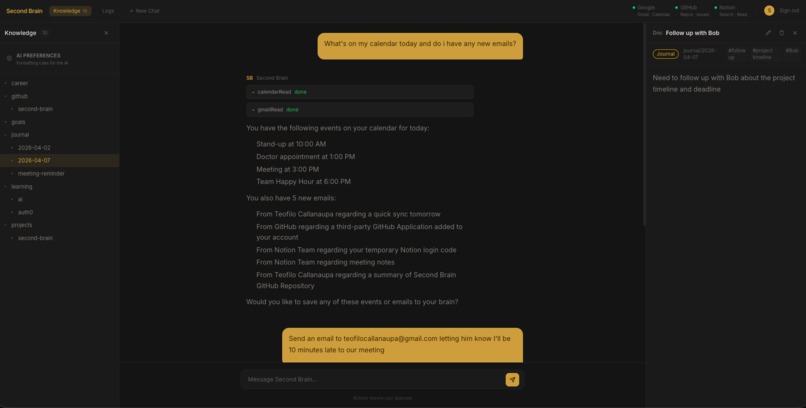
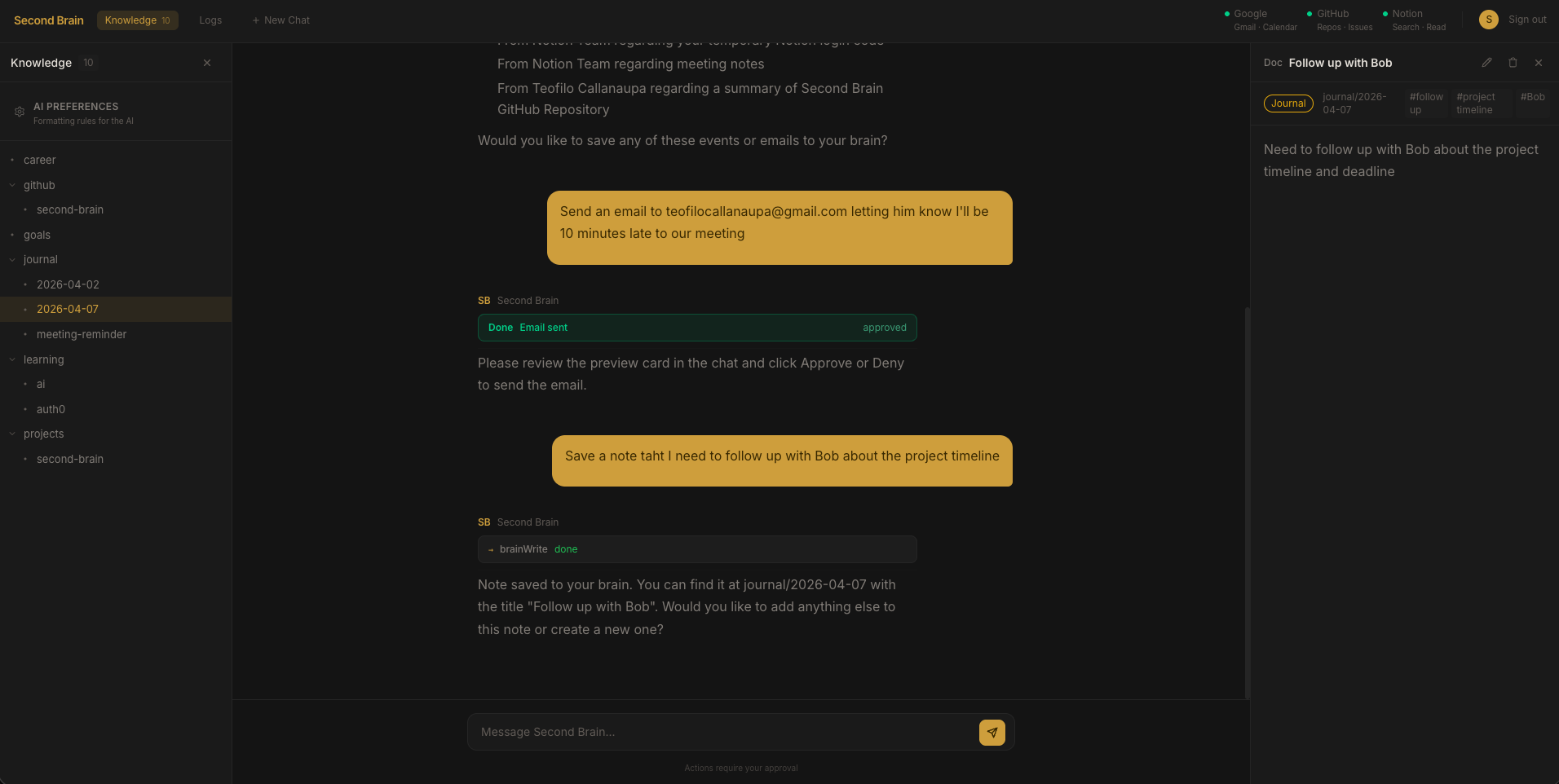
Tool use example 1
-
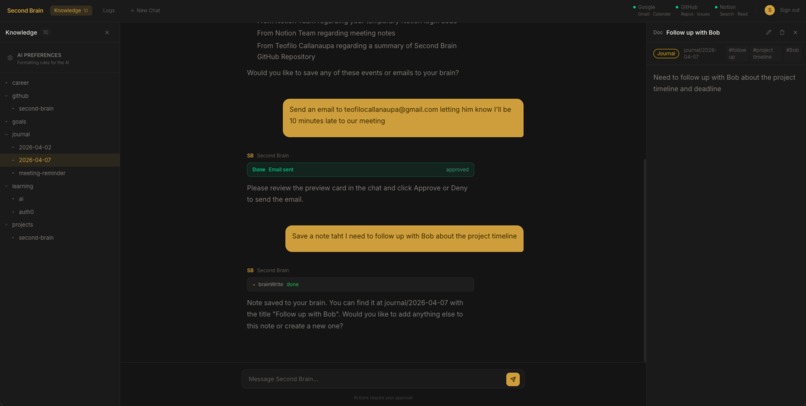
Tool use example 2
-
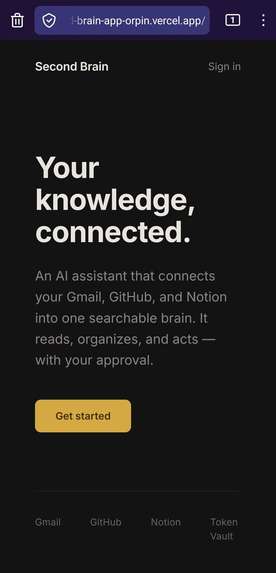
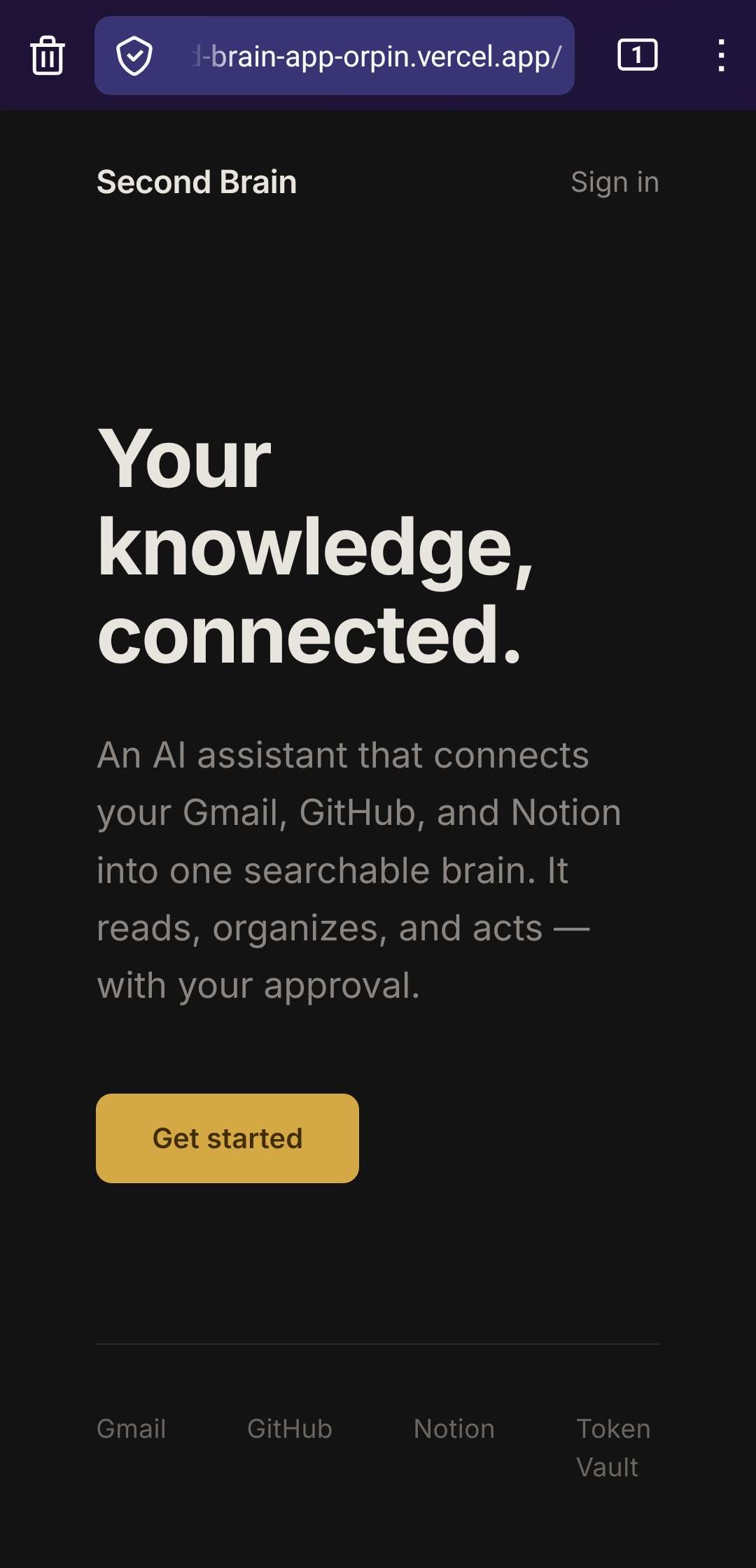
Mobile Landing Page
-
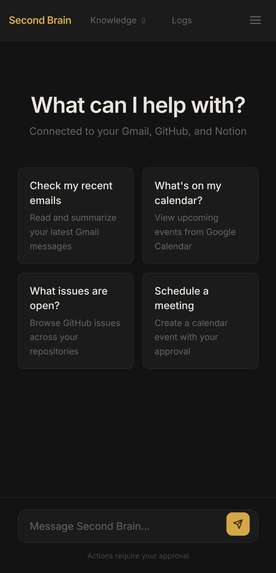
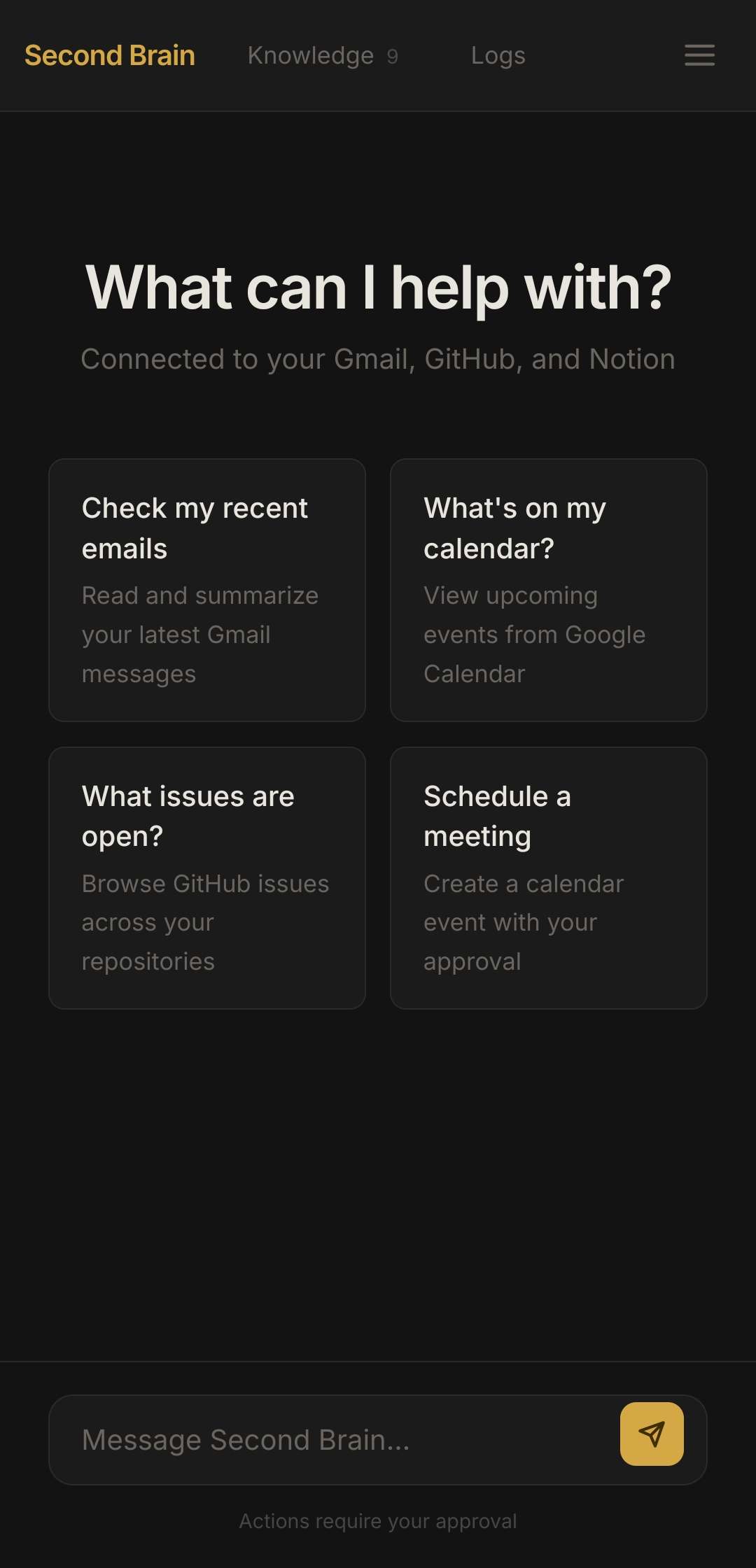
Mobile User Dashboard
Inspiration
I've been running my life out of a personal knowledge repo for months. Journal entries, career tracking, learning resources, project notes, all organized as markdown, all managed with AI. The AI could store and organize information, but it couldn't actually do anything. It couldn't read my emails, check my GitHub issues, or search my Notion pages. When the Auth0 hackathon came along with Token Vault, the idea clicked: give my Second Brain hands.
What it does
Second Brain is an AI chat interface that connects your Gmail, Google Calendar, GitHub, and Notion into one place. You can ask it to read your recent emails, check your schedule, search your GitHub repos, browse your Notion pages, and cross-reference everything against your personal knowledge base. The knowledge base comes with an inline markdown editor so you can edit entries directly without going through the AI. There's also a customizable AI Preferences file where you define your preferred formatting and writing style, and the AI follows those rules when creating new entries. When the AI wants to do something risky like sending an email, creating a calendar event, or posting a comment, it pauses and shows you exactly what it's about to do with an inline approval card. You approve or deny before anything happens.
How I built it
- Next.js + TypeScript for the full-stack web app
- Auth0 Token Vault to manage OAuth tokens for Gmail, Google Calendar, GitHub, and Notion (no API keys stored in the app)
- Vercel AI SDK v6 with Groq (Llama 3.3 70B) for the AI agent with 13 tools, using the native needsApproval pattern for human-in-the-loop control
- Neon PostgreSQL + Drizzle ORM for the knowledge store and action audit logs
- Each external service is a separate Token Vault connection with its own OAuth flow, and the agent retrieves fresh access tokens on demand through the federated token exchange grant
- System prompt includes security guardrails against prompt injection, identity spoofing, and credential leaks
Challenges I ran into
Notion OAuth was the biggest headache. Unlike Google and GitHub, Notion requires HTTP Basic Authentication for the token exchange (credentials in the header, not the body). Auth0's custom social connections don't have a UI toggle for this, so we had to use the Custom Headers field to manually set the Authorization header and write a custom fetchUserProfile script to call Notion's API.
Auth0 connection names are also case-sensitive. Notion vs notion caused 404 errors that took a while to track down.
Getting the approval flow right was tricky too. Migrating from a custom approval API to the Vercel AI SDK's native needsApproval pattern meant figuring out how the SDK serializes tool parts and renders them in the UI. Getting the approve/deny buttons to show up inline in the chat took a few iterations.
Accomplishments that I'm proud of
Getting three separate OAuth providers working through Token Vault in a single app. Each one had its own quirks (Google needs offline_access, GitHub is straightforward, Notion needs Basic Auth headers), but they all flow through the same exchangeTokenVault() function. Adding a new connection is basically one function call now.
The inline approval cards turned out really clean. Instead of redirecting to a separate page or showing a modal, the AI just pauses mid-conversation and shows you exactly what it wants to do. You hit approve, it picks up where it left off. It feels natural.
We also got the full loop working end to end: the AI can read an email, check your calendar, pull context from your Notion notes, find related GitHub issues, and draft a response, all in one conversation. That's the "second brain" moment. It's not just accessing one service, it's connecting dots across all of them.
What I learned
Token Vault is a really nice abstraction. Once a connection is set up, getting a fresh access token is a single function call. No token management code needed.
We also learned that the line between "authentication" and "connected accounts" in Auth0 matters more than you'd think. Even if you only want Token Vault access, you still need authentication enabled for the account-linking flow to work. That one tripped us up for a bit.
The biggest takeaway is that building a personal AI that acts on your behalf needs trust boundaries at every layer. Risk-tiered tools, human-in-the-loop approvals, and audit logging aren't nice-to-haves. They're the whole point.
What's next for Second Brain
- Write-back to Notion. Right now the AI can search and read Notion pages. The next step is letting it create and update pages too, with approval gating for anything destructive.
- Fine-grained access control. Using Auth0 FGA to set boundaries on what the AI can access. Your work knowledge vs your personal journal shouldn't be treated the same.
- Mobile push approvals. Right now approvals happen inline in the chat. Moving to CIBA (Auth0's backchannel auth) would let you approve actions from your phone even when you're not at your computer.
- Discord bot. Let users interact with their Second Brain through Discord, asking questions or getting schedule updates without opening the web app.
- More connections. Slack, Linear, Google Drive. The Token Vault pattern makes each new integration mostly a matter of writing the tool logic, not dealing with auth plumbing.
Bonus Blog Post
What Token Vault Actually Feels Like to Build With
Before this project, my workflow was a lot of manual copying. I'd open Notion, find the page I needed, copy the relevant info into my knowledge base. Check my email in one tab, update my notes in another. It worked, but it was slow and I always felt like I was the glue holding everything together.
The idea behind Second Brain was to let an AI do that glue work. But the problem with connecting to Gmail, GitHub, and Notion is that each one needs OAuth. That means token exchanges, scopes, refresh logic. Token Vault handled all of that. I set up each service as an Auth0 social connection, and my app just calls exchangeTokenVault() to get a fresh access token whenever a tool needs one. No tokens stored in my database, no refresh logic in my code.
Gmail and GitHub were straightforward to connect. Notion was the hard one. Notion requires HTTP Basic Authentication for the token exchange, meaning credentials go in the Authorization header instead of the request body. Auth0's connection UI doesn't have a simple toggle for that. I ended up using the Custom Headers field to manually set the Basic Auth header and wrote a custom fetchUserProfile script to call Notion's API. Took a few hours of debugging, but once it worked, it behaved just like the other connections.
The best part is how adding new integrations became a pattern. Write the tool, call exchangeTokenVault(), use the token. When I added Google Calendar later, it took minutes because the Google connection already existed. The auth plumbing just disappears, and you get to focus on what the tool actually does.
Built With
- auth0
- github
- google-gmail-oauth
- groq
- next.js
- notion
- postgresql
- react
- typescript
- vercel


Log in or sign up for Devpost to join the conversation.