The problem
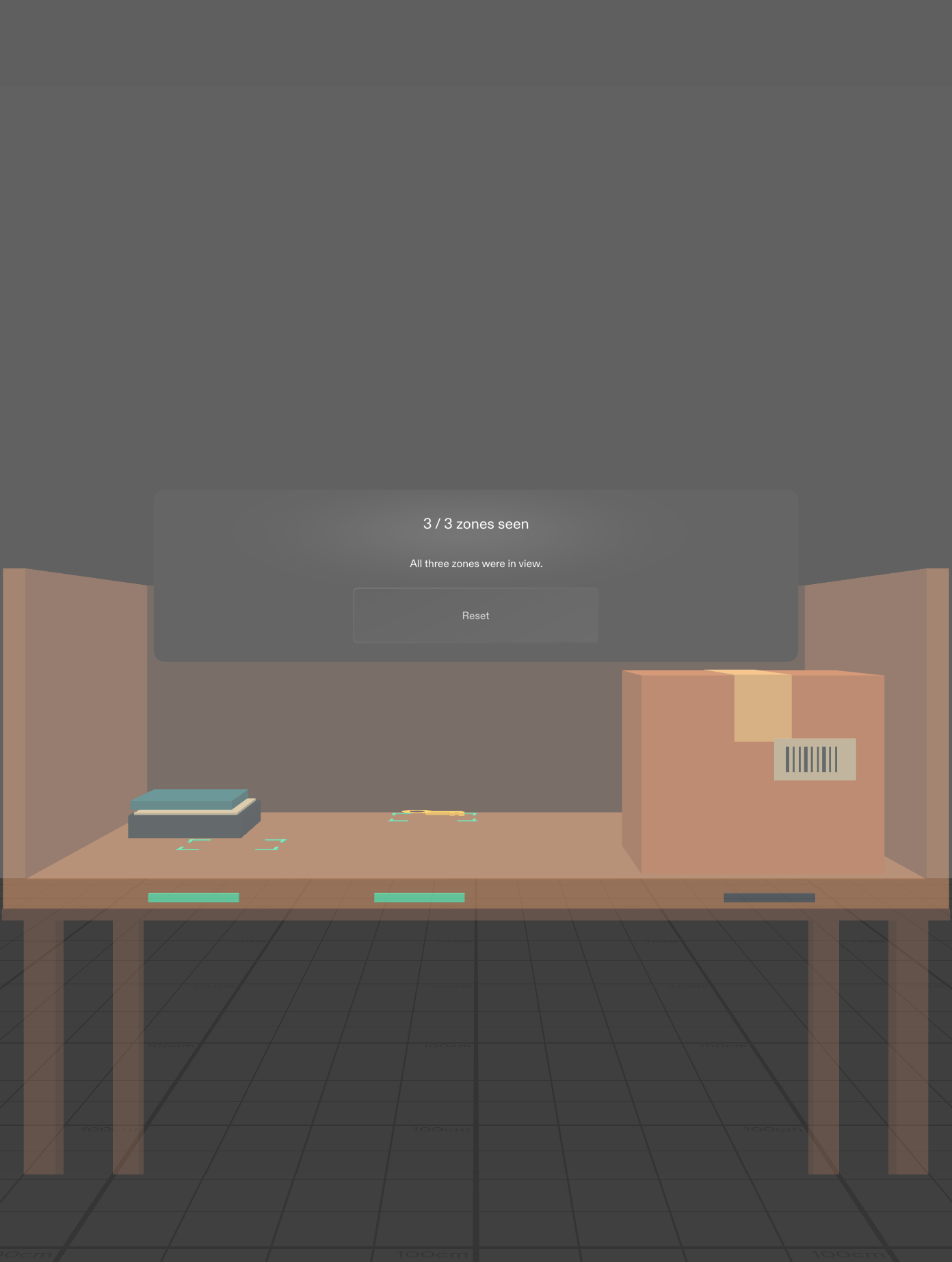
When a key goes missing on a cluttered shelf, it is easy to check the same spots twice and skip the place behind a box. Searchlight gives anyone looking for a misplaced item a way to see which shelf zones are still hidden.
How it works
Pinch Start search to begin. Small marks on the shelf show which zones have been in view and which one is blocked. Step sideways in the preview or pinch the box to slide it. The key comes into view and the count goes from 2 of 3 zones to 3 of 3. Reset lets you repeat the search.
How we built and tested it
We scoped one spatial interaction in a planning discussion informed by Devpost Learn and captured the design decisions in the repository. An AI coding agent built the Lens with the Specs CLAD workflow, Lens Studio MCP and TypeScript. The Spectacles Interaction Kit provides pinch input. The Lens checks sample points against the Preview camera and the box before marking each zone as seen. We tested the shelf, box and key in SPECS 27 Interactive Preview. The objects are simulated.
What we learned
Put a cue next to the place it describes so people can keep looking at the shelf. The coverage count tells you what was in the camera view. The actual search still belongs to the person wearing the glasses.
