-
-
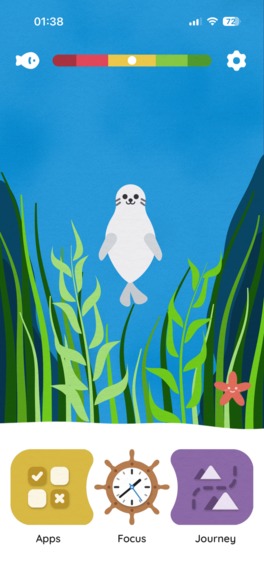
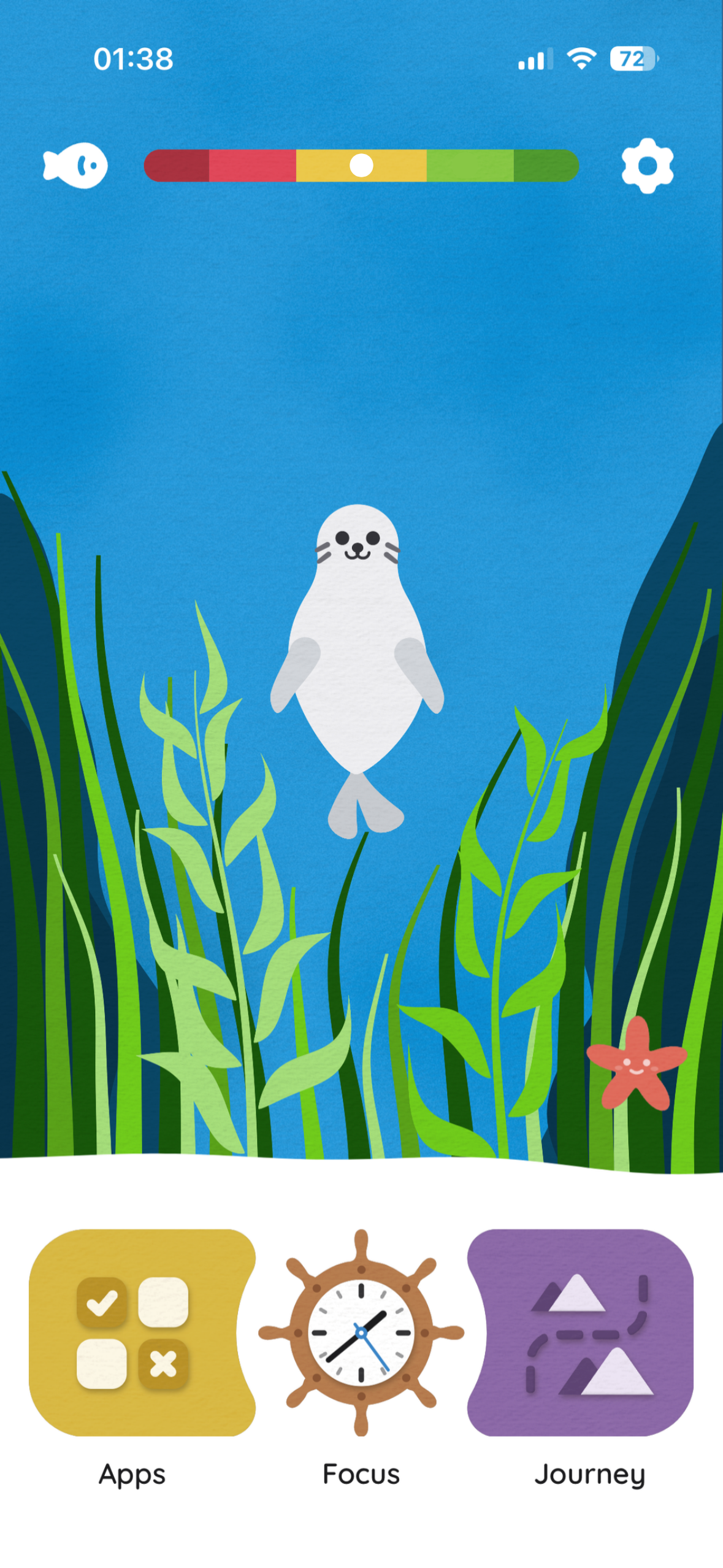
Home Screen
-
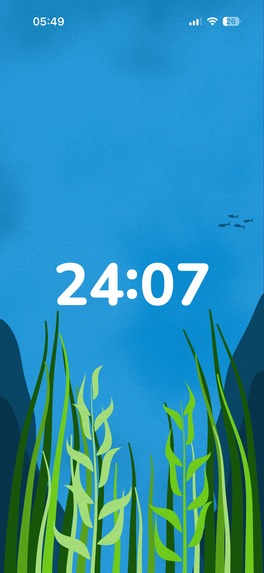
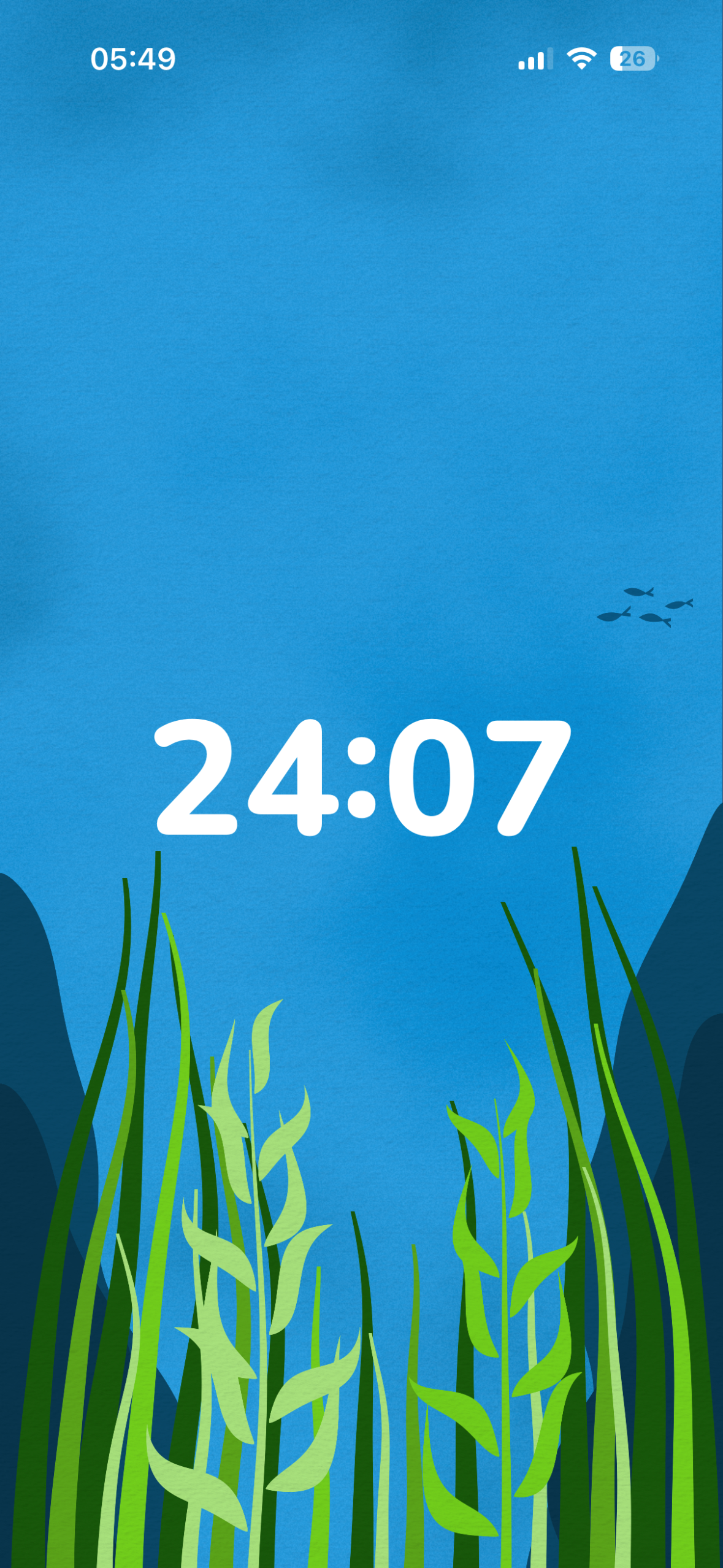
Focus Timer
-
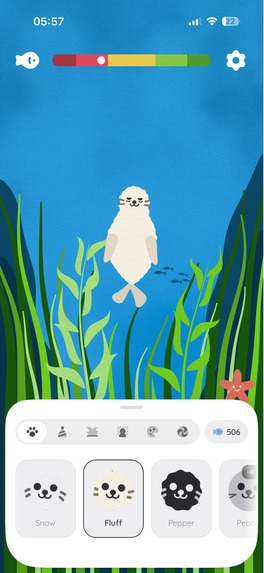
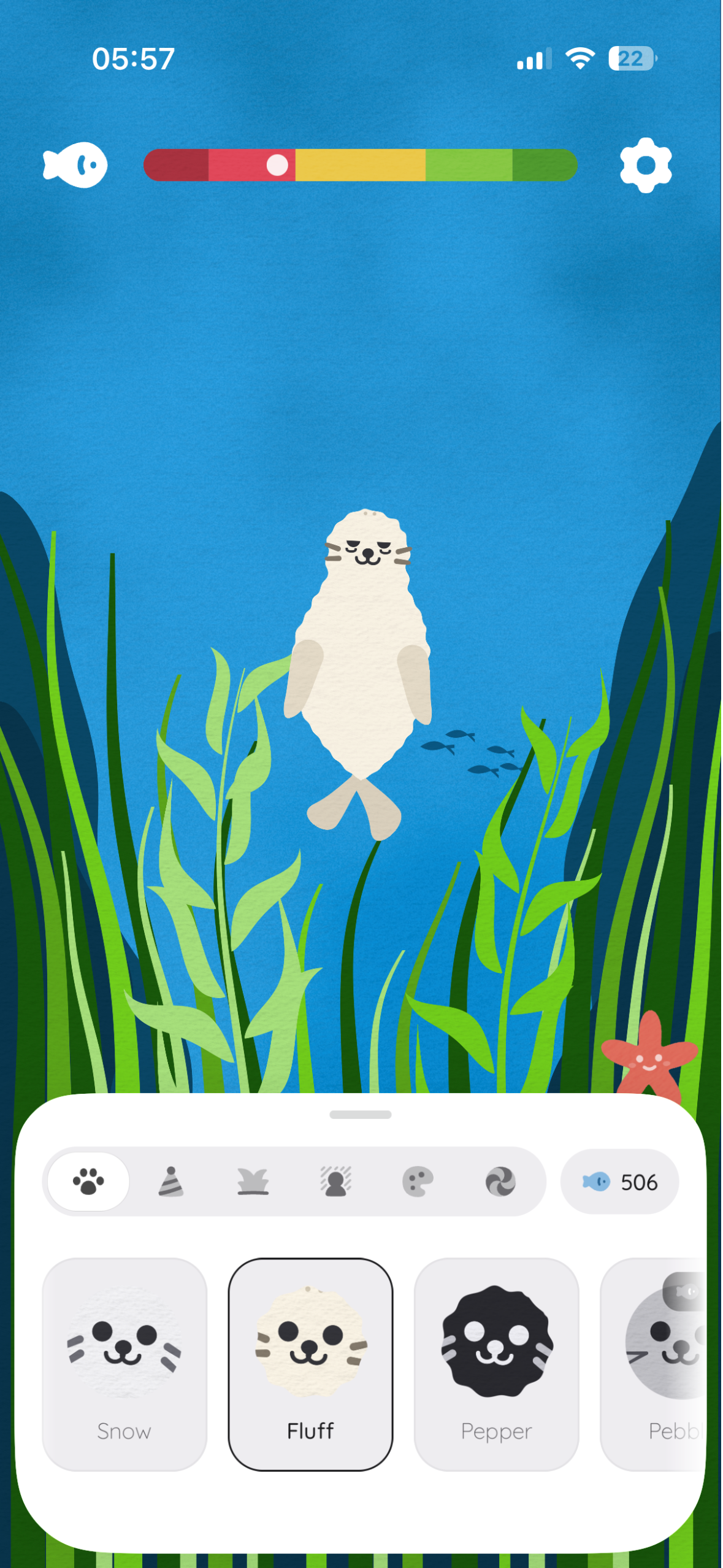
Buddy Customisation
-
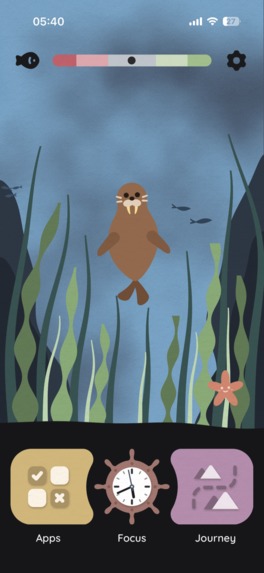
Fjord Color Palette
-
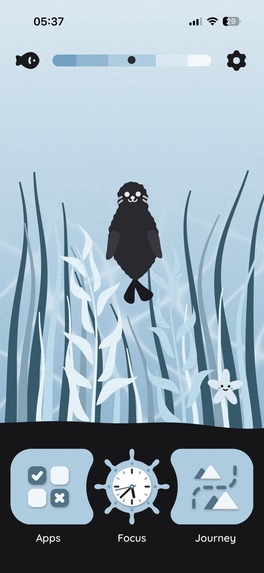
Sky Color Palette
-
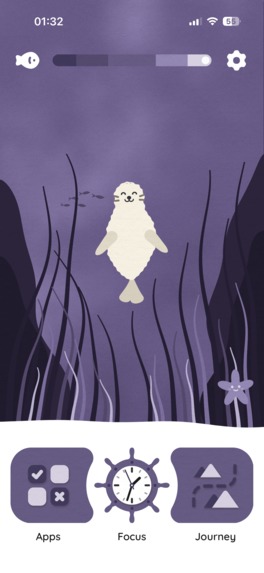
-
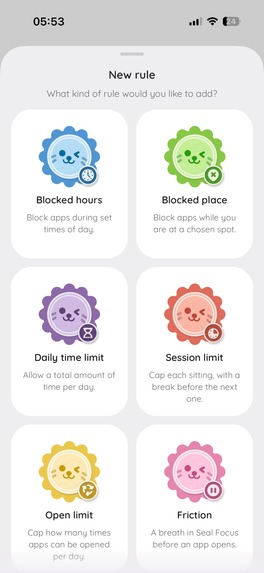
App Blocking Rules
-
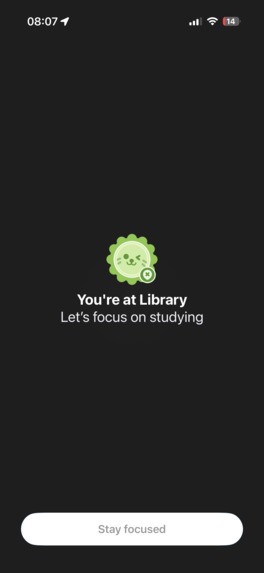
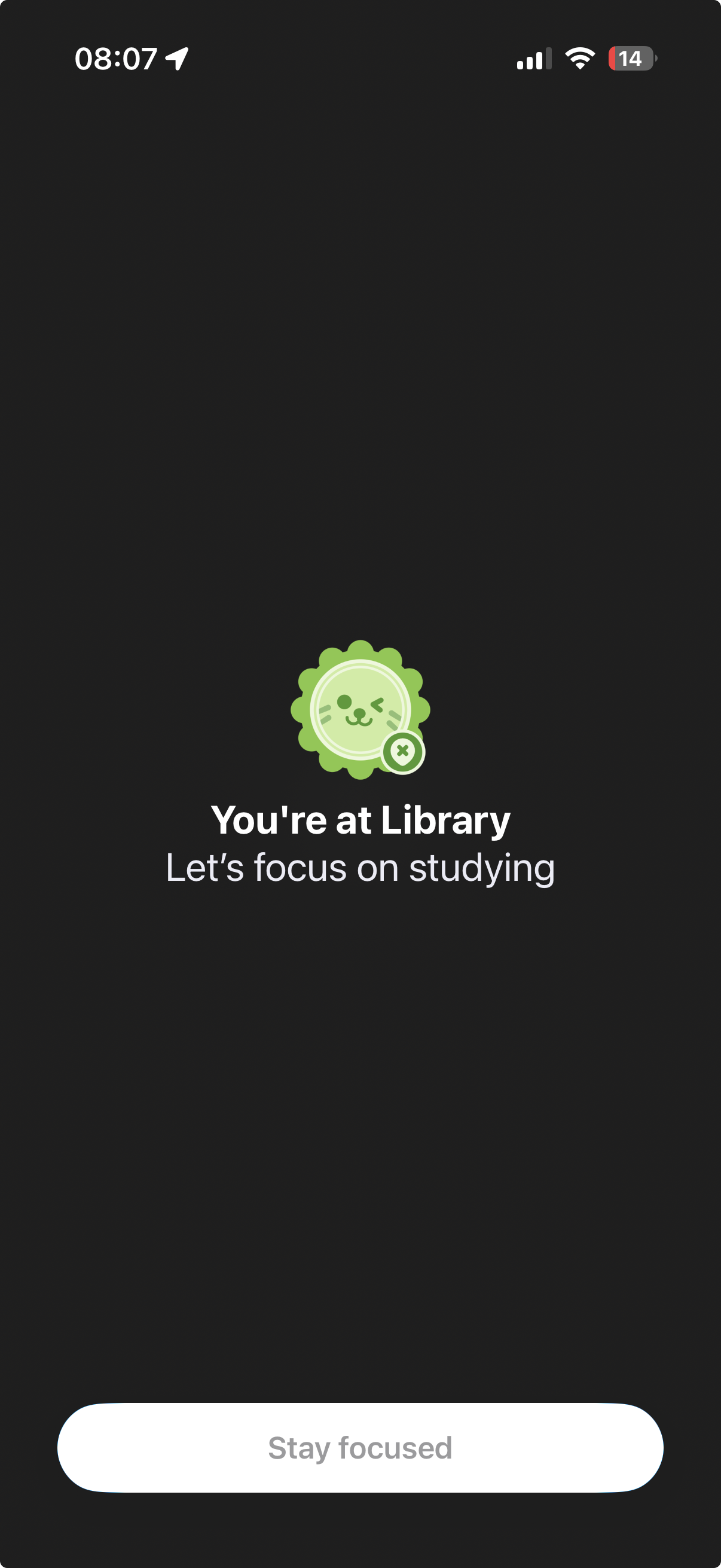
Blocked App
-
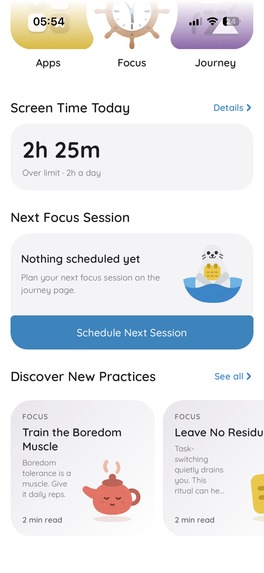
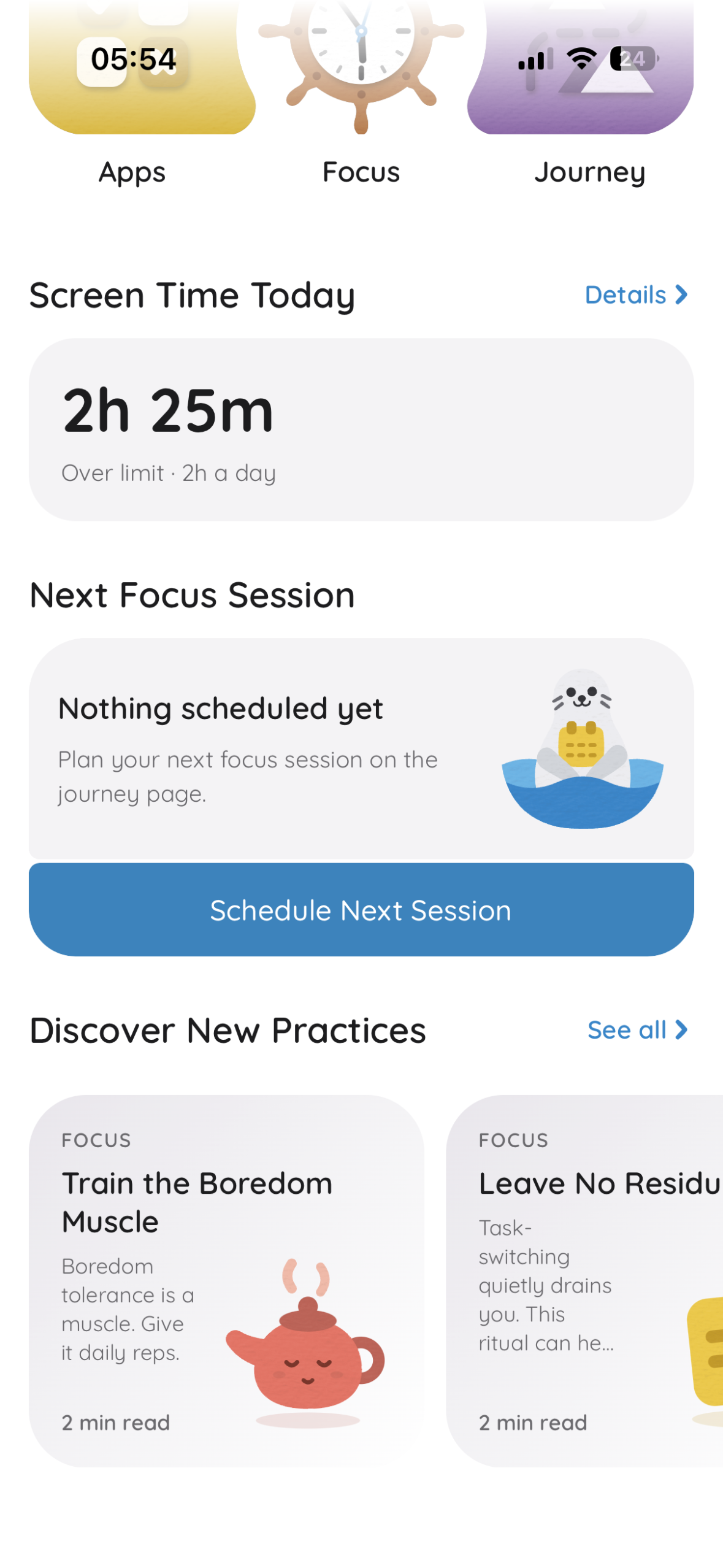
Home Screen Bottom Sheet
-

App Icon

Inspiration
Too often my friends and I would sit down to study and, 20 minutes later, find ourselves doomscrolling instead.
I tried app-blocking apps, but most of them were built around set hours. As a freelancer, I rarely have a fixed schedule, so sadly they weren't much help.
I thought having a physical place dedicated to work might help, so at the beginning of the year I started going to my local library. Turns out I could procrastinate there just as easily (it didn't help that, as a developer, I'm often on my phone testing new app features).
Then I thought: how convenient would it be to have an app that detects when I'm near my local library and blocks the apps that keep me from focusing while I'm there?
That was the start of Seal Focus. 🦭
What it does
It started as a location-based screen time control app and, over time, grew into a more complex app with multiple rules and features.
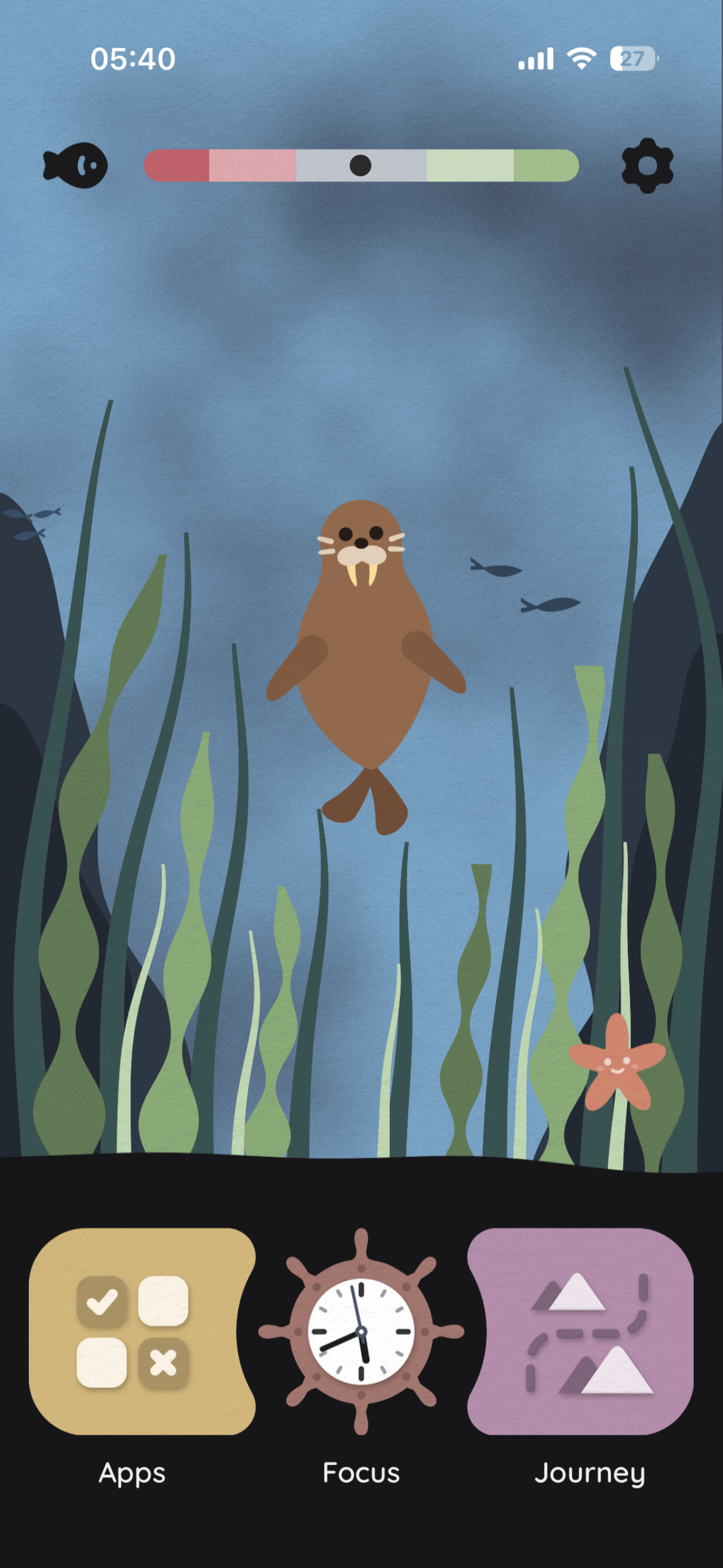
Today, Seal Focus is a screen time control app with a buddy at its center that shows how the user is doing with their screen time.
With Seal Focus, users can:
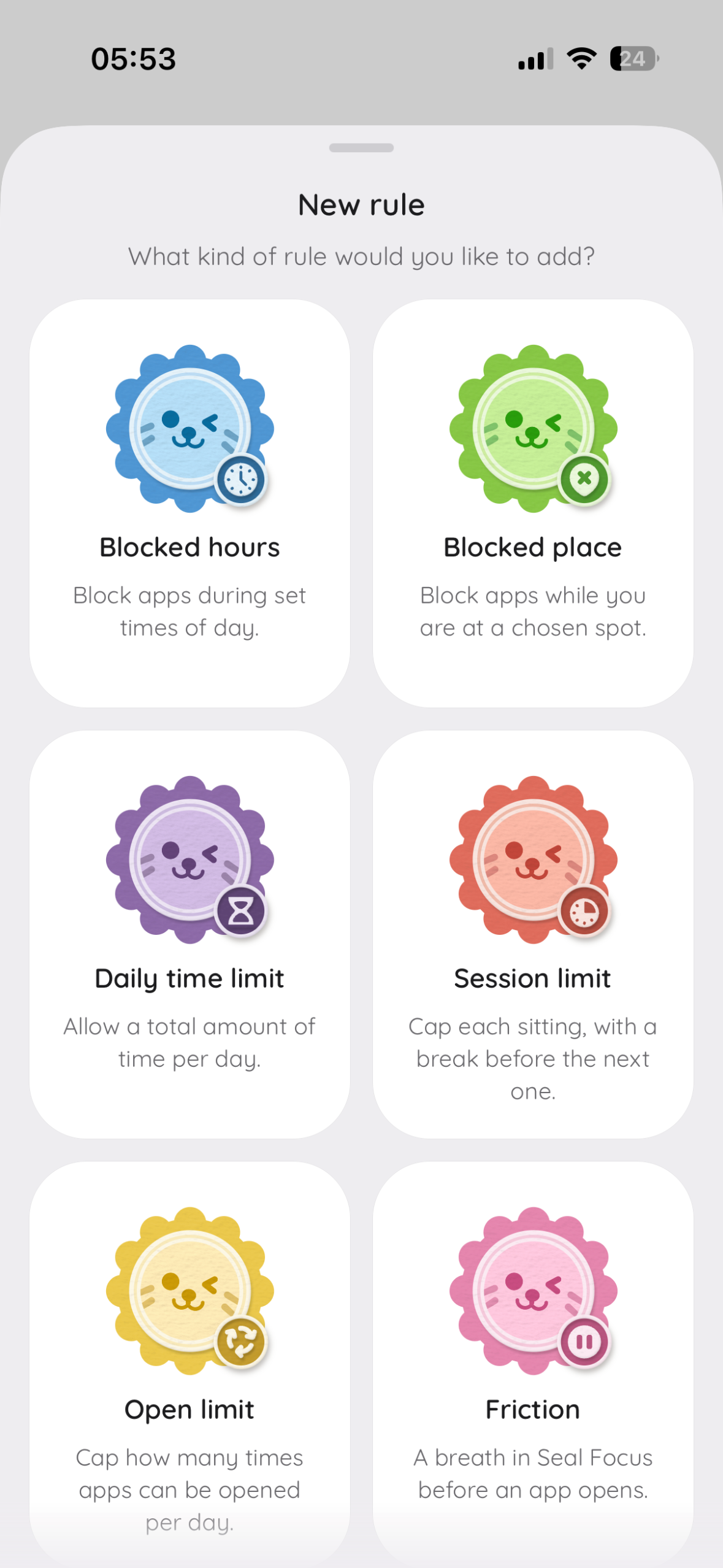
- 🚫 Block or limit distracting apps
- 📅 Schedule focus sessions
- ⏱️ Use a Pomodoro timer
- 🎨 Customize their buddy
- 📊 See Screen Time stats
…and more!
How I built it
When I started, I didn't have a clear vision of what the app should look like or what screens it should have. All I knew was that I wanted it to be easy to use, fun, and useful. So I spent a couple of weeks experimenting and testing different ideas, then found what I liked and iterated on that.
Seal Focus was built with privacy in mind. There are no accounts or databases: all user data is stored locally on their device. Almost everything in the app was generated in code, except for icons and focus timer sounds.
Tech stack
| Area | Tools |
|---|---|
| Framework | React Native with Expo |
| State persistence | MMKV |
| Audio | ElevenLabs + free sounds + FL Studio |
Designing the app
Designing the app was probably the most fun part of this project (and also the most time-consuming one).
The goal was that, from the first second after opening the app, the user would clearly see their screen time and how they're doing against their limit. That resulted in a seal mascot with a screen time meter at the top as the centerpiece of the app.
Design decisions that shaped Seal Focus:
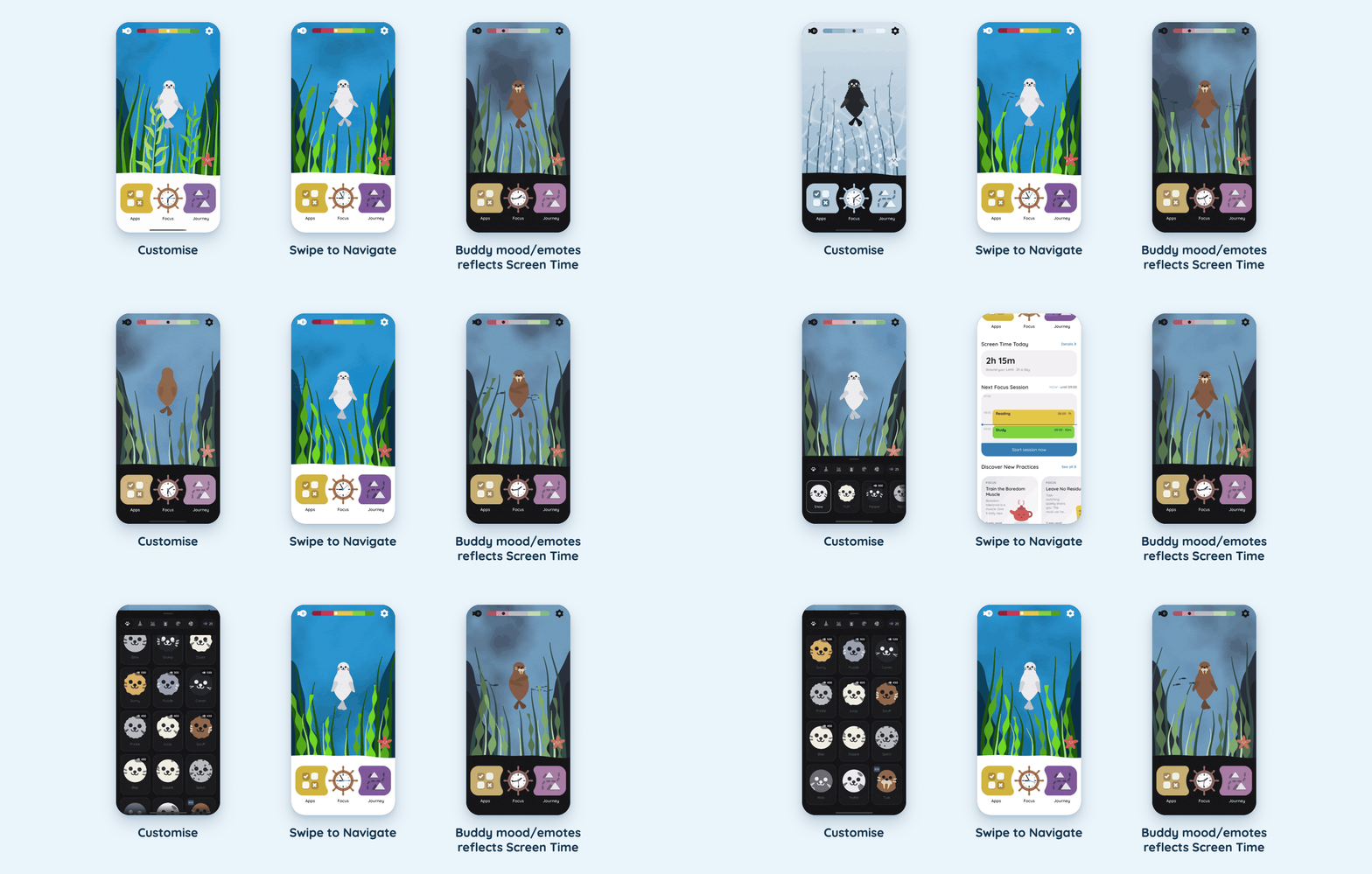
- No typical tab navigation. Instead, there are 3 buttons on a slidable bottom section, making all the most important content reachable with one swipe gesture
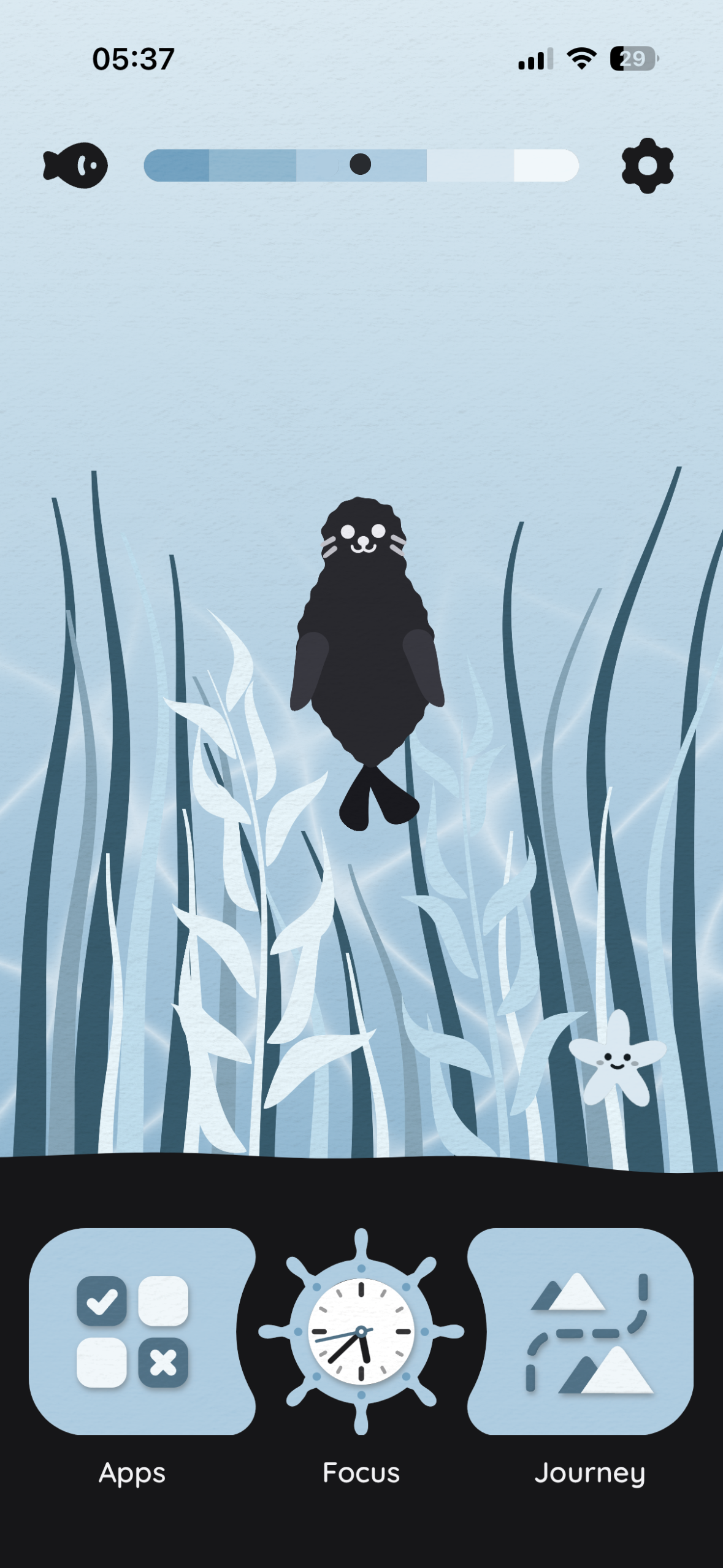
- A handmade look. Every illustration has a paper texture by default, which gives the app a warm, printed, storybook feel. The app asks you to step away from glossy, attention-seeking screens, so it should not look like one. The paper look feels calm and tactile, closer to a picture book than a feed.
- Buddy responds to user screen time. Buddy emotes and facial expressions change depending on today's screen time. A buddy you want to keep happy turns an abstract number into something you care about, so you keep checking in.
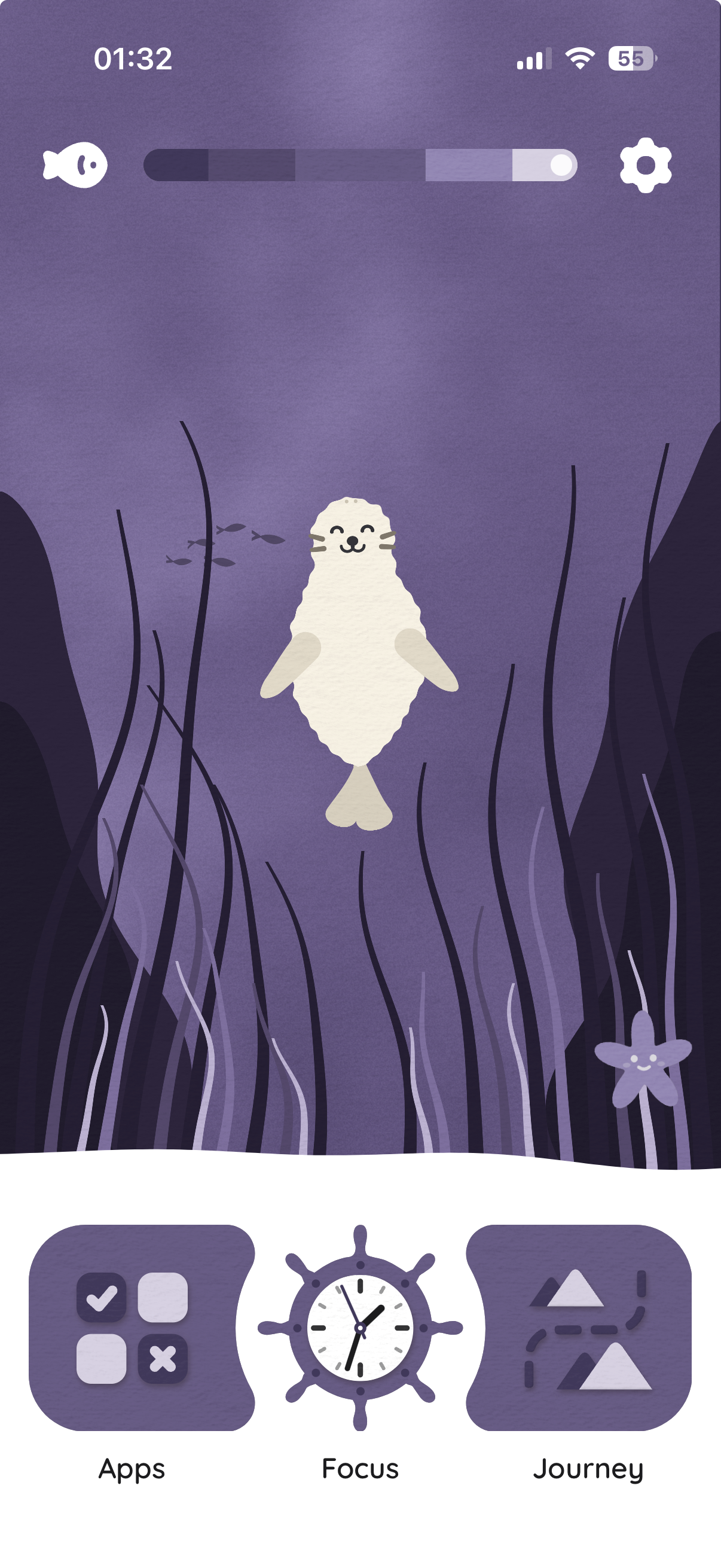
- Customisation. Users can change the buddy, the plants, the backgrounds, the water, the colour palette, light or dark theme, and the texture itself. When you change your buddy, it updates in the home animation and in every illustration where it appears. Customisation usually costs an app its visual consistency. Here every combination still looks like one designed world. It also strengthens the core idea, because you care more about a buddy you chose yourself, and that is what gives its expression weight.
Challenges I ran into
The biggest challenge was keeping the app fast and responsive as it grew in complexity.
After adding all the animations, I spent 2 whole days fighting with the performance monitor. In the end, I gave up a couple of design decisions to keep the app more performance-friendly (sad, but balance is key).
Accomplishments I'm proud of
I am really proud how satisfying the UX turned out to be. This was one of the most complex solo project I've taken on so far, and it pushed me to really grow and become a better developer.
I'm also proud that by creating this app I was able to solve a problem I encountered repeatedly in my own life. I hope to share it with more people to make focused work easier for everyone.
What I learned
- App Store review can take longer than you expect. Always leave a buffer, especially when there's a deadline.
- Decide early what version 1 of your app needs. Features pile up fast, so prioritize the ones that stand between you and launch.
- Only ask for the permissions you really need. Apple checks every background mode you declare. My build was rejected for declaring one it didn't use. It was a quick fix, but it delayed the release by a few days.
What's next for Seal Focus
- Strict mode: Allow users to lock app-blocking rules so it can't disabled while they're active.
- More assets, emotes, and customization options: Give users even more ways to personalize their buddy and make the app feel like their own.
- Localization: Translate Seal Focus into more languages so people around the world can use it comfortably.
- Marketing: Unfortunately, I didn't have time to market the app before the Shipaton deadline, since most of my time went into building, polishing, and getting through App Store review. Now that the app is live, I plan to start sharing Seal Focus with the people it was built for: students, freelancers, and anyone who struggles to stay focused. My goal is to grow Seal Focus organically by building a small community around it. 🦭
