-
-
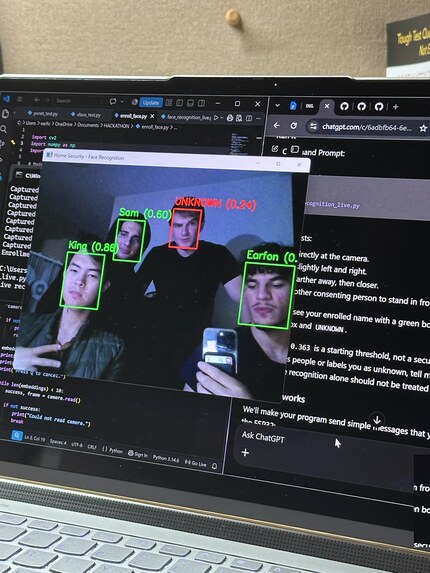
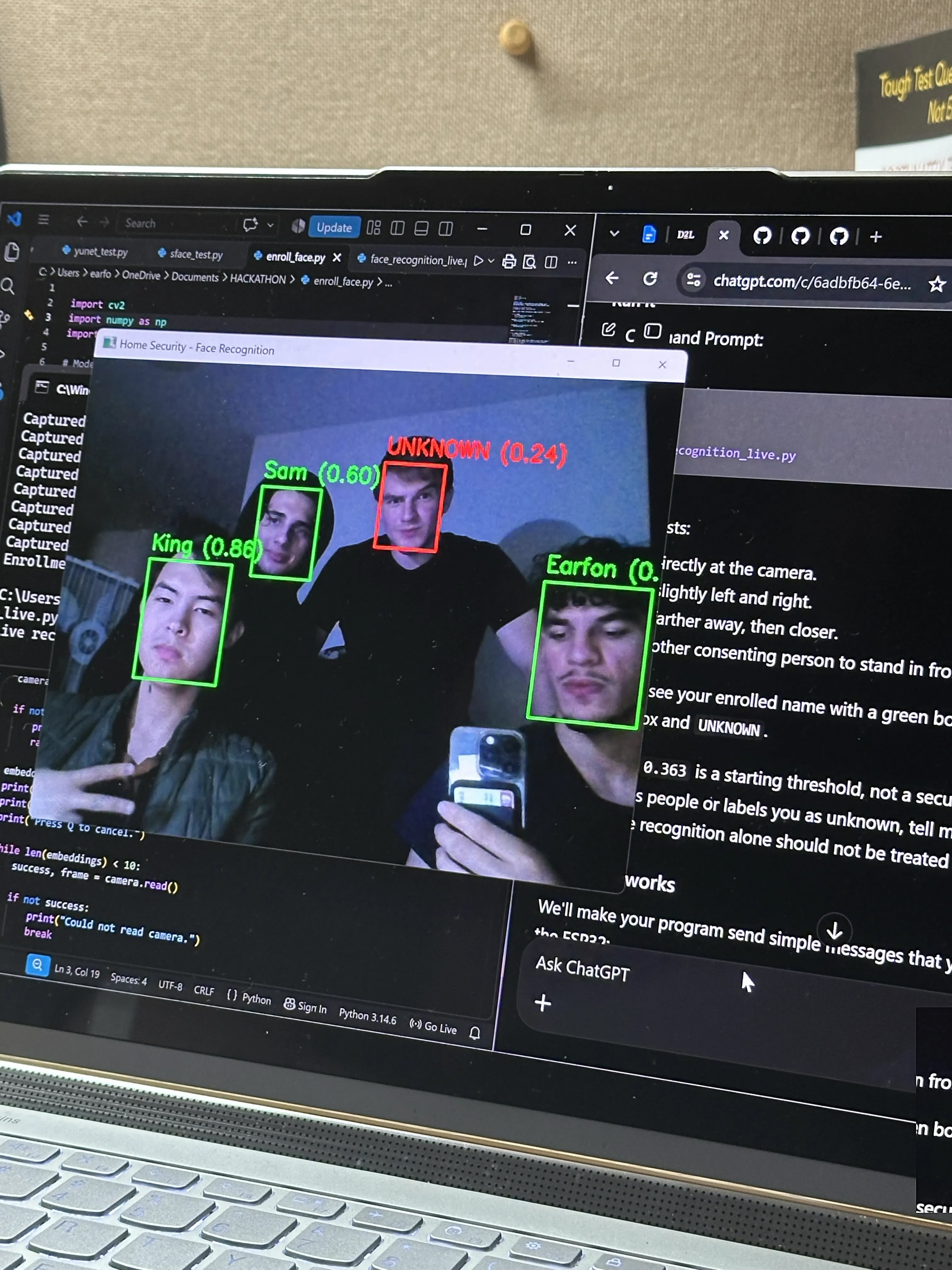
Team Photo using facial detection software
-
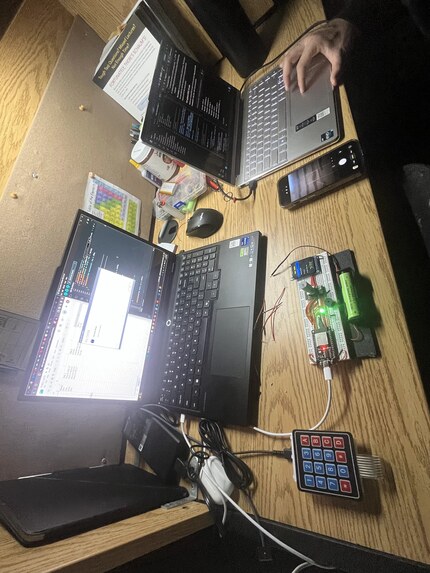
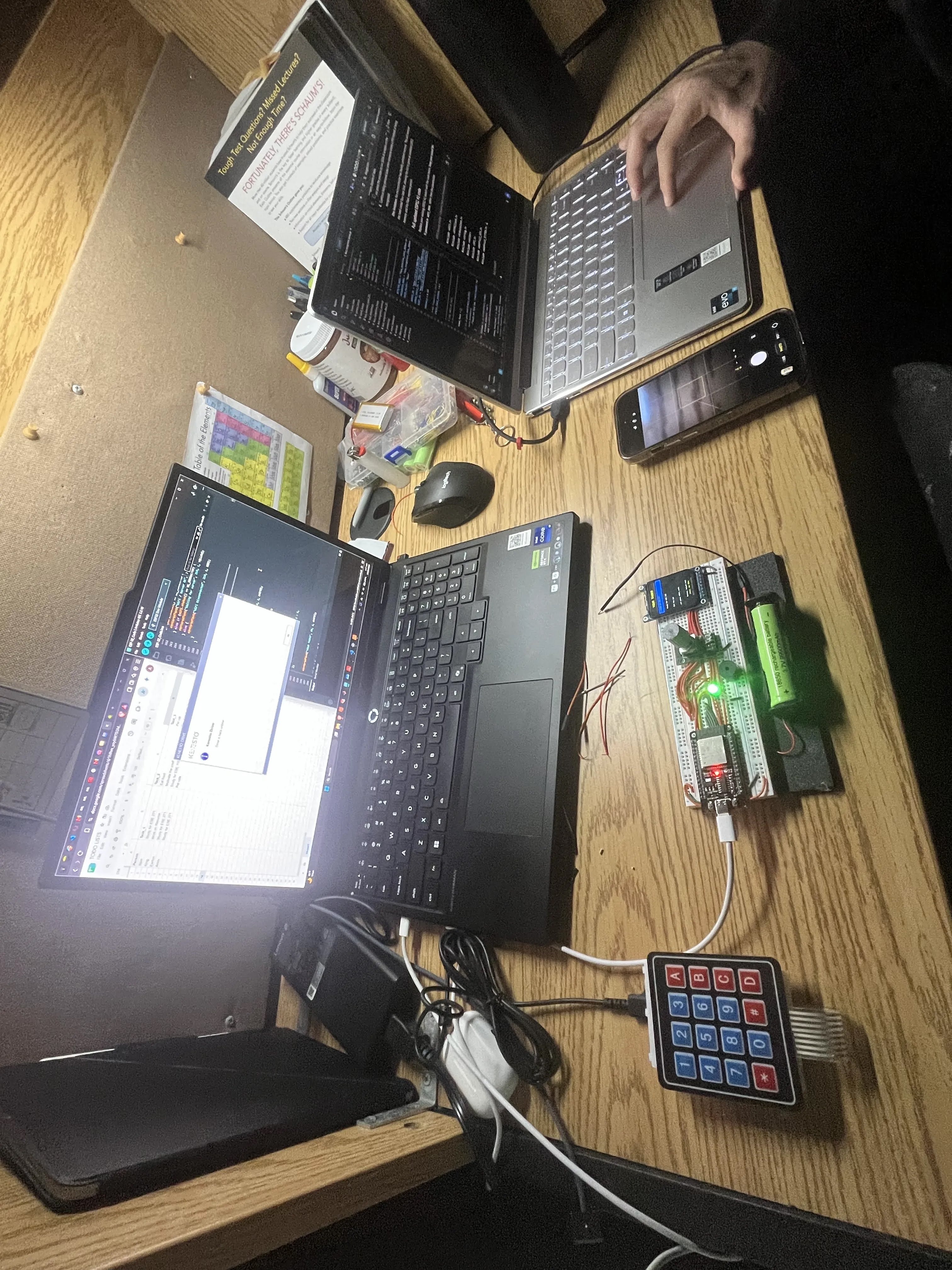
Workplace 2
-
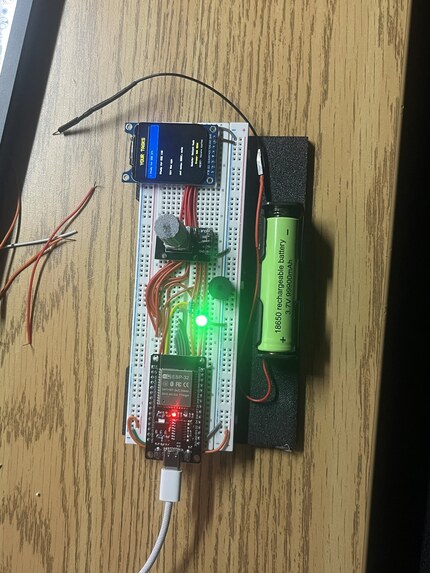
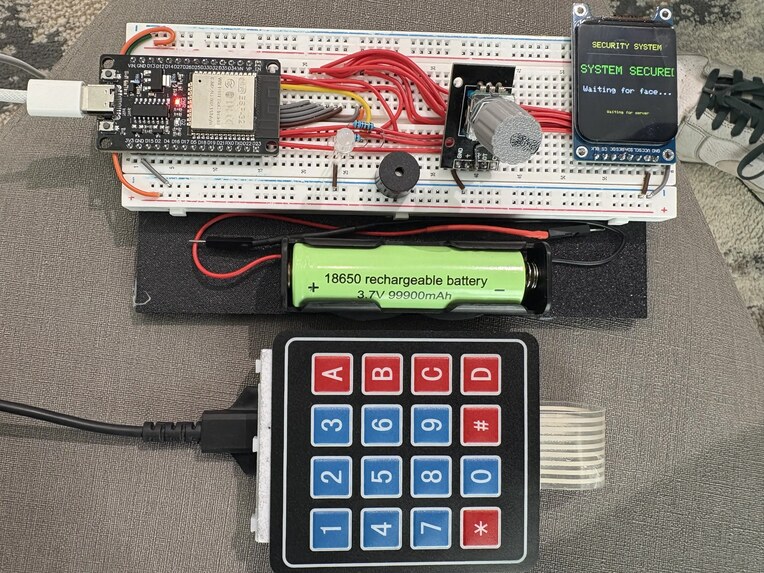
Prototype
-
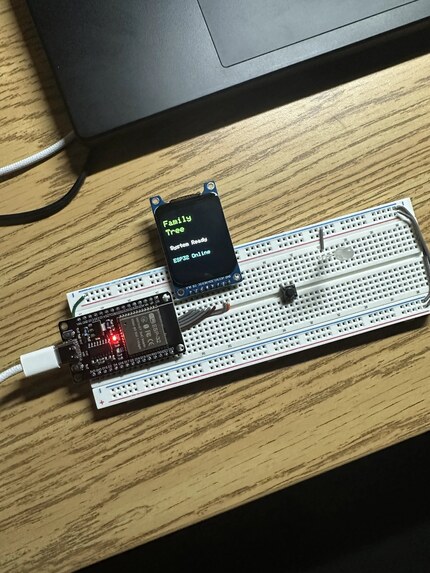
Initial TFT Display test
-
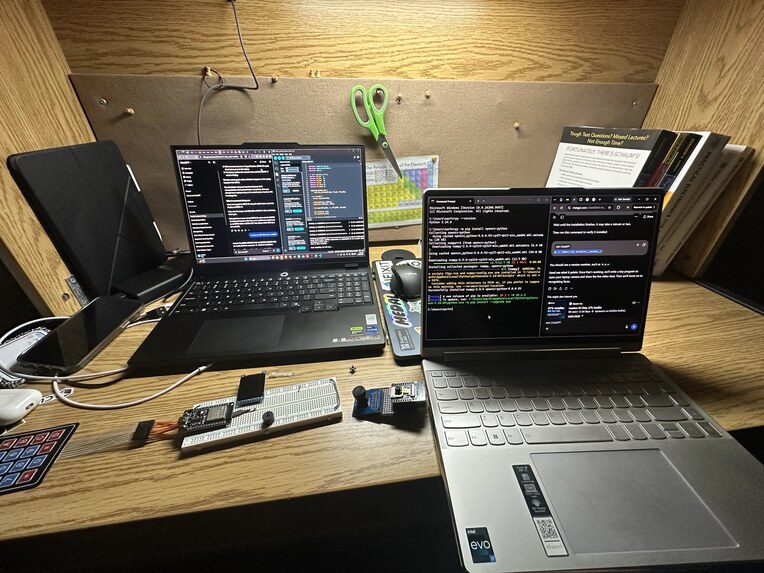
Workplace
-
Final Submission
Inspiration
ScheduMana started with an idea from one of our teammates about creating an AI-powered pill dispenser that would remind elderly people when to take their medication. We eventually expanded this concept into a family assistance system where multiple ESP32s could communicate with each other, helping children, parents, and elderly family members manage their responsibilities.
As we continued brainstorming, we realized that managing time and daily responsibilities was something everyone struggled with, regardless of age. We wanted to create something that went beyond a regular to-do list by actually helping people accomplish their tasks. This led us to develop ScheduMana.
What it does
ScheduMana is an AI-powered task and schedule manager that uses facial recognition to identify users and retrieve their personalized task lists from Google Sheets. Users can manage an expandable list of tasks and navigate through them using a physical rotary encoder and a TFT display connected to an ESP32.
When a task is selected, our locally running Llama AI language model analyzes it, estimates how long it might take to complete, and provides three actionable tips to help the user accomplish it more efficiently.
Our goal is to make task management more interactive, personalized, and practical by helping users understand not just what they need to do, but how to get it done.
How we built it
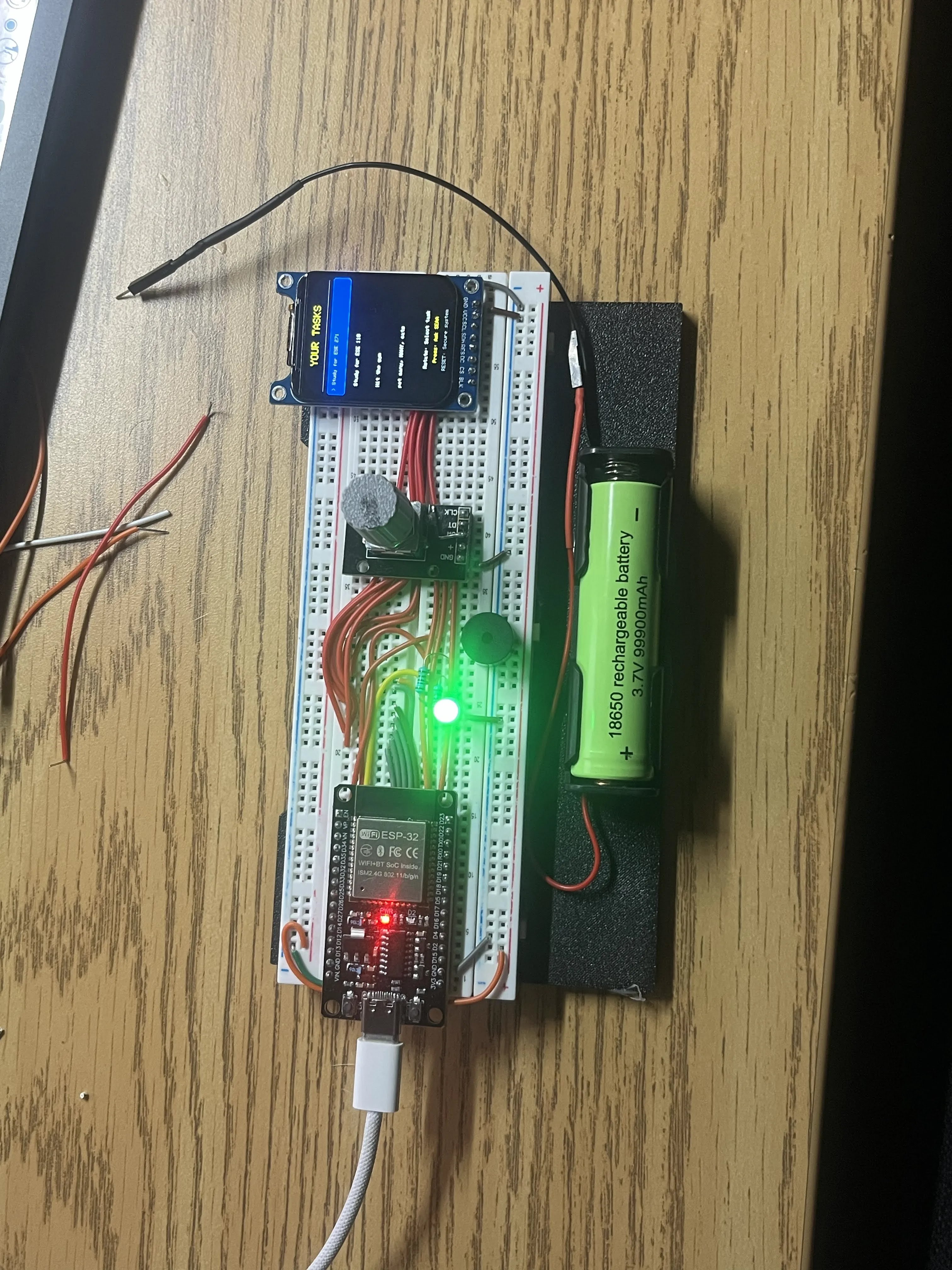
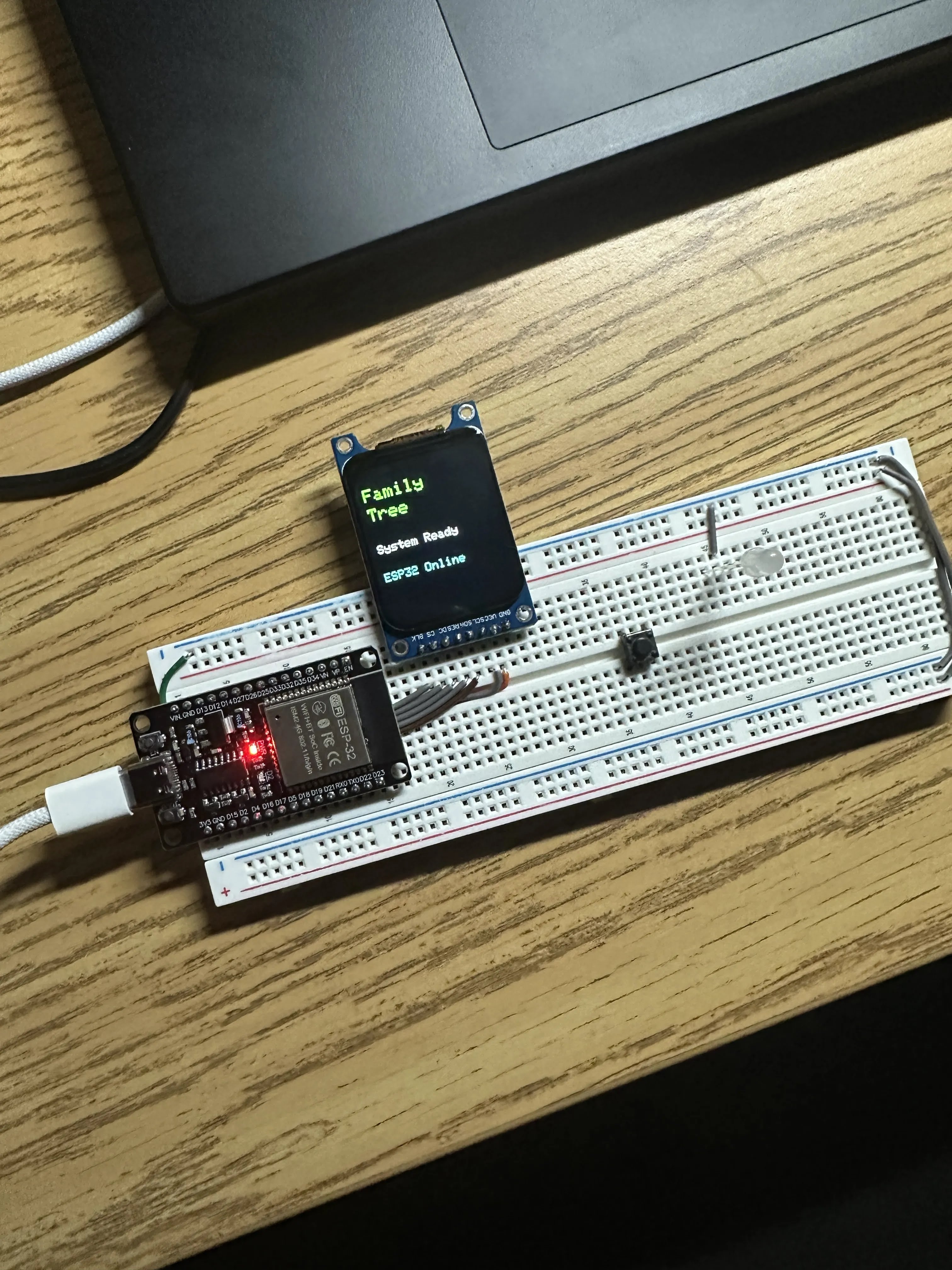
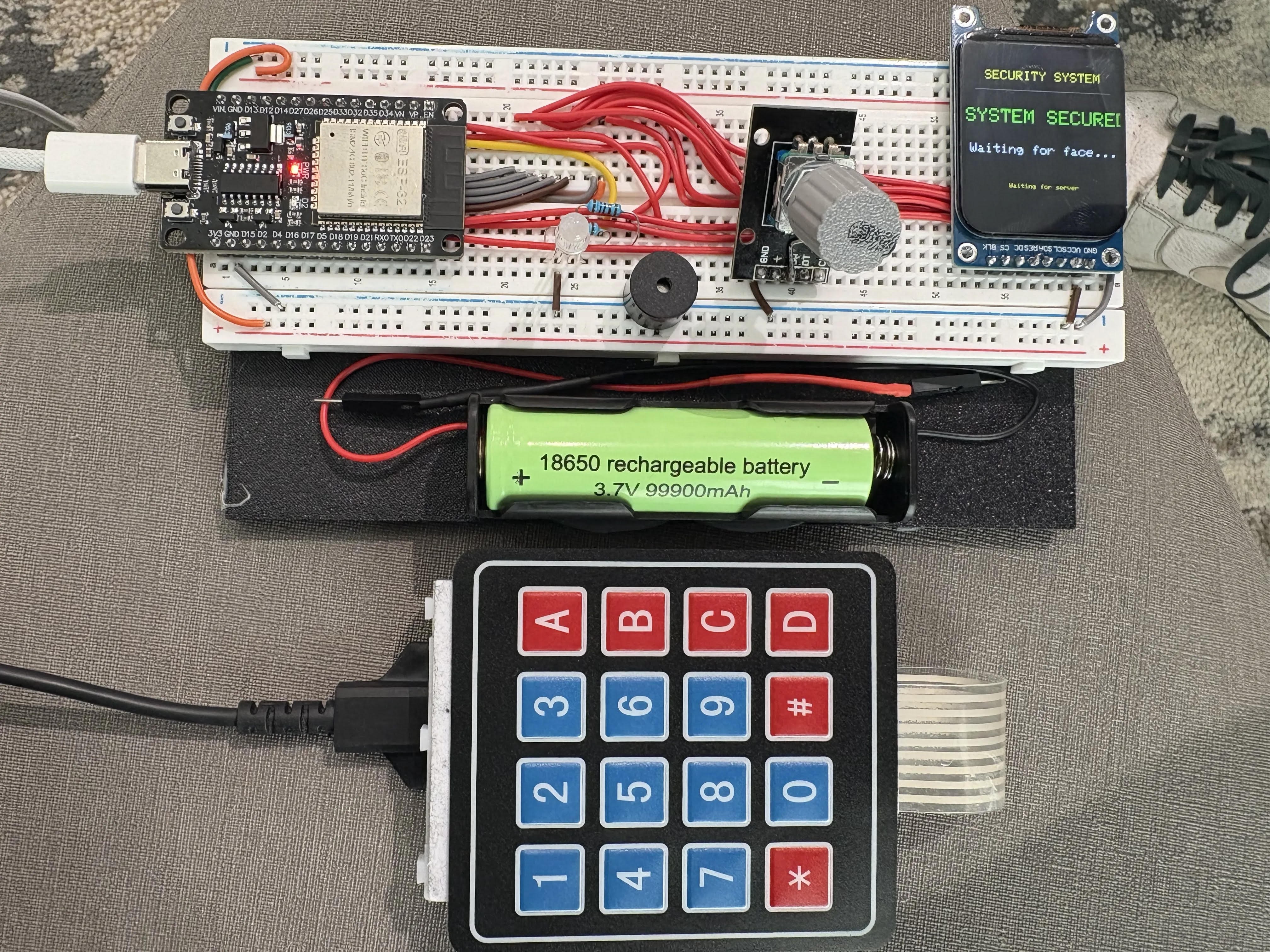
We built ScheduMana using ESP32 microcontrollers, a 1.69-inch TFT display, a matrix keypad, a rotary encoder, LEDs, a passive buzzer, and a laptop running Python.
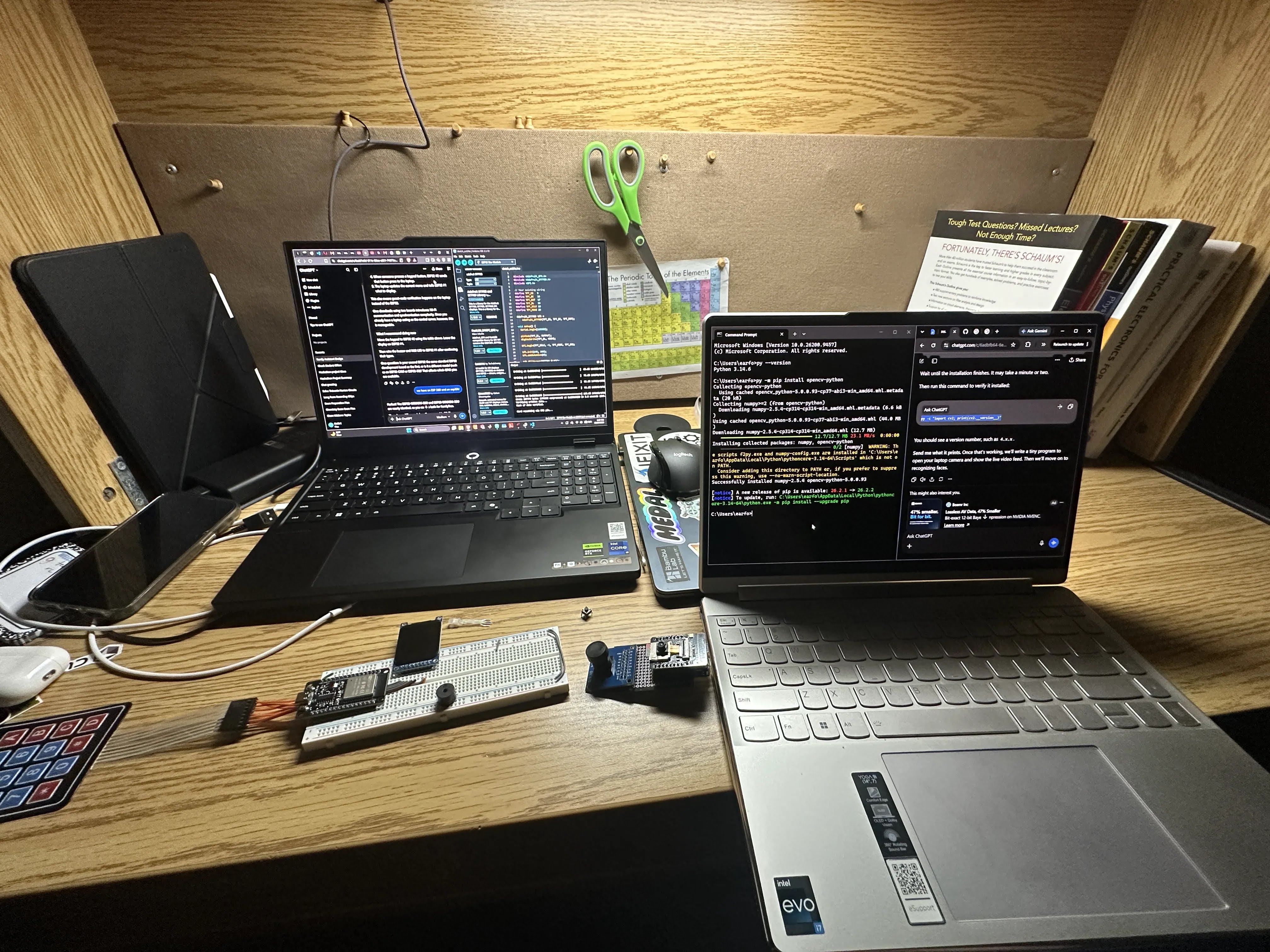
We programmed the ESP32s using C++ in Arduino IDE and developed a Python Flask web server to handle communication between the hardware, facial recognition software, Google Sheets, and our AI model.
The laptop's webcam uses OpenCV to recognize registered users, while the Python server retrieves their corresponding tasks from Google Sheets. The rotary encoder allows users to scroll through and select tasks, while the keypad provides additional input functionality. We used Llama 3.2 through Ollama to run our AI locally, generating task completion estimates and three practical tips.
We divided responsibilities among our teammates, with different members focusing on hardware development, facial recognition, Python server development, and communication between the ESP32s and the server.
Challenges we ran into
One of our biggest challenges was working with technologies we had never used before, particularly facial recognition and AI integration. We encountered issues with programming the ESP32s, connecting them to the Python server, troubleshooting the TFT display, and getting the different hardware and software components to communicate properly.
Another major challenge was agreeing on a direction for the project. Everyone had different ideas and ambitions, and we initially struggled to fit everything into one realistic design. We had to compromise, prioritize features, and divide responsibilities to make progress under the hackathon's time constraints.
Bringing together everyone's individual work was another challenge, especially when changes to one component affected other parts of the system.
Accomplishments that we're proud of
We're especially proud of developing an AI-powered hardware system despite having no previous experience with facial recognition software. Integrating multiple ESP32s, physical controls, personalized Google Sheets task lists, and a locally running Llama AI model was a major accomplishment for us.
We're also proud of creating a system that lets users navigate their tasks physically and receive AI-generated time estimates and recommendations rather than simply displaying a to-do list.
Most importantly, we're proud of how we adapted our original concept and overcame challenges as a team. Despite our initial disagreements and technical difficulties, we managed to work together and combine our individual contributions into one functioning prototype.
What we learned
Throughout this hackathon, we gained hands-on experience with Python, C++, facial recognition, local AI models, ESP32 programming, and wireless communication between hardware and software. We also learned how to use a rotary encoder for physical navigation and connect Google Sheets to a Python backend.
More importantly, we learned how essential teamwork, communication, and time management are in engineering. We realized that ambitious ideas require realistic planning, flexibility, and cooperation. This experience challenged us to learn unfamiliar technologies quickly, troubleshoot unexpected problems, and work together under pressure.
What's next for SEAA's ScheduMana
Although we've implemented ScheduMana's core functionality, we want to continue expanding its capabilities. One of our main goals is to make the system more portable and independent, reducing its reliance on a laptop for processing.
We also want to improve the AI's ability to prioritize tasks based on deadlines, difficulty, and available time. In the future, we hope to introduce automatic schedule generation, task progress tracking, and AI-powered task breakdowns that divide larger assignments into smaller, more manageable steps.
Additionally, we'd like to expand compatibility with other scheduling platforms and continue improving the user interface.
Ultimately, our goal is to turn SEAA's ScheduMana into a practical AI-powered productivity assistant that helps people manage their time and accomplish their goals more efficiently.

Log in or sign up for Devpost to join the conversation.