-
-
-
-
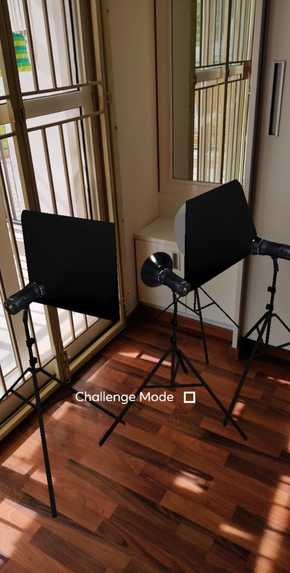
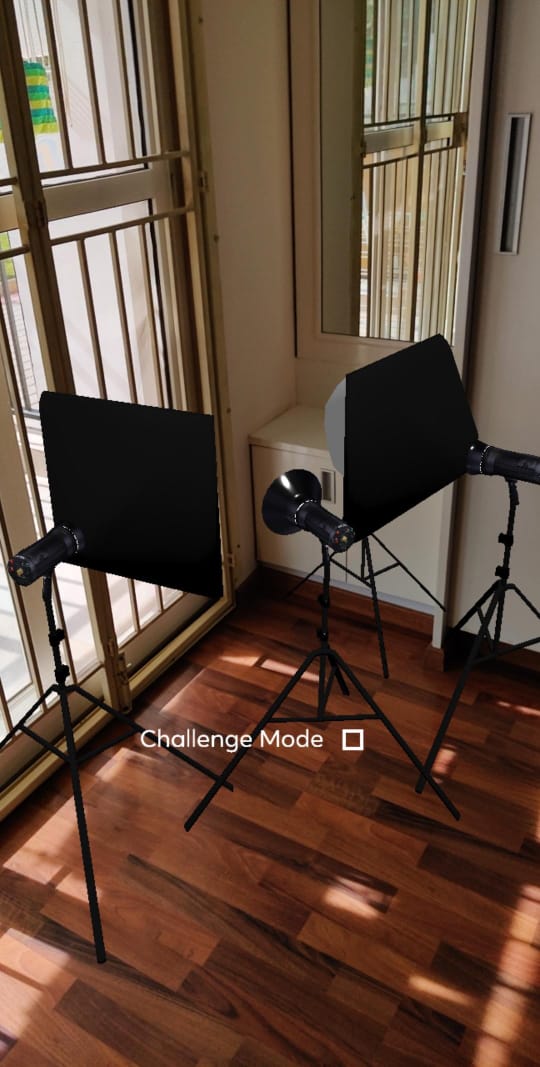
realistic studio lights
Inspiration
It started out as a way to replicate the "Hole in the Wall" TV show and have users pose to fit the hole. The photos taken at the moment of contact between the wall and the user would then be displayed as a gif probably comprising of funny instances. This however morphed into a form of gif making too but with nicer backgrounds and filters to match the aesthetic environment of Instagram. To add that additional realism we finally reached the stage that we are in now where the user can set up an AR studio with the cameras and pose while it takes the three shots and makes a gif out of it.
What it does
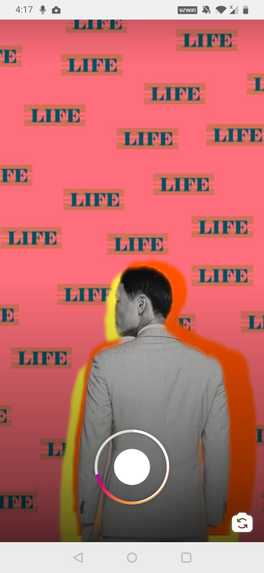
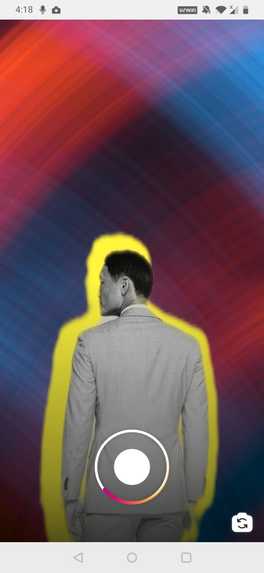
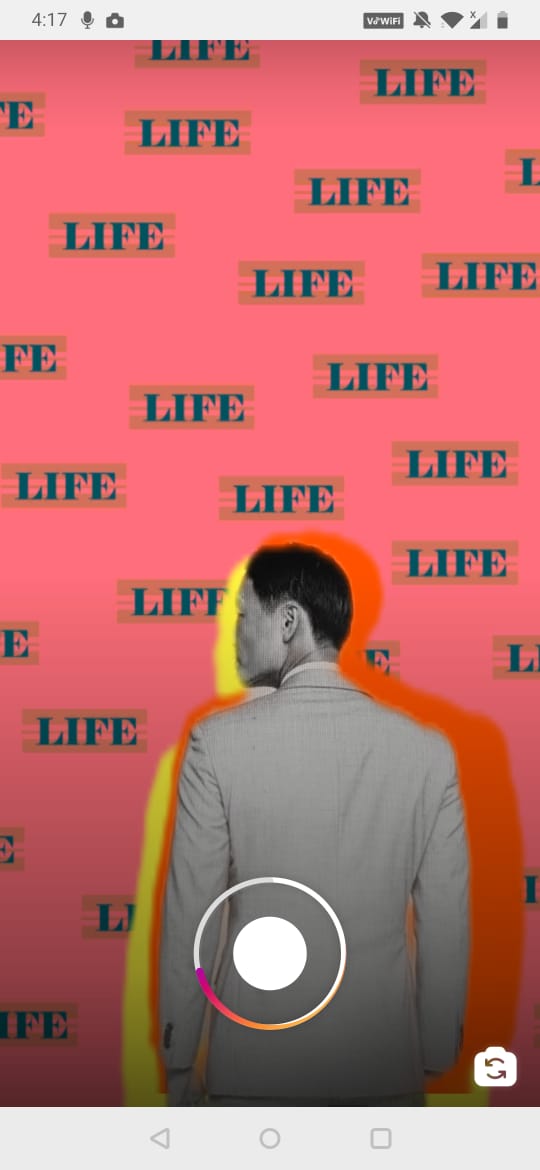
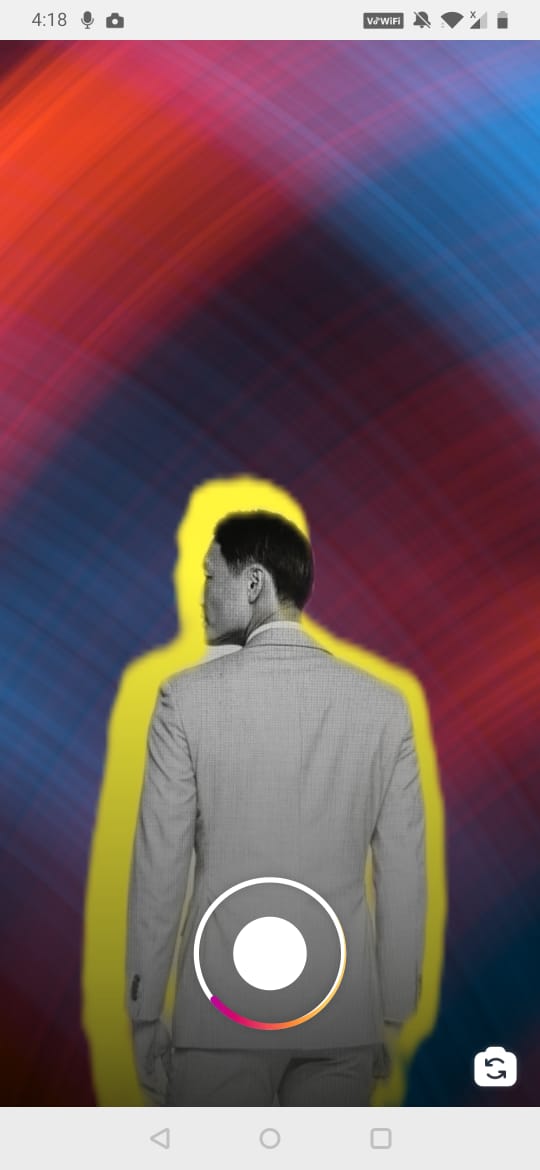
The effect is essentially a photo-studio. The back camera mode enables the user to place flash strobes and reflectors to appear as if the user were in a studio themselves. The user can drag and resize the flash objects in the scene to match the layout. The front camera is like a simple selfie view with a timer on the side. Both these views enable the user to choose from a range of backgrounds with the last background having a few extremely hard hip hop poses that the user can try to imitate. A checkbox is provided that switches on/off the poses game. This becomes active during recording and provides three random poses that the user can again imitate. These are easy. On recording the effect begins and the timer starts. The timer tells the user when the shutter/flash/clicking operation is going to be carried out thereby telling the user when to pose. An audible shutter along with a flash is seen which is common to both the front camera view as well as the back camera view, the only difference being that the flash objects in the scene light up too. Once the three poses are done, a segmentation effect places the user with a filter applied in the form of a gif from the three photos taken with the chosen backgrounds. The effect enables the use of Instagram Music too. The important aspect is that it can be used to take a video but it is mostly applicable to Reels. The gif effect is seen for 9-10 seconds which combined with the image capturing fits into the 15 seconds time frame of Reels.
How we built it
Initially we started off with a simple way of cutting the current frame using the Delay frame patch in SparkAR and testing the gif effect. Slight changes were made to loop the images and obtain the maximum yet feasible speed. Then the poses were made and added along with the timer and the flash. The poses however were in the form of white frames that the user was supposed to fit into which did not look easy to use, nor imitate. The backgrounds were then added in the form of animation sequences and the filters along with the orange and red halo effects were added. The camera shutters were incorporated with the pose cards and the basic functionality to utilize these objects. Finally the flash modules were built using blender by projecting images onto shapes and then imported along with the associated code to move it around. Fine tuning was required in certain cases to align the various components and handle the transparency effects.
Challenges we ran into
- Alignment of the various components
- Use of the segmentation with segmentation textures and three frames for each photo image.
- Timing in certain cases
- Finding a way to fit our effects to the requirements of Reels and how people would use them.
- To find a way to gel all the different components together and make sense of what the effect represents
Accomplishments that we're proud of
The timing is perfect. The lighting with the lighting probe 3D objects that provide a very high level of realism and matches the backgrounds perfectly. Makes the entire effect look real. It is essentially a simple way of taking photos and combining the video taking process as well as the editing.
What we learned
The delay frame component of SparkAR provides a robust method of interacting with the environment and 3D space. Most of the time the Patches have greater flexibility than the javascript code in interacting with positions, scaling and yet it is necessary to add the additional functionality that
What's next for LazyShoot
Provide a more immersive experience with lots of backgrounds and face filters. Also to some extent try to use the segmentation to make it look like the user is in the studio without shading defects and with shadows that will provide a different experience of being in a studio than having the studio at home/local environment.
Built With
- javascript
- sparkar


Log in or sign up for Devpost to join the conversation.