-
-
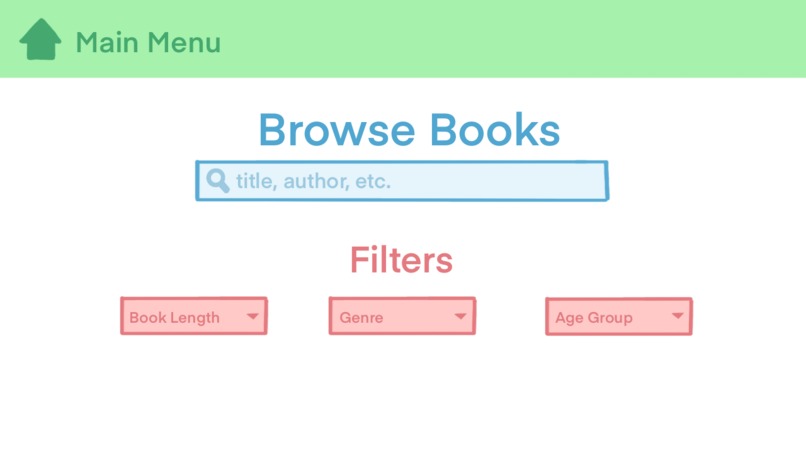
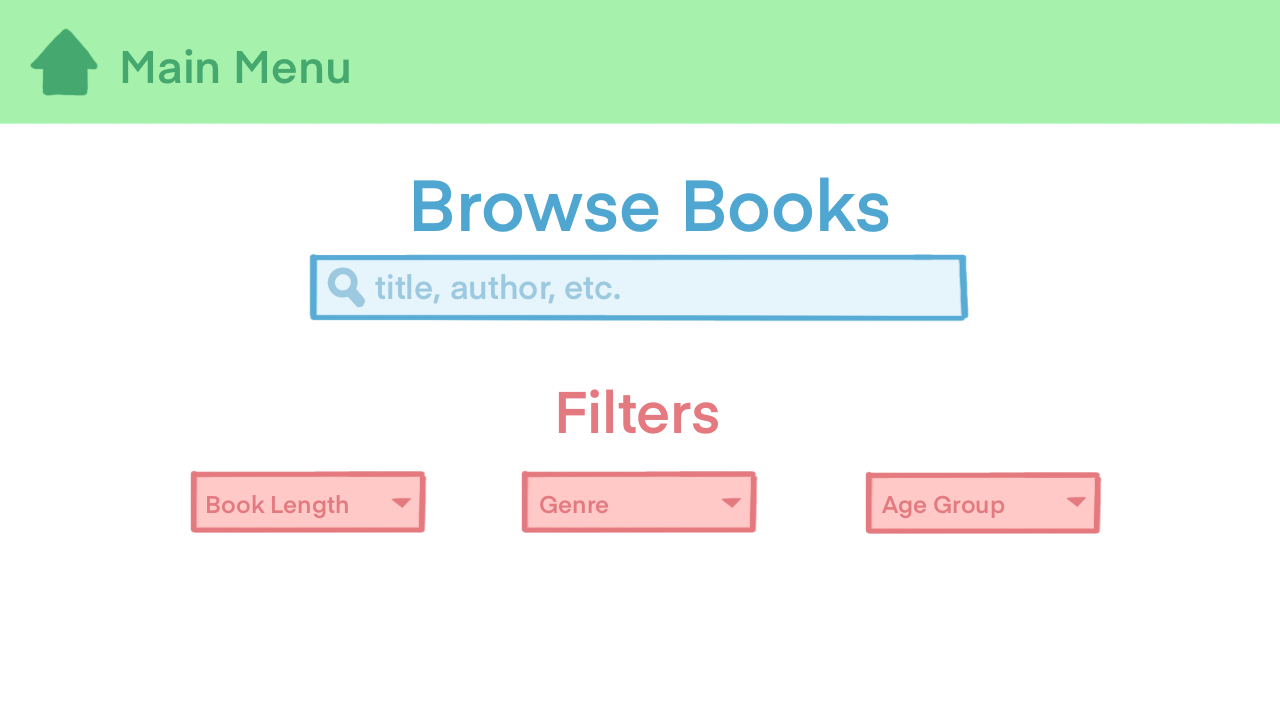
example frontend UI
-

Share A Book logo

Inspiration
We all have books that are just lying around our homes, collecting dust. They usually just end up in the basement or with someone who doesn't even use them. With this platform, you can easily give your books to people in your community who are genuinely interested in reading them. Think of it as a virtual book exchange!
What it does
This app allows users to do two things: publish their unused books to a database for donation, and browse the database to find books they are interested in. When adding a book, users would provide the title, author, genre, and page length. When looking for a book to checkout, users can either search by genre, or page length. (Update: After filming the demo, we also added a 'search by author' feature to make browsing for specific books easier.) Once they select a book, the user will be provided with the book owner's contact information, and upon successful transaction, the book will no longer be available to receive.
How we built it
We built this program with Python, and used a text file for storing the list of books. We also used the Python Tkinter GUI Package to build our basic navigation window, to provide a sense of how an example frontend for this app would look like. Of course, the final product would be a full-stack application that interacts with a Cloud database and has a much cleaner UI. Due to time constraints, we chose to use this Python approach as a simulation/proof-of-concept.
Challenges we ran into
- Building the Python GUI to be functional and visually appealing
- Formatting the tables in which we output the books
- Appropriate input validation to handle all negative cases
Accomplishments that we're proud of
- Successful demonstration of functionality
- Effective browsing system
- Successful GUI incorporation with Tkinter
- Structured, well-organized book database
- Writing reusable code for better readability
What we learned
- Using Python Tkinter to create a sample UI
- Importance of fileIO and how it relates to more scalable database storage
- Writing more reusable code
- Creating input validation system for all cases
- Effective use of dictionaries
What's next for Share A Book
- Create an authentication system for verifying emails
- In-app messaging system for easy communication between book owner and receiver
- Include more browsing options (title, age group, etc.)
- Convert this into a web-hosted full-stack application with a better UI
- Use a Cloud Database
- Expand social media connections
Built With
- python
- text-file
- tkinter
- visual-studio


Log in or sign up for Devpost to join the conversation.