-
-

Scrollnt Icon
-
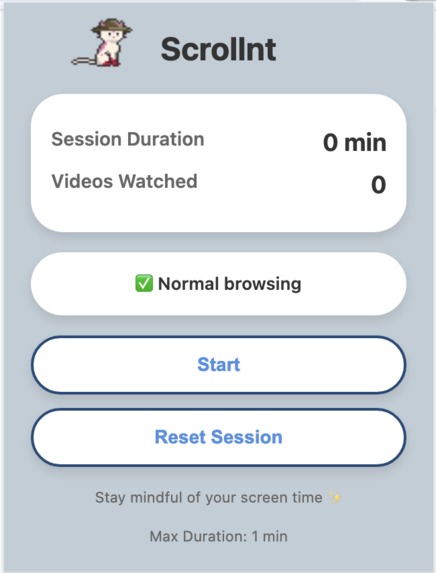
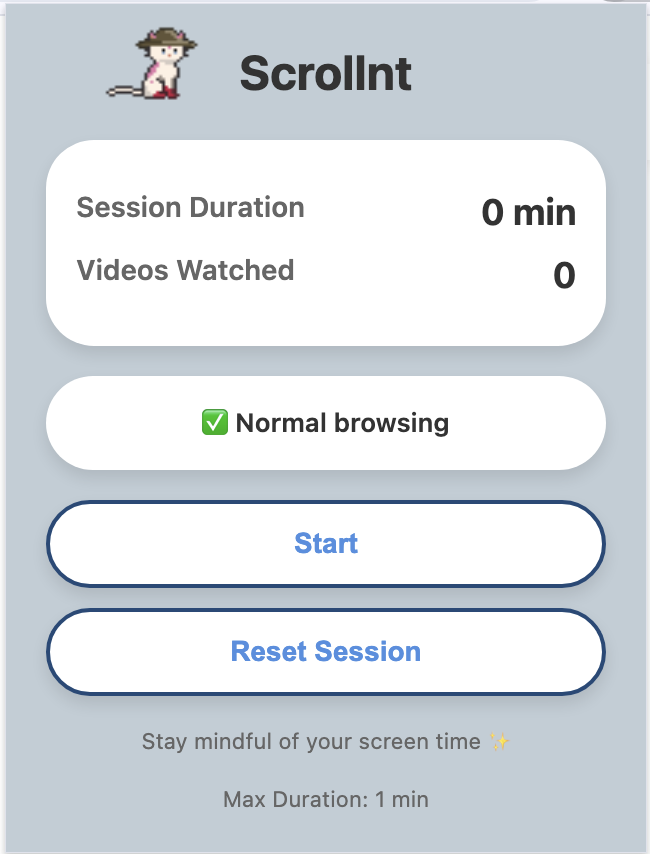
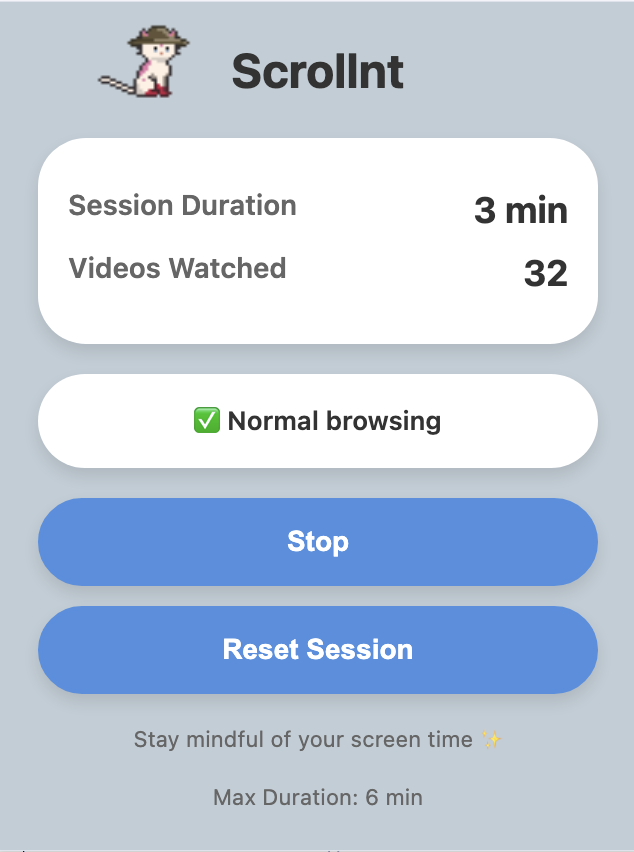
Extension Setting
-
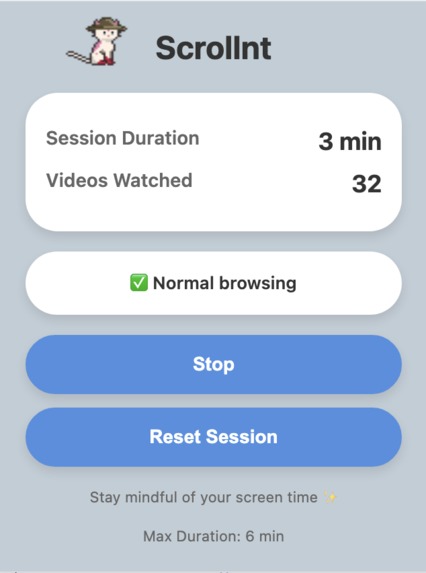
Session Duration, Video Counting
-
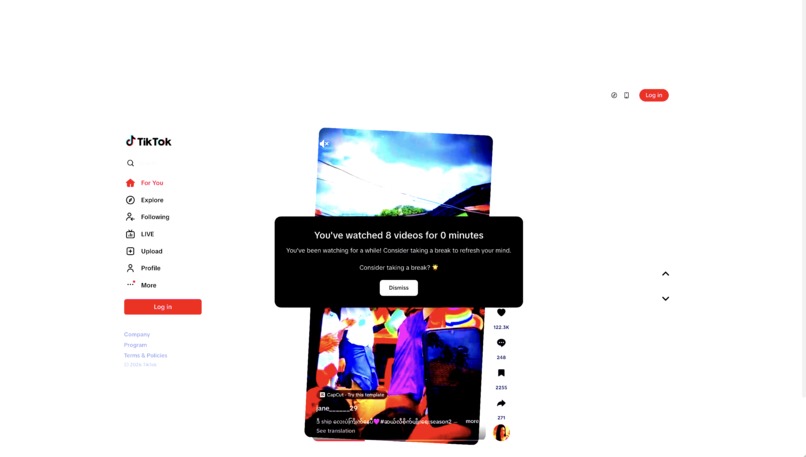
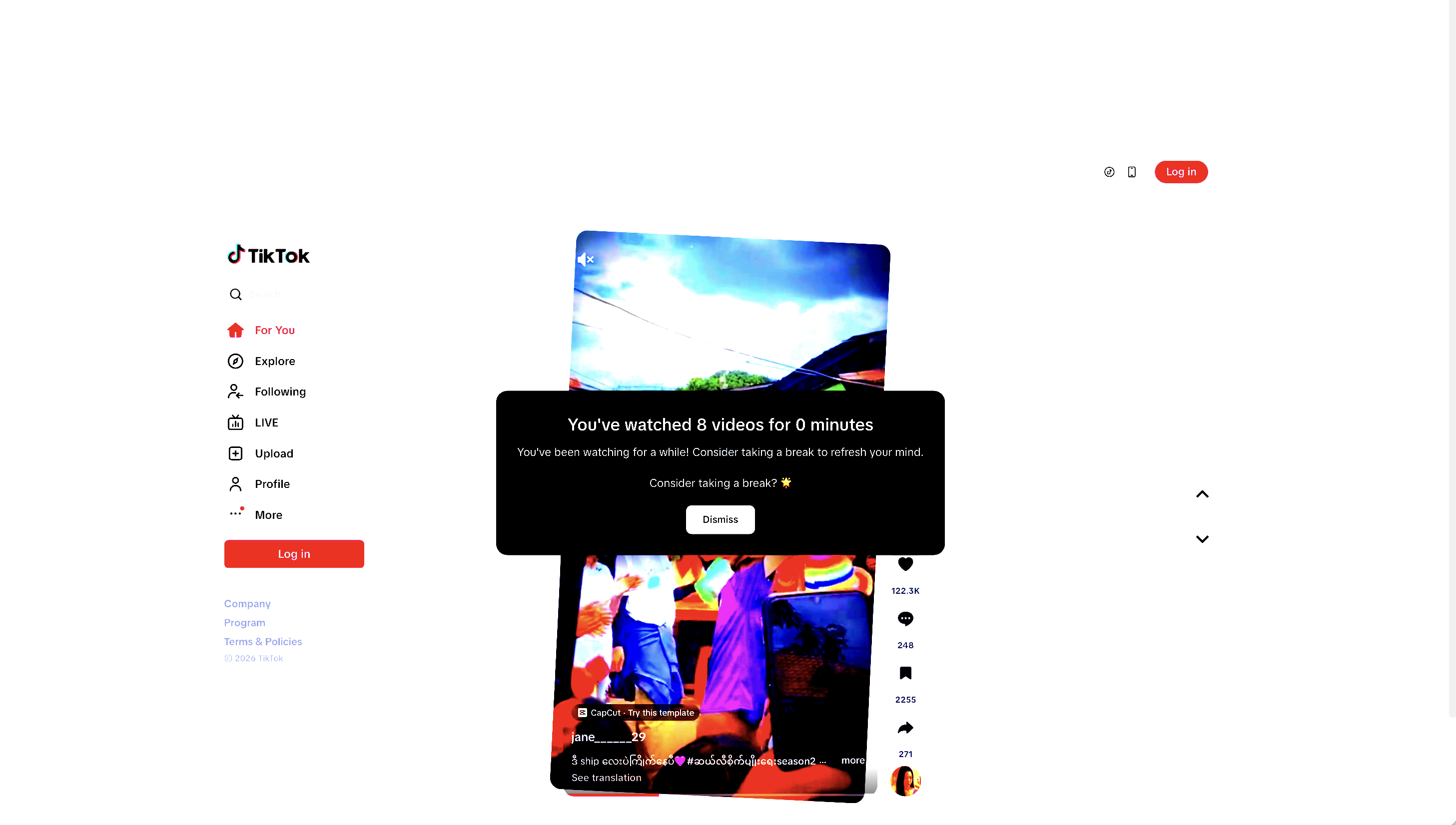
Screen Oversaturation, Viewport Shrinking, Random Video Tilting, Reminder
-
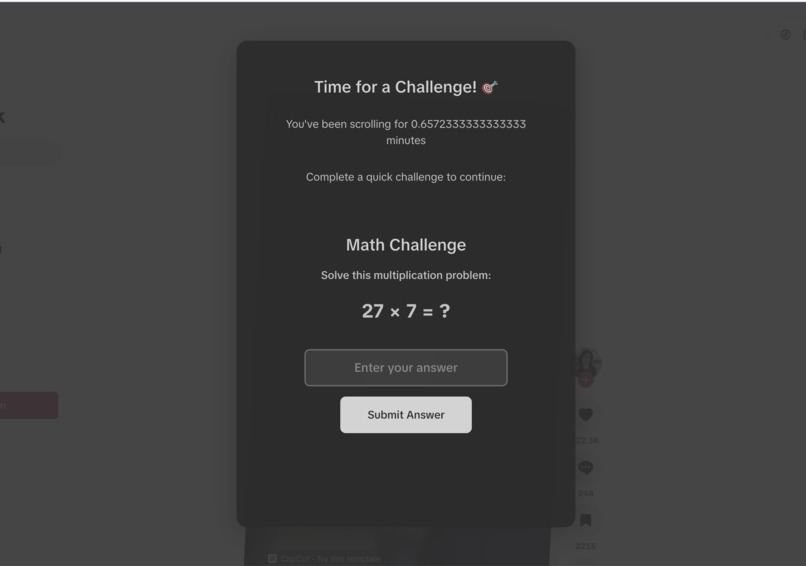
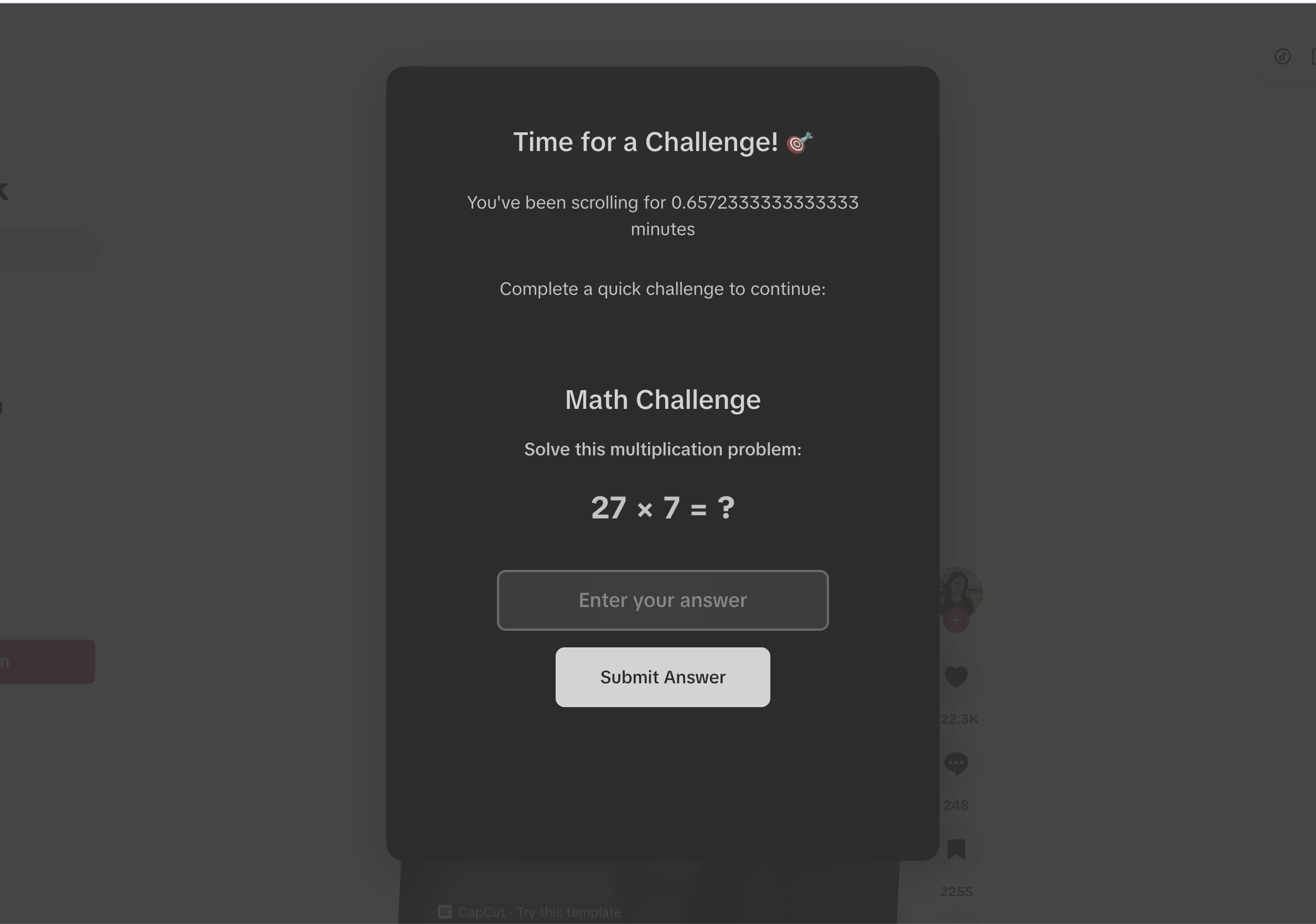
Maths Challenge
-
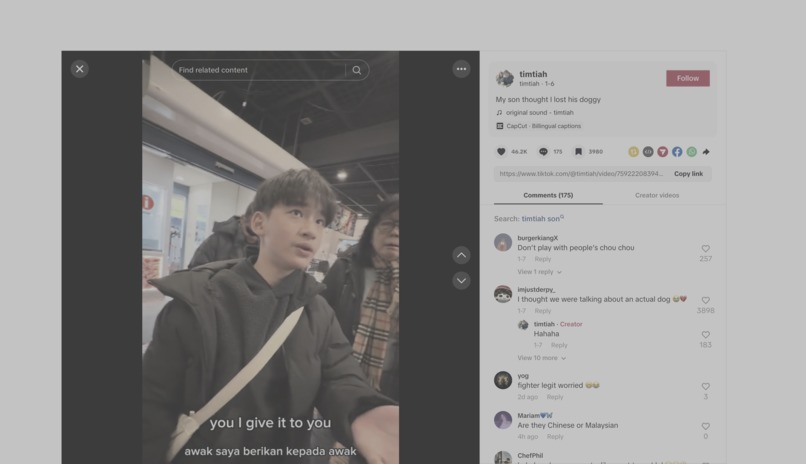
Screen Desaturation
-
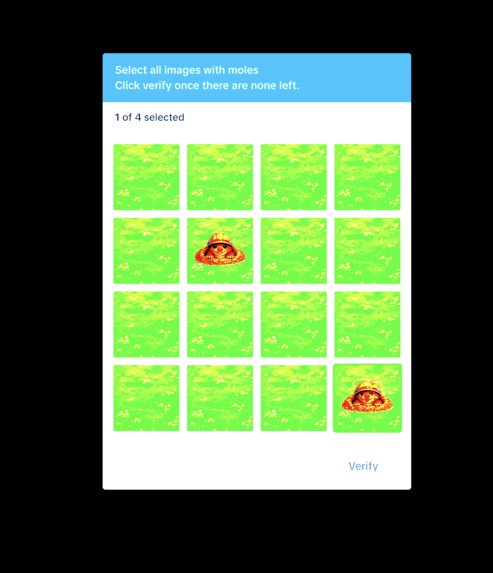
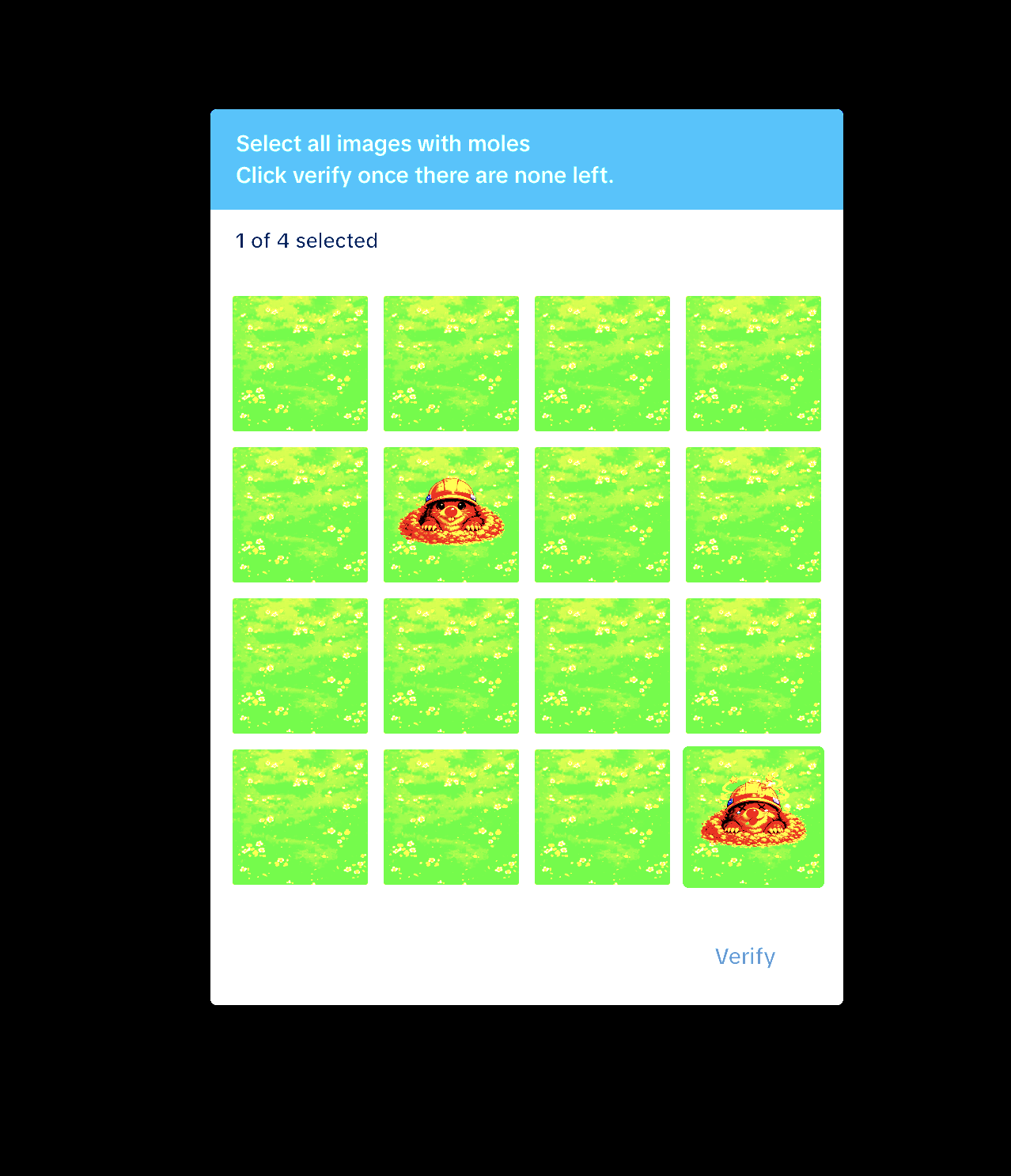
Whack-a-Mole
-

Icons Swapping
-
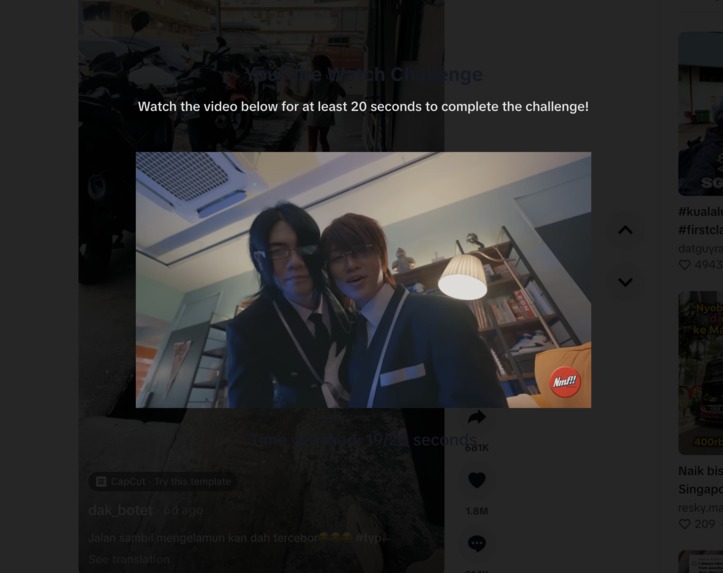
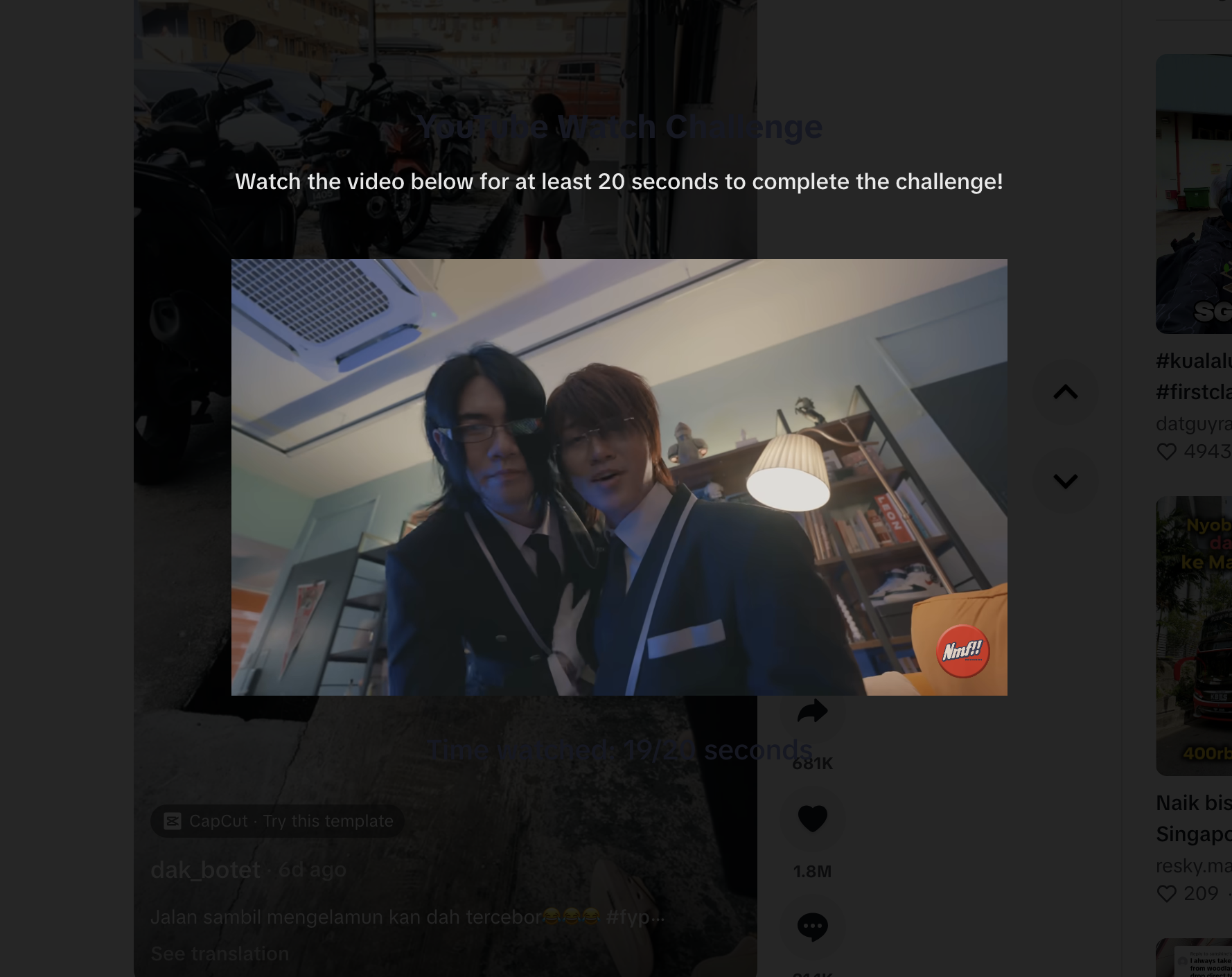
“Interesting” video reminder
-
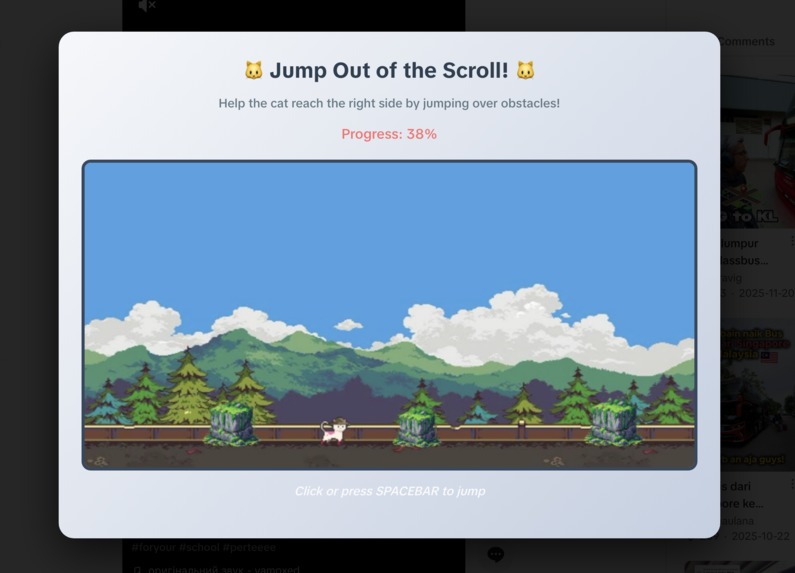
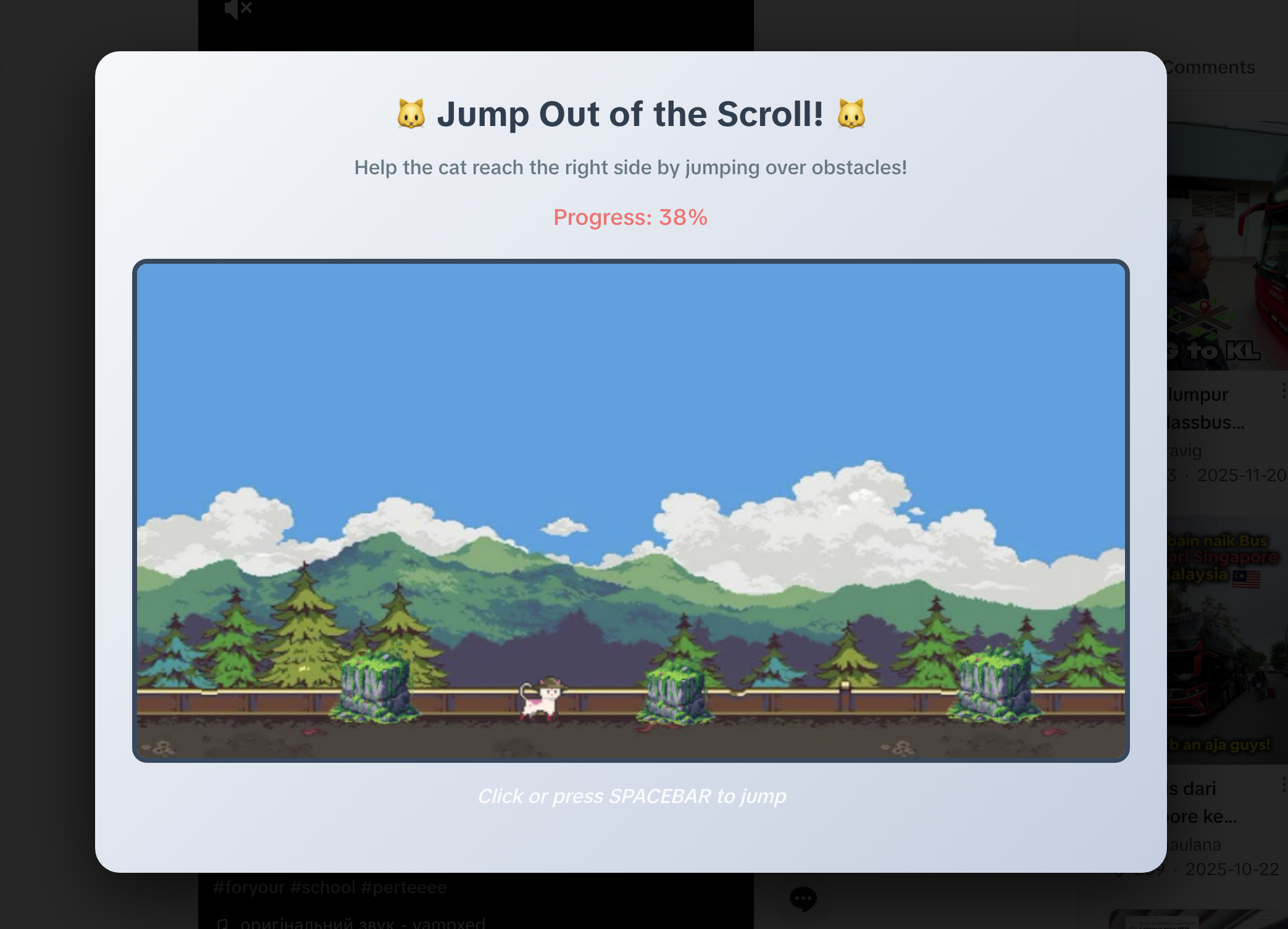
Cat jump game
-
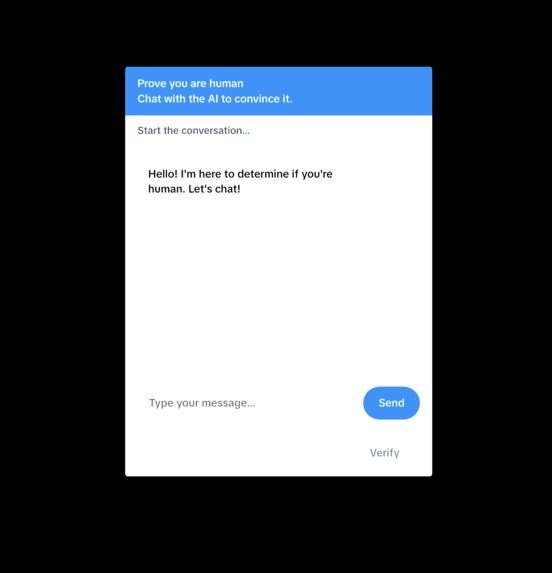
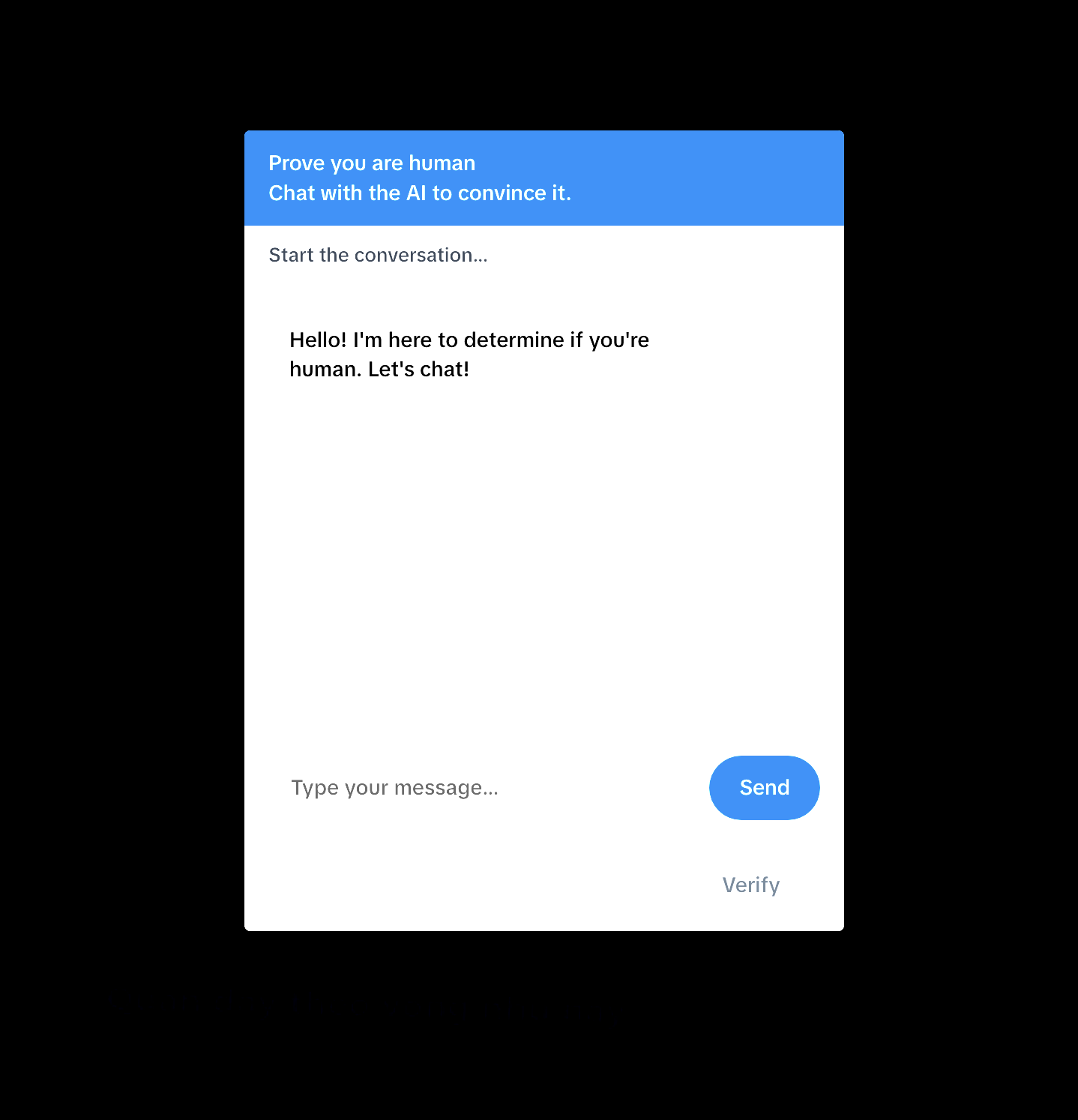
Sarcastic AI: Convince It That You Are Human
-
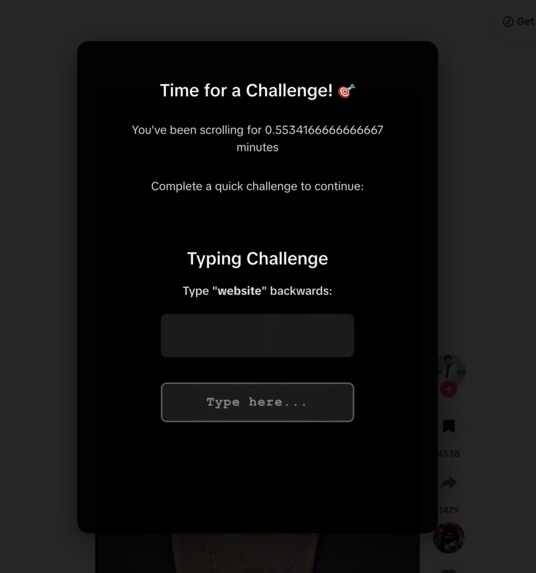
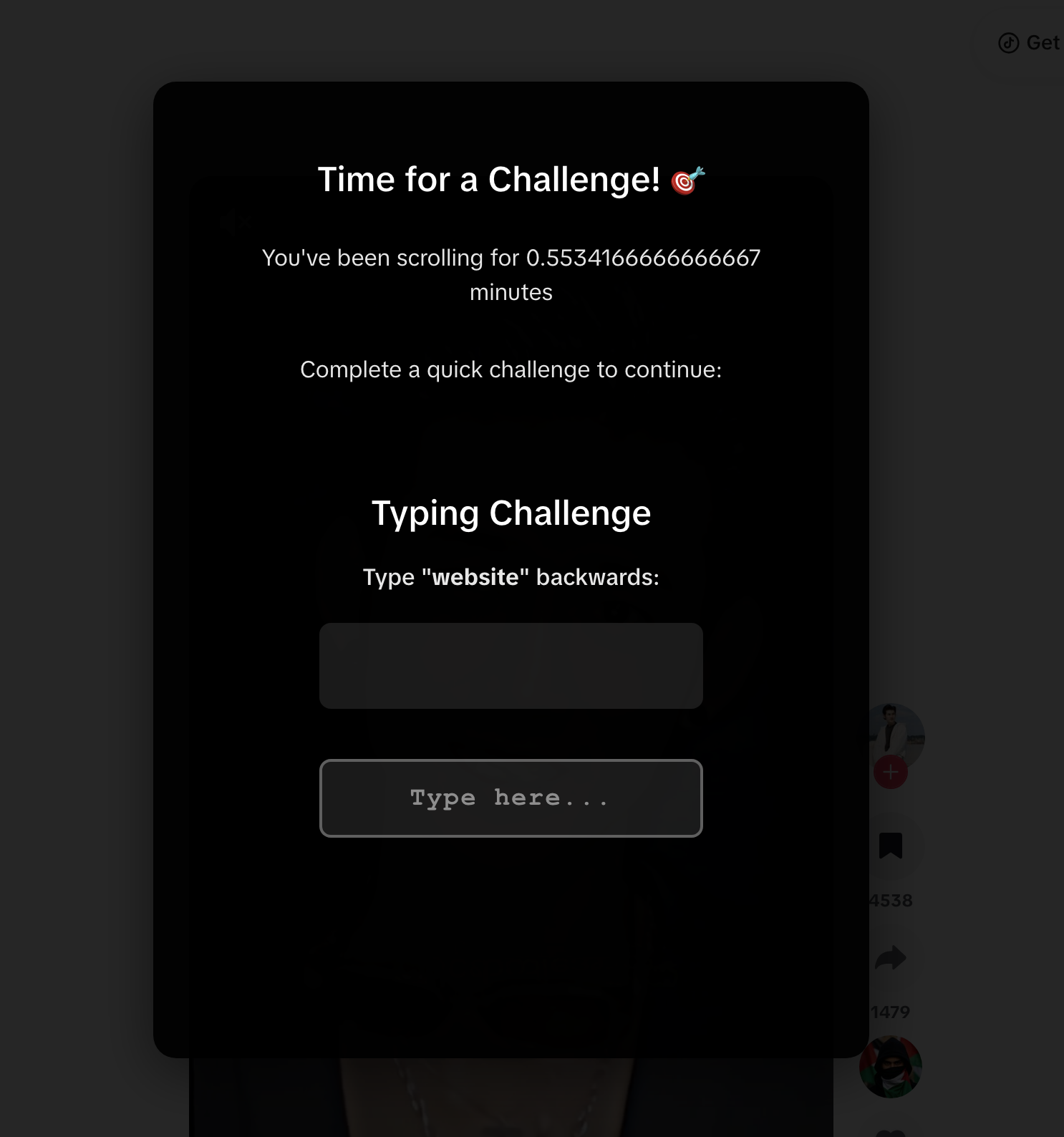
Typing Challenge
-
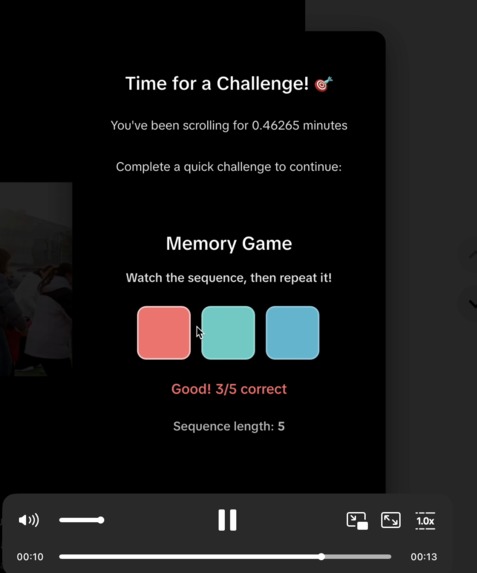
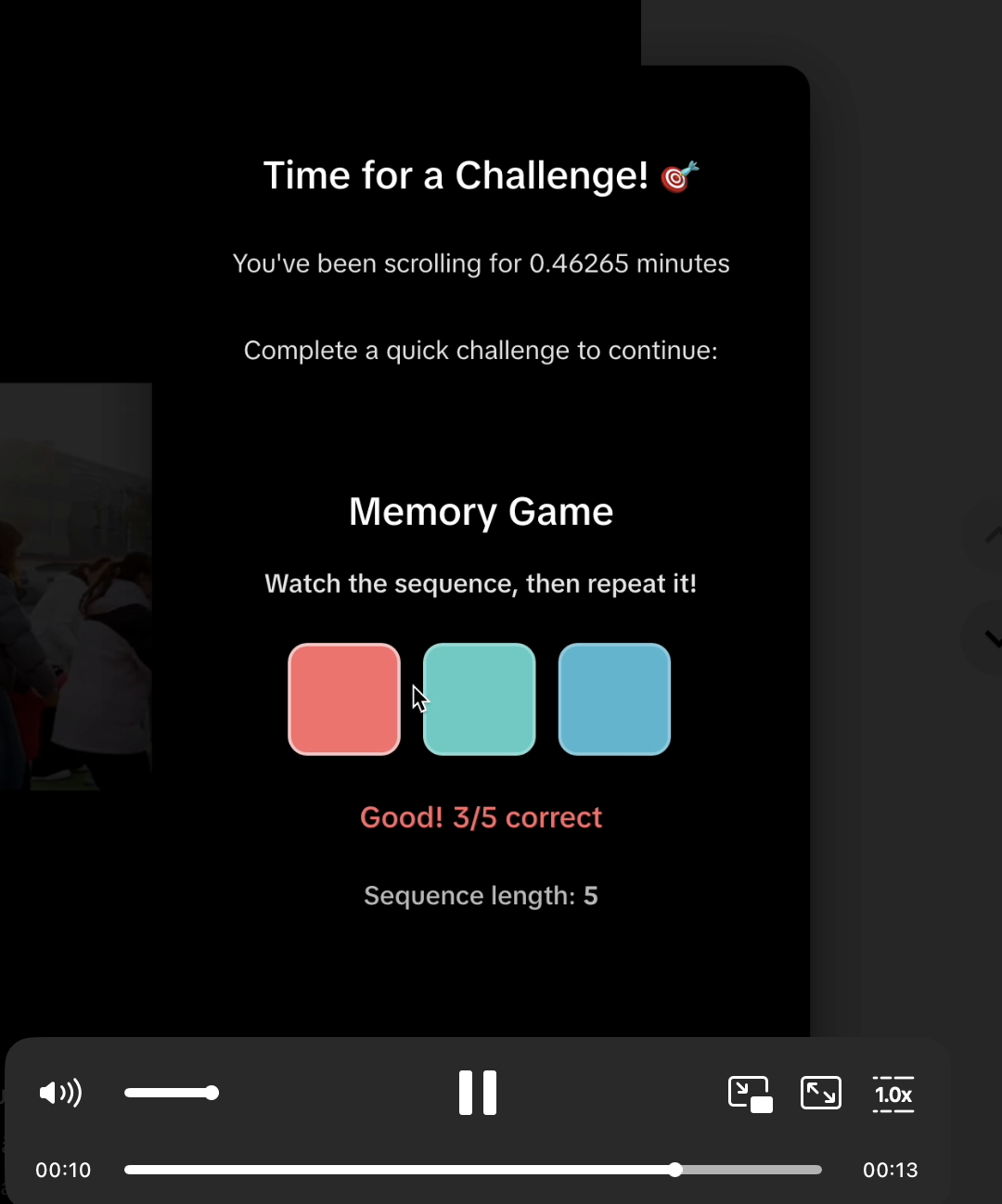
Memory test
-
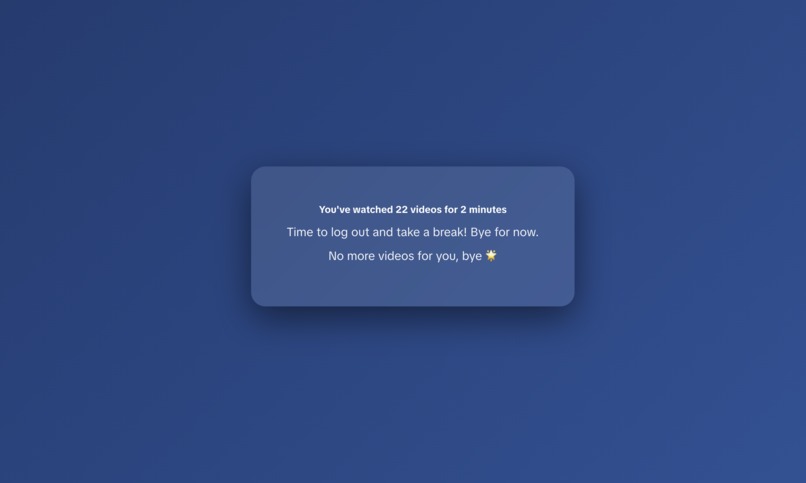
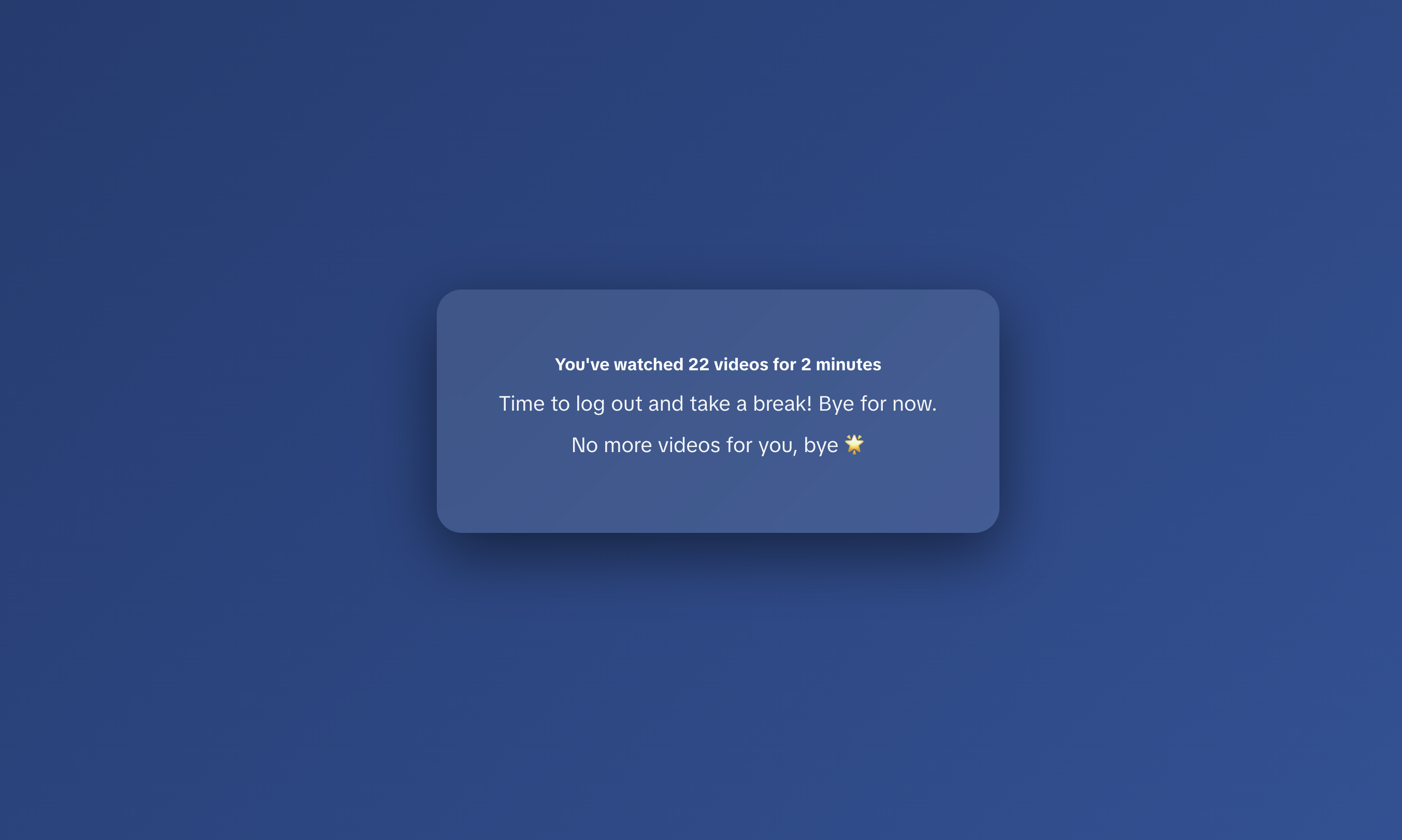
Auto-lock Screen


Inspiration
Have you ever opened TikTok for "just 5 minutes" and realized 45 minutes later with hundreds of videos scrolled through?
Most anti-doomscrolling tools rely on hard limits, such as blocking apps, shutting down feeds, or enforcing strict timers. While effective in theory, these solutions often feel restrictive and are easy to bypass in moments of low self-control.
We wondered: what if instead of stopping you outright, the tool annoys you incrementally, until you get tired of it and stop by yourself?
Rather than removing control, Scrolln’t nudges users to take it back.
What it does
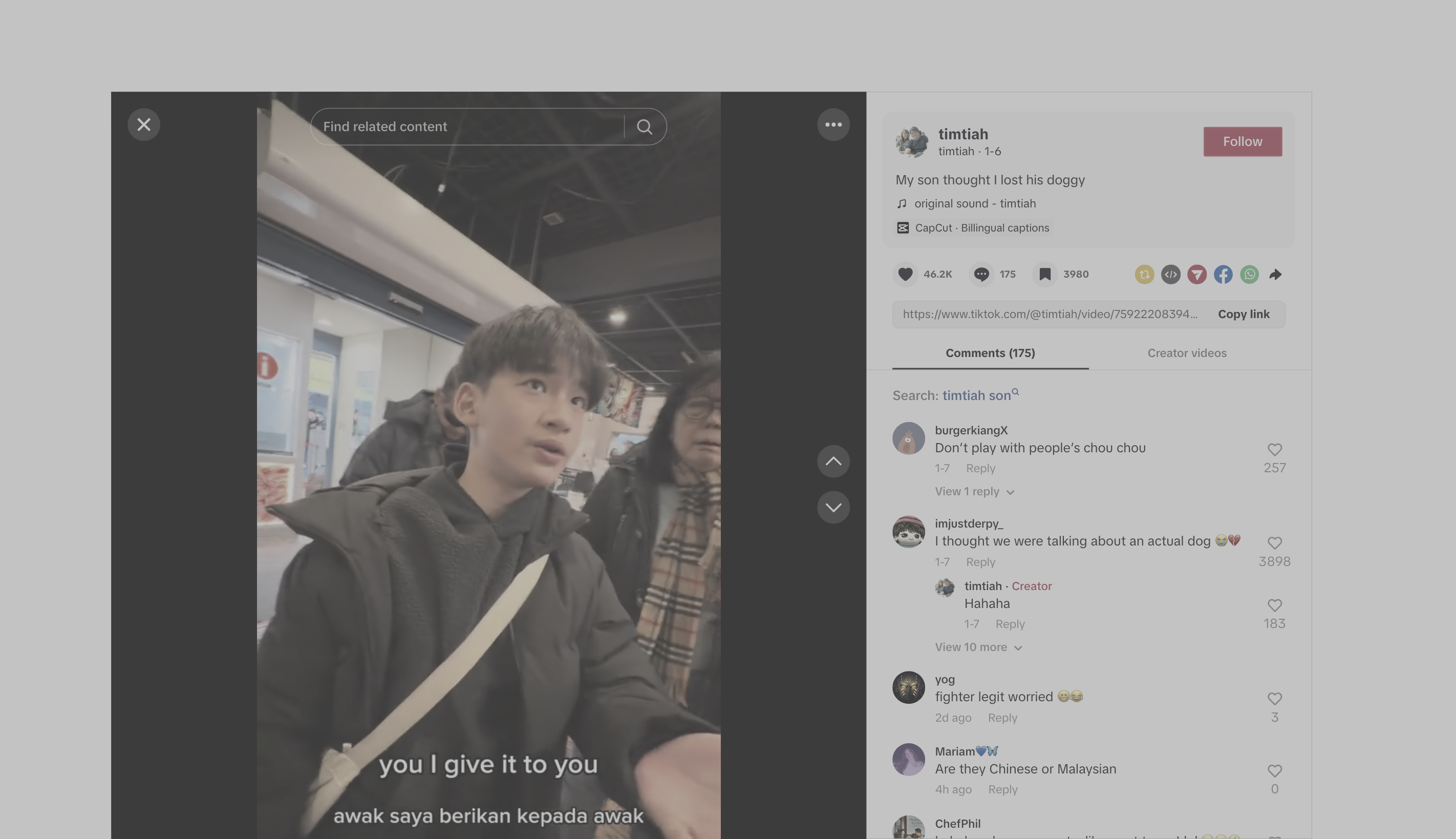
Scrollnt is a Chrome extension built to discourage doomscrolling through progressive friction, using dynamic UI distortions, reminders, and playful challenges that intensify the longer a user continues scrolling.
Key Features
Behavioral Tracking
- Scroll / session duration
- Video count
Progressive Discouragement System
- Viewport shrinking
- Visual misalignment
- Screen desaturation and oversaturation
- Random video tilting
- Zoom drift
- Button swaps
Reminders
- Motivational scoldings
- “Interesting” video reminder
Interactive Challenges
- Annoying captchas
- Whack-a-Mole
- Sarcastic AI: Convince It That You Are Human
- Cat jump game
- Memory test
- Typing challenge
- Math problem
Users can customize screentime thresholds and receive unique, AI-generated "advice" from a GPT-powered digital well-being motivator.
The longer you scroll, the more effort it takes—until stopping becomes the easiest option.
How we built it
Scrollnt was built as a Chrome extension that directly interfaces with TikTok’s web UI to using JavaScript, HTML, and CSS to track user scrolling behavior and dynamically inject UI distortions as thresholds are crossed.
To support interactive challenges, we integrated a lightweight Flask backend, which coordinates AI-related challenge states and reminders. We also incorporated OpenAI to power a sarcastic AI challenge that interacts with users in real time, adding personality and unpredictability to the experience.
By leveraging Chrome Extension APIs, we were able to intercept page behavior, modify DOM elements, and overlay custom components without altering the underlying platform. This allows Scrollnt to remain flexible, extensible, and non-destructive.
Challenges we ran into
Although we acknowledge that doomscrolling often happens more via mobile devices, we are aware that there are limitations and restrictions when it comes to modifying UI or adding components in existing mobile apps. Thus, we came up with a chrome extension instead, which gives us more flexibility to create and ideate!
Accomplishments that we're proud of
As this was our first time developing a Chrome extension, we’re especially proud of how our team collaborated and iterated throughout the process. What started as a learning experience evolved into a product with interactive challenges that turn anti-doomscrolling into an active, memorable experience.
What we learned
We learned that being willing to iterate and adapt our ideas made a huge difference in achieving the best possible outcome. Also, designing terrible UI is kinda hard😵.
What's next for Scrollnt
Currently Scrollnt mainly targets TikTok videos. What’s next would be to expand to other video platforms like Instagram and YouTube. Additionally, it’d be great to allow users more flexibility in customizing the ‘annoyance’ Scrollnt can provide.
Built With
- css
- flask
- html
- javascript
- openai

Log in or sign up for Devpost to join the conversation.