-
-

App Icon
-
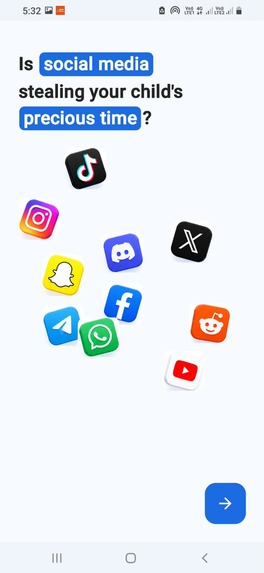
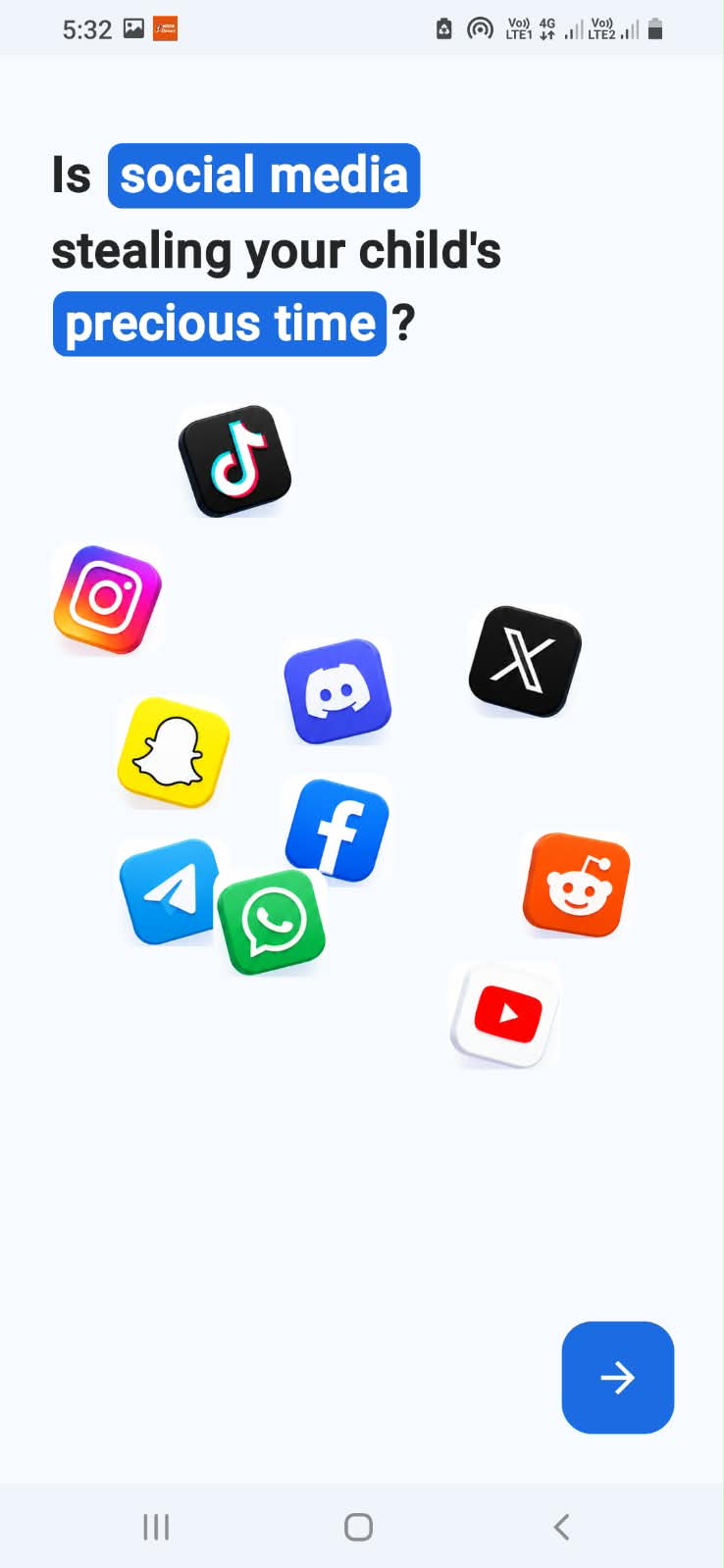
onboarding page 1
-
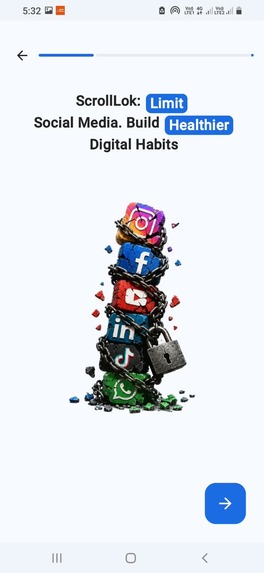
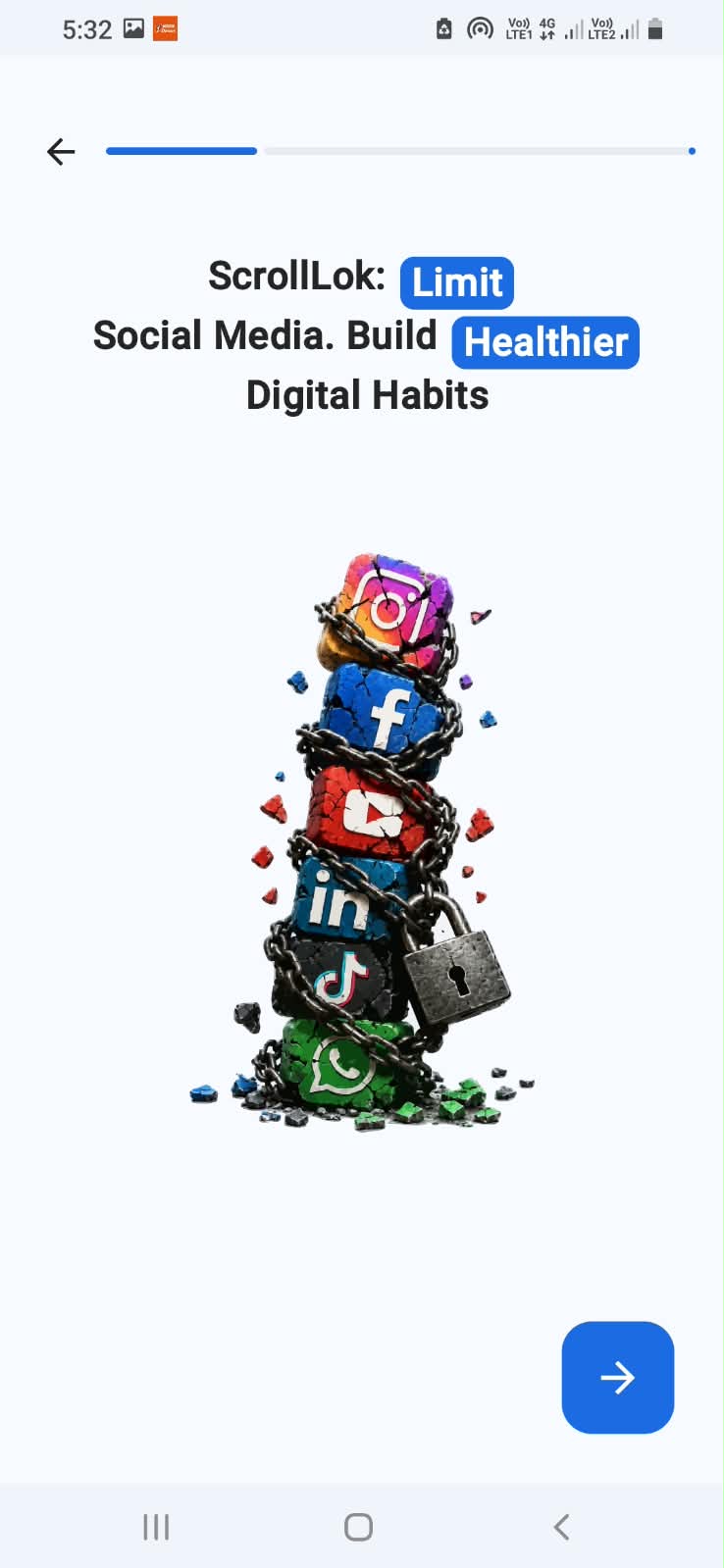
onboarding page2
-
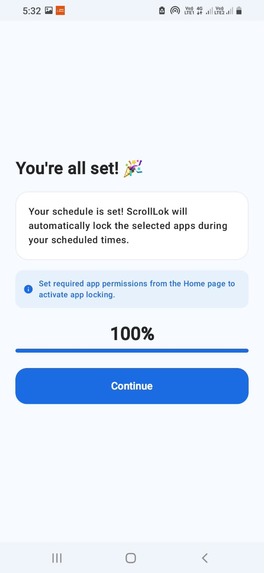
onboarding pages3
-
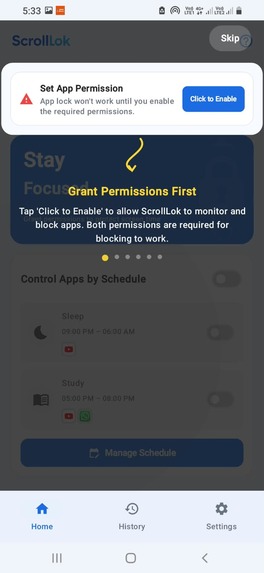
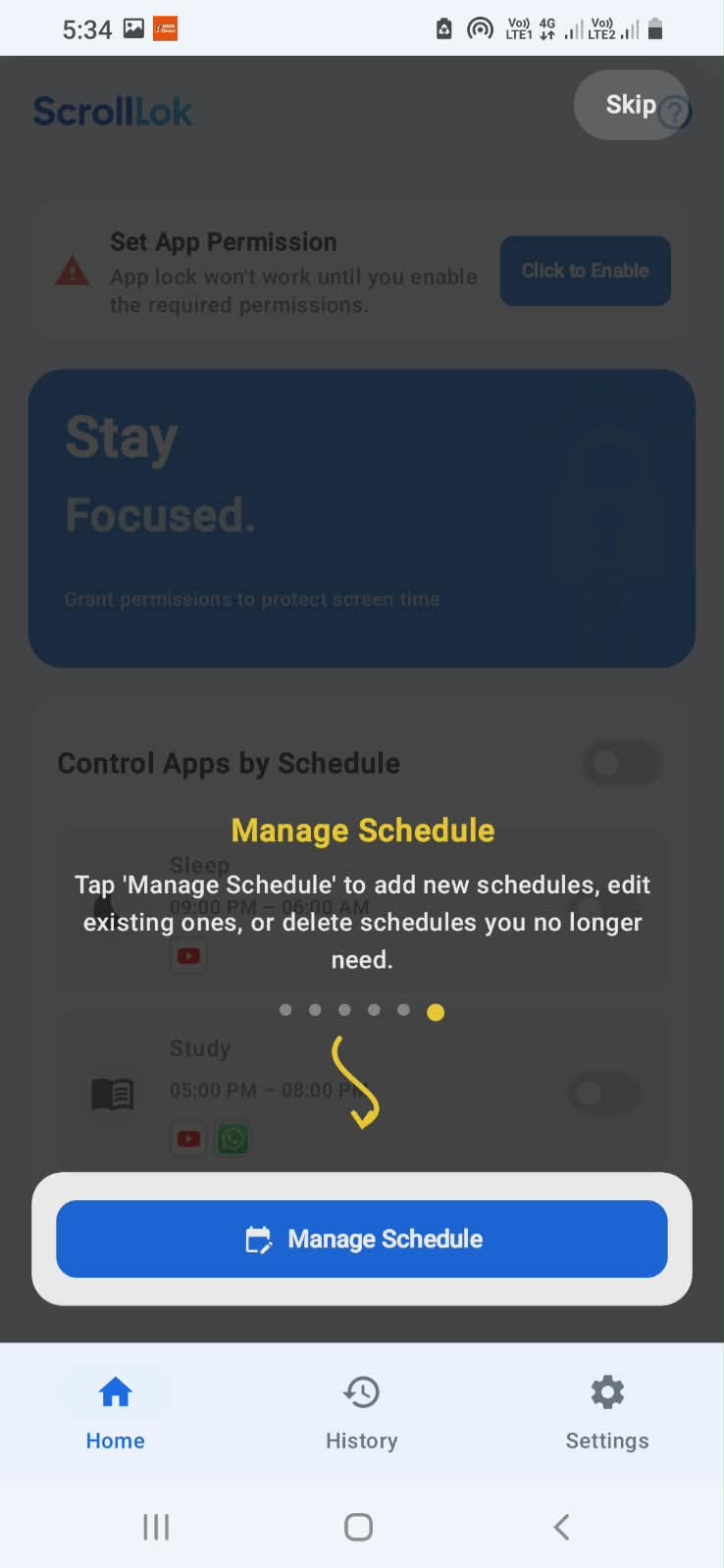
App Walkthrough 1
-
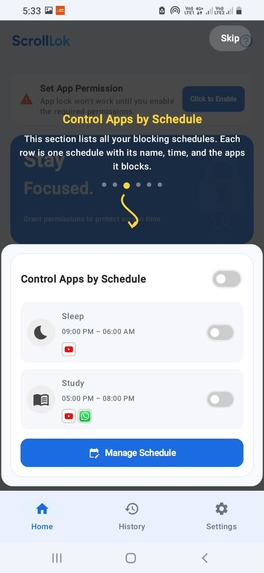
App Walkthrough 2
-
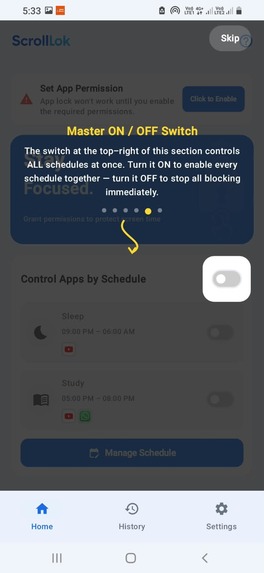
App Walkthrough 3
-
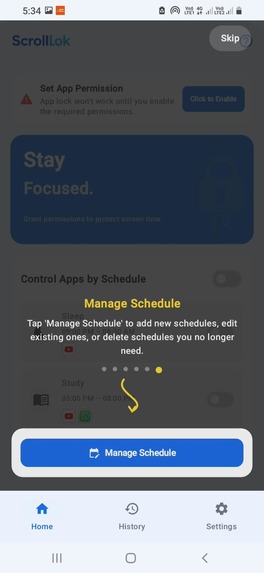
App Walkthrough 4
-
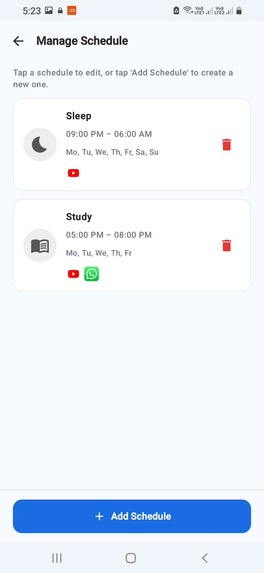
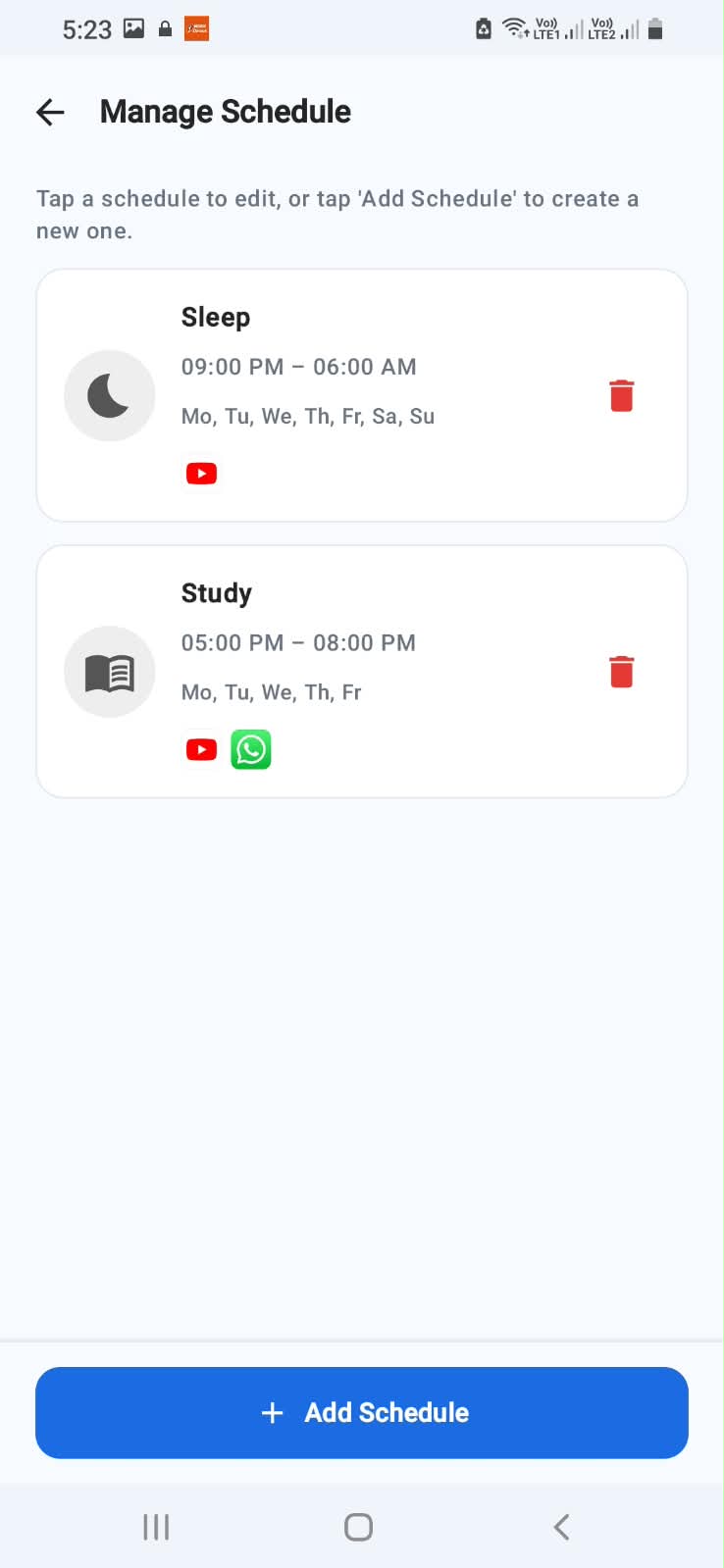
app schedule setup screen
-
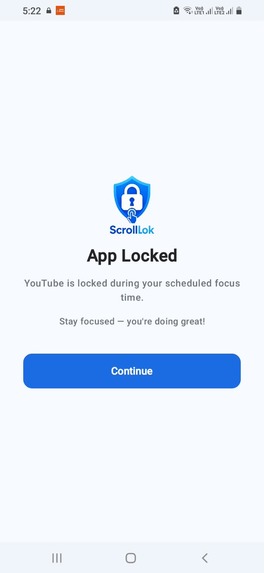
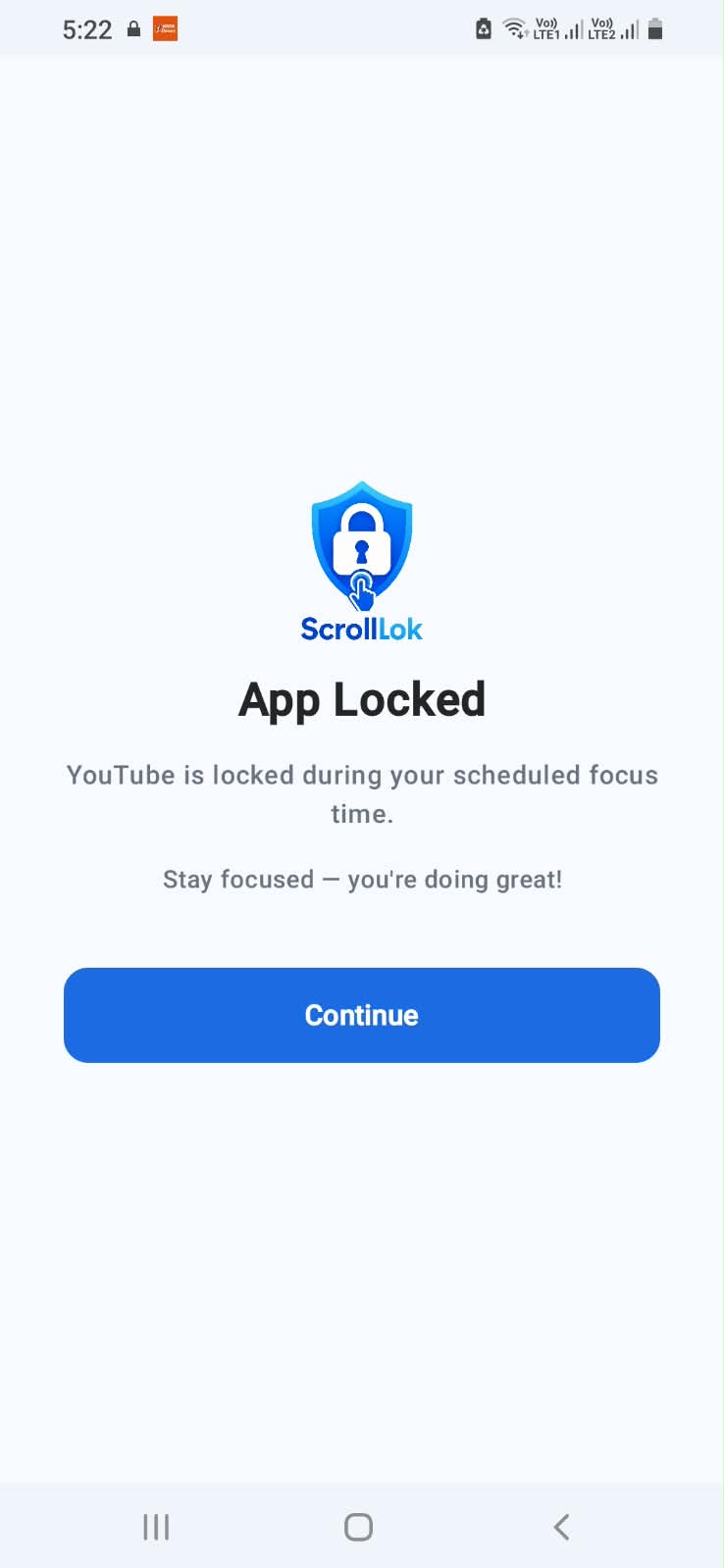
The Locked Screen when a youtube is tried toopen
-
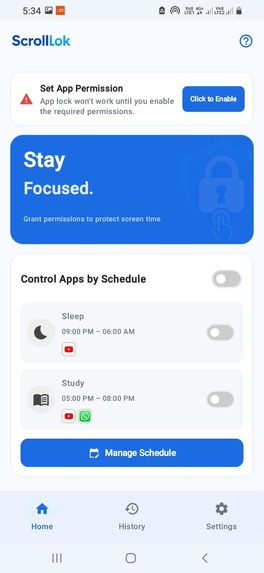
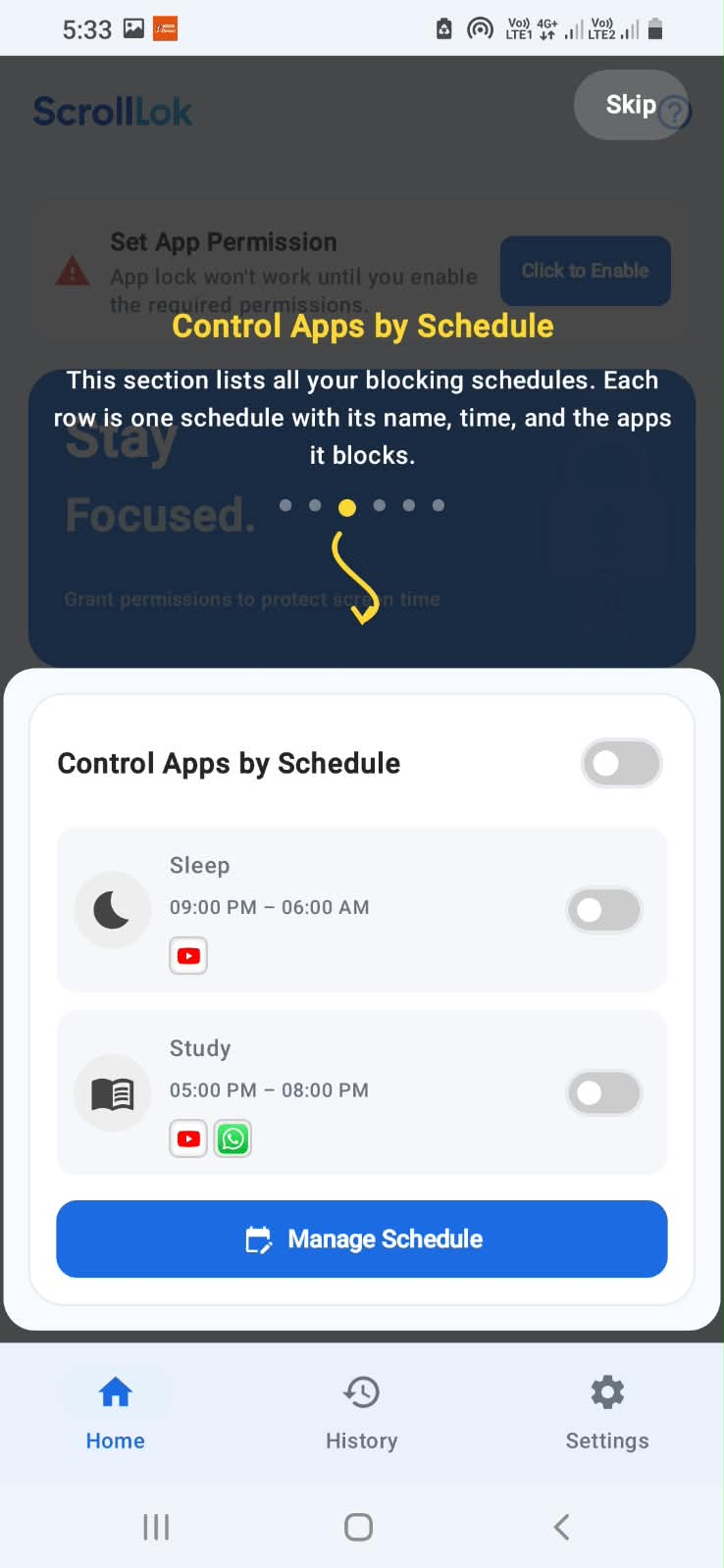
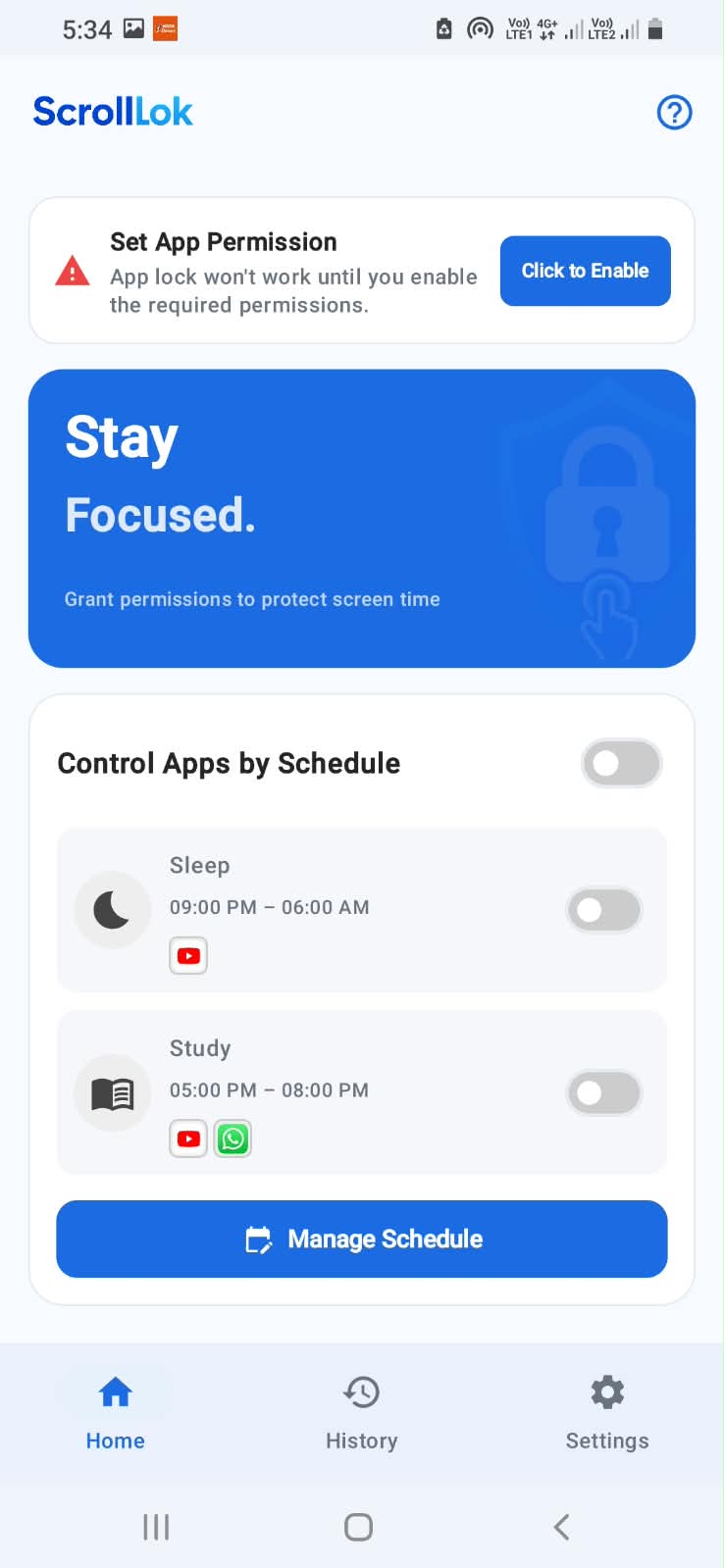
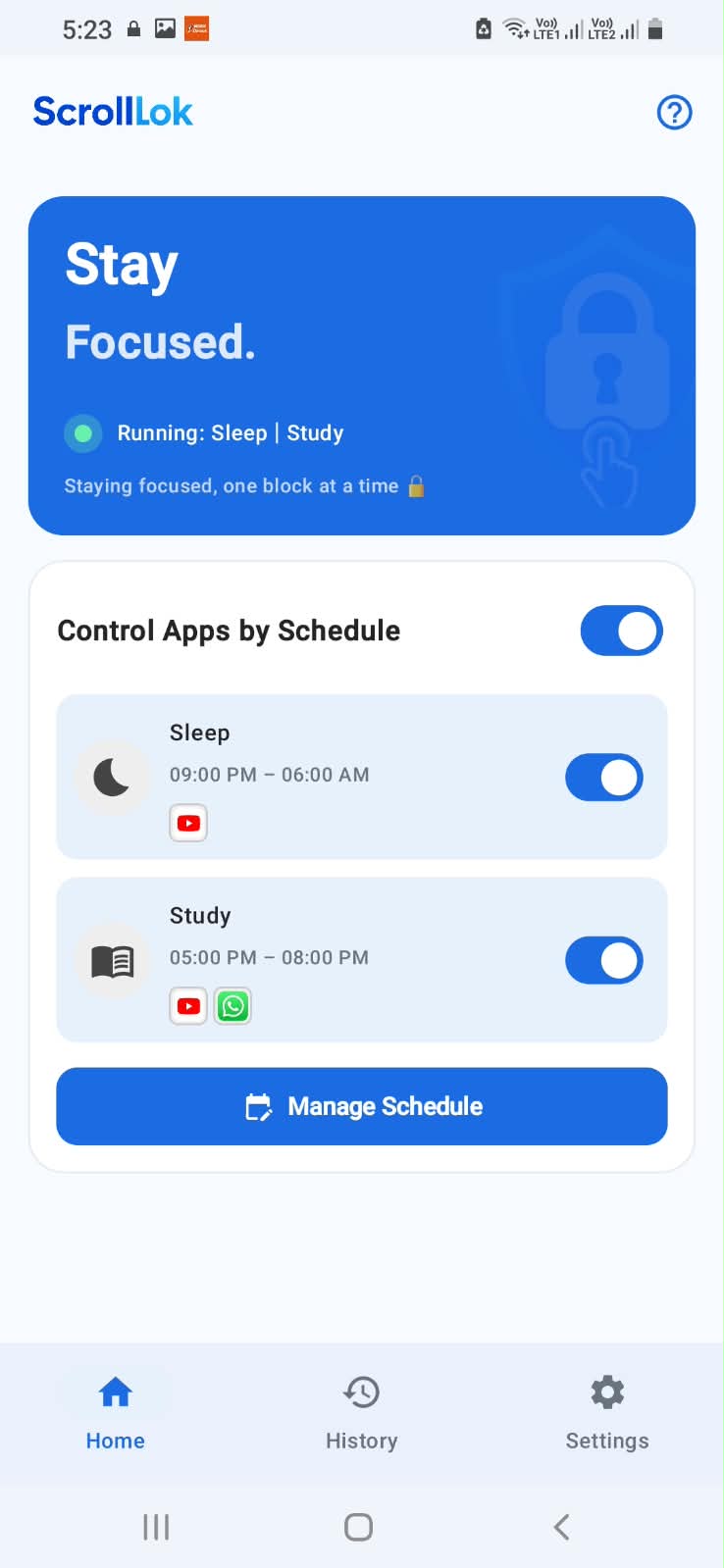
App Home / Landing Page where user can see the schedules
-
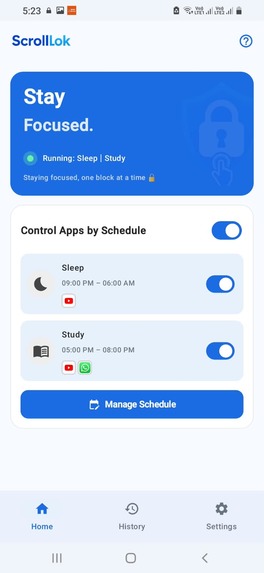
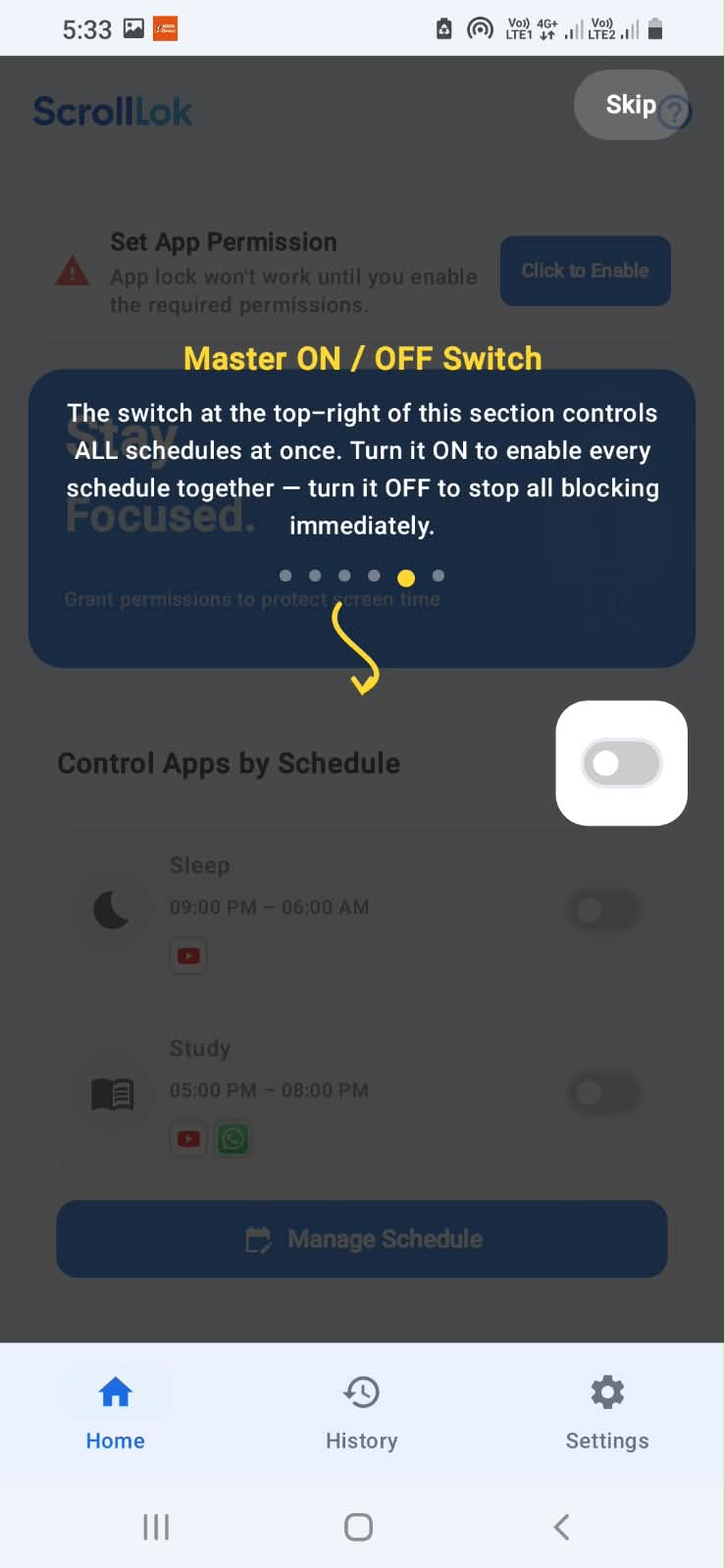
app home screen with schedule enabled
-
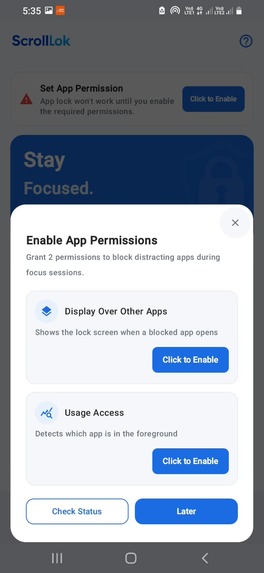
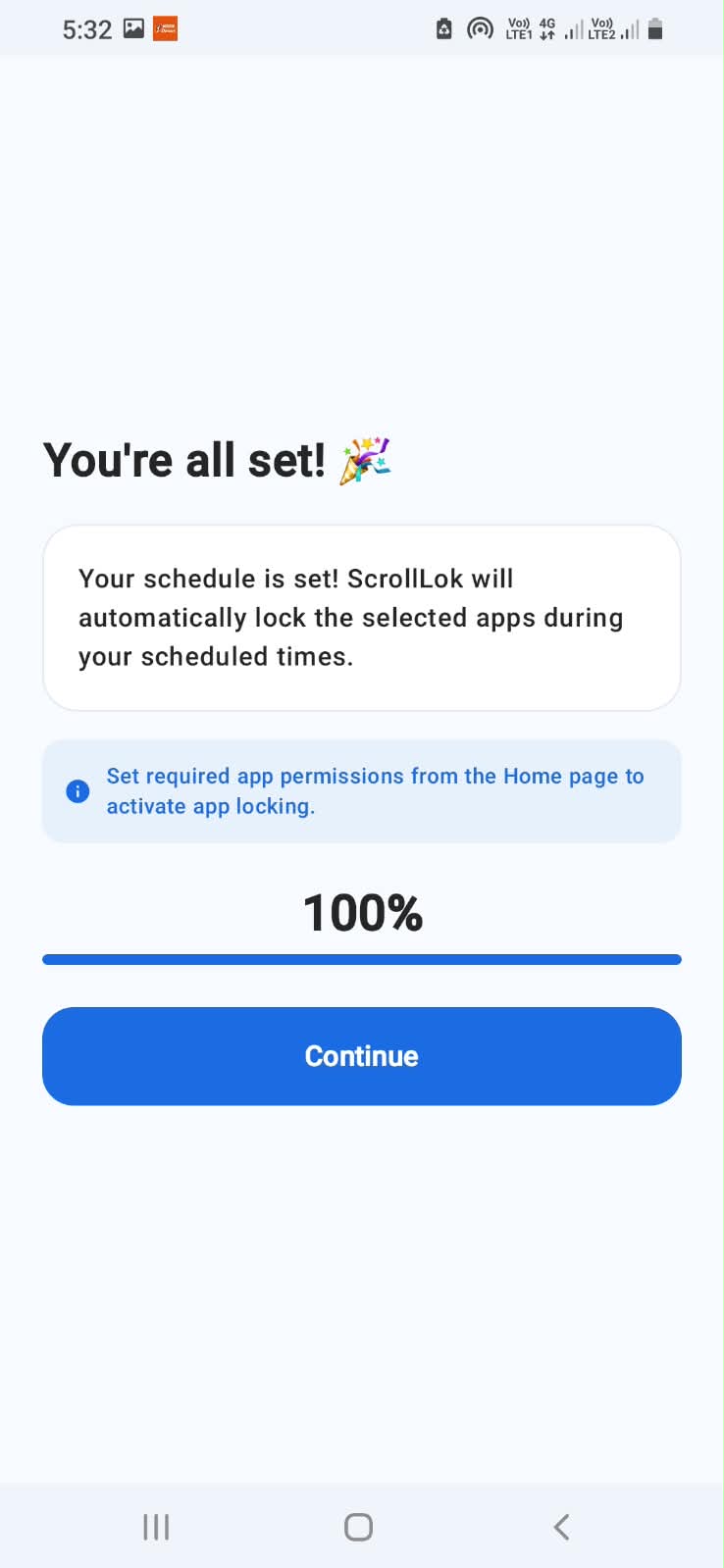
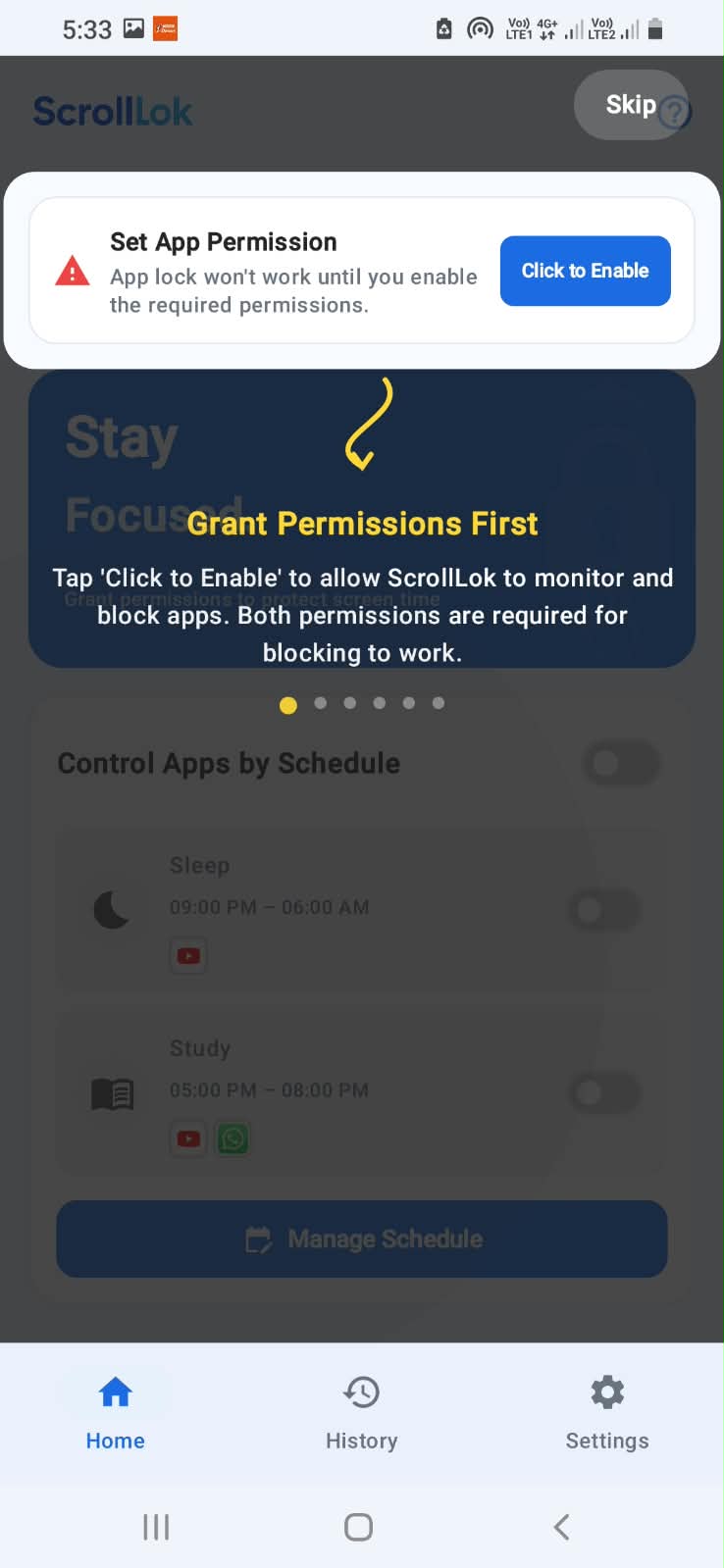
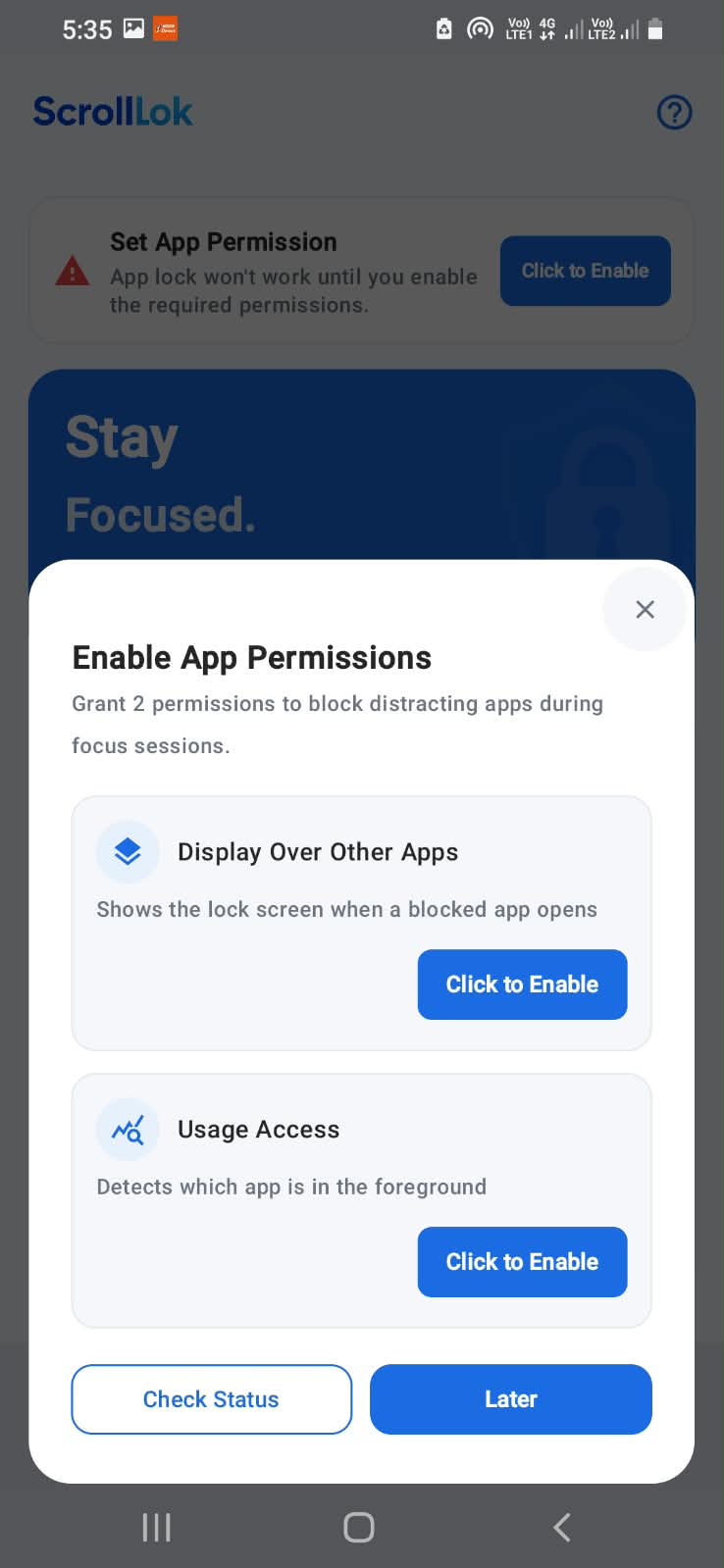
app permissions enable screeen
-
splash screen
-
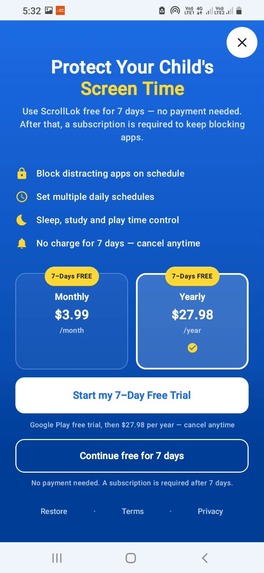
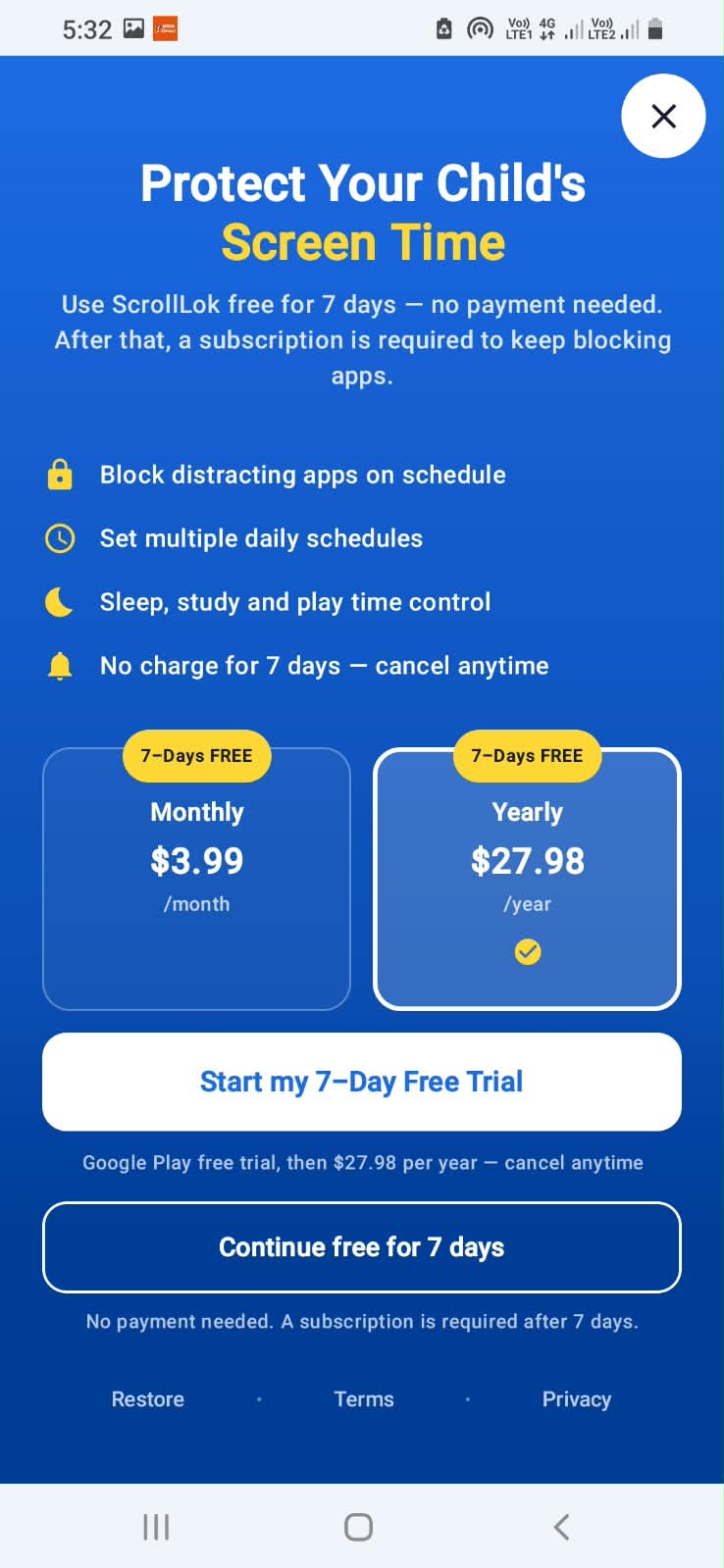
Paywall Screen

Inspiration
ScrollLok was inspired by a simple problem many families face today: children spending too much time on smartphones, especially on social media and distracting apps. Parents often want to help manage screen time, but existing solutions can feel complicated or difficult to use. We wanted to build a simple solution that helps families create healthier digital habits without making technology itself feel like a problem.
What it does
ScrollLok is a digital wellbeing and parental screen-time management app that helps parents manage children's screen time and control access to distracting apps. The app allows users to:
- Set screen-time boundaries
- Block distracting applications
- Create schedules for study, sleep, and focused time
- Reduce unnecessary social-media usage
- Encourage healthier digital habits Our goal was to keep the experience simple, practical, and easy to understand. ## How we built it
i designed ScrollLok as an Android application with a focus on simplicity and usability. We worked through the complete process from idea → UI/UX → Android implementation → testing → Google Play deployment. We also built a supporting website to explain the product and allow interested users to stay informed about future releases.
Challenges we ran into
One of the biggest lessons was that building a useful product is more than implementing features. We had to think about user experience, privacy, permissions, reliability, testing, and how to communicate the purpose of the product clearly. We also learned more about Android's app-management capabilities and the challenges involved in creating reliable screen-time controls.
The biggest challenge was balancing effective app control with a simple user experience. Android permissions and device-level restrictions can also make this type of application more complex than a traditional app. We iterated through these challenges by testing the application, identifying limitations, improving the experience, and refining the product based on what we learned. ScrollLok is our attempt to turn screen-time management from a daily struggle into a simple, manageable digital habit.
Accomplishments that we're proud of
I am proud of turning a simple idea into a working Android application that can help families manage screen time and reduce digital distractions. We built the core ScrollLok experience, created scheduling and app-control features, designed the user interface, tested the application, and prepared it for Google Play distribution. We are especially proud of keeping the experience simple and focused on a real everyday problem.
What we learned
Building ScrollLok taught us that creating a screen-time management app involves much more than designing a few screens. We learned about Android permissions, app management, scheduling, background behavior, user experience, testing across devices, and Google Play's publishing requirements. Most importantly, we learned how important it is to balance effective controls with simplicity, so that parents can use the app without needing technical knowledge.
What's next for ScrollLok
Our next goal is to make ScrollLok more powerful while keeping it simple. We plan to improve screen-time insights, add better scheduling and reporting, expand app-control capabilities, improve the parental experience, and continue testing across different Android devices. We also want to explore AI-powered insights that can help families understand digital usage patterns and make healthier screen-time decisions.
Built With
- android
- kotlin


Log in or sign up for Devpost to join the conversation.