-
-
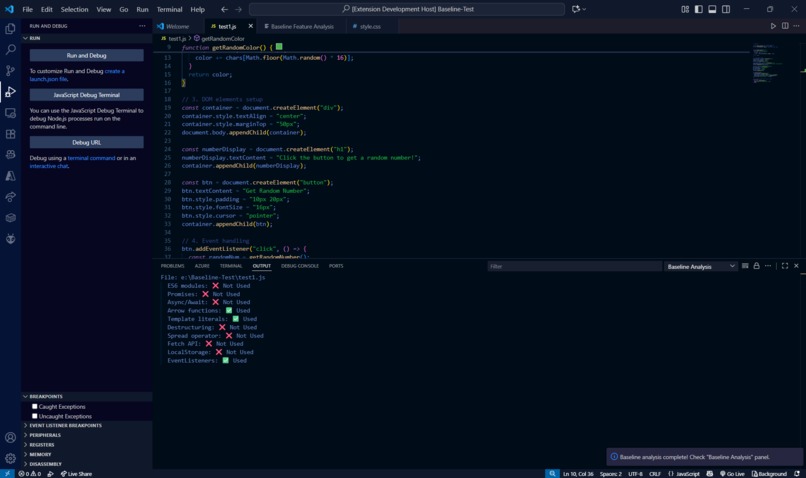
Features Detected
-
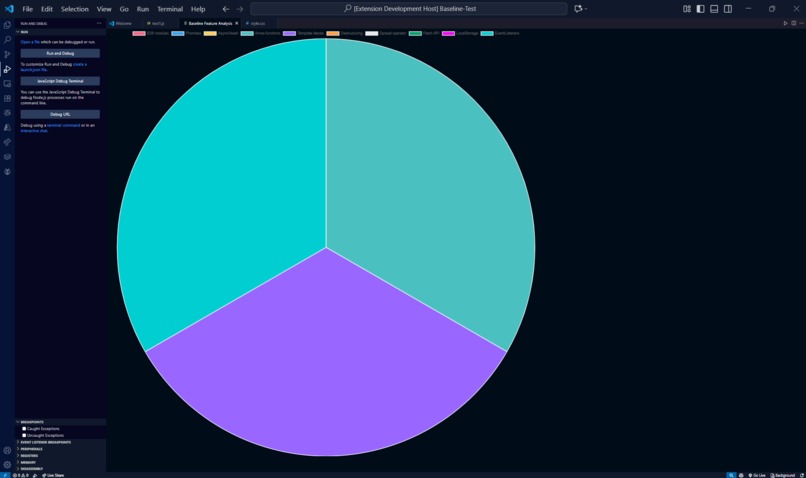
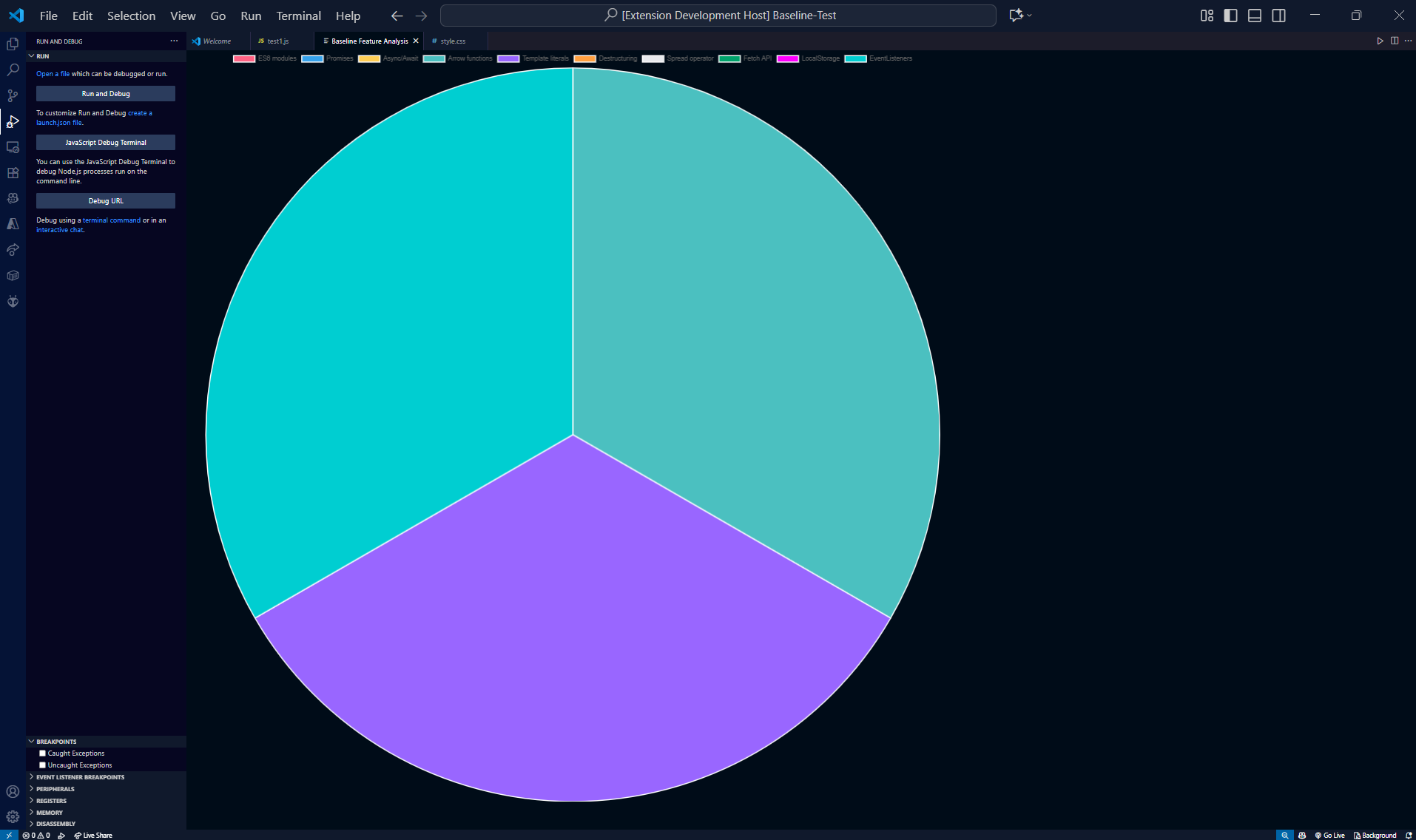
Pie chart
-
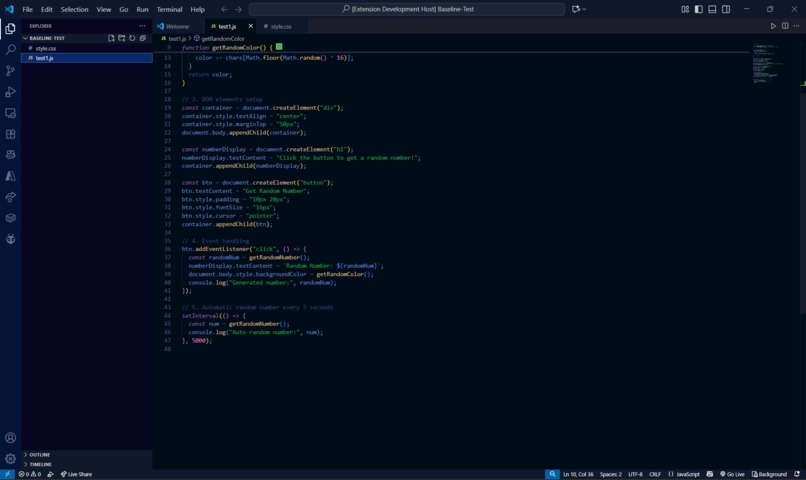
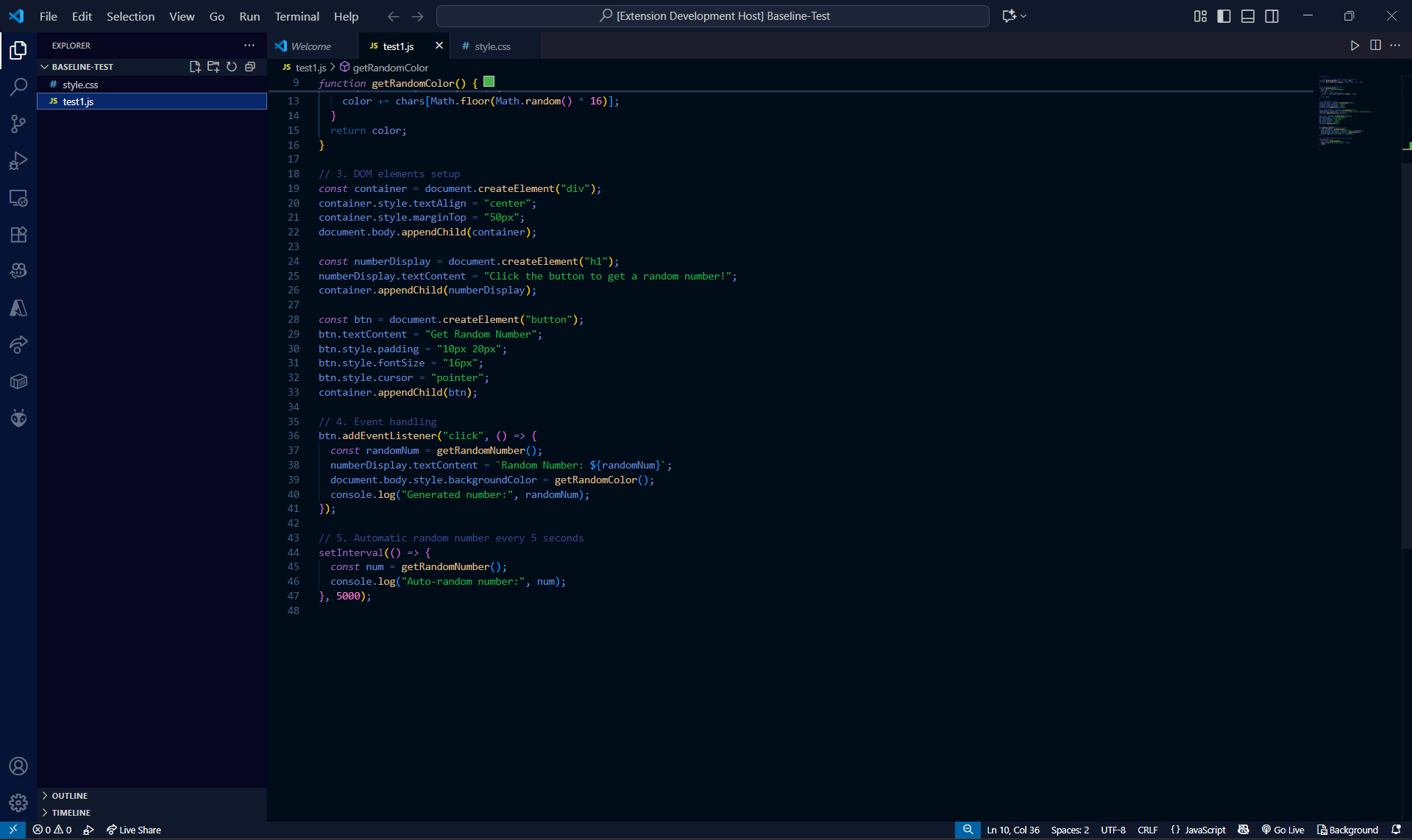
JS File
Inspiration
We were inspired by the frustration of manual code reviews — they’re slow, repetitive, and often miss subtle bugs or security issues. We wanted to build something that makes reviews faster, more reliable, and developer-friendly.
What it does
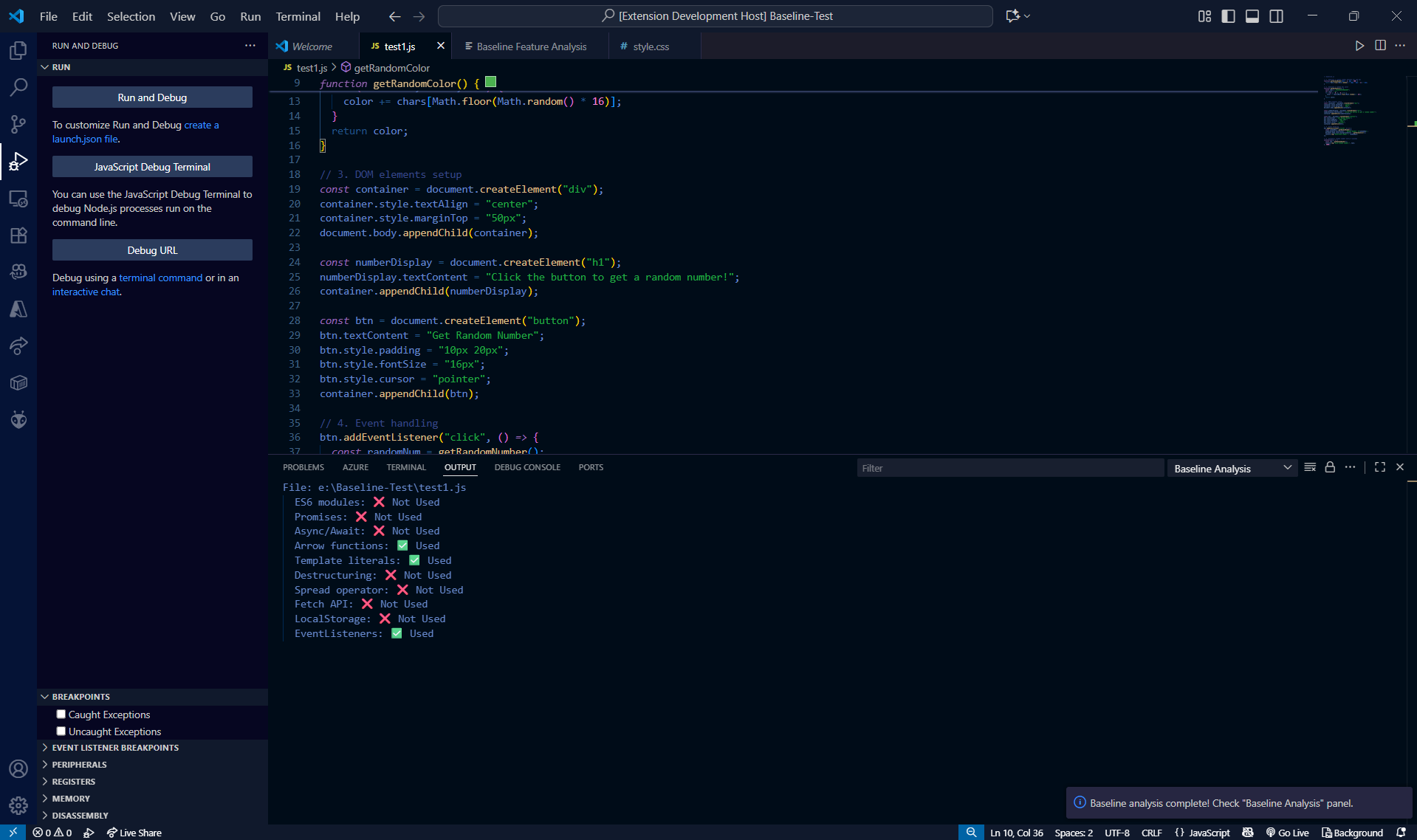
ScriptScan is a VS Code extension that scans JavaScript files automatically, highlights issues inline, and generates a pie chart summarizing them by category (Security, Performance, Style). This helps developers quickly identify and prioritize the most important problems without digging through every line of code.
How we built it
Built using the VS Code Extension API with TypeScript and Node.js.
Implemented static analysis rules to detect bugs, anti-patterns, and vulnerabilities.
Used Chart.js to generate a pie chart visualization inside VS Code.
Ensured everything runs locally for privacy and speed.
Challenges we ran into
Learning and adapting to the VS Code extension development workflow for the first time.
Designing meaningful categories of issues that are both simple and useful.
Embedding a live pie chart visualization directly into the extension UI.
Managing time constraints to deliver a polished demo without overloading features.
Accomplishments that we're proud of
Built a working VS Code extension within the hackathon timeframe.
Successfully integrated both inline issue highlighting and visual summaries.
Designed a tool that is developer-first: fast, simple, and keeps code private.
Made a strong foundation that can be expanded with more rules and languages.
What we learned
How to build and publish a VS Code extension from scratch.
The importance of balancing detail vs. overview in developer tools.
How to create effective static analysis rules and integrate visualizations.
Why local-first development tools matter to developers’ trust.
What's next for ScriptScan
Adding more advanced rules for deeper code analysis.
Expanding support beyond JavaScript to TypeScript and other languages.
Integrating into CI/CD pipelines so pull requests are scanned automatically.
Improving the UI with better charts, dashboards, and team reports.
Built With
- extension
- github
- node.js
- typescript
- vs


Log in or sign up for Devpost to join the conversation.