-
-
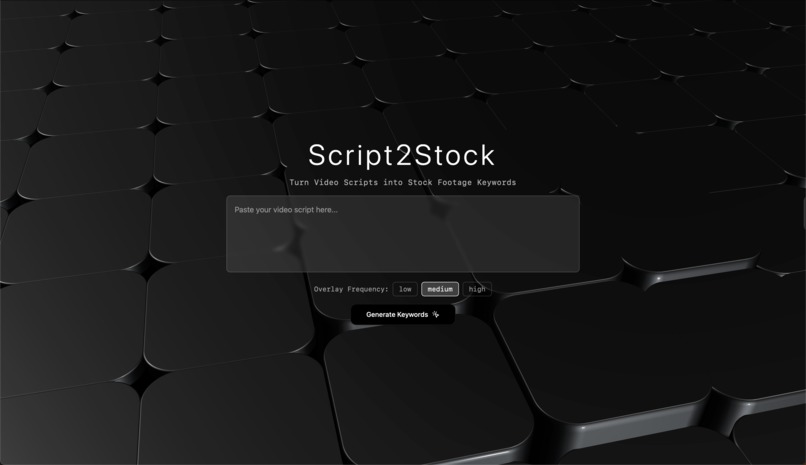
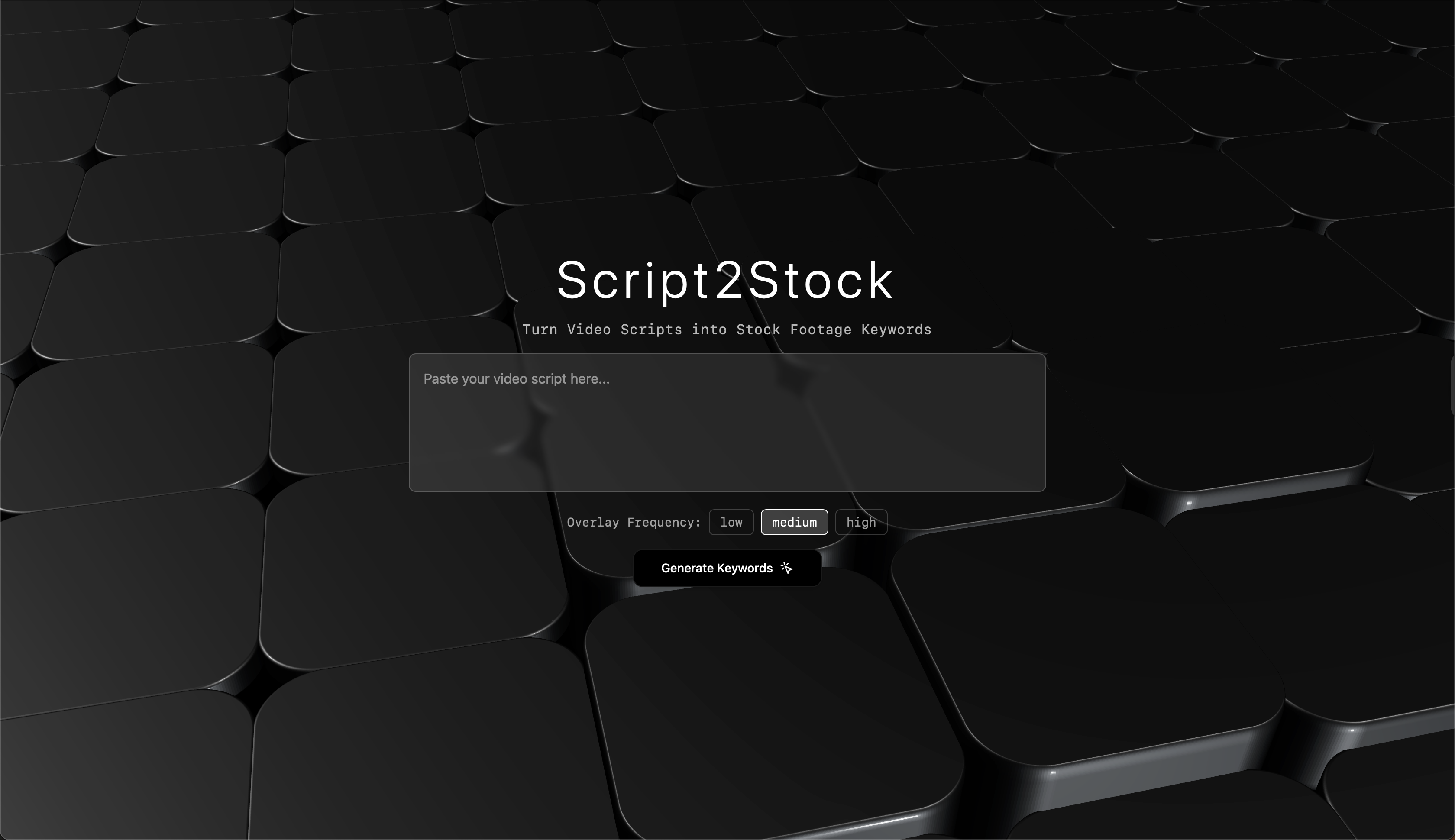
Landing page
-
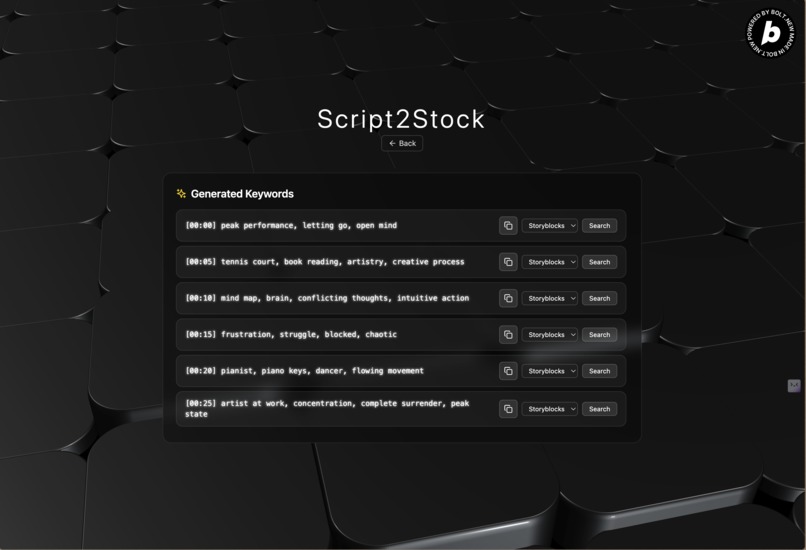
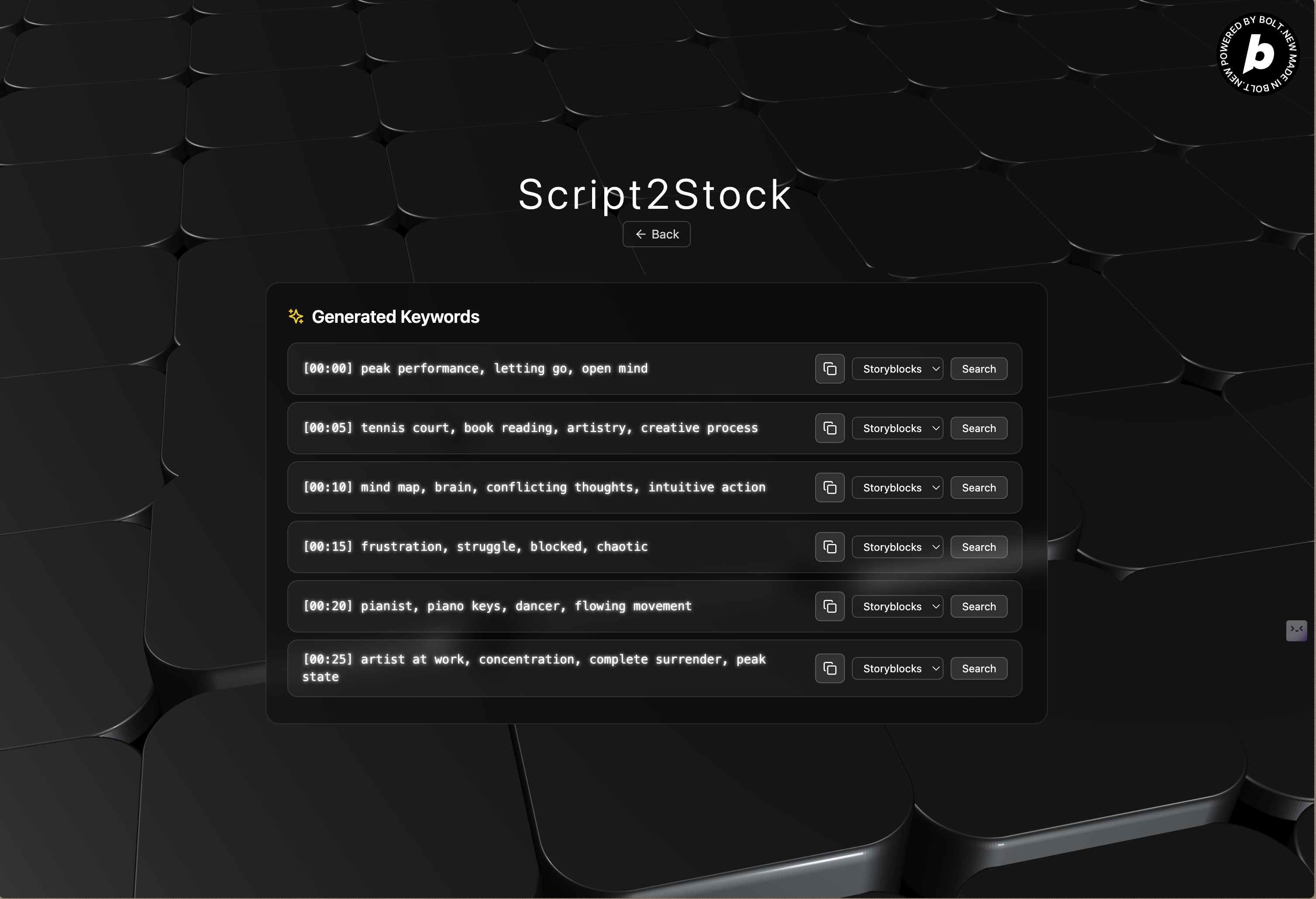
Main Functionality Page
From Scripts to Keywords – The Story Behind Script2Stock
As a professional short-form video editor, I’ve often found myself in a situation that many creators will relate to:
You have a solid script, but finding the right stock footage to match it is a time-consuming and frustrating process.
After manually dissecting countless scripts and brainstorming relevant search terms, I realized:
"There has to be a smarter, faster way to do this."
That realization led me to build Script2Stock — a web app that turns any video script into a curated list of stock footage keywords with just a single click.
Why I built it
- As an editor, I needed a faster and more relevant way to search for stock footage.
- Existing solutions were either too generic or not tailored to story-driven content.
- I wanted a tool that allowed creators to focus on storytelling, not searching.
What it does
- Paste a video script.
- Choose the overlay frequency: Low, Medium, or High.
- Instantly get a list of contextually relevant keywords.
- Easily copy or search them directly on platforms like Storyblocks, Pexels, and Pixabay.
Who is it for
- Video editors
- Content creators
- Social media teams
- Anyone working with stock footage for storytelling
What makes it different
- Minimalist, distraction-free interface with 3D animated visuals.
- Context-aware keyword generation tuned for narrative scripts.
- No login or setup required. Free to use.
Script2Stock was built to solve a real workflow issue I faced as an editor. It’s fast, intuitive, and has become an essential part of my editing toolkit.
If you're in the same boat — spending more time searching than editing — this might be exactly what you need.
Built With
- bolt
- fastapi
- mongodb
- react
- render-(for-backend-hosting)
- tailwind-css
- three.js-(via-react-three-fiber)
- typescript
- vercel
- vite

Log in or sign up for Devpost to join the conversation.