-
-
-
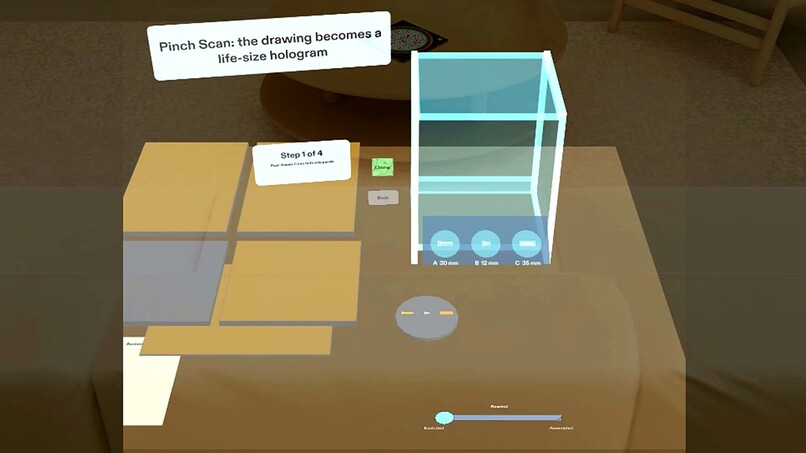
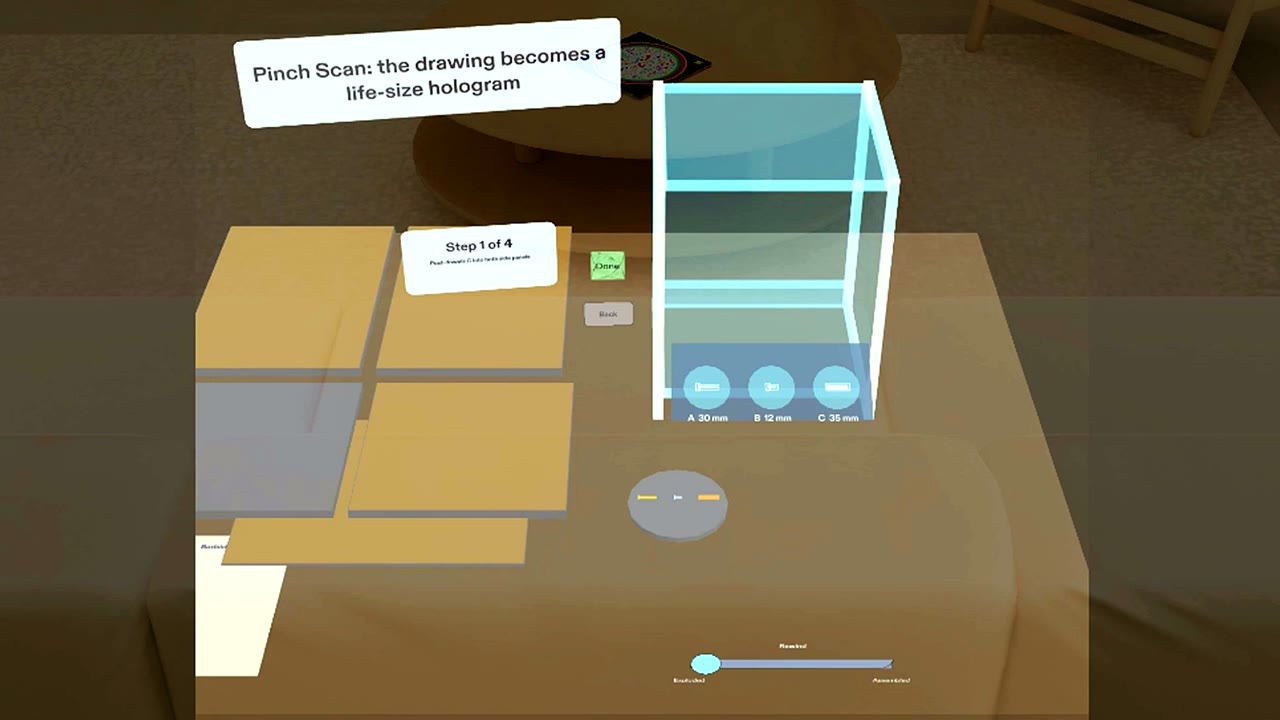
After Scan: the drawing became a life-size hologram, with the real-size outline tray in front of it.
-
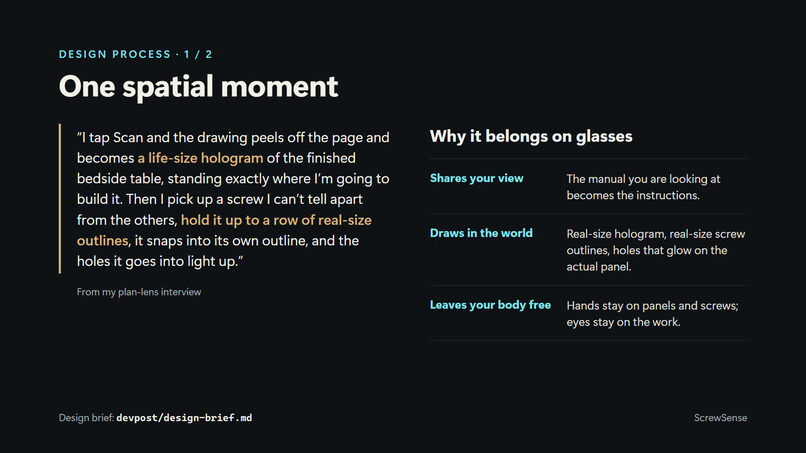
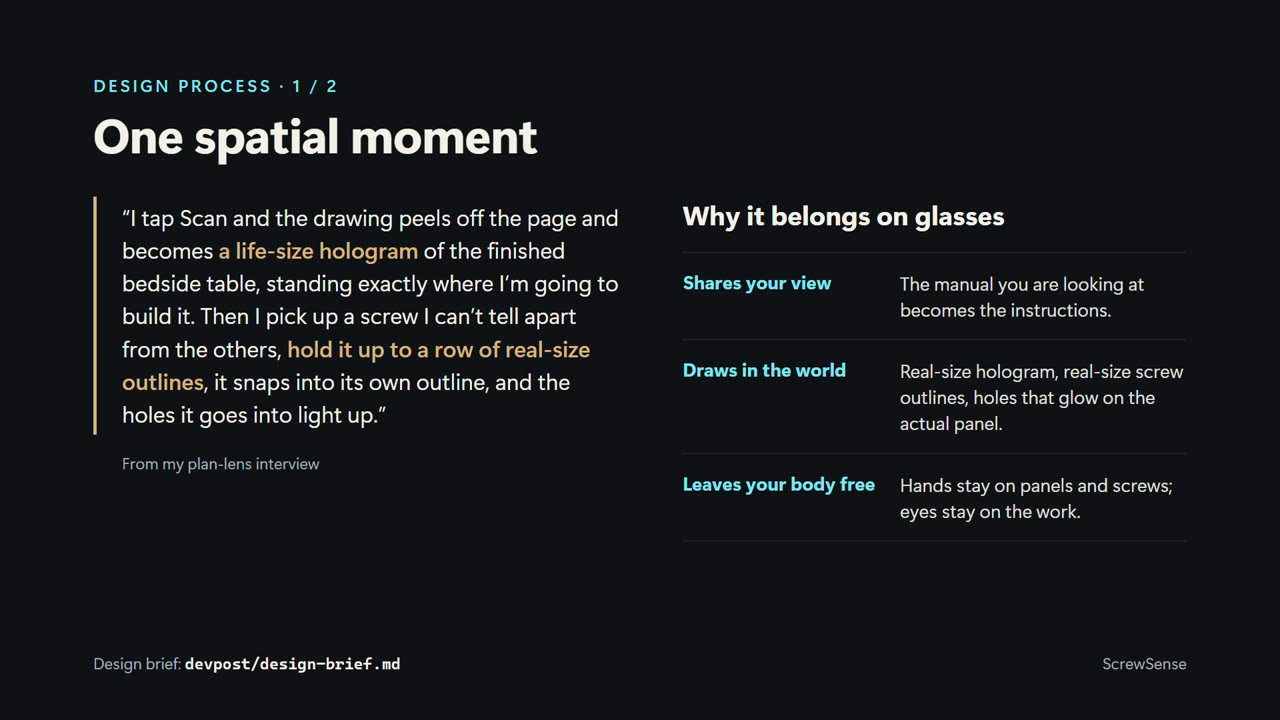
Design process: the one spatial moment from my plan-lens interview, and why it belongs on glasses.
-
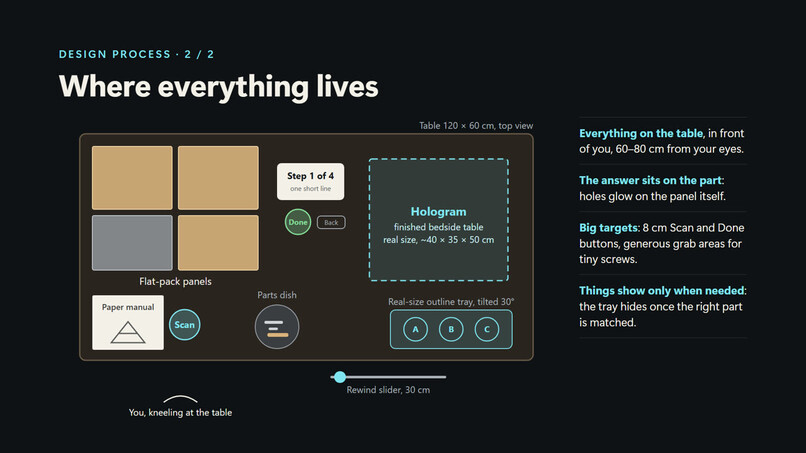
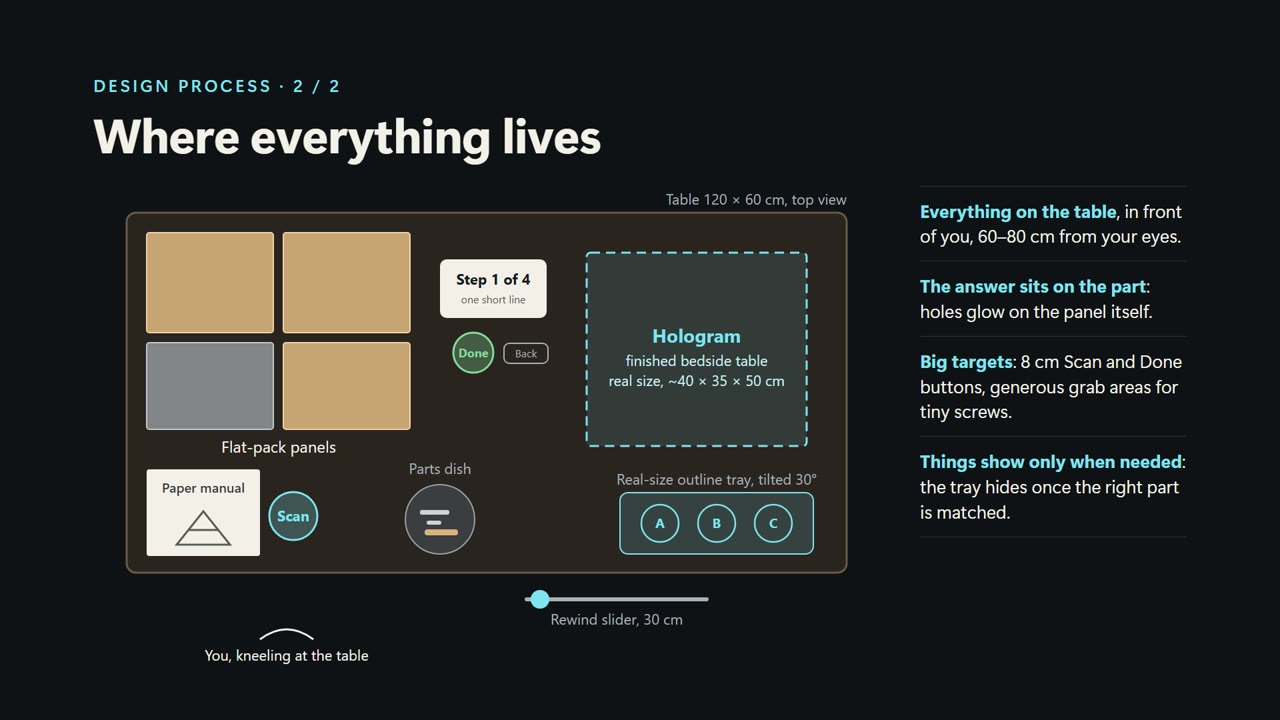
Design process: where everything lives on the 120 x 60 cm table, planned before any code.
-
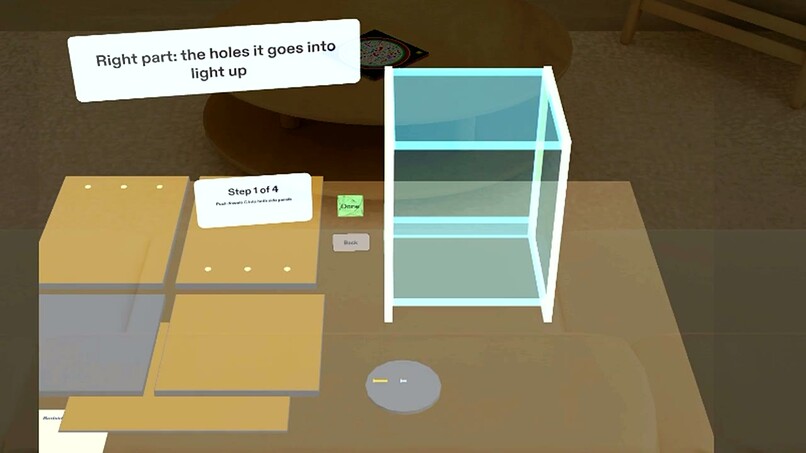
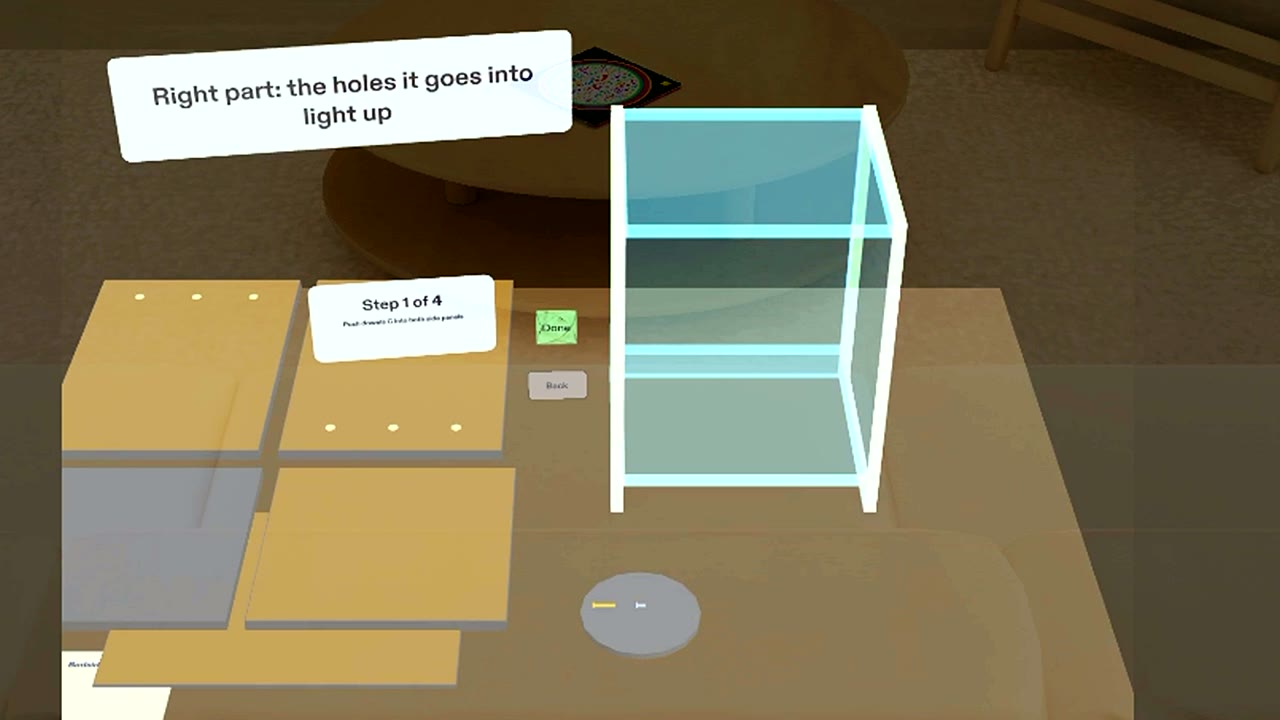
Right part matched: the holes it goes into glow on the side panels, and the tray gets out of the way.
-
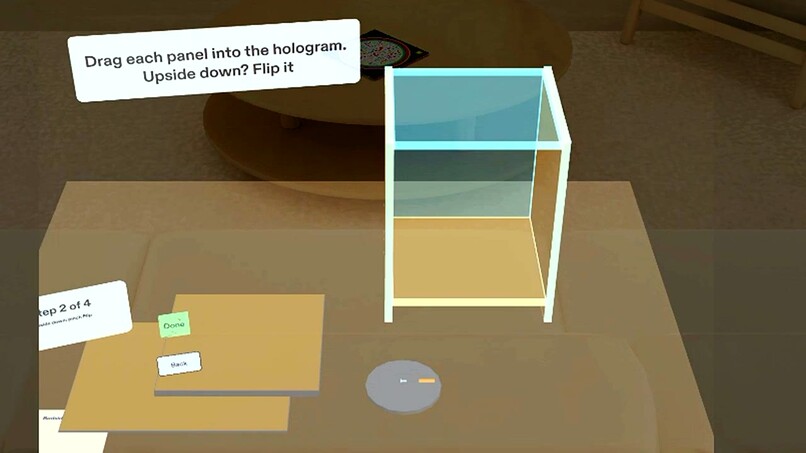
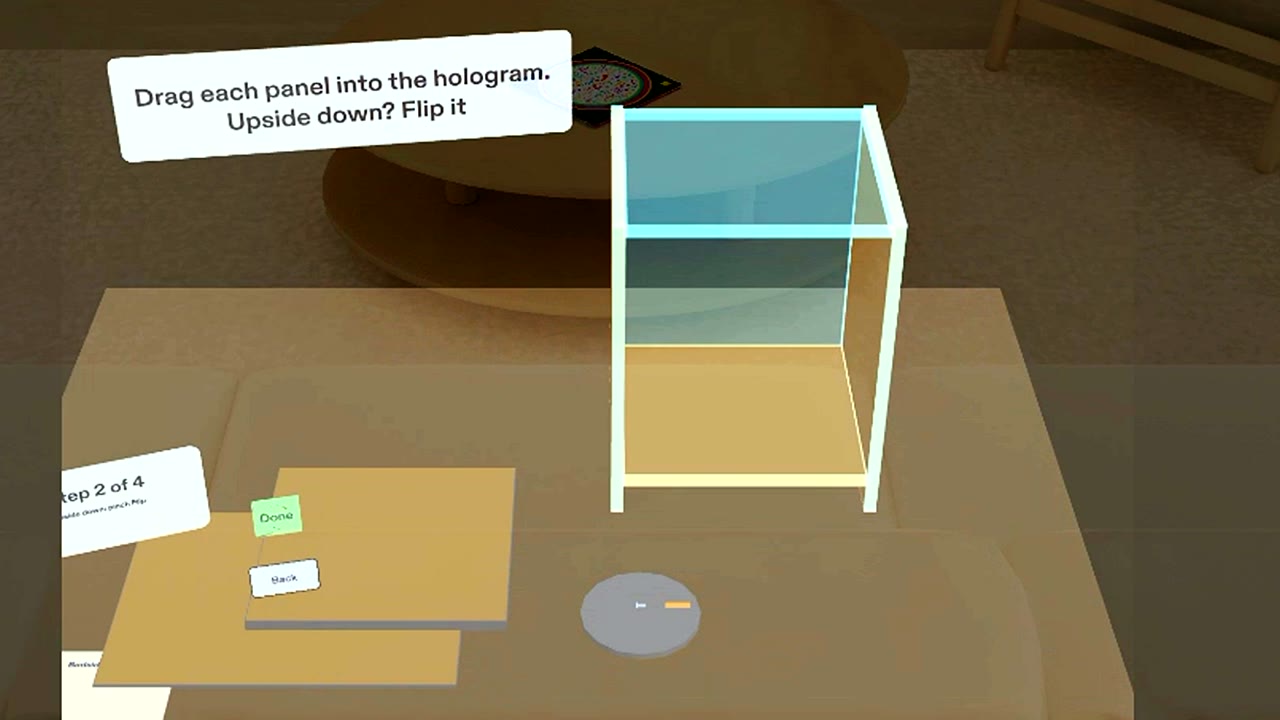
A panel placed upside down gets a red edge and a Flip button.
-
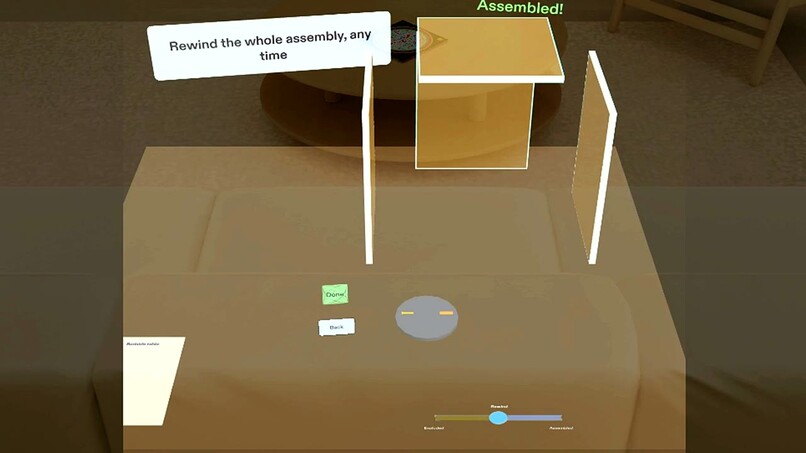
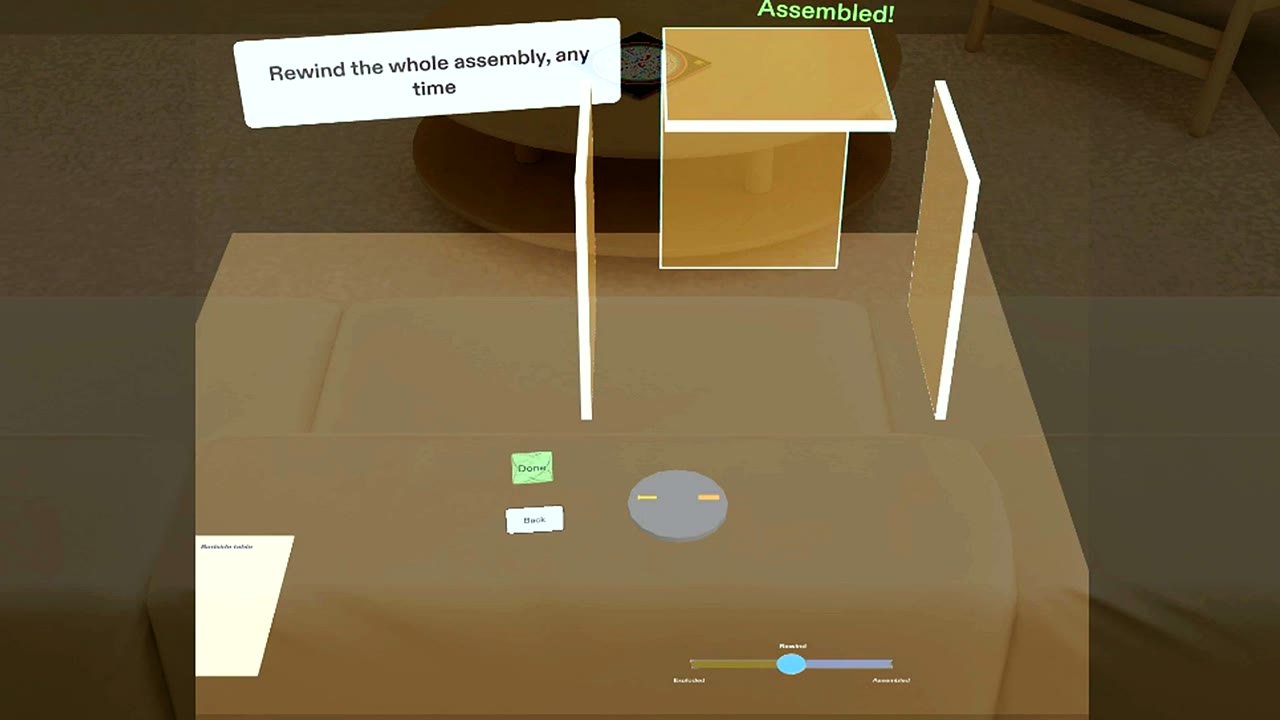
Rewind: scrub the whole assembly between exploded and finished without losing your progress.
Inspiration
Flat-pack furniture comes with a paper manual: a flat drawing you translate in your head while your hands are full of panels and screws, and a bag of screws that all look the same. Glasses can do what paper and phones can't: put the instruction on the part it is about, at real size, while your hands stay on the work.
What it does
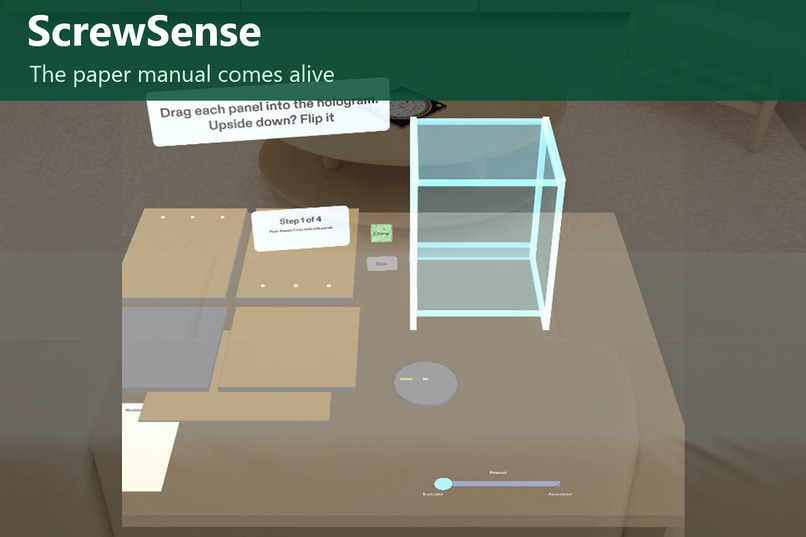
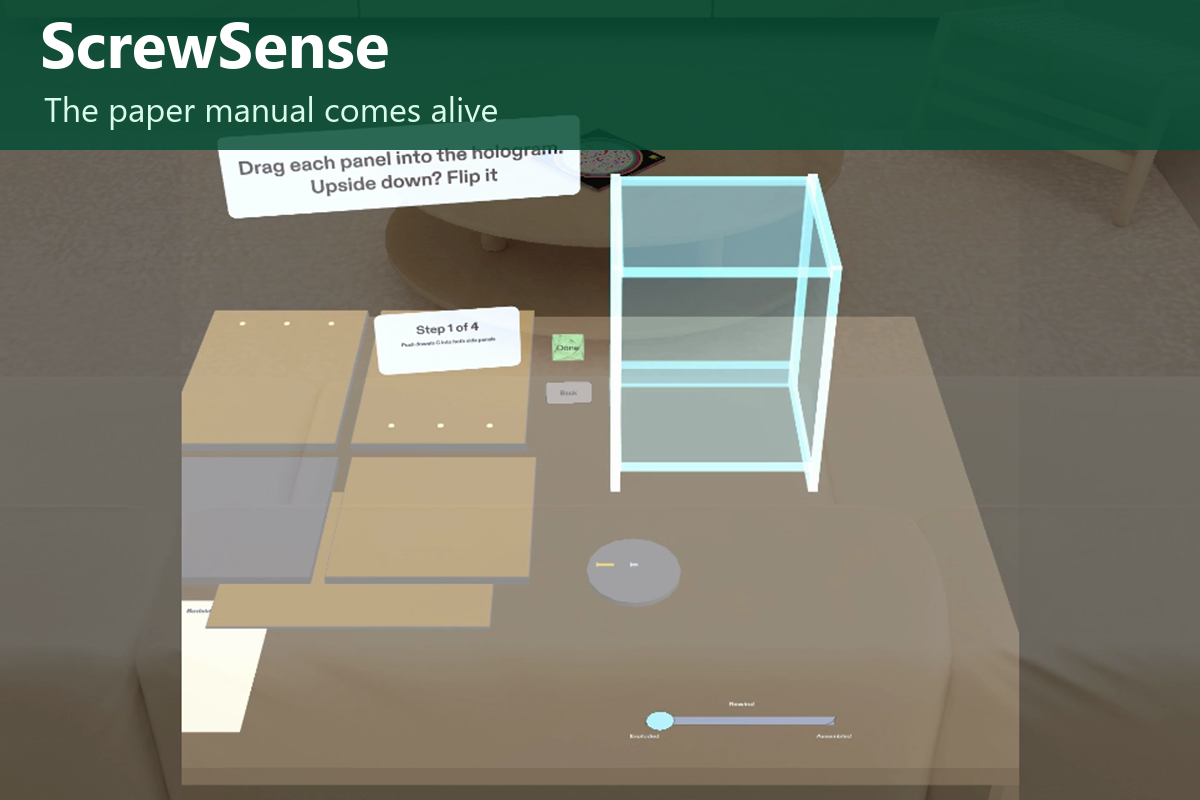
ScrewSense: the paper manual comes alive.
- Scan the manual. Pinch Scan and the line drawing lifts off the A4 page, grows and settles into a translucent, life-size hologram of the finished bedside table, standing where you will build it, with a slot for every panel.
- Identify screws by size. Hold a part up to a row of life-size outlines at the table's edge. Right part: the outline turns green, a high tone plays and the exact holes it goes into light up on the panel. Wrong part: the outline shakes red, a low tone plays and the correct outline lights up as a hint.
- Place panels in the hologram. Drag each panel into its pulsing slot; it snaps in. A panel placed upside down gets a red edge and a big Flip button.
- One big Done per step, with the step card beside the panel you are working on, through four steps to "Assembled!".
- Rewind. Drag a slider along the table's edge to scrub the whole assembly between exploded and assembled, any time, without losing your place.
It uses all three strengths of glasses: it shares your view (the manual becomes instructions in space), draws in the world (life-size hologram, outlines and glowing holes on the actual part) and leaves your body free (hands on the parts, one big pinch target per step).
Who it's for: anyone assembling furniture at home, and anyone who has ever used the wrong screw.
How we built it
- Planned with the Devpost Learn plan-lens skill: the interview produced
devpost/design-brief.mdwith seven done criteria, and every answer was checked against the AR design rules and the preview limits. - Built by an AI coding agent through Snap's CLAD plugin, Lens Studio 5.24 and the Lens Studio MCP, with Spectacles Interaction Kit and UI Kit, in three phases: core (outlines, steps, Done/Back), hologram placement (drag to snap, Flip), and the wow layer (Scan transformation, rewind slider).
- Stand-ins for the preview, as the brief describes: the virtual manual and Scan button stand in for camera recognition of the real page; virtual panels and parts stand in for the real ones.
- Tested with LEAF: one scenario per done criterion, and all seven pass in the Lens Studio preview. The demo video itself is a LEAF scenario playing the full story hands-free with captions.
Challenges
- Real-size parts are tiny (a 12 mm screw), so grab areas are larger than the parts.
- The preview's field of view is narrow, so the rig places the table relative to the user's head at start.
- Editor freezes during long test runs: we learned to run LEAF scenarios one at a time, wait after recompiles, and keep the project out of a cloud-synced folder.
What we learned
The hard part is not code; it is deciding where information lives and when it shows. A paper manual already contains the answer; glasses just put it on the part, at the moment you need it.
What's next
Real camera recognition of the manual page and of panel positions on SPECS, more furniture, and counting screws as they go in.
Built With
- augmented-reality
- claude
- lens-studio
- spectacles
- typescript

Log in or sign up for Devpost to join the conversation.