-
-
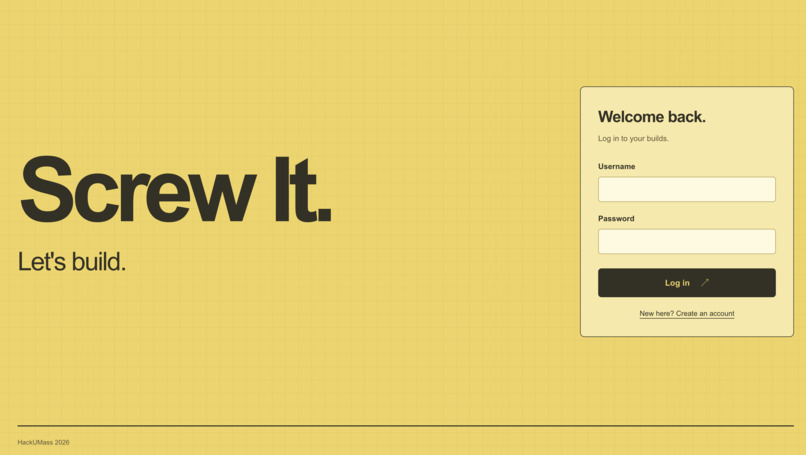
Login
-
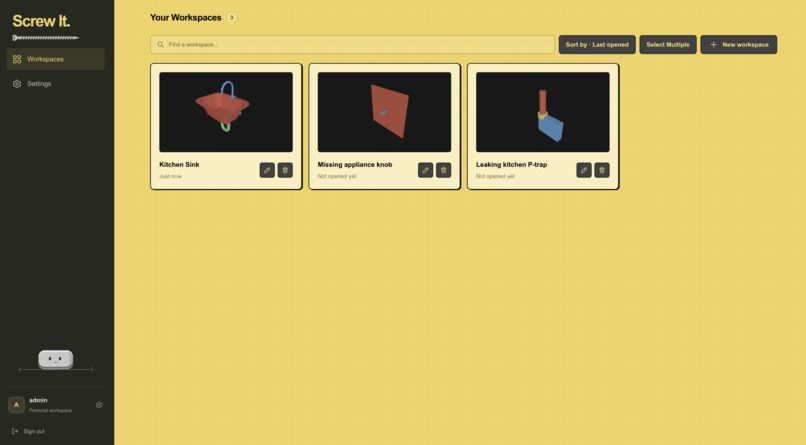
Dashboard
-
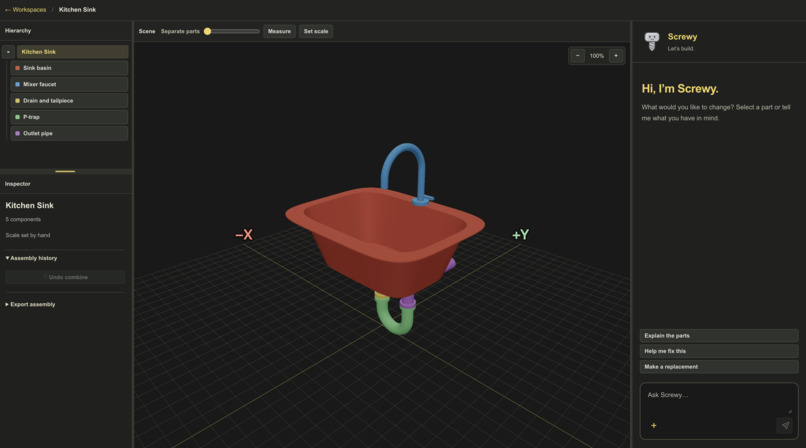
Editor
-
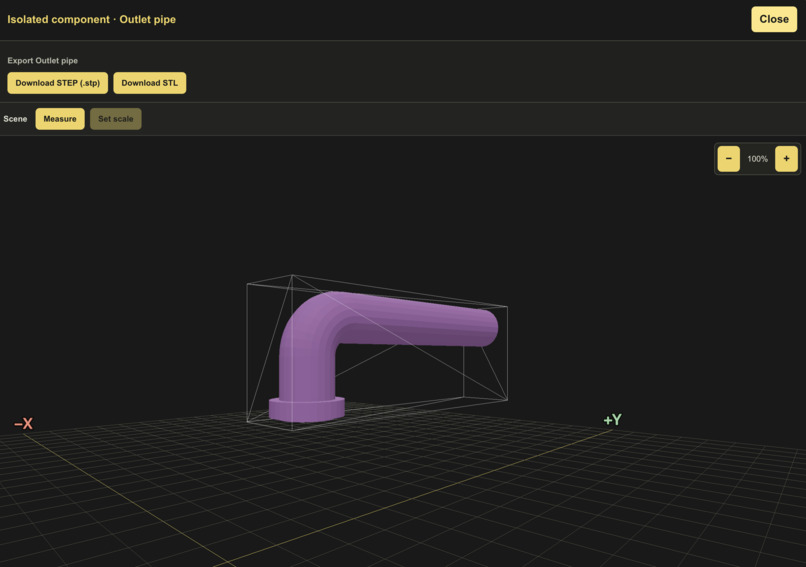
Individual Piece Visualization
Screw It
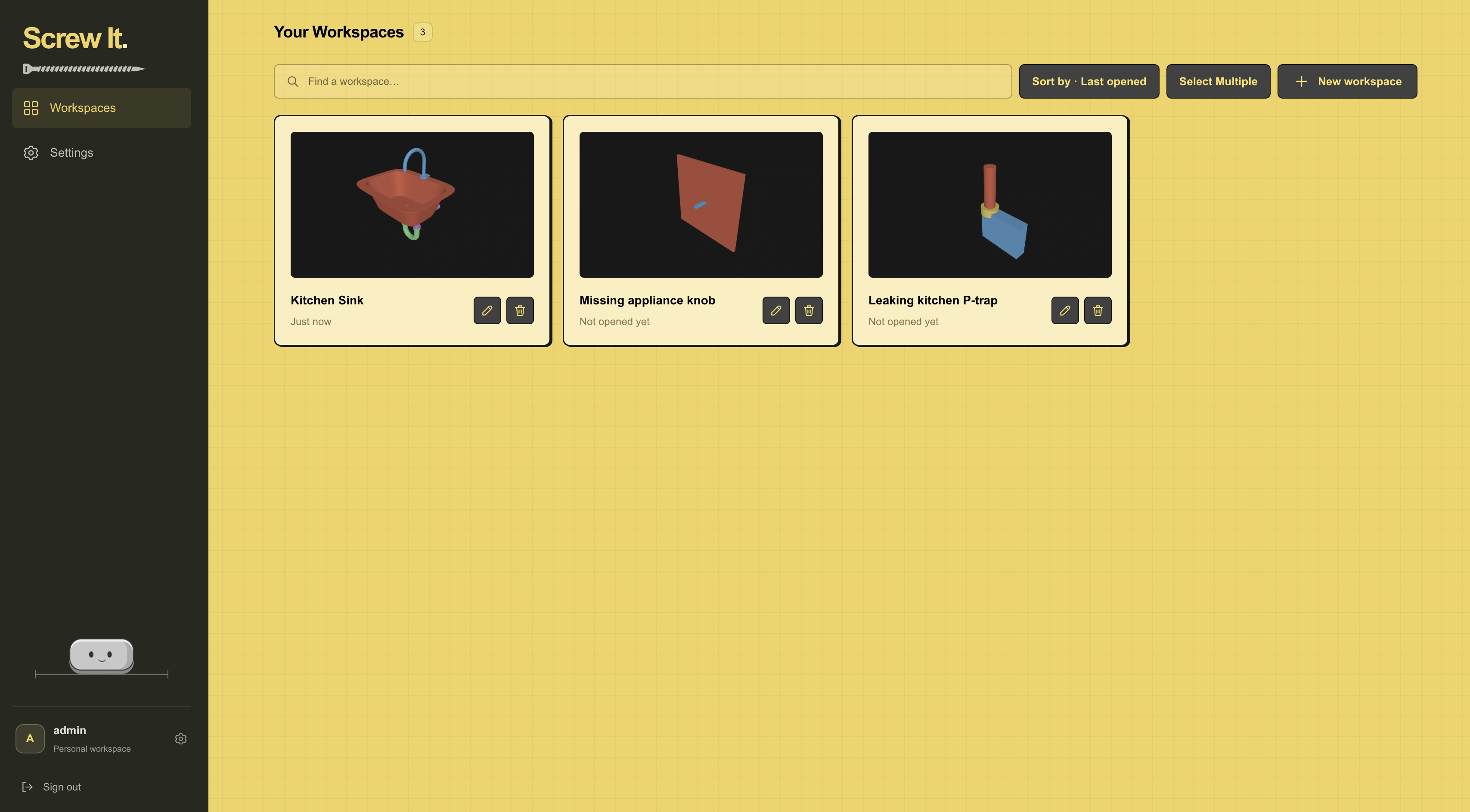
We've all had something around the house that we wanted to fix or improve, but had no idea where to start. Maybe you don't know what a part is called, what materials you need, or if your idea is feasible in the first place. Screw It helps you modify, fix, and create things, starting with the object in front of you.
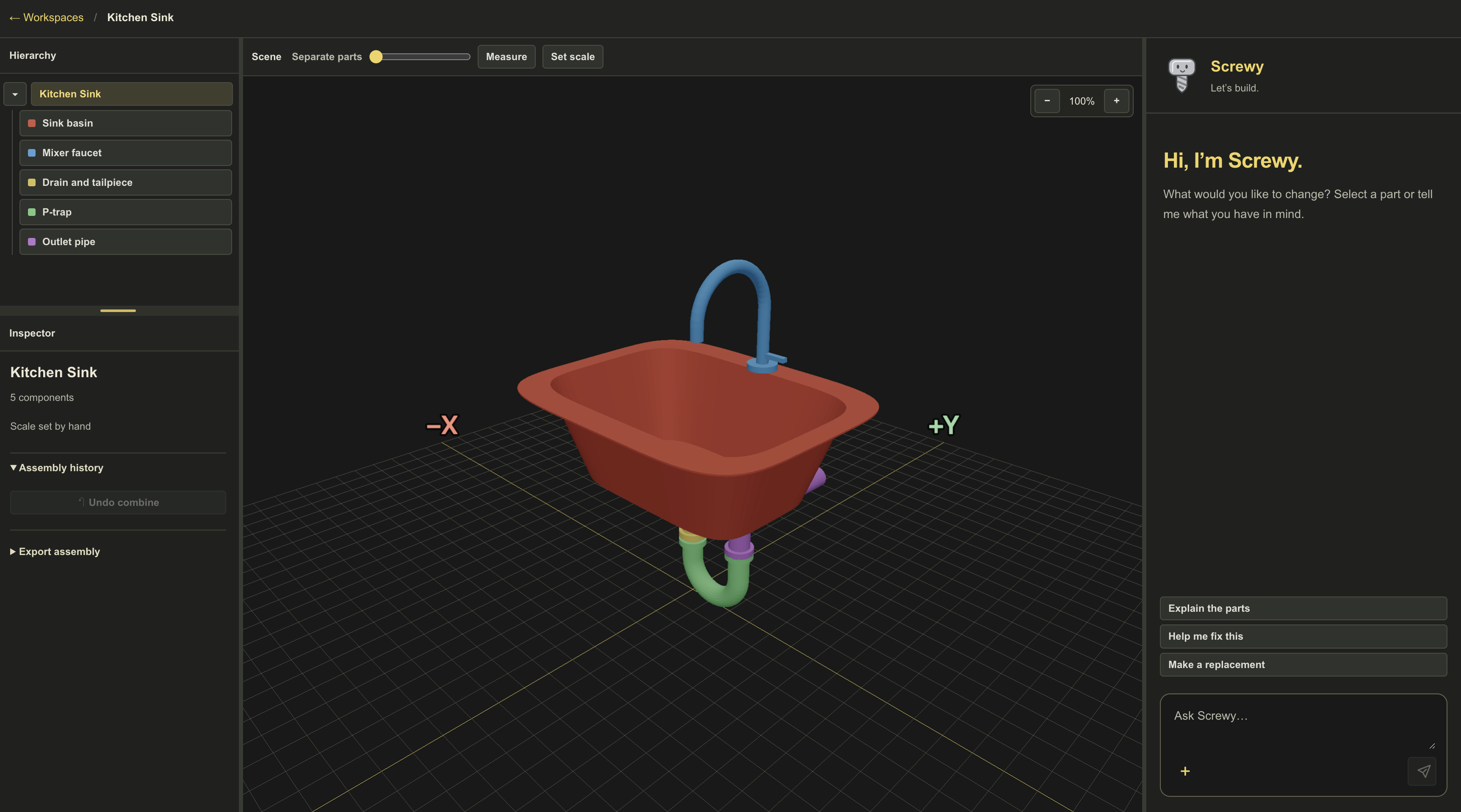
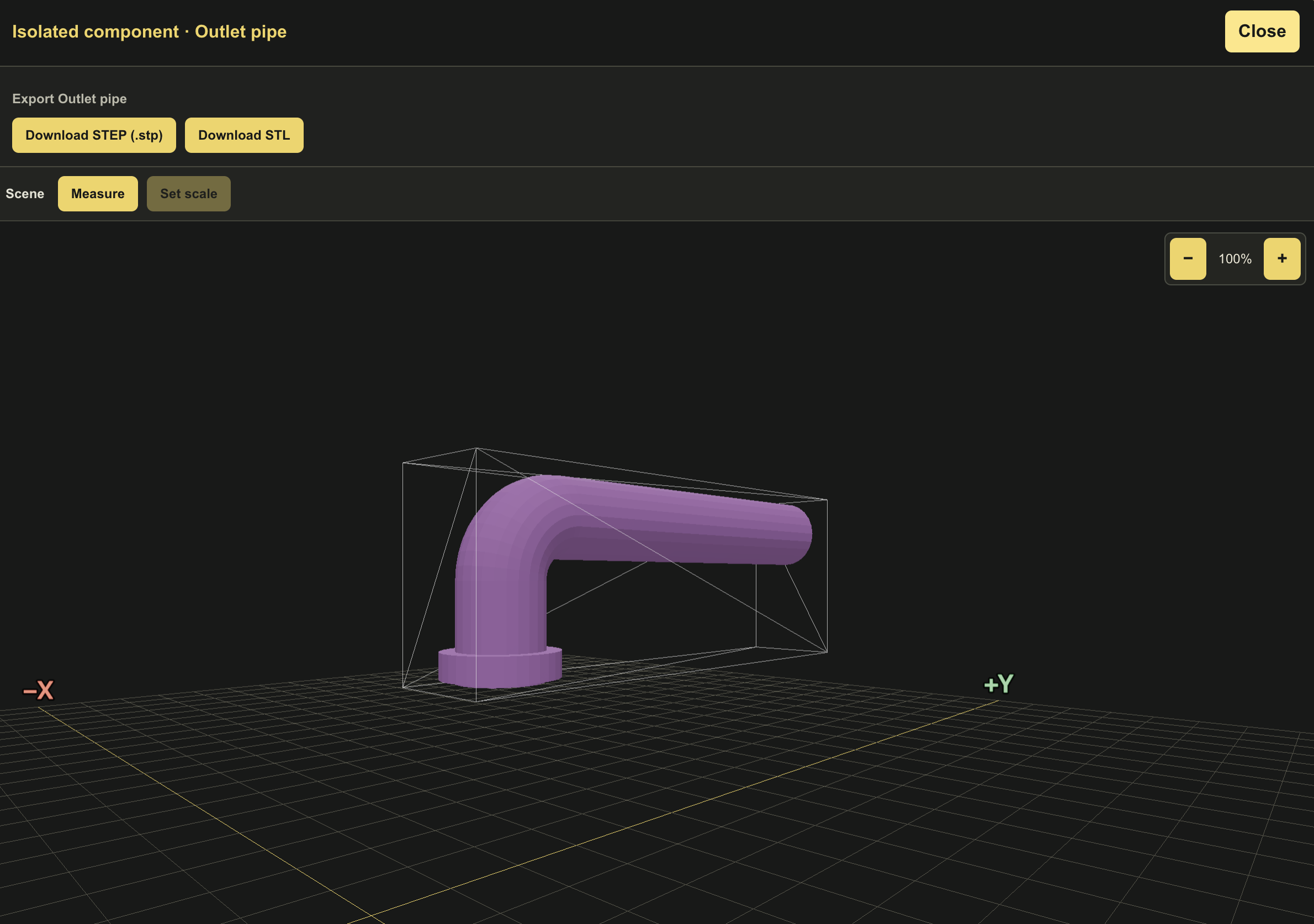
Take a video of your object and explore its 3D reconstruction, one component at a time. Click the piece you’re curious about and tell Screwy, your workshop assistant, what you want to do. Screwy can turn a repair plan into a printable, step-by-step guide with tools, a shopping list, and illustrations that highlight the relevant parts of your model. For supported shapes, Screwy can also design a replacement part you can 3D print.
While Screwy is heavily versed in dealing with bigger projects (IE adding additional shelves to your preexisting shelving unit, or diagnosing your electronic hardware problems), this demo shows his utility in helping out with everyday simple tasks.
How it Works
Screw It takes in a series of photos or video. We use the Depth Anything 3 model to turn the video into camera positions and depth maps within a single pass. Using a reference sheet when taking a video, we are able to accurately determine the size of the shape. We clean up the rough edges of the shapes and fuse the points into a 3D mesh. Because each object is made up of unique components, we use Claude to look at the model and identify each element individually. Finally, Screwy, our Claude-powered assistant, uses that model to explain how the object works, plan a repair, find replacement parts, or design a 3D-printable part that fits.
Built With
- depth-anything-3
- fastapi
- git
- javascript
- nextjs
- nigel
- numpy
- open3d
- opencv
- openrouter
- pydantic
- python
- pytorch
- react
- scipy
- sqlite
- tailwindcss
- trimesh
- typescript
- uvicorn


