-
-
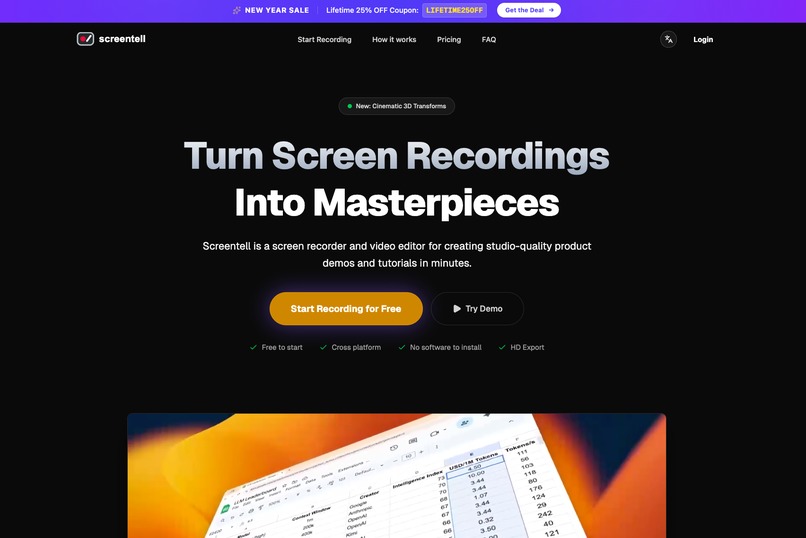
Screentell home
-
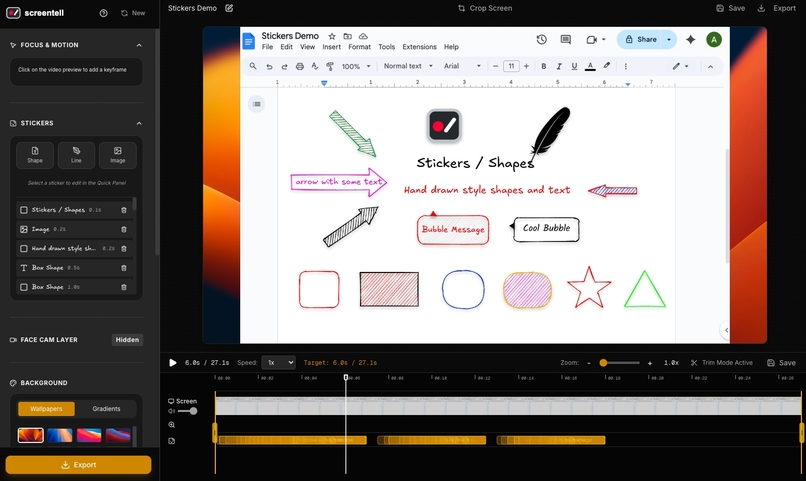
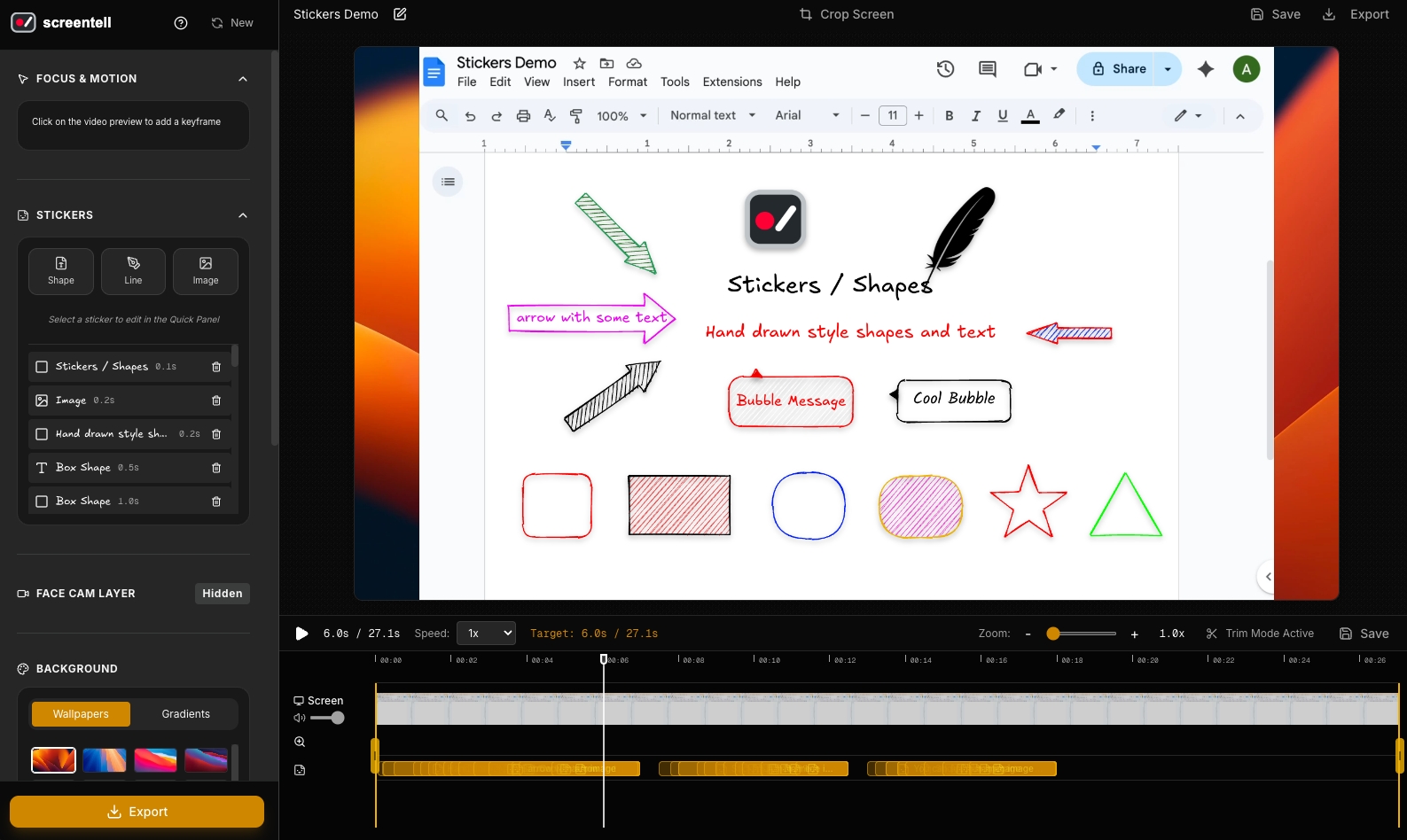
Screentell stickers
-
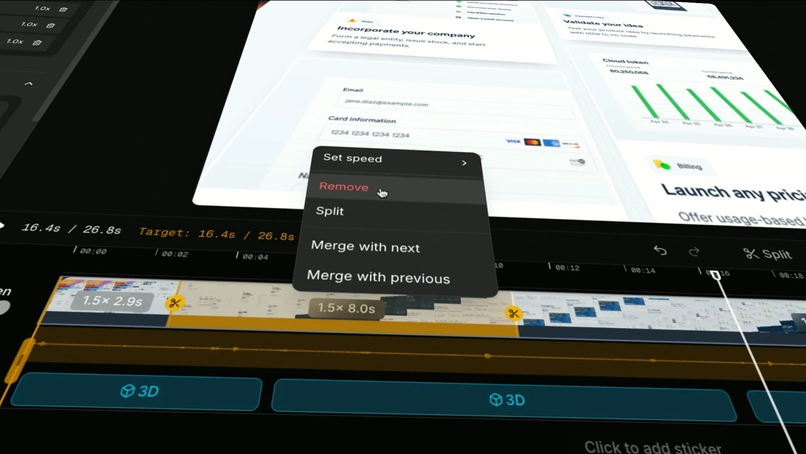
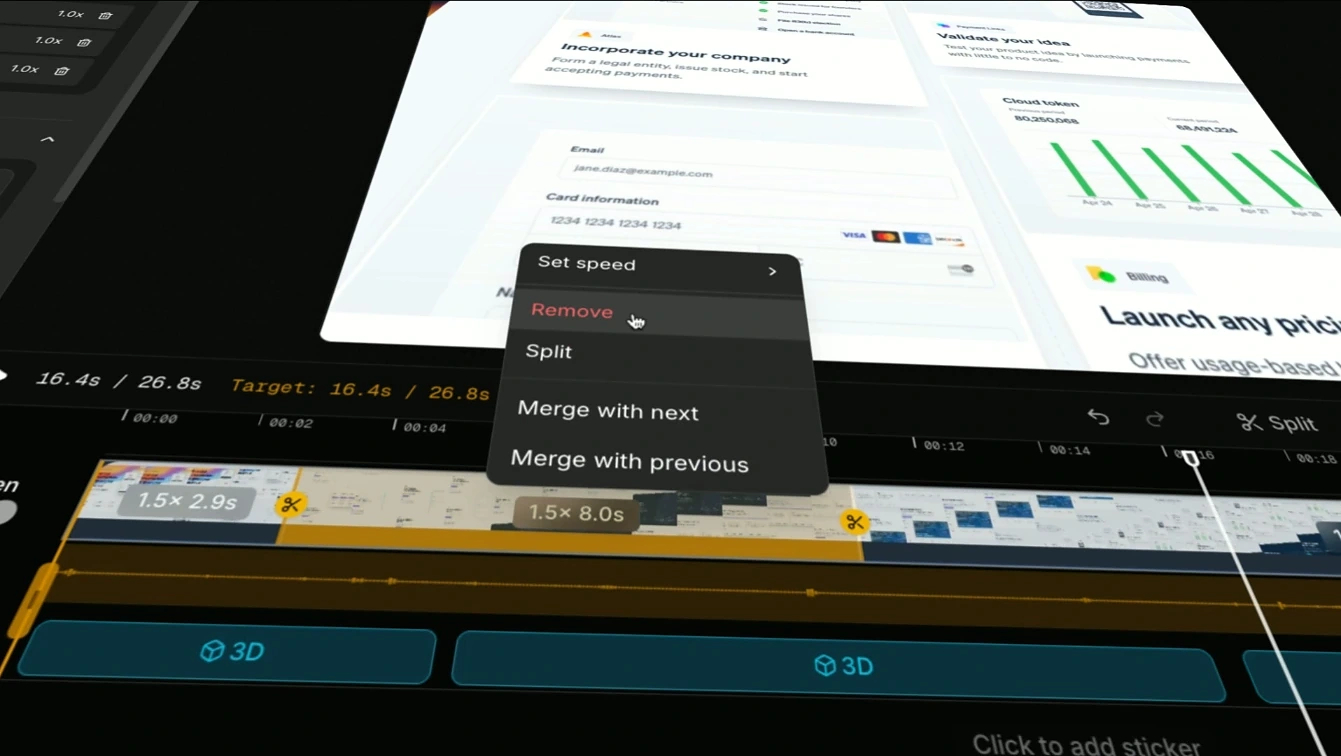
Screentell screen recording clip edit
-
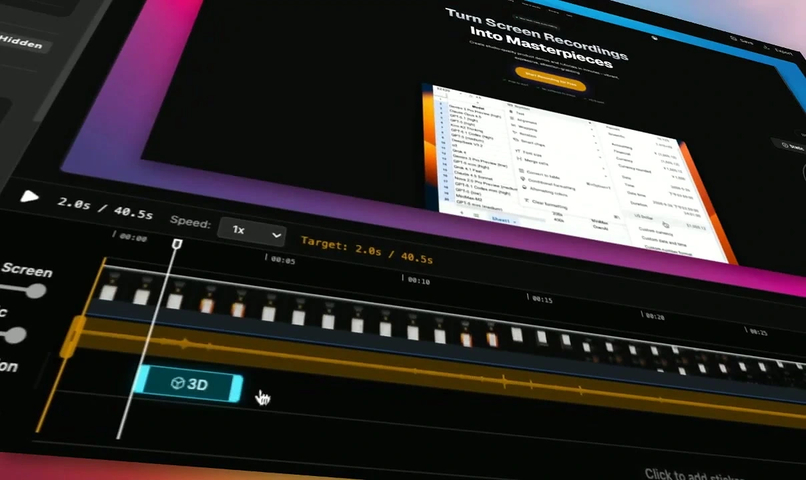
Screentell add 3D transforms to screen recording
-
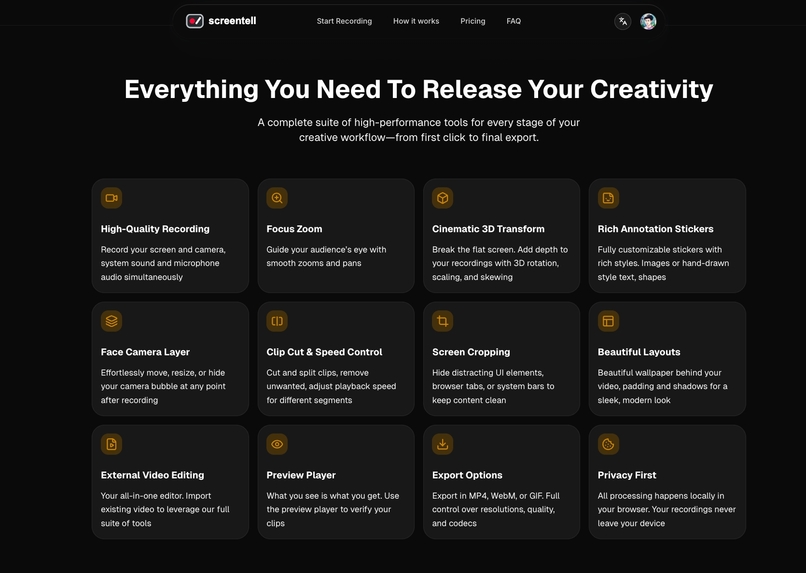
Screentell features
The Story Behind Screentell
Inspiration
As a solo indie maker constantly shipping side projects and tools, I kept hitting the same frustrating wall every time I needed a quick demo video: install yet another bloated screen recorder, fiddle endlessly with audio sources (system sound vs. mic), accidentally capture notifications or sensitive tabs, re-record because something looked off, then open a separate heavy editor just to add a basic zoom or arrow. It felt like I spent more time battling tools than actually creating content.
I wanted something dead simple: record in-browser, edit immediately, get a polished result fast—no installs, no cloud uploads, no complex timelines. Existing options either felt too basic (like plain Loom) or way too overkill (like full video editors). So, like many devs do when annoyed enough, I decided to scratch my own itch and build the tool I wished existed.
What it does
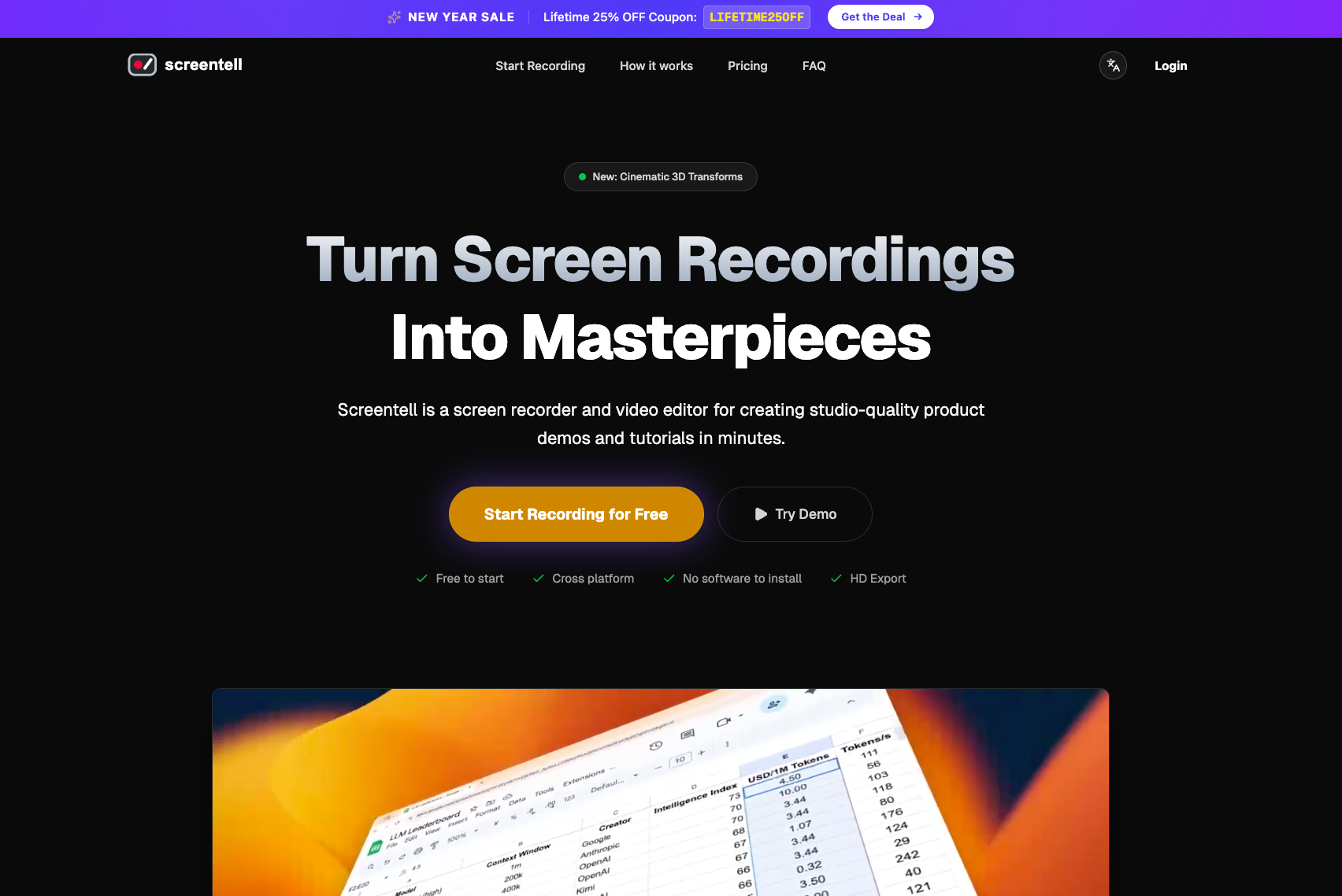
Screentell is a fully browser-based screen recorder + editor that turns ordinary recordings into professional-looking product demos, tutorials, onboarding clips, and social media shorts—in minutes.
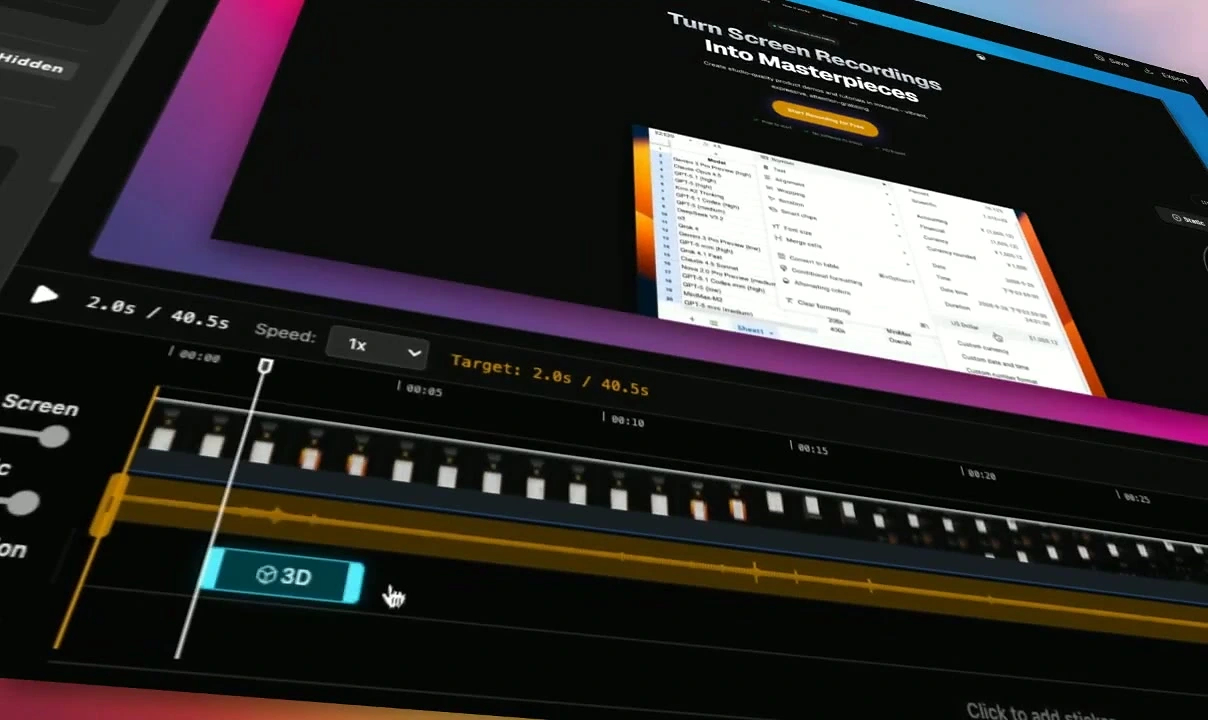
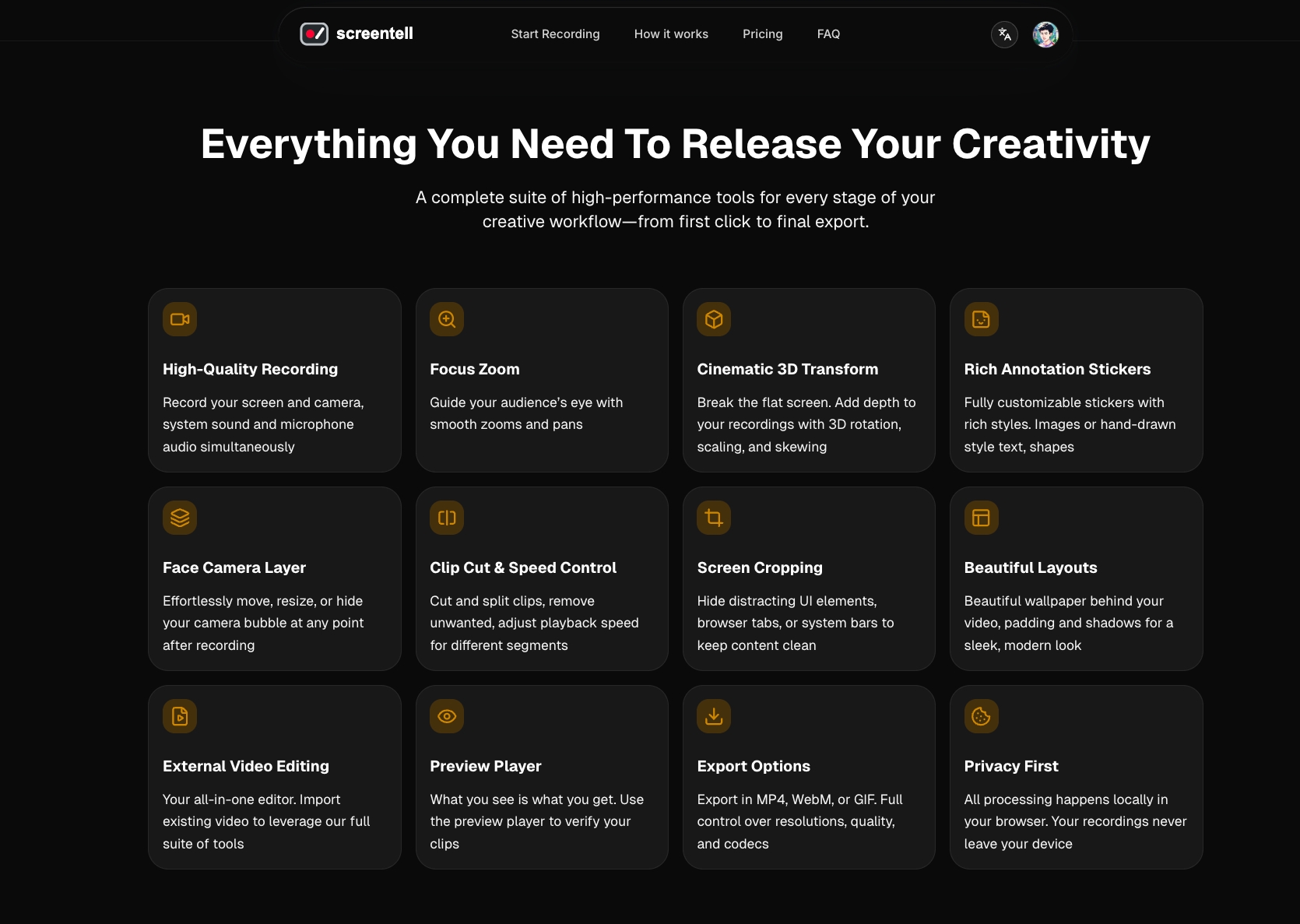
You record your screen + webcam (with system audio and mic) using native browser APIs. Then edit right there: crop out junk, adjust webcam position/size/visibility post-recording (multi-track layers), add hand-drawn annotations (arrows, circles, highlights, custom images), apply smooth focus zooms, and most uniquely—cinematic 3D transforms with perspective, rotation, skew, and immersive motion to guide the viewer's eye like a real camera move. Customize backgrounds (gradients, colors, images), add padding/shadows for a clean framed look, tweak speeds, cut clips, and export HD MP4, WebM, or GIF.
Everything processes locally in your browser—no data leaves your device until you choose to share. It's privacy-first, install-free, and runs smoothly in Chrome, Edge, Brave, Arc, etc.
How I built it
I built Screentell 100% from scratch as a one-person project starting late 2025. The MVP took about a month of focused nights/weekends coding.
Core tech: JavaScript/TypeScript + React for the UI and editor timeline. Three.js powers the signature cinematic 3D camera effects and smooth motion interpolation. Native Web APIs handle everything else—MediaRecorder for dual-stream capture (screen + cam), Canvas/WebGL for rendering/annotations, Web Workers for keeping the UI responsive during heavy edits/transcodes.
No backend for video (all local), Clerk for auth, Stripe for payments, Vercel for hosting/deployment. I kept dependencies minimal and permissive (mostly MIT-licensed libs) to stay lightweight and fully in control.
Challenges I ran into
Browser limitations were the biggest hurdle—Web APIs are powerful but inconsistent across browsers (e.g., audio capture quirks, File System Access support varying). Getting smooth 3D transforms and motion interpolation to feel "cinematic" without lag required heavy optimization (offloading to WebGL, careful worker usage).
Balancing features without bloating the bundle size was tough—adding multi-track editing and custom backgrounds while keeping load times snappy. Early feedback showed users wanted more control over easing/speed, so I iterated fast on the animation system. As a solo dev, time management was constant: building, testing, fixing bugs, writing copy, and sharing progress all fell on me.
Accomplishments that I'm proud of
I'm most proud of the cinematic 3D effects—they give videos that pro, engaging depth (perspective shifts, rotations) you rarely see in browser tools, and it's become the standout differentiator. Launching on Product Hunt in January 2026 (featured, #6 with solid upvotes) felt validating after months of quiet building. Seeing early users create polished demos quickly and appreciating the privacy-first approach (no cloud nonsense) makes it worthwhile. Building something that covers ~90% of "I just need a decent demo" use cases without installs is exactly what I set out to do.
What I learned
Personal pain points are the best product ideas—when you're your own user, you ship what you actually need. Browser tech has come incredibly far; you can build desktop-app-level features install-free if you're willing to push Web APIs hard. Iteration beats perfection: releasing early (even with a minimal site) and gathering real feedback accelerates progress way more than over-planning. And community matters—sharing on X and PH brought kind early adopters who gave actionable input.
What's next for Screentell
Short-term: polish exports (more formats/resolutions, better compression), add templates for common demo styles, I'm also exploring ways to make it even faster/more intuitive for non-tech users while keeping the core power-user controls.
If you use screen recordings often, I'd love your thoughts—what's your biggest workflow annoyance right now? Drop a comment or DM me @ShawnHacks. Feedback shapes the roadmap! 🚀
Built With
- cloudflare
- nextjs
- tailwindcss
- three.js


Log in or sign up for Devpost to join the conversation.