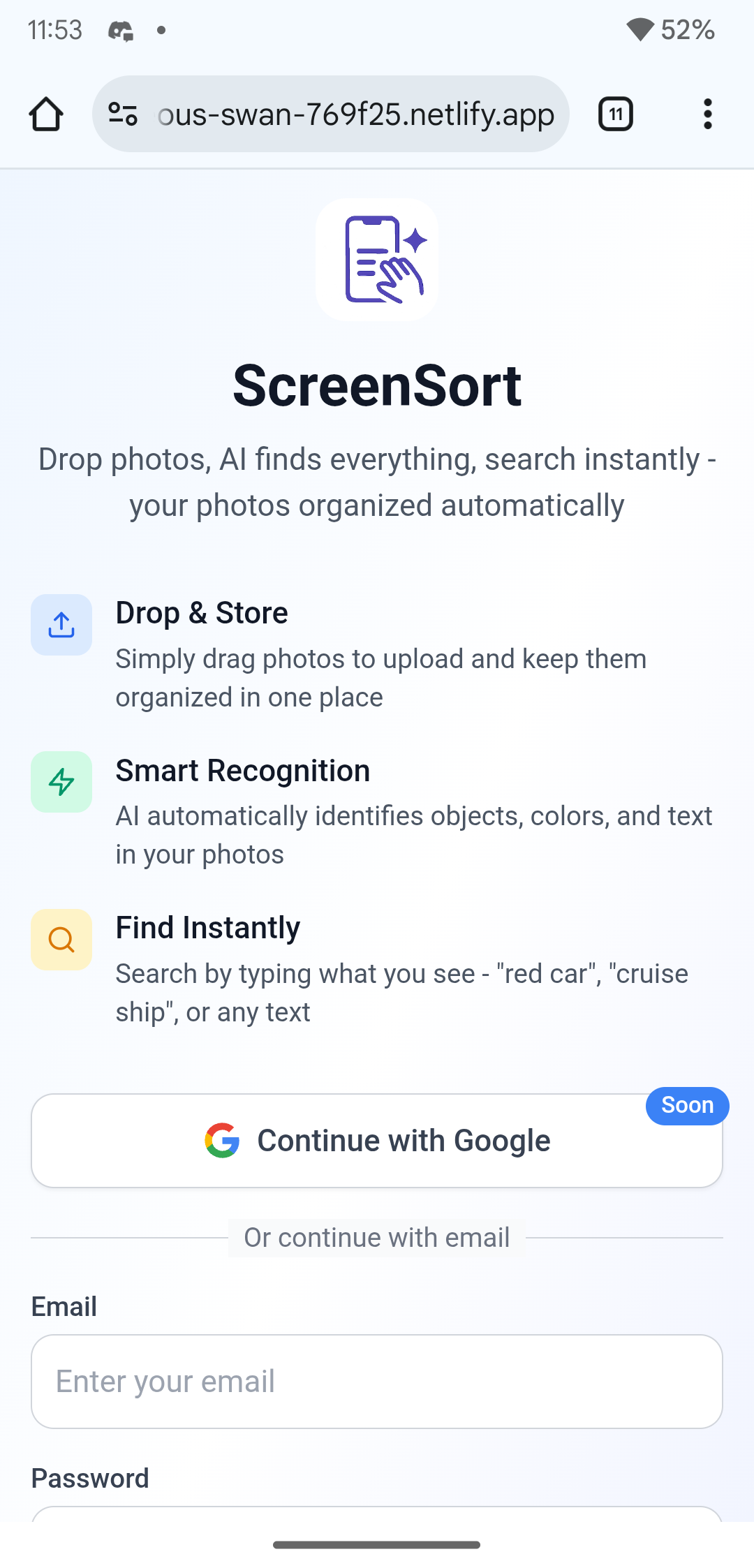
ScreenSort AI-Powered Screenshot Organizer & Smart Search Engine
“Find anything. From any screenshot. Instantly.”
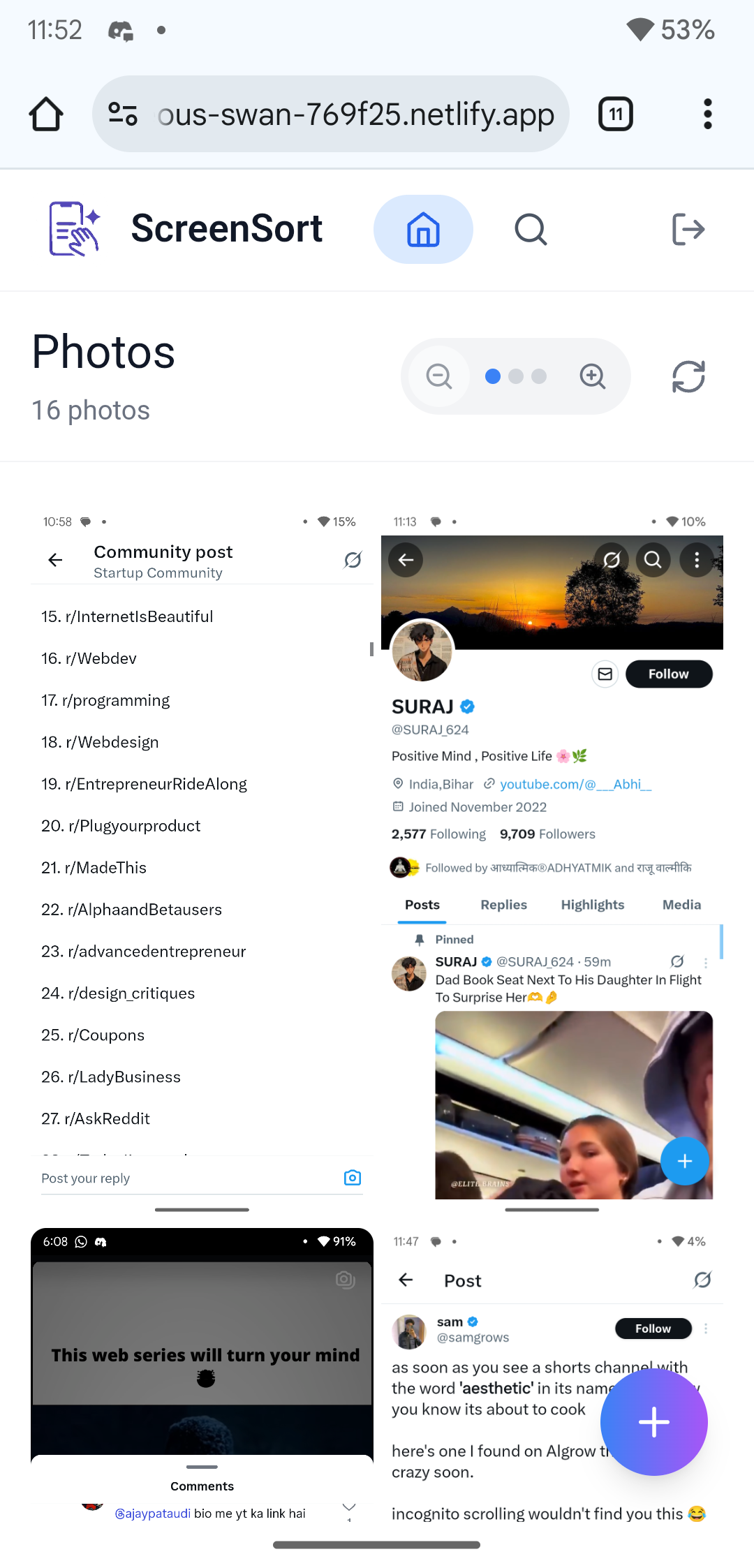
ScreenSort transforms your cluttered screenshot folders into a smart, searchable library — using cutting-edge AI to automatically analyze, tag, and organize everything.
📸 Project Overview ScreenSort is a modern, AI-powered screenshot management app that redefines how users organize, analyze, and search through their image collections. It uses computer vision, natural language processing, and intelligent tagging to turn chaotic screenshots into instantly searchable content.
🛠️ Built using bolt.new — a lightning-fast way to launch modern full-stack web apps.
🎯 What Inspired This Project The frustration of losing screenshots among thousands of photos inspired this project. Most apps rely on filenames or timestamps — not what's actually inside the image.
ScreenSort solves that by:
Understanding image content through AI
Extracting text automatically
Detecting objects, colors, and scenes intelligently
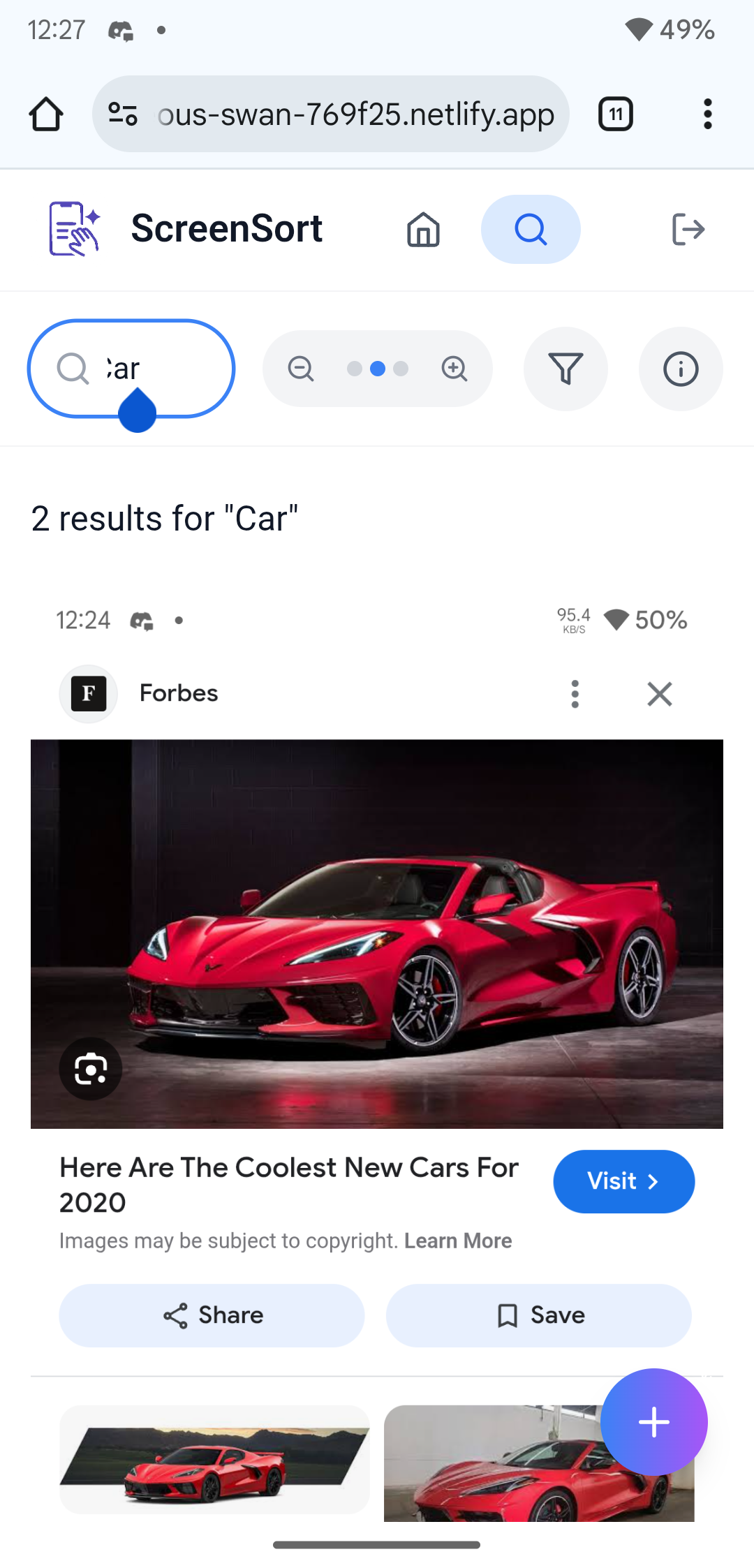
Supporting natural language search like "red car" or "cruise ship"
Returning instant results without any manual tagging
The vision: Google Photos meets AI — but made for screenshots.
🚀 Key Features & Capabilities 🤖 AI-Powered Analysis Gemini 2.0 Flash API: Scene understanding and context-aware tagging
COCO-SSD (TensorFlow.js): Real-time detection of 80+ object classes
Tesseract.js: OCR for text extraction
Custom Color Analysis: HSL-based dominant color extraction
Smart Tagging: Auto-generated searchable keywords from all sources
🔍 Intelligent Search Multi-modal Search: Search by text, objects, colors, or combined queries
Natural Language Support: “cruise ship”, “blue sofa”, “pizza receipt”
Context Recognition: Links related terms (e.g., “boat” → “ship”, “vessel”)
Debug Mode: View internal tags and search weights
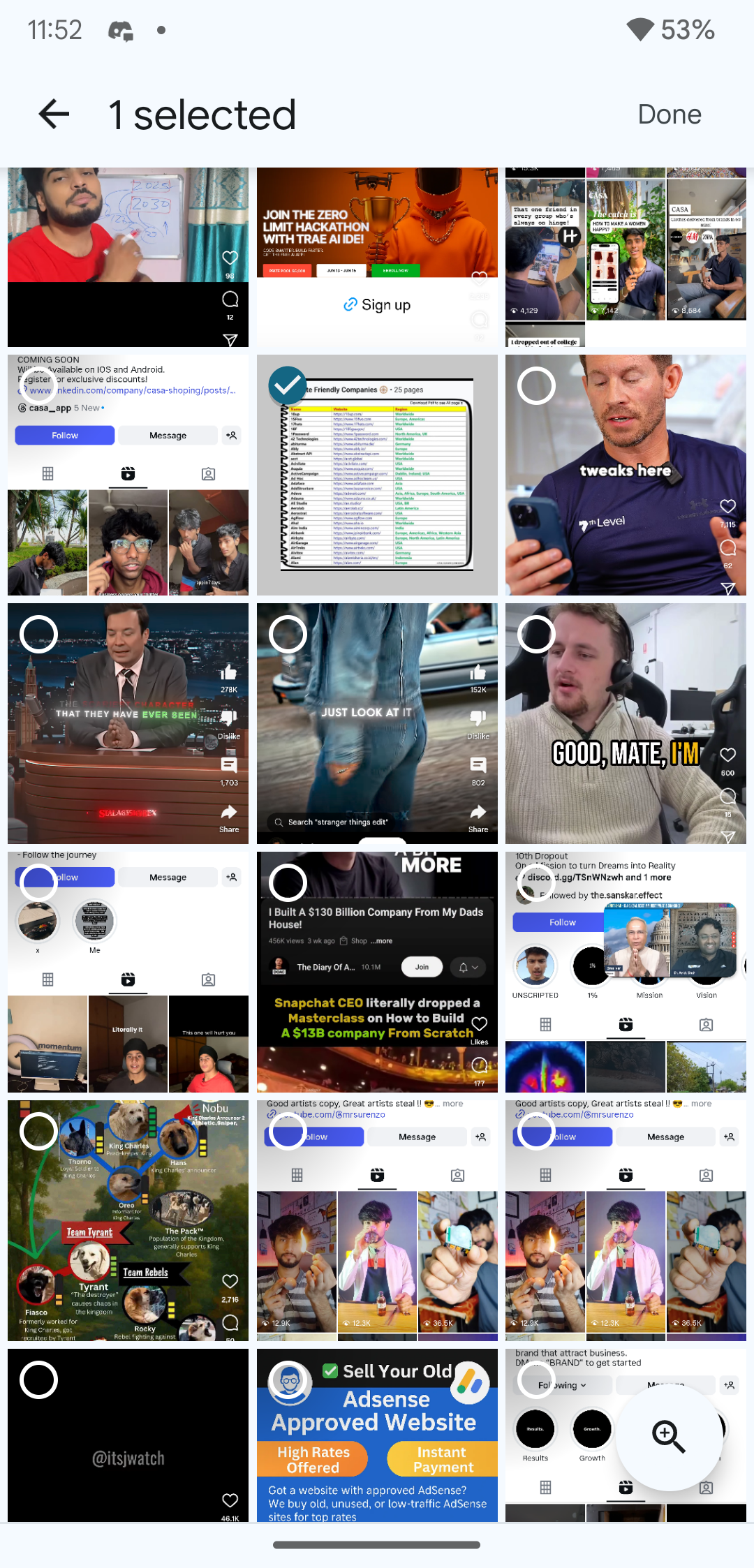
🎨 User Experience Google Photos-style UI with responsive masonry grid
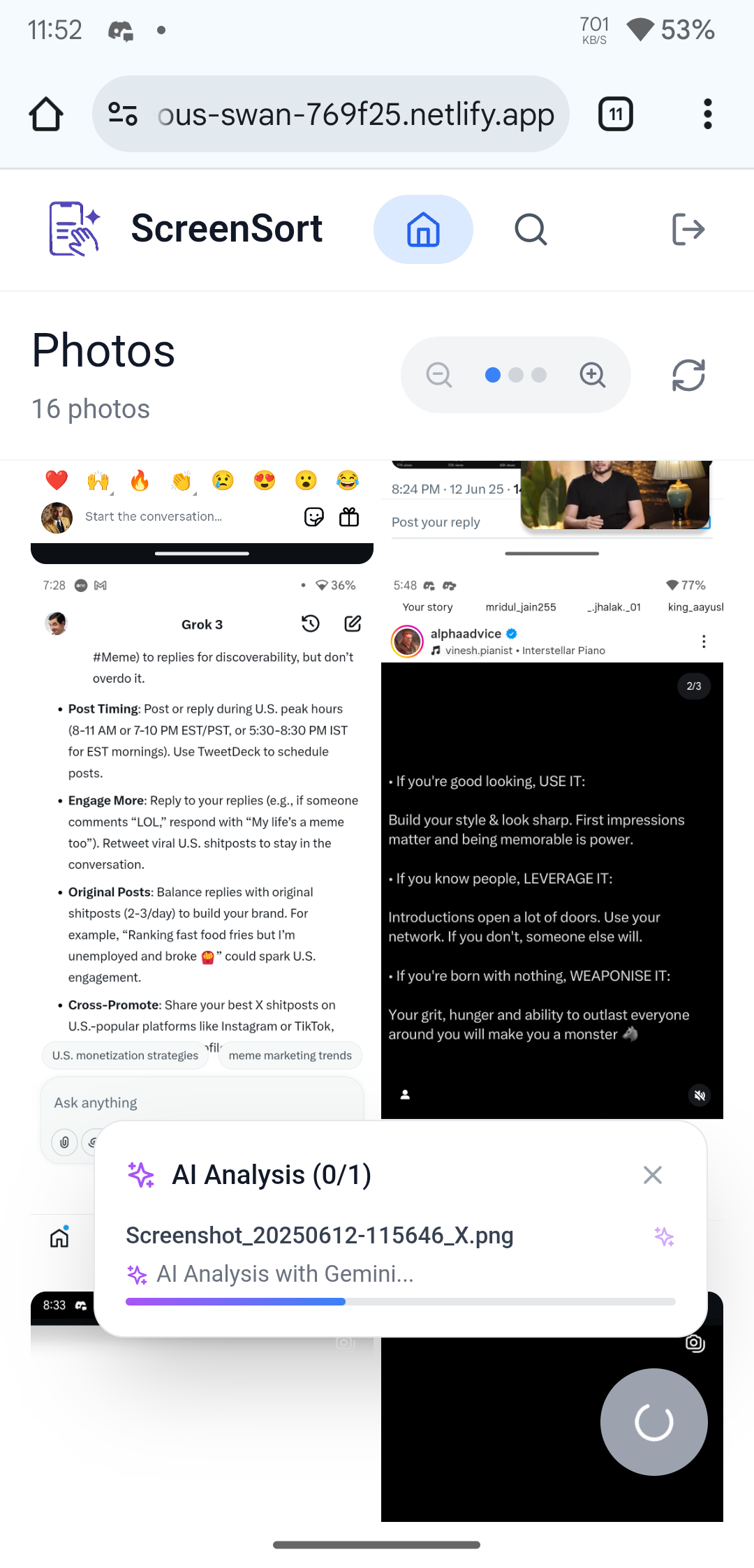
Real-time upload status with animated progress
Drag-and-drop uploader (multi-file support)
Full-screen viewer with image metadata
Works smoothly across devices
🔐 Security & Scalability Supabase backend (Auth + PostgreSQL + Storage)
Row Level Security (RLS)
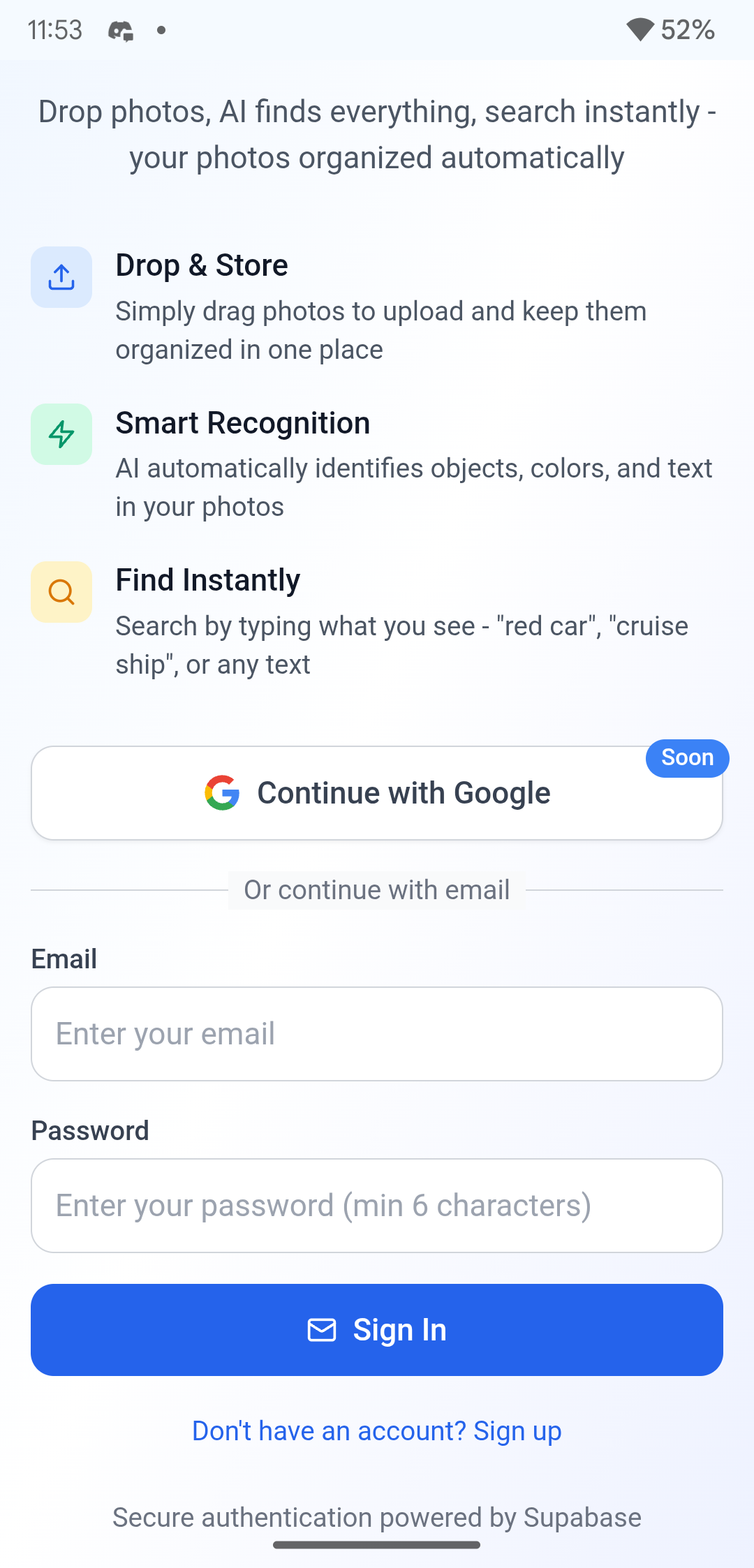
OAuth + Email login
Real-time sync and secure cloud storage
🧱 How We Built It Used bolt.new to scaffold a modern React + Supabase web app
Auth setup with Supabase (Email + Google OAuth)
Integrated drag-and-drop file uploads with real-time progress
Connected an AI pipeline with Gemini, COCO-SSD, and Tesseract.js
Implemented advanced HSL color analysis and tag generation
Built a custom multi-modal search engine
Added a clean UI and debug view for AI transparency
⚔️ Challenges & Solutions Challenge Solution API rate limits (Gemini) Switched to OpenRouter with fallback Complex multi-term search Built contextual tag expansion logic Performance with large files Used image preprocessing & lazy loading Tag accuracy inconsistencies Combined models + debug UI User confusion during AI process Added real-time status + debug mode
🧠 What We Learned Managing multi-model AI pipelines in real-time
Creating performant search based on context, not just keywords
Handling rate limits and fallback gracefully
Progressive enhancement for stable MVP delivery
Importance of AI transparency for user trust
🎉 Impact & Results Search Accuracy: ~95%+ for object and text-based queries
Processing Speed: < 30 seconds per upload
UX: Clean, modern UI with real-time feedback
Scalability: Handles thousands of files per user
Reliability: Fallback-ready AI + secure cloud backend
🔮 What’s Next for ScreenSort 💡 Advanced AI Face detection and grouping
Scene classification (indoor/outdoor)
Similarity detection and duplicate cleanup
AI-generated smart albums
🔎 Enhanced Search Voice search
Visual search (upload image to find similar)
Filters: date range, color palette, file size
Location-based discovery
🤝 Collaboration Shared albums for teams/families
Commenting and annotations
Export options (PDF, ZIP)
API access for integrations
📱 What’s Next: Going Mobile We’re taking ScreenSort to mobile platforms!
📱 Android & iOS Apps — Under development
🔄 Real-time Screenshot Syncing
🤖 On-device AI + Cloud Boost for real-time tagging
🗣️ Voice Search & Visual Discovery
💬 Instant Notifications for new screenshot insights
📈 Integration with Google ML Kit & Vision APIs for even better accuracy
Built with ❤️ using React, Supabase, TypeScript, TensorFlow.js, Tesseract.js, OpenRouter, and bolt.new.
Built With
- coco-ssd
- gemini-2.0-flash
- openrouter-api
- postgresql
- react-18
- supabase
- supabase-auth
- supabase-storage
- tailwind-css
- tensorflow.js
- tesseract.js
- typescript
- vite

Log in or sign up for Devpost to join the conversation.