Inspiration
I noticed co-workers using tools like Keynote, Photoshop, or even Gliffy when adding callouts and labels to screenshots for customer facing content. This is in spite of there being a lot of free screenshot + annotations tools in the market like Skitch or Monosnap.
I feel like there is a niche for a tool that allows you to create professional and polished looking annotations for screenshots. This is in contrast to the casual style of annotations produced by the free tools that already exist in the market. Confluence seems like the right place for this tool because it's commonly used for technical documentation. Screenshots are usually an important part of this type of documentaiton.
What it does
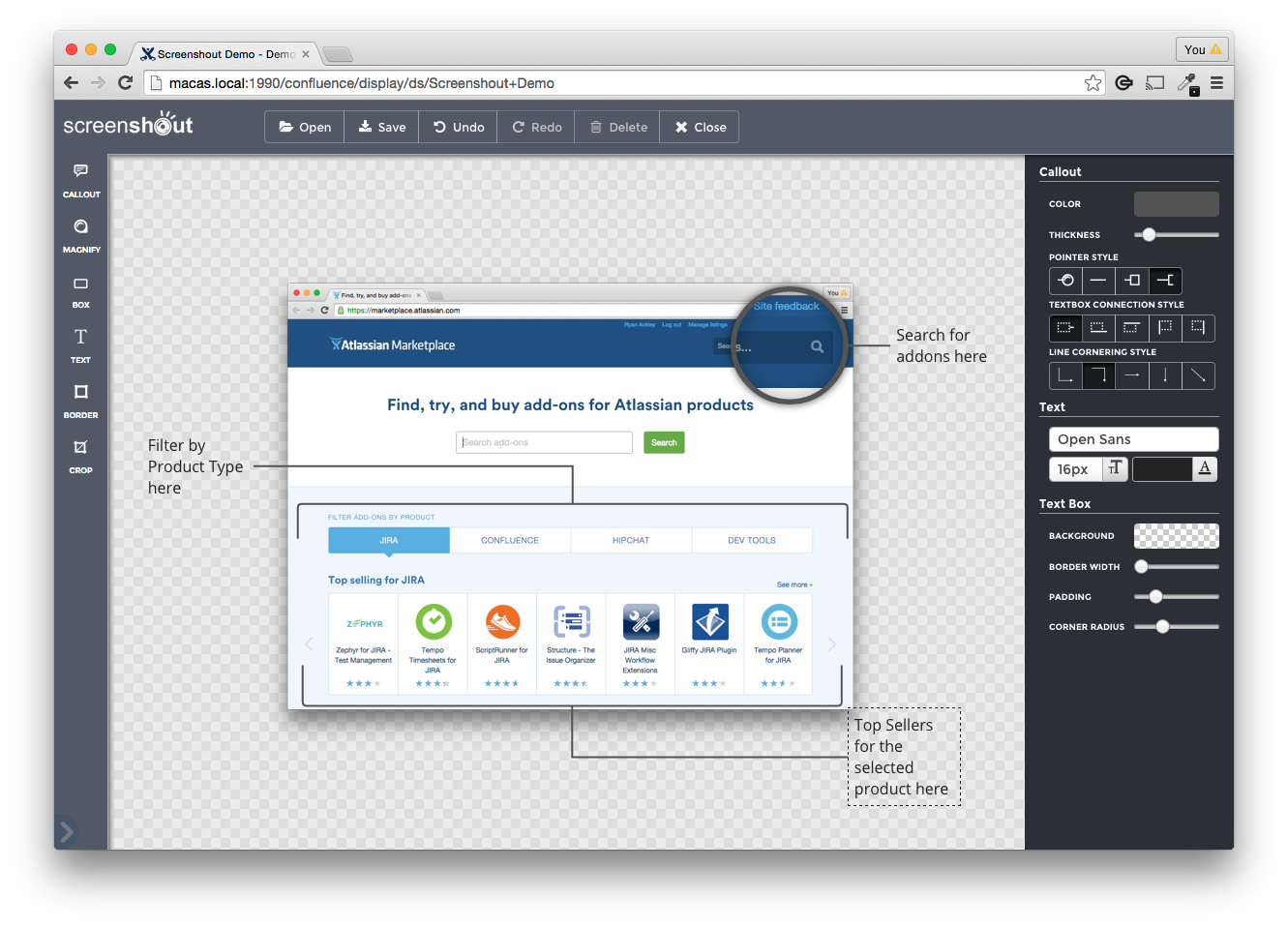
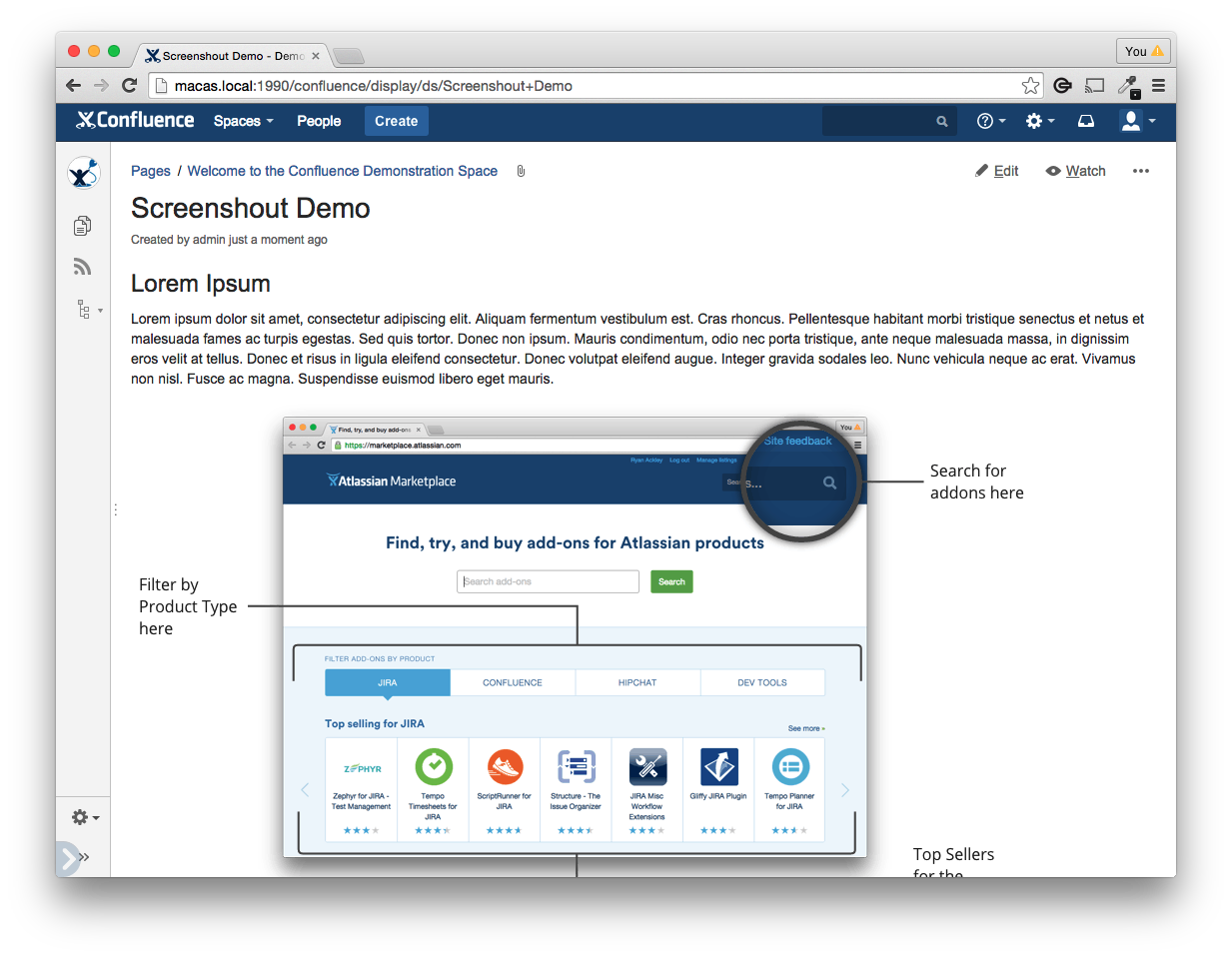
Lets you edit images and add annotations. The annotations are geared towards documenting features of a product.
How I built it
All of the functionality is in JavaScript. The pieces that integrate with Confluence are written in Java.
Challenges I ran into
It does some image processing in JavaScript. This was a challenge because JavaScript image processing is not a very common use-case.
Accomplishments that I'm proud of
Just shipping it. It's been a side project I have tinkered with forever.
What's next for Screenshout
A version for Confluence Cloud.


Log in or sign up for Devpost to join the conversation.