Inspiration
As a developer, I’ve always found the most tedious part of any project to be the "initial conversion" phase—taking a beautiful UI screenshot or a mockup and manually writing the hundreds of lines of Tailwind CSS and HTML structure required to replicate it.
I often looked at a design and thought: "If an AI can describe what it sees, why can't it write the code for it?" The inspiration came from wanting to eliminate the 'busy work' of frontend development, allowing creators to focus on logic and functionality rather than pixel-pushing.
What it does
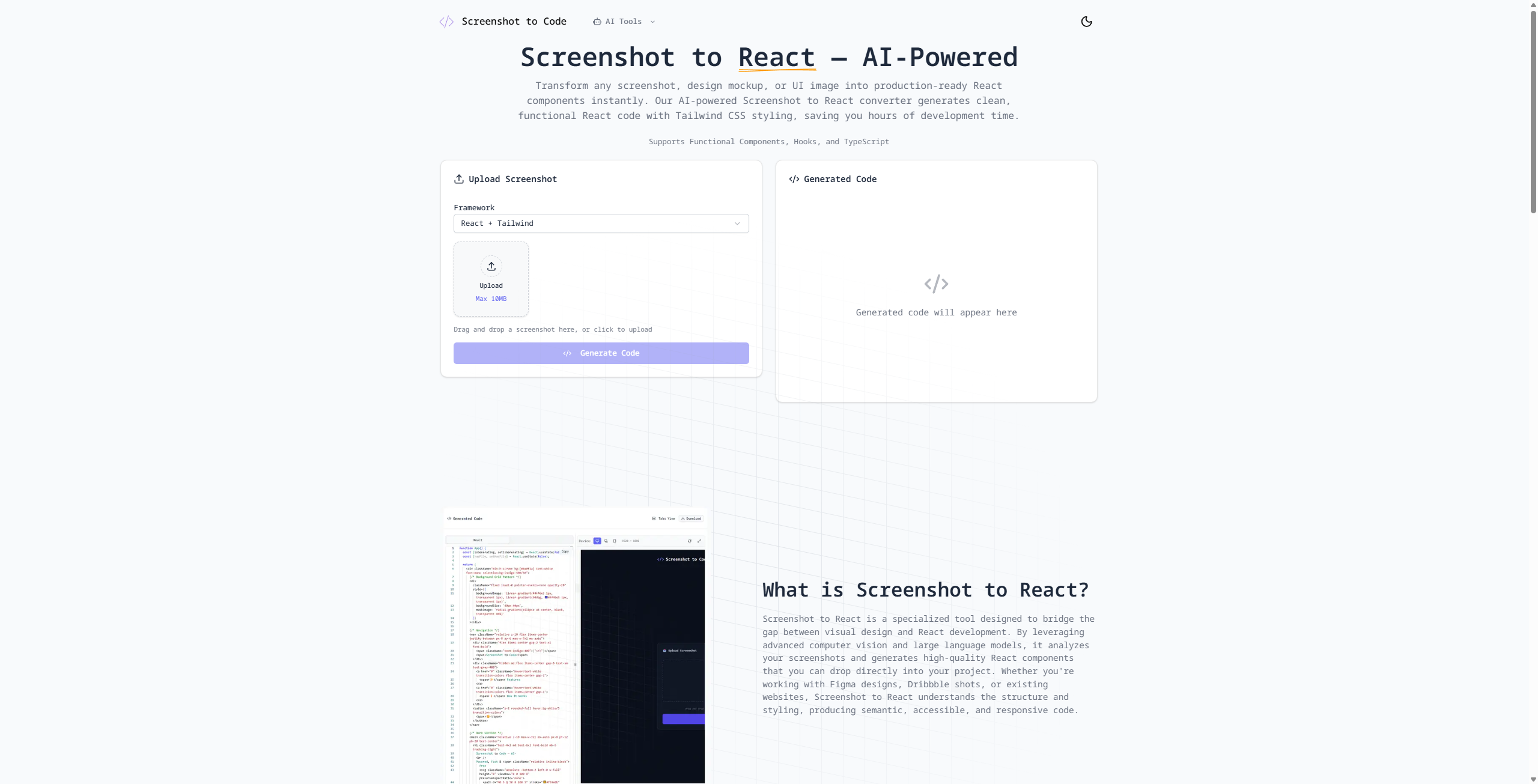
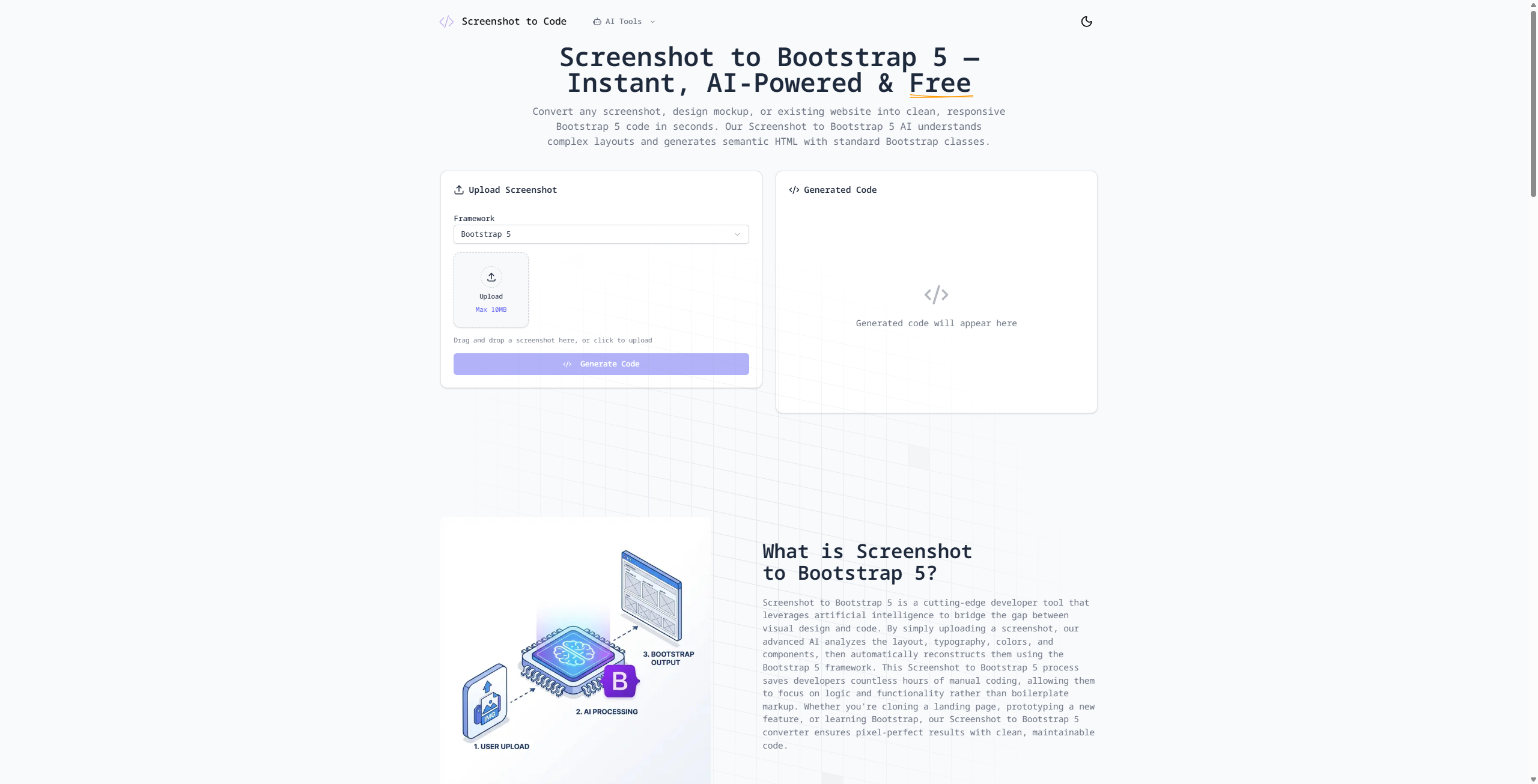
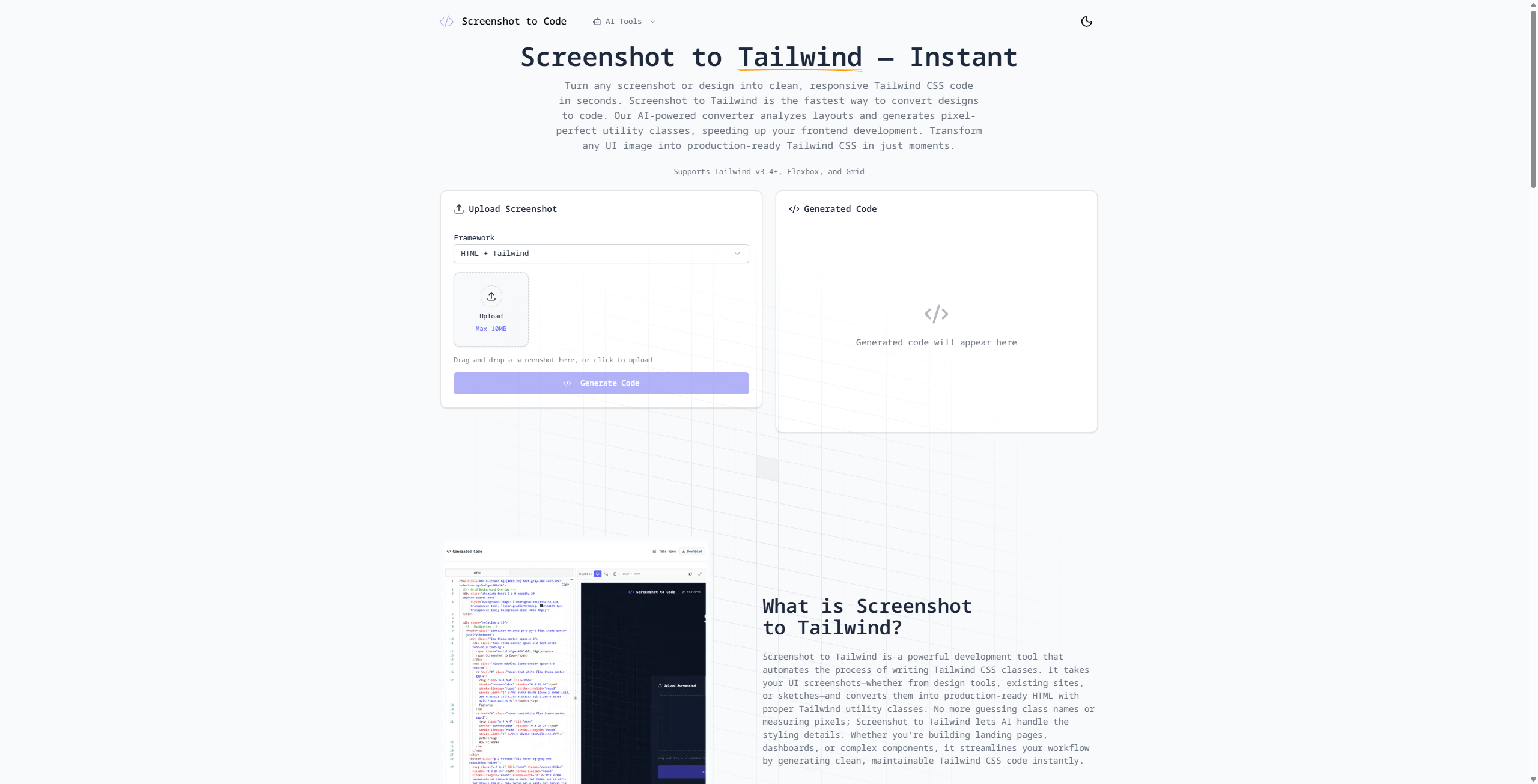
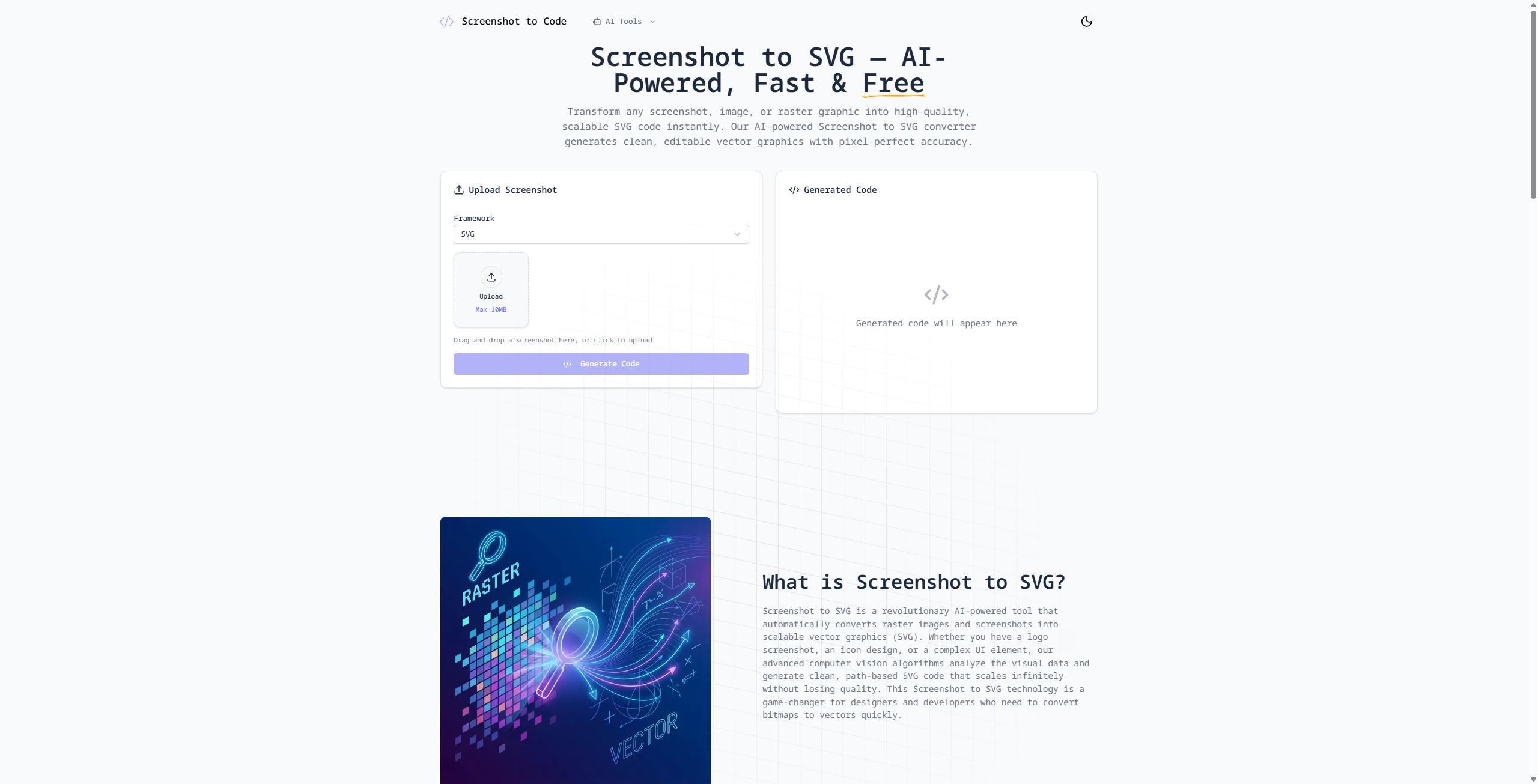
Screenshot to Code is an AI-powered tool that transforms any UI screenshot, wireframe, or design into clean, functional, and responsive code in seconds.
- Upload: Simply drag and drop an image of a website or component.
- Select Stack: Choose your preferred framework (React, Vue, HTML/Tailwind, etc.).
- Instant Preview: Watch the AI build the site layer-by-layer in a live preview window.
- Export: Copy the code directly into your project and start building immediately.
How I built it
I built this project using a high-performance modern stack to ensure the AI processing feels snappy and the developer experience is seamless:
- Framework: Next.js for a robust, SEO-friendly React foundation.
- Styling: Tailwind CSS for the UI and as the primary output language for the AI.
- Database: Neon (Serverless Postgres) to manage user sessions and saved snippets with instant branching.
- Deployment: Vercel for lightning-fast CI/CD and edge functions.
- Network & Security: Cloudflare for global DNS, DDoS protection, and edge performance.
- AI Core: Integration with vision-capable Large Language Models (LLMs) via optimized prompt engineering.
Challenges I ran into
The biggest challenge was Visual Fidelity vs. Code Cleanliness. It is easy for an AI to generate code that looks right but is a mess of absolute positioning. We had to iterate heavily on system prompts to ensure the AI uses flexbox and grid layouts appropriately.
Accomplishments that I'm proud of
- High Accuracy: The tool handles complex layouts, including navbars and multi-column grids, with surprising precision.
- Speed: Going from a raw image to a functional React component in under 20 seconds.
- Framework Versatility: Successfully supporting transitions between Tailwind, Bootstrap, and plain CSS within the same engine.
What I learned
I learned the nuances of Prompt Engineering for Vision. I discovered that how you describe the structure of a webpage to the AI (e.g., "Think in terms of nested containers") is just as important as the model itself. I also gained deep experience in orchestrating serverless infrastructure, specifically how to handle long-running API calls within the execution limits of edge functions.
What's next for Screenshot to Code
The roadmap for Screenshot to Code is ambitious:
- Figma Plugin: Skip the screenshot and go directly from Figma layers to code.
- Full-Site Crawling: Enter a URL, and the tool will "screenshot" and clone the entire landing page.
- Advanced Framework Support: Adding Svelte, SolidJS, and Native mobile code (React Native/Flutter).
- Edit via Chat: Allow users to say "make the header blue" or "make this mobile-friendly" after the code is generated.
Built With
- cloudflare
- gemini
- neon
- next.js
- vercel

Log in or sign up for Devpost to join the conversation.