-
-
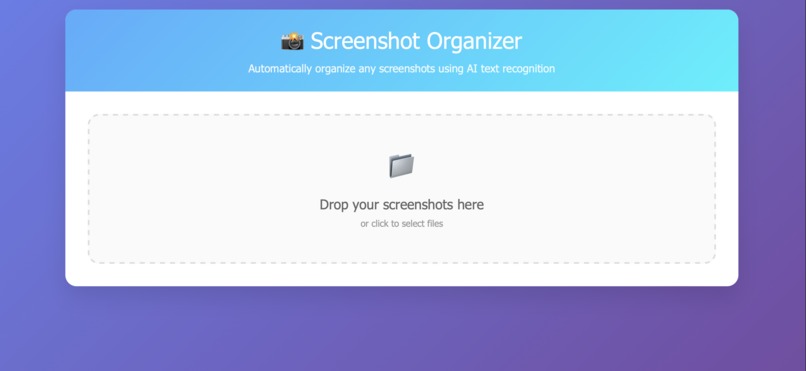
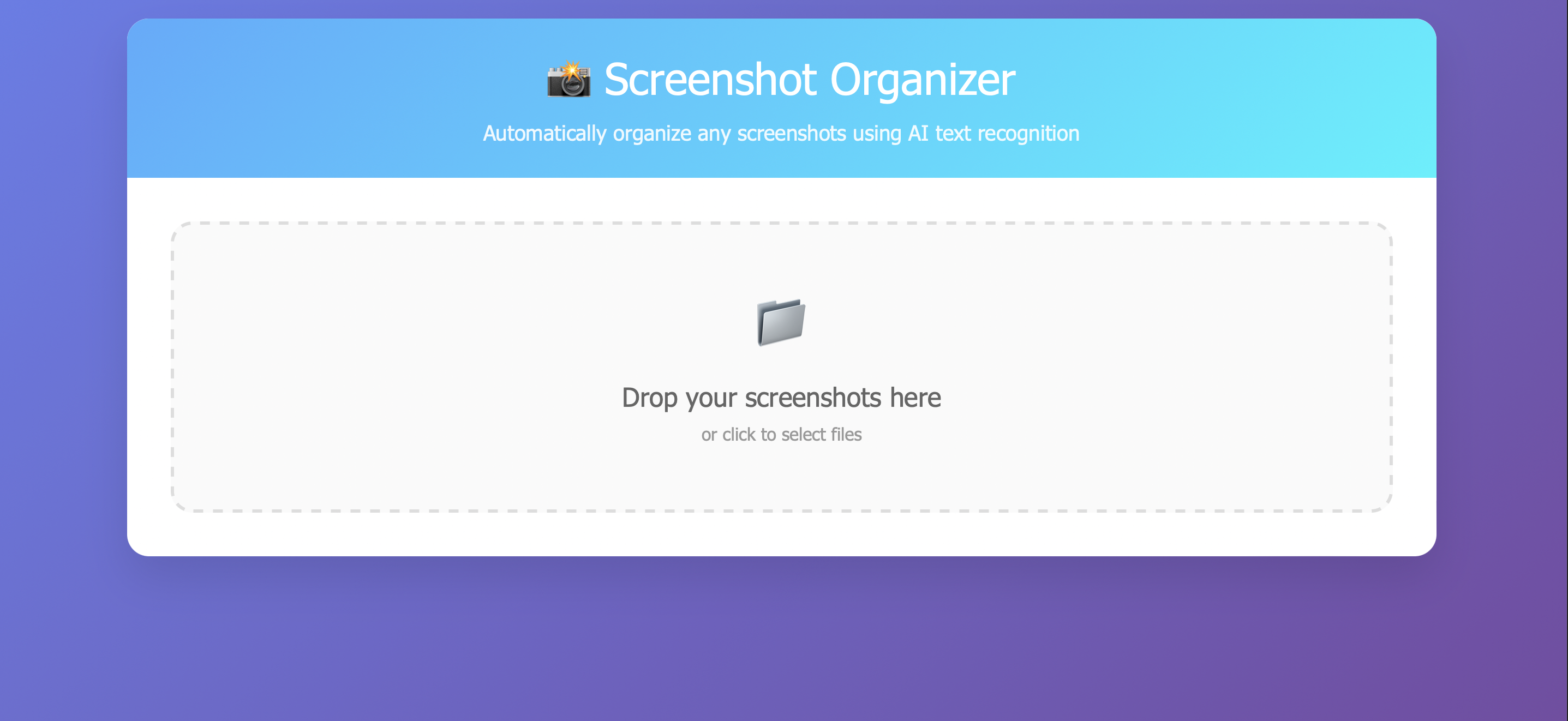
Screenshot Organizer website view
Inspiration
Whether I’m scrolling on social media or googling something, I’m constantly screenshotting things on my computer. Most of the time, it’s because I think something is cool and I want to look at it more but I don’t have time at that exact moment. When I’m finally free and try to look back, it’s a mess and I can’t find anything. I don’t know what every screenshot is, and I end up having to open hundreds of screenshots to see what they are, and I never end up naming them because it’s so tedious. I thought this was just a me thing, until I looked through my friends’ finders and they were worse than mine! I realized this problem needed a solution and thought of making a Screenshot Organizer.
What it does
This is a website where you upload your miscellaneous screenshots with the default titles and it titles the screenshot for you so everything stays organized.
How we built it
I built this website on CodeSandbox, using just an HTML file, and I used Claude to help me code. The actual functionality of extracting text from the image comes from Tesseract which is a JavaScript port of Google's Tesseract OCR engine that’s able to recognize characters and extract text from images. I imported that and used it to analyze characters and look for specific words. I had several categories of images, such as shopping, meetings, web browsers, code development, etc., and I had key words for each of those sets. If the image had any of my selected key words, it would sort the image accordingly and include that in the title aligned with other text in the image. If the image doesn’t fit in any predetermined categories, it returns general with other text from the image.
Challenges we ran into
One problem I ran into was debugging, since the code for this is quite long. For example, there was a point where my upload portal wasn’t functioning, and a bunch of the code was splayed out over the page. I figured out it was because the html was cut off, so I had to fix that
Accomplishments that we're proud of
This project is very heavy on front end development, and since I’m more experienced with backend, I wanted to push myself to learn more about front end development so that I could start building better full stack projects. I’m proud of pushing myself and creating this.
What we learned
I learned a lot more about HTML while working on this project, both from the eyes of a developer and from the eyes of a debugger. I definitely had to put on a different set of eyes for each of those tasks which was interesting. On a more personal note, I learned a lot more about going with the flow and going forward even when things are hard. My team ended up prioritizing other commitments, so I ended up having to go solo, and that experience definitely taught me a lot about pulling through regardless of the situation and gave me a lot of resilience.
What's next for Screenshot Finder
Currently, Screenshot Finder operates based on key terms, making it quite limited. Moreover, there’s still some friction on the users’ end in having to upload the screenshot to the website then redownloading it. To solve these problems, ideally I’d want to make Screenshot Finder an automatic browser extension with an integrated LLM. If it was an automatic browser extension, users wouldn’t have to do any manual work, and as soon as they take a screenshot, it’s named. The LLM aspect would help in the naming because it could actually understand all the words that Tesseract extracts, prioritize + categorize them, and name accordingly. An integrated LLM would also broaden the scope and the amount of use cases.


Log in or sign up for Devpost to join the conversation.