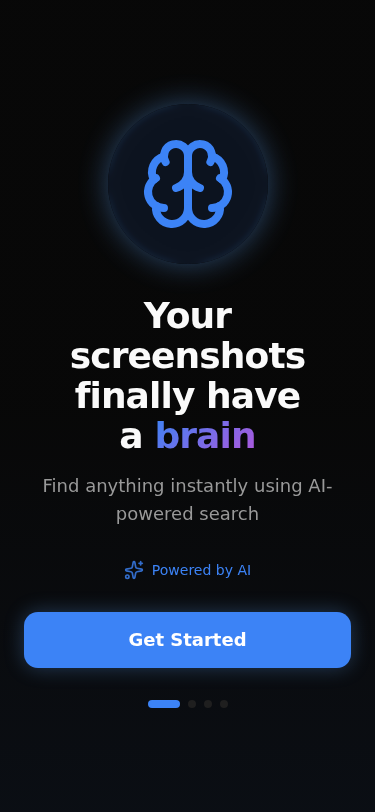
Inspiration
Modern smartphone users take hundreds or even thousands of screenshots every month. Screenshots have quietly become a second memory system for people — storing payments, notes, shopping items, memes, tickets, study material, addresses, and temporary information.
The problem is that current gallery applications are not intelligent enough to understand screenshots. Once screenshots accumulate, users struggle to find important information again. Searching becomes frustrating, storage becomes cluttered, and valuable information gets lost inside screenshot chaos.
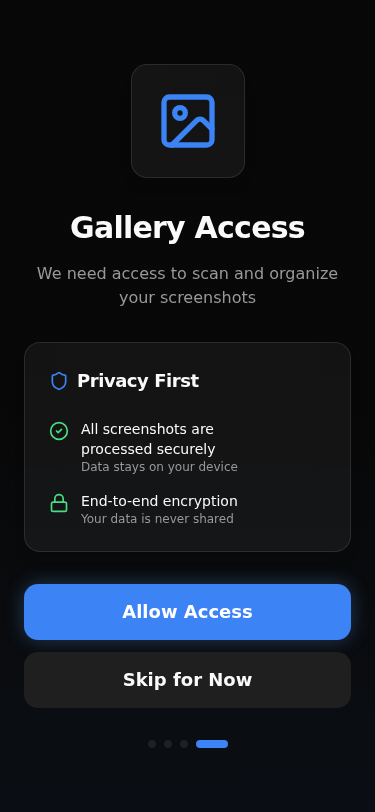
We built Screenshot Brain to solve this real-world modern problem using AI-powered screenshot understanding, semantic search, OCR analysis, smart categorization, and intelligent cleanup systems.
Our goal was to create an experience where users could search naturally, like:
- “that payment screenshot”
- “black shoe screenshot”
- “JavaScript notes”
- “OTP from yesterday”
Instead of manually scrolling through thousands of screenshots.
What it does
Screenshot Brain transforms screenshots into an intelligent searchable memory system.
The application:
- detects and processes screenshots
- extracts text using OCR
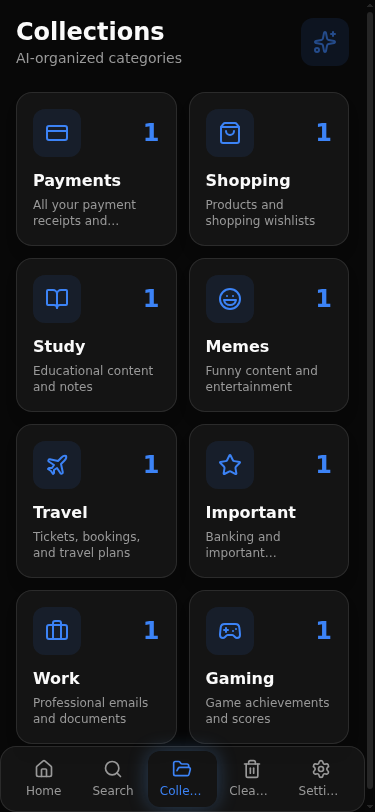
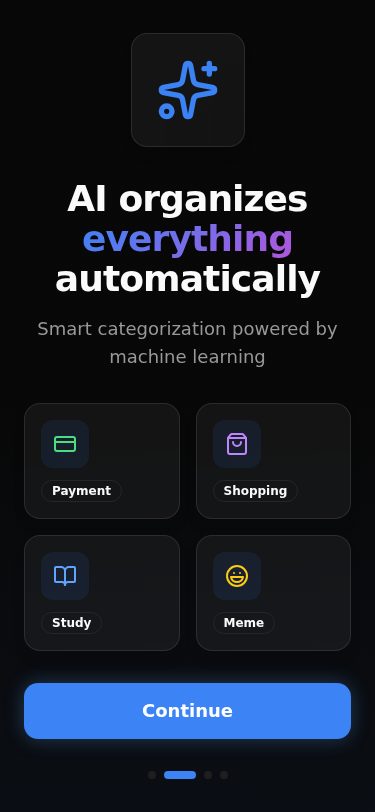
- categorizes screenshots using AI
- creates smart collections automatically
- supports natural-language semantic search
- identifies duplicate and temporary screenshots
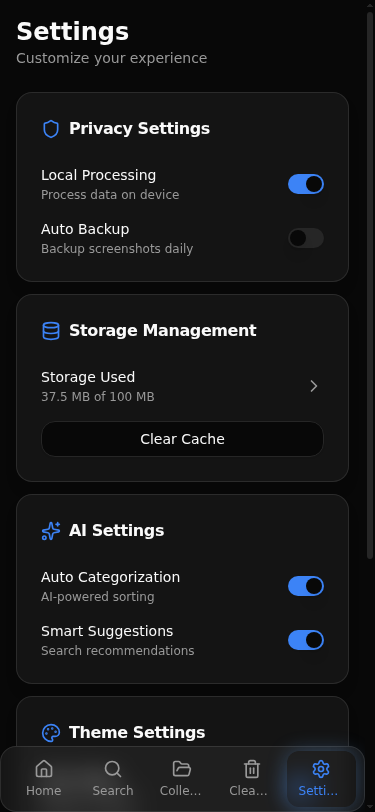
- provides intelligent cleanup suggestions
The app is designed as a premium mobile-first experience optimized for Android users.
How we built it
We used MeDo to rapidly prototype and generate the application architecture, UI structure, responsive layouts, and intelligent workflows.
The project was designed with:
- AI-powered OCR logic
- semantic screenshot search
- smart categorization systems
- responsive mobile-first UI
- intelligent cleanup workflows
- premium futuristic UX principles
We focused heavily on:
- smooth animations
- glassmorphism design
- responsive Android layouts
- mobile-first interactions
- premium search experience
- intelligent automation feel
The app architecture was designed to simulate an intelligent screenshot memory assistant rather than a traditional gallery application.
Challenges we faced
One of the biggest challenges was balancing realistic mobile behavior with modern browser and PWA limitations.
Traditional web applications cannot fully behave like native Android gallery-monitoring applications, so we had to carefully redesign the screenshot ingestion experience to feel automatic, seamless, and intelligent while remaining technically practical.
Another challenge was creating a UI that truly feels like a modern mobile application instead of a desktop website compressed into a phone screen. Significant effort was spent improving:
- mobile responsiveness
- adaptive layouts
- navigation behavior
- smooth transitions
- search interactions
- visual polish
We also focused on creating a believable AI experience that feels useful and natural rather than gimmicky.
What we learned
This project taught us that modern AI products are not only about advanced technology — they are also about reducing friction and making digital experiences feel effortless.
We learned the importance of:
- mobile-first design thinking
- semantic search systems
- intelligent information organization
- responsive UX architecture
- balancing realism with technical constraints
- creating emotionally satisfying interfaces
Most importantly, we learned that screenshots are no longer just images — they are a modern form of human memory.
Built With
- ai-categorization
- design
- glassmorphism
- medo
- ocr-processing
- progressive-web-app-(pwa)
- react
- responsive-mobile-ui
- semantic-search
- tailwind-css
- typescript


Log in or sign up for Devpost to join the conversation.