-
-
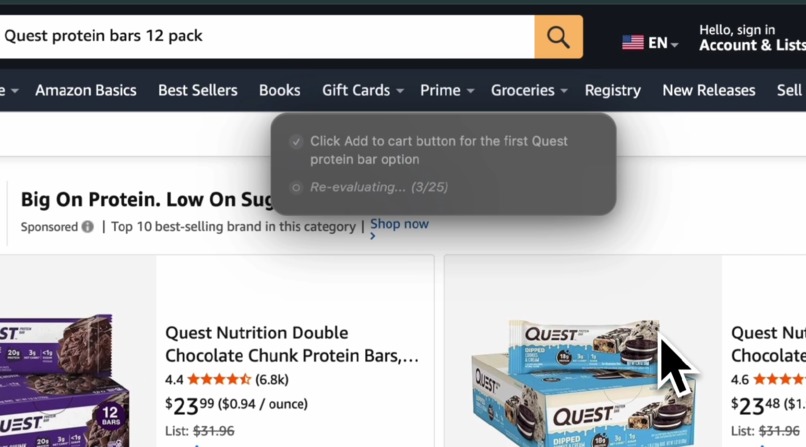
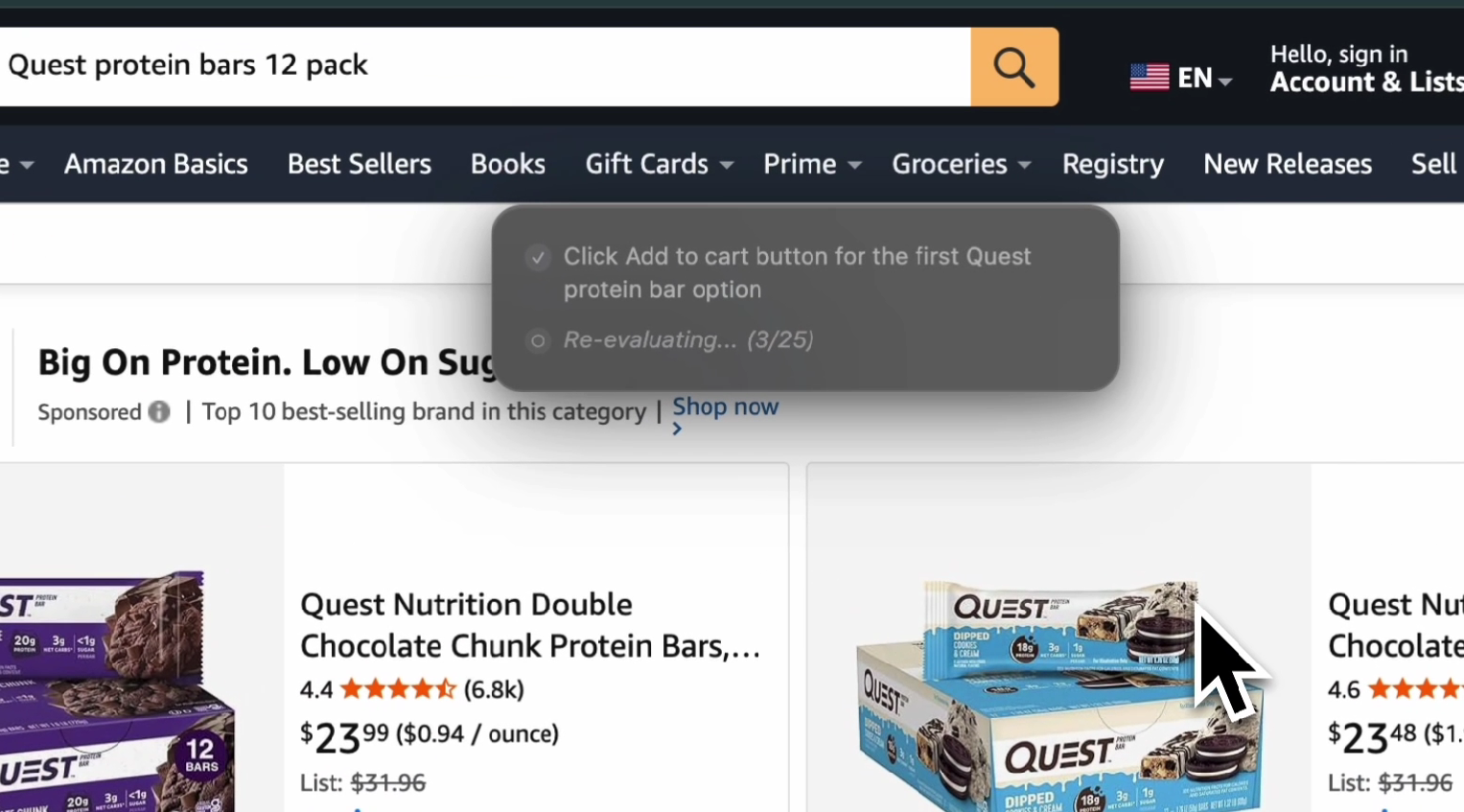
ScreenSense Voice autonomously navigating Amazon
-
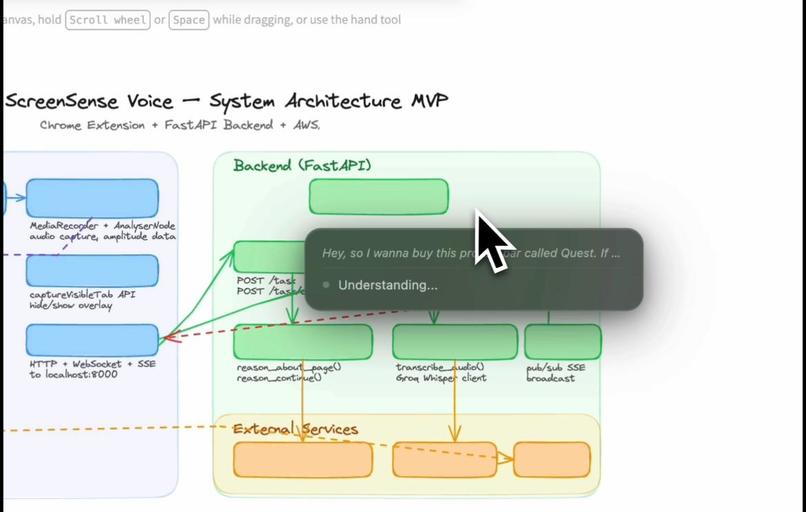
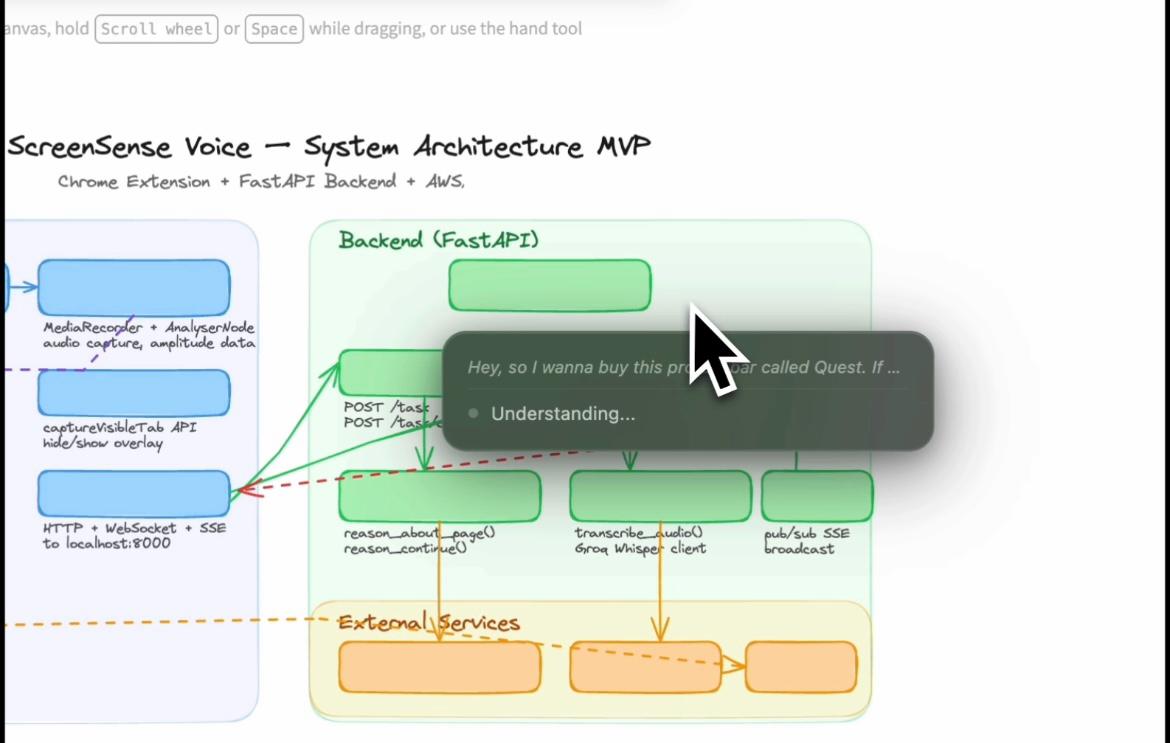
ScreenSense Voice understanding a voice query.
-

ScreenSense

Inspiration
Browsers still work the same way they did 20 years ago: click, scroll, type, copy, paste, and constantly switch tabs.
For many people this workflow is fine. But for millions of users it creates friction and slows productivity. People frequently copy text into AI tools, take screenshots to ask questions, or manually navigate multiple pages just to complete a simple task.
We asked a simple question:
What if you could just talk to your browser and have it do things for you?
Instead of manually navigating websites, the browser could become an AI agent that understands your screen and executes tasks autonomously.
That idea became ScreenSense Voice.
What it does
ScreenSense Voice is a Chrome extension that turns your voice into browser actions.
You simply hold a key, speak a command, and an AI agent powered by Amazon Nova takes over your browser.
The system can:
- Click buttons
- Type into forms
- Navigate across websites
- Scroll through pages
- Search products
- Add items to carts
- Complete multi-step workflows
All completely hands-free.
Example
User says:
"Add the cheapest USB-C cable to my cart on Amazon."
ScreenSense will:
- Navigate to Amazon
- Search for USB-C cables
- Analyze the results
- Find the cheapest product
- Click the product
- Add it to the cart
All without the user touching the mouse.
How we built it
ScreenSense Voice combines voice AI, multimodal reasoning, and browser automation into an autonomous agent system.
Core AI Services
| Service | Purpose |
|---|---|
| Amazon Nova 2 Lite (Bedrock) | Multimodal reasoning using screenshots + DOM |
| Amazon Transcribe Streaming | Real-time speech-to-text |
| Groq Whisper | Speech recognition fallback |
| ElevenLabs | Text-to-speech voice responses |
Architecture
User holds ` key and speaks | v Content Scripts (voice trigger, DOM scraper, action executor) | v Service Worker (agent loop orchestration) | v FastAPI Backend (task routing + reasoning pipeline) | v AWS Cloud Services (Nova reasoning + Transcribe speech recognition)
Autonomous Agent Loop
ScreenSense operates through a perception → reasoning → action loop.
Voice command ↓ Capture screenshot + DOM ↓ Nova analyzes context ↓ AI decides next action ↓ Execute browser action ↓ Capture updated screen ↓ Repeat until task complete
The loop runs for up to 25 iterations, allowing the system to complete complex workflows.
Key Features
Voice-to-Action Control
Users simply hold a key and speak commands.
Speech is transcribed using Amazon Transcribe Streaming.
Multimodal Web Understanding
The AI receives both:
- A screenshot of the webpage
- A structured DOM snapshot
This combination dramatically improves browser automation accuracy.
Autonomous AI Agent
The system can perform multi-step tasks such as:
- product searches
- form filling
- cross-site navigation
- automated browsing workflows
Smart DOM Selector System
Modern websites generate unstable IDs.
We built a selector engine that prioritizes:
aria-labeldata-*attributes- semantic tags
- link patterns
This makes the automation much more reliable.
Adaptive Explanation Levels
Users can control how the AI communicates:
- Kid
- Student
- College
- PhD
- Executive
The AI adjusts its explanation depth automatically.
Challenges we ran into
DOM selector reliability
Many websites generate dynamic IDs which break automation.
We solved this by prioritizing semantic attributes and accessibility labels instead of fragile selectors.
Agent loop termination
The AI needs to know when a task is truly complete.
We solved this through iterative observation and completion checks after each action.
Chrome Manifest V3 restrictions
Manifest V3 has strict security rules.
Microphone access required building an offscreen document system for secure audio recording.
Screenshot payload size
Screenshots can exceed 2MB.
We implemented:
- JPEG compression
- resolution scaling
- optimized payload transmission
to stay within API limits.
What we learned
Multimodal reasoning is powerful
Using visual context + DOM structure together dramatically improves reliability.
Agent loops enable real automation
Single prompts fail on complex tasks.
Iterative reasoning enables true autonomous browser workflows.
Voice interfaces reduce friction
Voice-controlled agents could dramatically improve accessibility and productivity.
What's next
We plan to extend ScreenSense with:
Multi-tab workflows
Example: "Compare prices for this item on Amazon and Walmart."Nova Act integration
for even more reliable UI automation.Conversational browser feedback
using Amazon Nova Sonic.Complex workflow automation
including travel bookings and job applications.
Built With
- Amazon Nova (AWS Bedrock)
- Amazon Transcribe
- Groq Whisper
- ElevenLabs
- Chrome Extension (Manifest V3)
- TypeScript
- React
- FastAPI
- Python
- Webpack
Links
Technical Article
Built for
Amazon Nova AI Hackathon 2026
Built With
- amazon-nova-2-lite
- amazon-transcribe
- aws-bedrock
- chrome-extension-(mv3)
- fastapi
- python
- react
- tailwind
- typescript
- webpack


Log in or sign up for Devpost to join the conversation.