-
ScreenGuard Pro
-
ScreenGuard Pro
Inspiration
In today's remote and hybrid work culture, we often work in public spaces like cafes, airports, or open offices. "Shoulder surfing" is a real threat to confidential data, but existing privacy screens are physical, static, and often ruin the display quality. I wanted to build an intelligent, software-based solution that doesn't just blindly block the screen, but actively understands when someone is actually spying on your work.
What it does
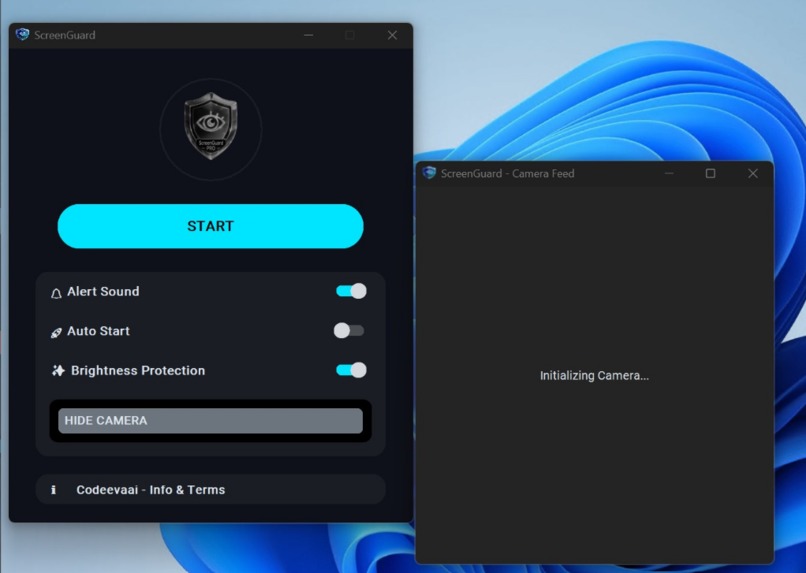
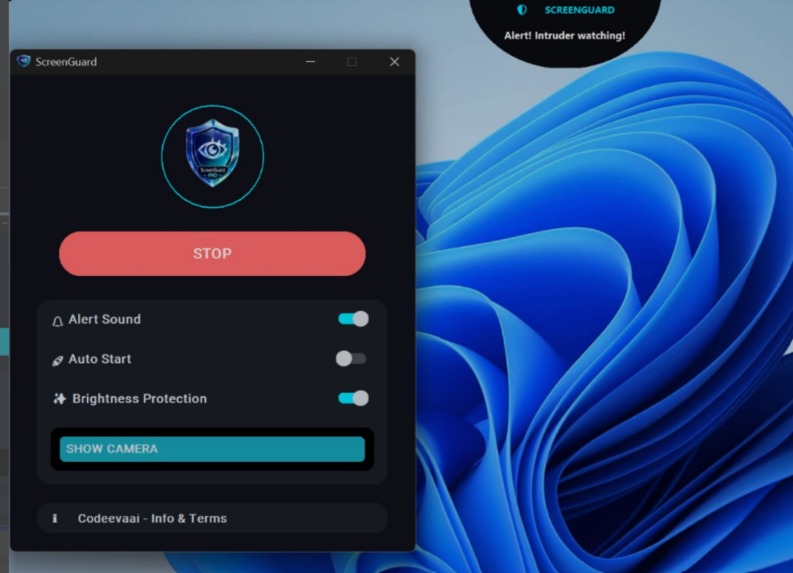
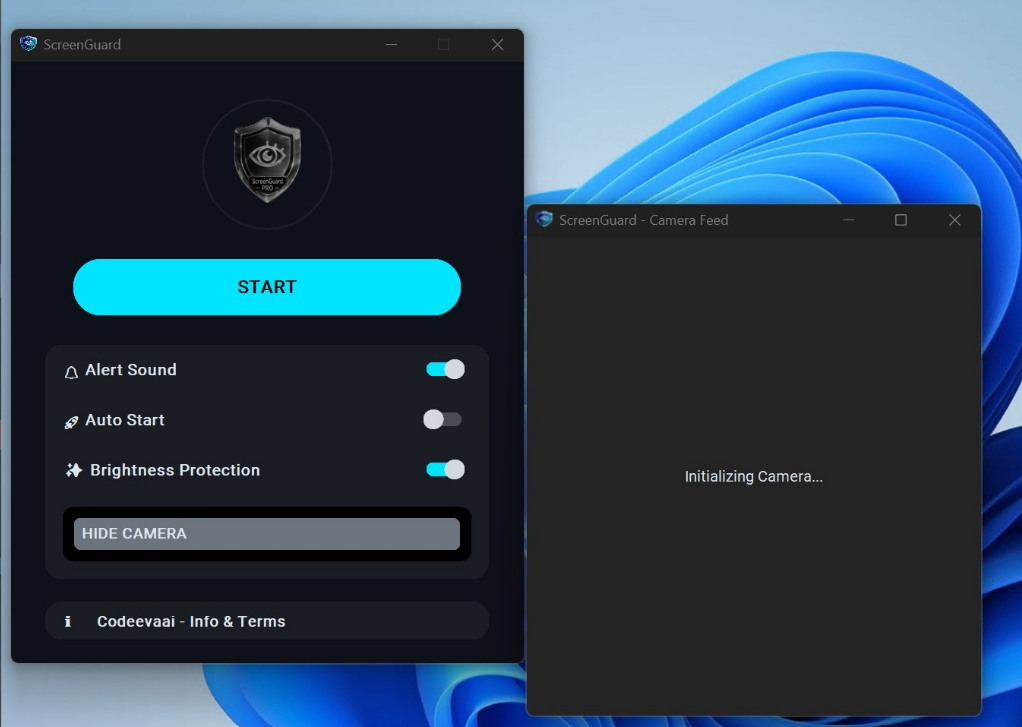
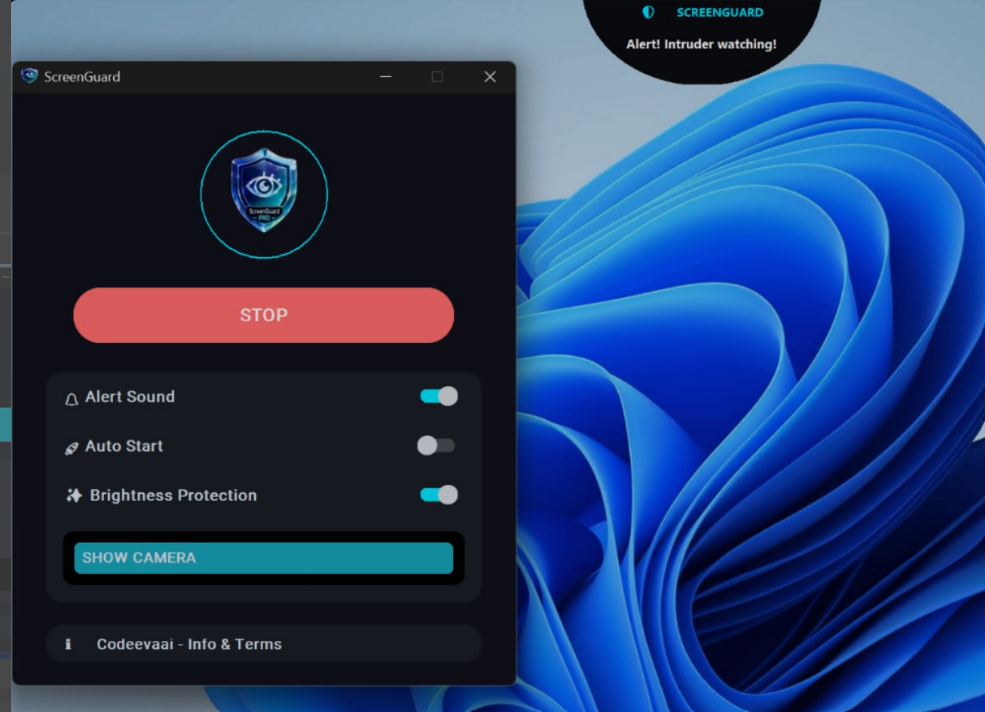
ScreenGuard Pro is an advanced, AI-powered real-time privacy protection desktop application. It runs silently in the system tray and monitors your environment using your webcam.
Smart User Recognition: It automatically identifies you (the closest/largest face) as the rightful owner and ignores you.
Precision Eye Tracking: If someone else enters the frame, it uses advanced iris tracking to determine their exact eye direction. It only alerts you if they are actively looking at your screen, ignoring mere passersby.
Smart Fallback Mode: If an intruder wears sunglasses or their eyes are obstructed, the AI intelligently falls back to head-pose estimation (face direction) to trigger a "Face Watching" alert.
Zero False Alarms: It utilizes a multi-frame confirmation algorithm to distinguish between a brief glance and actual snooping.
How I built it
The core engine is built on Python, utilizing heavy lifting from modern Computer Vision and AI libraries.
I integrated OpenCV for seamless, low-latency webcam feed capture.
For the AI pipeline, I utilized TensorFlow and MediaPipe for robust face detection and head-pose estimation.
To achieve the highly accurate gaze detection, I implemented Pupil tracking algorithms (inspired by Pupil Labs) to precisely isolate and track iris movements.
The frontend was designed with a premium, modern UI featuring dark theme support, and the final executable was secured using enterprise-grade code obfuscation to protect the proprietary logic
Challenges I ran into
The biggest technical hurdle was eliminating false positives. Initially, the app would alert even if someone just walked past the camera. I had to engineer the Multi-Frame Confirmation system to ensure alerts only trigger upon sustained staring. Another major challenge was handling people wearing sunglasses, which broke standard eye trackers. I solved this by implementing a dynamic fallback to head-pose direction analysis. Finally, optimizing continuous AI inference to be "Lightweight & Efficient" so it wouldn't drain the CPU or interrupt the user's workflow required aggressive frame-rate tuning and model optimization.
Accomplishments that I'm proud of
I am extremely proud of the dual-layer detection system (Iris Tracking + Head Pose Fallback) which makes the app incredibly robust in real-world lighting and scenarios. Additionally, wrapping complex AI models into a lightweight, system-tray-friendly Windows application with a premium UI and enterprise-grade obfuscation is a massive technical win.
What I learned
This project pushed my boundaries in real-world Computer Vision applications. I learned how to optimize TensorFlow models for edge inference on standard Windows CPUs, handle asynchronous webcam I/O safely, and build intelligent fallback mechanisms in software architecture.
What's next for ScreenGuard Pro
The next phase involves adding proactive defense mechanisms—such as automatically blurring the screen or hiding specific sensitive windows the moment an intruder is detected. I also plan to add multi-monitor support and further compress the AI models for even lower system resource consumption
Built With
- machine-learning
- opencv
- pyqt
- python
- tauri
- tensor

Log in or sign up for Devpost to join the conversation.