-
-
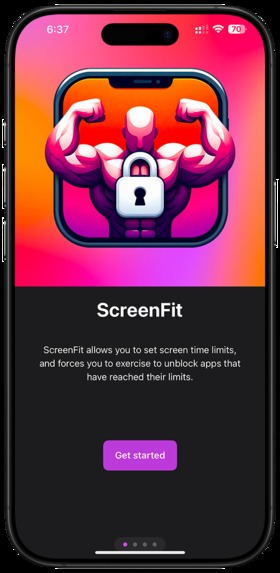
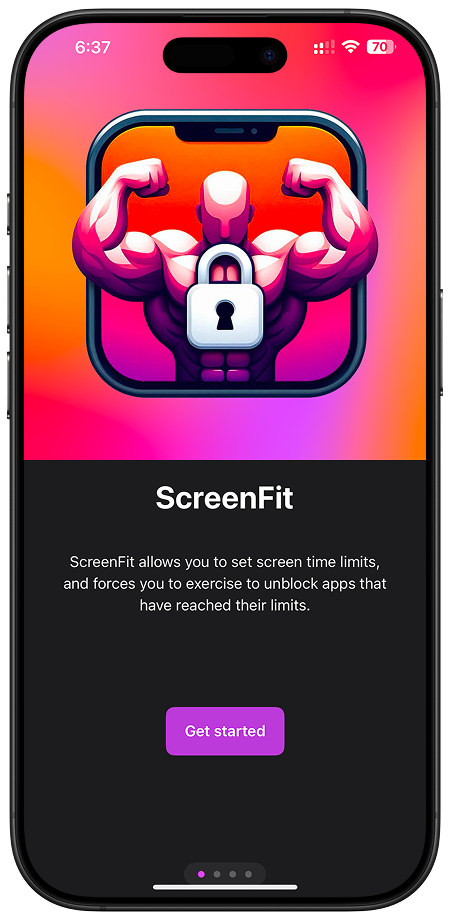
Onboarding - Landing
-
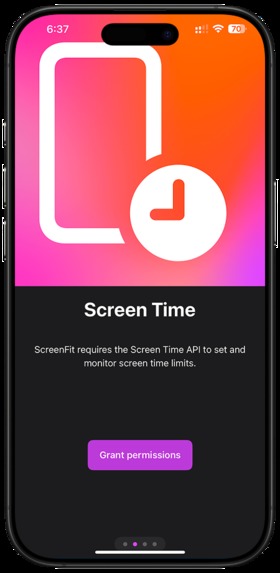
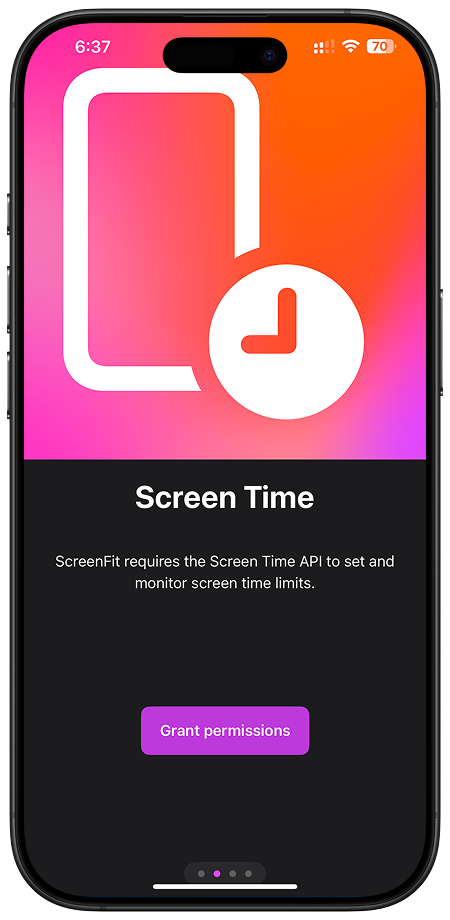
Onboarding - Screen Time
-
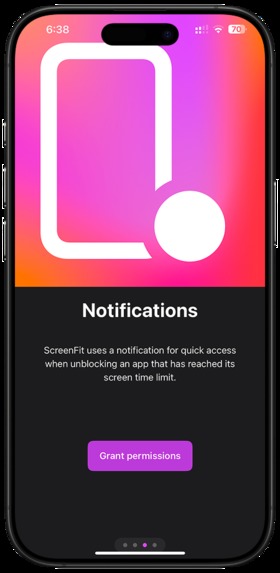
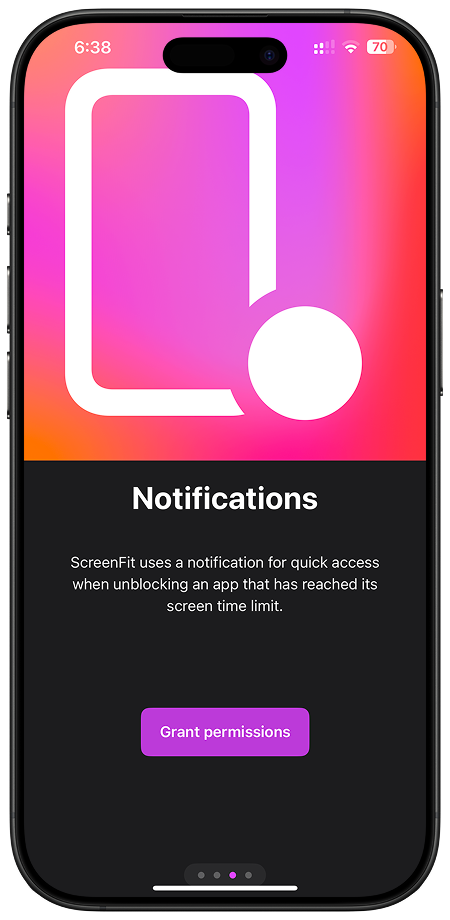
Onboarding - Notifications
-
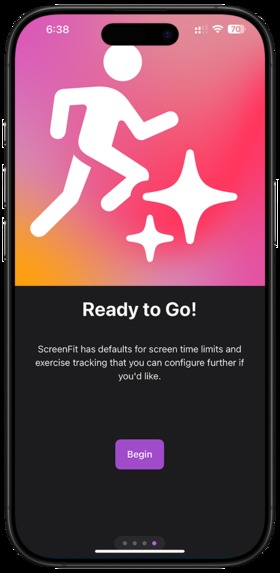
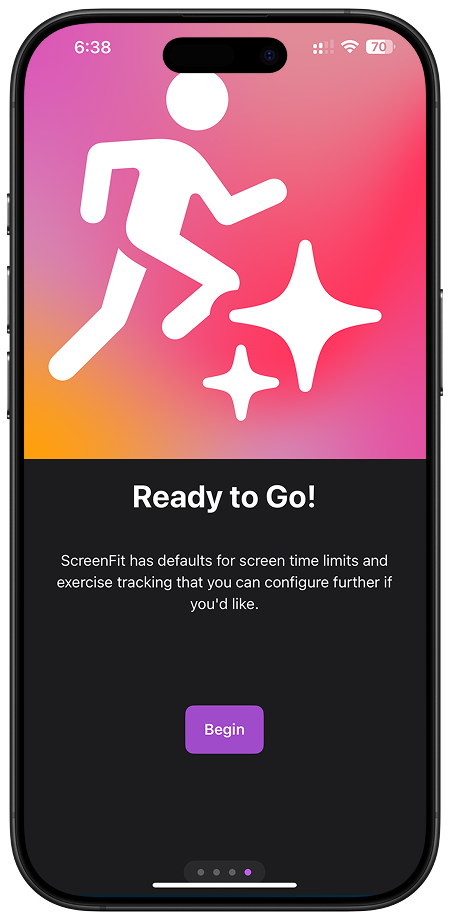
Onboarding - Ready to go
-
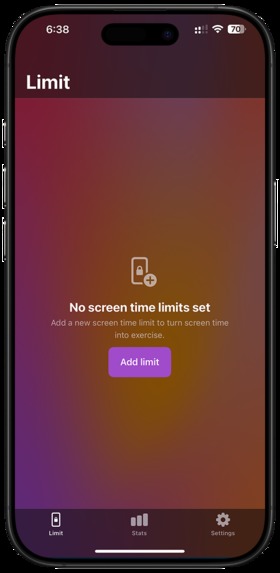
Main - Empty
-
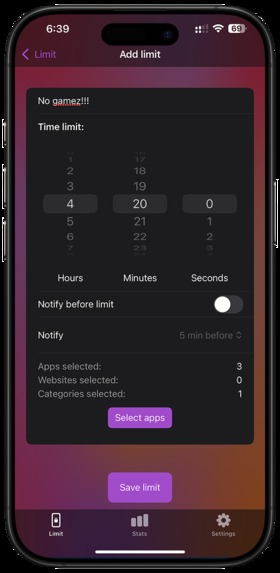
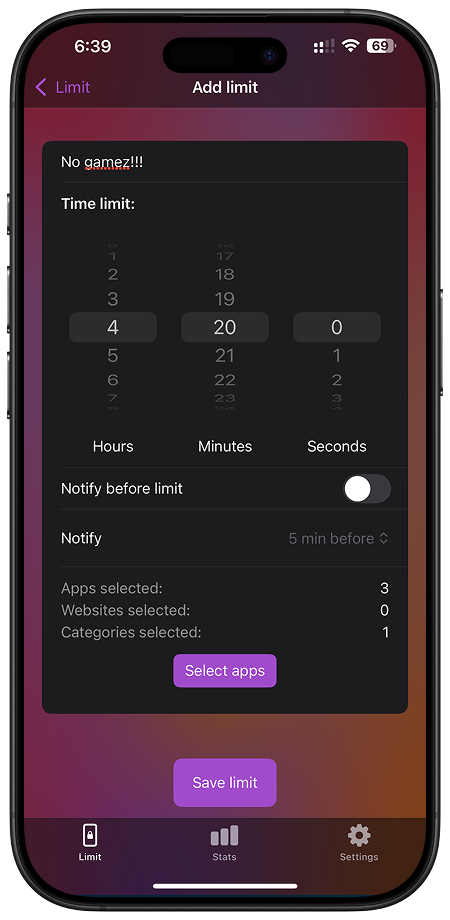
Main - Adding limit
-
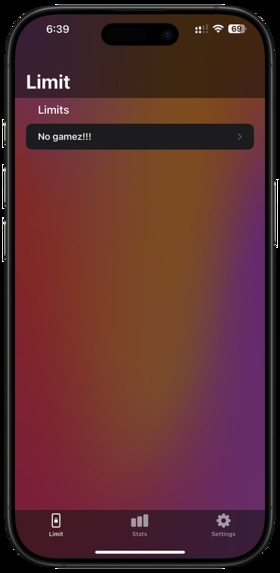
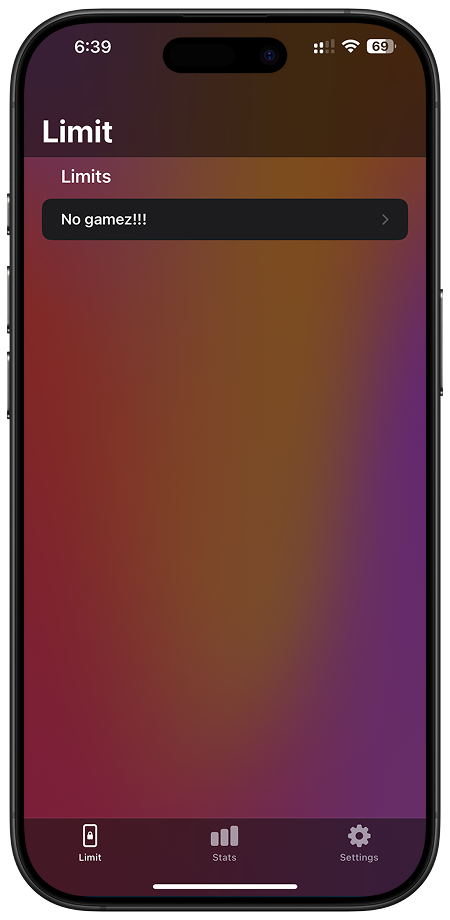
Main - Limit
-
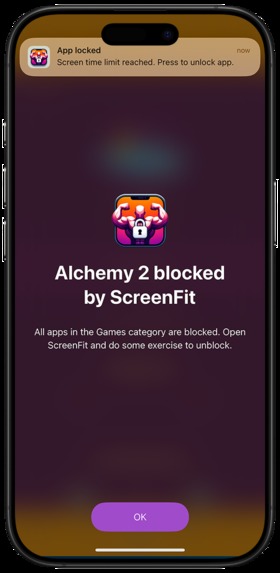
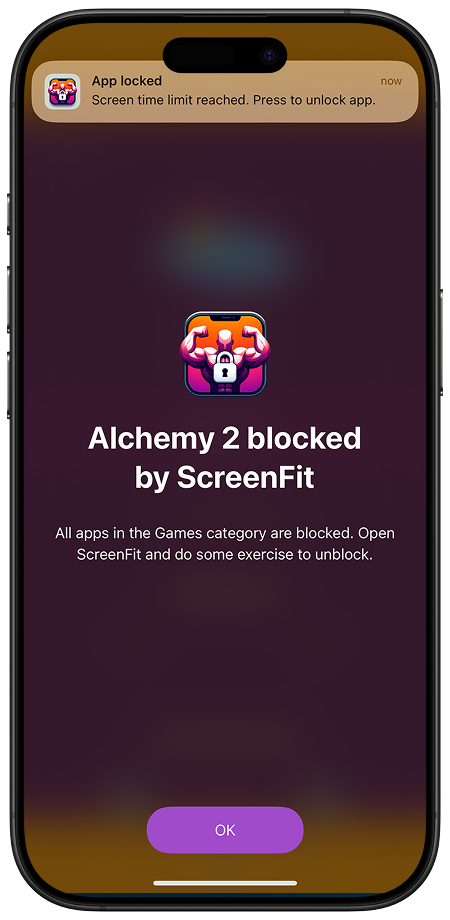
Blocking - App
-
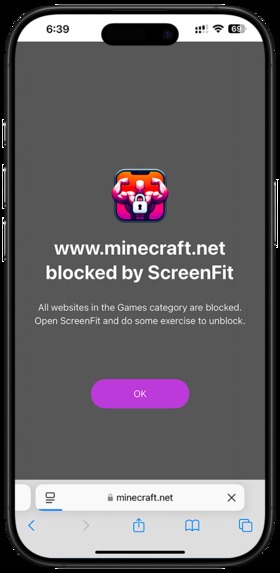
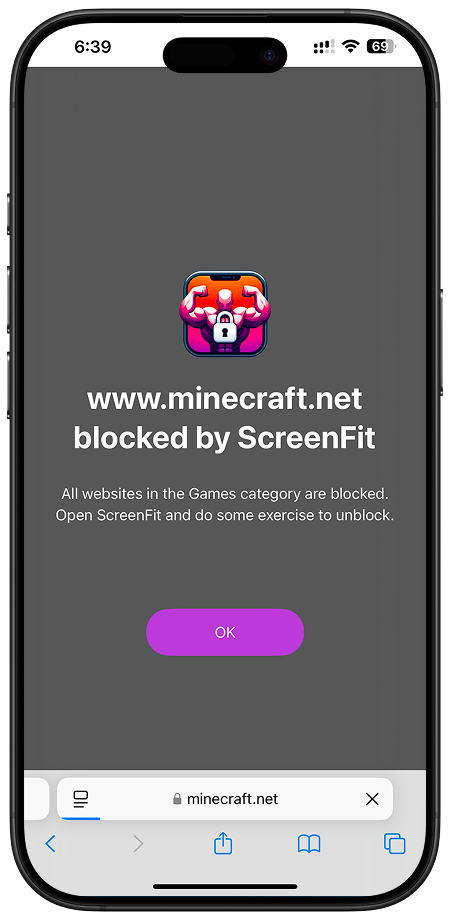
Blocking - Website
-
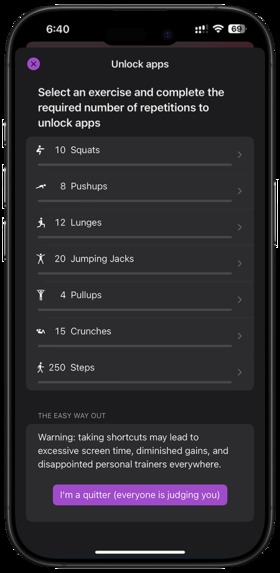
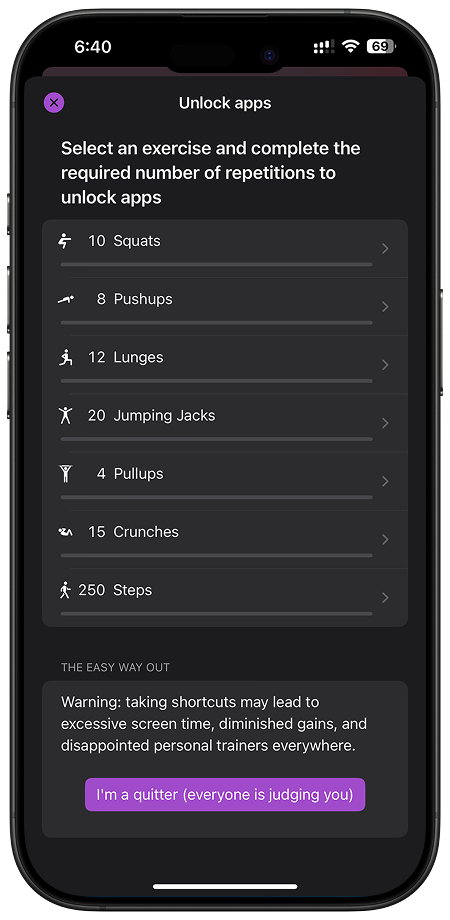
Unlocking - Exercises
-
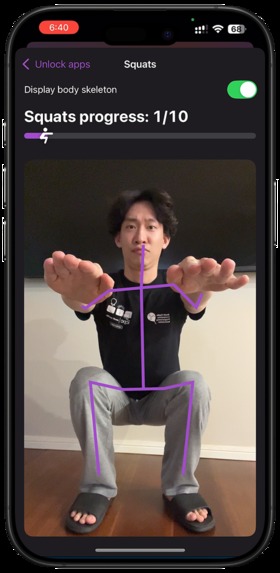
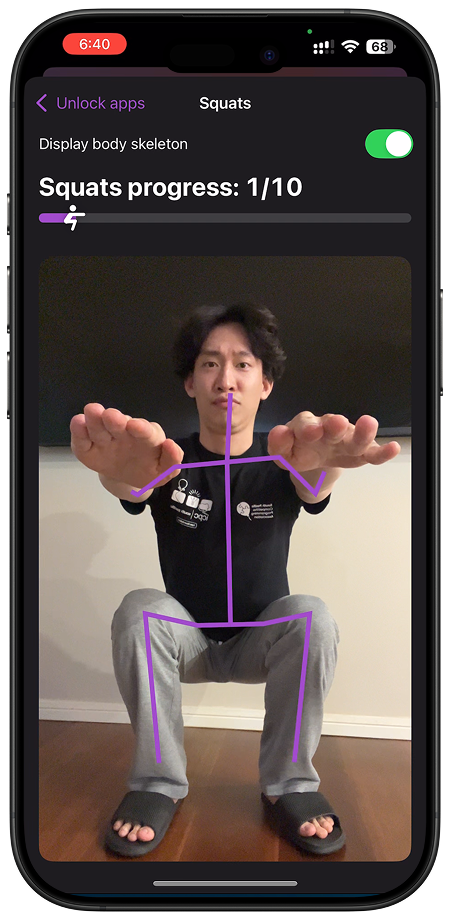
Unlocking - Squats
-
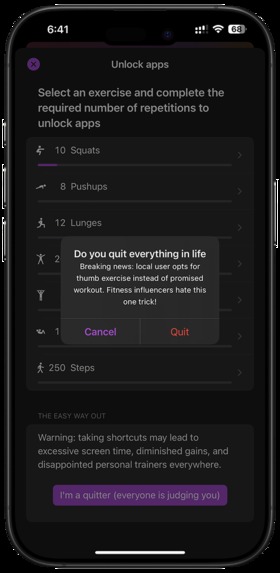
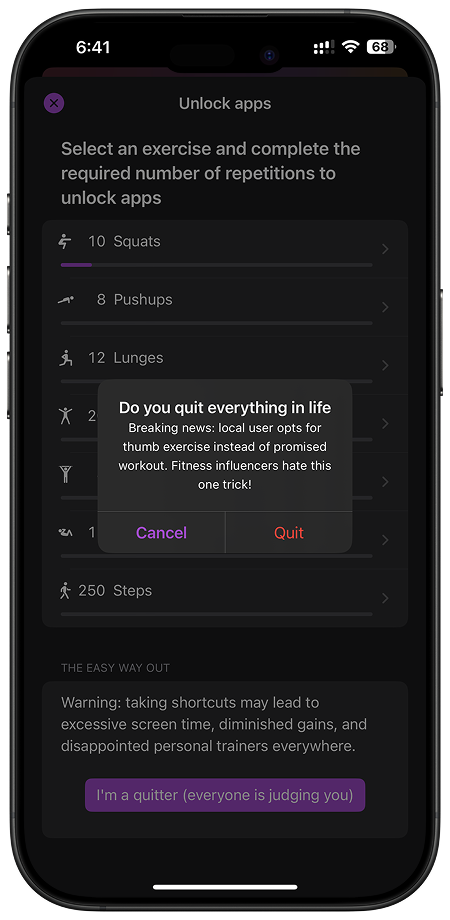
Unlocking - Cheat

Inspiration
Picture this: doom-scrolling for hours on end. Unfortunately you probably know the feeling too well...
Not only was the screen time actively rotting your brain, the prolonged sedentary periods really stack up over time. Becoming physically unhealthy feeds further into the feeling of doom scrolling because you don't have the energy to do anything else, leading to a vicious cycle.
When my screen time report told me "Your screen time was up 42% over the past week" and I realised just how little I was being active vs looking at my screen, I though what if my phone actually MADE me get off my butt instead of just passive-aggressively telling me I have a problem?
What it does
ScreenFit is basically a really enthusiastic gym buddy who watches your every move, who doesn't want that right?
Here's how it works:
- Set limits on apps you can't stop using, a la Screen Time
- When you hit your limit, ScreenFit blocks you (literally some jacked dude blocking your access)
- A notification is sent for quick access to the ScreenFit app, if you want to keep using the blocked app, you have to select an exercise and complete reps
- The app uses your camera (and the Vision framework) to make sure you're actually doing the exercises and not just waving your phone around
- There will be times you cannot be bothered to exercise: great, now you can't use the time sink app anymore :D
- Of course there is a way to unblock in case you aren't physically able to exercise at the moment, but using it as a cheat is very frowned upon >:( ... There are different confirmation alerts roasting you when you try cheat
- Track how much exercise you've naturally been able to accomplish just by using your phone
How we built it
I started off by researching other apps using Screen Time and watching summary sessions from WWDC to get an idea of what was possible
Then I prototyped implementations of screen time monitoring and blocking, and pose detection using on device computer vision models
Finally was adding business logic, and cleaning up the UI with vibe-based designing as I went
The final tech stack was:
- SwiftUI
- Screen Time, Apple's most documented API
- Vision
- SwiftData
- CoreMotion
Challenges we ran into
- Working solo; brainstorming, prototyping, designing, coding, writing, not filming (shoutout to my dad for filming the pitch), editing
- Screen Time documentation was very bad (I lied before)
- Screen Time bugs that many other developers complained about and did not give solutions too
- Spent 5 hours making 4 custom SF Symbols (used decoratively on just 2 screens)
Accomplishments that we're proud of
- Building from scratch in 48 hours by myself
- Actually completing most of the core app instead of a project that I neglect half way through... My last hackathon project I'm still redesigning and hoping to release soon (famous last words)... You check it out here https://devpost.com/software/back-buddy
What we learned
- The power of friendship; the real friends I made along the way were the Xcode warnings disappearing then reappearing even though they refer to code that's been deleted
In all seriousness here's what I learned:
- AppGroup for sharing data between main app and extension
- How to work around sandbox restrictions to get a serviceable user flow (i.e. using notification to link to app as app cannot be opened from screen time shields)
- My limit... I did get some sleep both nights but I hope to never pull anything close to an all-nighter again
- Don't sweat the little details when it's all about making a useable product cough cough making custom SFSymbols
- You can still code fast and maintain reasonable code quality; I was consistently refactoring throughout the hackathon, which I'm sure helped out as I would've had a much worse capacity holding coding context (due to sleep deprivation)
What's next for ScreenFit
Lot's to do before I can possibly release, e.g.:
- Fully implementing all exercise detection
- Form strictness on exercises
- Apple Health integration
- Apple Watch app for better exercise tracking + additional fitness metrics
- Multiple separate time limit blocks
- Device activity reporting - this one I really wanted to explore during the hackathon but it was a whole other rabbit hole as the API is extremely restrictive as to what information can be accessed by developers (kudos to Apple here honestly)
Built With
- coremotion
- screentime
- swift
- swiftdata
- swiftui
- vision


Log in or sign up for Devpost to join the conversation.