-
-

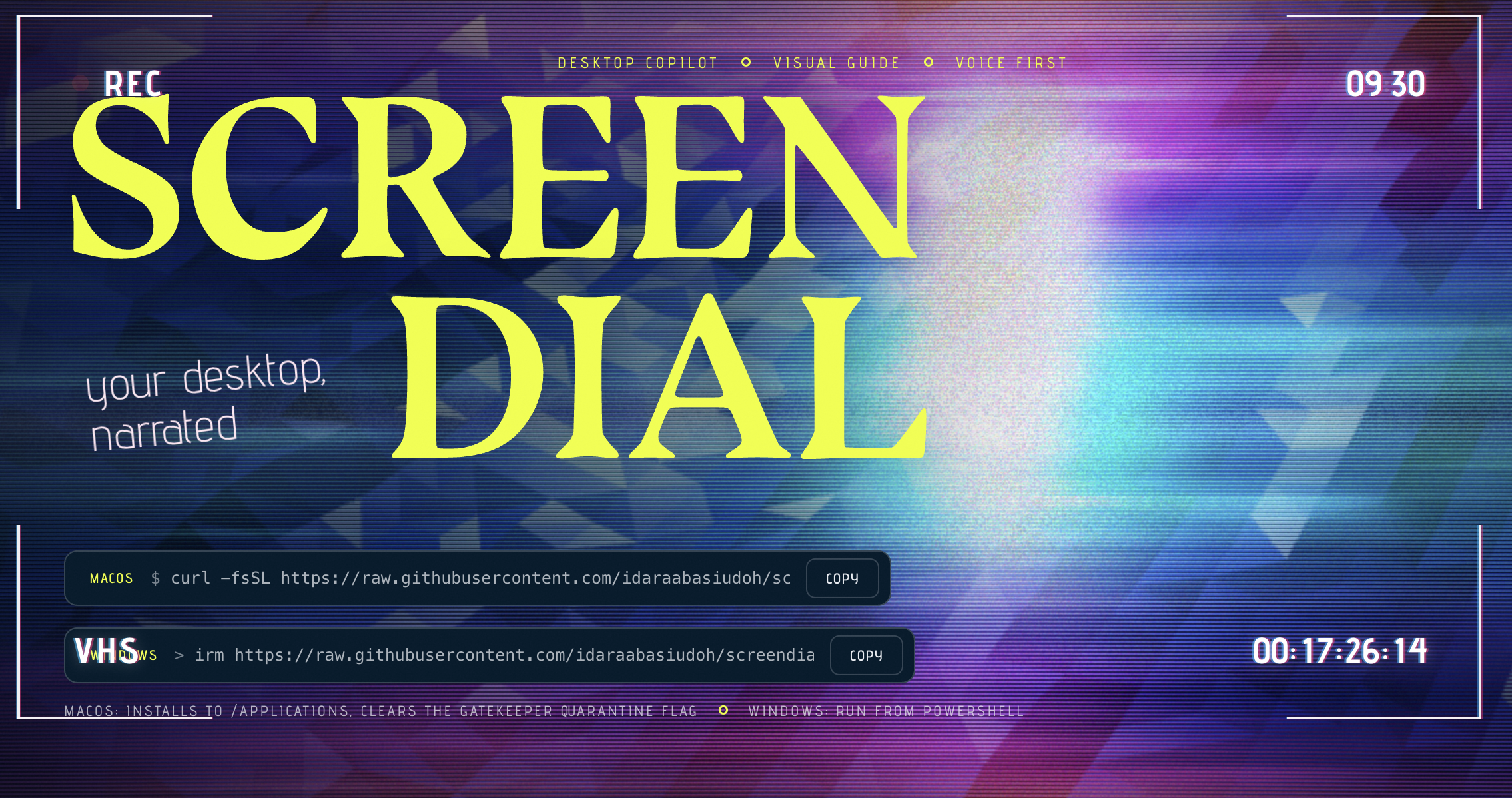
App tile
-
-
-

Inspiration
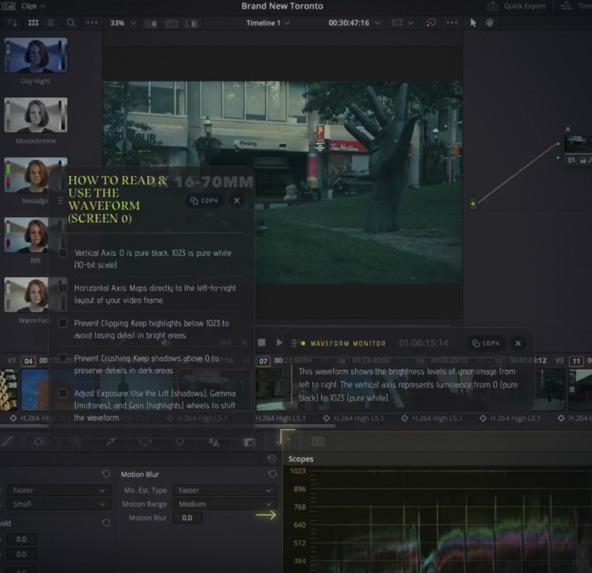
One of our group members recalled wanting to learn DaVinci Resolve for colour-grading this year, but could not learn well enough because there's so many YouTube tutorials and complex buttons on the software. In his words, he'd always wanted an AI beside him to guide him like a baby on this software and basically any app he used, and considering the state if modern technology, we figured that could actually be feasible in the timeframe allotted
What it does
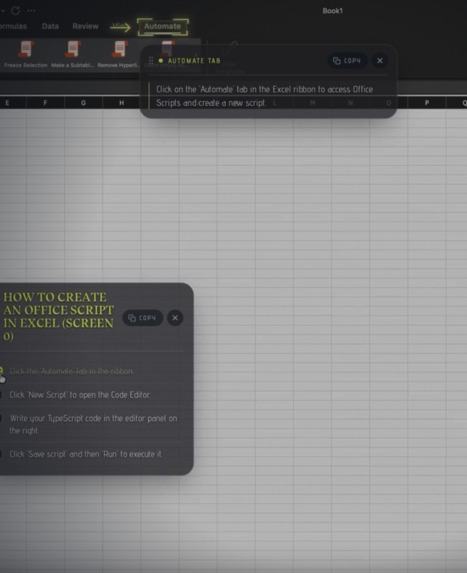
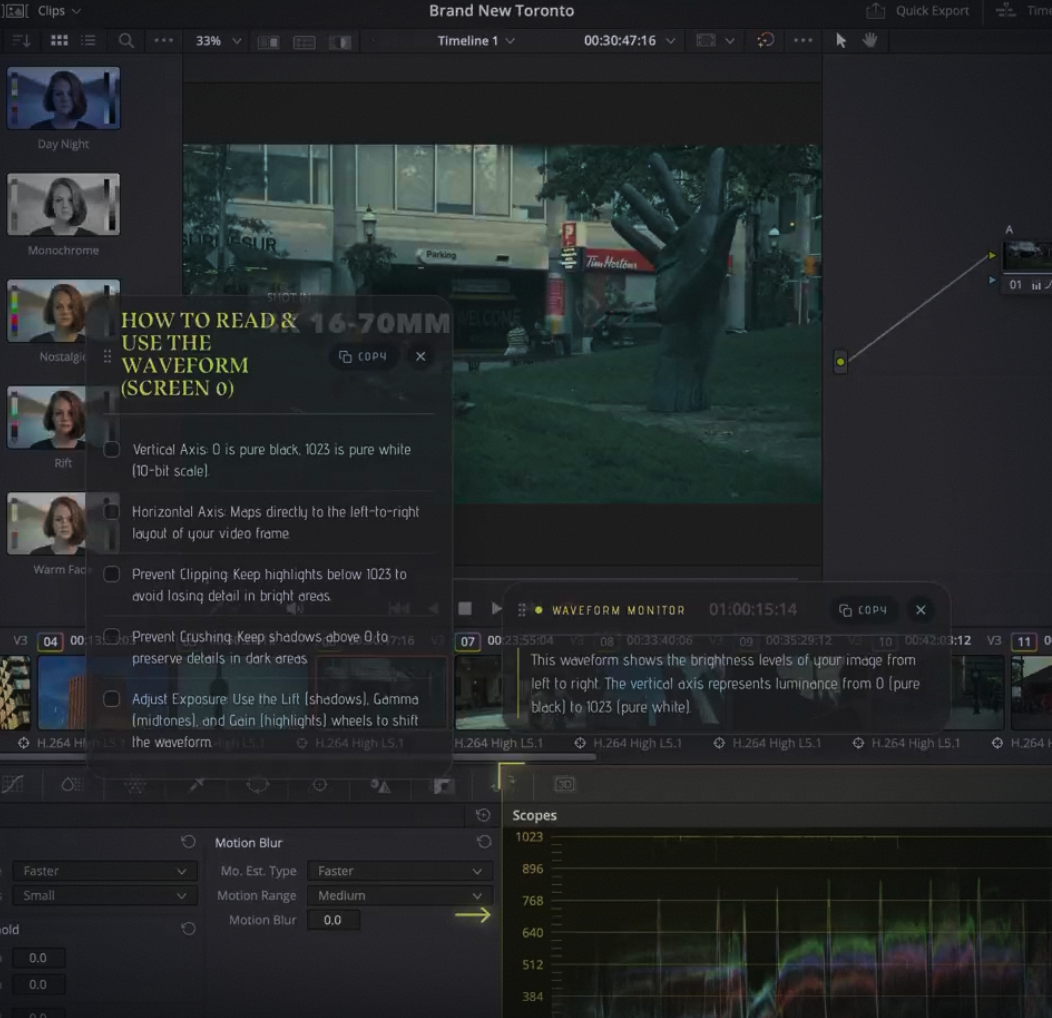
ScreenDial was concieved as a lightweight piece of technology that had the ability to view and capture the user's screen and provide them assistance at any given moment on command. Screendial opens when the user opens it from it's minimized window or says the wake up command "screendial". Upon opening, the screendial search bar UI pops up on your screen, prompting you to either speak into the microphone or type your issue. Upon processing the user request, the program screenshots the current window and uses the google gemini api to decipher what exactly the user wants and how it could be communicated. Screendial then highlights the area of screen that you asked about and uses text to speech to explain what exactly you need to do. ScreenDial is extremely versatile in the amount of commands that it can answer, from reasoning questions about the contents of the window to complex multi step procedures.
How we built it
We built it as a native Tauri v2 app using Rust backend, TypeScript/HTML/CSS frontend rather than a web app, because the core interaction isn't something a browser tab can do. When you ask a question, the Rust side captures every connected monitor simultaneously and hands them, along with your voice or text query and the currently focused app, to Gemini as a multimodal prompt. Gemini doesn't just answer in text but returns a list of tool calls (highlight, overlay, code_overlay, to_do_overlay, voice), which the frontend executes directly into the different overlay overlay tools like drawing a bounding box around the exact button you need, dropping a callout bubble, making a to-do list for next steps, code outputs, or speaking the instruction out loud. To make guidance actually specific instead of generic, we added skill files with specific instructions for popular apps or OS like DaVinci Resolve, Safari, VS Code, Finder/macOS that get pulled into Gemini's context based on whatever app is focused, so it's reasoning about that app's real layout instead of guessing. Voice runs through ElevenLabs for both speech-to-text and text-to-speech, with a graceful fallback to raw audio to Gemini, browser speech synthesis if ElevenLabs fails. Auth0 gates sign-in, and a Postgres/TigerData database optionally persists users's interaction history.
Challenges we ran into
At first we built it in Python but had to switch after a while because we needed a native hardware communication layer to get the screenshots and screen co-ordinates. Python can do this but to be safer, since users will have different screen sizes and coordinate mapping, we needed something native. So we switch to Tauri with rust for any native command.
The app initially worked fine in dev but crashed once we built the first release. Voice input just died silently in the packaged .app. It did not throw an error because macOS ignored the mic request when the bundle's Info.plist lacked the usage description key required to trigger the permission dialog.
For screenshots, it turned out our screenshot library relied on CGWindowListCreateImage, a legacy Quartz API Apple has been phasing out. If the OS flags it as untrusted, it degrades the output rather than failing. We had to rewrite the capture layer using ScreenCaptureKit directly in Rust via objc2.
There was a subtle sync issue with audio. ElevenLabs needed a real network round-trip. If we triggered narration only after Gemini finished its tool calls, the UI highlights popped up a full beat before the voice came back from gemini and It felt disjointed. We ended up prefetching the audio in parallel and holding the visual updates until both assets were ready to go together. At one point, we figured that the most efficient way to build onto Screendial was by using Screendial itself to teach us things (which served as a major turning point in this project's development).
For packaging, an ad-hoc signed Tauri app lacks a stable code-signing identity, meaning macOS treats every local rebuild like a brand-new app that needs its permissions reset from scratch. On top of that, cross-compiling the Windows binary from a Mac is basically impossible, so we set up a GitHub Actions using native macOS and Windows runners to handle both builds properly.
Accomplishments that we're proud of
Getting way more than an MVP ready. We genuinely did not think we could do this in a weekend, but having both Mac and windows working in a very reliable and polished state was a big win for us.
What we learned
How to use a lot of the new services presented to us by the hackathon and integrating them in our applications (eleven labs, gemini, tiger labs, auth0) How much distance there can be between something that works in dev and a packaged app, especially on macOS, because permissions are tied to a signed app's exact identity rather than your code.
What's next for ScreenDial
Proper code signing and notarization, so permissions persist across updates instead of resetting on every build. Moving API keys behind a lightweight backend so Screendial can be distributed beyond a trusted demo audience. More skills for more apps and eventually letting users write their own.


Log in or sign up for Devpost to join the conversation.