-
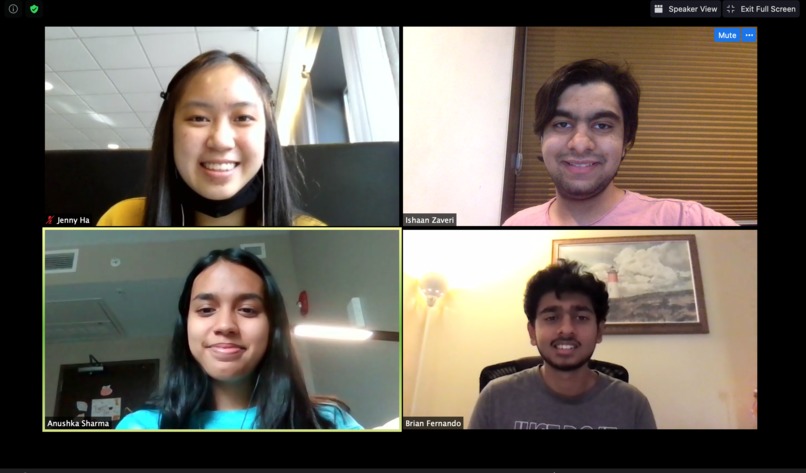
Our Team!
-
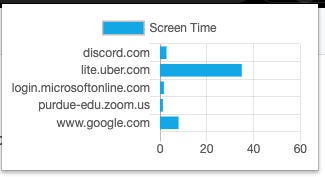
Our Chrome Extension
-
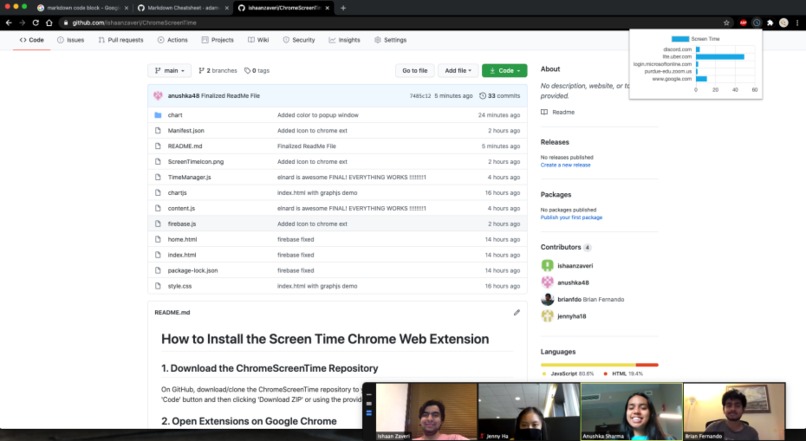
Our GitHub Repository
Inspiration
We were really inspired by the iOS screen time function and knew it would be useful for laptops too, but we wanted it to be accessible for people without iOS/macOS access so we decided to make it a Chrome Web Extension. Plus, we all wanted the opportunity to explore more JavaScript, Chrome Developer Extension, etc. so we chose a project that would demand development of these skills.
What it does
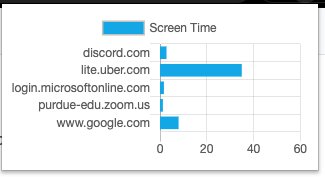
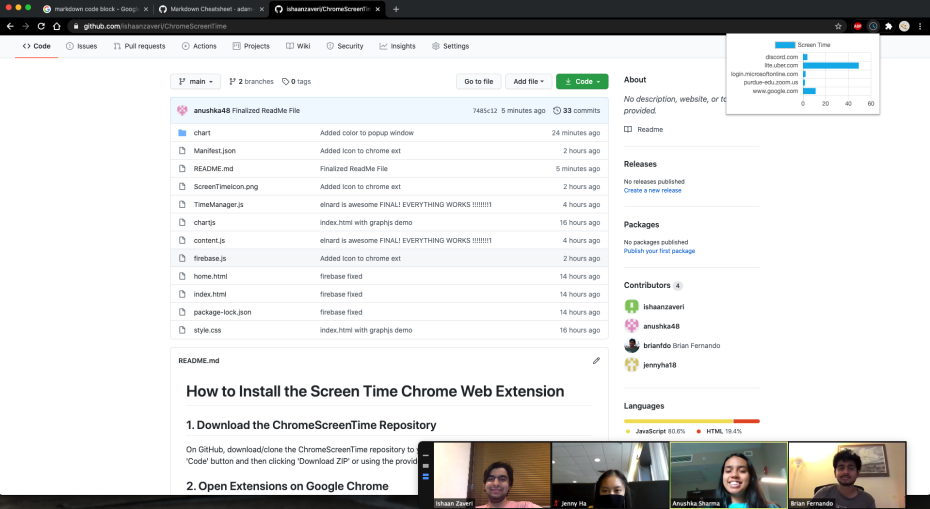
This chrome web extension tracks when a user opens a new tab, when a tab changes to a different website, and how long a certain site is onscreen to provide a summary of the user's screen time habits. Namely, the chrome web extension displays the user's top 5 visited websites and the time spent on each of them. This way, the user can be conscious of their productivity/lack thereof and improve on it.
How I built it
We built this project using JavaScript and Chrome Developer Extension to collect and manage information about the user’s tabs (which website is being displayed, how long the user spends on one tab, etc.). We also used Chrome Local Storage to save user data after a single session, and Chrome Debugger to test and improve our code.
Challenges I ran into
One of the biggest challenges we ran into was our lack of experience with Chrome Developer Extensions. It took us a couple of tries, multiple hours of scouring documentation, and a couple mentors (thanks, Elnard!) to figure out the right event listeners/data retrieval commands. In addition, we had a hard time setting up the stopwatch that tracked how much time is spent on a single tab and saving the time spent in local storage so that the most visited site can use data from previous browsing sessions. Lastly, the hardest task was combining the implementation of the popup with the chart, the window data, and Chrome local storage. However, through tutorials, documentation, mentors, and StackOverflow, we managed to overcome these obstacles!
Accomplishments that I'm proud of
We are really proud of the time feature because it was really tricky to figure out when to start tracking time on one tab and when to stop tracking it. In addition, I am proud of our resourcefulness and collaboration because we started working together really well a couple hours in, bouncing ideas off of each other and going on various Google quests and resource hunts to create something none of us had any experience with before. And we were also motivated and hacking for most of the 24 hours despite all of this.
What I learned
We learned how to gather resources ourselves because none of us had any experience building chrome web extensions but all of us were great at self-learning during the process. Technically, we learned a lot about the Google Developer Extensions, JavaScript, implementing time, and Chrome Local Storage, but we also learned how to work on a team under a time constraint while communicating really well throughout the process.
What's next for Screen Time Chrome Extension
Ideally, Screen Time Chrome Extension would be displaying all of the user data on a separate web page, setting time limits to alert the user when they had spent too much time on a certain site, and deploying it to Firebase for weekly statistical reports for the user to read.
Built With
- chrome-developer-extension
- chrome-local-storage
- javascript
- unixtime

Log in or sign up for Devpost to join the conversation.