-
-
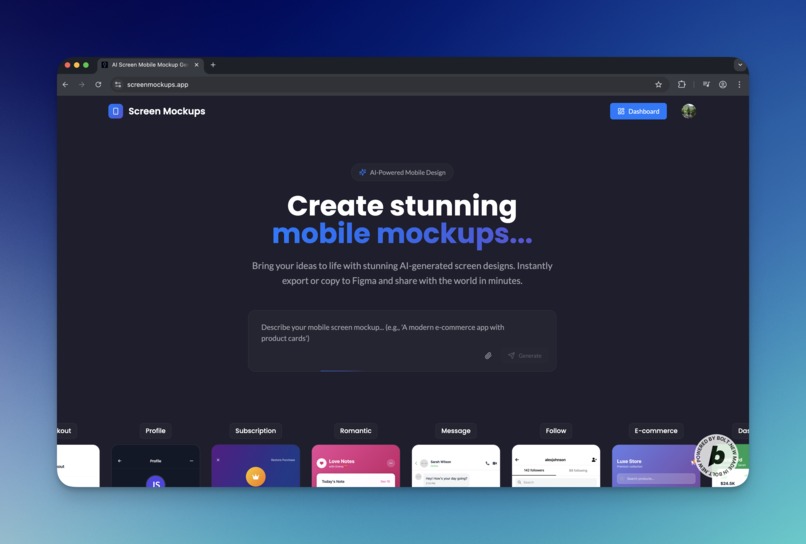
Home page
-
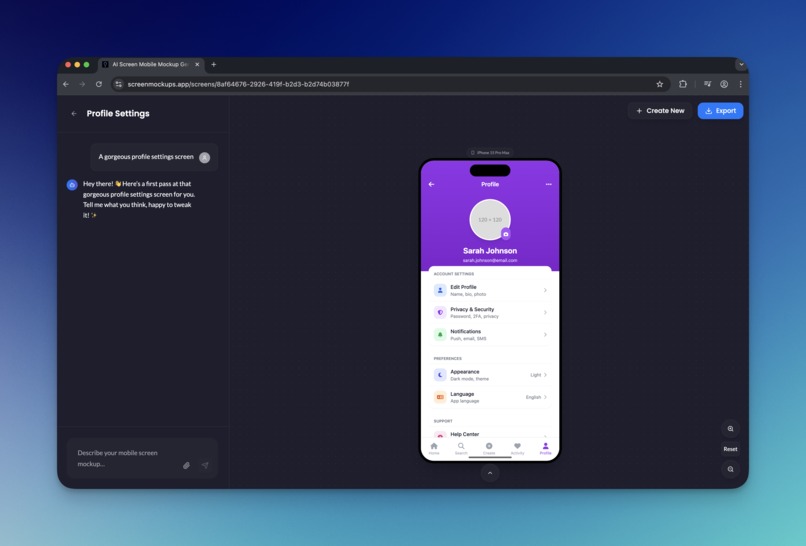
Mockup page first version
-
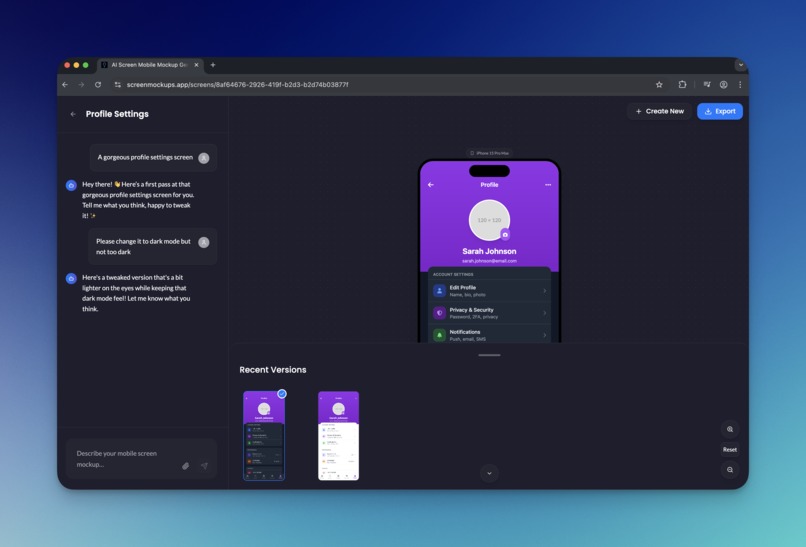
Mockup page second version
-
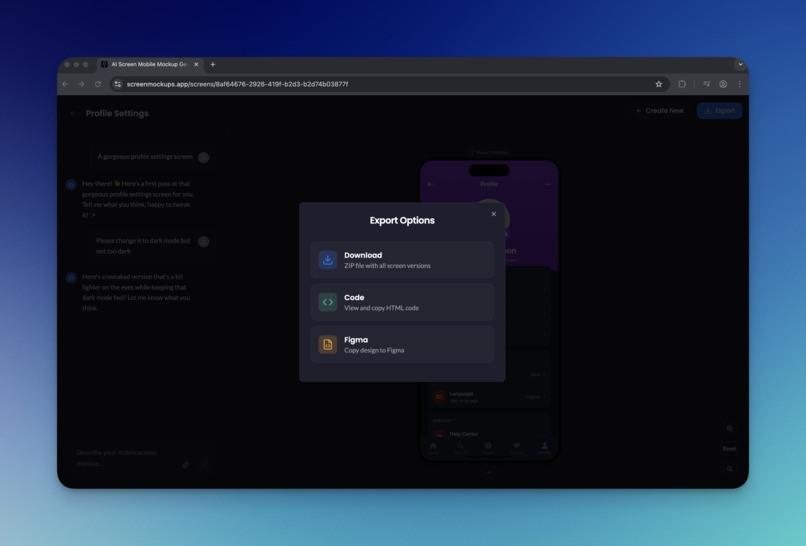
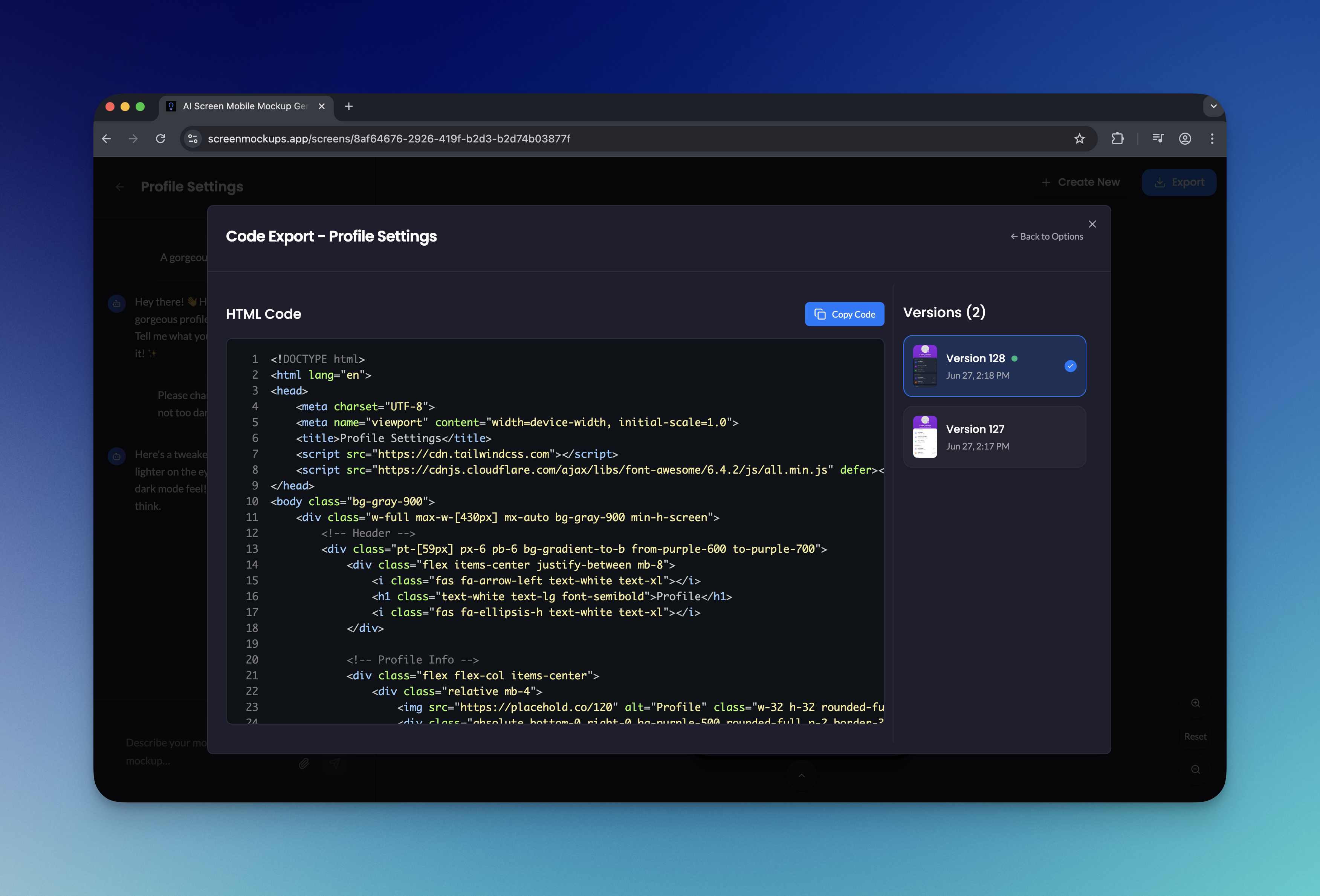
Export options
-

Html export
-
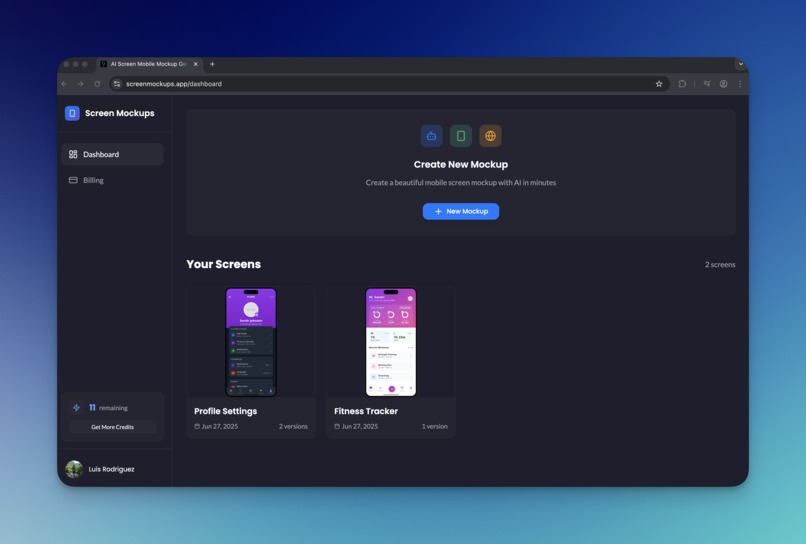
Dashboard



Inspiration
I often have countless app ideas popping into my head. Sometimes, I stick with one that I truly believe in and develop it all the way to publishing it on the App Store. My mistake has been assuming that other people would find the app useful too — but most don’t. So, I started looking for a way to gauge and validate my mobile app ideas before even starting to build them.
I wanted a way to generate beautiful screen designs for my app ideas. One problem: I’m not a graphic designer and I’m not familiar with tools like Figma. That’s when I had an idea — what if AI could generate my app screen designs for me? I could quickly share them with my target audience to see if they’d even bother using the app, and validate my idea in minutes.
And so, Screen Mockups was born. Now I don’t have to spend weeks building an app nobody wants or waste hours fiddling with Figma or Photoshop. I can just generate and tweak my screen designs easily with Screen Mockups.
What it does
Generate stunning mobile screen designs from a simple prompt or a reference image. Easily edit existing mockups, create new versions, and switch between them seamlessly. Export your screens as images, HTML, or copy them directly to Figma.
How we built it
Bolt.new was used to build almost the entire frontend. I say almost because I did run into some issues where Bolt failed multiple times to make the changes I needed, so I had to tweak the code myself. But all the pages you see — the gorgeous UI elements and animations — were done with Bolt. The backend was a different story. I vibe-coded an Express.js API, deployed it to Fly.io, and connected it to my Supabase instance. I added Clerk for user authentication and Dodo Payments for credit top-ups.
Challenges we ran into
The main challenge I faced was with authentication. I chose Clerk because it’s the auth provider I’m most familiar with, but since Bolt doesn’t have a native integration for Clerk like it does for Supabase, I couldn’t get the test environment working in the Bolt preview. This meant that every time I made changes to a protected screen, I couldn’t preview it because I wasn’t authenticated. So, for every major change, I had to deploy and check it live on the Netlify URL.
Accomplishments that we're proud of
I’m just happy that I was able to take this idea I’ve had for a while and bring it to life — all with little to no code. I even managed to add payments, which means there’s a chance I can grow this into a small business in the future.
What we learned
I was skeptical that you could use Bolt to bootstrap a real SaaS project, but I was pleasantly surprised — just one day into the hackathon, I realized Bolt isn’t just for fun weekend projects. You can build anything with it, as long as you have the imagination and the determination to work through the bugs and issues you’ll inevitably run into.
What's next for Screen Mockups
I plan to add more features and improvements to the UI. The two main features I want to add are the ability to connect screens to simulate user stories and flows, and to group them into a project. The next feature is a live preview that lets users experience how the generated screens might actually work, providing a much more engaging way to preview and share their designs.
Built With
- bolt
- clerk
- dodopayments
- express.js
- flyio
- openrouter
- react
- supabase

Log in or sign up for Devpost to join the conversation.