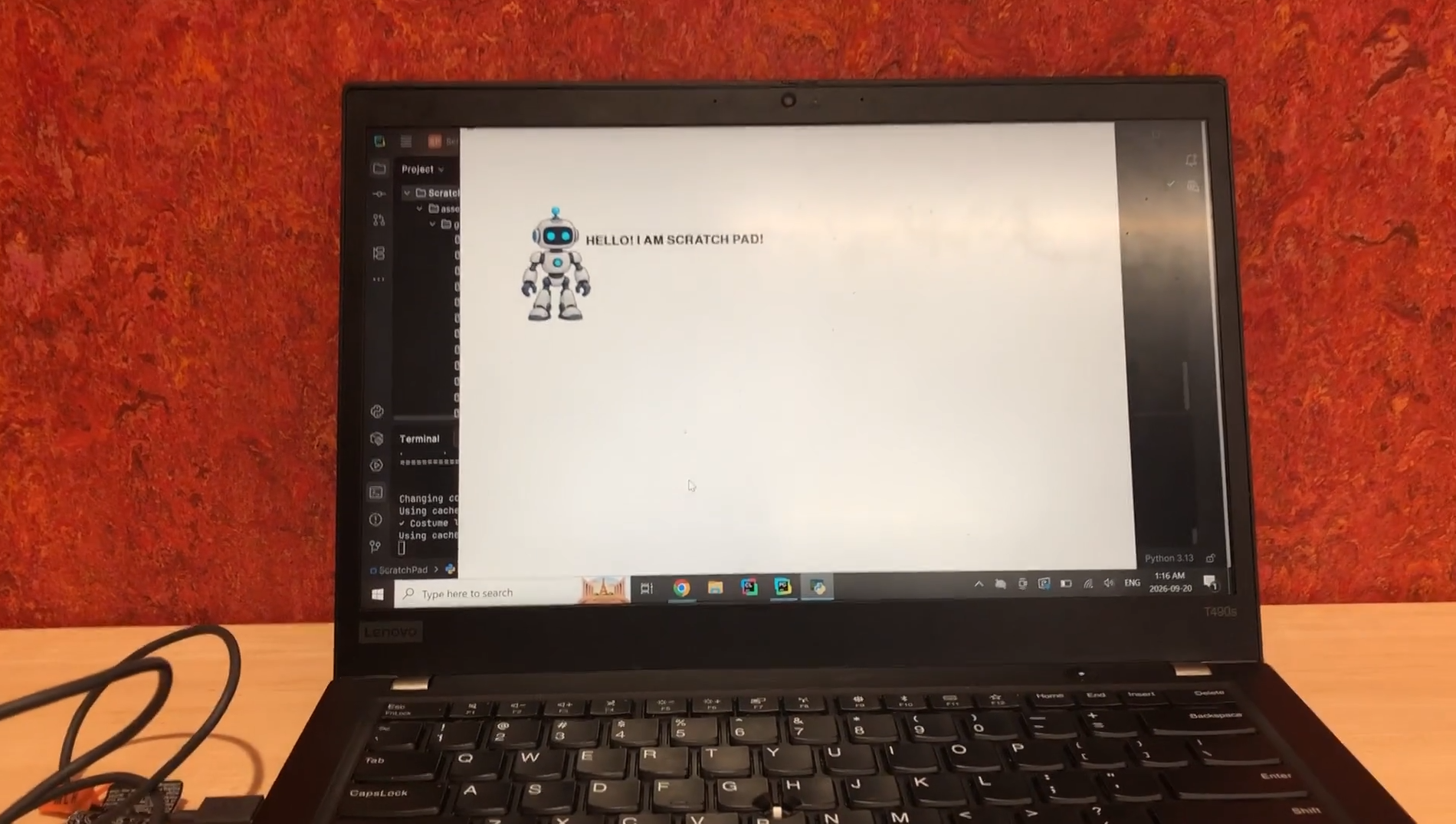
ScratchPad is Scratch, but on paper!
Inspiration
Everyone started coding with a simple interface and language, such as the popular block-based platform Scratch. I wondered, what if I took Scratch and put it on paper? How could I simplify it and ensure everyone could approach this new programming language easily?
What it does
ScratchPad allows you to write pseudocode using words and symbols, and then run your program on your computer with AI-powered sprite generation, speech, and sound effects. It also supports variables, loops, and user-defined functions and can make a sprite speak, generate its costume, rotate it, move it, and create all kinds of interactive experiences!
How we built it
ScratchPad was built primarily with Python and Pygame, with OpenAI and ElevenLabs APIs handling the AI-powered parts of the project.
When the user presses R (for Run), a photo of their handwritten code is captured, it is sent to OpenAI's GPT-5.6 Luna, which identifies the handwritten commands and converts them into a structured JSON format. ScratchPad then parses this JSON and executes each command using its own interpreter.
I also used OpenAI's GPT-Image-2.5 Flare to generate costumes for sprites, integrated ElevenLabs' Eleven Flash v2.5 for text-to-speech, and incorporated Eleven Text to Sound v2 for generating sound effects.
Challenges I ran into
The main challenge I encountered while building ScratchPad was that Luna could not consistently extract the correct commands from the photo due to minor differences in lighting, positioning of the paper, and angle of the camera. Despite my best efforts to minimize inaccuracy by using a thick Sharpie that was easy to read and positioning the camera on a high stand, ScratchPad would still sometimes make errors.
What's next for ScratchPad
Obviously the inconsistency of the Luna command extraction is still one of the biggest limitations of the program. In the future, I would like to experiment with different cameras and create a designated rectangle or frame for the paper to ensure that it is always positioned consistently.
I also look forward to deploying ScratchPad as a web app, especially using Flask, so that users can access it directly from their browser without needing to clone my Github repo.
Accomplishments that I'm proud of
The biggest accomplisment I achieved was successfully integrating APIs from both OpenAI and ElevenLabs into ScratchPad. I initially struggled to find suitable models that were accurate and within my budget. However, both of these models have on several occasions exceeded my expectations and fascinated me with their effectiveness.
What I learned
Through building ScratchPad, I learned a lot about working with AI APIs as I had to not only provide detailed instructions to ensure it understood the assignment but also had to code my interpreter to handle incorrect outputs. Another important lesson I learned was that AI can make programming interfaces feel completely different as ScratchPad makes coding assessible and comprehensive by turning programming into something you can simply draw on a piece of paper.


Log in or sign up for Devpost to join the conversation.