-
-
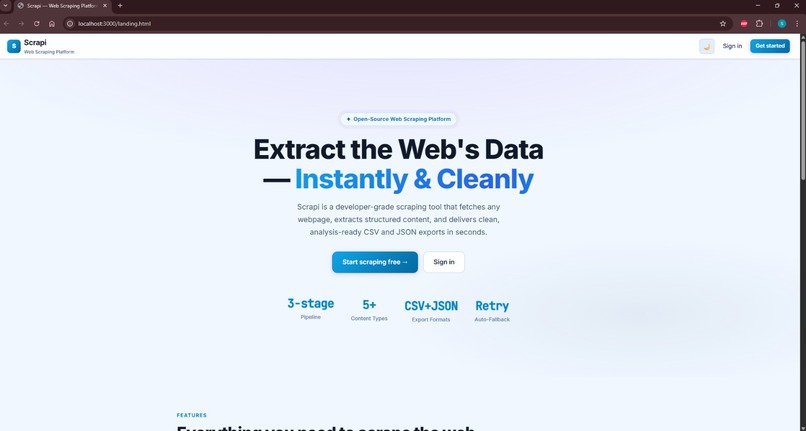
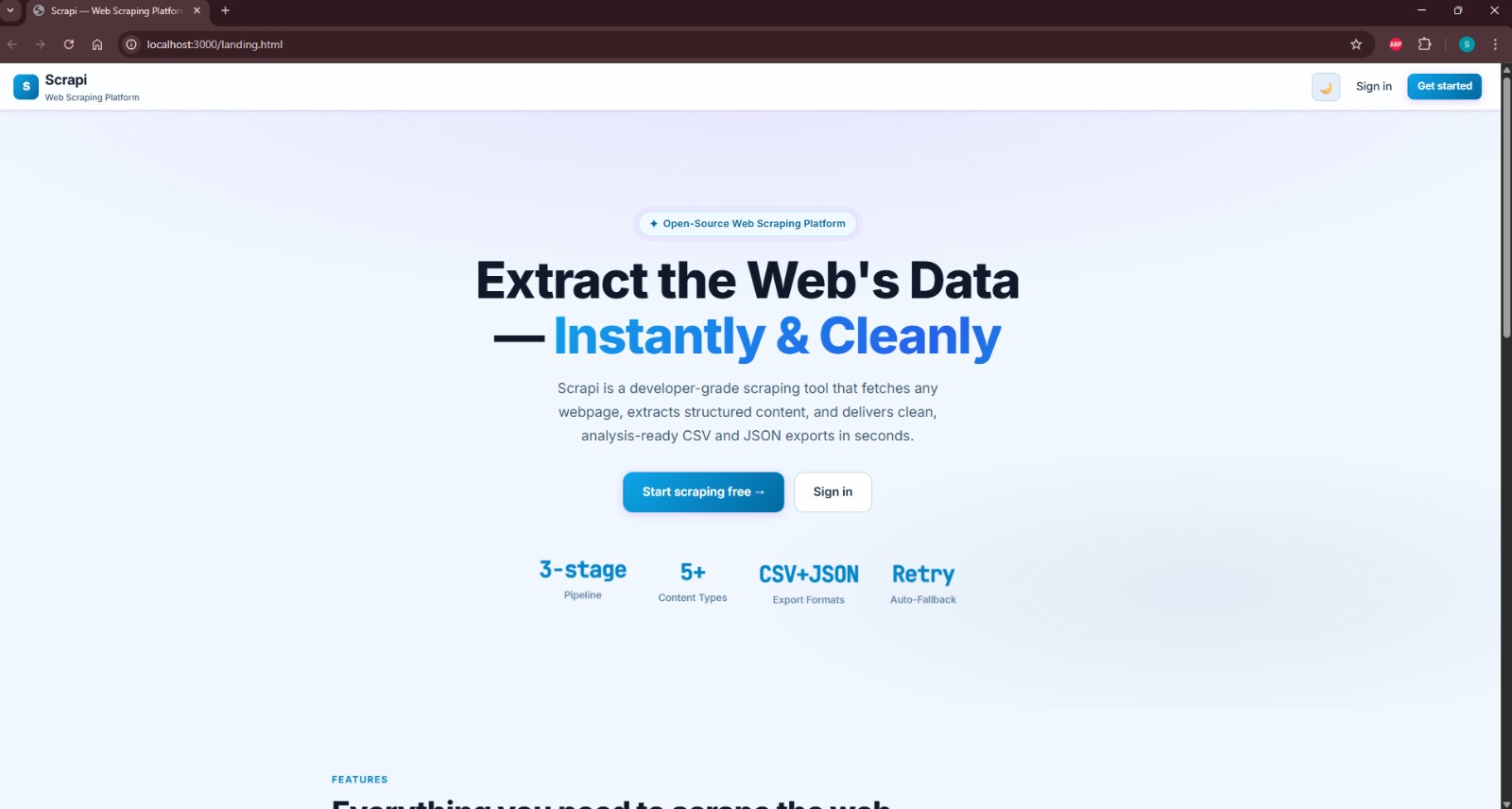
landing page
Inspiration
I already had Scrapi running as a real scraper before this challenge existed - fetch, detect whether a page needs JS rendering, extract, clean, done. When I saw WebMCP, my first instinct wasn't "let me bolt an AI chatbot onto this," it was "an agent trying to use my scraper right now would have to either click through my UI like a human or scrape my own HTML to figure out what's on the page - both of those are exactly the kind of brittle nonsense my scraper exists to avoid doing to other sites." That felt like the actual point of WebMCP: stop making agents reverse-engineer your app and just hand them a contract for the pipeline you already trust.
What it does
Scrapi exposes four tools on document.modelContext once you're signed in:
scrape_url - runs a URL through the real pipeline (with a Selenium fallback for JS-heavy sites) and hands back structured results. get_scrape_history - your past jobs. get_scrape_export - export a finished scrape as CSV or JSON. check_domain_history - looks at everything Scrapi has ever scraped from a given domain and tells you whether it usually needs JS rendering and which detection method actually worked.
Any WebMCP-aware agent can find and call these on its own. I also built a small "Tools" panel inside the app itself that calls the exact same tools through the real document.modelContext.executeTool() API, with a little badge that honestly tells you whether the call went through WebMCP or fell back to a direct call - so Scrapi isn't just publishing tools for someone else's agent, it's using its own.
check_domain_history is the part I'm most proud of. It's a live aggregation over real scrape history, not a guess. Scrape a domain once, and the next check of that domain comes back with an actual answer instead of "unknown."
How we built it
Python and FastAPI on the backend, MongoDB for storage, React and Vite on the frontend, JWT for auth. The scraping side leans on requests + BeautifulSoup/lxml for normal pages and Selenium when a site needs JS rendering. On top of that, frontend/src/webmcp/tools.js defines the four tools with JSON Schema inputs, and a small hook registers them on document.modelContext for any signed-in session and cleans them up on logout. A thin GET /scrape/domain-stats endpoint on the backend is all check_domain_history actually needs - it's just a Mongo aggregation, nothing fancier. Frontend on Vercel, backend on Render, both live.
Challenges we ran into
Honestly, the biggest decision wasn't technical. I originally built this with an in-app agent backed by my own Anthropic API key, so it could actually hold a conversation and decide which tools to call. Then I thought about it properly: I was about to hand out a public demo login sitting in front of my personal API key, for as long as judging lasts, with no idea how many people would hammer it. That's not a risk worth taking for a hackathon. So I pulled the LLM out entirely - deleted the agent backend, the API key, all of it - and kept check_domain_history as a plain WebMCP tool instead of something an LLM had to be prompted into using. It actually made the project more honest: the "gets smarter with usage" claim now rests on a database query I can point to, not a model I'm asking you to trust.
On the technical side, the annoying one was document.modelContext.executeTool() in real Chrome throwing UnknownError: Failed to parse input arguments no matter what I sent it. Turned out Chrome's actual shipped implementation wants the arguments pre-stringified with JSON.stringify(), which isn't what the spec explainer describes. Fixed it by trying the stringified form first and falling back to a plain object if that fails. That fix then surfaced a second bug - the string-vs-object mismatch meant tool results were rendering as one giant escaped line of text - so I normalized every result to the same shape at one central point instead of patching the display separately. There was also a completely unrelated pre-existing bug I only found because I insisted on testing everything manually before pushing: my scraper was advertising Brotli support in its request headers without the Brotli package actually installed, which was silently corrupting results from any site that compressed with it.
Accomplishments that we're proud of
Getting a real WebMCP host and client working against the actual browser API, not a mock - and catching real divergences from the spec along the way. And walking away from the LLM agent instead of shipping it anyway just because it was already built. The version that exists now needs no API key from anyone and costs nothing to run per request, which honestly feels like a better demonstration of what WebMCP is for than the flashier version would have been.
What we learned
That Chrome's actual WebMCP implementation has real, undocumented quirks you won't catch from reading the spec - you have to test against the live API early. And that "smarter with usage" doesn't require a model at all if you're willing to let real data do the talking instead.
What's next for Scrapi
Tracking more signals per domain in check_domain_history - rate-limit behavior, typical page size, common failure patterns - and seeing how it holds up once more WebMCP-capable agents exist to actually call it.
Built With
- beautiful-soup
- fastapi
- javascript
- jwt
- lxml
- mongodb
- motor
- python
- react
- render
- selenium
- vercel
- vite
- webmcp

Log in or sign up for Devpost to join the conversation.