-
-
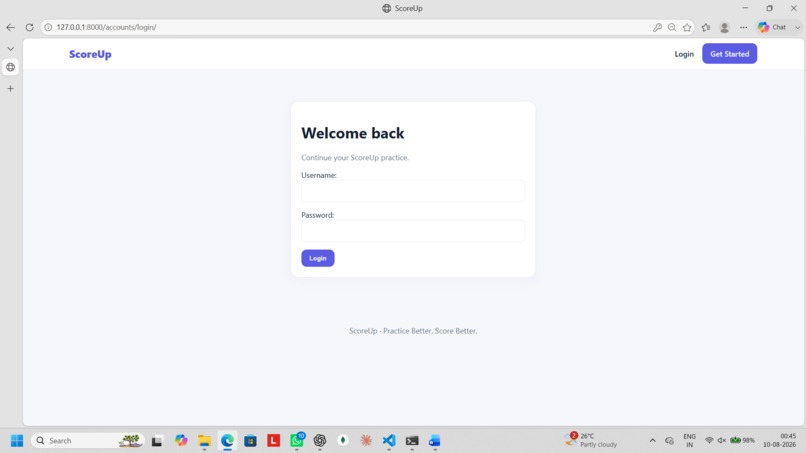
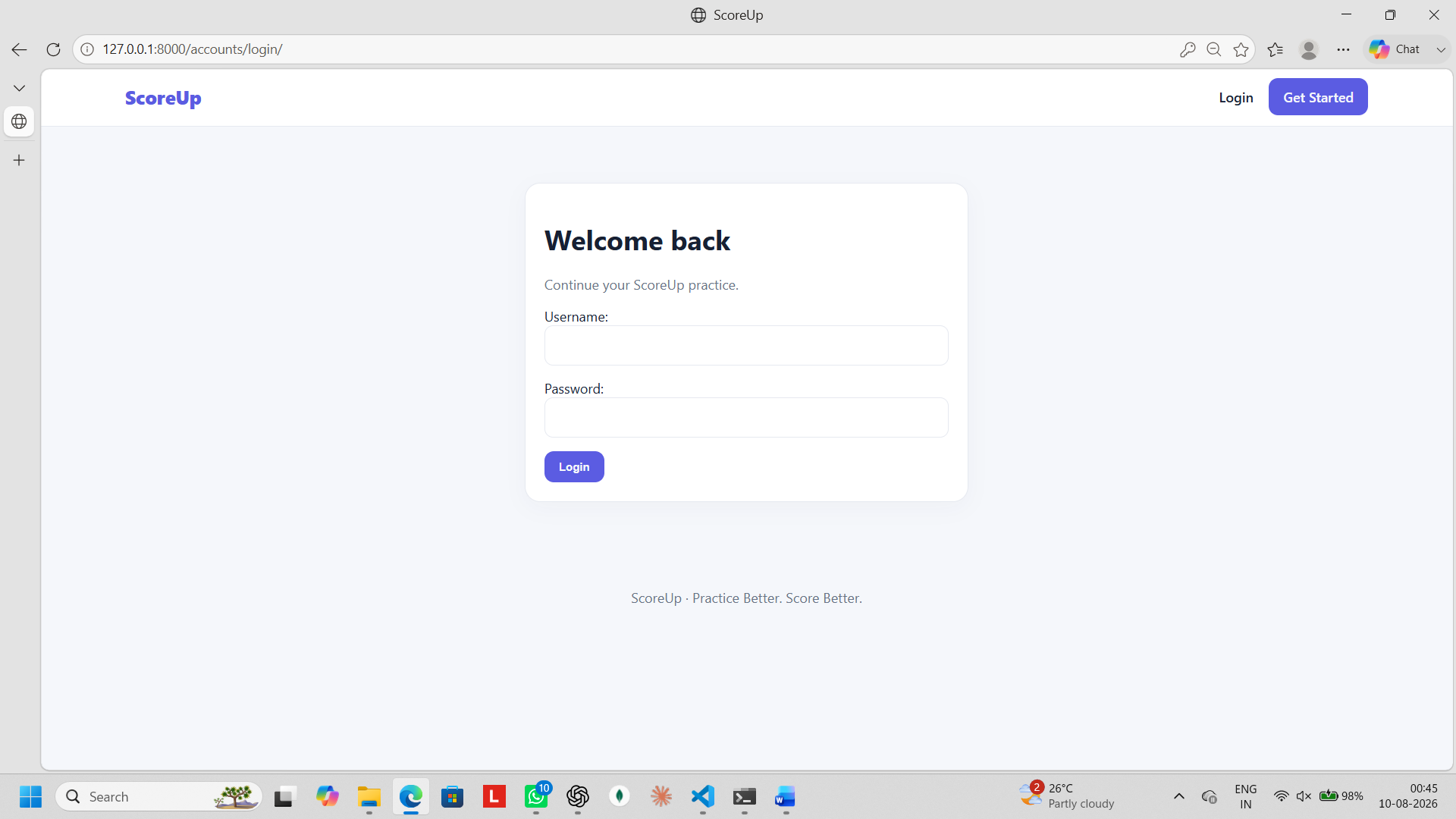
login page
-
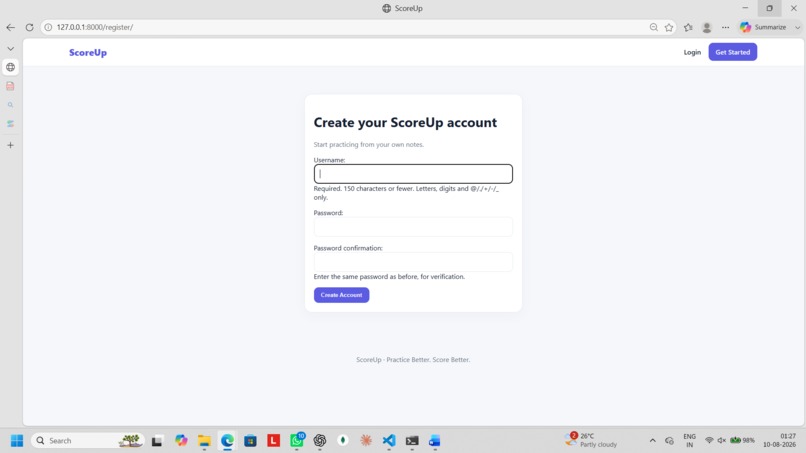
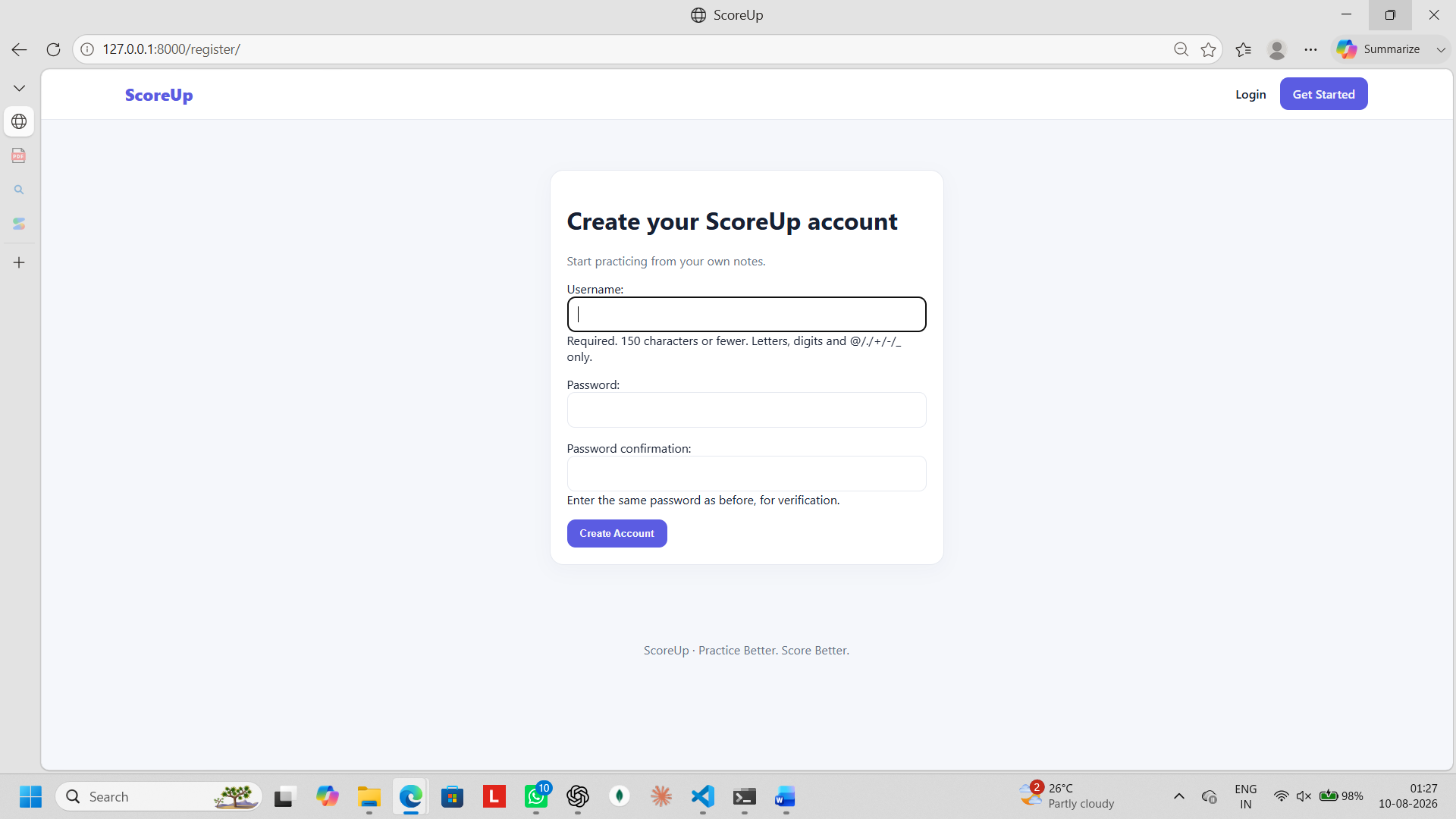
signup page
-
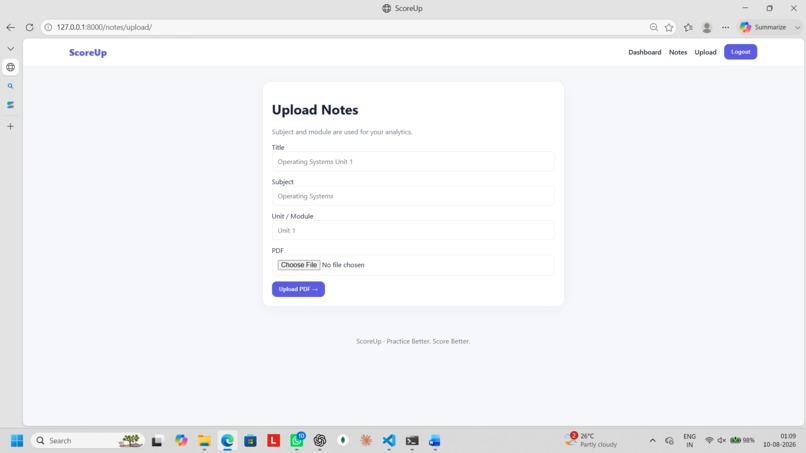
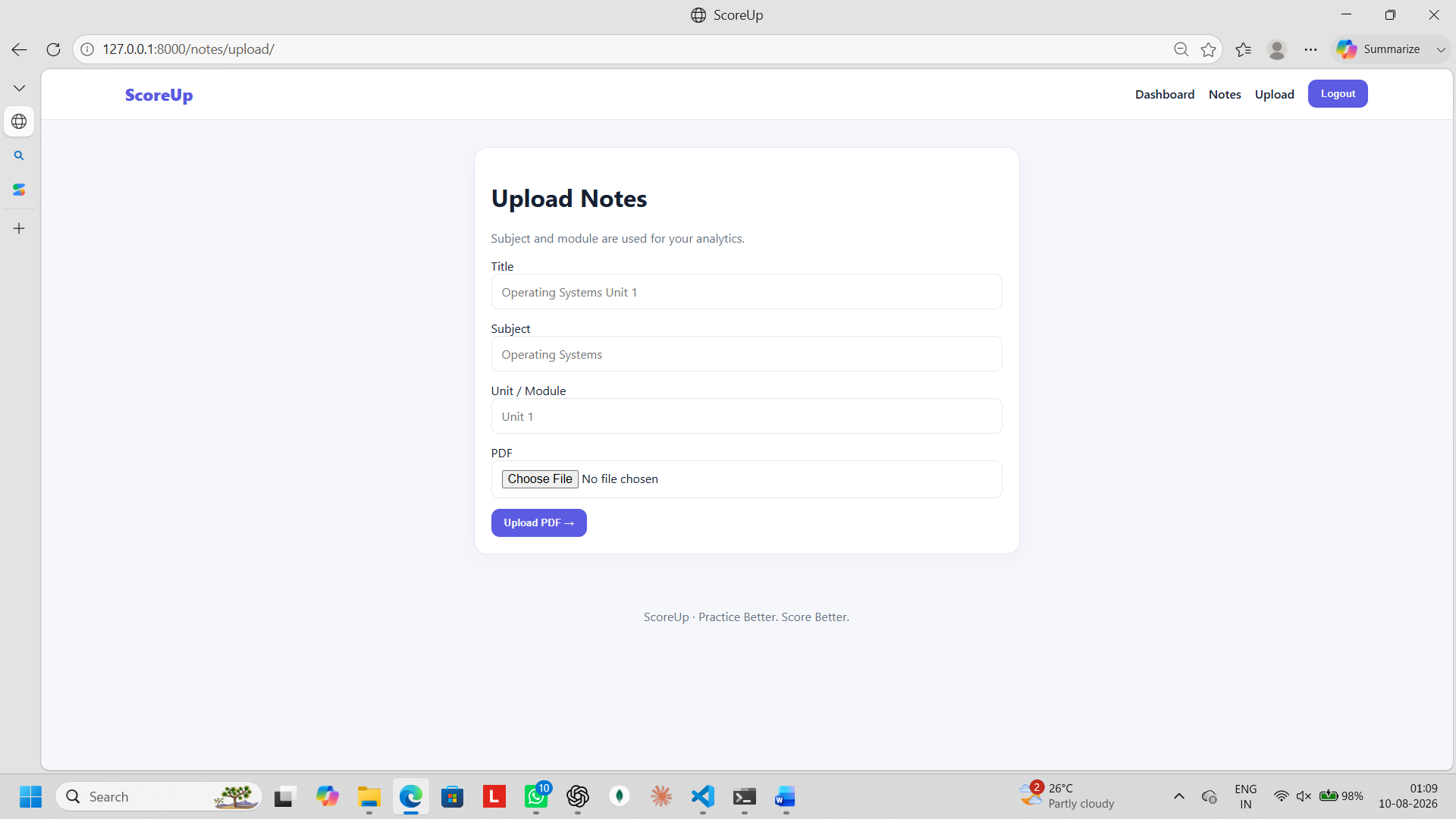
upload notes
-
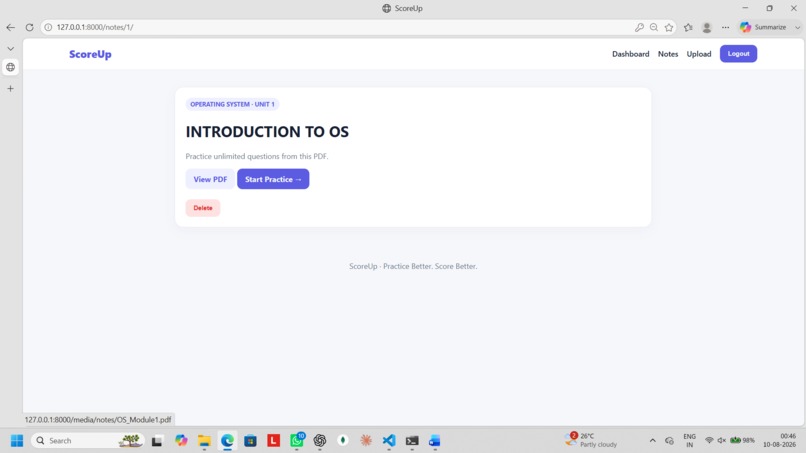
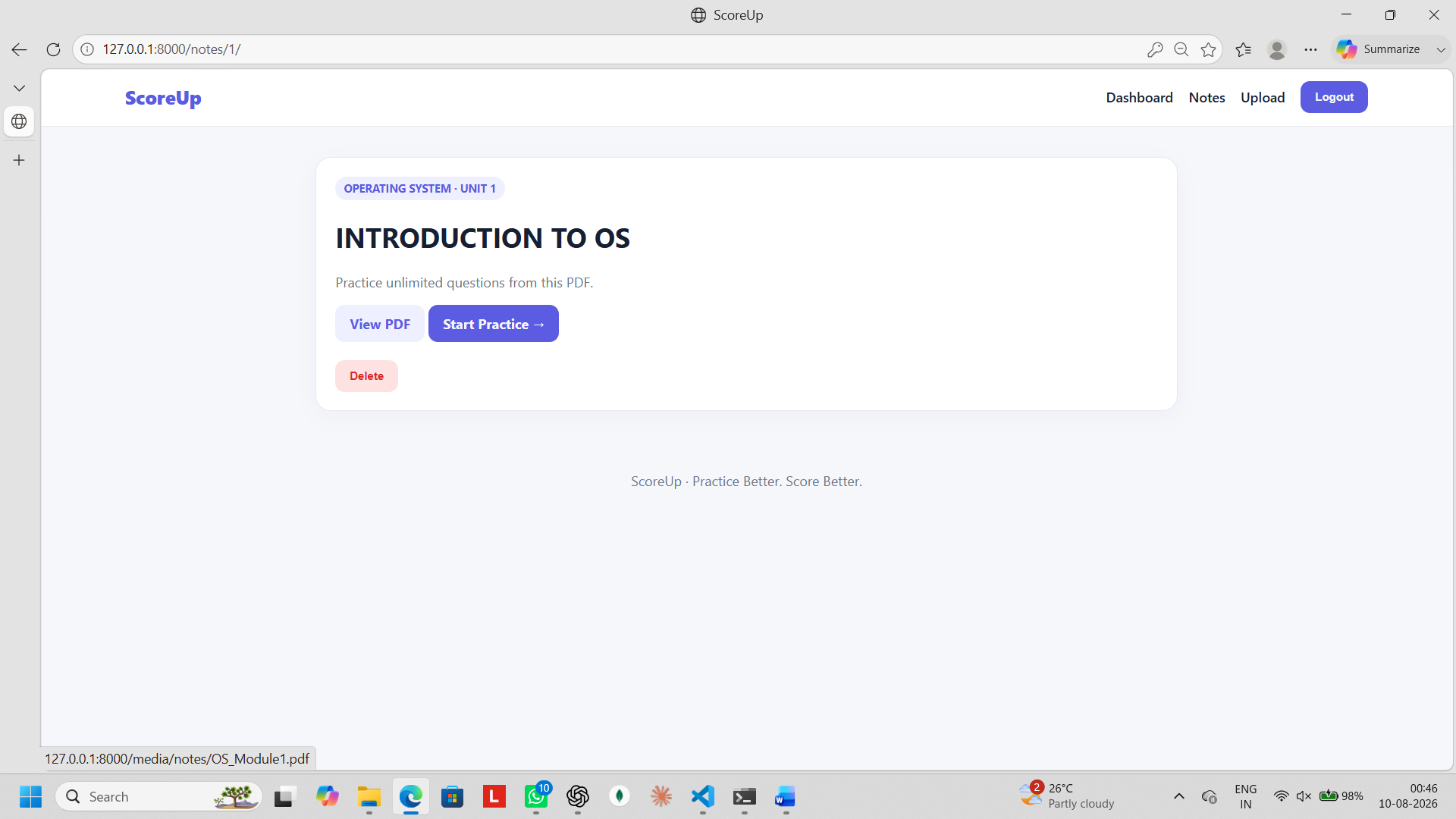
view notes
-
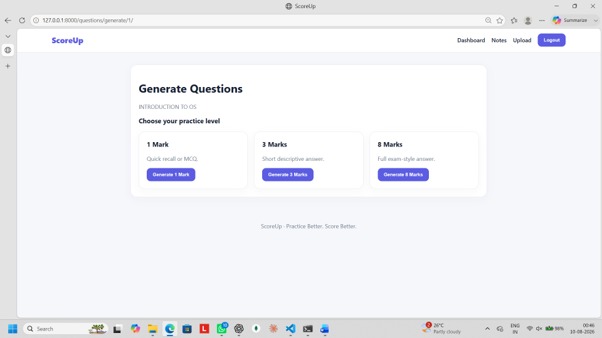
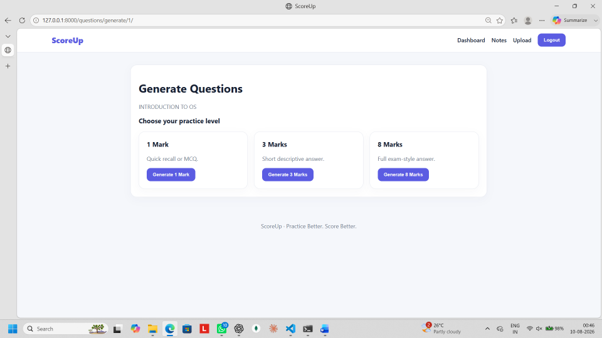
category selection
-
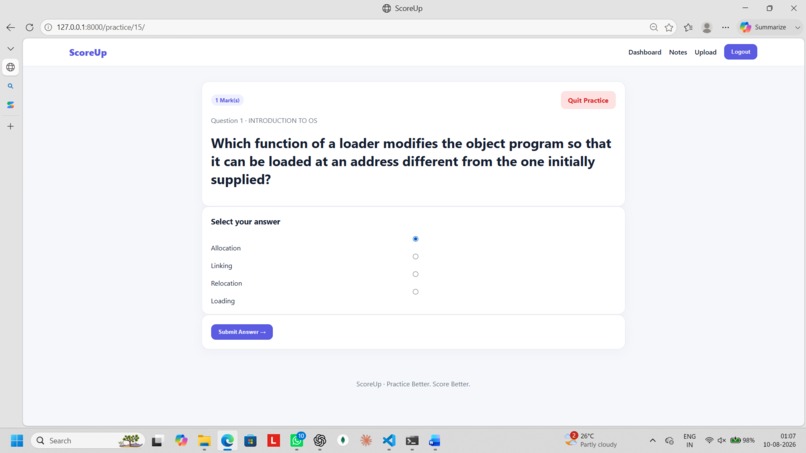
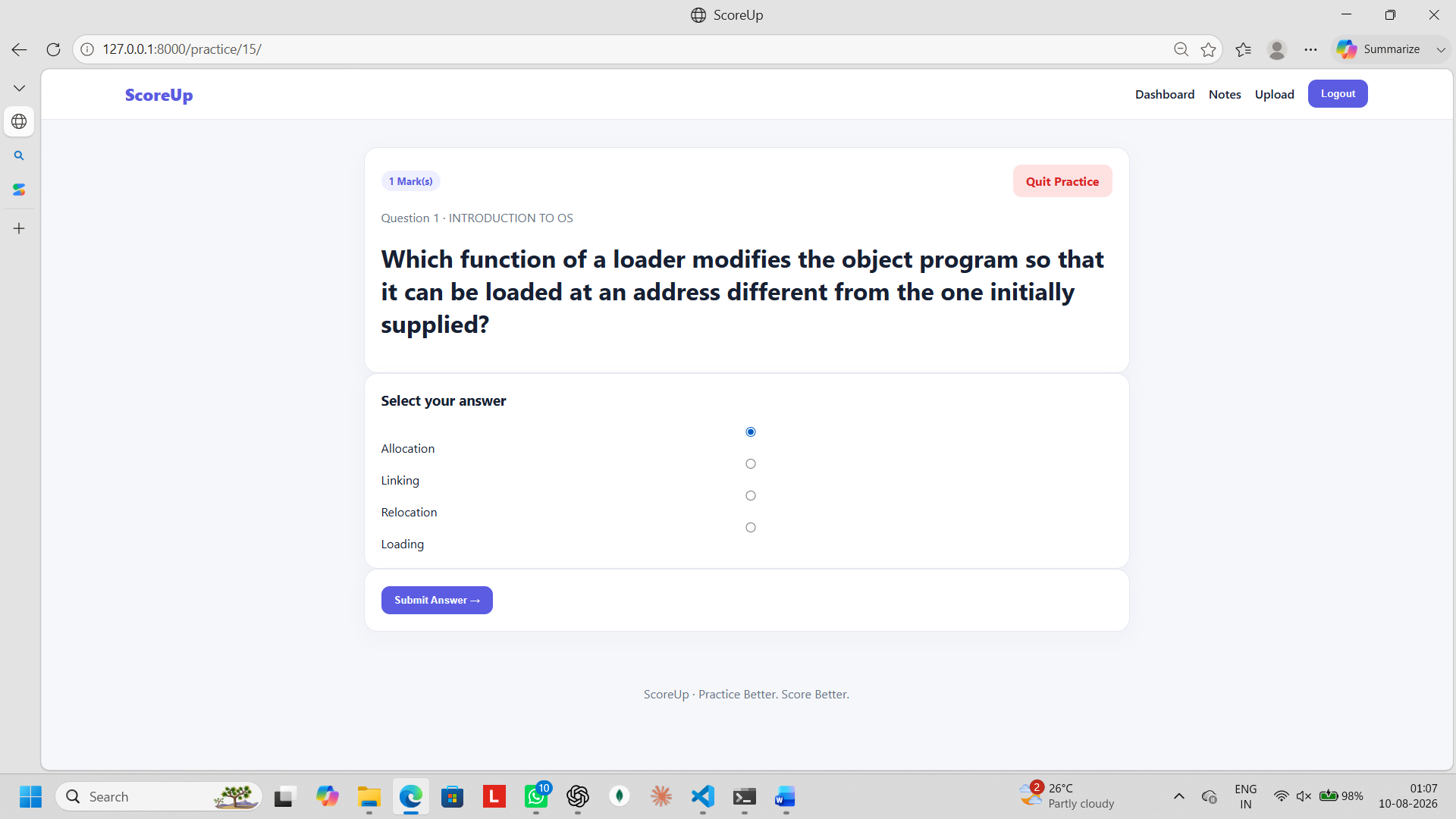
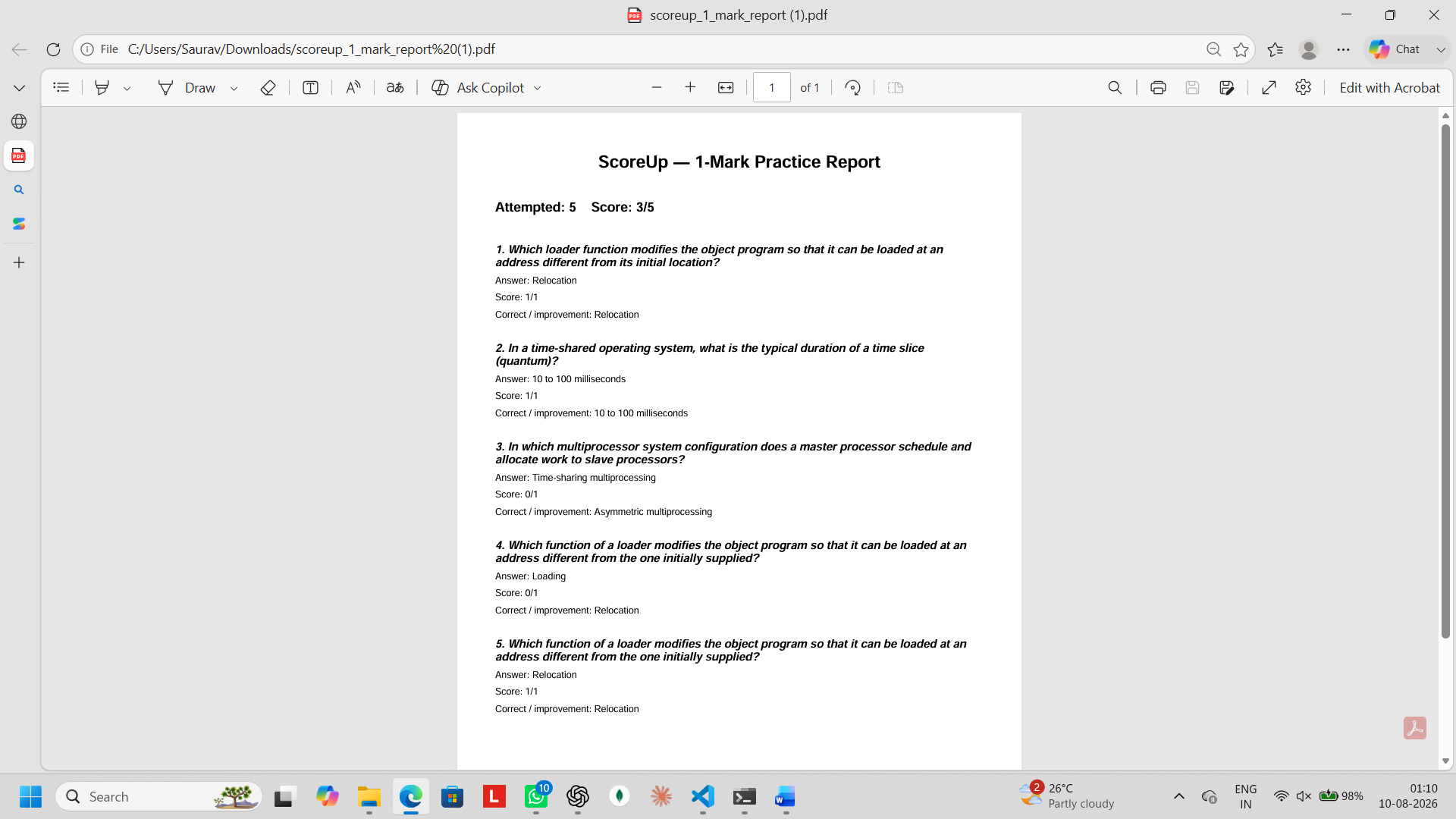
1 mark MCQs
-
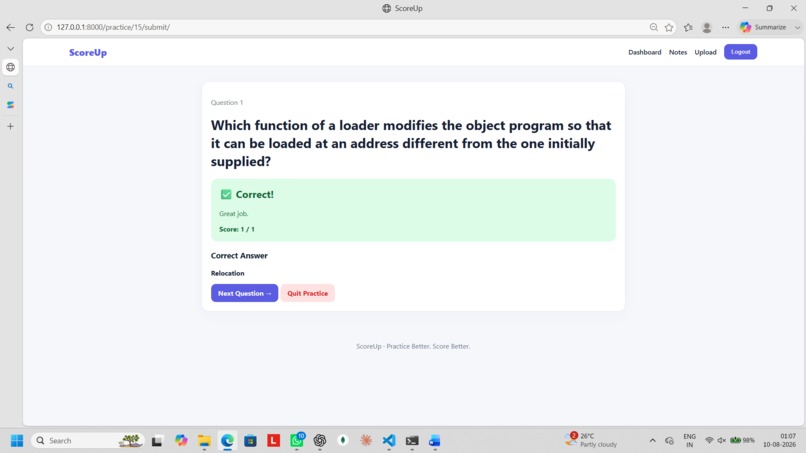
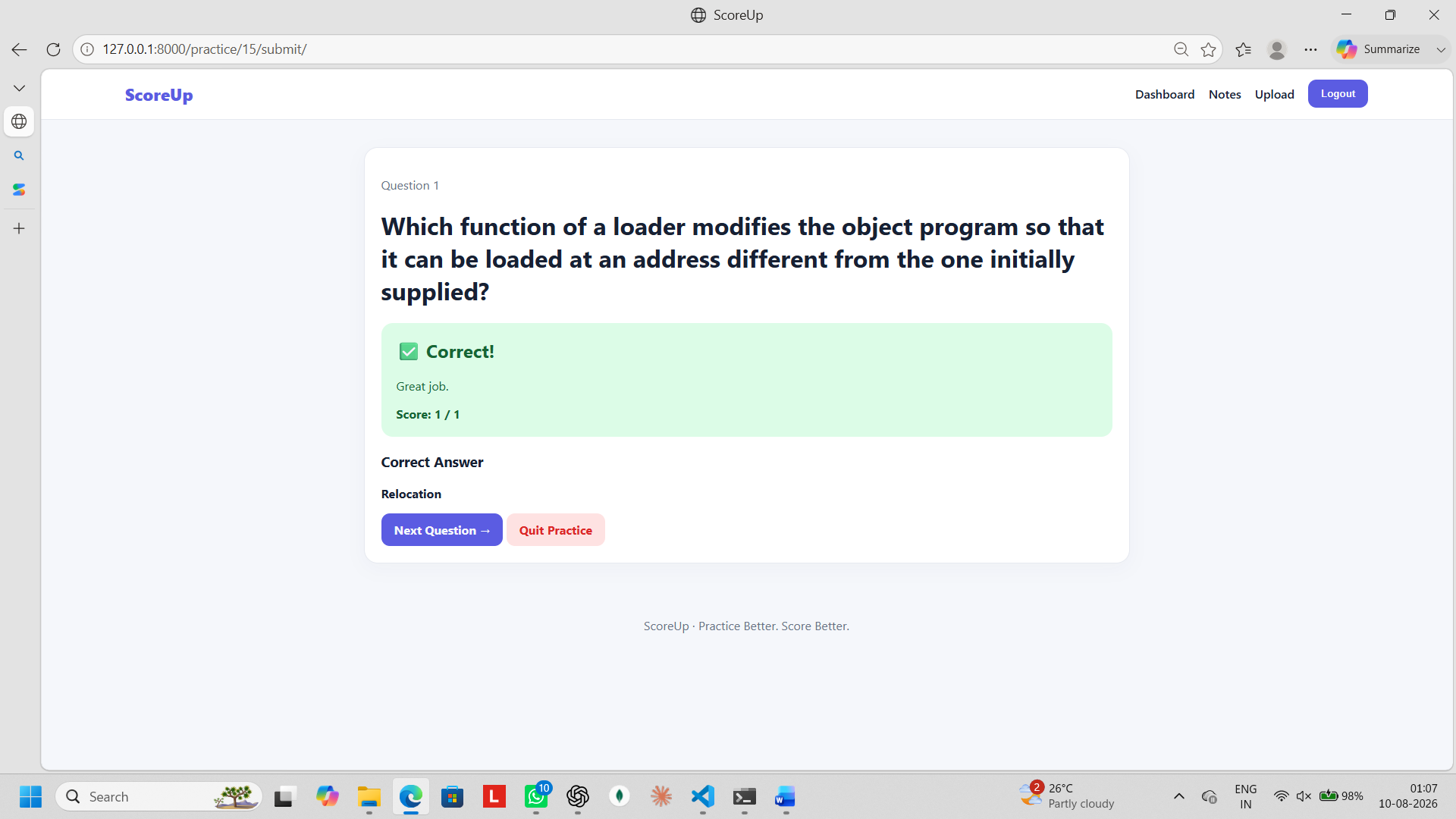
1 mark crct
-
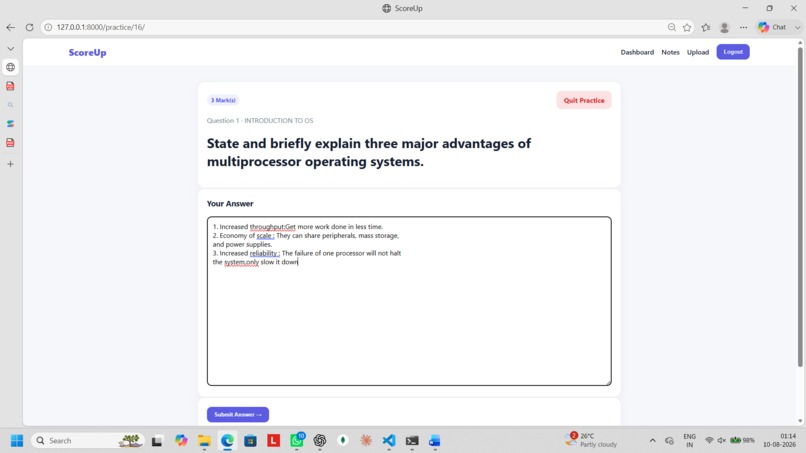
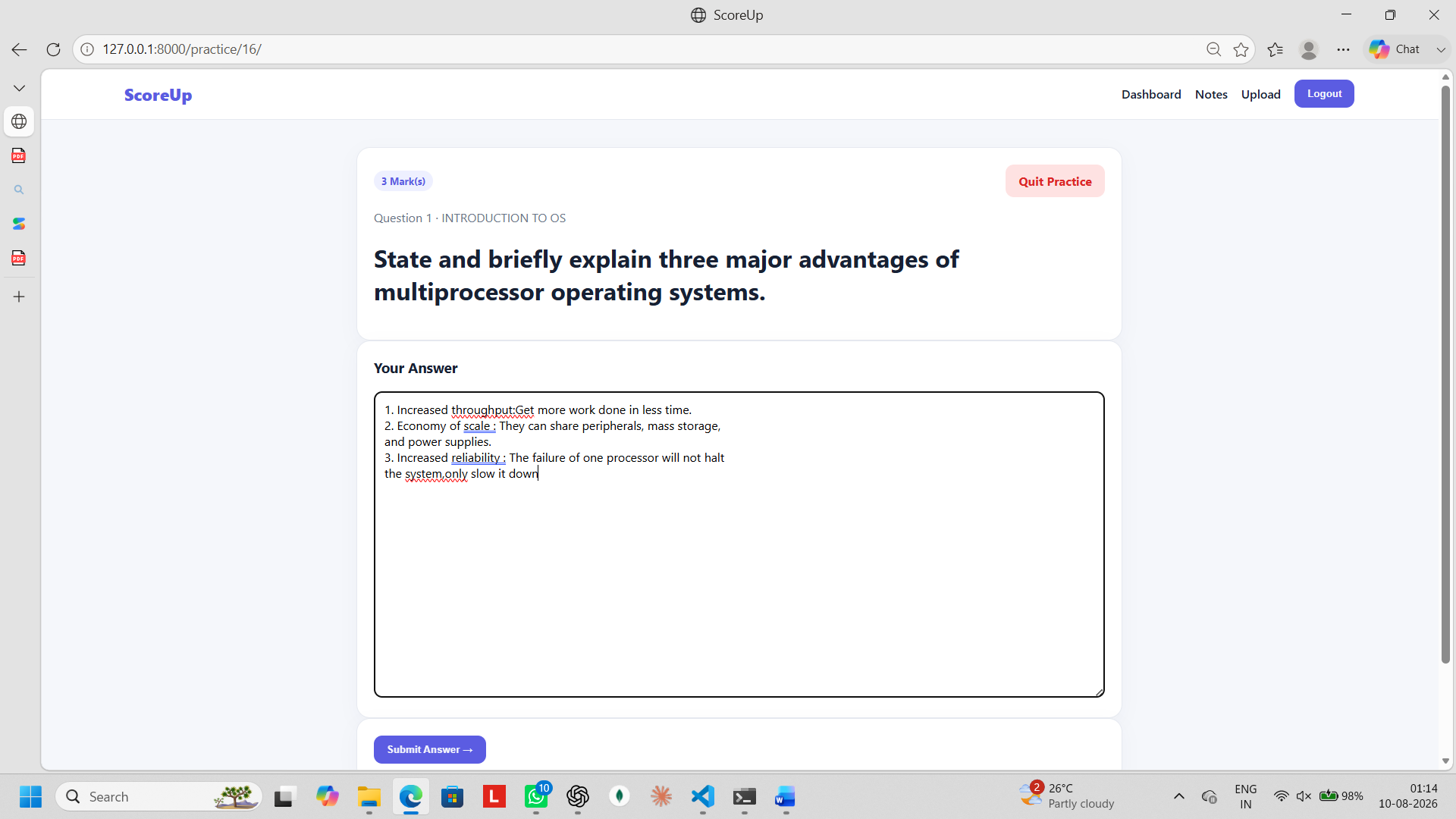
3 mark Qns
-
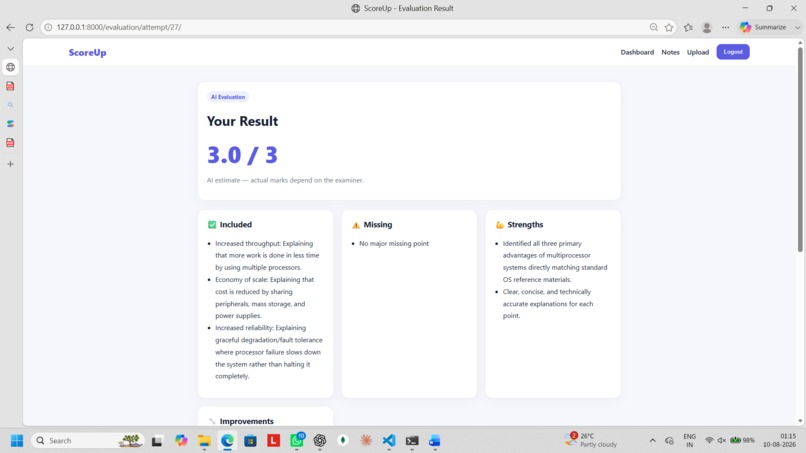
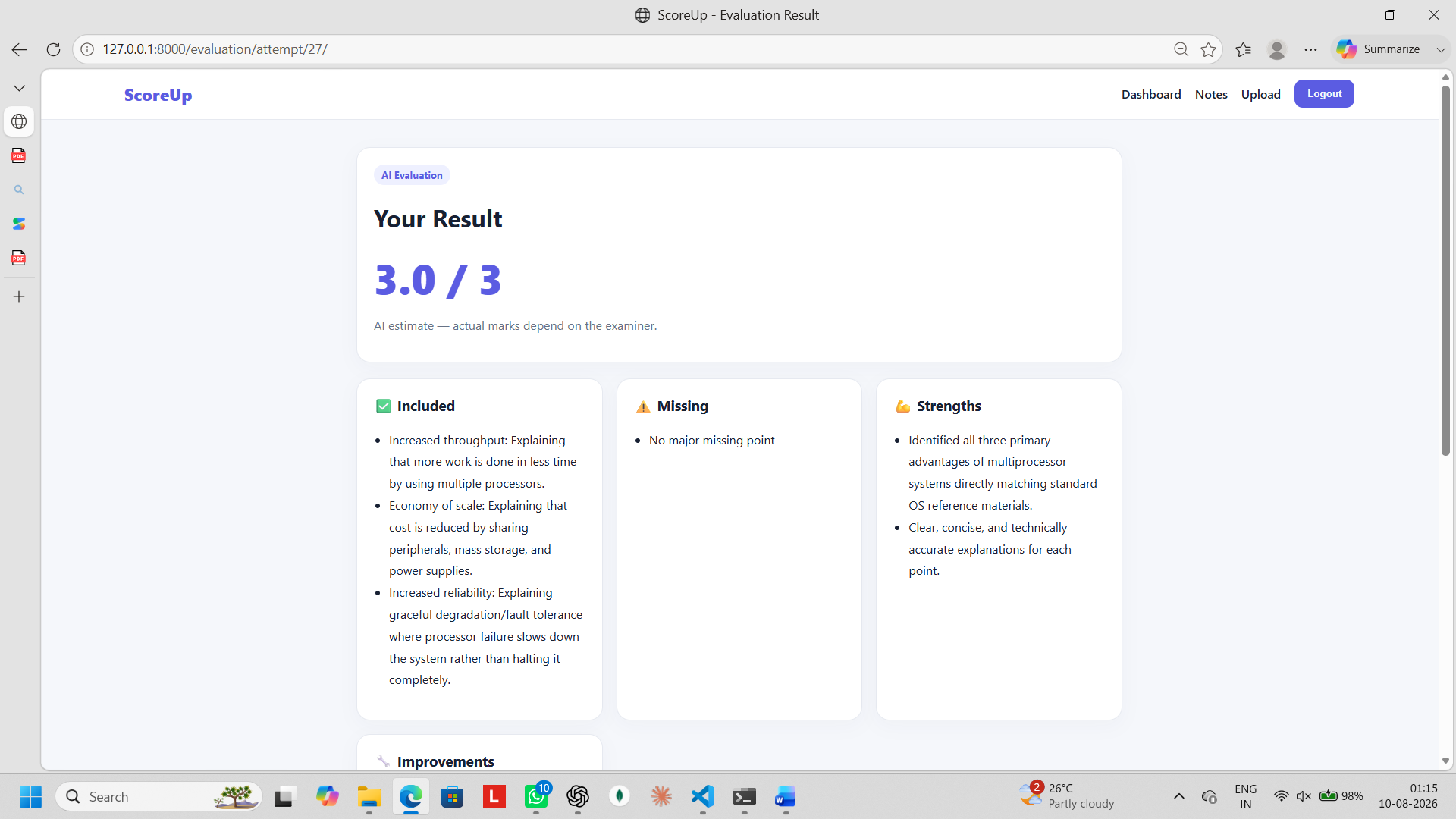
3 mark result
-
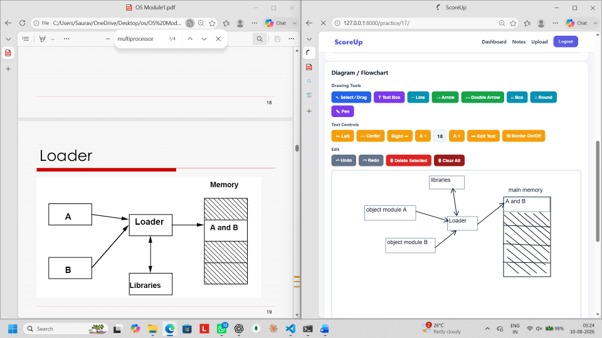
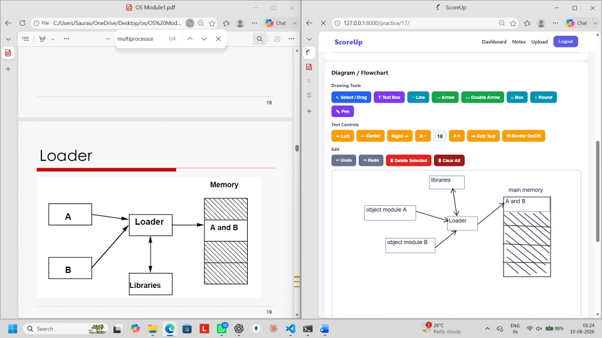
drawing flow chart
-
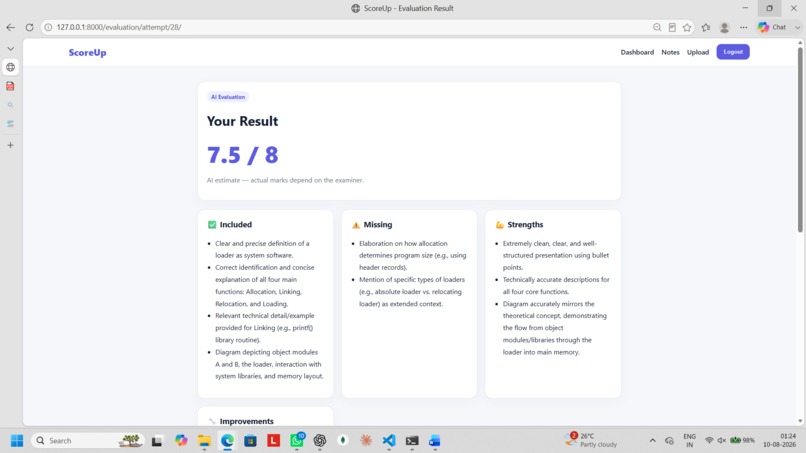
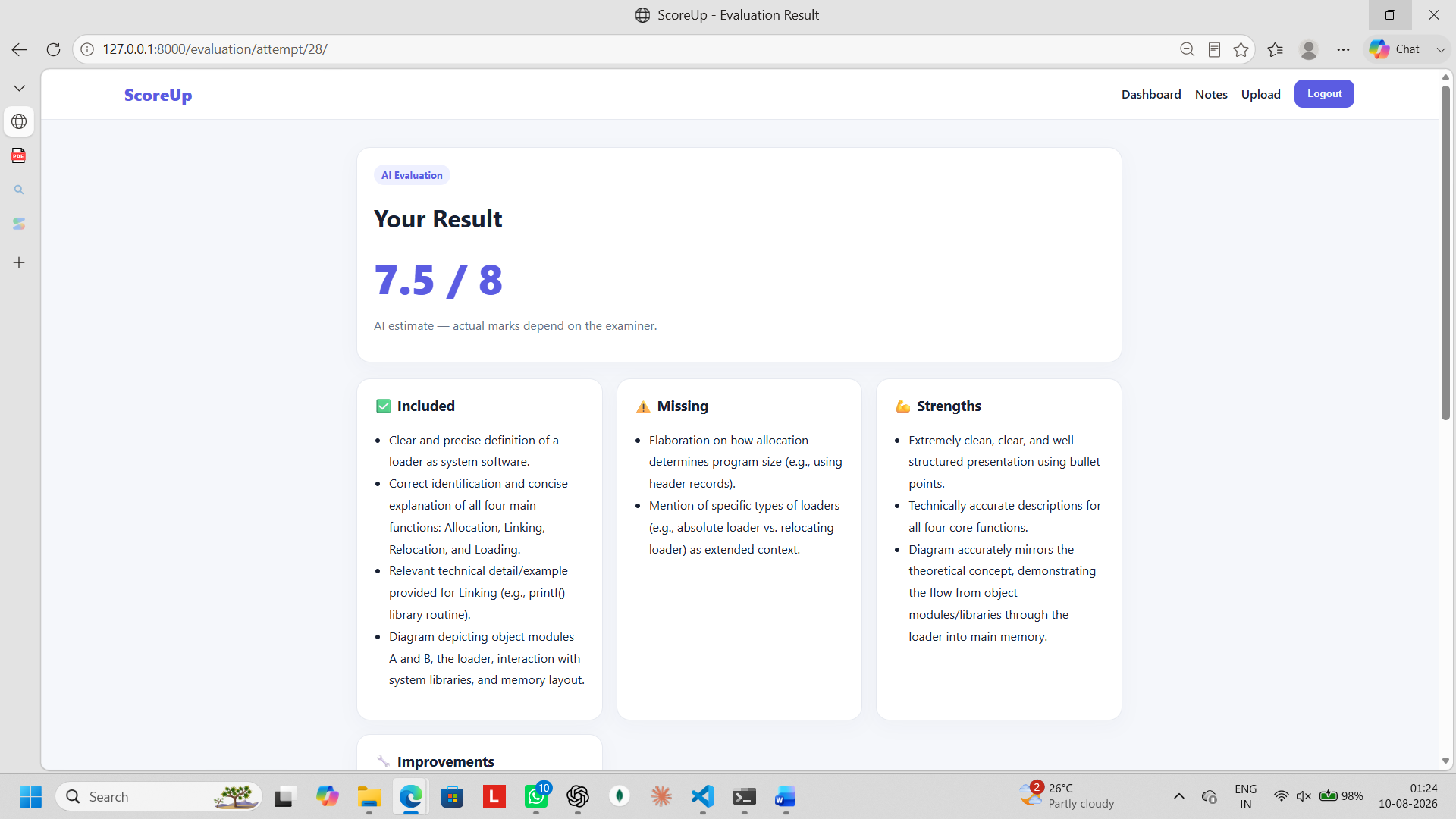
result
-
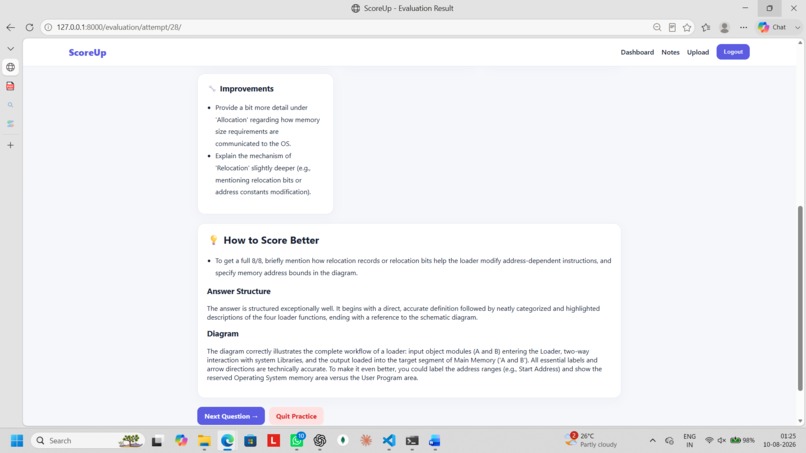
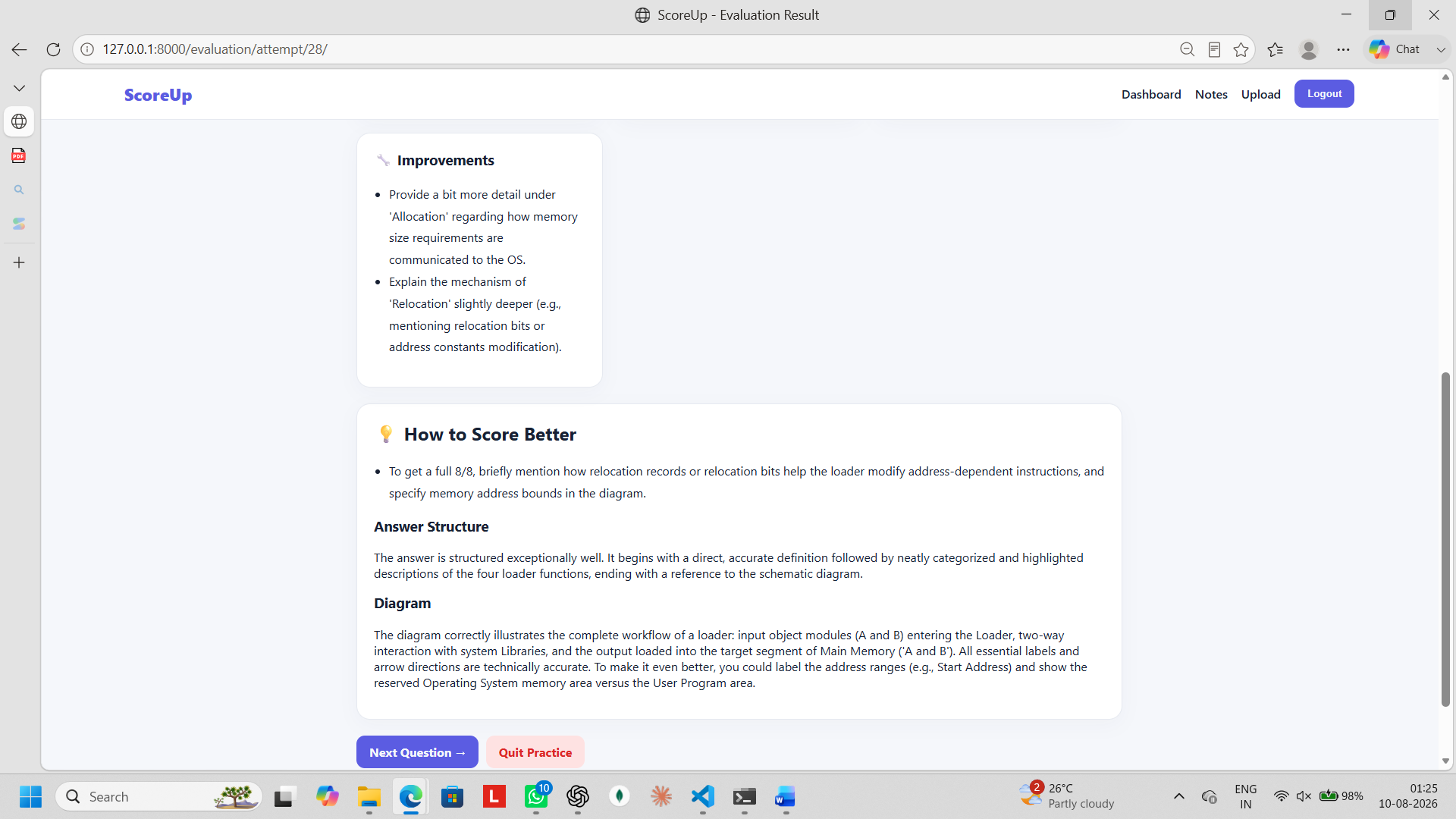
improvement
-
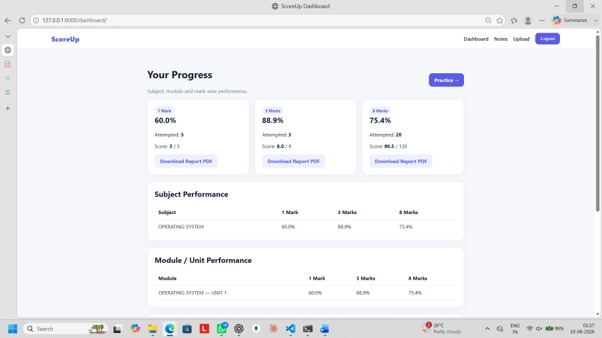
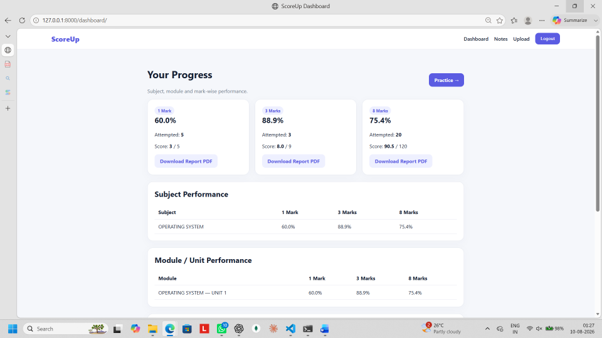
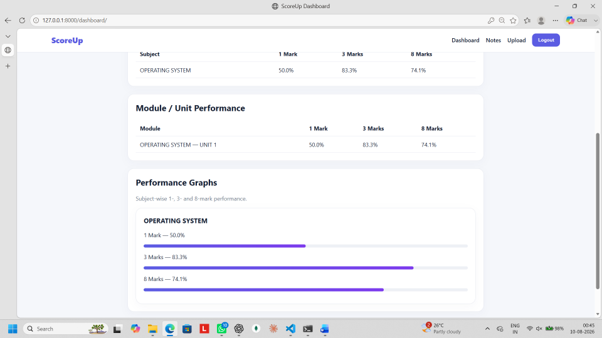
progress
-
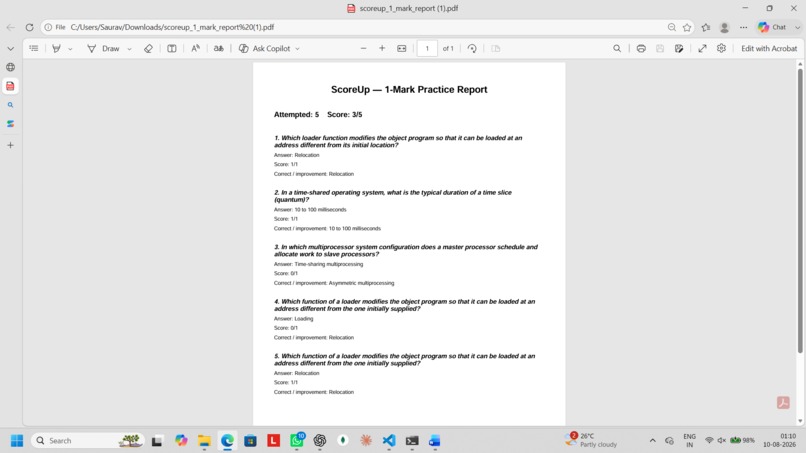
subject report
-
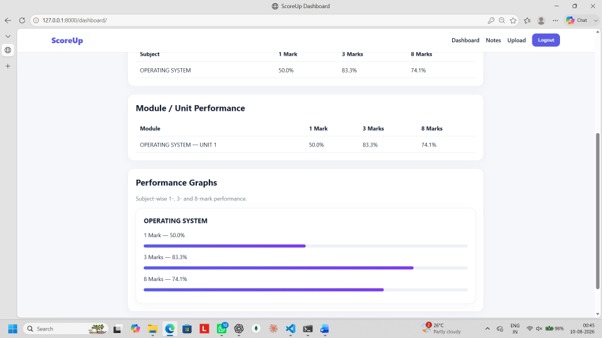
progress2
Inspiration
Students often study from PDFs and notes but find it difficult to create exam-oriented questions and evaluate their answers. We were inspired to build ScoreUp as a platform that turns study notes into an interactive practice experience.
What it does
ScoreUp allows students to upload their study notes and generate questions based on them. Generates 1-mark MCQs Generates 3-mark short-answer questions Generates 8-mark long-answer questions Evaluates student answers using AI Provides score, strengths, missing points, and improvement suggestions Supports diagrams and flowcharts for 8-mark answers Supports handwritten 8-mark answers as PDF Allows students to continue practicing with new questions
How we built it
We built ScoreUp using Django and Python for the backend, HTML, CSS, and JavaScript for the frontend, and SQLite for storing application data. We integrated the Gemini API to generate questions and evaluate answers based on the student's uploaded study notes. We also developed an interactive canvas using JavaScript for drawing boxes, circles, lines, arrows, text, and flowcharts.
Challenges we ran into
One major challenge was making the AI generate questions that stay relevant to the uploaded notes instead of inventing unrelated information. We also faced API quota and rate-limit issues while testing repeated AI requests. Another challenge was building the interactive diagram editor with features such as text resizing, alignment, object dragging, arrows, undo/redo, and deleting selected objects.
Accomplishments that we're proud of
We are proud of building a complete exam-practice workflow instead of just an AI question generator. ScoreUp connects notes → question generation → answering → AI evaluation → feedback, giving students a complete practice experience. We are especially proud of supporting different mark levels and providing detailed feedback to help students understand how they can improve their answers.
What we learned
Through this project, we learned how to integrate AI APIs into a Django application, work with uploaded PDFs, generate structured JSON responses, store and evaluate student attempts, and build interactive JavaScript components.


Log in or sign up for Devpost to join the conversation.