-
-
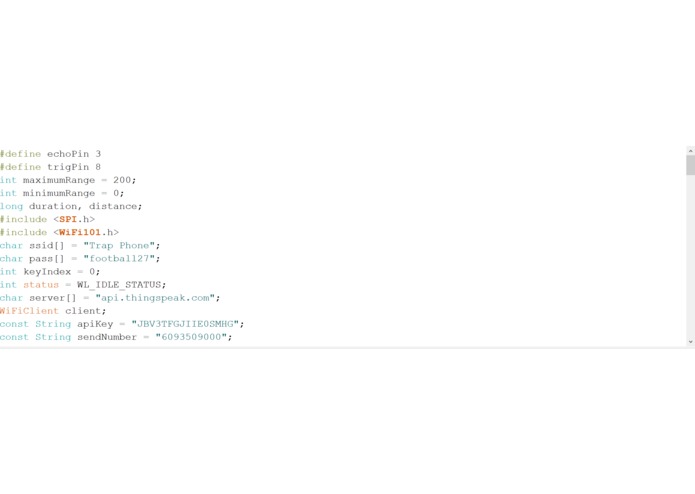
Code
-
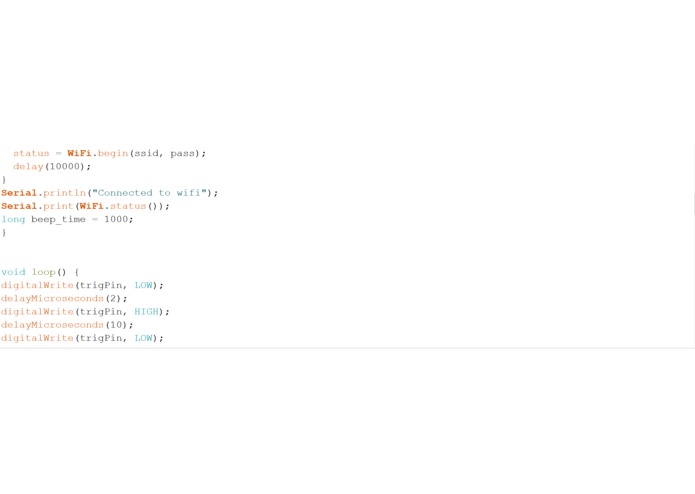
Code cont'd
-
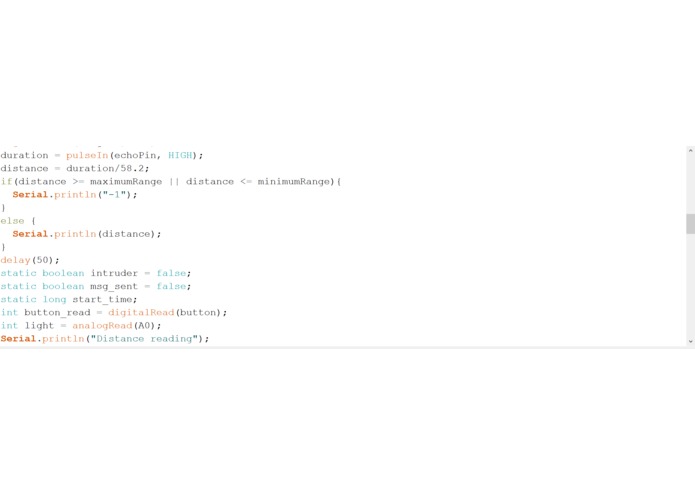
Code cont'd
-
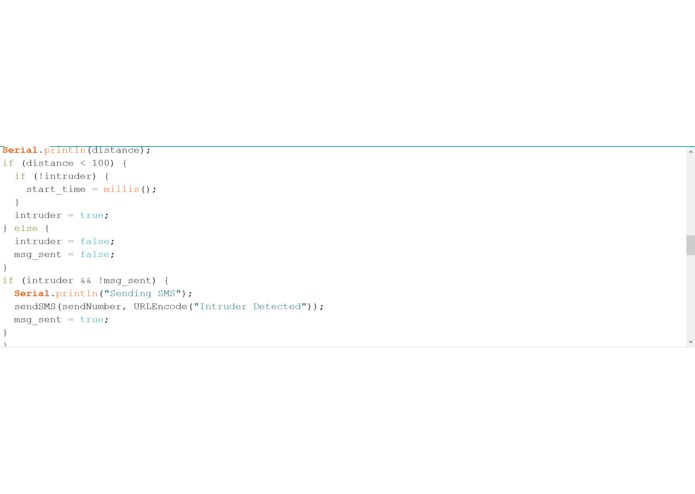
Code cont'd
-
Code cont'd
-
Code cont'd
-
Code cont'd
-
Code cont'd
-
Code cont'd
Inspiration
Have you ever been suspicious of your friends or roommates for going through your stuff?
What it does
This system allows you to find out whether or not your roommates are going through your things while you're away
FINAL PROJECT DEMO
Final Project Description
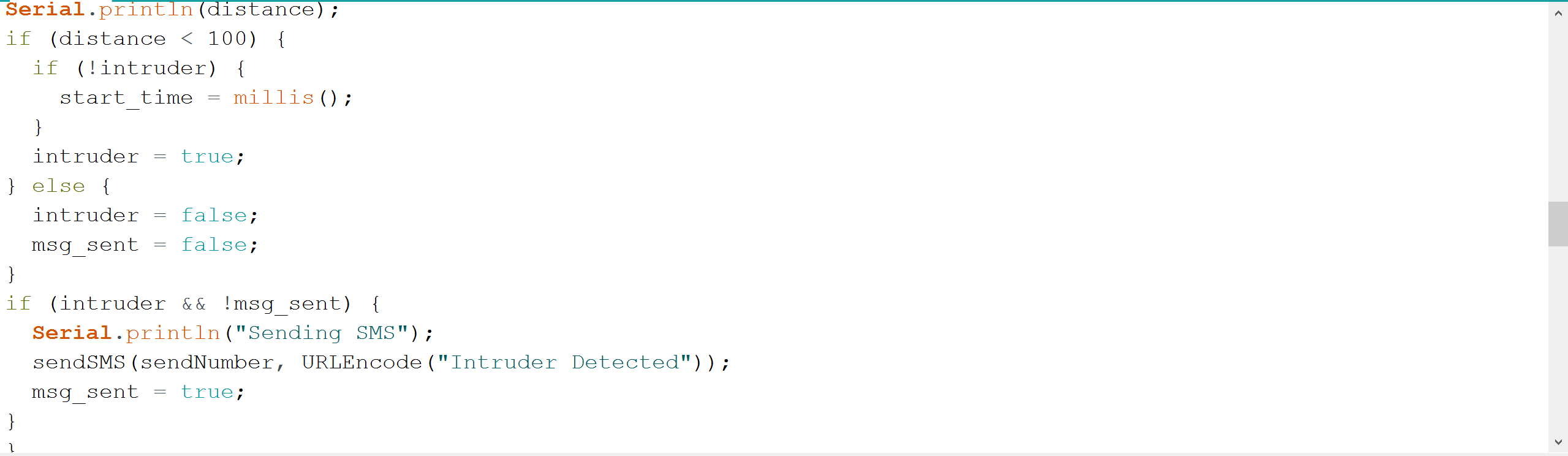
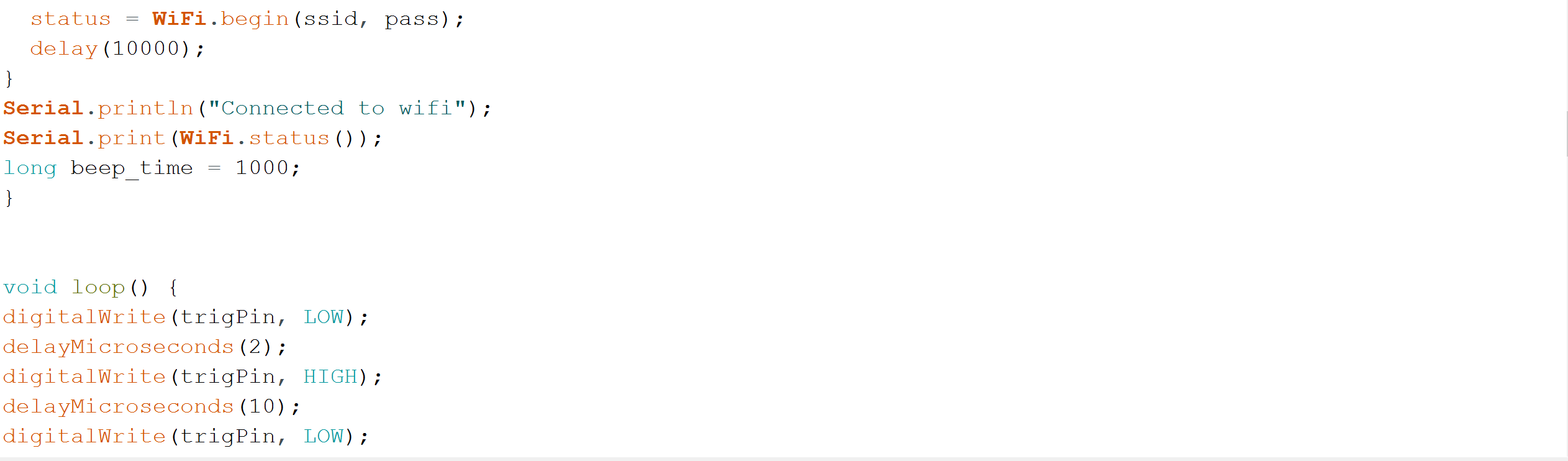
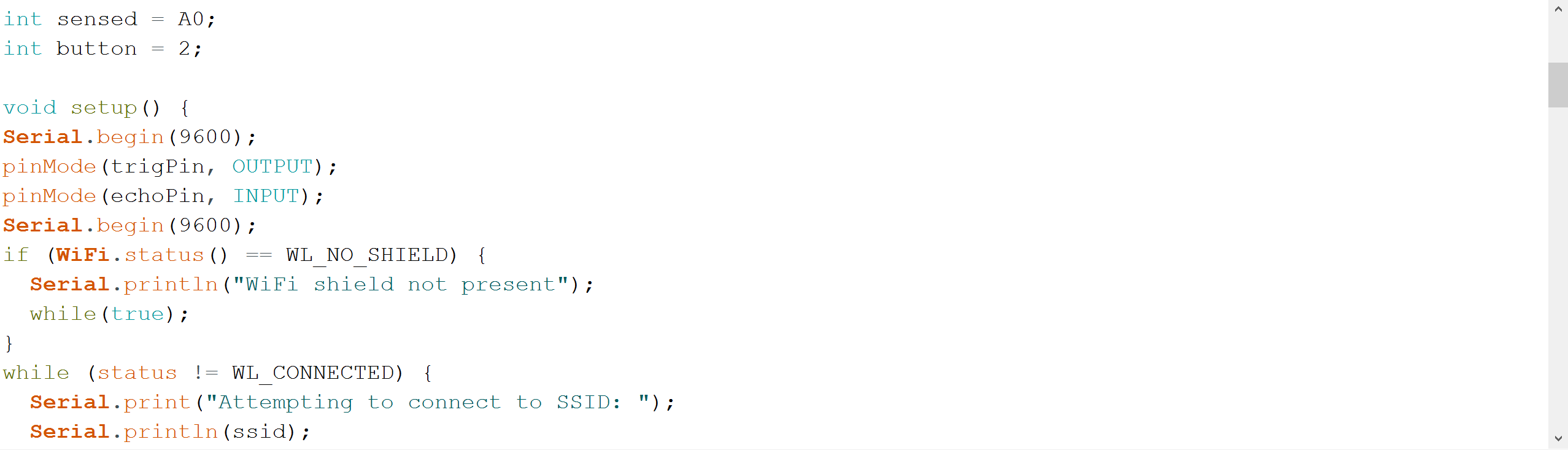
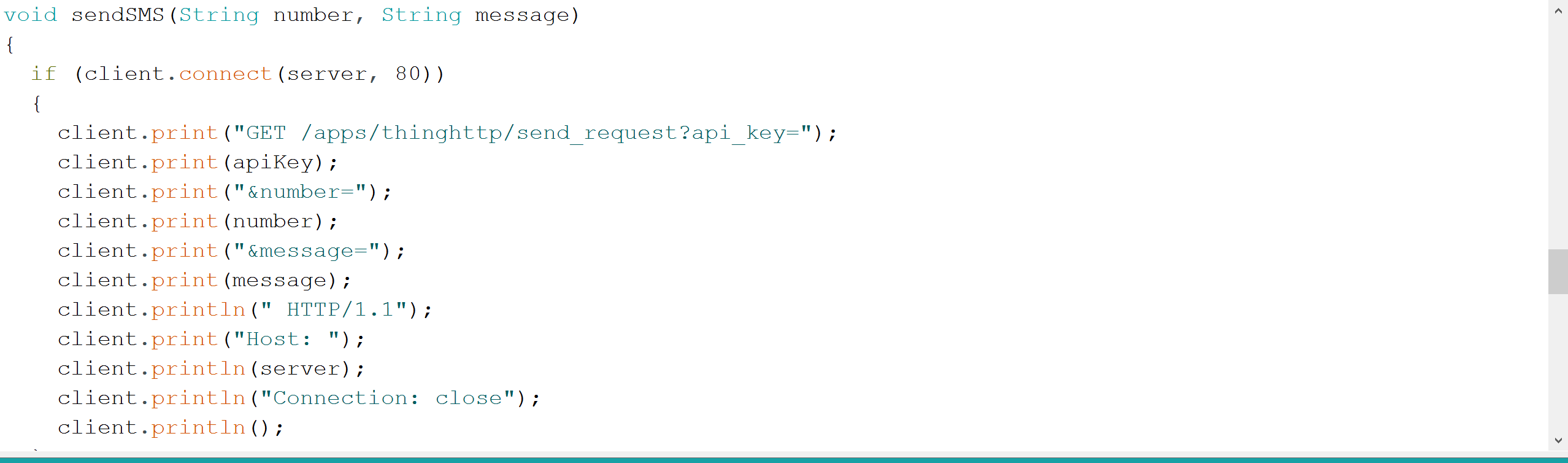
This device is the epitome of a great security system that allows for the protection of personal items against a friend, roommate or complete stranger. Using the Wifi101 shield along with the Arduino board, we are able to connect an ultrasonic sensor with a cellphone. First, we put in the code for the ultrasonic sensor, including all of the necessary inputs and outputs along with the threshold at 100 cm that would indicate that there is an intruder if something comes closer than that. Next, we put in the necessary name and password to the cell phone’s personal hotspot, however it can be connected to any Wi-Fi. Once that was established, we created accounts on twilio.com and thingspeak.com in order for our Wi-Fi shield to be able to send messages. After inputting the information into the websites, we were given an API key that needed to be put in the code for the message to be sent. Finally, a simple series of if-then statements in the code completed the process.
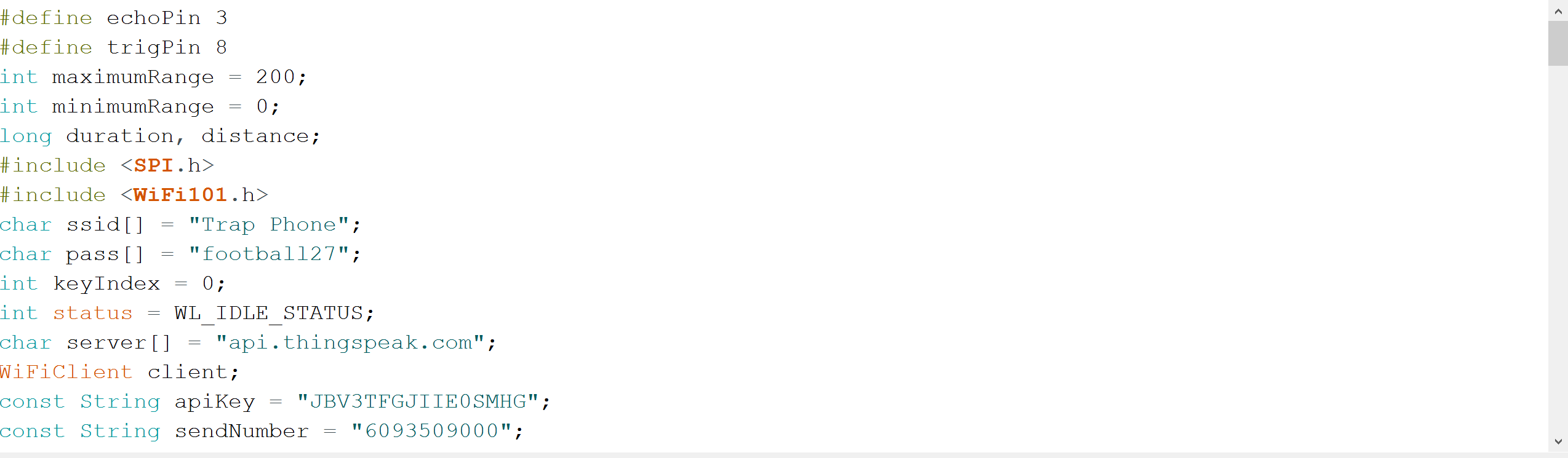
"#define echoPin 3
define trigPin 8
int maximumRange = 200; int minimumRange = 0; long duration, distance;
include
include
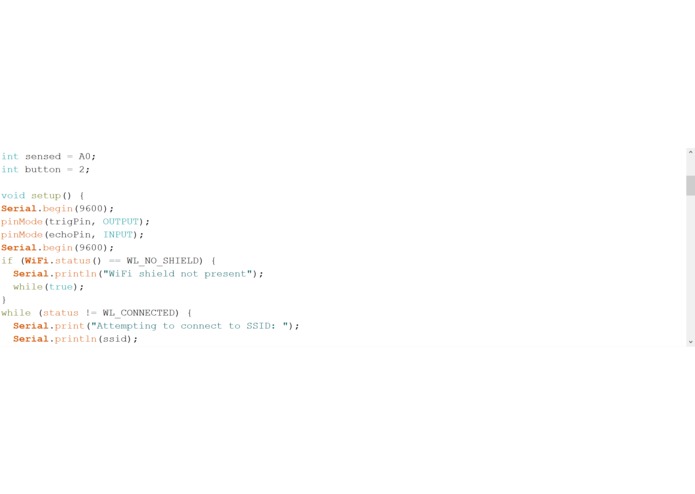
char ssid[] = "Trap Phone"; char pass[] = "football27"; int keyIndex = 0; int status = WL_IDLE_STATUS; char server[] = "api.thingspeak.com"; WiFiClient client; const String apiKey = "JBV3TFGJIIE0SMHG"; const String sendNumber = "6093509000"; int sensed = A0; int button = 2;
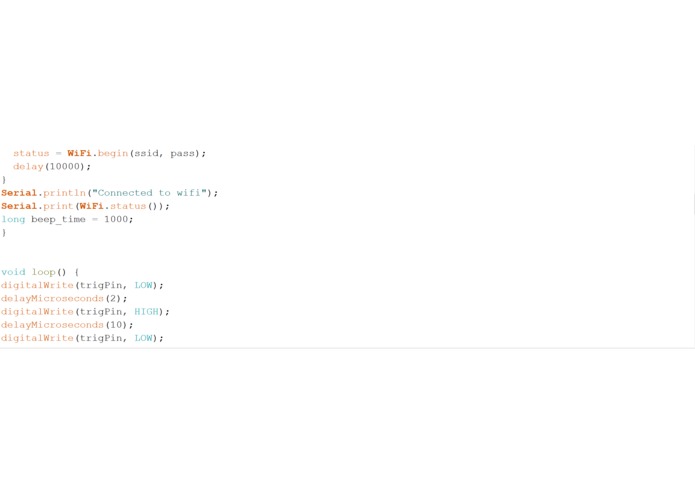
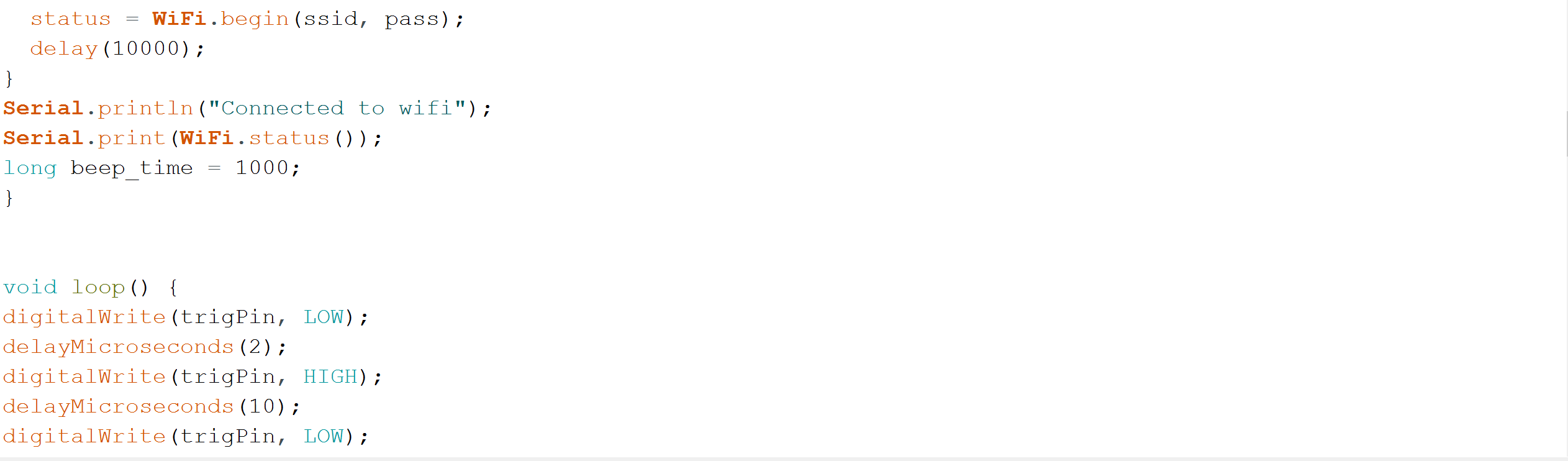
void setup() { Serial.begin(9600); pinMode(trigPin, OUTPUT); pinMode(echoPin, INPUT); pinMode(LEDPin, OUTPUT); Serial.begin(9600); if (WiFi.status() == WL_NO_SHIELD) { Serial.println("WiFi shield not present"); while(true); } while (status != WL_CONNECTED) { Serial.print("Attempting to connect to SSID: "); Serial.println(ssid); status = WiFi.begin(ssid, pass); delay(10000); } Serial.println("Connected to wifi"); Serial.print(WiFi.status()); long beep_time = 1000; }
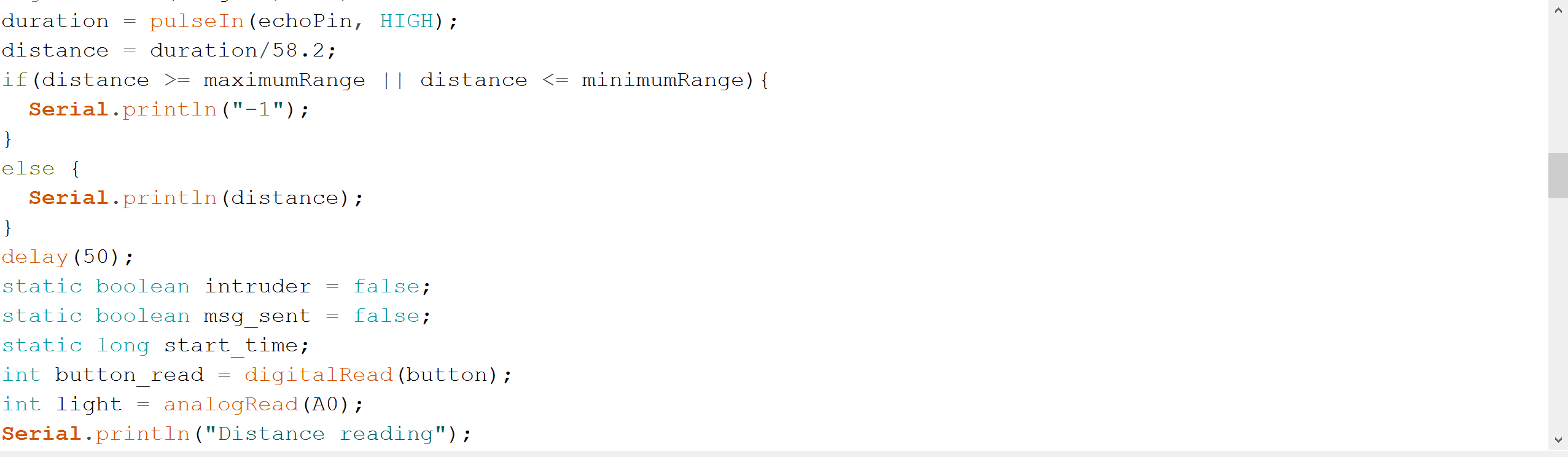
void loop() { digitalWrite(trigPin, LOW); delayMicroseconds(2); digitalWrite(trigPin, HIGH); delayMicroseconds(10); digitalWrite(trigPin, LOW); duration = pulseIn(echoPin, HIGH); distance = duration/58.2; if(distance >= maximumRange || distance <= minimumRange){ Serial.println("-1"); } else { Serial.println(distance); } delay(50); static boolean intruder = false; static boolean msg_sent = false; static long start_time; int button_read = digitalRead(button); int light = analogRead(A0); Serial.println("Distance reading"); Serial.println(distance); if (distance < 100) { if (!intruder) { start_time = millis(); } intruder = true; } else { intruder = false; msg_sent = false; } if (intruder && !msg_sent) { Serial.println("Sending SMS"); sendSMS(sendNumber, URLEncode("Intruder Detected")); msg_sent = true; } }
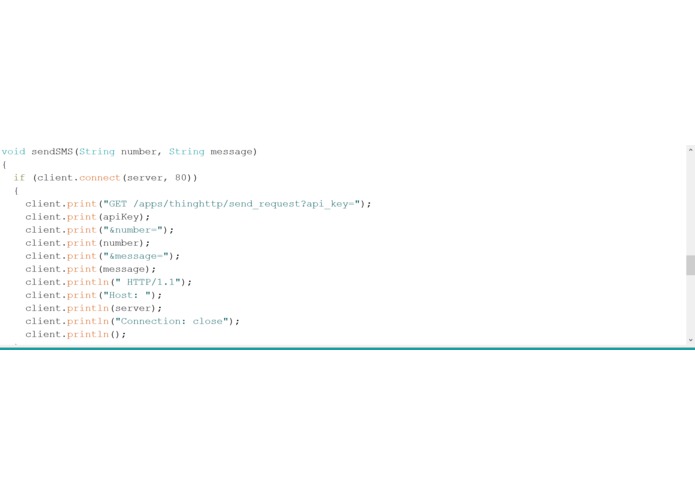
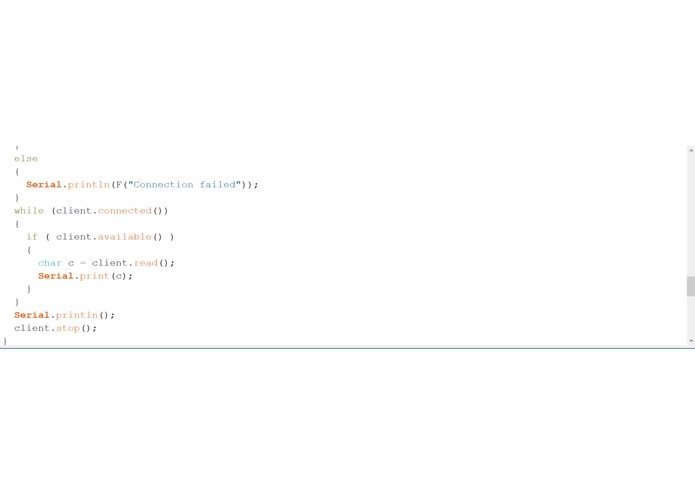
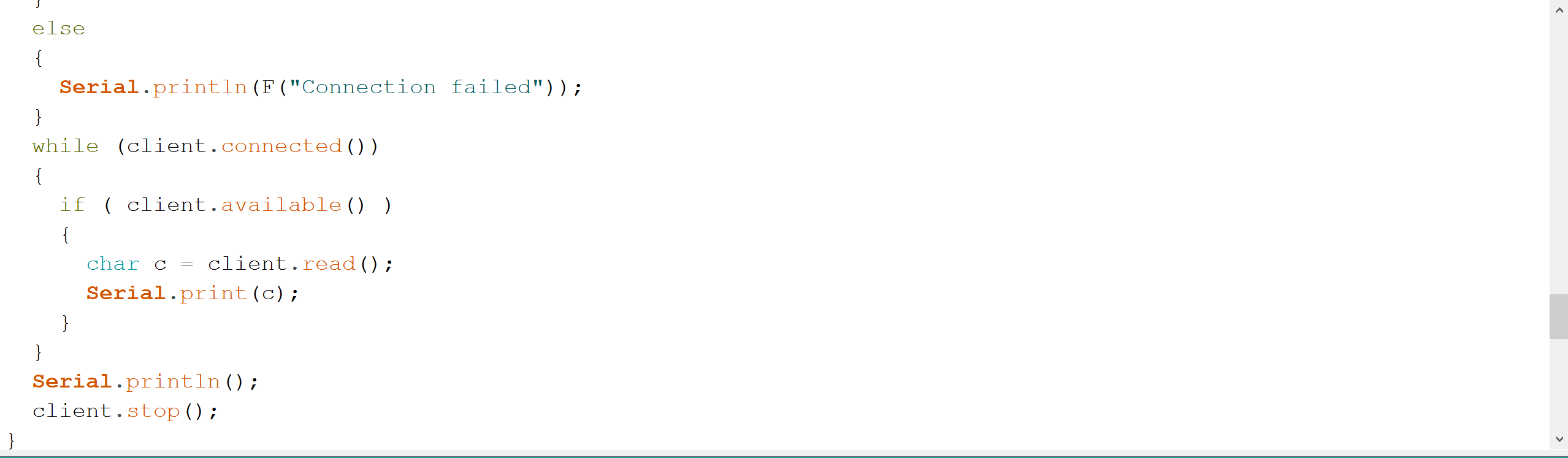
void sendSMS(String number, String message) { if (client.connect(server, 80)) { client.print("GET /apps/thinghttp/send_request?api_key="); client.print(apiKey); client.print("&number="); client.print(number); client.print("&message="); client.print(message); client.println(" HTTP/1.1"); client.print("Host: "); client.println(server); client.println("Connection: close"); client.println(); } else { Serial.println(F("Connection failed")); } while (client.connected()) { if ( client.available() ) { char c = client.read(); Serial.print(c); } } Serial.println(); client.stop(); }
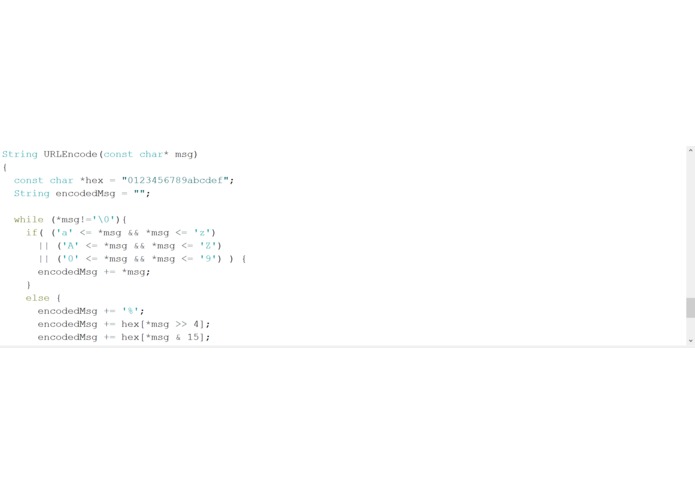
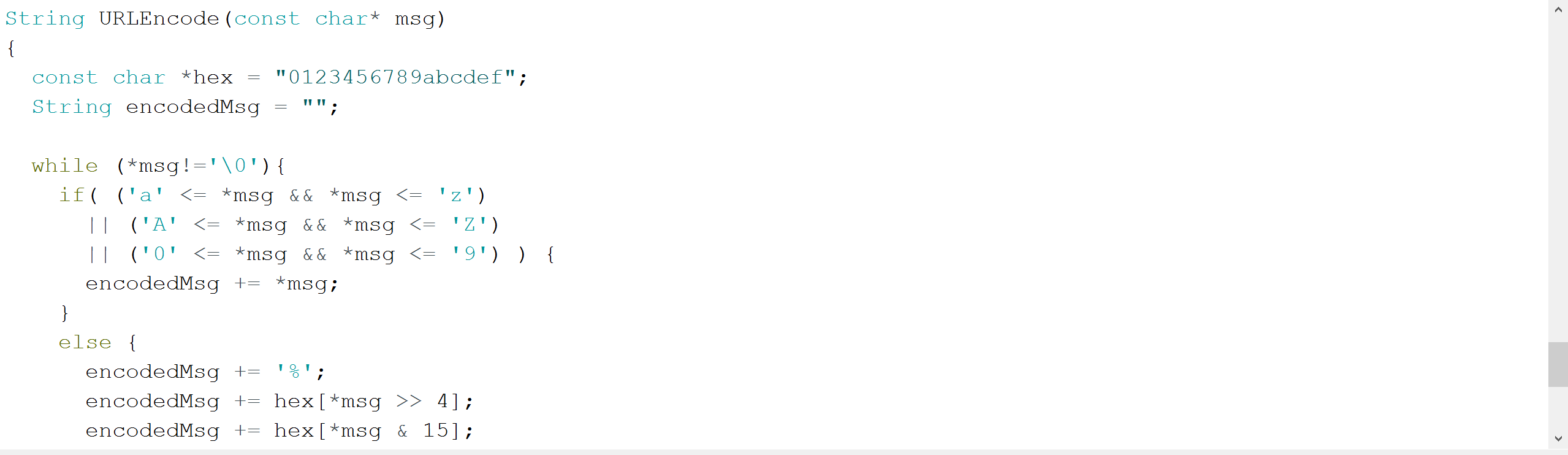
String URLEncode(const char* msg) { const char *hex = "0123456789abcdef"; String encodedMsg = "";
while (*msg!='\0'){ if( ('a' <= *msg && *msg <= 'z') || ('A' <= *msg && *msg <= 'Z') || ('0' <= *msg && *msg <= '9') ) { encodedMsg += *msg; } else { encodedMsg += '%'; encodedMsg += hex[*msg >> 4]; encodedMsg += hex[*msg & 15]; } msg++; } return encodedMsg; }
void printWifiStatus() { Serial.print("SSID: "); Serial.println(WiFi.SSID()); IPAddress ip = WiFi.localIP(); Serial.print("IP Address: "); Serial.println(ip); long rssi = WiFi.RSSI(); Serial.print("signal strength (RSSI):"); Serial.print(rssi); Serial.println(" dBm"); }"

Log in or sign up for Devpost to join the conversation.