-
-
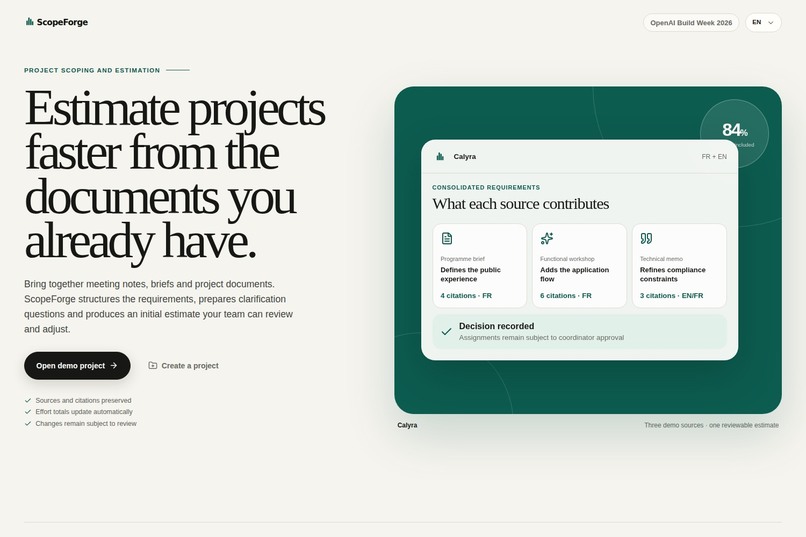
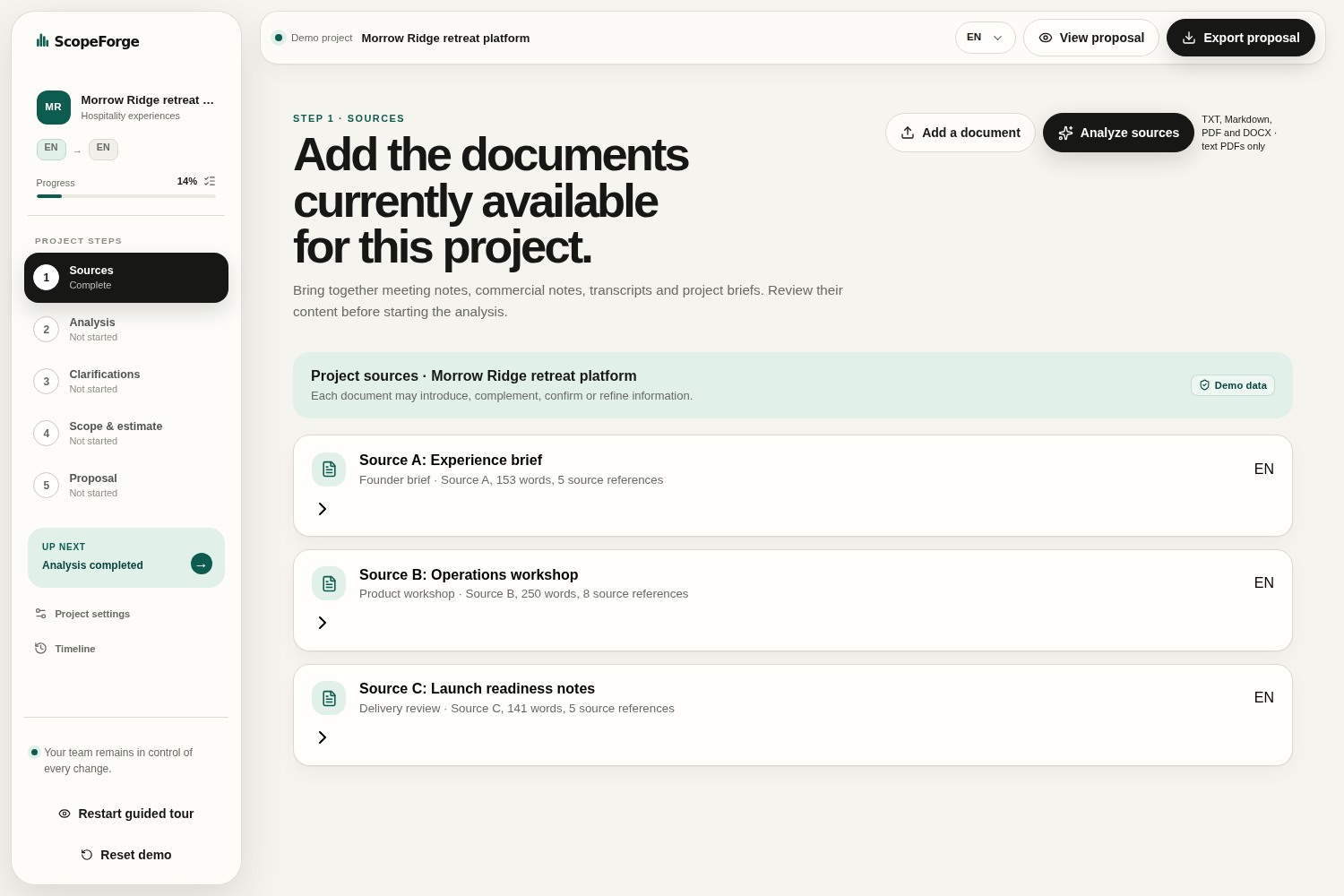
01-project-entry
-
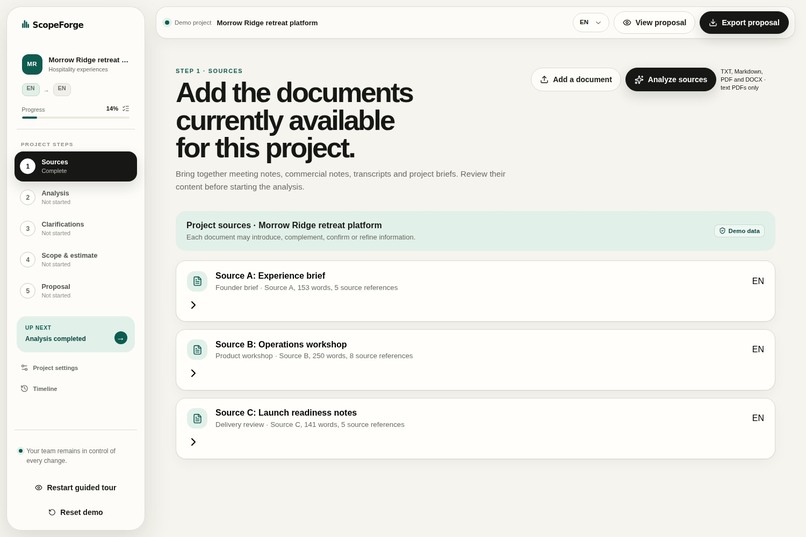
02-complementary-sources
-
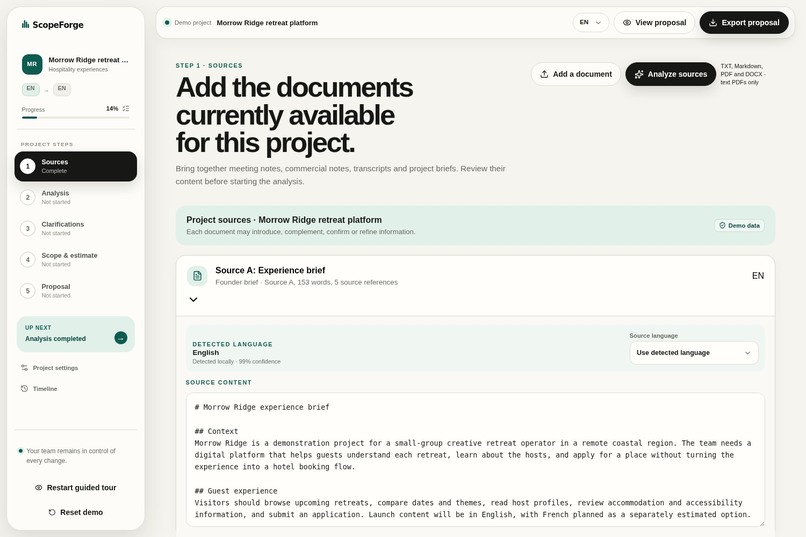
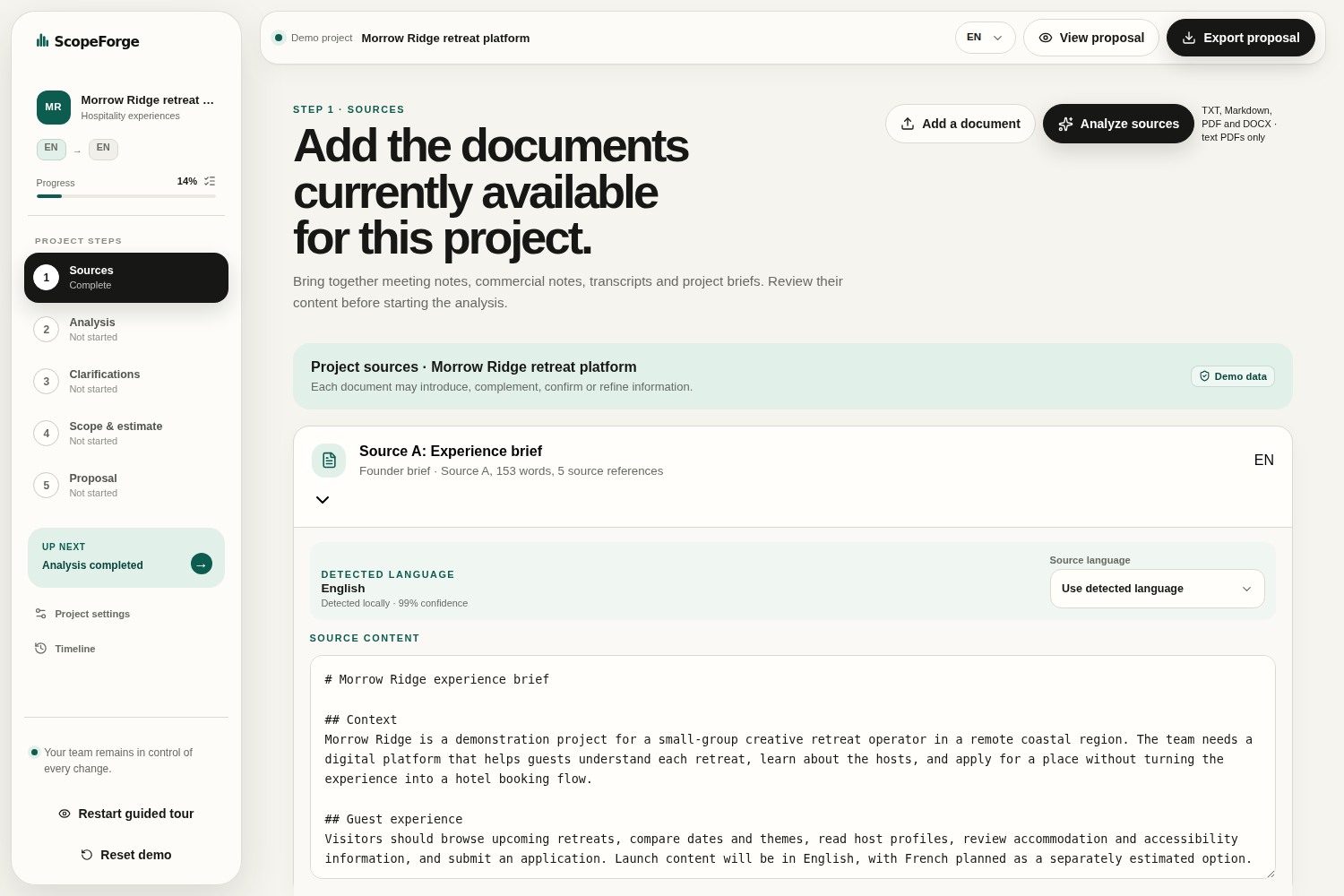
03-source-language-and-content
-
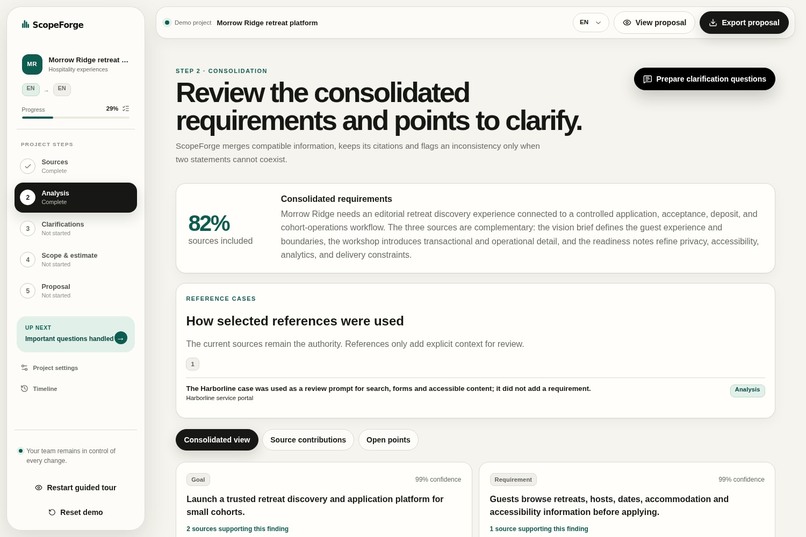
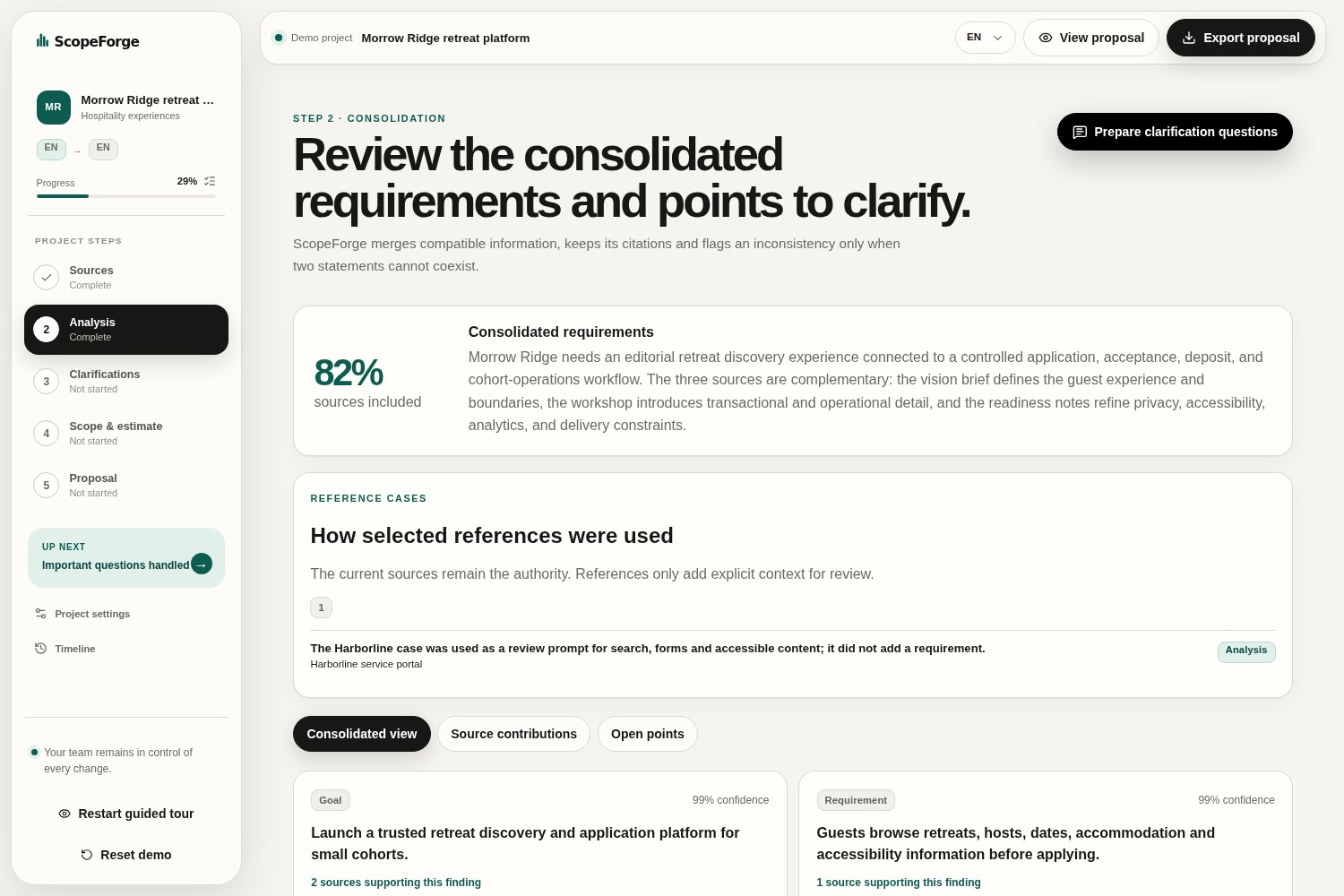
04-consolidated-analysis
-
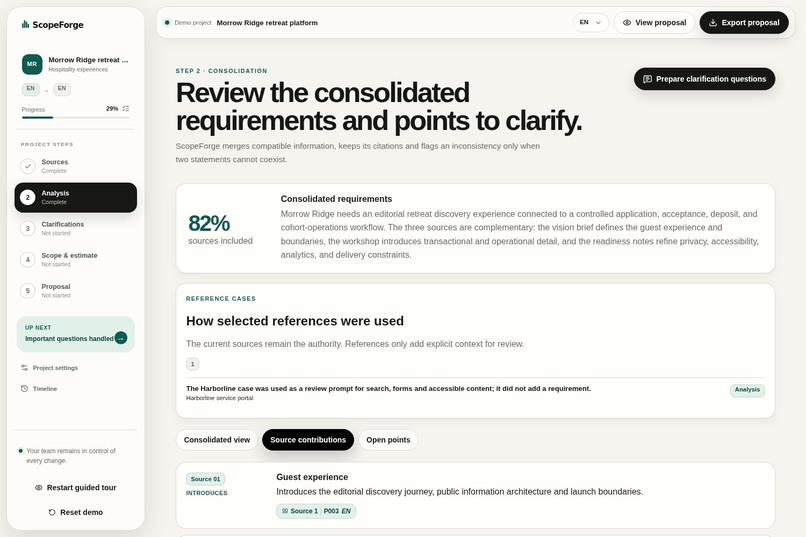
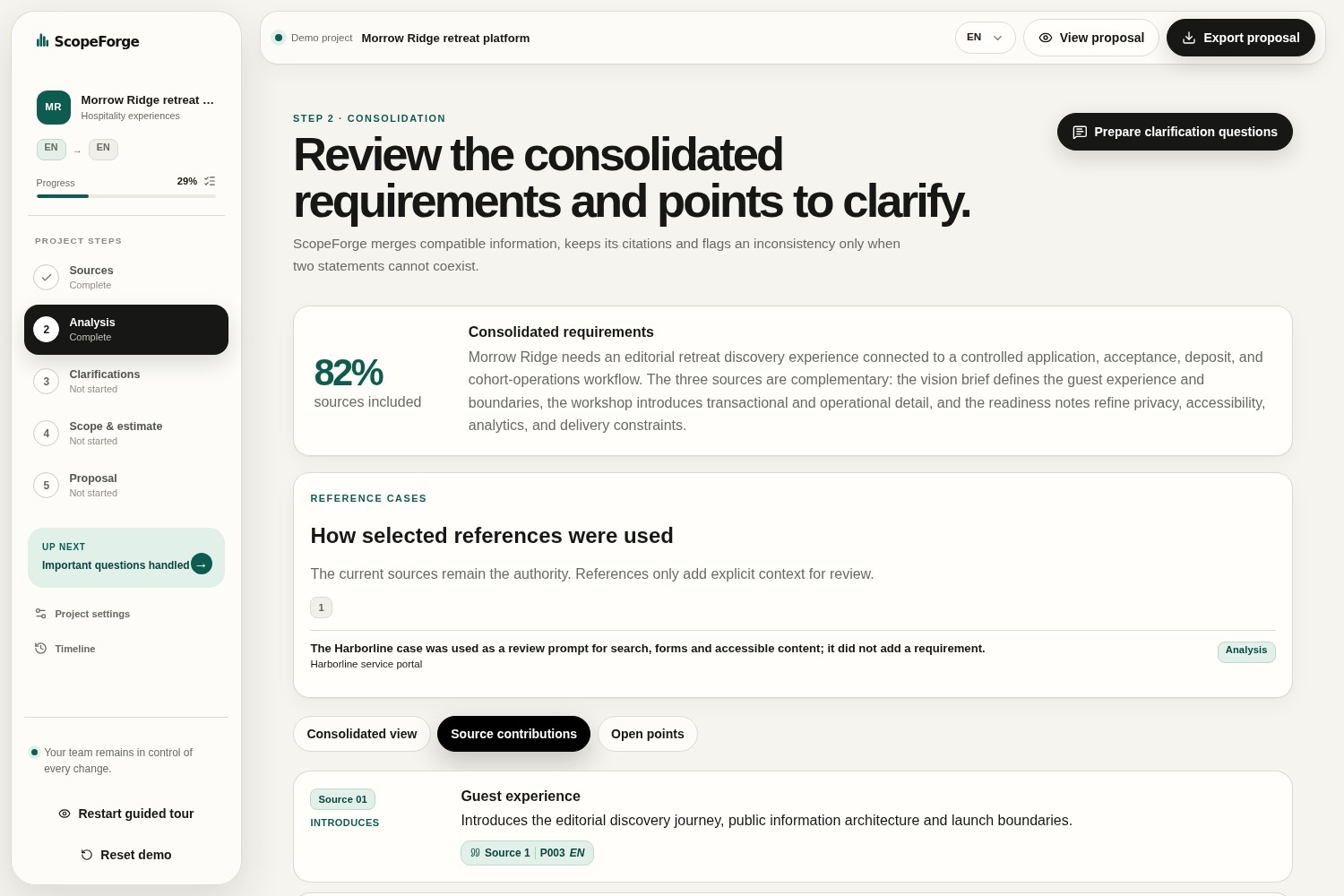
05-source-contributions
-
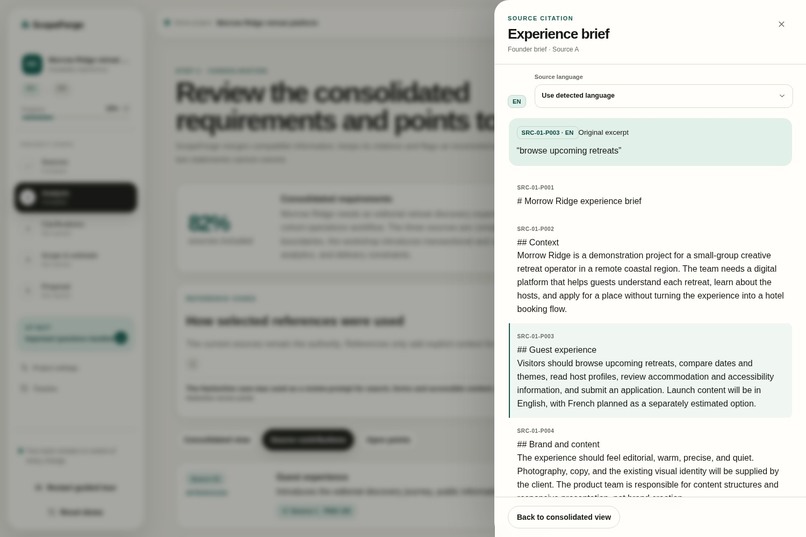
06-citation-and-provenance
-
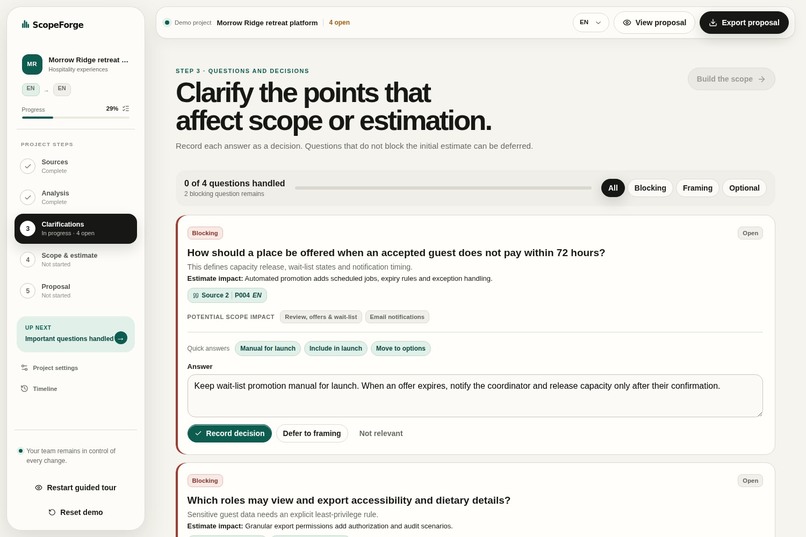
07-clarification-questions
-
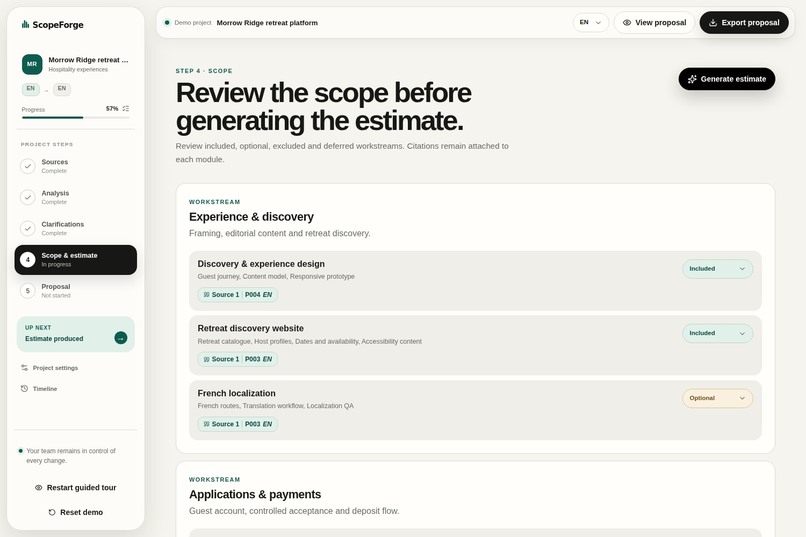
08-structured-scope
-
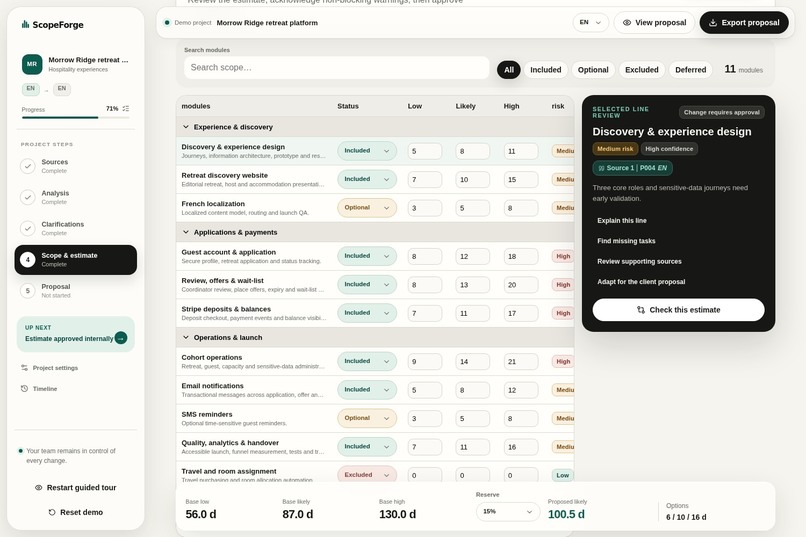
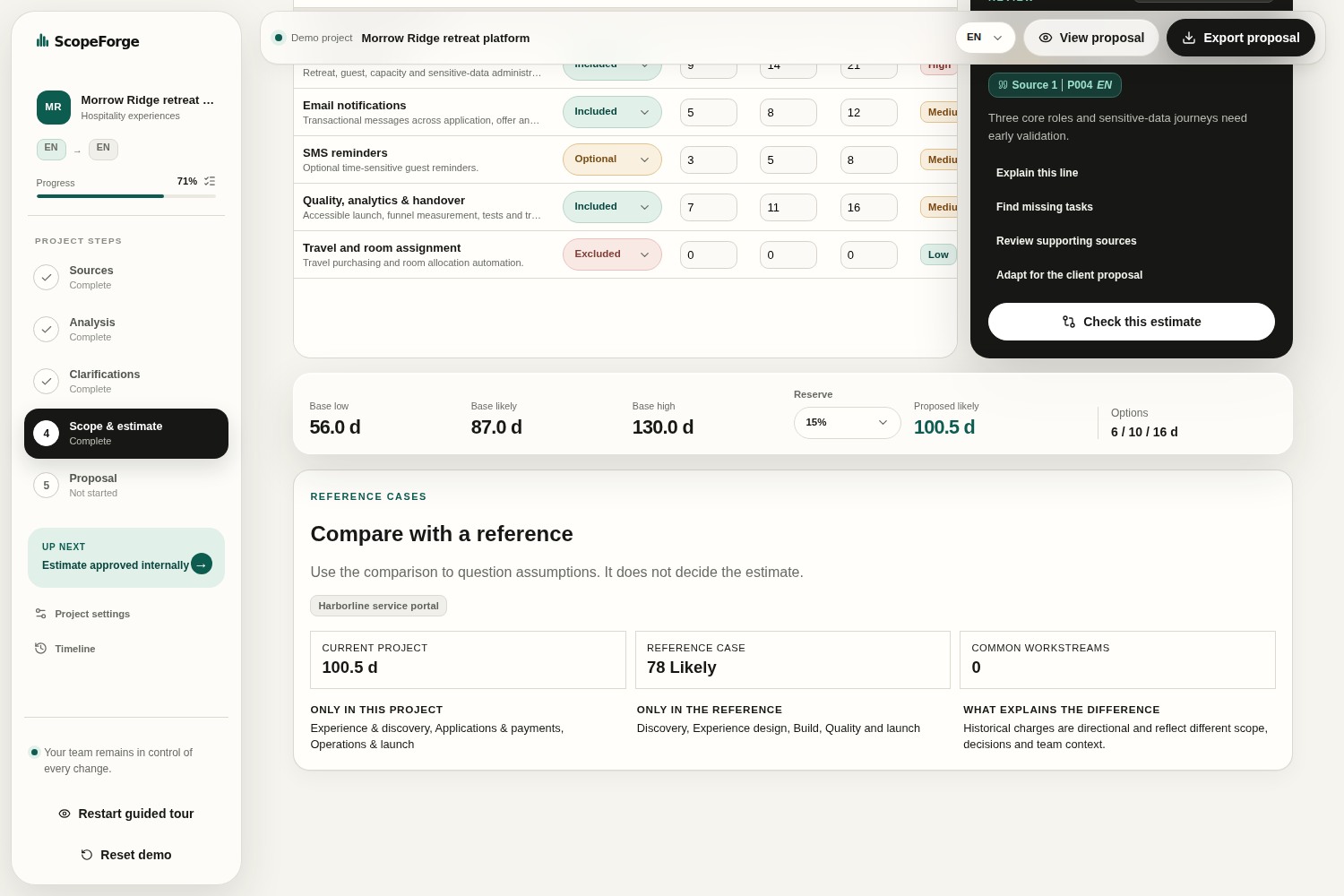
09-estimation-workshop
-
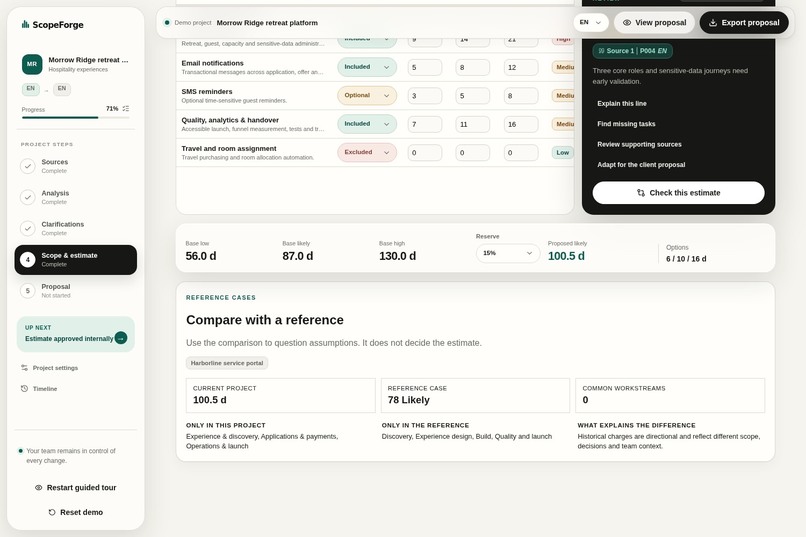
10-reference-comparison
-
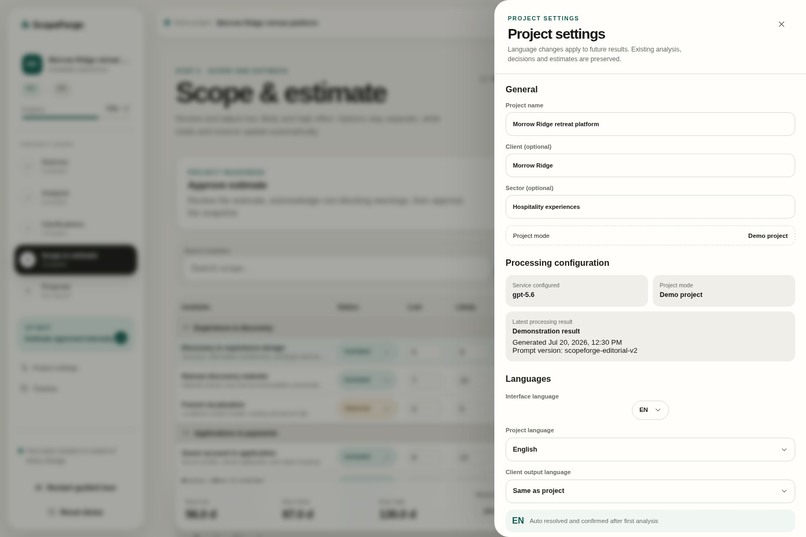
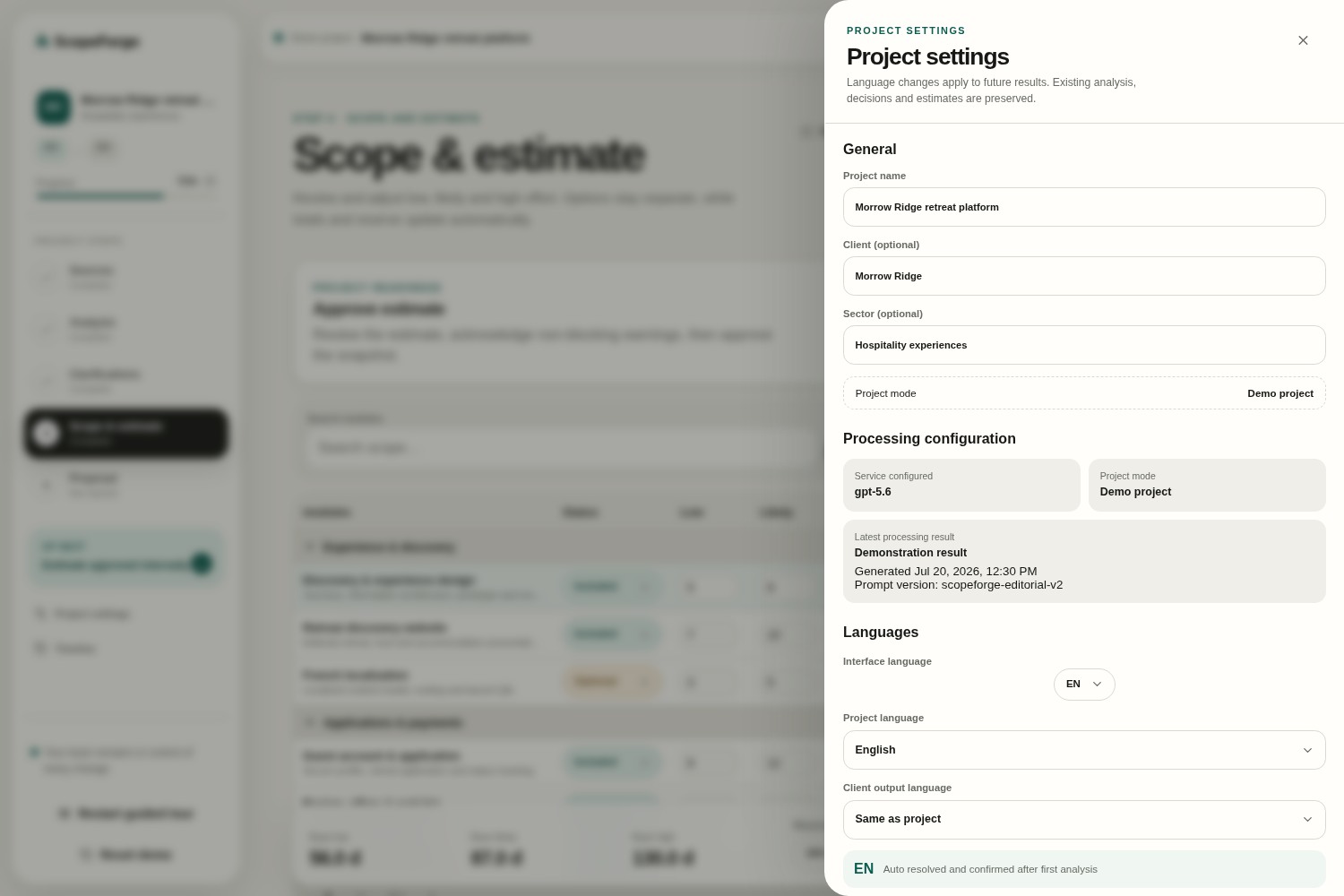
11-estimation-settings
-
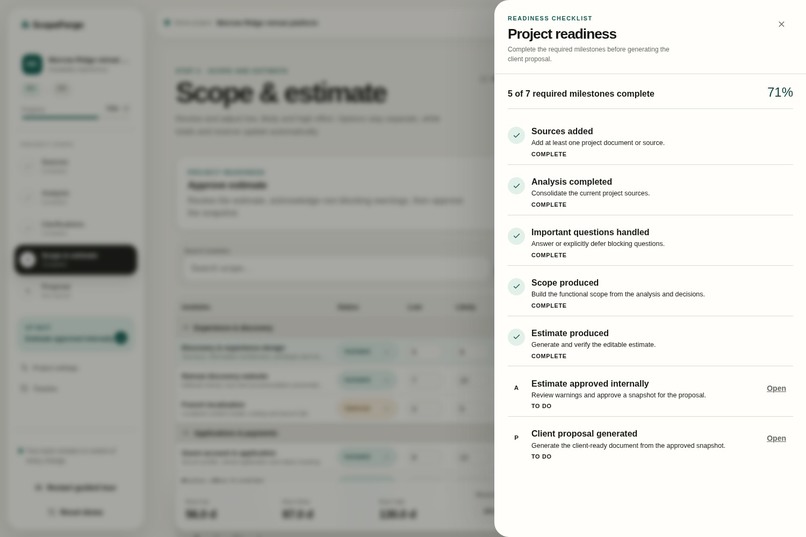
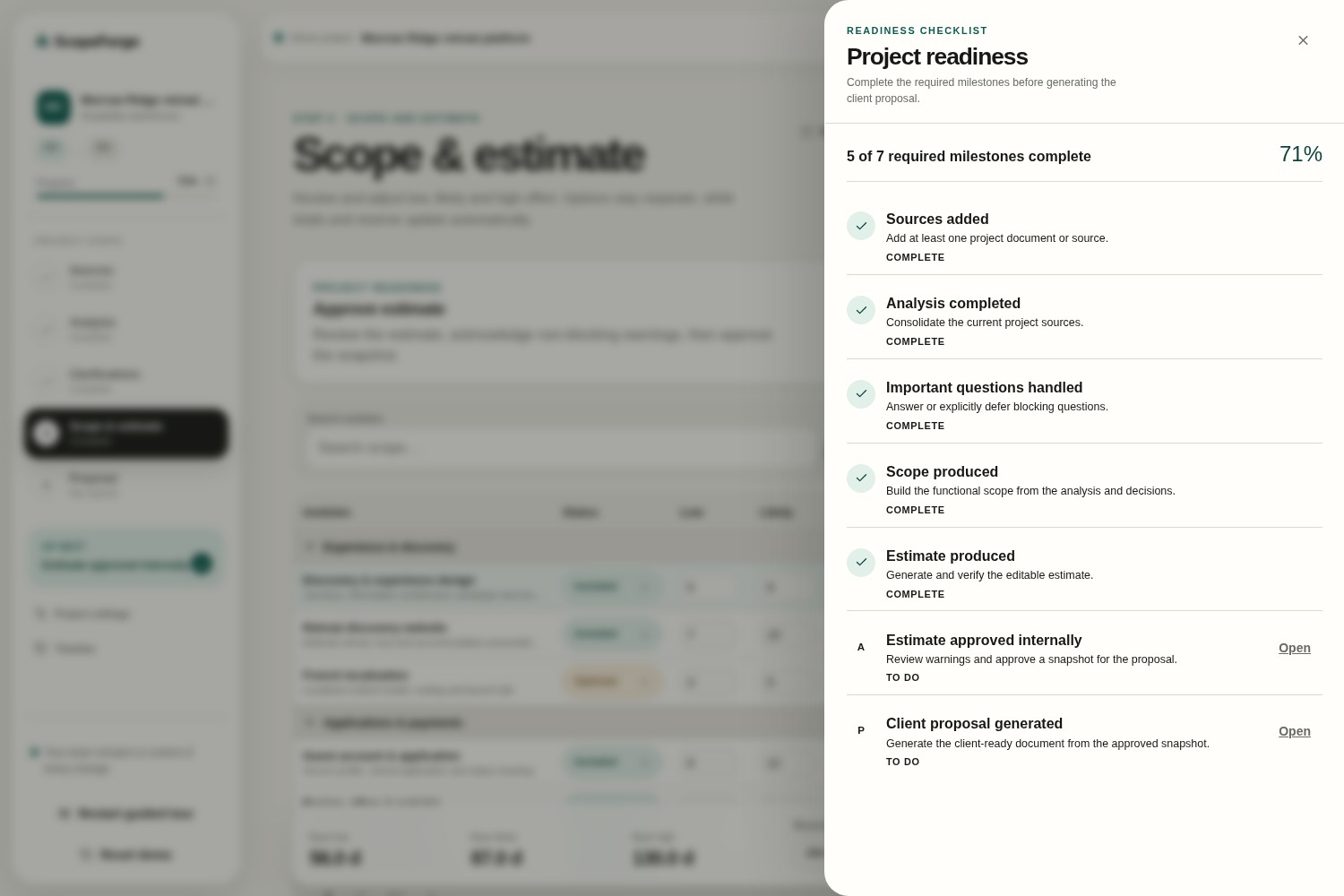
12-project-readiness
-
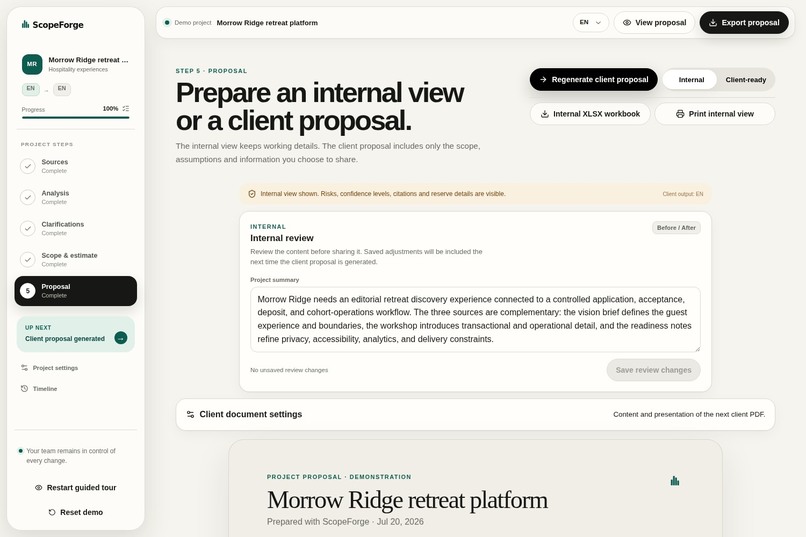
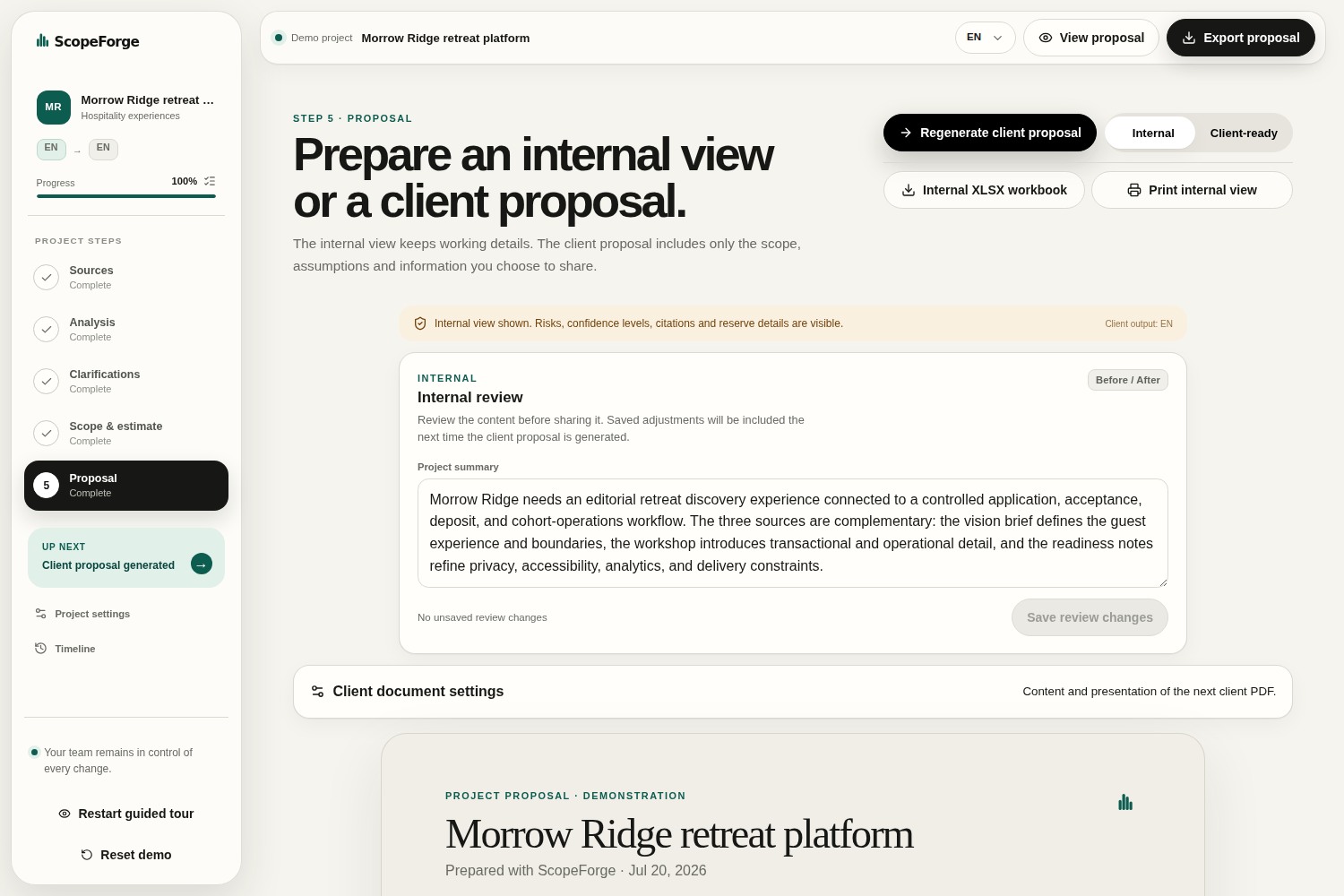
13-internal-proposal-review
-
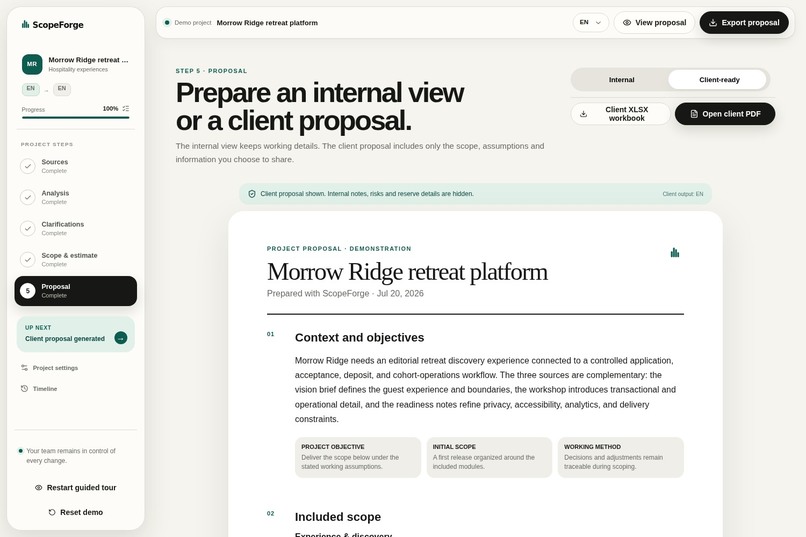
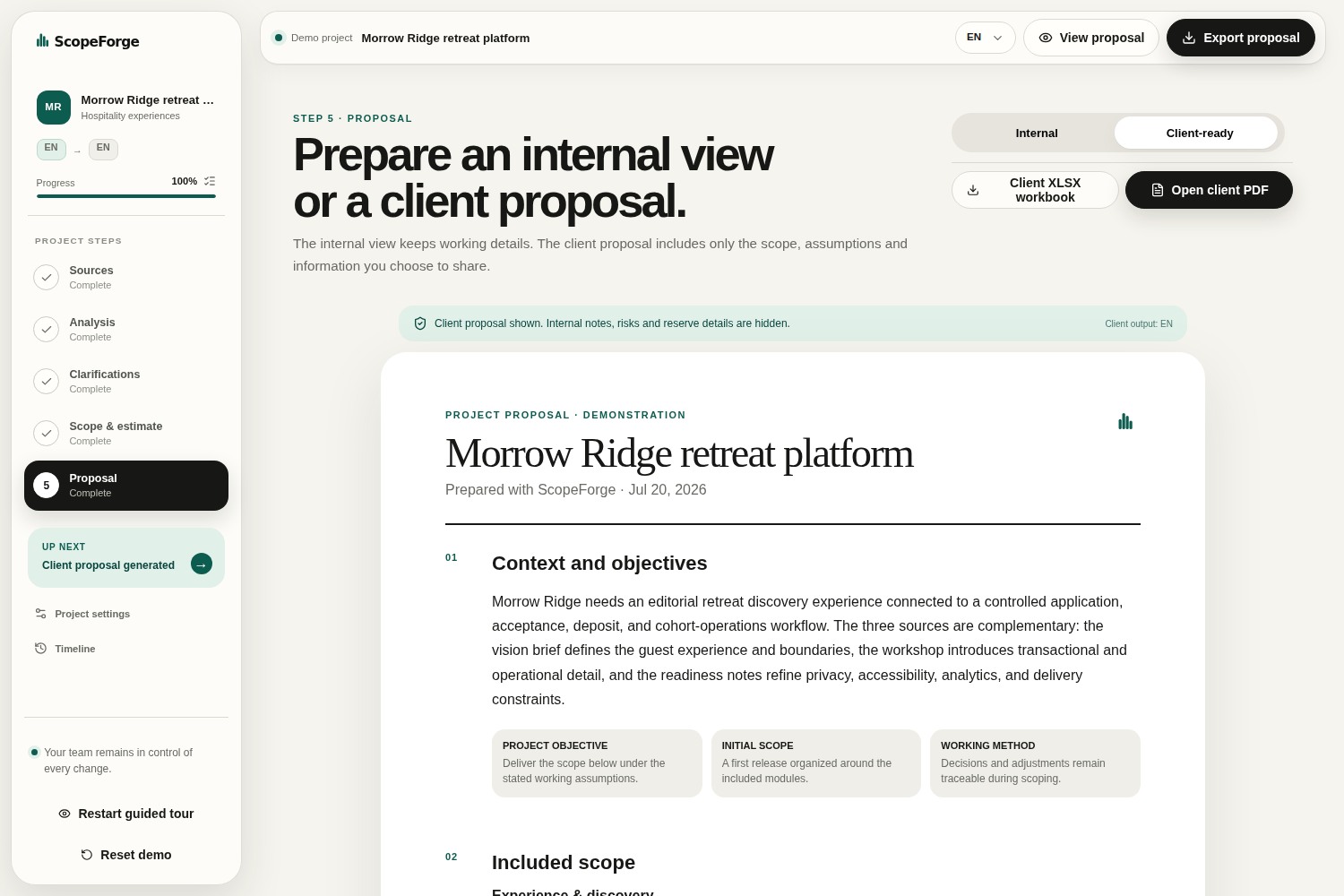
14-client-ready-proposal
-
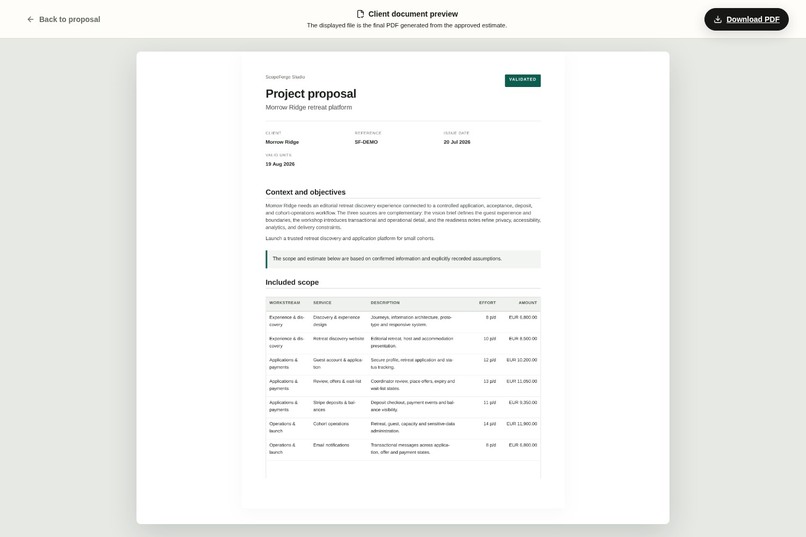
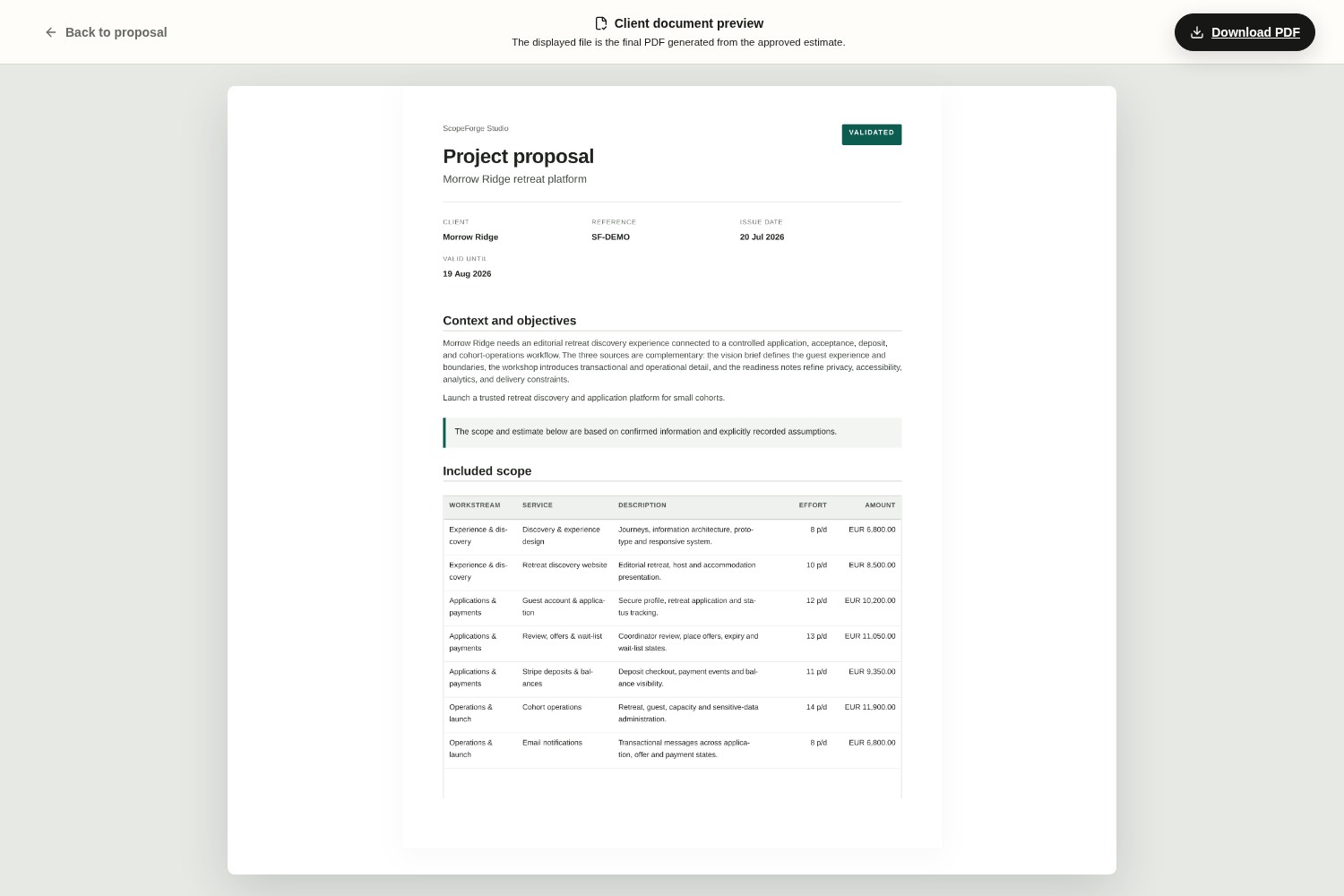
15-client-pdf-deliverable
Inspiration
As a project manager in web and mobile development, one of my regular responsibilities was preparing project estimates. On top of managing ongoing projects, I often had to produce three to five estimates every week, which quickly became a time-consuming part of my job.
In our company, two project managers were responsible for estimations. The person preparing the estimate was not always the one who would later manage the project. Because we each had our own way of analyzing requirements and building estimates, some important details or questions could be missed, making it harder for the next person to take over confidently.
This made me realize that the real challenge was not just saving time, but creating a shared and repeatable estimation process. I wanted a way to standardize how we analyzed project requirements, ensure that the same questions were always asked, and make the reasoning behind every estimate clear and traceable.
That idea became ScopeForge: an AI-assisted workflow designed to help project managers prepare estimates faster while following a consistent methodology. The AI is not there to replace human judgment, but to reduce repetitive work, organize information, and support a more reliable and collaborative estimation process.
What it does
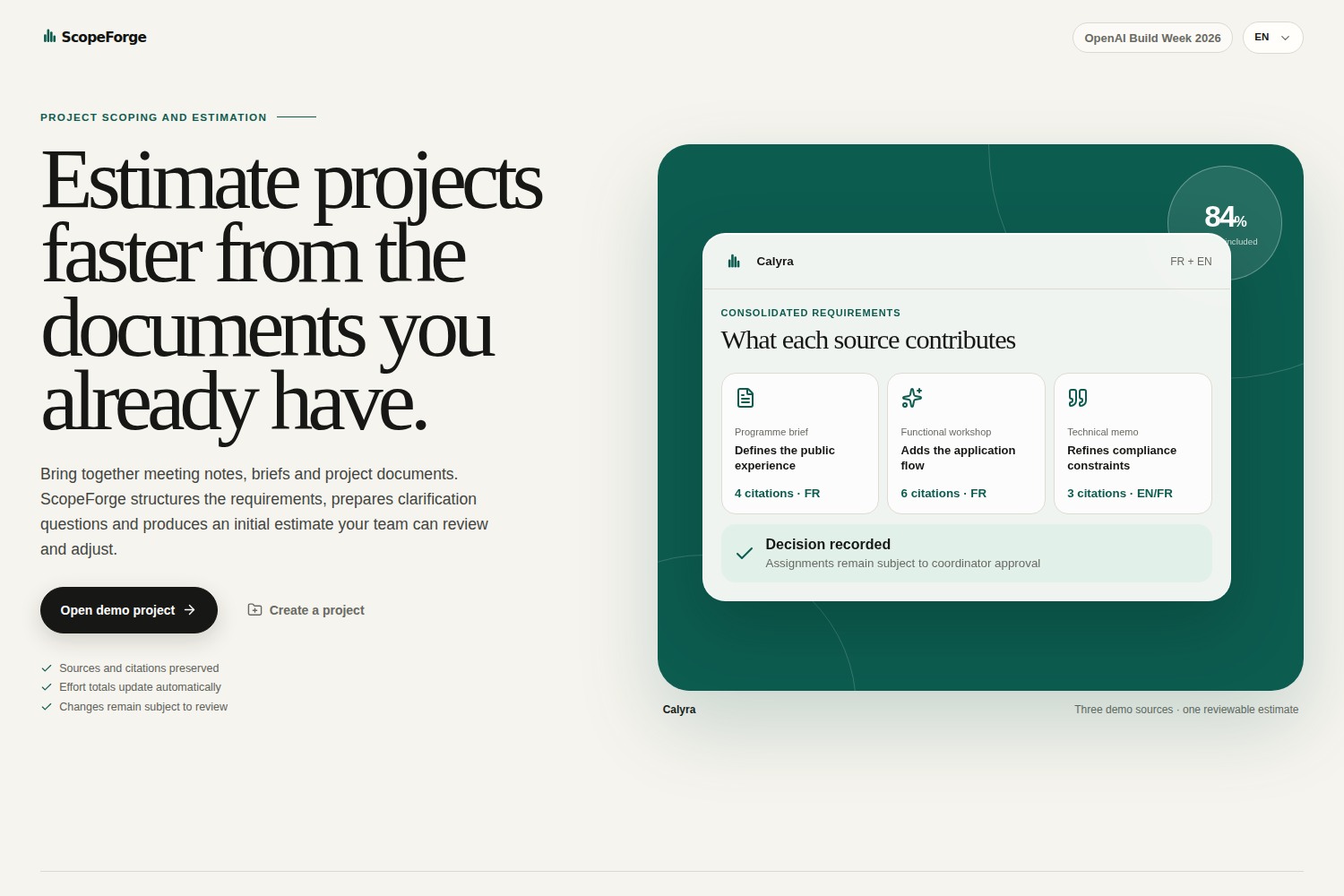
ScopeForge helps project managers turn scattered project information into a structured and reviewable estimate.
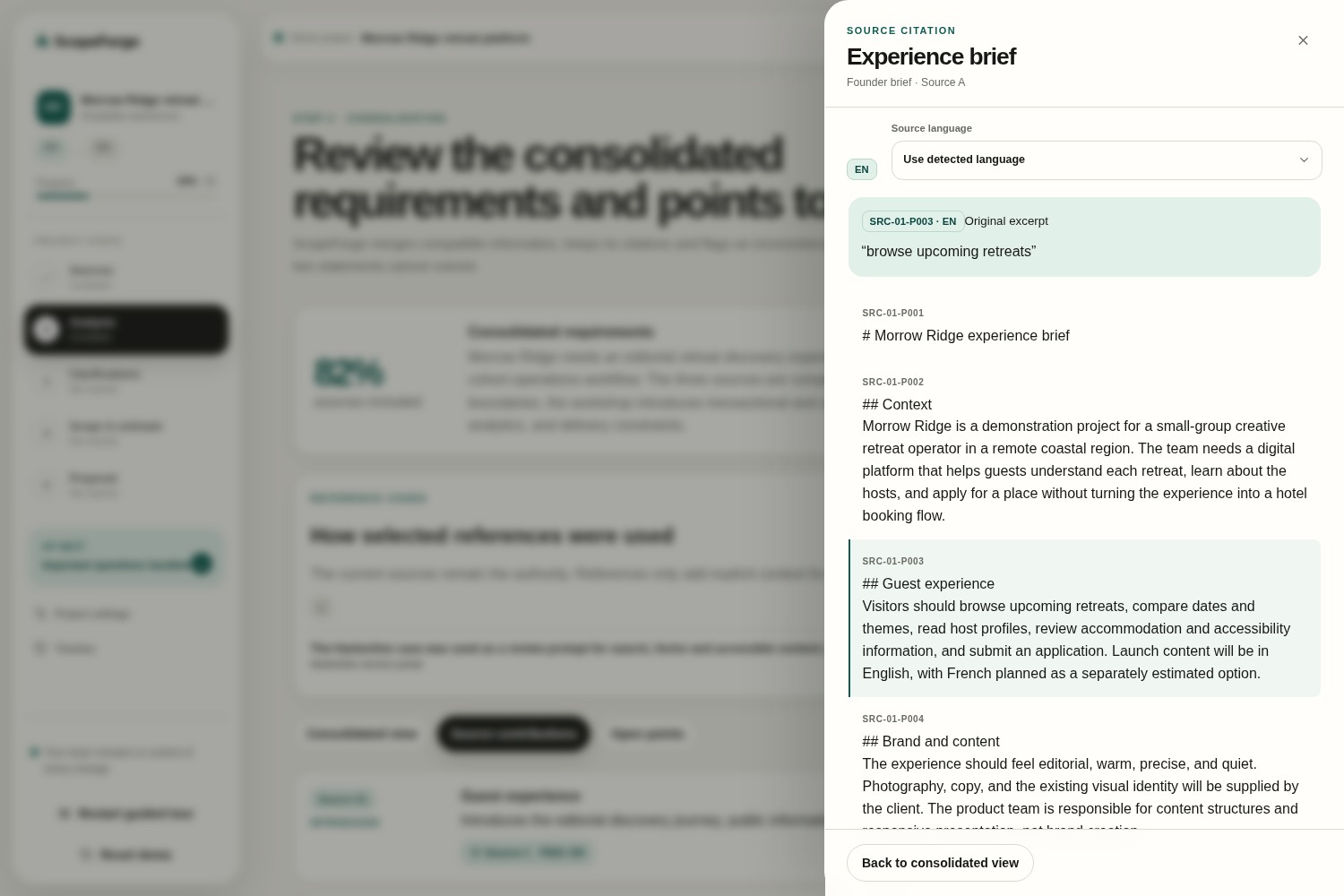
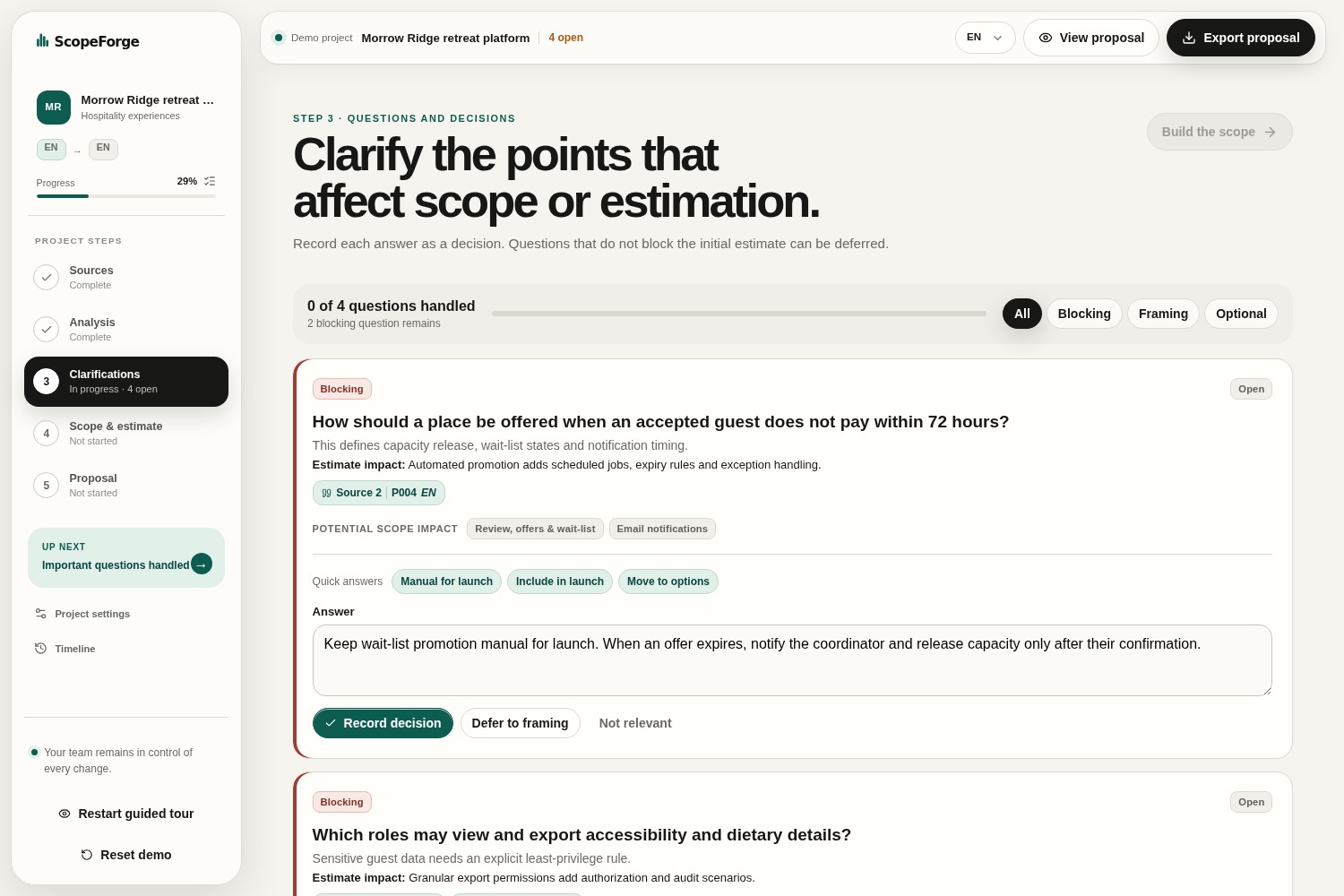
Users can import information from different sources, such as text, Markdown, PDF, or Word documents. The AI analyzes everything together to identify the project requirements, highlight missing or conflicting information, track where each piece of information comes from, and suggest clarification questions before estimation begins.
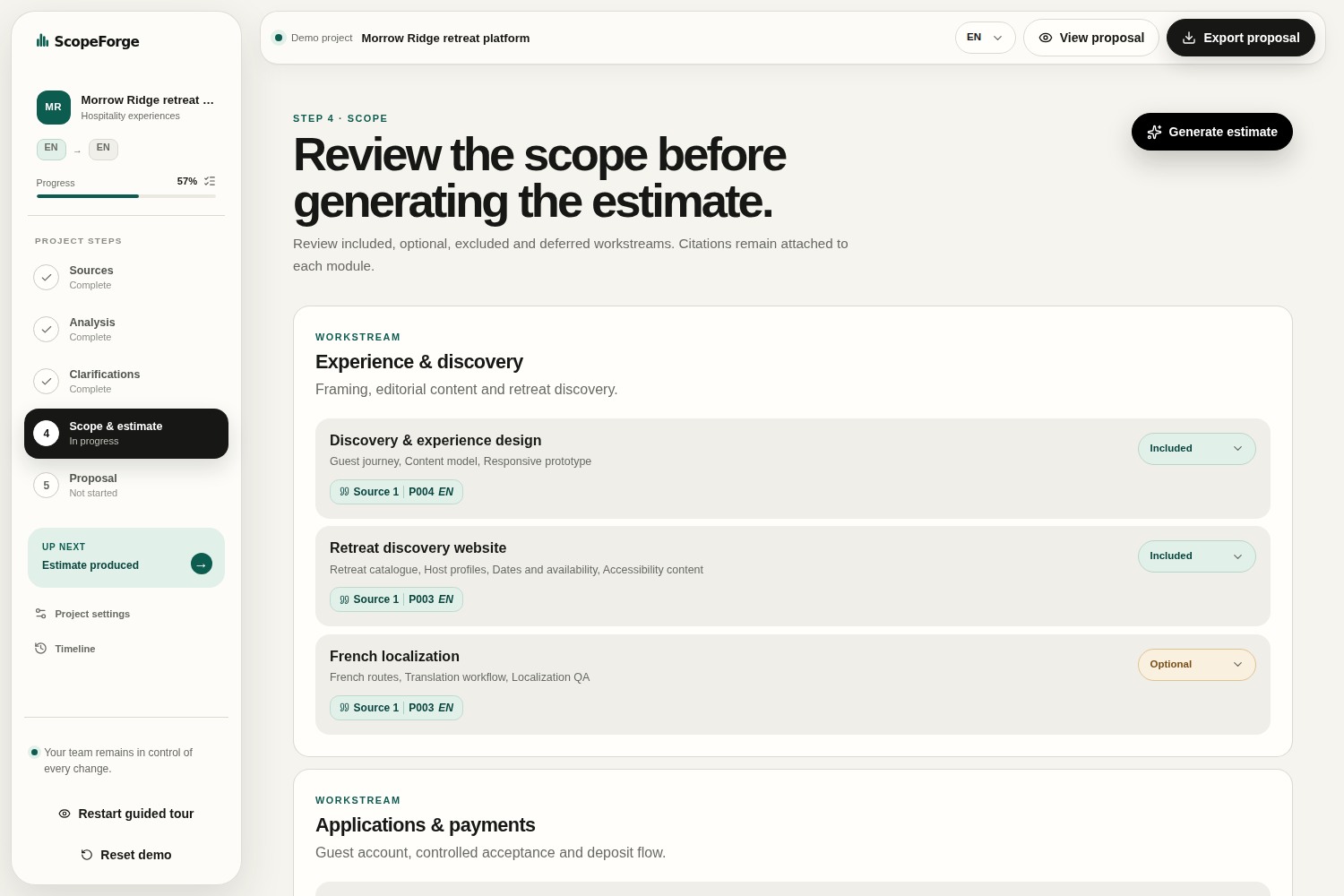
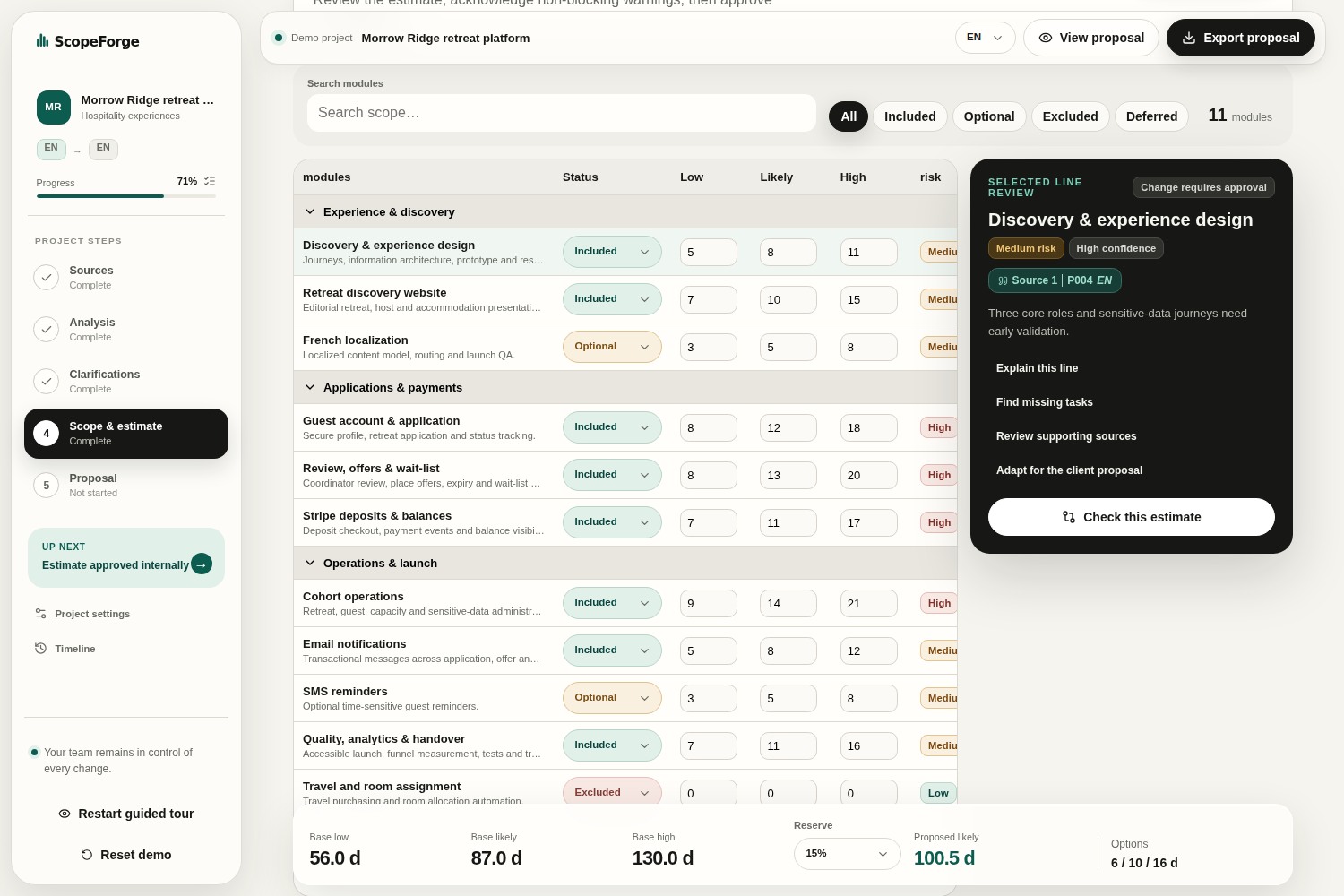
As new answers are provided, ScopeForge records them as project decisions and continuously builds a consolidated project scope. From there, it generates an editable estimate with low, likely, and high scenarios.
To keep the estimation process consistent across a team, users can apply shared estimation methods, configure reserves and rounding rules, and compare the project with previous reference cases. These references provide additional context but never replace the information gathered for the current project.
When reviewing an estimate, the AI can suggest improvements, but every change is presented as a clear before-and-after comparison. Users remain in control and can accept, modify, or reject each suggestion.
Once the estimate is complete, ScopeForge allows users to review a readiness checklist, approve an immutable snapshot, create revisions, generate both internal and client-ready versions, export PDF and Excel documents, and back up the entire project.
Client-facing documents automatically exclude internal information such as costs, margins, confidence notes, technical metadata, and AI-related data, ensuring they are ready to share without additional editing.
How we built it
ScopeForge was built with Next.js, React, TypeScript, Zod, and the OpenAI Responses API, using Codex CLI throughout the development process.
GPT-5.6 is used to analyze project documents, consolidate information from multiple sources, generate clarification questions, and review estimate lines based on the available evidence. Every AI response is validated against a Zod schema before it is used by the application.
Codex supported the implementation, but all important design choices and validations stayed under my control.
Security was also an important part of the design. Project documents are always treated as untrusted data rather than instructions, and the OpenAI API key is kept exclusively on the server during Live execution.
Challenges we ran into
The implementation moved quickly because I already had experience with software architecture and AI coding assistants, but turning the idea into a coherent product still required many iterations. Codex accelerated the execution, while I continuously reviewed the results, refined the requirements, tested the workflows, and made the product and architectural decisions.
Most of the challenges were related to product design rather than implementation. The goal was to ensure that AI could analyze documents, identify missing information, and suggest improvements while leaving all business rules, calculations, and final decisions under the user's control.
Balancing automation with traceability and user control became the main design challenge, and it strongly influenced the final architecture of the application.
Accomplishments that we're proud of
One of the accomplishments I am most proud of is the depth and traceability of the AI analysis. Instead of producing a generic estimate, it consolidates information from multiple documents, identifies missing details, highlights ambiguities, and helps build a clear and structured project scope before any estimation begins.
Another achievement is the flexibility it gives users. Every AI-generated result can be reviewed, edited, or rejected, allowing project managers to apply their own expertise instead of blindly accepting AI suggestions.
I also wanted my teams to keep consistency across projects. ScopeForge can use previous projects and reference cases as additional context, helping users produce estimates that follow the same methodology and level of detail over time without replacing the information from the current project.
What we learned
The biggest takeaway for me was seeing how much AI has improved, especially with GPT-5.6.
I've been using AI coding assistants for a long time and have worked with several different models, including previous OpenAI models. GPT-5.6 genuinely stood out. In my experience during this project, GPT-5.6 understood my intent more reliably, even when my instructions were not perfectly written. Beyond writing code, it was able to explain architectural decisions, programming concepts, and best practices, which helped me discover better ways to solve certain problems.
This project reinforced my belief that today's AI is most valuable as a collaborative engineering partner rather than a replacement for developers. It can remove a lot of repetitive work and accelerate development, while the developer remains responsible for the vision, architecture, and final decisions.
If I learned one thing during this Build Week, it is that the biggest limitation is often no longer the technology itself, but our imagination — and, of course, the available tokens. :)
What's next for ScopeForge
The next phase is to move from browser-local persistence to secure server-side workspaces with authentication, organizations, permissions, and collaborative review.
Future directions include:
- integrations with meeting and documentation tools such as Fathom, Google Drive, Notion, and CRM platforms;
- reusable organization-wide estimation playbooks;
- a richer library of anonymized historical cases;
- semantic retrieval for relevant references;
- configurable approval workflows;
- comments and collaborative reviews;
- usage, latency, and AI-cost monitoring;
- additional document languages;
- integrations with project-management and proposal-signing tools.
More importantly, I want to continue using ScopeForge in my own company on real client projects. My goal is to test it continuously, gather feedback from everyday use, measure how much time it actually saves, and identify opportunities to improve both the user experience and the estimation process.
The long-term vision is to build a tool that helps agencies, software teams, consultancies, and freelancers create faster, more consistent, and more transparent project estimates while keeping human expertise at the center of every decision.
Built With
- api
- codex
- gpt-5.6
- next.js
- node.js
- openai
- playwright
- radix
- react
- typescript
- ui
- vitest
- xlsx
- zod


Log in or sign up for Devpost to join the conversation.