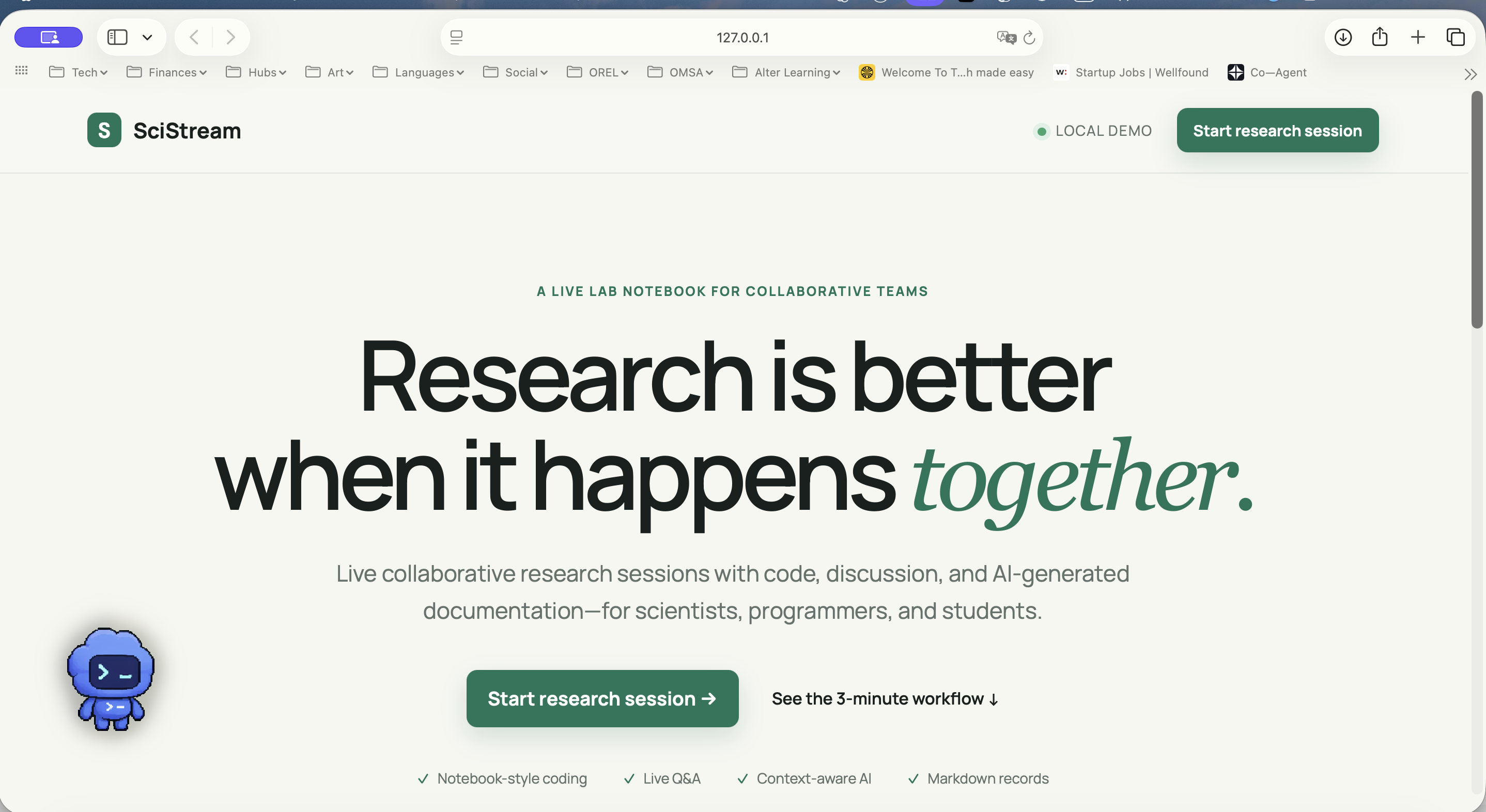
SciStream
Why we built this (The Problem)
Honestly, scientific collaboration is an absolute mess right now.
If you look at how research actually happens, it’s completely fragmented. People are writing code in Jupyter notebooks, arguing about logic over Discord or Zoom, throwing quick fixes into Slack channels, and then spending hours at the end of the week trying to piece together how they actually got a specific result. Sure, Git repositories save the final version of the code, but they completely lose the "why"—the actual reasoning, the failed attempts, and the crucial decisions that happened along the way.
We wanted to fix this by building a workspace where the actual research process is preserved as the artifact, not just the final file. That’s why we started building SciStream.
What it actually does
SciStream is a collaborative research workspace that glues the code and the conversation together, backed by a bit of AI context. Instead of bouncing between three different apps, everything happens in one interface:
- Live Rooms: You spin up a session and bring your team into the same space.
- Code & Chat Side-by-Side: You run code cells right next to a live participant chat, so the discussion stays anchored to the data.
- Context-Aware AI: Instead of a generic chatbot, you can ask the AI to explain a weird error or summarize a complex output based exactly on what's happening in that specific room.
- Auto-Documentation: When you're done, you hit a button and it compiles the entire session—the code executed, the chat highlights, and the conclusions—into a clean Markdown report.
Instead of losing your notes across scattered apps, the entire workflow becomes a reusable knowledge base.
The Tech Stack
We kept the prototype relatively lean so we could focus entirely on the workflow logic:
- Backend: Python and Django to handle the room routing and service layers.
- Frontend: Standard HTML, CSS, and vanilla JavaScript for the notebook interface and live updates.
- Storage: A straightforward SQLite database.
- AI Layer: The OpenAI API, though we built a deterministic mock mode so we could run and test the workflow offline without burning API credits or hitting network latency during demos.
Architecturally, we split the code execution, the AI logic, and the report generation into independent modules so it’s easy to swap them out or scale them later.
The hard parts (Challenges we hit)
- Sandboxing Code safely: We obviously couldn't just let arbitrary, unconstrained code run wild on a server for a quick hackathon demo. To keep things secure but realistic, we built a deterministic execution pipeline that mirrors a real scientific workflow safely without opening up massive security vulnerabilities.
- Keeping the AI from hallucinating generic advice: We didn't want a basic chatbot wrapper that just regurgitates generic coding tips. The trick was designing the context window so it strictly receives the active research goal, the exact code block, the immediate console output, and the last few lines of chat. This keeps the explanations incredibly tightly focused on the actual experiment.
- Scoping the prototype honestly: We had a ton of ideas for massive infra, but with limited time, we decided to focus heavily on the local collaborative abstractions and the core user experience rather than faking a massive cloud architecture we didn't actually build.
What we walked away with
Building this really drove home the point that AI in science shouldn't try to replace the researcher—it needs to augment them. Scientists don't want a bot to do the thinking for them; they need tools that take away the administrative friction, like automating documentation and capturing the human reasoning that usually gets lost in chat logs.
Where we want to take it next
The current build is just the foundation. Moving forward, we want to scale it out with:
- Real-time multi-user synchronization and WebRTC for smoother screen sharing.
- Moving from our safe execution pipeline to fully secure, isolated Jupyter kernel execution.
- Seamless export options so you can push a session straight to GitHub or download it as a standard
.ipynbnotebook. - Citation tracking for any insights the AI helps surface, ensuring data integrity.
-

Log in or sign up for Devpost to join the conversation.