-
-
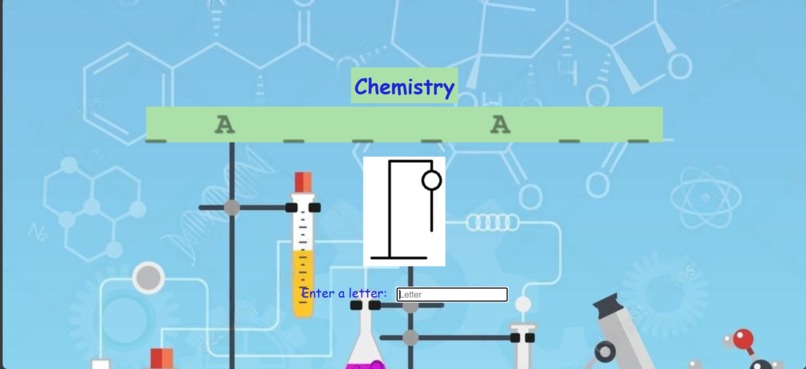
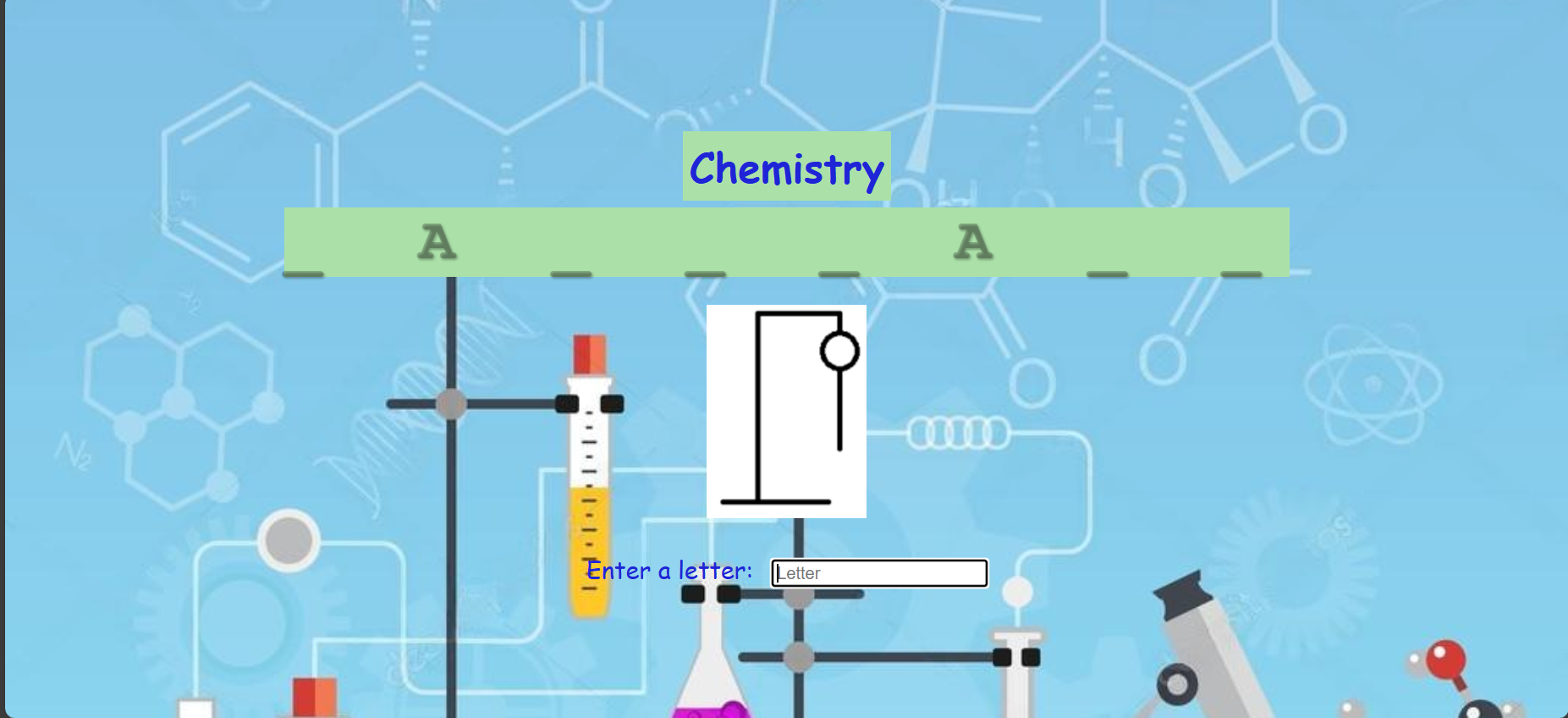
gameplay
-
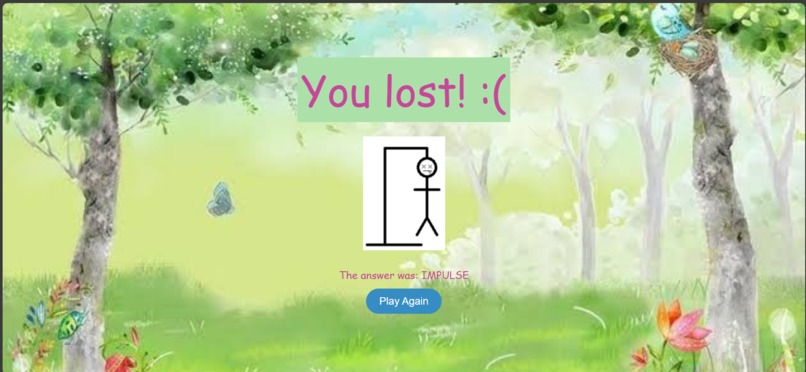
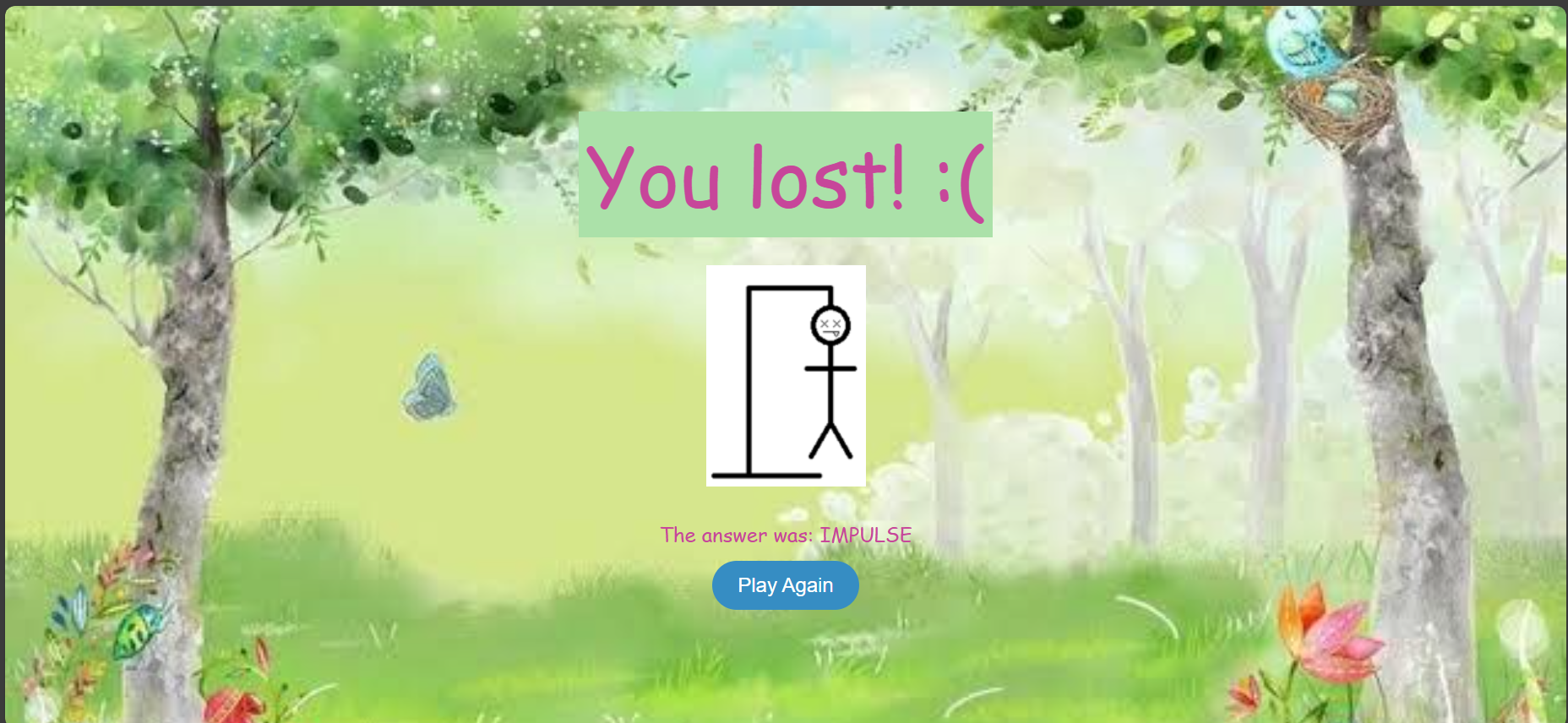
page if you lost
-
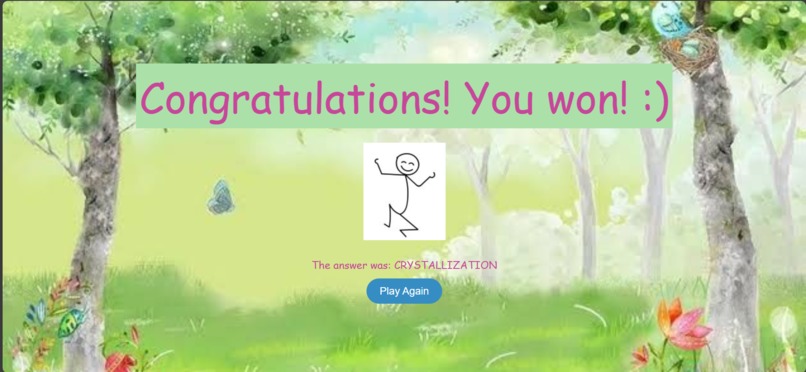
page if you won
-
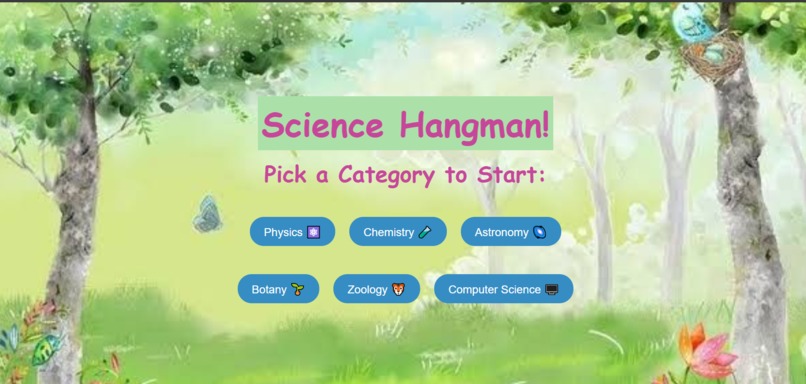
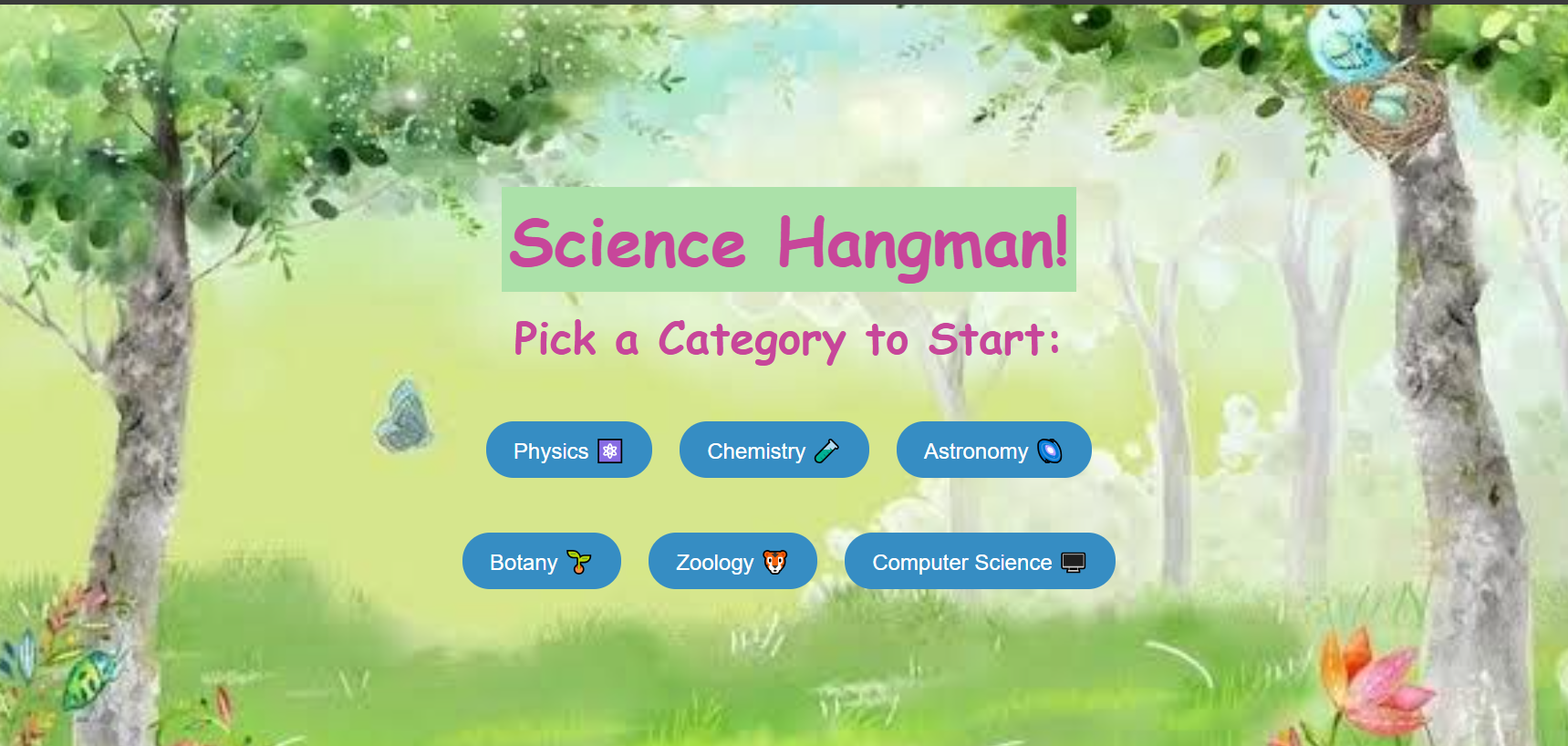
home page

Inspiration
While reflecting on how to uniquely integrate education and technology, I was reminded of the times when I would struggle in science classes as a high schooler because I did not recognise new, complicated words. If I'd identified these terms earlier, I might have grasped the concepts better. I bet other students have faced this too, apart from me. Recognizing this, I designed a game to make learning science vocabulary engaging and enjoyable.
What it does
It's a web-application based Hangman game that challenges players to guess science-related terms. For those of you who aren't familiar with Hangman, it is a game where you need to guess a word within a certain number of attempts by inputting one letter at a time. The game has various categories to choose from, like physics, chemistry, astronomy, and more. It's a great way to test and improve your knowledge of scientific concepts while enjoying a classic word game.
How we built it
- I built this application using HTML5, CSS3 & JavaScript for the webpages, styling and game logic respectively. I used Visual Studio Code and Git bash terminals while developing my code. I made webpages for the homepage, category game pages and for cases if you win or lose.
- For the hangman graphics, I used an array of pictures uploaded from my pc which would update to a new one for each incorrect input.
- For the game logic, I used an array of underscores with spaces to represent the blank word. The word would be randomly picked from a set of words depending on the category. On entering a letter in the input box, if correct, the value of the array at the particular index position would be updated to that letter and the array would be joined back as a string and displayed. If incorrect, no changes would be made to that array but the picture would update accordingly and a count value would be incremented, to redirect to the losing page when available attempts are finished. Special cases in case a person attempts an invalid input or reattempts the same letter is also taken into consideration. -The answer would be stored in session storage and displayed on the winning and losing pages.
Challenges we ran into
- I figured out the hangman game logic of updating array index values depending on letter input myself, but I wasn't sure how to get it to display on the page ( I have just learned JavaScript).
- I also was not sure as to how I could get the answer to display on the final pages. I tried to implement a function for this but it was not working. I referred to JavaScript tutorials and looked up similar questions brought up by other people online.
- Finally, I was confused as to how I could verify if a letter had already been attempted. Someone had suggested using a set on an online forum, so I decided to try implementing that into my code and it worked.
Accomplishments that we're proud of
- I'm proud of managing to figure out the hangman logic of using arrays by myself with no prior experience with respect to this game in particular.
- The idea of using an array of images for graphics was also my own. Most people suggested using ASCII graphics with symbols but I wanted mine to look fun and animated, so I came up with this solution.
- Even though I referred to the idea of using a set to verify reattempted letters online, I did the implementation of the same by myself.
What we learned
- I learned how to use the session storage feature of JavaScript.
- I learned how to effectively use .split() and .join() functions for array-string conversions.
- Before starting this project, I was pretty much a rookie in JavaScript. Now, I can say that I am a lot more confident in using JavaScript.
- While I did have a basic logical structure of my code drawn up in my head, I was quite unsure as to how I'd implement it. But now, with the help of a few tutorials and online discussions, I improved in terms of putting my logic out as code.
What's next for Science Hangman!
Due to time constraints, there were certain features I wanted to add but could not, like:
- The answer is displayed on the win and lose pages currently, but I want to refine it such that its meaning is also displayed.
- I want to make all attempted letters be displayed on the side, so that apart from recieving an alert, there is even more clarity before attempting a letter.
- I want to add grade-like levels for each category and more specific categories where the word database will differ so that the game can cater even better to users.
- I want to add additional features like hints, rewards, daily challenges and more.

Log in or sign up for Devpost to join the conversation.