-
-
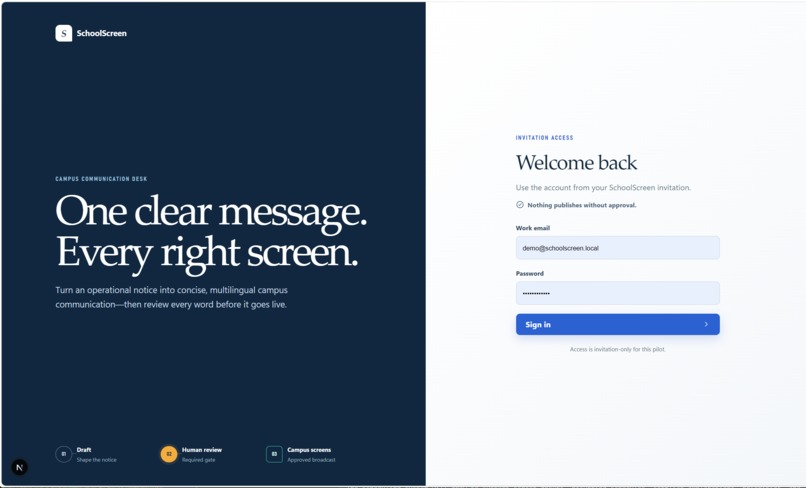
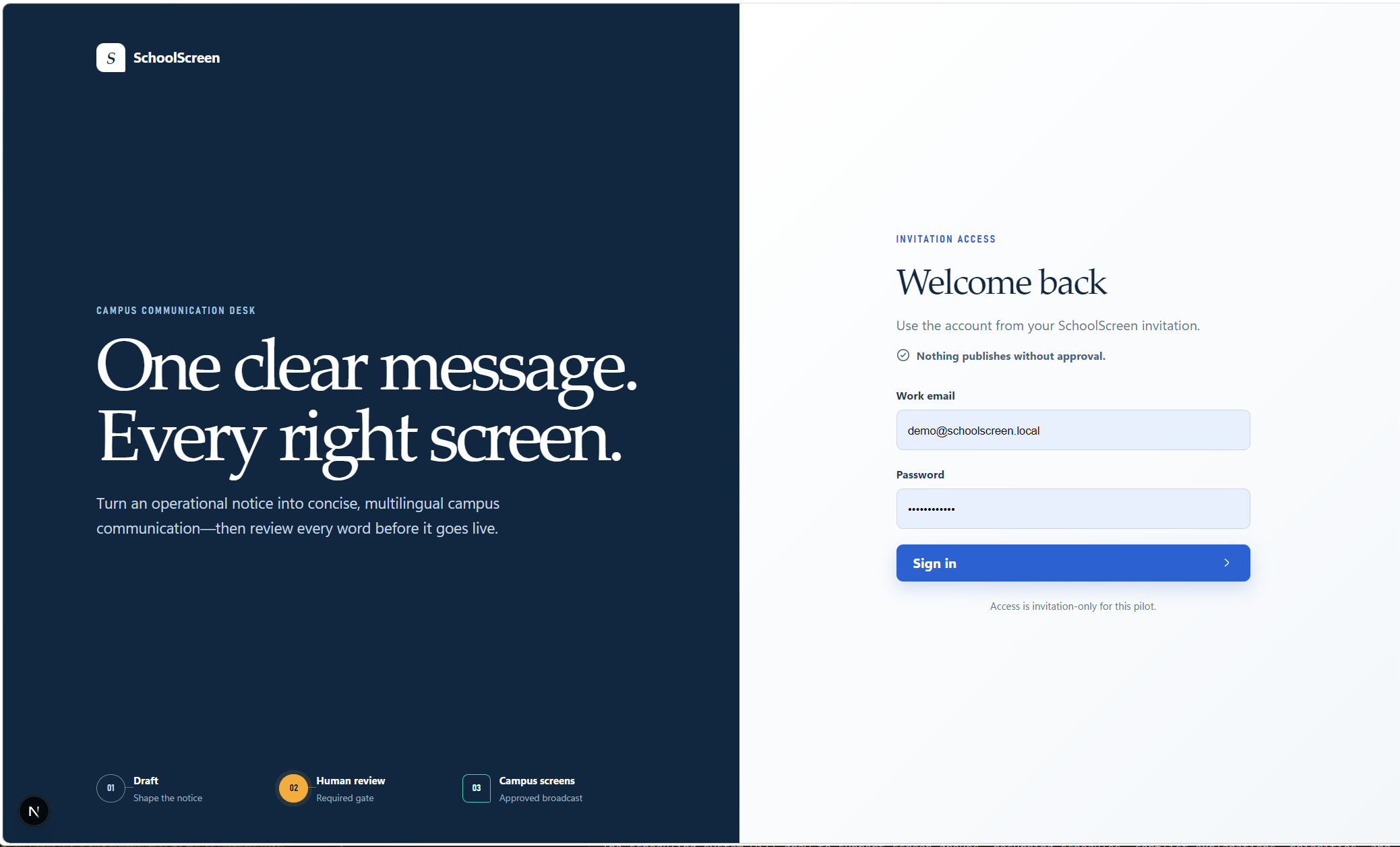
Sign-in
-
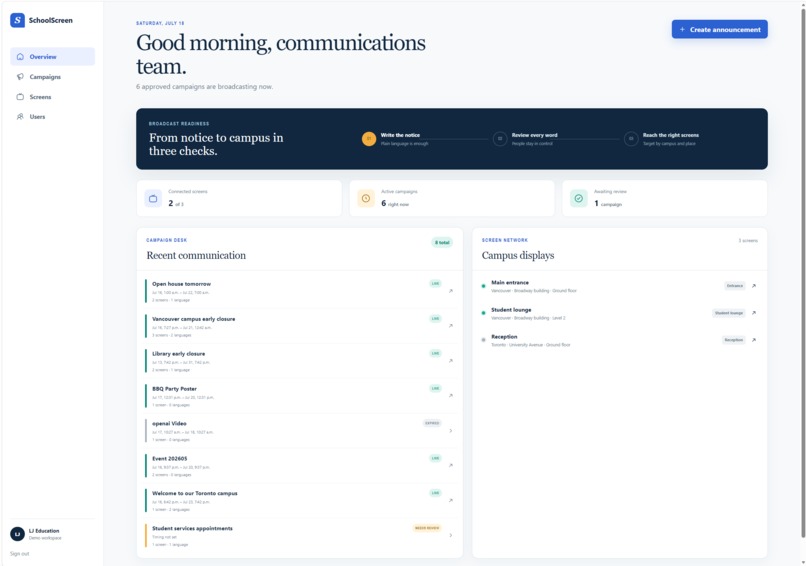
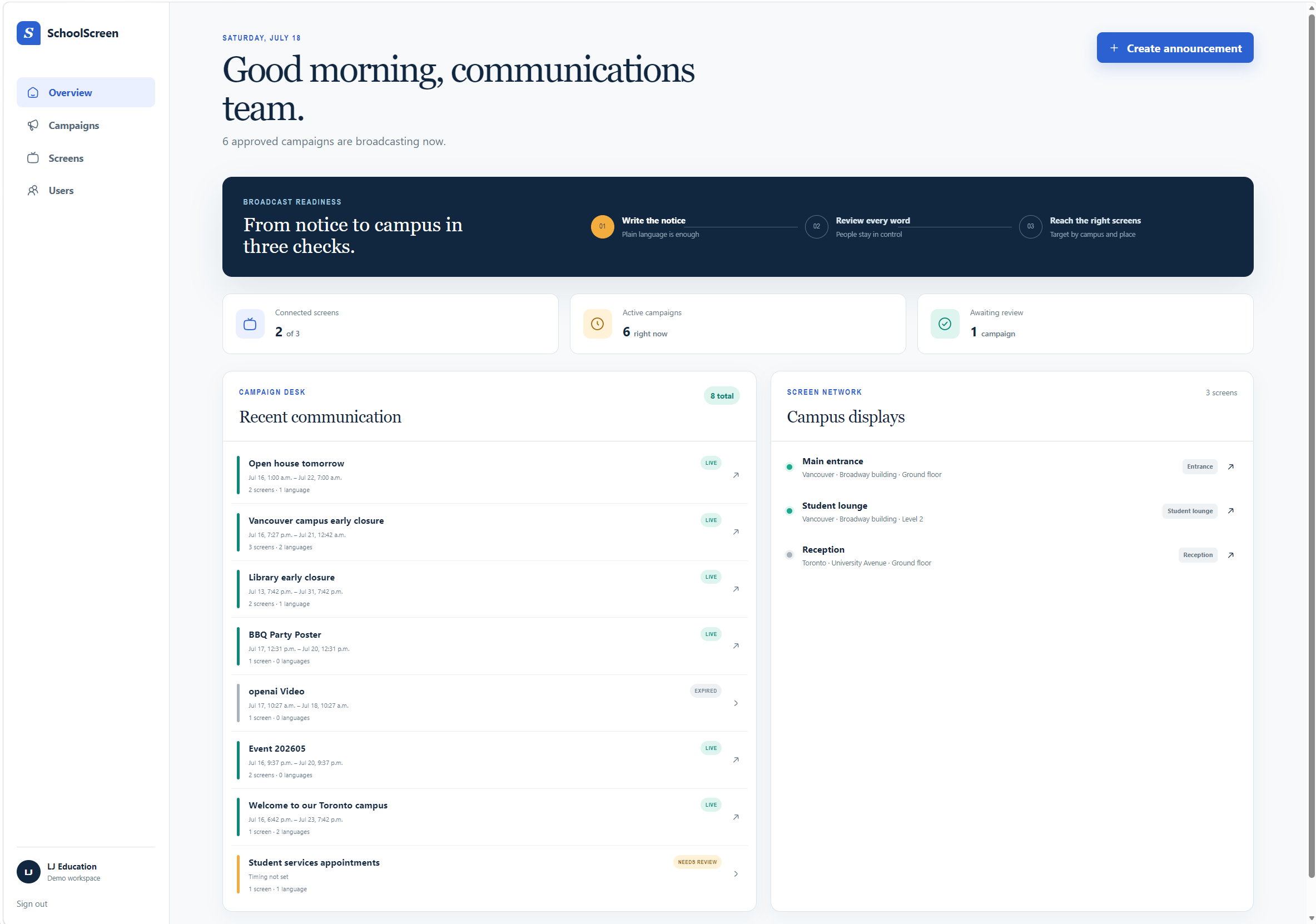
Overview/Home
-
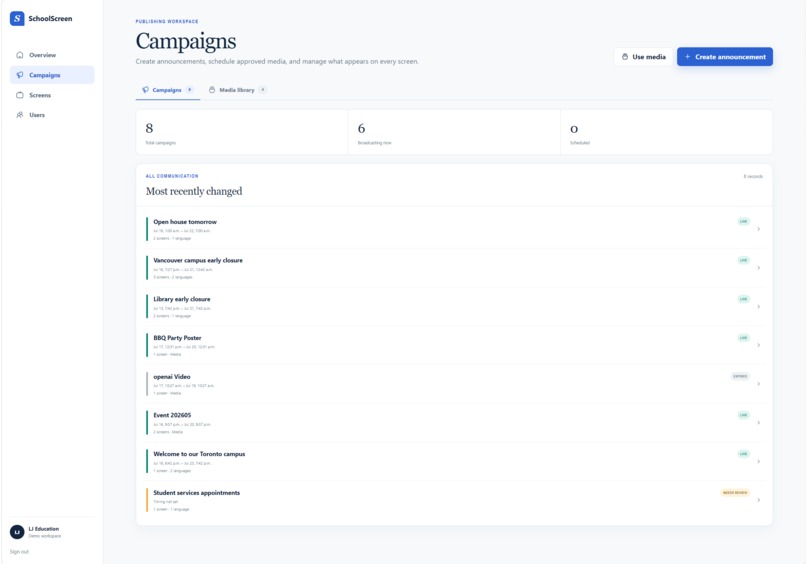
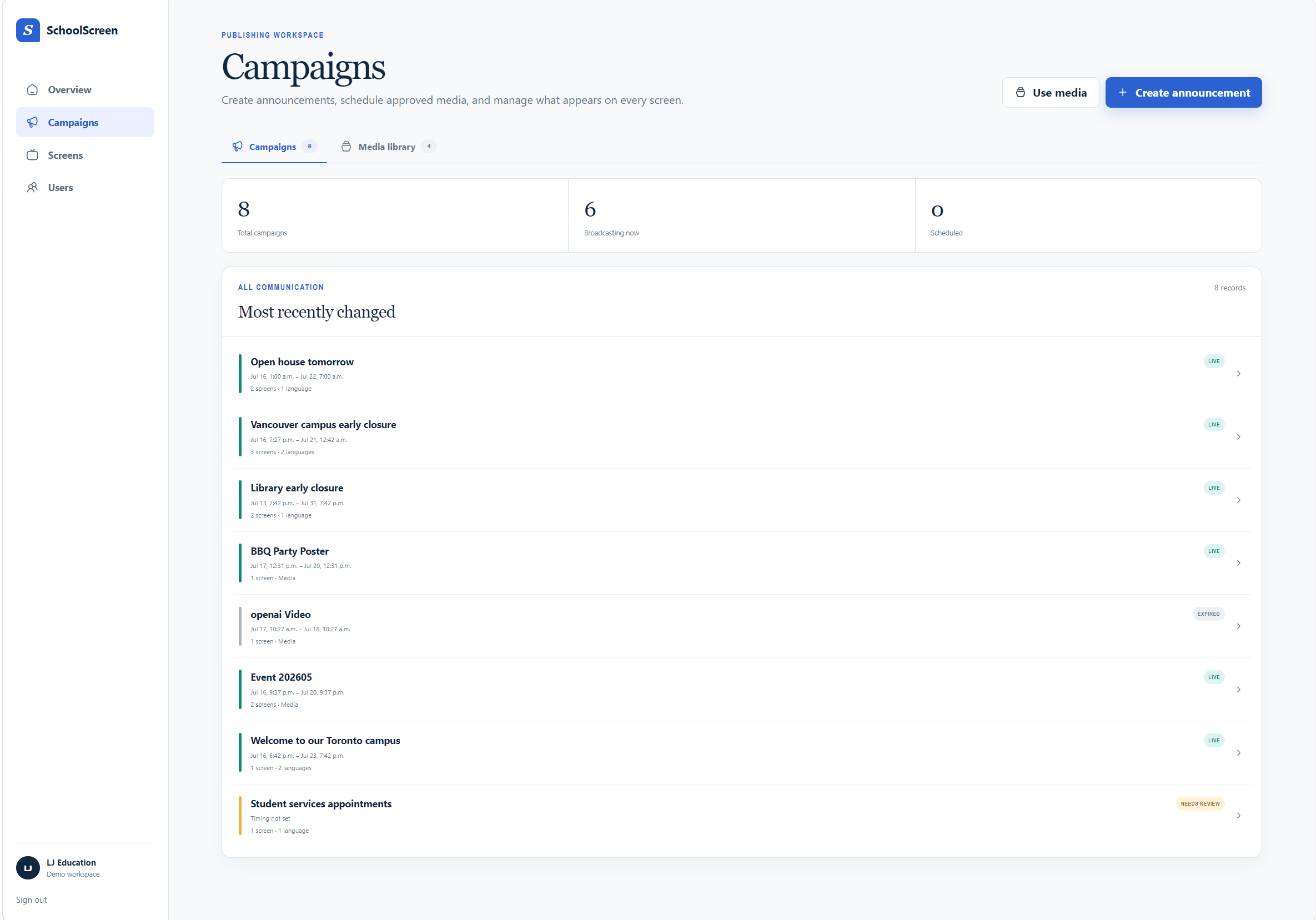
Campaigns
-
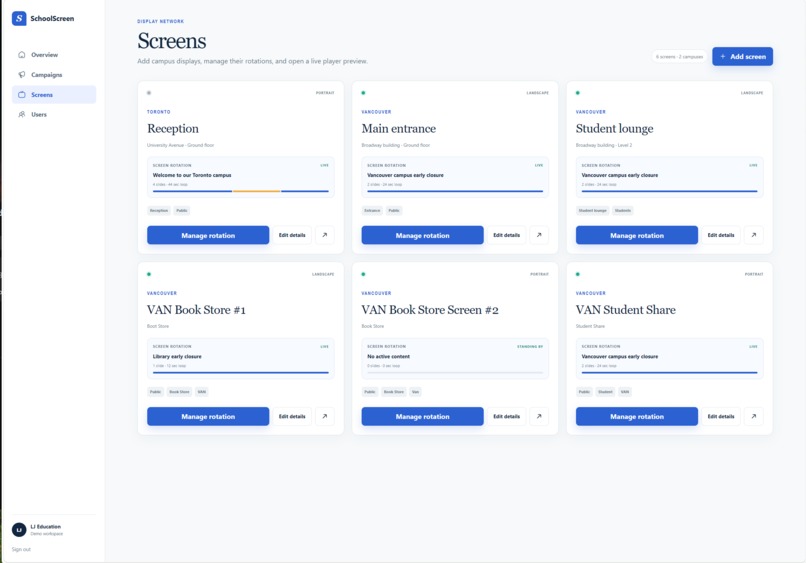
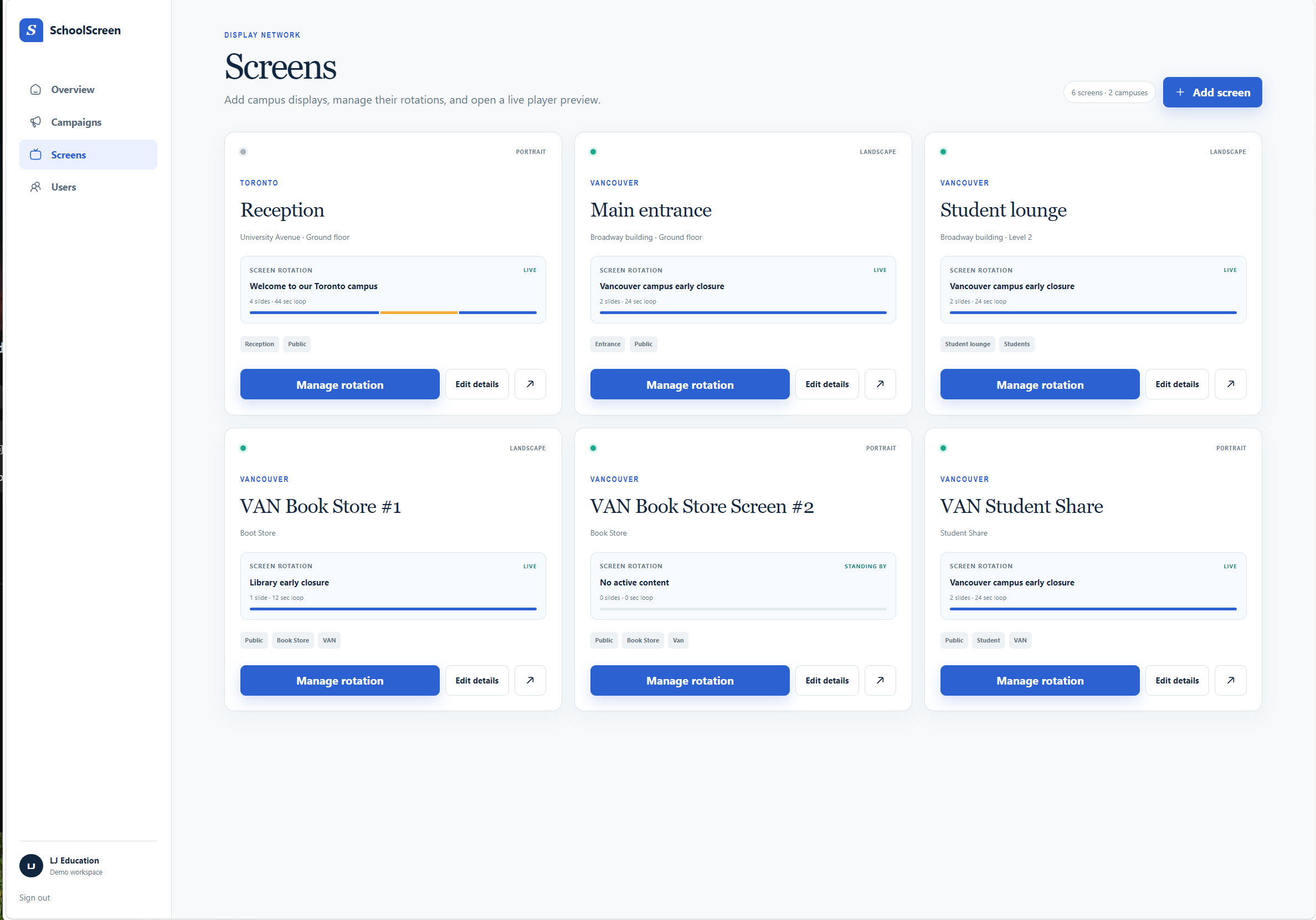
Screens
-
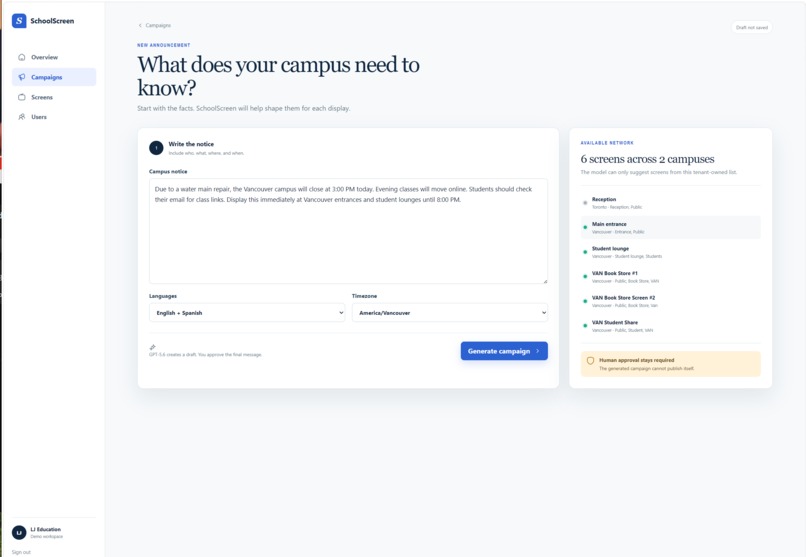
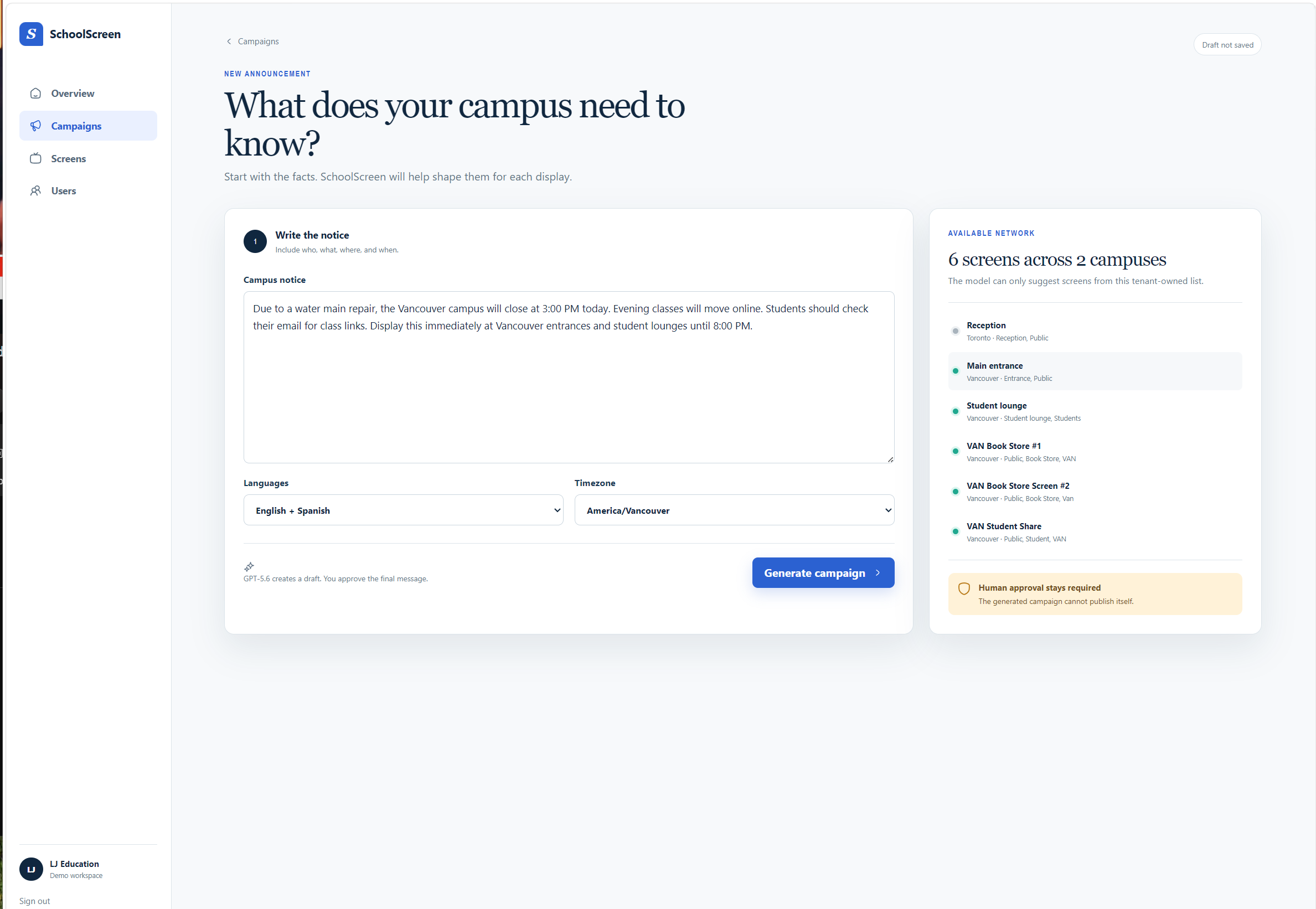
Create Campain/Annoucement
-
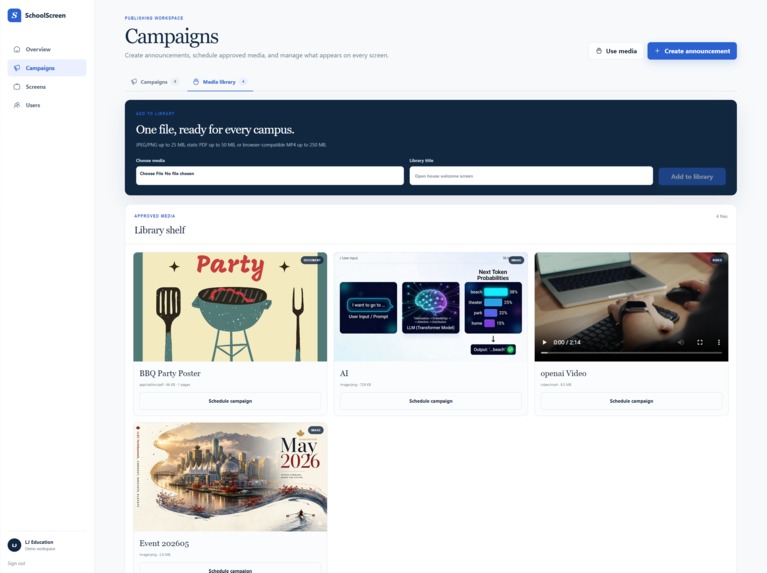
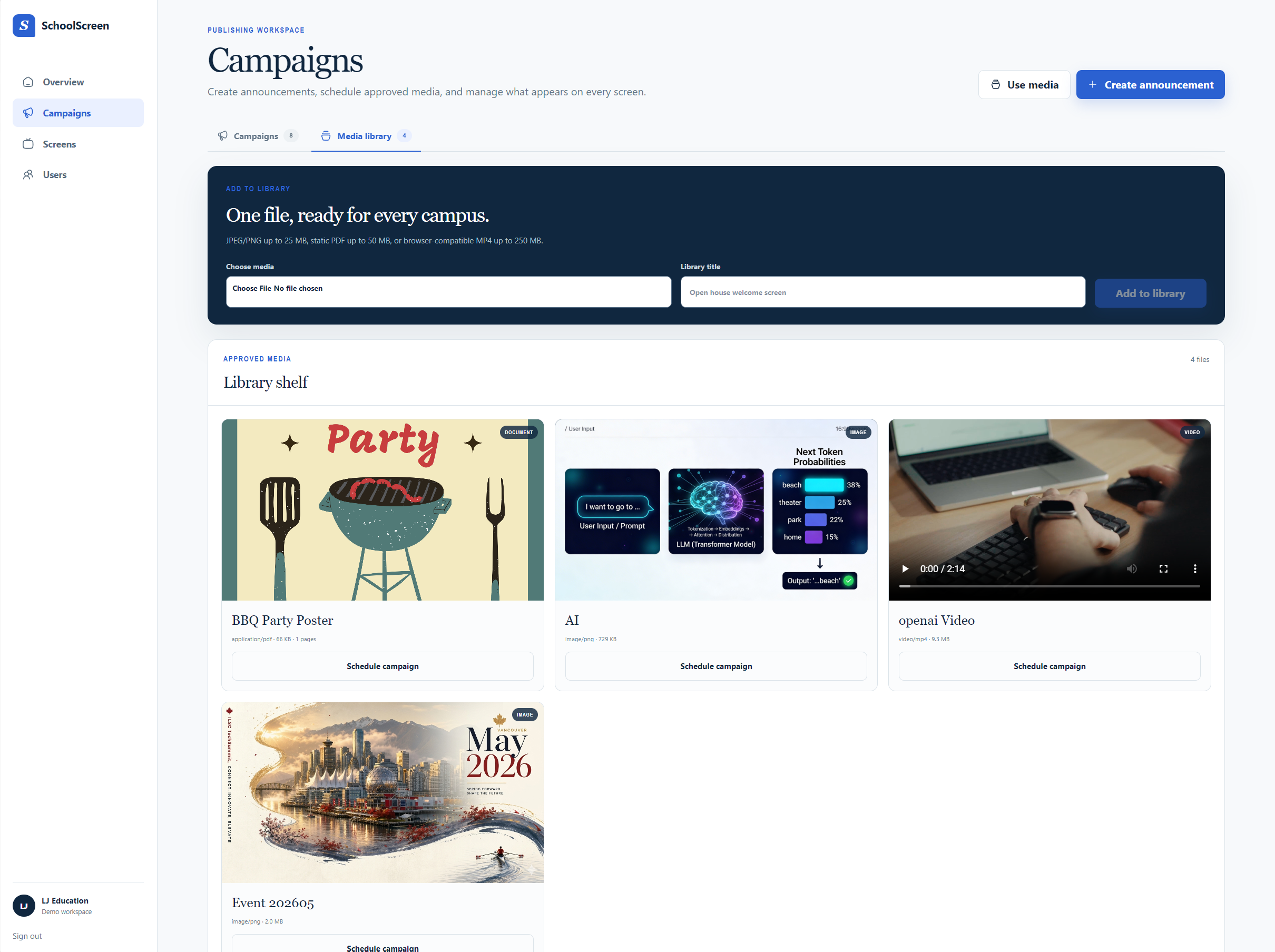
Media Library/Upload
-
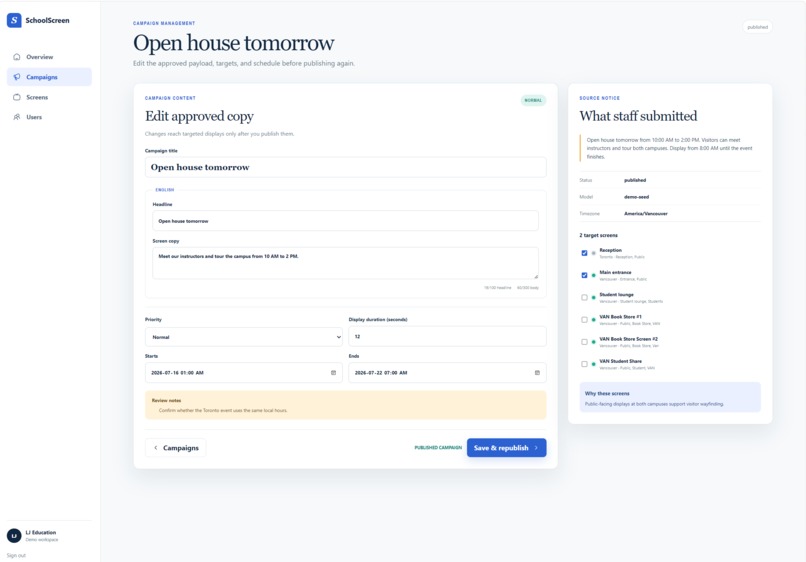
Campaign Detail/Publish
-
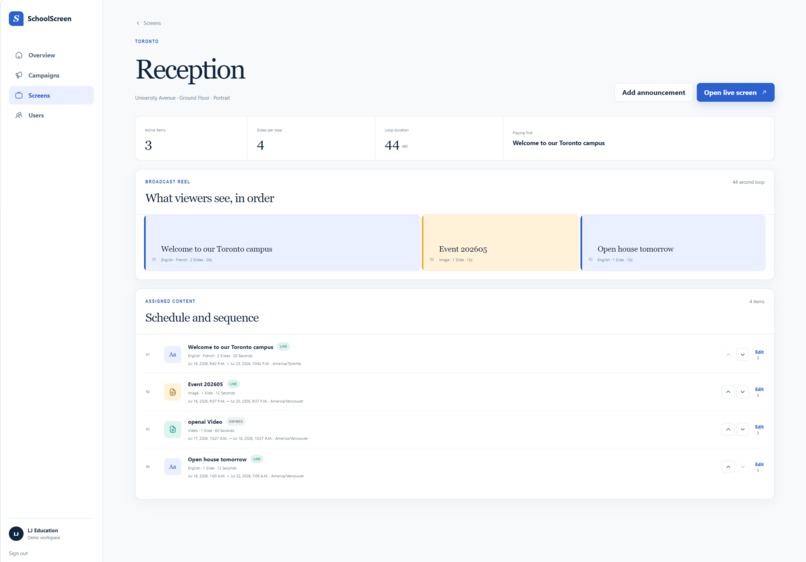
Screen Rotation/Detail
-
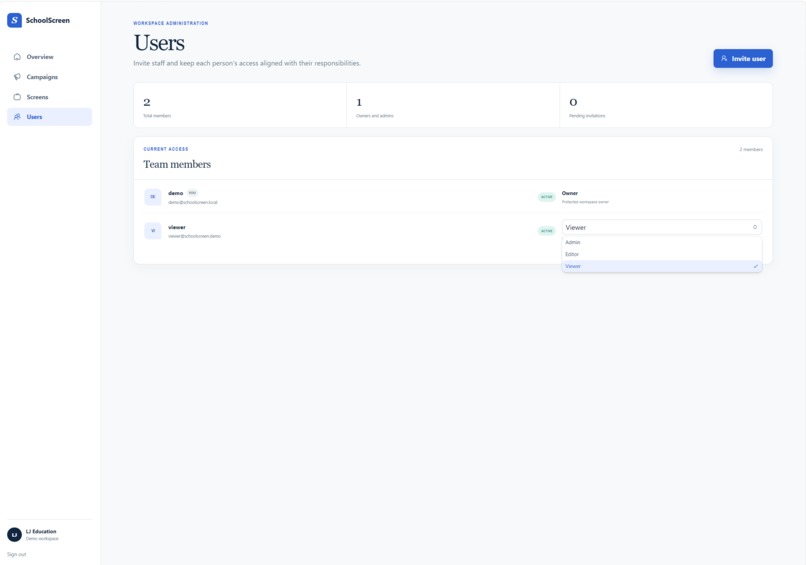
Users
-
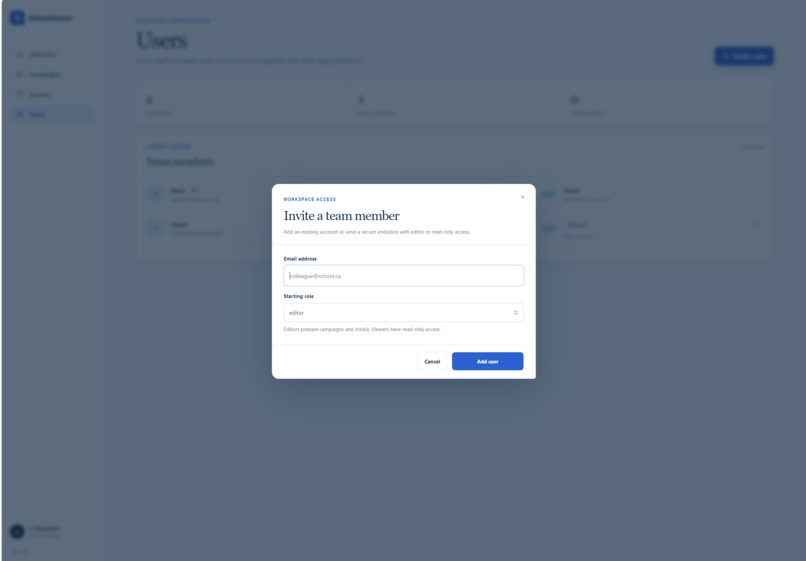
Add User
Inspiration
SchoolScreen was inspired by a common challenge in school/school district communications: turning an informal notice into a clear, timely message for multiple campuses and audiences.
Even a straightforward announcement can require staff to rewrite it for a display, translate it, decide which screens should show it, and determine when it should appear. During closures, schedule changes, or other urgent situations, that manual process creates delays and inconsistencies.
We wanted to explore how AI could reduce that work without removing human judgment. SchoolScreen treats AI as a drafting assistant while keeping school staff responsible for reviewing, editing, approving, and publishing every message.
What it does
SchoolScreen turns a plain-language school notice into a structured, multilingual digital-signage campaign.
A staff member enters an announcement and selects up to three languages. SchoolScreen then proposes concise display copy, translations, timing, target campuses or screen tags, and any warnings that may require attention.
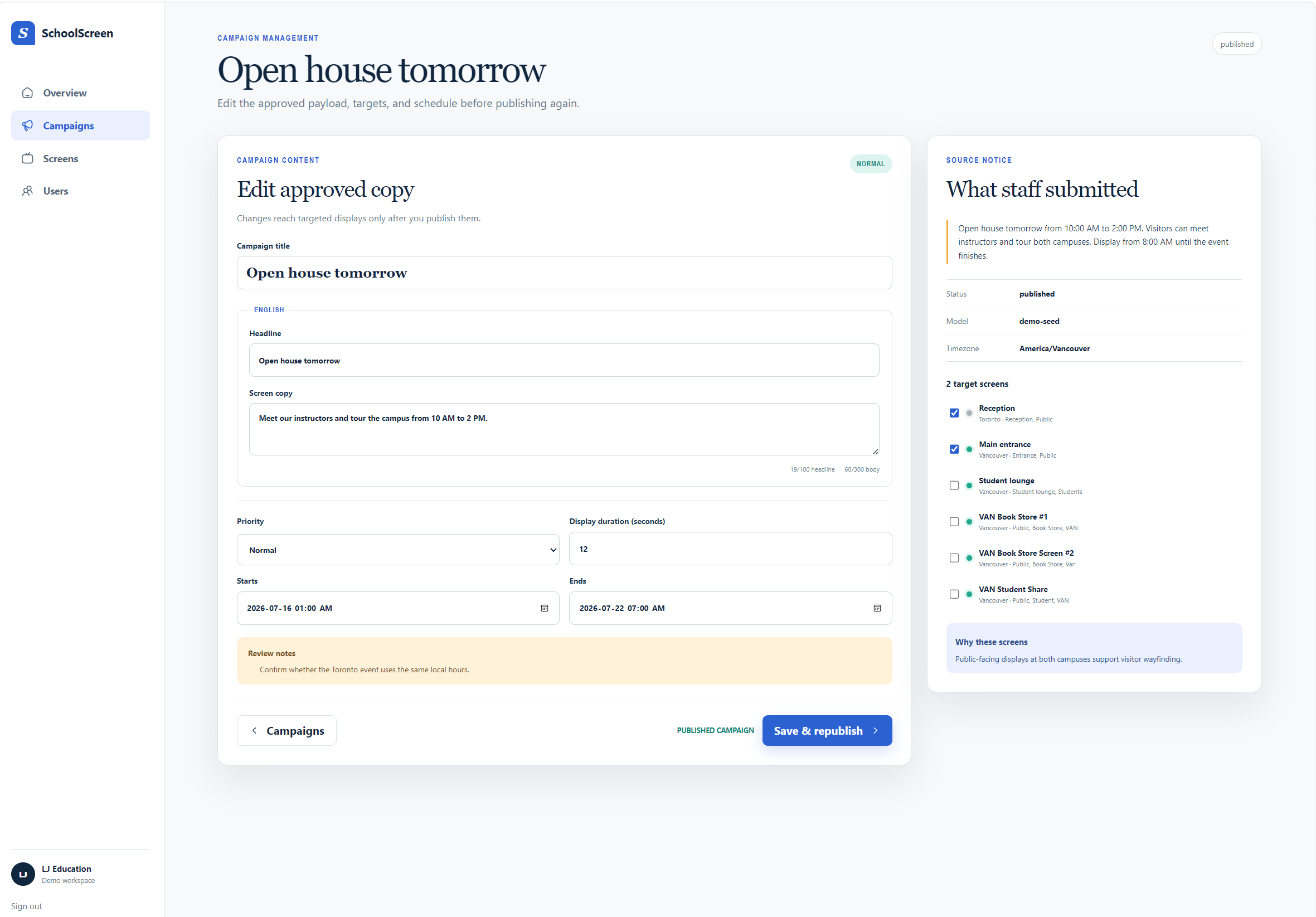
Before anything is published, the user can compare the original notice with the generated version, edit the content, review the proposed targets and schedule, and explicitly approve the campaign.
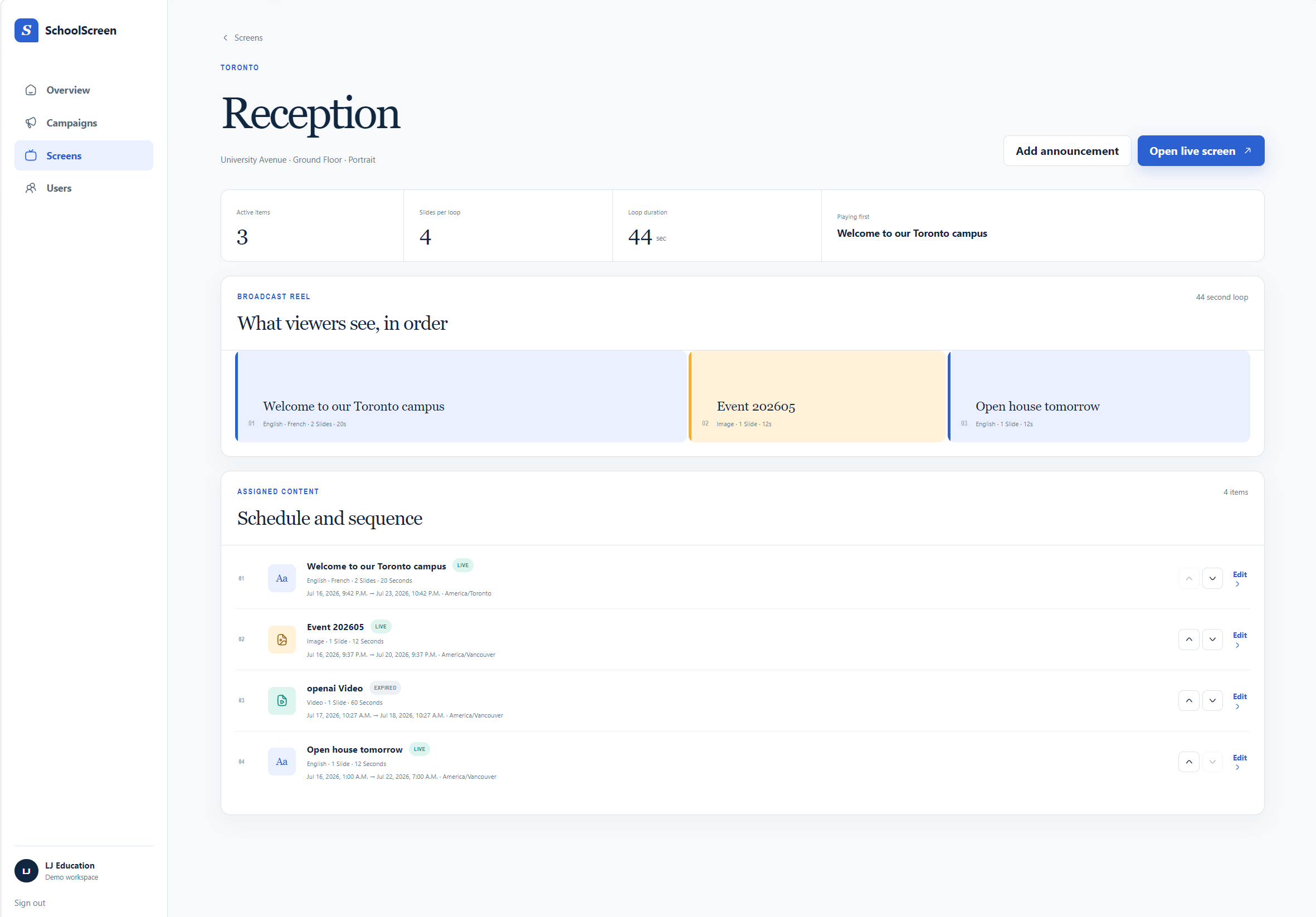
Approved campaigns are added to the appropriate screen rotations and displayed through a full-screen browser player. The platform also supports scheduled images, videos, and static PDF pages, along with screen management, playlist ordering, private media storage, and role-based team access.
How we built it
I built SchoolScreen as a full-stack TypeScript application using Next.js 16, React 19, and Tailwind CSS.
The AI campaign workflow uses the OpenAI Responses API with GPT-5.6 and schema-constrained Structured Outputs. The model receives the source notice, requested languages, timezone, and an allowlist of valid screen labels. Its response must pass application-level validation before it can be saved.
Supabase provides authentication, PostgreSQL persistence, Row Level Security, and private media storage. Tenant-aware policies keep each organization’s campaigns, screens, playlists, media, and members isolated.
The browser-based player retrieves the active playlist for a screen and renders text campaigns, JPEG and PNG images, MP4 videos, and PDF pages. PDF.js converts uploaded documents into ordered static pages for reliable playback.
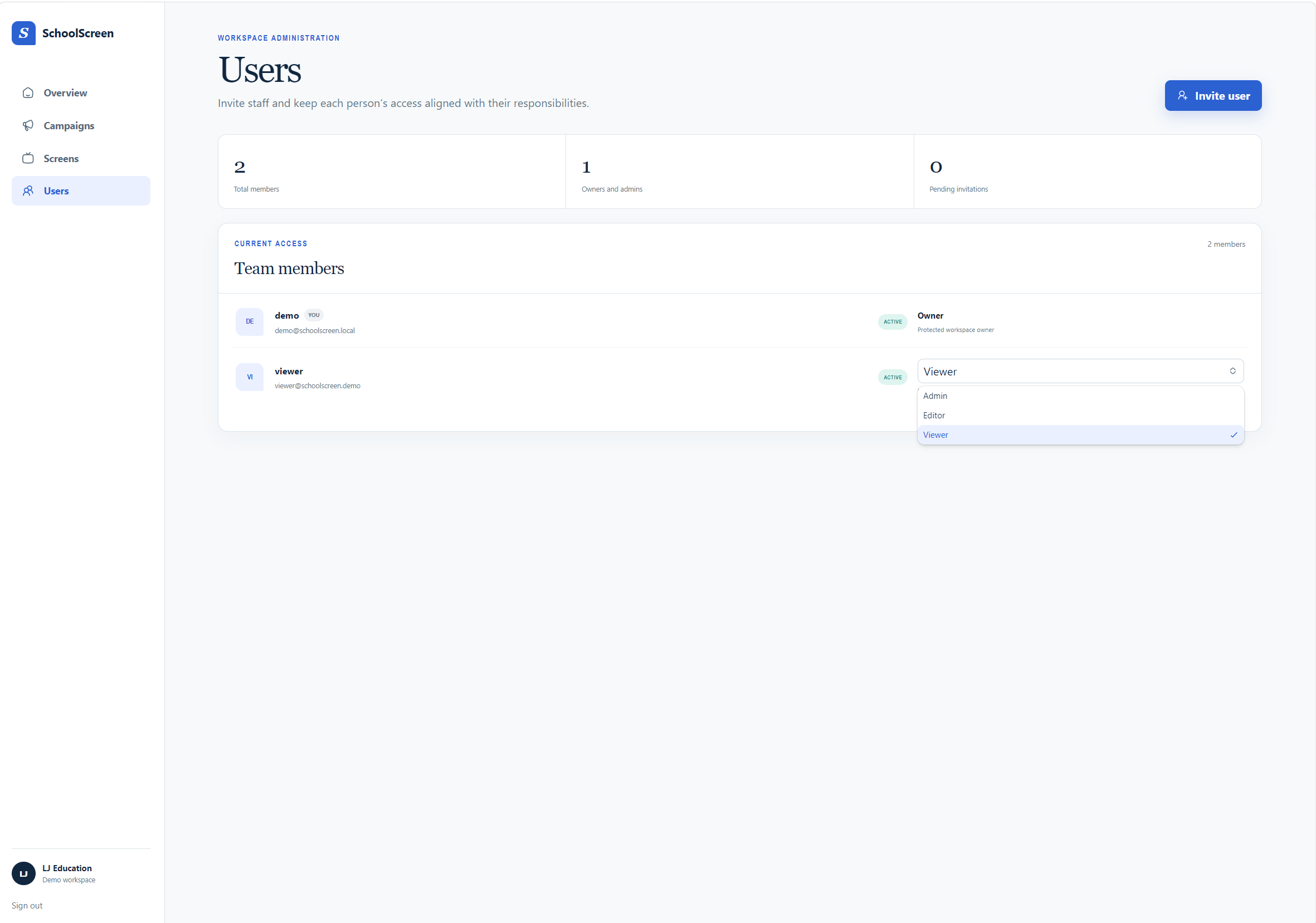
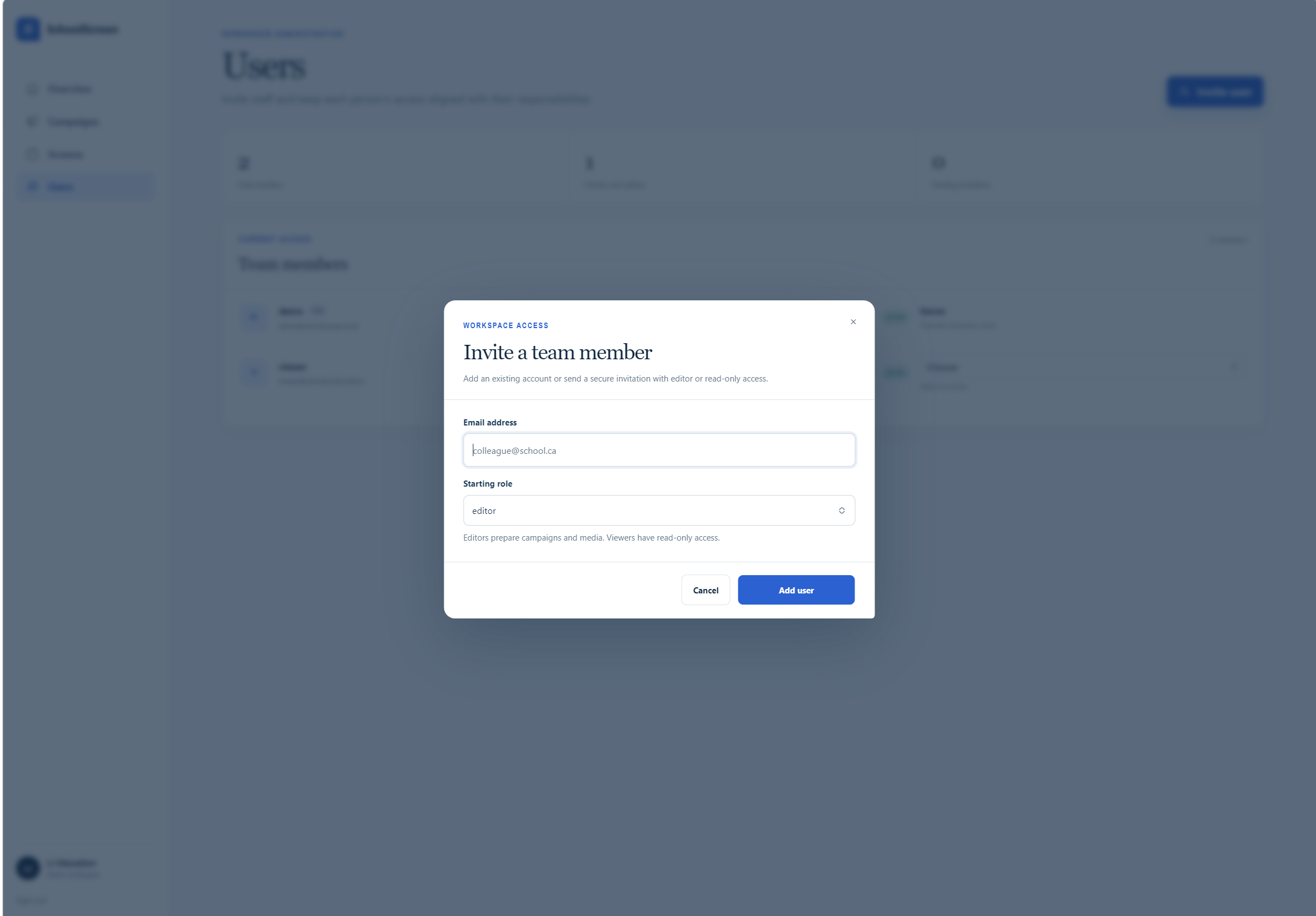
We also created role-based workflows for owners, admins, editors, and viewers. Sensitive actions such as publishing campaigns, managing screens, and inviting members are restricted by both the interface and server-side authorization.
ChatGPT/Codex helped us plan the architecture, turn the product requirements into an implementable vertical slice, build features, and create tests around proposal validation, scheduling, screen input, and playback behaviour.
Challenges we ran into
One of the biggest challenges was connecting probabilistic AI output to a deterministic publishing system. A generated message can be helpful without necessarily being valid, safe, or appropriate to publish. I addressed this with strict structured output, bounded field lengths, and mandatory human approval.
Scheduling was another deceptively difficult area. School notices are expressed in local time, while databases generally store timestamps in UTC. Timezone, daylight-saving transitions, invalid wall-clock times, and campaign expiry all had to be handled consistently.
Supporting several media types in one player also required careful design. Text, images, videos, and multi-page PDFs have different timing and rendering behaviour, but still need to become one predictable, ordered screen rotation.
Finally, hard to balance a full version of digital-signage software version into a 2 days hackathon (I know this OpenAI Build Week very late). I shortlisted features I planned before and was able to finish and submit before deadline.
Accomplishments that we're proud of
I am especially proud that SchoolScreen is more than an AI text-generation demo. It connects generation to validation, human review, role-based approval, persistent scheduling, private media, and actual browser-based playback.
We built an explicit boundary between AI assistance and human authority. The model can propose content and targeting, but it cannot authenticate users, access the database directly, approve its own work, or publish a campaign.
We are also proud of the multilingual review experience, where users can edit generated variants and see the original and final content before publication.
The current application includes tenant isolation, private storage, invitation-based teams, four access roles, screen and playlist management, PDF playback, and a local demo mode for reliable presentation. Its core proposal, timezone, screen-validation, and playback logic is covered by tests.
What we learned
I learned that the most useful role for AI in operational communication is not autonomous decision-making—it is transforming messy human intent into a well-structured starting point.
I also learned that digital signage becomes a distributed-systems problem surprisingly quickly. Scheduling, private asset delivery, device identity, network interruptions, playlist versioning, and screen health all affect whether the right message appears at the right place and time.
What's next for Schoolscreen
For SchoolScreen, there are a few items on roadmap: -Support multi-zone layouts, live dashboards, calendars, weather and news widgets. -Screen player health monitoring, drag and drop schedule change, and offline playback using a last-known-good playlist. -Screen player app as native app for TV -School District support: more role group and support feature to manage school/user/screens. -More detail logging and insight reporting system
Demo Account
Use the try it out link and with demo account with: Name: [email protected] Password: /\2y/2OCMi4t
Built With
- css
- javascript
- next.js
- node.js
- npm
- openai
- pdf.js
- react
- supabase
- tailwind
