-
-
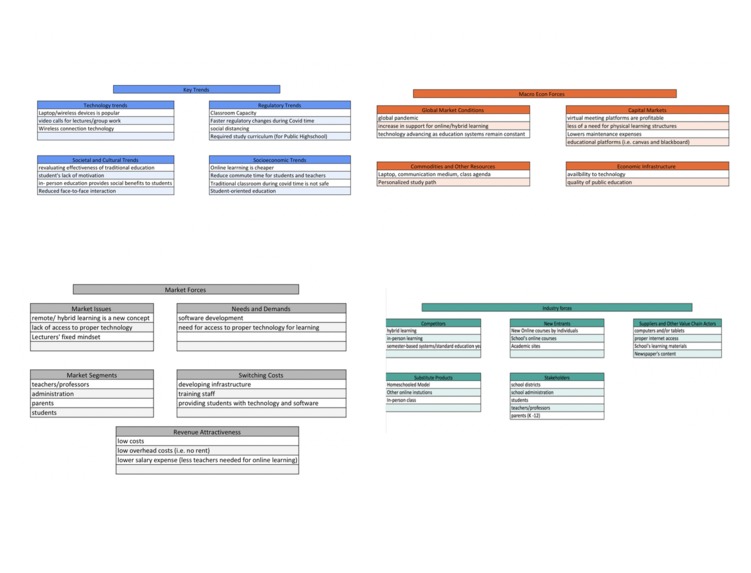
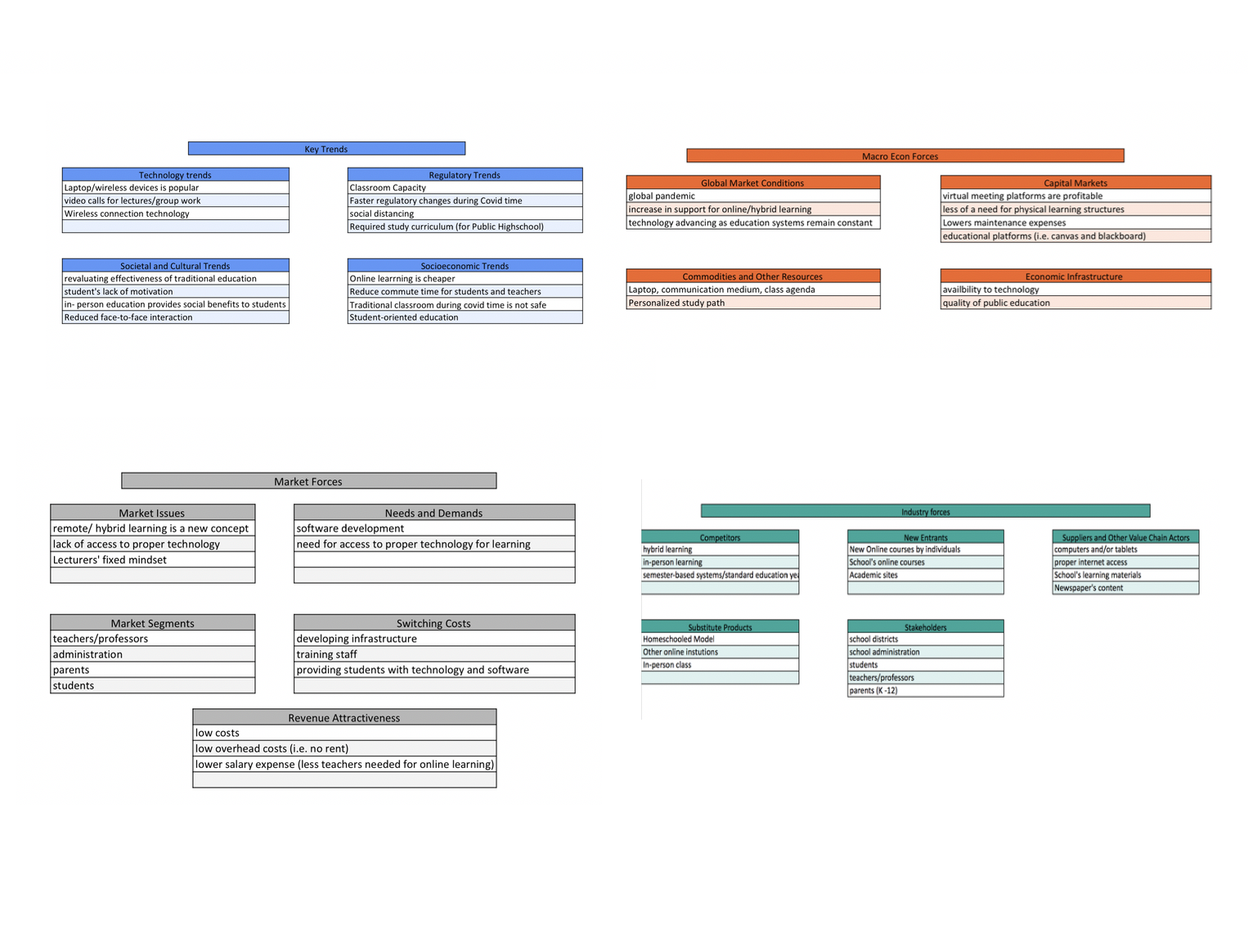
Schools & Colleges - Team 7- Environmental Analysis
-
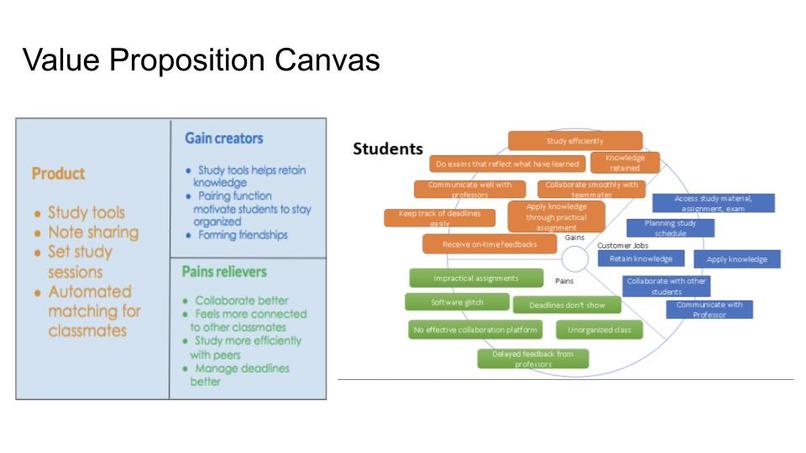
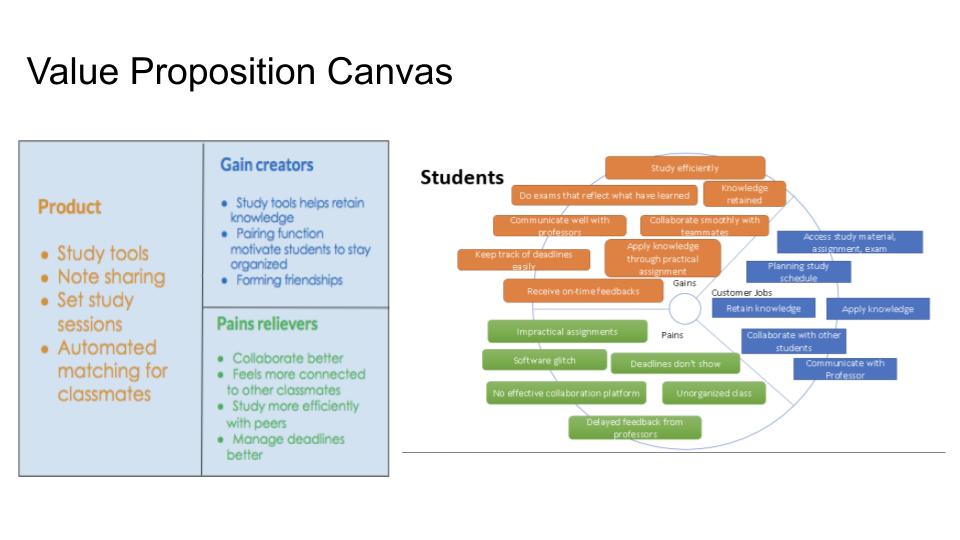
Schools & Colleges - Team 7- Value Proposition Canvas
-
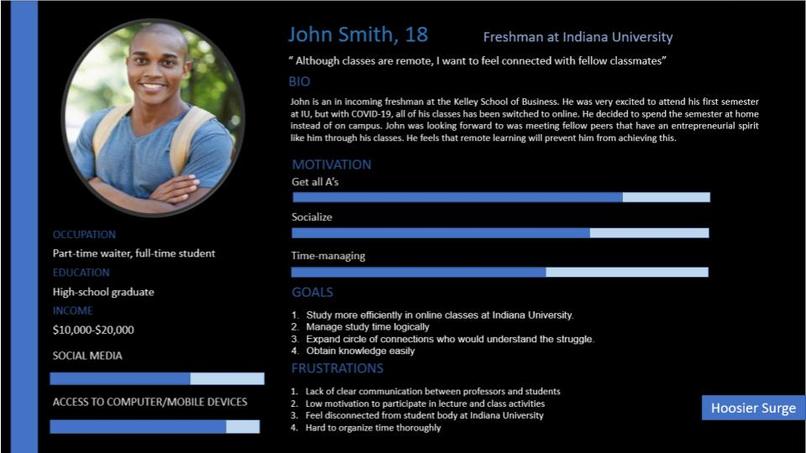
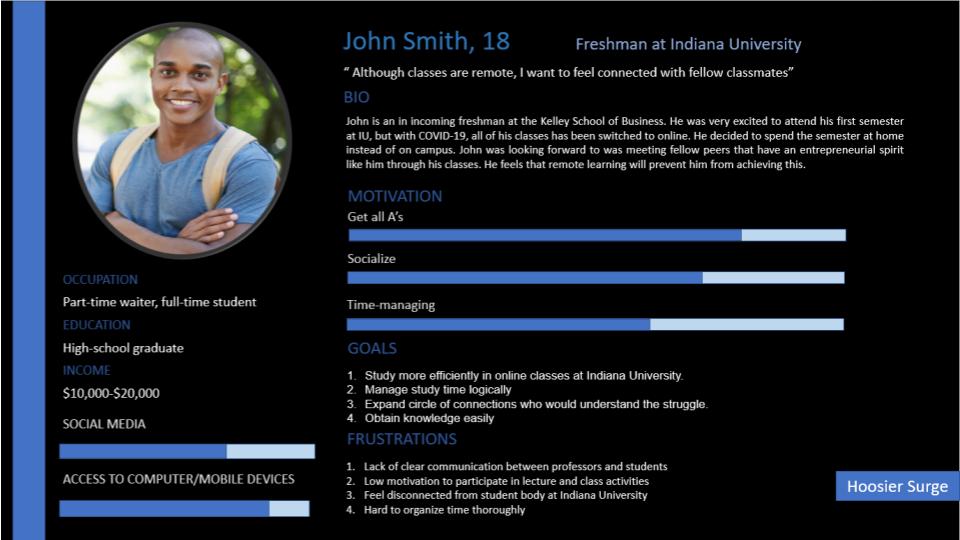
Schools & Colleges - Team 7- Customer Persona
-
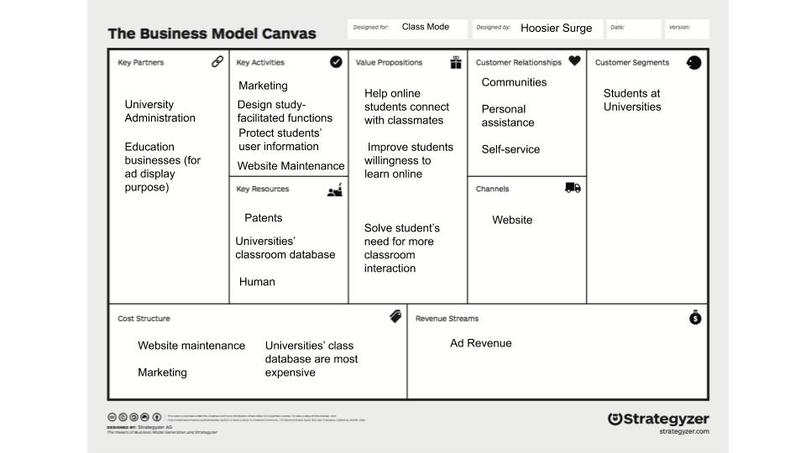
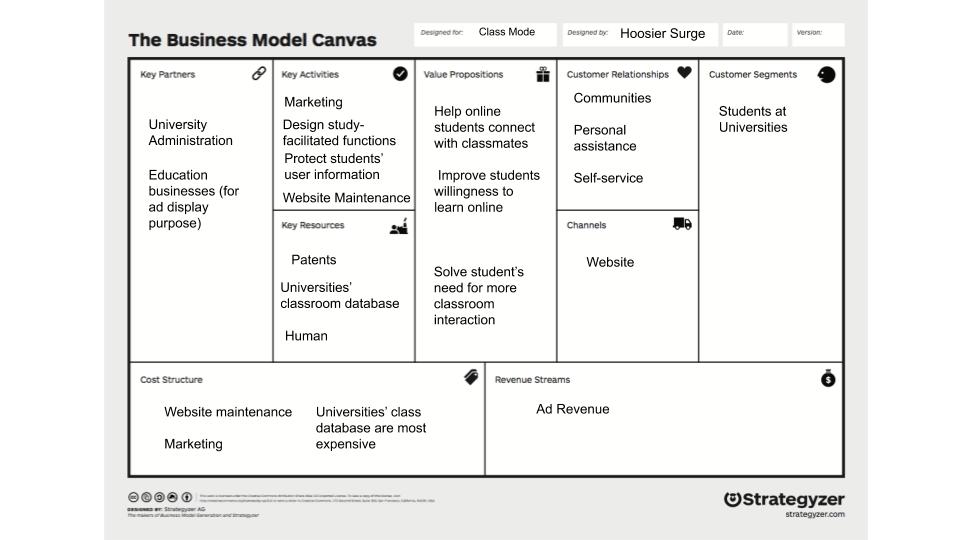
Schools & Colleges - Team 7- Business Model Canvas
-
Schools & Colleges - Team 7- Abstract Page 4
-
Schools & Colleges - Team 7- Abstract Page 3
-
Schools & Colleges - Team 7- Abstract Page 1
-
Schools & Colleges - Team 7- Abstract Page 2
Overview
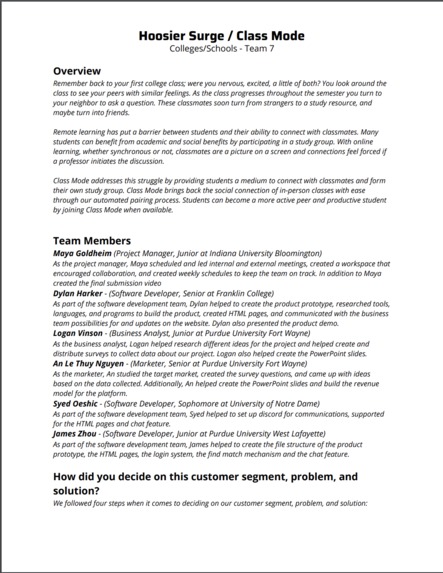
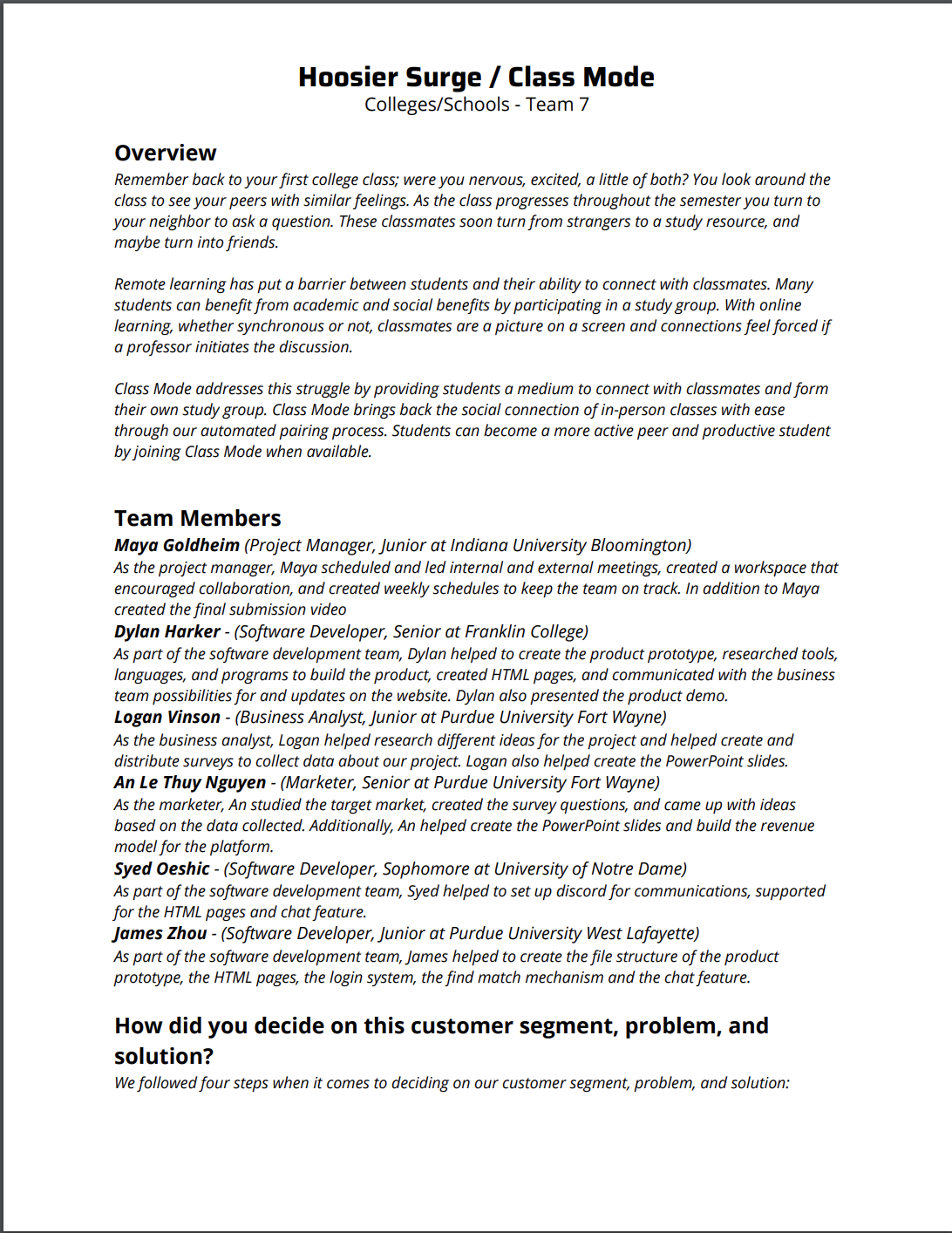
Remember back to your first college class; were you nervous, excited, a little of both? You look around the class to see your peers with similar feelings. As the class progresses throughout the semester you turn to your neighbor to ask a question. These classmates soon turn from strangers to a study resource, and maybe turn into friends.
Remote learning has put a barrier between students and their ability to connect with classmates. Many students can benefit from academic and social benefits by participating in a study group. With online learning, whether synchronous or not, classmates are a picture on a screen and connections feel forced if a professor initiates the discussion.
Class Mode addresses this struggle by providing students a medium to connect with classmates and form their own study group. Class Mode brings back the social connection of in-person classes with ease through our automated pairing process. Students can become a more active peer and productive student by joining Class Mode when available.
Team Members
Maya Goldheim (Project Manager, Junior at Indiana University Bloomington) As the project manager, Maya scheduled and led internal and external meetings, created a workspace that encouraged collaboration, and created weekly schedules to keep the team on track. In addition to Maya created the final submission video Dylan Harker - (Software Developer, Senior at Franklin College) As part of the software development team, Dylan helped to create the product prototype, researched tools, languages, and programs to build the product, created HTML pages, and communicated with the business team possibilities for and updates on the website. Dylan also presented the product demo. Logan Vinson - (Business Analyst, Junior at Purdue University Fort Wayne) As the business analyst, Logan helped research different ideas for the project and helped create and distribute surveys to collect data about our project. Logan also helped create the PowerPoint slides. An Le Thuy Nguyen - (Marketer, Senior at Purdue University Fort Wayne) As the marketer, An studied the target market, created the survey questions, and came up with ideas based on the data collected. Additionally, An helped create the PowerPoint slides and build the revenue model for the platform. Syed Oeshic - (Software Developer, Sophomore at University of Notre Dame) As part of the software development team, Syed helped to set up discord for communications, supported for the HTML pages and chat feature. James Zhou - (Software Developer, Junior at Purdue University West Lafayette) As part of the software development team, James helped to create the file structure of the product prototype, the HTML pages, the login system, the find match mechanism and the chat feature.
How did you decide on this customer segment, problem, and solution?
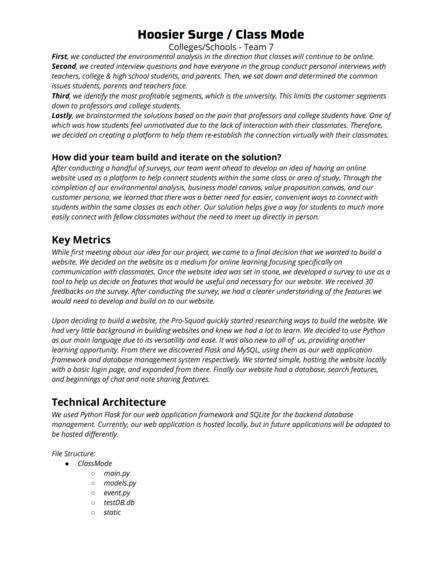
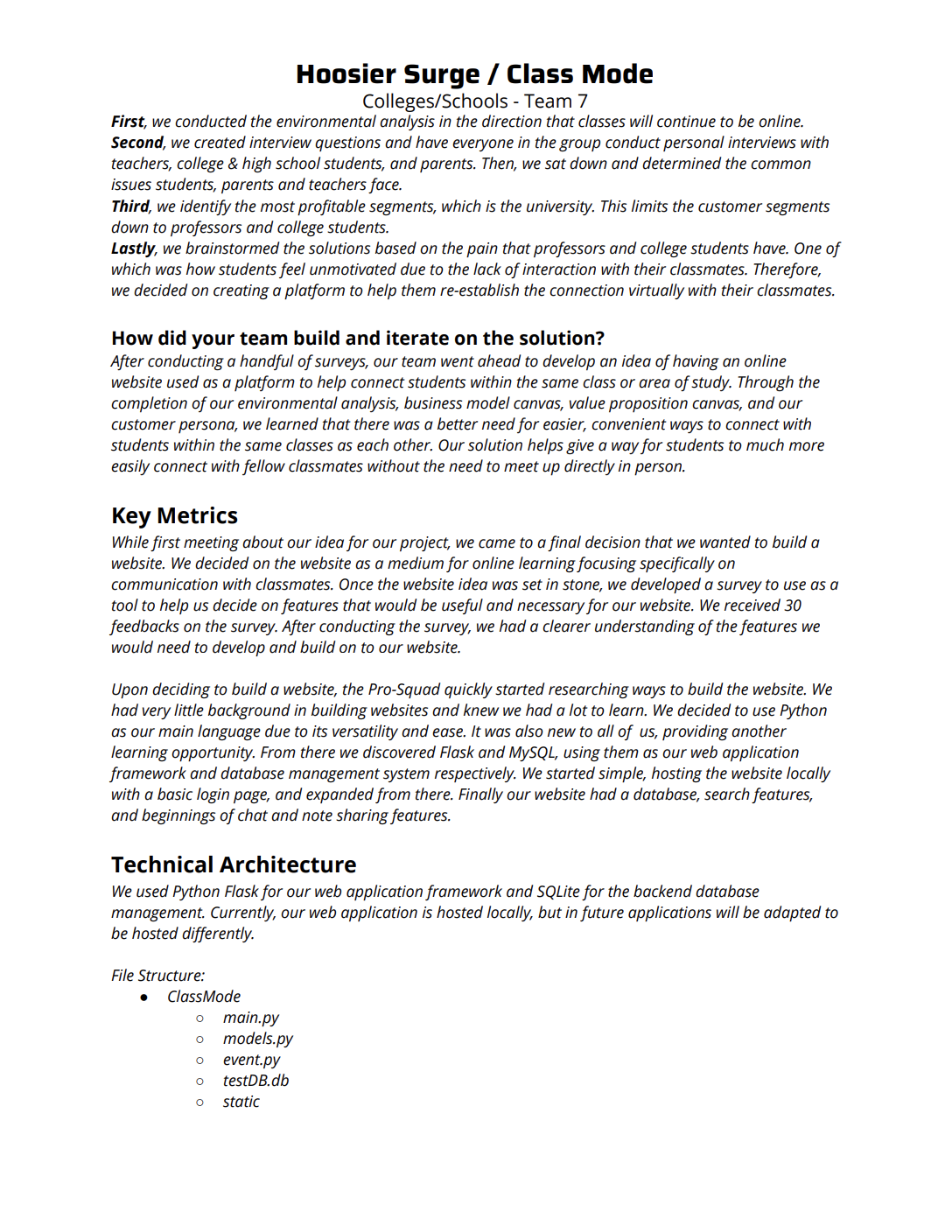
We followed four steps when it comes to deciding on our customer segment, problem, and solution: First, we conducted the environmental analysis in the direction that classes will continue to be online. Second, we created interview questions and have everyone in the group conduct personal interviews with teachers, college & high school students, and parents. Then, we sat down and determined the common issues students, parents and teachers face. Third, we identify the most profitable segments, which is the university. This limits the customer segments down to professors and college students. Lastly, we brainstormed the solutions based on the pain that professors and college students have. One of which was how students feel unmotivated due to the lack of interaction with their classmates. Therefore, we decided on creating a platform to help them re-establish the connection virtually with their classmates.
How did your team build and iterate on the solution?
After conducting a handful of surveys, our team went ahead to develop an idea of having an online website used as a platform to help connect students within the same class or area of study. Through the completion of our environmental analysis, business model canvas, value proposition canvas, and our customer persona, we learned that there was a better need for easier, convenient ways to connect with students within the same classes as each other. Our solution helps give a way for students to much more easily connect with fellow classmates without the need to meet up directly in person.
Key Metrics
While first meeting about our idea for our project, we came to a final decision that we wanted to build a website. We decided on the website as a medium for online learning focusing specifically on communication with classmates. Once the website idea was set in stone, we developed a survey to use as a tool to help us decide on features that would be useful and necessary for our website. We received 30 feedbacks on the survey. After conducting the survey, we had a clearer understanding of the features we would need to develop and build on to our website.
Upon deciding to build a website, the Pro-Squad quickly started researching ways to build the website. We had very little background in building websites and knew we had a lot to learn. We decided to use Python as our main language due to its versatility and ease. It was also new to all of us, providing another learning opportunity. From there we discovered Flask and MySQL, using them as our web application framework and database management system respectively. We started simple, hosting the website locally with a basic login page, and expanded from there. Finally, our website had a database, search features, and beginnings of chat and note sharing features.
Technical Architecture
We used Python Flask for our web application framework and SQLite for the backend database management. Currently, our web application is hosted locally, but in future applications will be adapted to be hosted differently.
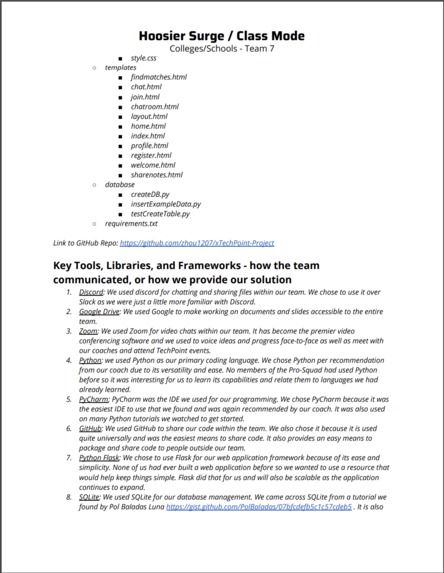
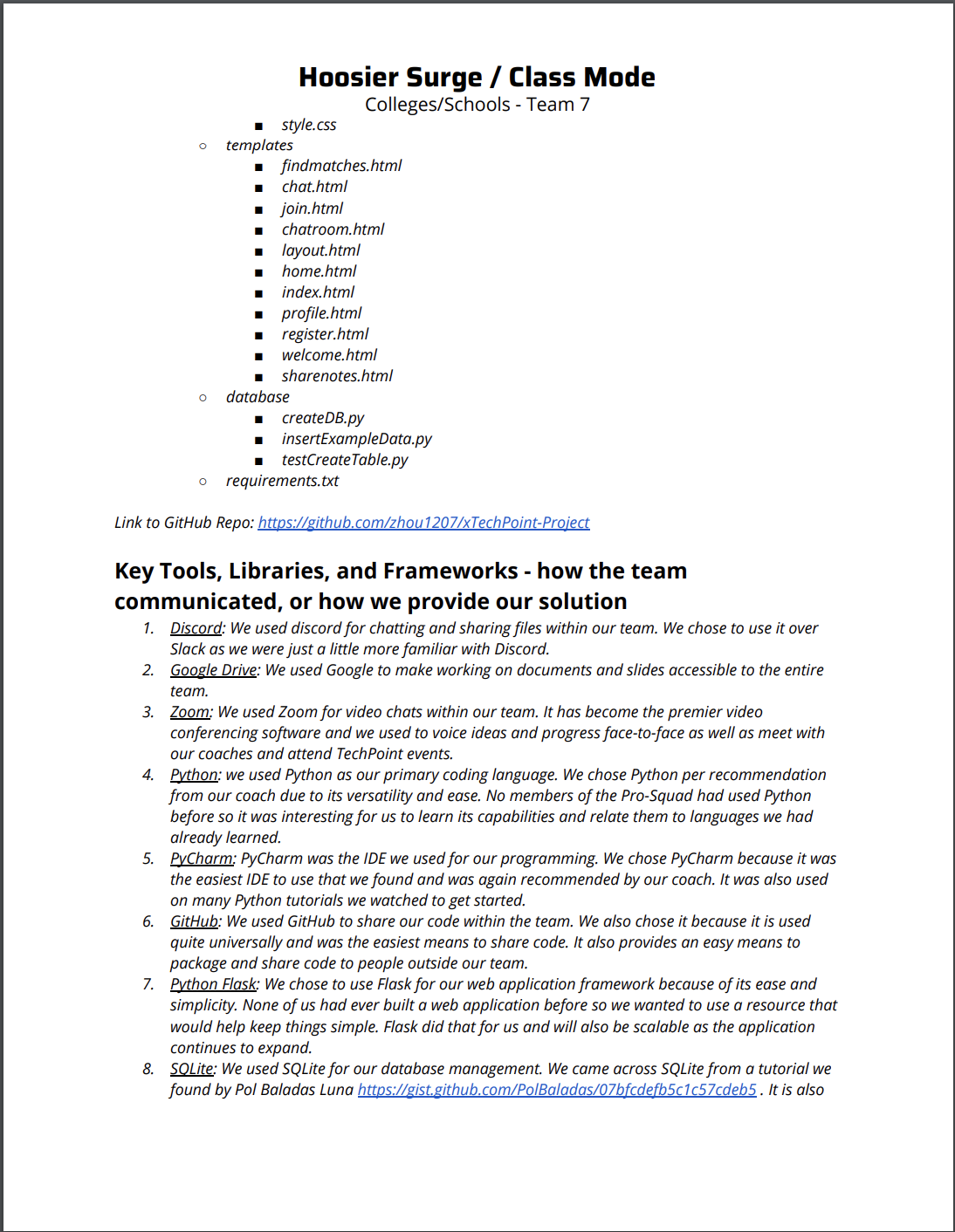
File Structure: ClassMode main.py models.py event.py testDB.db static style.css templates findmatches.html chat.html join.html chatroom.html layout.html home.html index.html profile.html register.html welcome.html sharenotes.html database createDB.py insertExampleData.py testCreateTable.py requirements.txt
Link to GitHub Repo: https://github.com/zhou1207/xTechPoint-Project
Key Tools, Libraries, and Frameworks - how the team communicated, or how we provide our solution
Discord: We used discord for chatting and sharing files within our team. We chose to use it over Slack as we were just a little more familiar with Discord. Google Drive: We used Google to make working on documents and slides accessible to the entire team. Zoom: We used Zoom for video chats within our team. It has become the premier video conferencing software and we used to voice ideas and progress face-to-face as well as meet with our coaches and attend TechPoint events. Python: we used Python as our primary coding language. We chose Python per recommendation from our coach due to its versatility and ease. No members of the Pro-Squad had used Python before so it was interesting for us to learn its capabilities and relate them to languages we had already learned. PyCharm: PyCharm was the IDE we used for our programming. We chose PyCharm because it was the easiest IDE to use that we found and was again recommended by our coach. It was also used on many Python tutorials we watched to get started. GitHub: We used GitHub to share our code within the team. We also chose it because it is used quite universally and was the easiest means to share code. It also provides an easy means to package and share code to people outside our team. Python Flask: We chose to use Flask for our web application framework because of its ease and simplicity. None of us had ever built a web application before so we wanted to use a resource that would help keep things simple. Flask did that for us and will also be scalable as the application continues to expand. SQLite: We used SQLite for our database management. We came across SQLite from a tutorial we found by Pol Baladas Luna https://gist.github.com/PolBaladas/07bfcdefb5c1c57cdeb5 . It is also commonly used for web-based data management. We found SQLite to be easy to query with and very compatible with Python.
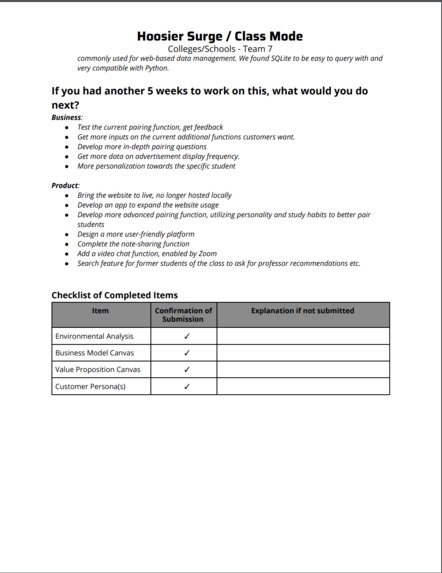
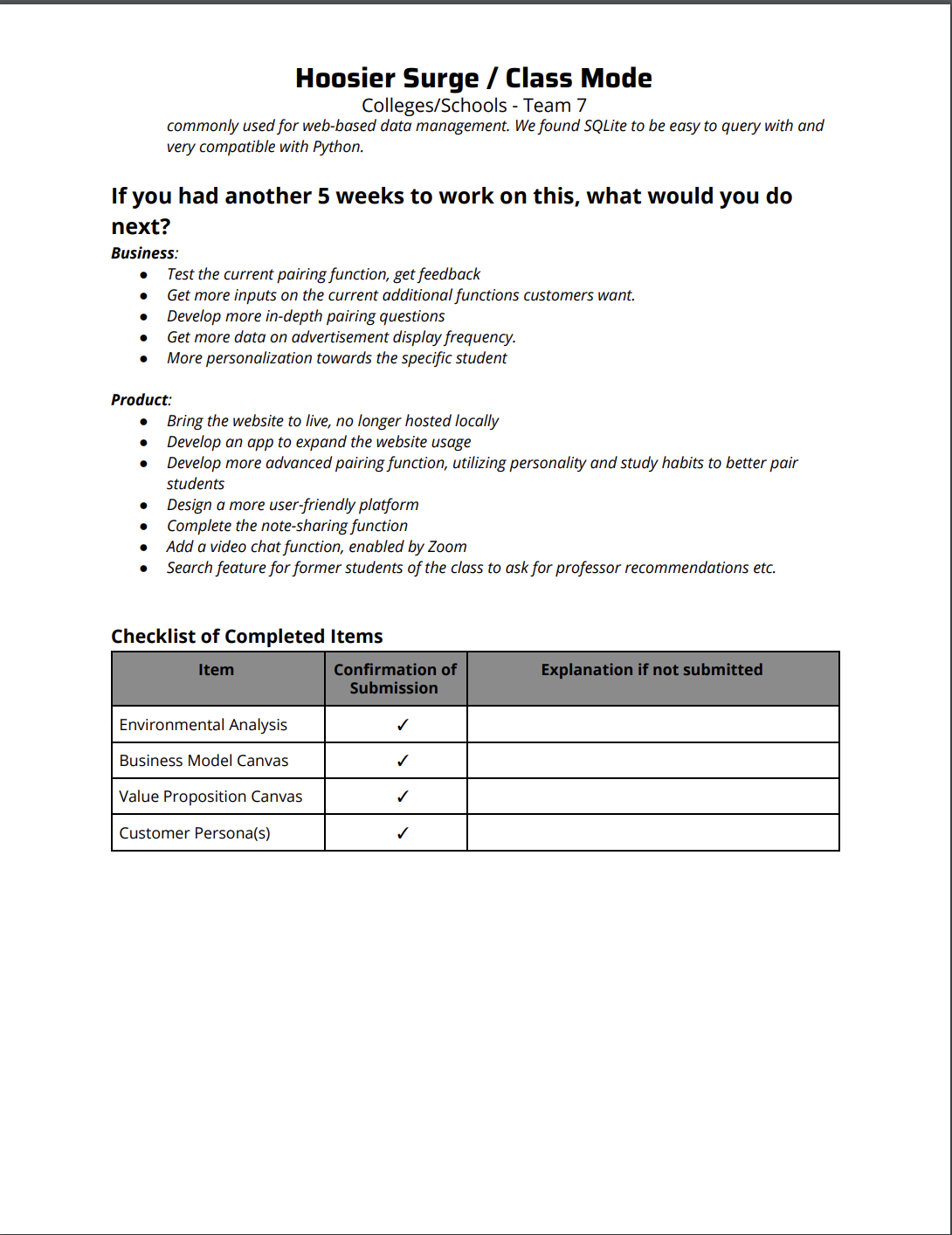
If you had another 5 weeks to work on this, what would you do next?
Business: Test the current pairing function, get feedback Get more inputs on the current additional functions customers want. Develop more in-depth pairing questions Get more data on advertisement display frequency. More personalization towards the specific student
Product: Bring the website to live, no longer hosted locally Develop an app to expand the website usage Develop more advanced pairing function, utilizing personality and study habits to better pair students Design a more user-friendly platform Complete the note-sharing function Add a video chat function, enabled by Zoom Search feature for former students of the class to ask for professor recommendations etc.


Log in or sign up for Devpost to join the conversation.