-
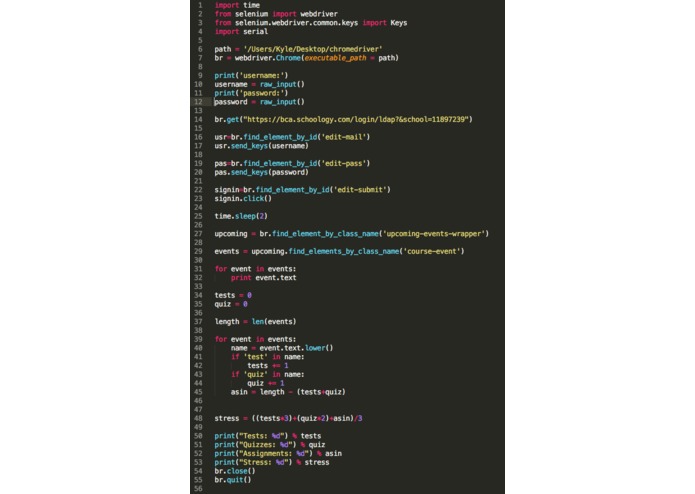
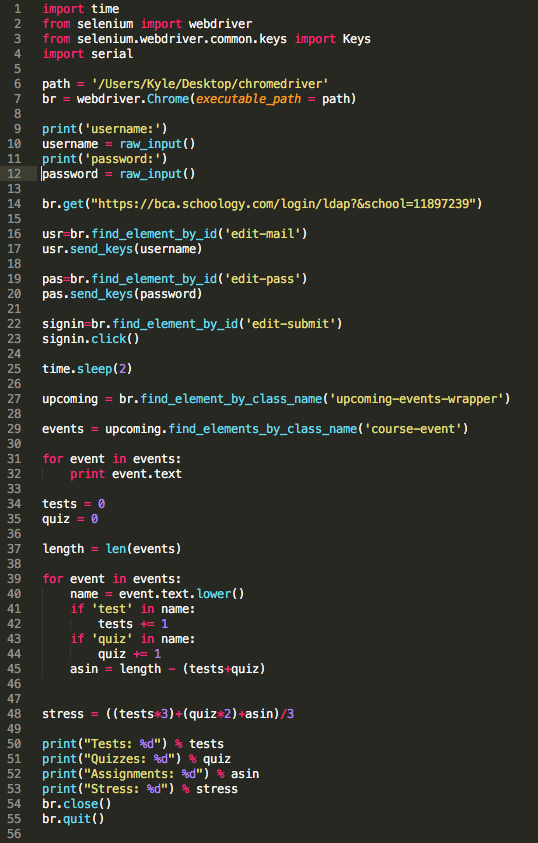
Python Script
-
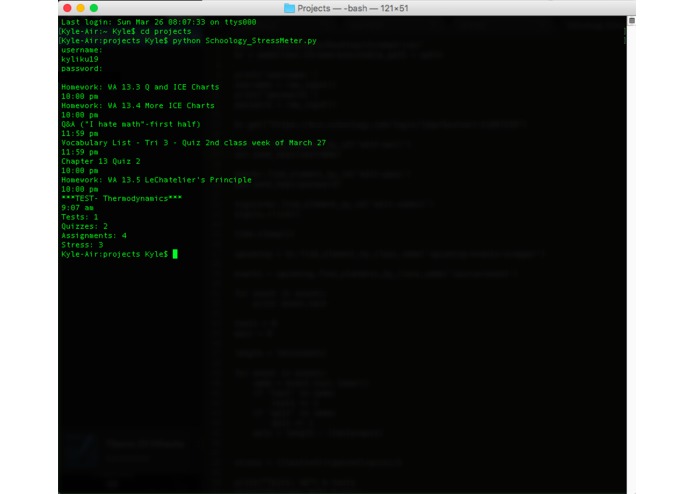
Console Output
-
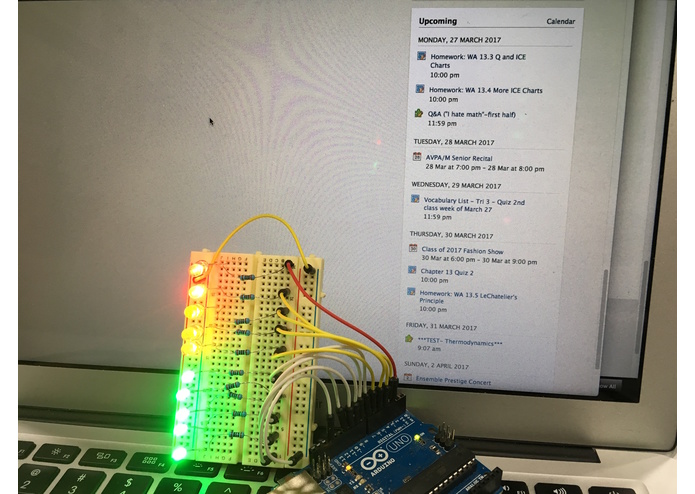
Prototype Arduino Indicator
Inspiration
In such an intense school environment, it is easy for students to get lost in their workload. Commonly, they may think they can set off a certain assignment for a later time only to find themselves extremely stressed out and doing everything last minute. This is a result of lack of prioritization and planning, and we had a vision to change that.
What it does
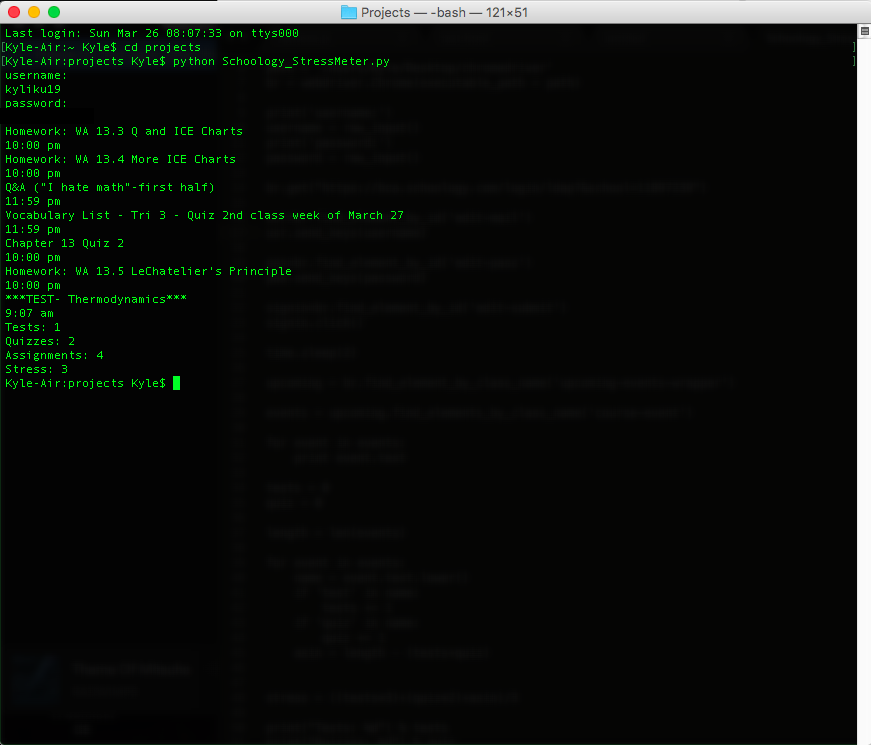
The Stress-meter parses into your schoology "upcoming" section and extracts various data– that include everything from tests to quizzes to homework assignments. From there, my python script detects any key words in each element, which determines what type of upcoming event it is (like a test, quiz, or assignment). Then the number of each type of event is displayed in the console. Depending on these criterion, the overall stress level is calculated– tests and quizzes being more "weighted" than other homework. Then people can quickly look over this information and get an idea of what they have due over then next couple of days. Ultimately, this should allow them to better manage their time and overall be less stressed out.
How I built it
I used python and selenium in order to run this script. Python was simple enough for me to begin doing automated web browsing with. Selenium provided a greater challenge to implement to this program, although I quickly began to understand how it works.
Challenges I ran into
Over the course of development, many challenges had to be overcome in order to reach the final result. Initially, I was using beautiful soup to search through the HTML of the web page, but that ran into complications where the JSON/AJAX files would not load before parsing was complete. After much thought and consideration, I realized that selenium was the way to go. Some of these included overcoming the selenium program and being able to adapt to it. A lot of the problems came from getting the automatic web browser to actually work and input the username and password. A lot of this came from figuring out the best and cleanest method to parse through all the data on the schoology web page. However, I was able to completely get everything to work and print out in the console as expected.
Accomplishments that I'm proud of
I was proud that I could not only find the specific data I was looking for, but display it in an organized fashion. Then, after this I was able to print the data in a summarized fashion by finding the number of homework assignments, quizzes, and tests.
What I learned
I learned the basics of automated web browsing. However, more importantly, I was able to learn what parsing through a web page was and how useful it is in many cases to, for example, find specific data from various web pages. Obviously there are many applications that parsing could be extremely useful for.
What's next for Schoology Stress-Meter
Now that we have the basic code that can retrieve specific data our plan is to further the project by creating a web application centered around parsing sites such as Schoology. We plan on taking the information gathered by the parser and displaying it in a clean, graphical format so students would be able to quickly visualize their upcoming schedules. Also, we would add the option for students to "prioritize" certain classes, ultimately allowing them to customize their stress-meters.
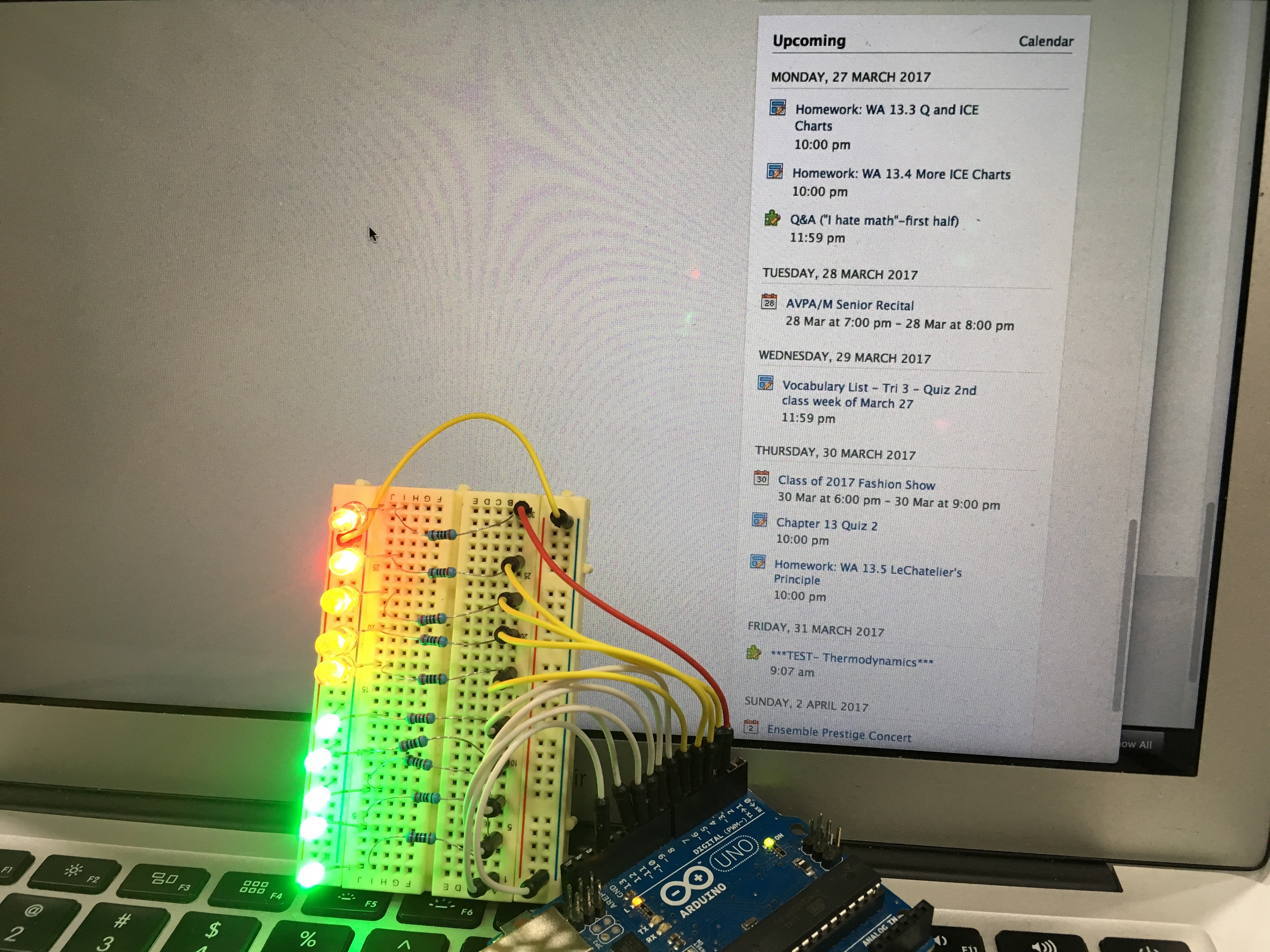
Separate from this web app, we plan on making simple hardware gadgets (such as a LED indicator scale) that indicate schoology stress levels. This is so that the user doesn't have to have access to a computer to check! It's also cool to have around and press with a button.

Log in or sign up for Devpost to join the conversation.