-
-
DashBoard Page
Inspiration
School-Board is a solution to consolidate tools and features students regularly use. By addressing their diverse needs in one platform, it simplifies their lives, saves time, and boosts productivity, offering an all-encompassing solution for academic, personal, and leisure needs.Along side managing their academic and personal activities.
How to install and run :
cd School Board
npm install
node app.js
Live Link
https://school-board.onrender.com/login
What it does
All Features are draggable in School-Board
- Notes
- Create and save personal notes.
- View and edit saved notes anytime.
- Create and save personal notes.
- Calculator
- Perform basic and advanced calculations.
- Supports radian values for trigonometric calculations.
- Perform basic and advanced calculations.
- Weather
- Check current weather conditions in real-time.
- Check current weather conditions in real-time.
- Timer and Stopwatch
- Set timers for tasks or use the stopwatch for time tracking.
- Set timers for tasks or use the stopwatch for time tracking.
- Login/Signup
- Secure user authentication with login and signup functionality.
- Secure user authentication with login and signup functionality.
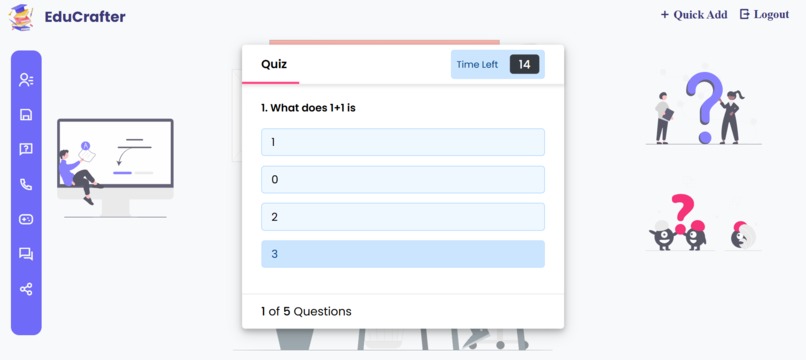
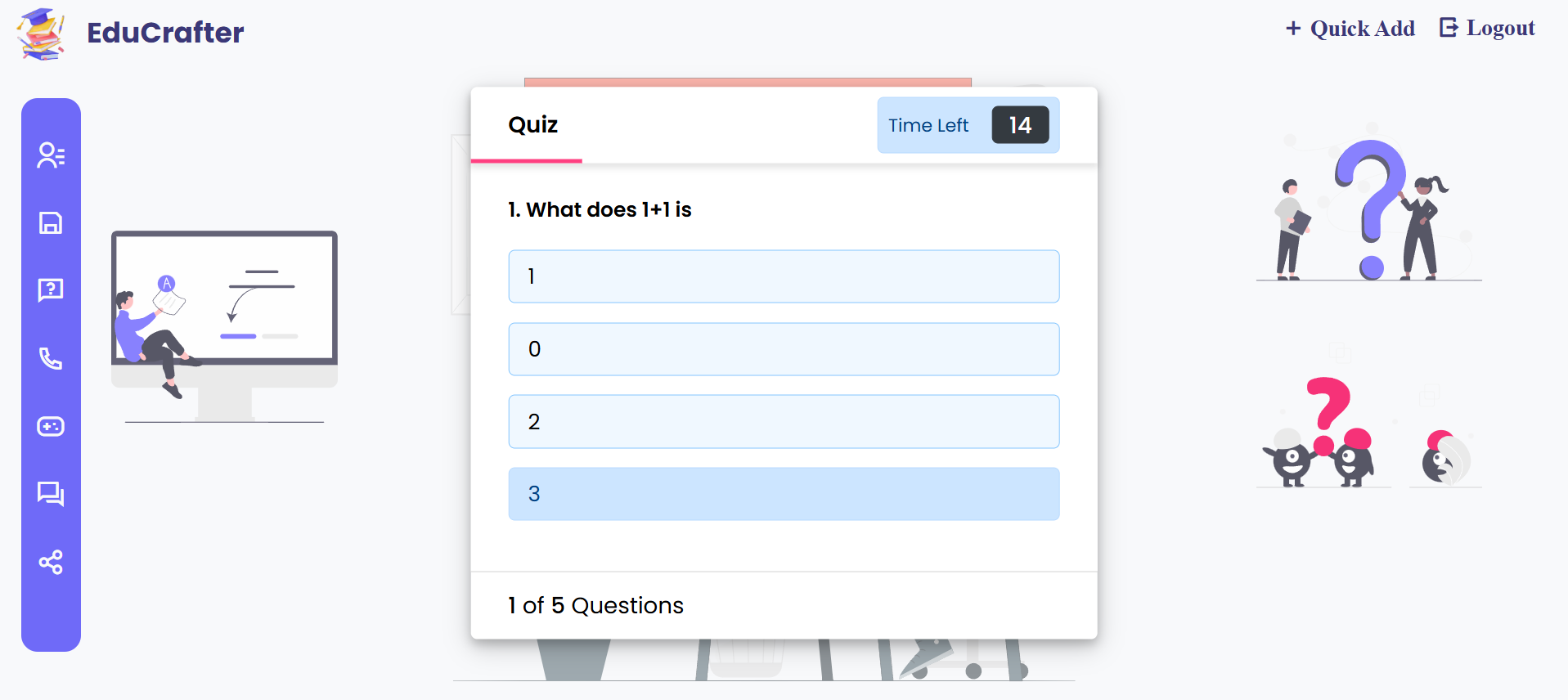
- Quiz
- Take quizzes on various subjects to test your knowledge.
- View your quiz performance records as charts.
- Take quizzes on various subjects to test your knowledge.
- Dictionary
- Look up word definitions and meanings quickly.
- Look up word definitions and meanings quickly.
- Games
- Enjoy classic games like Snake and Rock-Paper-Scissors.
- Enjoy classic games like Snake and Rock-Paper-Scissors.
- Profile Management
- View and update your profile details.
- Option to delete your profile if needed.
- View and update your profile details.
- Alert Messages
- Receive notifications for successful actions or errors.
- Receive notifications for successful actions or errors.
- Contact Us
- Easily reach out for queries, feedback, or support.
- Easily reach out for queries, feedback, or support.
- Social Media Sharing
- Share the portal and its features on social media platforms.
- Share the portal and its features on social media platforms.
Responsive Design
The website is fully responsive, providing a seamless experience across devices like phones, tablets, and desktops.
How we built it
- First i draw a System design of full project.
- Identify Database model and routes needed.
- Implement backend
- Then implement security layer on top of it using helmet , session and cookie
- writing frontend and ejs templates.
Challenges we ran into
- Ejs Frontend Implementation .
- User/Database/Backend security.
- Managing database Realtions and updating them.
- Desiging Frontend.
Accomplishments that we're proud of
- Making a real world project and solving a real world problem using tech.
- Contributing to student as myself student.
- Showcasing my problem solving and technical skills.
- This project hold future potential
What we learned
- Gained hands-on experience in full-stack development with Node.js and MongoDB.
- Enhanced skills in responsive web design for seamless user experience across devices.
- Developed secure user authentication practices for handling user data safely.
- Learned to integrate third-party APIs for dynamic features like real-time weather updates.
- Improved project management and collaboration skills using version control with Git.
What's next for School-Board
- Mobile App Development.
- Performance Optimization.
- Marketing among fellow mates.
- Adding Gamefication Elements.
- Feature expanisions like marking calenders ,in app events etc.

Log in or sign up for Devpost to join the conversation.