-
-
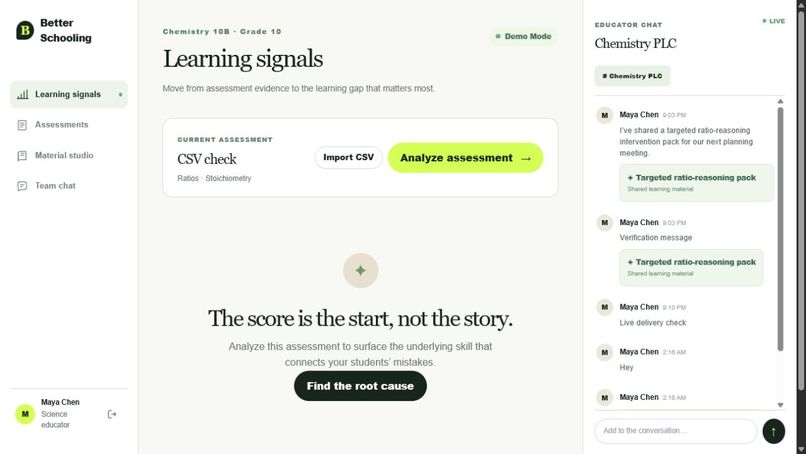
Analyzing Center
-
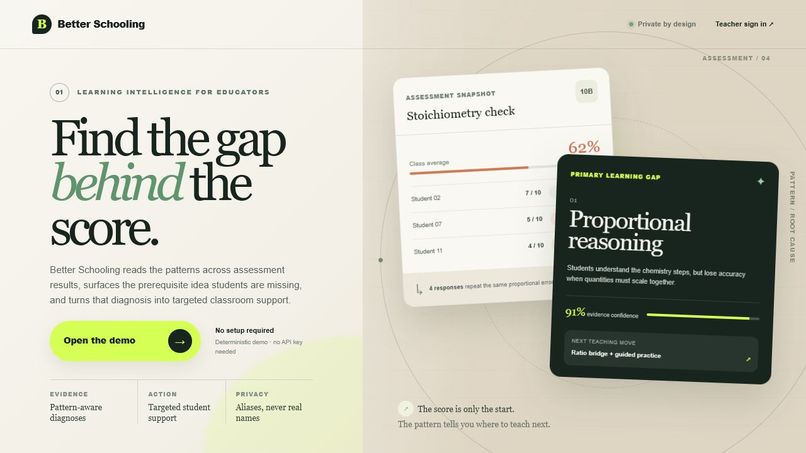
Landing Page
-
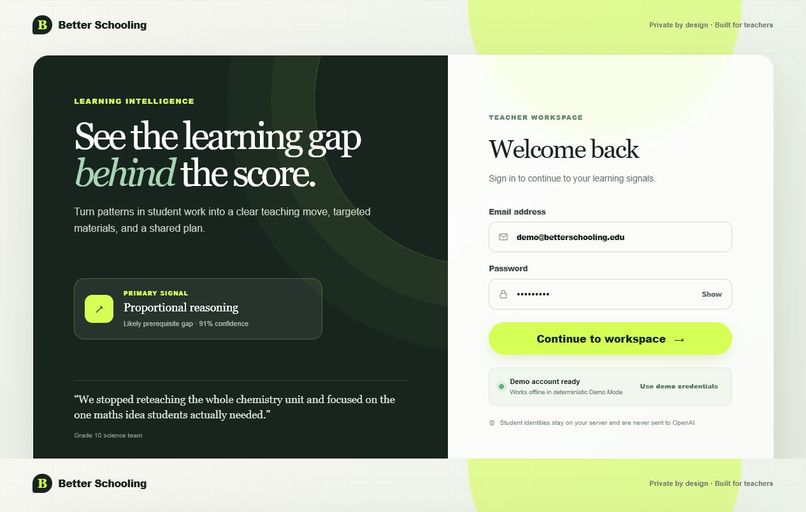
Log-In
-
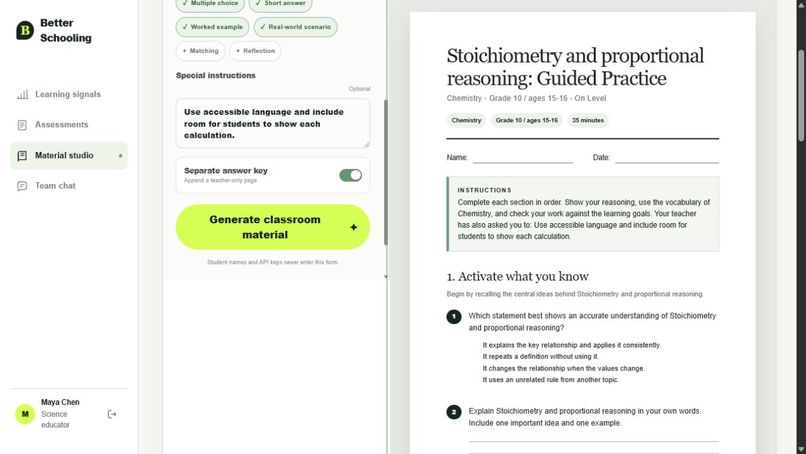
Material Studio
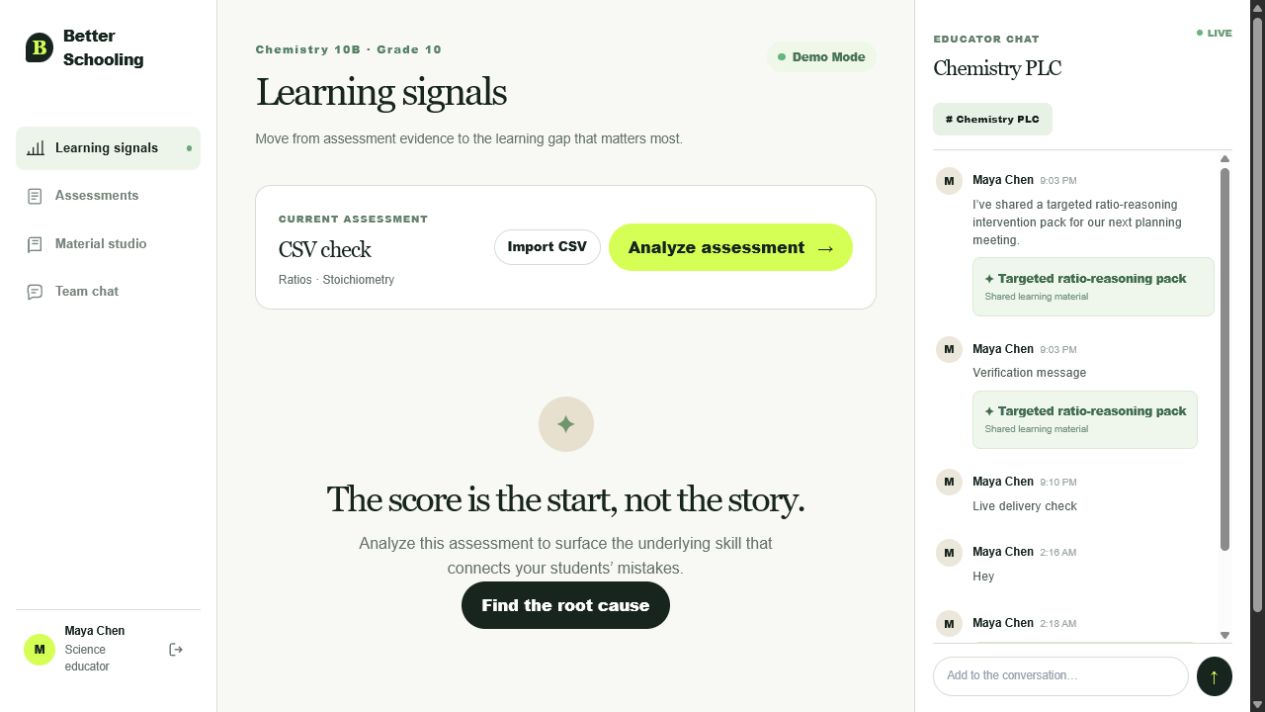
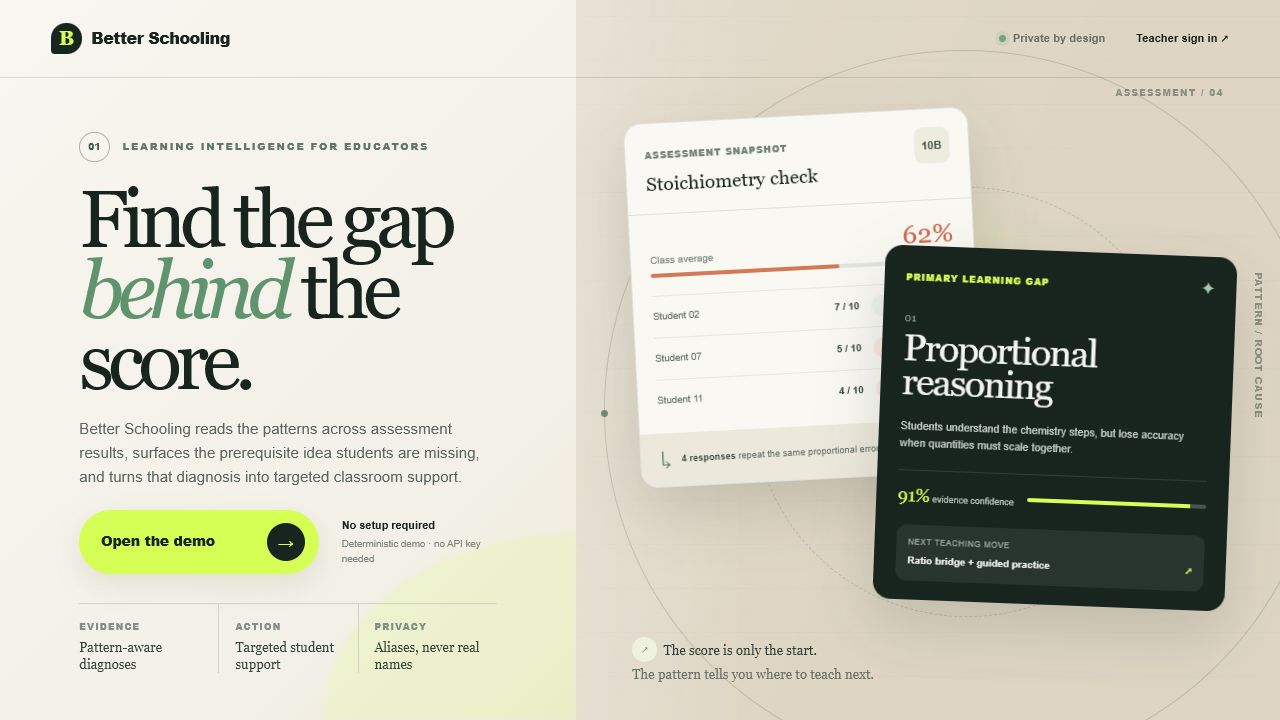
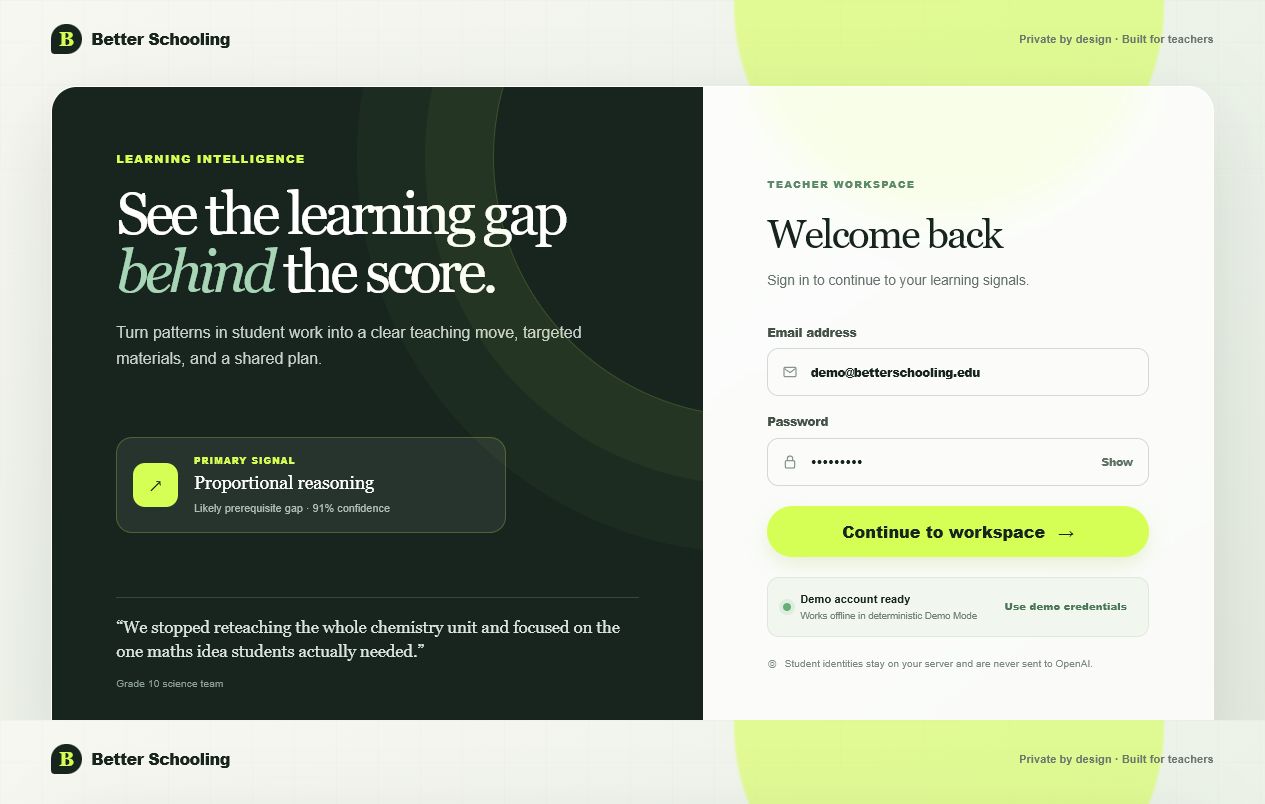
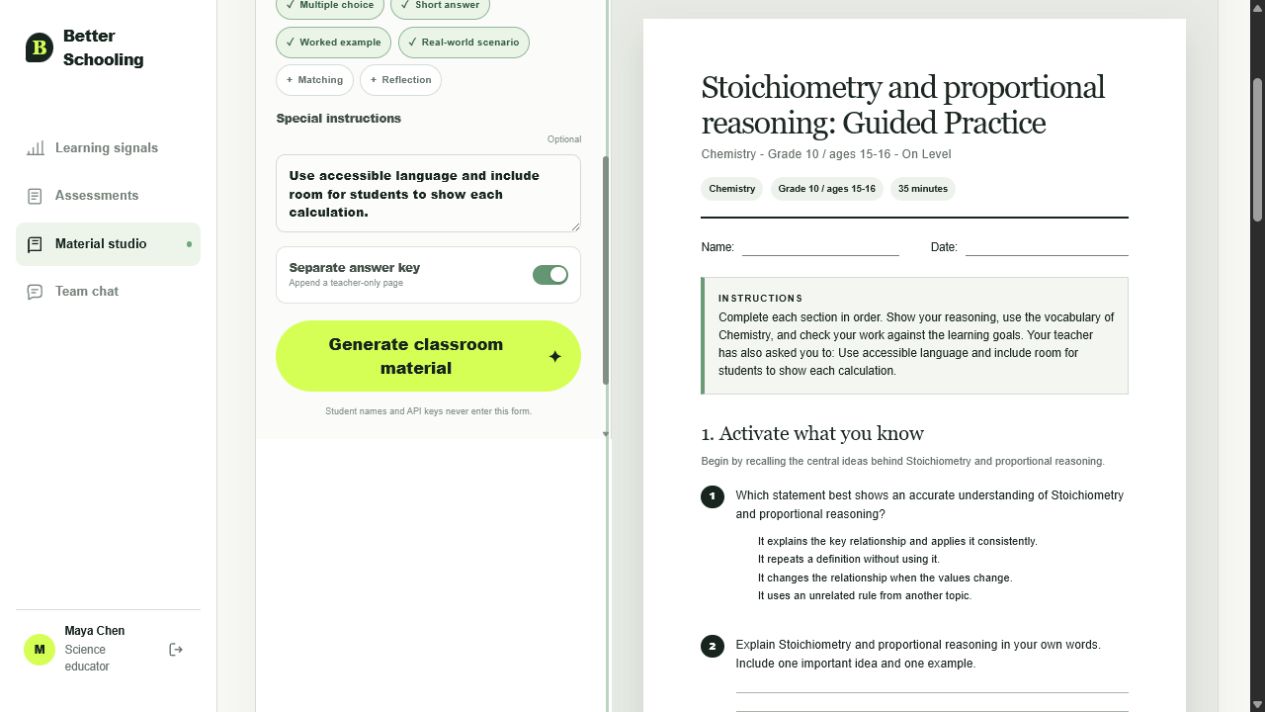
Better Schooling — Find the Gap Behind the Score
Inspiration
We all went to school, and most of us knew classmates who did not get the same good grades as others. I often asked myself, why is that?
One example always stayed in my mind: imagine asking a monkey and a fish to climb a tree. The monkey will probably get grade 1 (A), while the fish will get grade 6 (F). But this does not mean that the fish is less intelligent. It only means that the task does not match its strengths.
Every student learns differently. We all have different strengths and weaknesses in every subject. However, schools often use the same learning material and the same methods for everyone.
We live in 2026, so I believe we should be able to offer students more individual support. This idea inspired Better Schooling.
What Better Schooling Does
Better Schooling helps teachers understand what is behind a student’s score.
Instead of only showing that a student received 62%, the platform looks for repeated patterns in assessment results. It tries to find the learning gap that caused the mistakes.
For example, a student may understand the chemistry topic but still make mistakes because they have problems with proportional reasoning. Better Schooling can identify this possible root cause and suggest targeted learning material.
The main workflow is:
- A teacher reviews assessment results.
- Better Schooling finds patterns and possible learning gaps.
- The teacher receives a clear diagnosis.
- The platform creates targeted worksheets, quizzes, homework, or revision material.
- The teacher can edit, preview, print, or download the material as a PDF.
The goal is not to replace teachers. The goal is to provide them better information and save time when they prepare individual support.
How I Built It
Better Schooling was built as a demo-ready web application with a teacher-focused dashboard.
The frontend provides:
- A clear landing page explaining the main idea.
- A secure demo login.
- Assessment and learning-gap views.
- An AI teaching-material generator.
- Editable previews for worksheets and other materials.
- Printable layouts for A4 and US Letter paper.
- PDF export.
- Responsive navigation for desktop, tablet, and mobile devices.
The backend uses FastAPI. It manages authentication, material generation, validation, PDF creation, and WebSocket chat.
The OpenAI integration is handled only on the server, so the API key is never exposed to the browser. AI-generated results are checked with a Pydantic JSON Schema before they can be saved or shown as finished material.
Student privacy was also important during development. A student’s real name is never included in an AI request. The application only uses a display alias.
The project uses the following simple idea:
[ \text{Assessment patterns} \rightarrow \text{Possible root cause} \rightarrow \text{Targeted support} ]
Demo Mode
The application uses DEMO_MODE=true by default.
This means the complete workflow can be demonstrated without an OpenAI API key or an internet connection. Demo mode creates deterministic sample materials, so the same input always produces a stable and testable result.
The demo account is:
- Email:
[email protected] - Password:
demo12345
Challenges I Faced
The most enduring challenge was time.
I wanted to create a complete product instead of only a small prototype. Unfortunately, I discovered the OpenAI Building Week shortly before the deadline. This made it difficult to implement every idea at the production level.
GPT-5.6 Sol helped me turn the idea into a working vertical slice much faster. It supported me while improving the interface, connecting the frontend and backend, creating the material-generation workflow, and testing the application.
Another challenge was finding the right balance between AI automation and teacher control. AI results should not simply be accepted without review. For this reason, generated materials are validated, previewed, and editable before teachers use them.
Print formatting was also more difficult than expected. A worksheet may look good on a screen but have clipped sections or bad page breaks when printed. The application therefore includes separate print styles for A4 and US Letter formats.
What I Learned
During this project, I learned that a useful education tool needs more than an AI prompt.
The complete workflow is important. Teachers need to understand why the system suggests something, edit the result, and use it without learning a complicated new tool.
I also learned more about:
- Building responsive and accessible interfaces.
- Connecting a Next.js frontend with a FastAPI backend.
- Validating structured AI output.
- Protecting student information.
- Creating reliable demo data.
- Generating printable learning materials and PDFs.
- Designing AI features where the user stays in control.
Most importantly, I learned that AI can be more useful when it does not only provide an answer. It should help people understand the problem behind the answer.
Future Vision
Better Schooling is currently a focused demonstration, but the idea can become much larger.
With more assessment data and a carefully trained AI system, the platform could help schools identify learning gaps earlier. Teachers could provide support before students fall further behind.
The system could also compare teaching methods and measure whether targeted materials actually improve results over time.
The long-term goal is simple: A low score should not only tell us that something went wrong. It should help us understand why it went wrong and what we can do next.
If this idea is scaled responsibly, I believe it could lead to better grades, fairer education, and more individual support for every student.
Built With
- css
- fastapi
- gpt-5.6
- html
- javascript
- openai-codex
- python
- sql
- typescript

Log in or sign up for Devpost to join the conversation.