-
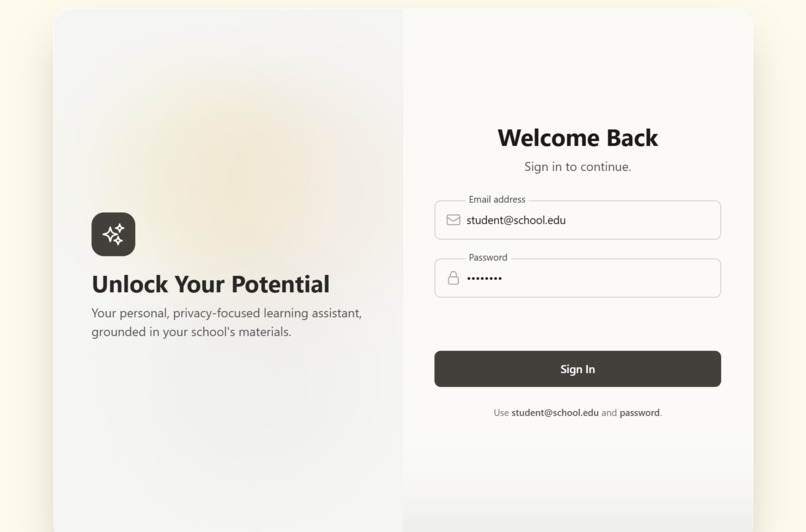
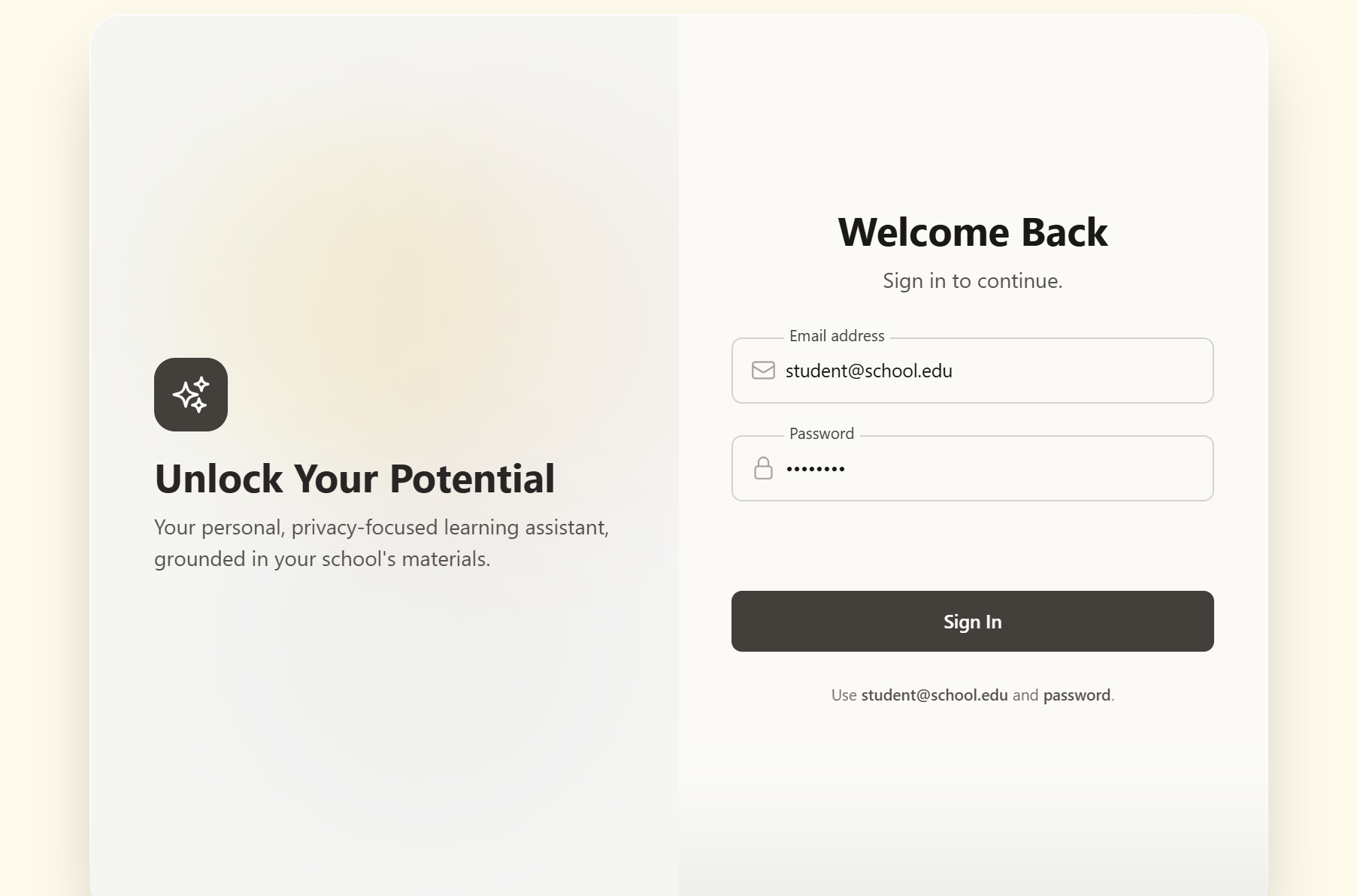
Login page
-
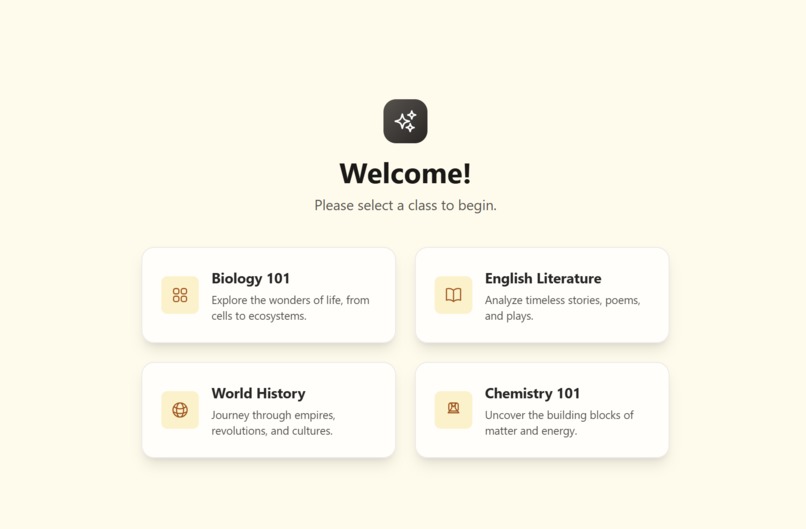
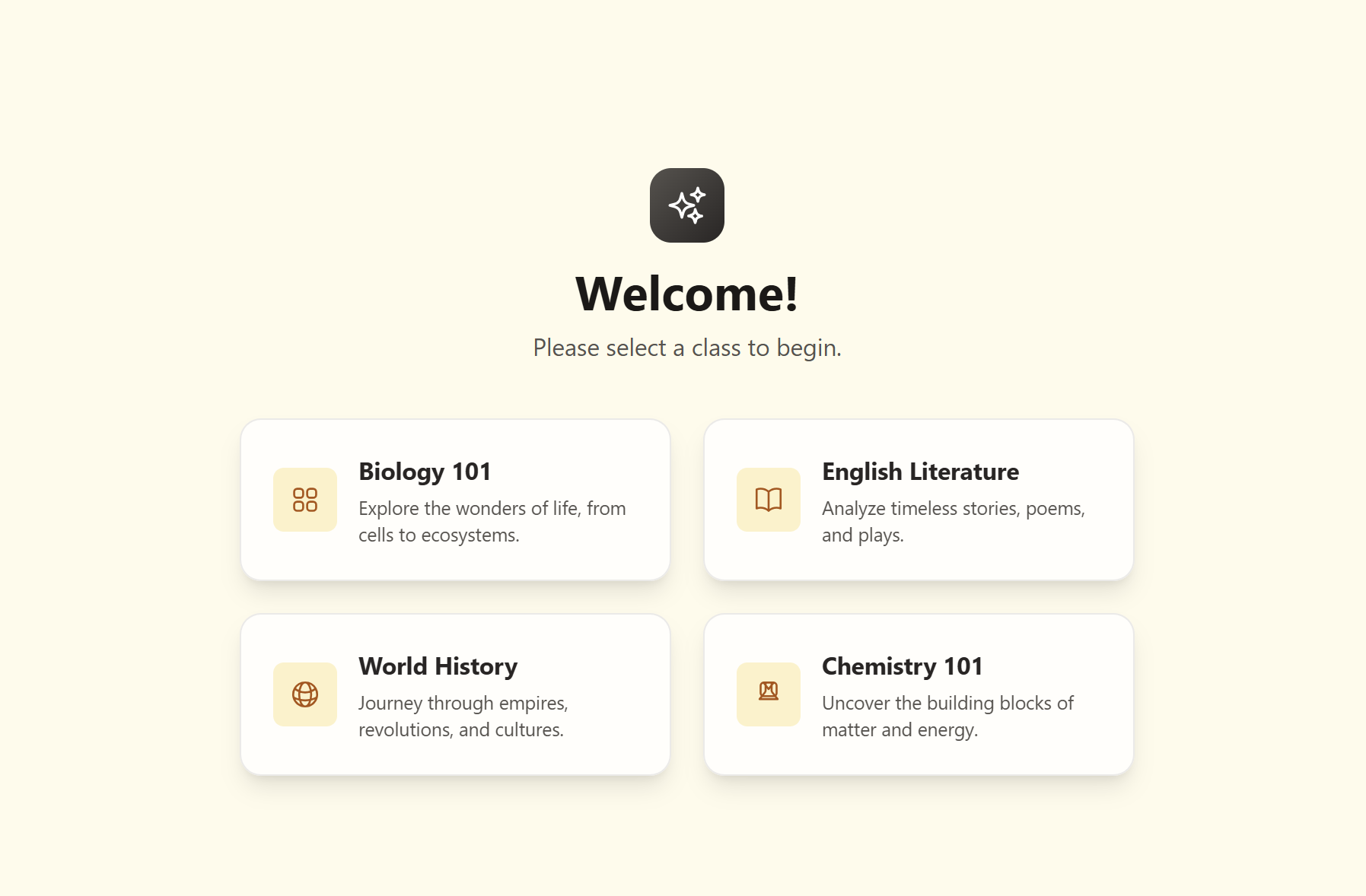
Landing page
-
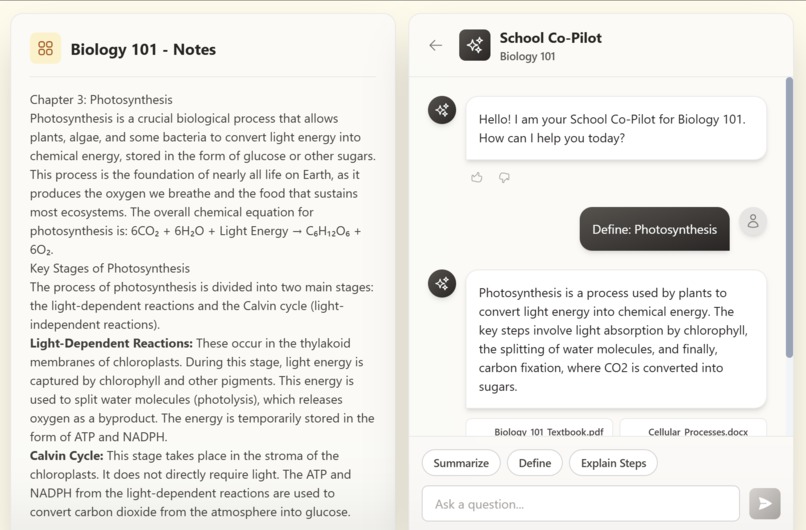
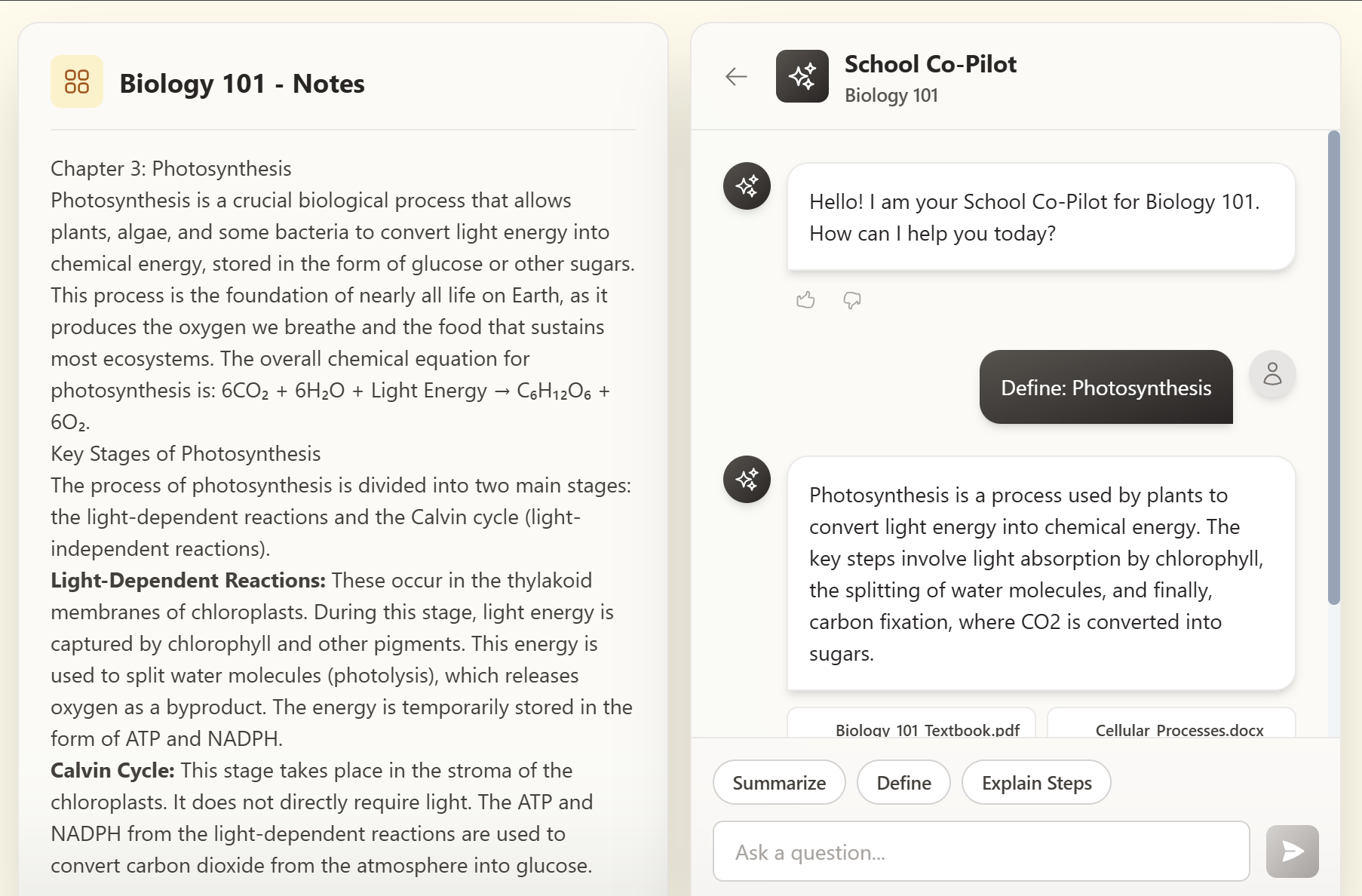
Example scenario
Inspiration
In a world where students turn to AI for answers, there is a gap. Tools like ChatGPT are powerful but draw from the chaos and unreliable territory of the internet. Vulnerable students who do not learn directly from the curriculum are the result of misinformation and student data privacy violations in schools. Our inspiration was to reclaim AI as a powerful educational tool by creating a safe, controlled ecosystem. Imagine an AI assistant that works purely with school-approved materials, transforming it from a risky shortcut into a trustworthy study partner that educators can embrace with confidence.
What it does
Secure Login & Class Selection: After a warm, inviting login, the student is greeted with a dashboard of their classes—Biology, English Literature, World History, etc. Selecting a class sets the entire context for their study session.
Integrated Learning View: The main interface is a powerful two-panel layout. On one side, the Document Viewer displays the official class notes, textbook chapters, or study guides for the selected subject. On the other, the Chat Interface provides a direct line to the School Co-Pilot.
Context-Aware Assistance: The co-pilot's knowledge is strictly limited to the documents of the chosen class. If a student is in "Biology 101," the AI knows everything about photosynthesis but nothing about Shakespearean sonnets. It can answer direct questions, and with a single click, it can summarize the entire document they are currently viewing. For instance, in biology, it understands the chemical equation for photosynthesis: . Interactive Document Highlighting: The app's standout feature is its interactivity. A student can highlight any term or phrase in the document, and a small pop-up instantly appears, allowing them to ask the Co-Pilot to "Define" or "Explain" it. This creates a seamless flow between reading and understanding, making learning active rather than passive. Every answer is paired with simulated citations, reinforcing the link back to the source material.
How we built it
Frontend Framework: TypeScript and React were our choices. This combination allowed us to build a robust, component-based UI, with TypeScript ensuring that our data models (like Message, Class, and Citation) were consistent and error-free throughout the application.
Styling: We used Tailwind CSS to quickly create the user interface. Its utility-first approach allowed us to create a custom, responsive design and implement the app's consistent, warm beige-and-stone theme, which gives it a professional and inviting feel.
State Management and Interactivity: Core React Hooks manage all application state, from user authentication and class selection to the complex interaction between the document viewer and chat panel. This kept our logic clean and our components separated.
Simulated RAG Backend: To make our vision a reality without a full backend, we created a sophisticated mock service (mockGeminiService.ts). This service accurately simulates a Retrieval-Augmented Generation (RAG) pipeline. It keeps separate, isolated "knowledge corpuses" for each class and uses keyword matching to provide contextually appropriate responses. This enabled us to create and test the entire frontend experience, demonstrating the validity of our core concept.
Challenges we ran into
Our primary challenge was to create a truly seamless user experience for context switching. The transition from the class selection screen to the two-panel study interface had to be seamless and intuitive, completely immersing the student in their chosen subject. Technically, enabling communication between the DocumentViewer and ChatInterface components was challenging. When a user highlights text, the information must be passed correctly to the chat input. We solved this by moving the state up to the main App.tsx component, resulting in a single source of truth on which both child components could rely. Finally, ensuring that the UI was smooth and bug-free necessitated meticulous attention to detail. We encountered and resolved issues such as the chat input text being invisible against the background, and we spent significant time fine-tuning animations such as the "shake" on a failed login to provide clear and immediate user feedback.
Accomplishments that we're proud of
We're extremely proud of the final, cohesive user experience. The application feels polished and professional, and it's a real pleasure to use, from the elegantly animated login page to the warm, consistent theme that runs throughout. Our most significant accomplishment has been the successful implementation of the core context-aware workflow. The app's ability to completely pivot its context—both the visible document and the AI's knowledge—with a single click represents the realization of our initial vision. The interactive text selection feature is a close second. It's a powerful, user-friendly feature that elevates the app from a simple chatbot to a truly dynamic study tool, demonstrating the promise of deeply integrated AI in education.
What we learned
This project was a showcase for the power of frontend prototyping. We discovered that a complex, backend-heavy concept like RAG can be built, tested, and validated using a clean UI and a well-architected mock service. It also emphasized the value of user-centered design. By mapping the student's journey from beginning to end, we were able to make design and technical decisions that directly aided their learning process. On a technical level, it helped us improve our React state management and build interactive, interconnected components.
What's next for School Agent
Full Backend Integration: Replace our mock service with a production-ready backend that leverages the Gemini API's powerful reasoning and generation capabilities, as well as a vector database for fast, accurate document retrieval.
Creating the Teacher Dashboard: Create the necessary administrative interface for educators to upload and manage class documents, control student access, set content guardrails, and track usage metrics.
Deepening Document Interactivity: Improve the citation feature so that clicking a citation automatically scrolls to and highlights the source passage in the Document Viewer, effectively closing the loop between answer and evidence.
Accessibility and Internationalization: Perform a thorough WCAG accessibility audit and add support for multiple languages to ensure that School Agent is a tool for every student, everywhere.
Built With
- google-ai
- html
- typescript
- vscode

Log in or sign up for Devpost to join the conversation.