-
-
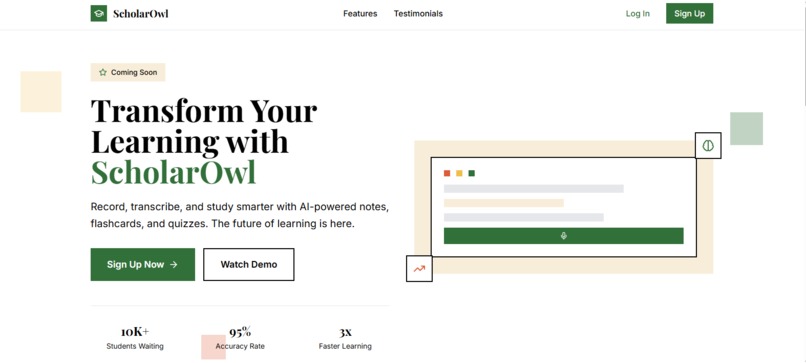
ScholarOwl - AI-Powered Study Companion
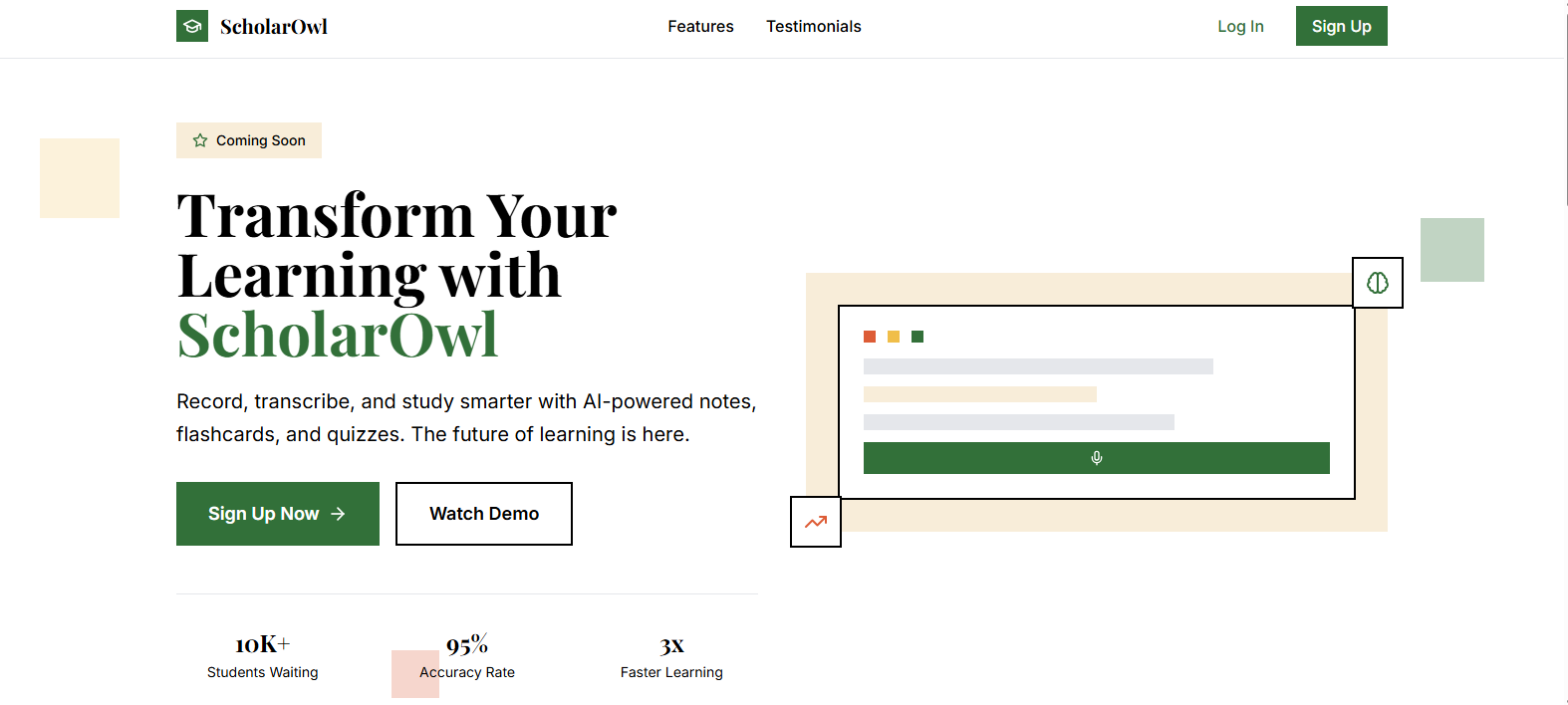
ScholarOwl - AI-Powered Study Companion
Inspiration
ScholarOwl was inspired by the challenges students face in managing vast amounts of information from lectures, textbooks, and research. We aimed to create a comprehensive, AI-powered study companion that streamlines the note-taking process, enhances comprehension, and makes exam preparation more efficient and engaging. The goal was to build a tool that truly understands and adapts to individual learning needs, moving beyond traditional study methods.
What it does
ScholarOwl is an AI-powered study companion designed to help students learn smarter. It offers a suite of features:
Audio Transcription: Users can record lectures or meetings directly within the app, and ScholarOwl provides audio transcription, converting audio recordings into editable text.
Smart Note-Taking: It allows users to create and organize notes, whether manually typed or generated from audio and documents. Notes can be tagged and categorized by subject for easy retrieval.
Document Text Extraction: Users can upload PDF, DOCX, or image files, and ScholarOwl extracts text using advanced OCR (Optical Character Recognition) technology.
AI-Powered Study Tools: Leveraging artificial intelligence, ScholarOwl can generate:
- Flashcards: Automatically create flashcards from note content, with customizable difficulty levels.
- Quizzes: Generate practice quizzes in various formats (multiple-choice, true/false, short-answer) based on specific notes or topics.
- Content Enhancement: Organize and improve the structure and readability of notes.
Progress Tracking: The platform includes a dashboard to monitor study activity, track progress on goals, identify weak areas, and manage upcoming flashcard reviews using a spaced repetition system.
Subscription Management: Users can manage their subscription plans, accessing different tiers of features and document processing limits.
How we built it
ScholarOwl is built as a modern web application using a robust stack, with development primarily done using Bolt (bolt.new) with assistance from Claude.ai to help fix bugs and typescript type errors:
Frontend: Developed with React, utilizing Vite for a fast development experience. Tailwind CSS is used for styling, providing a highly customizable and efficient way to build the UI, complemented by Lucide React for icons.
Backend & Database: Supabase serves as the primary backend, handling user authentication and database management (PostgreSQL).
Backend Functions: Netlify Functions handle the core backend functionalities, serving as serverless endpoints for AI services and webhooks for managing payments. These functions integrate with various AI services:
OpenAI's GPT models power quiz generation, flashcard creation, and content enhancement. AWS Textract is utilized for advanced OCR capabilities in document and image text extraction.
- OpenAI's GPT models power quiz generation, flashcard creation, and content enhancement.
- AWS Textract is utilized for advanced OCR capabilities in document and image text extraction.
Audio Processing: Client-side audio transcription is handled efficiently using Web Workers and the Xenova/Whisper model, enabling real-time transcription directly in the browser.
Document Processing: Libraries like pdfjs-dist and mammoth are used for local PDF and DOCX text extraction, while tesseract.js serves as a fallback OCR solution.
Offline Capabilities: The application features an offline-first approach using localforage for client-side data storage and a custom OfflineSyncService to manage data synchronization between local storage and Supabase when the user is online.
Payment Processing: Integrations with Dodo Payments and Paystack allow for secure subscription management and payment processing.
Challenges we ran into
Developing ScholarOwl presented several interesting challenges:
Netlify Backend Management (PARTICIPATING CHALLENGE)
Netlify managed the application's backend through serverless functions, eliminating the need for separate server infrastructure.
Implementation:
- Serverless Architecture: Backend operations (quiz generation, payments, document processing) were deployed as Netlify Functions in the
netlify/functionsdirectory - API Endpoints: Functions automatically become accessible endpoints (e.g.,
/.netlify/functions/create-flashcards) - Security: API keys stored as environment variables, accessible to functions but not client-side
- Deployment: Single repository deployment for both frontend and functions via
netlify.toml
Key Challenge: WebContainer Netlify CLI Limitations
I ran into issues fetching data from netlify functions in The Bolt, I believe this might have to do with Bolt running in a web container and certain limitations of the Netlify CLI due to native addon dependencies that are incompatible with the WebContainer environment.
Solution: Strategic API Routing
- Proxying: All external API calls routed through Netlify Functions instead of direct client-side requests
- Relative Paths: Used
getApiBaseUrl()function insrc/lib/environmentConfig.tsto handle different environments:- Production:
/.netlify/functions(same origin) - Local:
http://localhost:8888/.netlify/functions - Bolt:
https://scholarowl.site/.netlify/functions(hardcoded URL)
- Production:
This approach successfully leveraged Netlify Functions as a secure backend layer while overcoming WebContainer networking challenges by ensuring all API interactions were proxied through the same origin as the deployed frontend.
AI Model Integration and Performance: Integrating large language models for tasks like quiz generation required careful handling of API calls, especially for lengthy notes. Implementing chunking strategies was crucial to manage token limits and prevent timeouts in serverless functions.
Offline-First Synchronization: Building a robust offline synchronization system was complex. Ensuring data consistency between local storage and the Supabase backend, handling conflicts, and providing a seamless user experience regardless of internet connectivity required meticulous design and implementation of the OfflineSyncService.
Real-time Audio Transcription: Achieving efficient, real-time audio transcription in the browser was challenging. Utilizing Web Workers to offload heavy processing (like the Whisper model) from the main thread was key to maintaining UI responsiveness. Managing audio streams and processing chunks for live updates added another layer of complexity.
Document Processing Diversity: Handling various document formats (PDFs, DOCX, images) and integrating different OCR solutions (AWS Textract, Tesseract.js) while managing user-tier-based access and file size limitations required a flexible and robust document extraction pipeline.
Payment Gateway Complexity: Integrating multiple payment gateways (Dodo Payments, Paystack) involved understanding their distinct APIs, handling callbacks, and setting up secure webhooks to update subscription statuses in the database.
Spaced Repetition Algorithm: Implementing the SM-2 spaced repetition algorithm for flashcards and integrating it with user activity tracking and review scheduling required careful mathematical and logical considerations to ensure effective learning.
Accomplishments that we're proud of
We are particularly proud of:
Seamless AI Integration: Successfully integrating powerful AI capabilities (quiz generation, flashcard creation, content enhancement) that genuinely enhance the study experience.
Robust Offline Functionality: Delivering a truly offline-first application that allows users to continue working on their notes and study materials even without an internet connection, with reliable synchronization once online.
Real-time Transcription: Implementing live audio transcription directly in the browser, providing immediate feedback and a highly interactive recording experience.
Comprehensive Document Processing: Offering versatile document and image text extraction, making all study materials accessible and actionable within the platform.
Secure and Scalable Architecture: Building the application on a secure and scalable foundation using Supabase and Netlify Functions, ensuring user data privacy and efficient performance.
Intuitive User Experience: Designing a clean and user-friendly interface that makes complex AI and study tools accessible and easy to use for students.
What we learned
Through the development of ScholarOwl, we gained valuable insights into:
- The intricacies of building offline-first web applications and the importance of a well-designed synchronization strategy.
- Optimizing performance for computationally intensive tasks in the browser using Web Workers and efficient data handling.
- The practical challenges and solutions involved in integrating various third-party APIs, especially for AI services and payment gateways.
- Best practices for structuring a React application with a clear separation of concerns between UI, business logic, and data services.
- Leveraging serverless functions for scalable and cost-effective backend operations.
- The importance of robust error handling and user feedback in complex applications.
What's next for ScholarOwl
For the future of ScholarOwl, we plan to:
Enhance AI Capabilities: Explore integrating more advanced AI models for even more nuanced content understanding, personalized learning recommendations, and potentially AI-driven tutoring features.
Mobile Applications: Develop native mobile applications for iOS and Android to provide a seamless experience across all devices. Bolt.new has already generated a comprehensive plan and workflow to make this mobile expansion possible.
Collaborative Study Features: Introduce functionalities that allow users to share notes, create collaborative study groups, and share custom quizzes and flashcard decks.
Interactive Study Modes: Implement new interactive quiz formats (e.g., drag-and-drop, fill-in-the-blanks) and gamified flashcard review sessions to make studying more engaging.
Advanced Analytics: Provide deeper insights into user learning patterns, including detailed performance breakdowns by topic and question type, to help students identify and target their weakest areas more effectively.
Integration with Educational Platforms: Explore integrations with popular learning management systems (LMS) or other educational tools.
Accessibility Improvements: Continuously improve the application's accessibility to ensure it is usable by all students.
Built With
- amazon-web-services
- api
- authentication
- css
- dodo
- edge-functions
- localforage
- lucidereact
- mammoth.js
- netlify
- node.js
- npm
- openai
- paystack
- pdf.js
- pdfjs-dist)
- supabase
- tailwind
- tesseract.js
- textract
- typescript
- vite

Log in or sign up for Devpost to join the conversation.