-
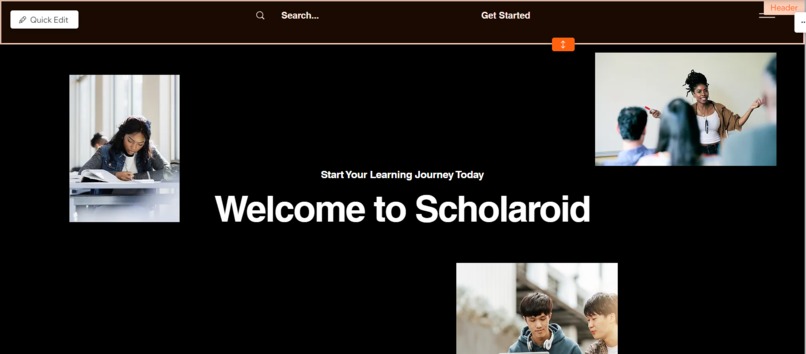
Home page
-
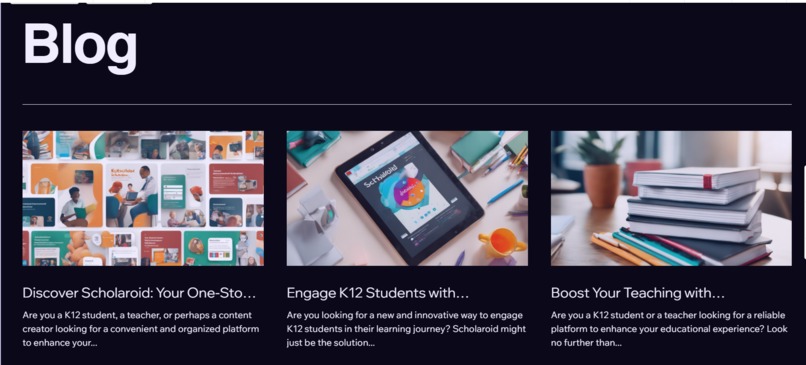
-
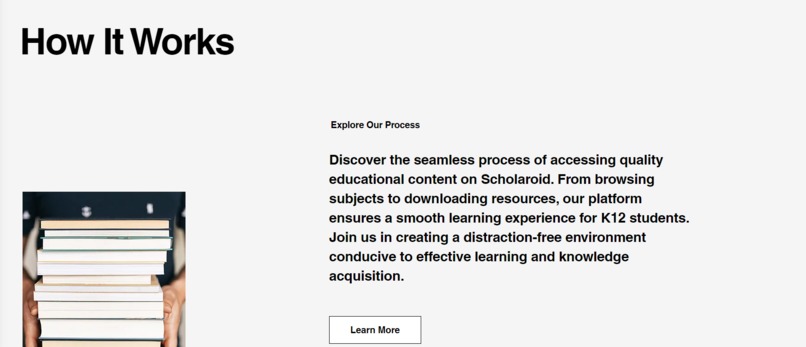
-
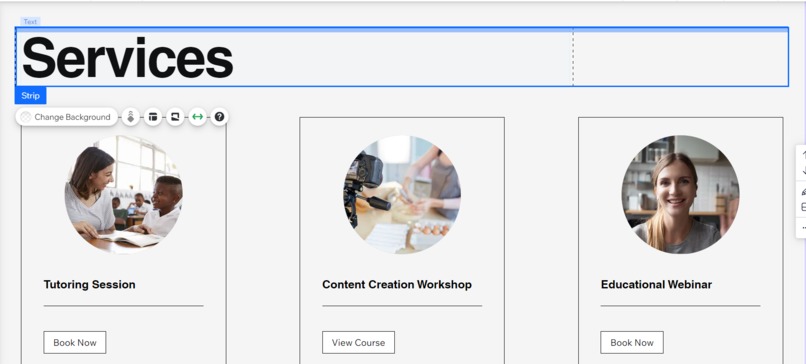
-
-
-
-
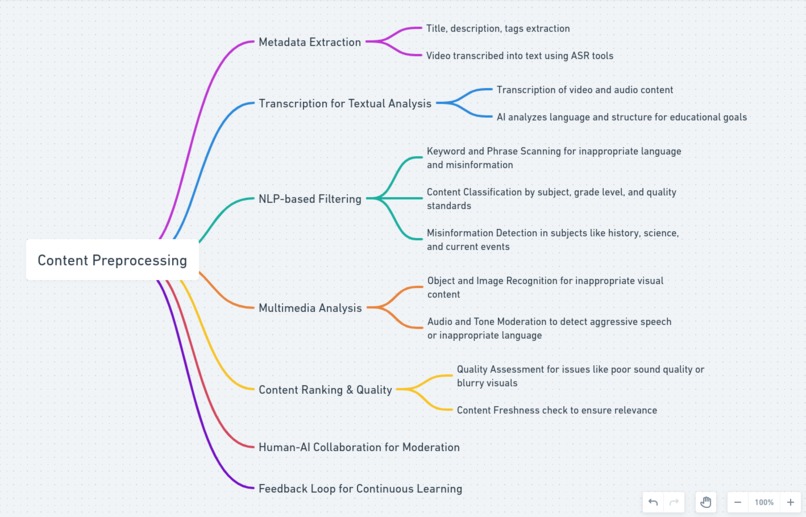
Filtration of videos using Ai
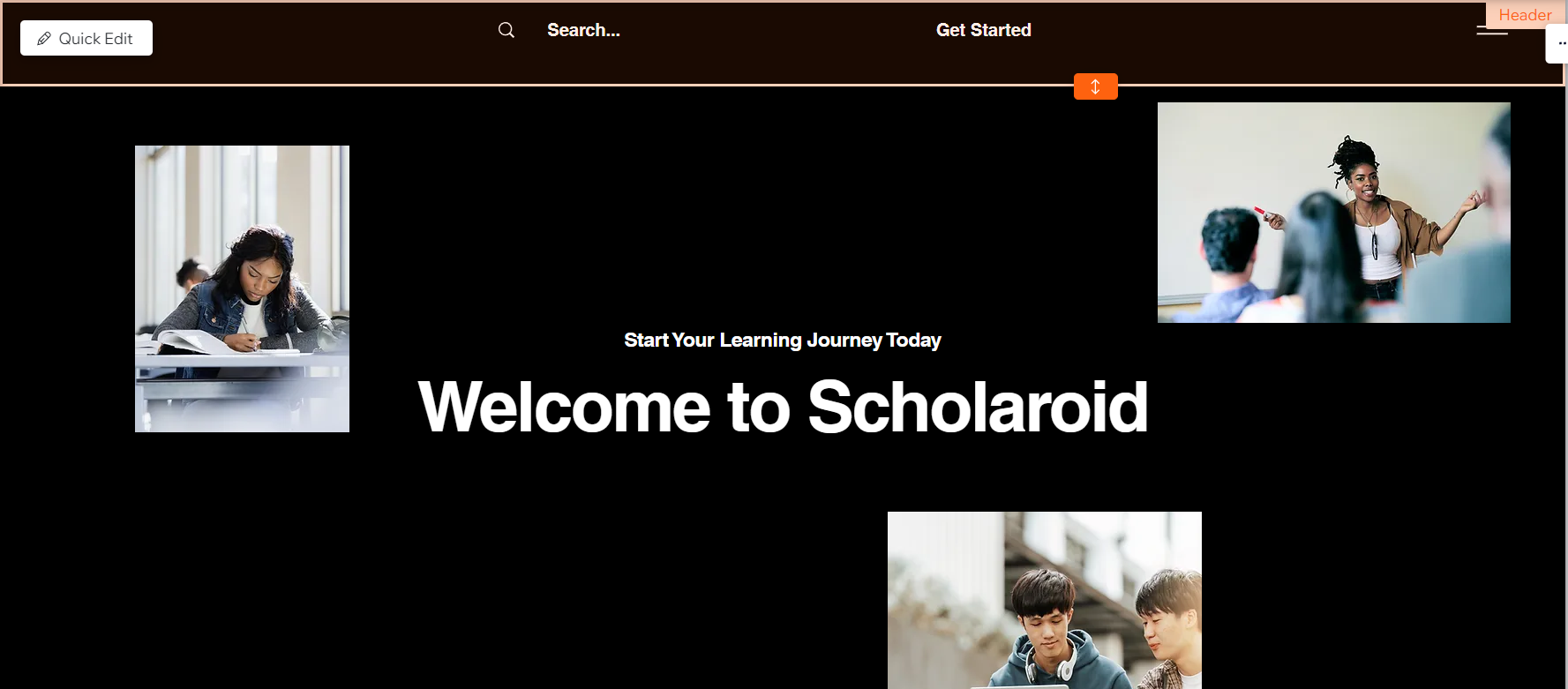
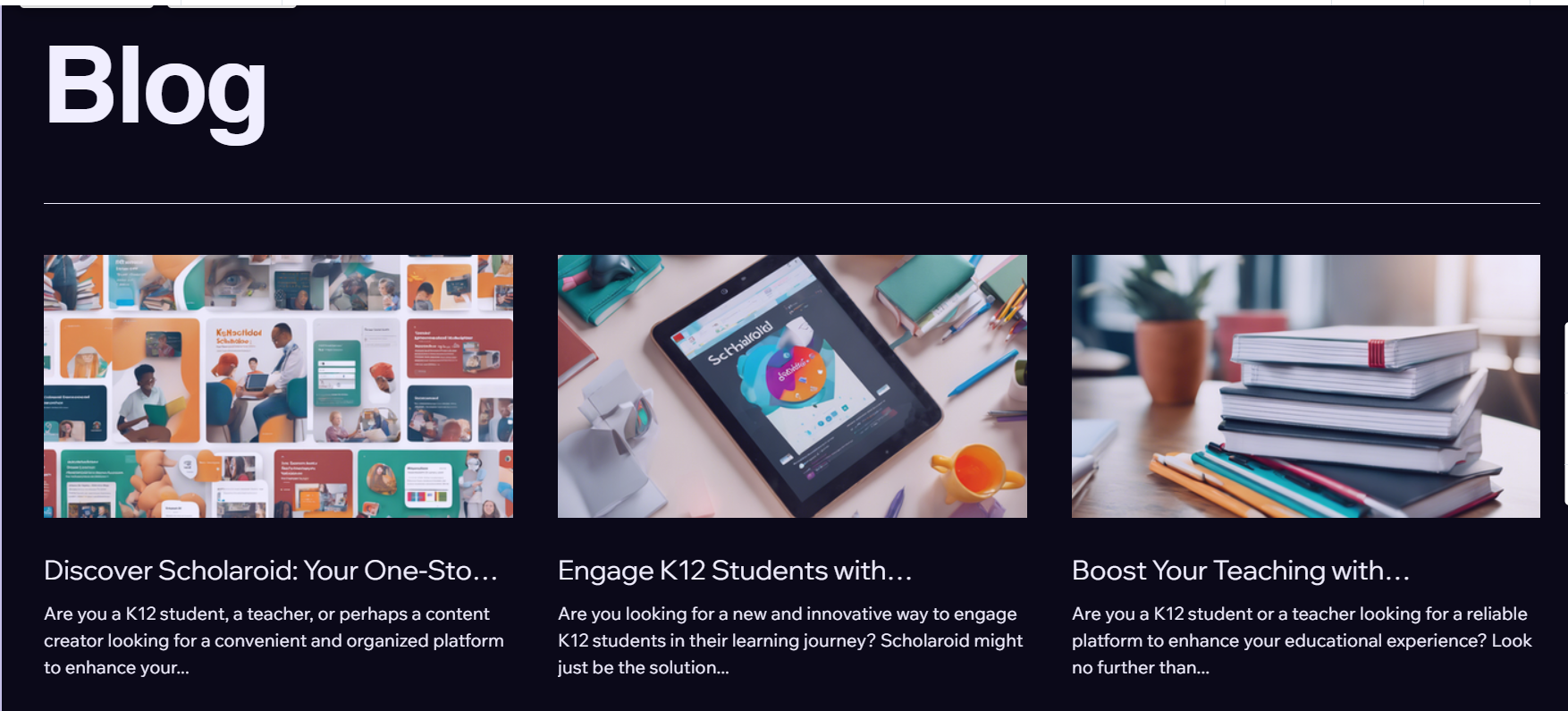
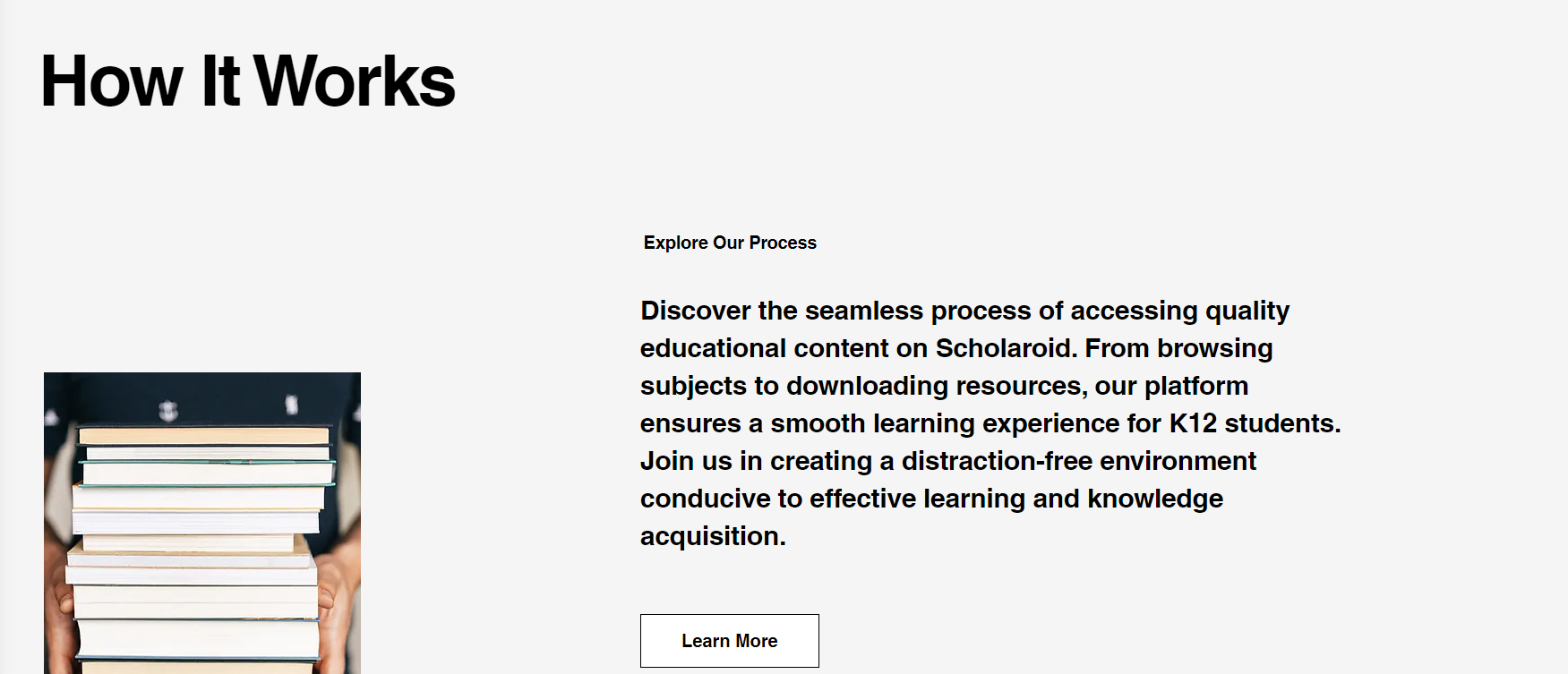
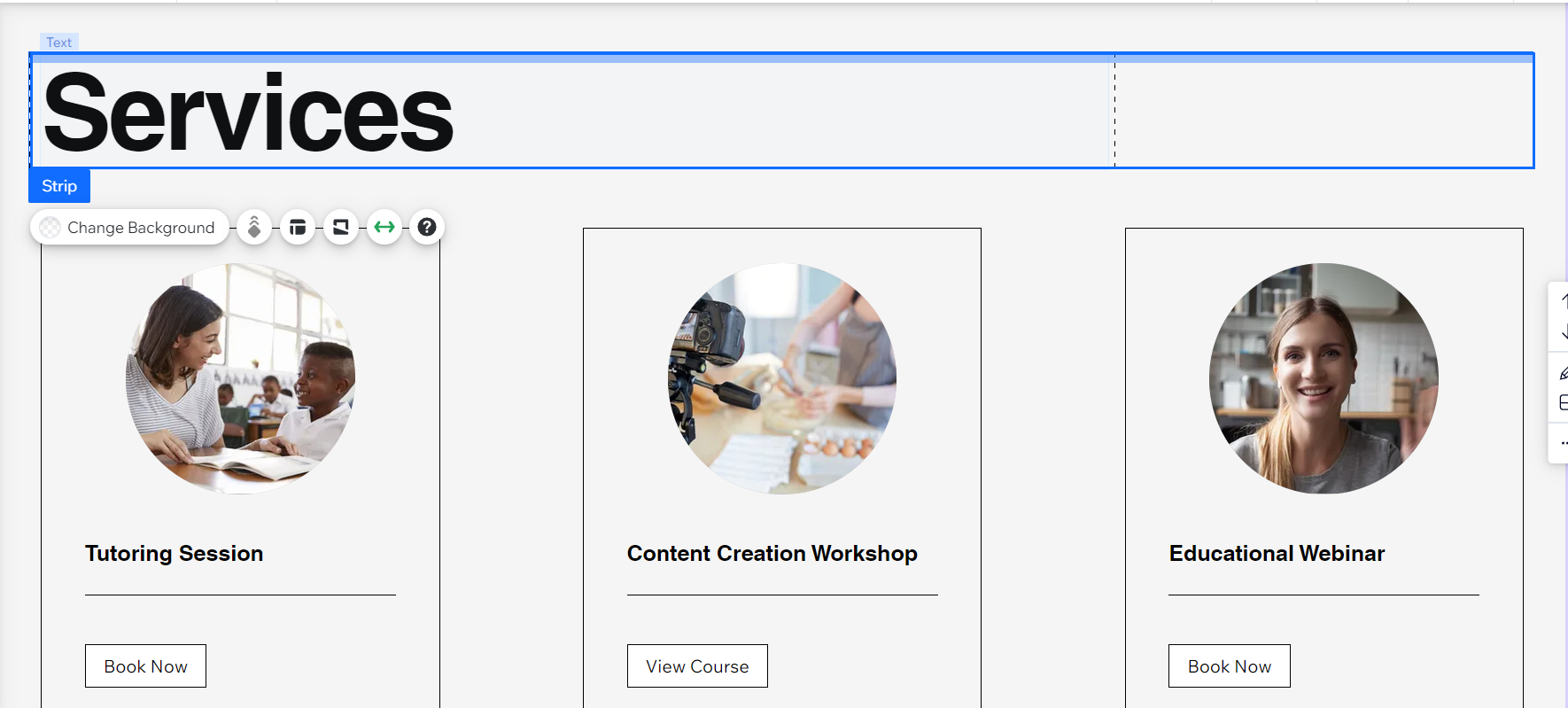
Inspiration: The idea for this project was inspired by the challenge students face when accessing educational content on platforms like YouTube, where distractions from non-educational videos are common. The goal was to create a dedicated platform focused solely on K12 education, where students can easily access quality learning materials without the distractions of entertainment or irrelevant content. Additionally, I wanted to ensure that content creators are rewarded for their contributions, while keeping the platform free for students, similar to YouTube’s ad-supported model. This way, students and creators both benefit, with a platform tailored for learning.
What it does
What It Does:
The platform is designed to provide students in grades K12 with a distraction-free space to access educational videos and notes. Here’s how it works:
Educational Content Access:
- Students can browse, search, and watch high-quality educational videos and download notes tailored to their grade level and subjects (e.g., math, science, history).
- All content is focused on education to ensure students stay on track without distractions from non-educational materials.
Content Creation and Rewards:
- Creators (teachers, tutors, or students) can upload educational videos and notes. They earn money based on how many views their content receives.
- The platform is monetized through ads, which users watch to help support the content creators.
Ad-Supported Model:
- The platform is free for students. It generates revenue by showing short, relevant ads before or during the educational content. This income is then shared with content creators based on their video or note views.
AI Content Scrutiny:
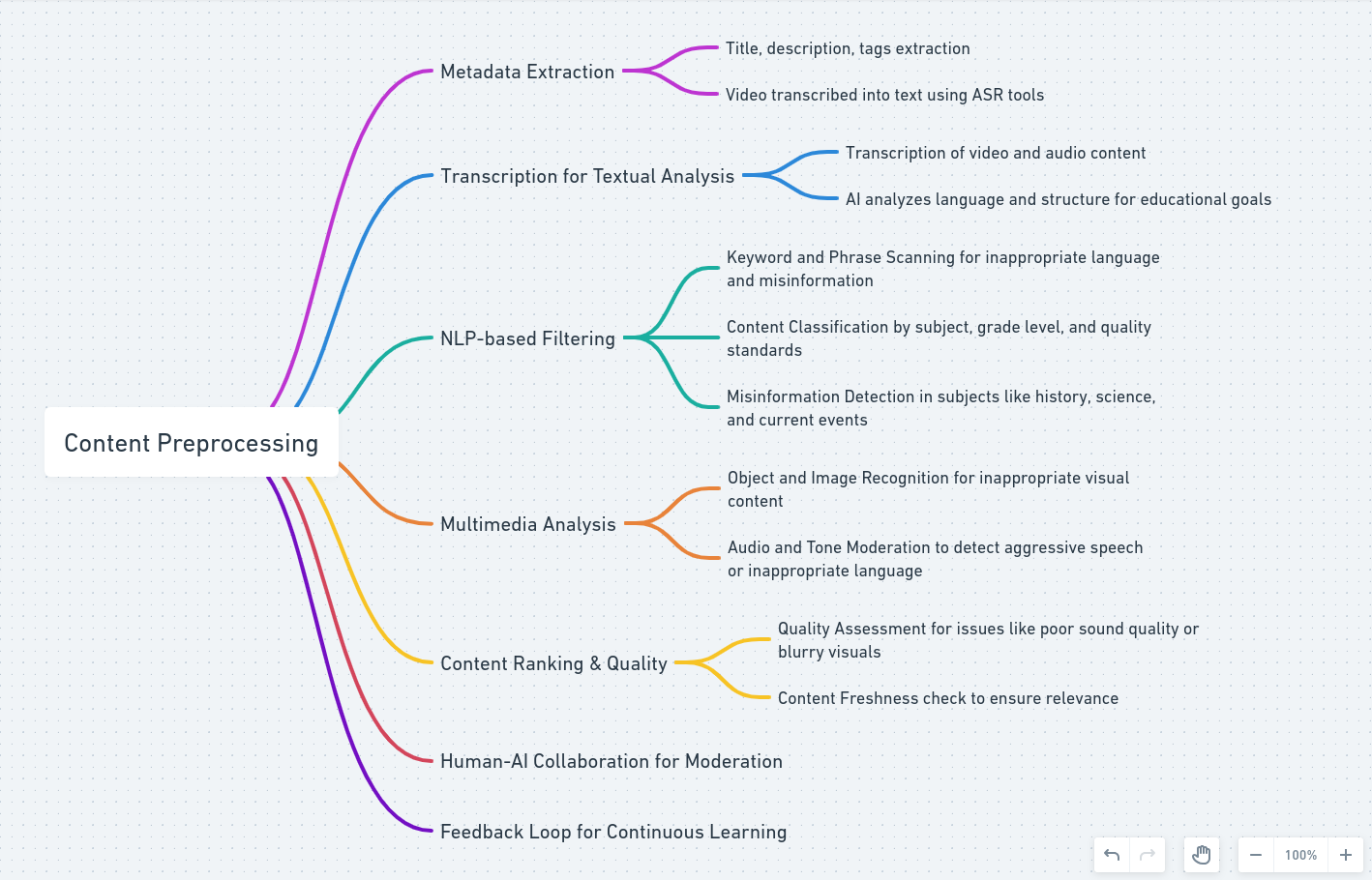
- The platform uses AI to scan and filter uploaded videos and notes, ensuring that only educational material is allowed. This prevents misuse and keeps the platform focused on learning.
By providing an ad-supported, AI-moderated platform that exclusively hosts educational content, the project seeks to enhance the learning experience for K12 students and support educators in creating valuable content.
How we built it
I built the project prototype using a no-code platform to quickly develop a functional version. I focused on the core features:
Video and Notes Uploads: Where creators can upload educational content. Ad Integration Concept: Showing how ads would generate revenue to support creators. AI Concept: A basic explanation of how AI would filter the uploaded content to ensure it remains educational and appropriate for K12 students. User Experience Design: I designed a simple, intuitive user interface that allows students to easily navigate and access their preferred content. I used tools like Figma for UI/UX design and a no-code platform like Bubble to bring the idea to life quickly. The AI filtering mechanism was presented conceptually, showing how future integrations could ensure content quality.
Challenges we ran into
One of the biggest challenges was figuring out how to implement an effective AI system for content moderation within the constraints of a short timeframe. Although I couldn't fully integrate an AI solution for the prototype, researching how AI can be used to filter inappropriate content was an eye-opener.
Another challenge was finding a way to balance ad revenue without overwhelming students with too many interruptions. Ensuring that the platform remains free for students while also compensating content creators through ad revenue was tricky, but designing the concept helped clarify how the system could work.
Lastly, building a platform that can scale to accommodate a large user base while maintaining a seamless experience was something I focused on conceptually and will continue to explore in future iterations.
Accomplishments that we're proud of
We’re proud of creating a distraction-free learning platform, designing an AI-based moderation system, supporting content creators with ad revenue, and developing a user-friendly prototype in a short time.
What we learned
Working on this project taught me a lot about both technical and user experience challenges in building an education-focused platform. I learned how important it is to keep the user interface simple and intuitive for students of different grade levels while ensuring that content moderation is stringent enough to prevent misuse. I also gained insights into how AI can be integrated to filter content, ensuring that the platform remains focused on educational material.
Additionally, understanding how monetization through ads can support content creators while keeping the platform accessible for users was a key takeaway. It’s a delicate balance between supporting creators and ensuring students aren’t overwhelmed by advertisements.
What's next for Scholaroid
What's Next for Scholaroid:
AI Integration:
- The next major step is to integrate AI for content moderation and filtering. Implementing AI models that can analyze video and text content to ensure it aligns with educational goals will enhance the platform’s credibility and focus.
Refining User Experience:
- Improving the user interface (UI) to make it more intuitive and student-friendly for different age groups. This includes making the content discovery process smoother and adding features like personalized learning recommendations based on students' interests and grade levels.
Scaling Content:
- Expanding the content library by encouraging more educators and content creators to contribute. Scholaroid will focus on attracting high-quality, certified educational contributors to ensure students receive accurate and helpful materials.
Ad Optimization:
- Further developing the ad model to ensure that ads are relevant to students and not overly disruptive. Finding the balance between keeping the platform free and ensuring a smooth, uninterrupted learning experience is crucial.
Mobile App Development:
- Developing a mobile app version of Scholaroid to allow students and teachers to access educational content anytime, anywhere, with a user-friendly mobile experience.
Community and Collaboration Features:
- Adding features like student forums or Q&A sections where students can ask questions and engage with peers and educators to enhance learning through interaction and collaboration.
Expanding Subject Offerings:
- Broadening the range of subjects and including more interactive elements, such as quizzes and practice exercises, to make learning more engaging and dynamic for students across all grades.
By focusing on these key areas, Scholaroid can continue to grow and become a powerful tool for K12 education.


Log in or sign up for Devpost to join the conversation.