-
-
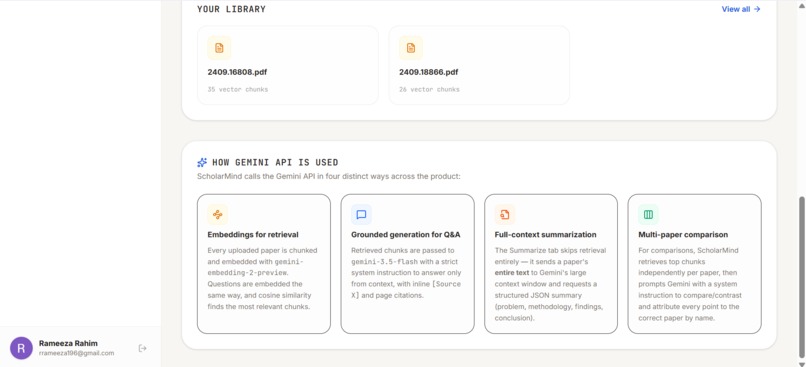
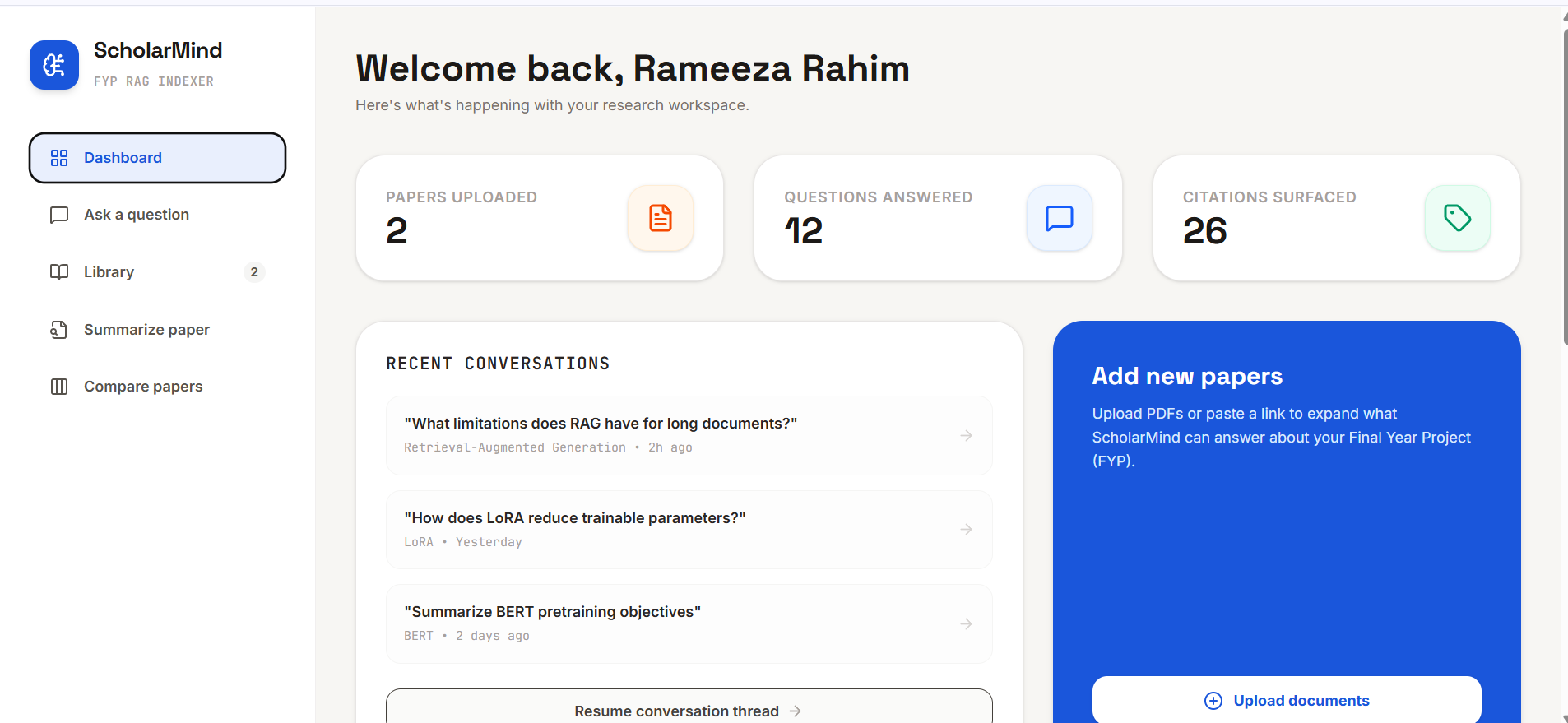
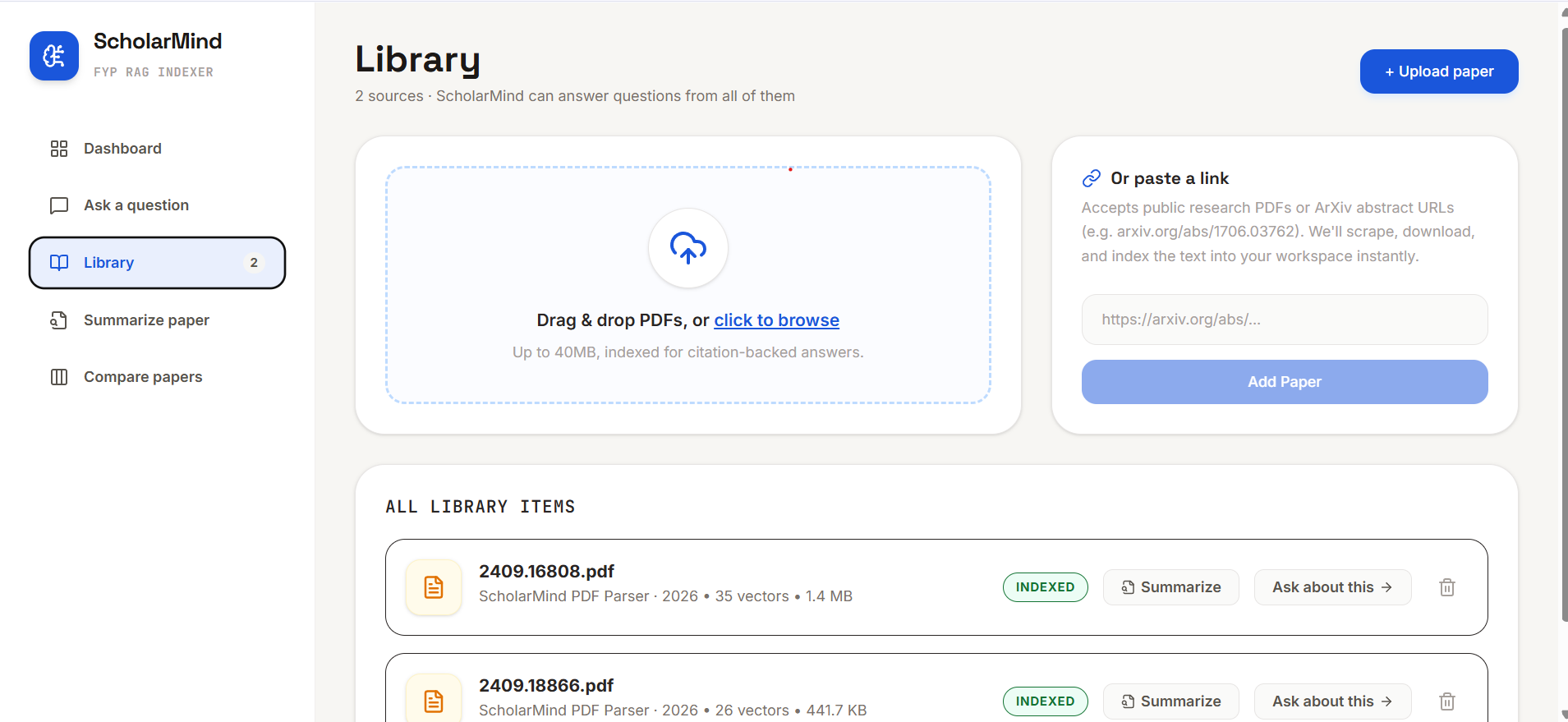
dashboard
-
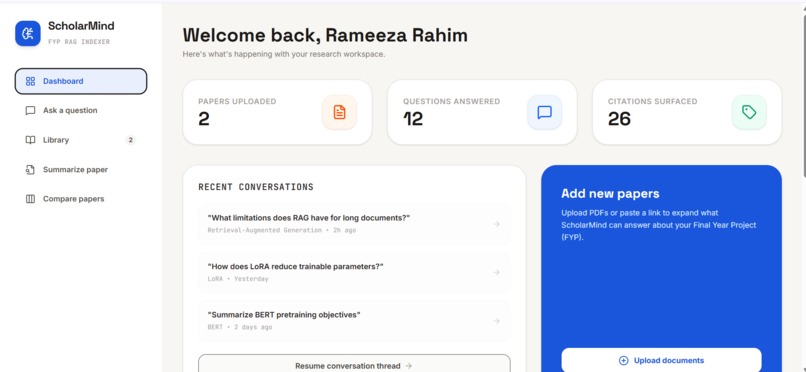
dashboard
-
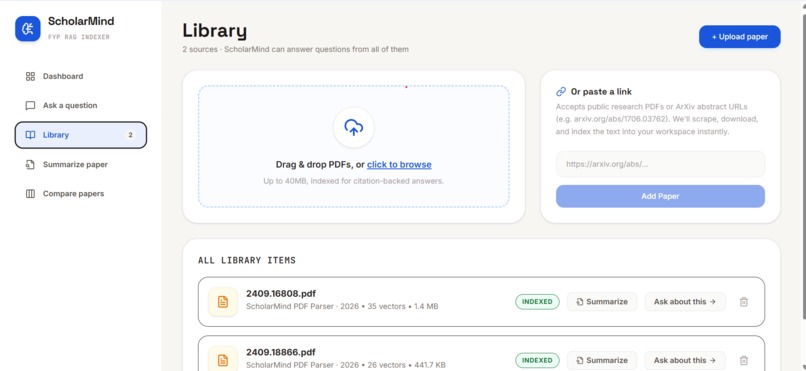
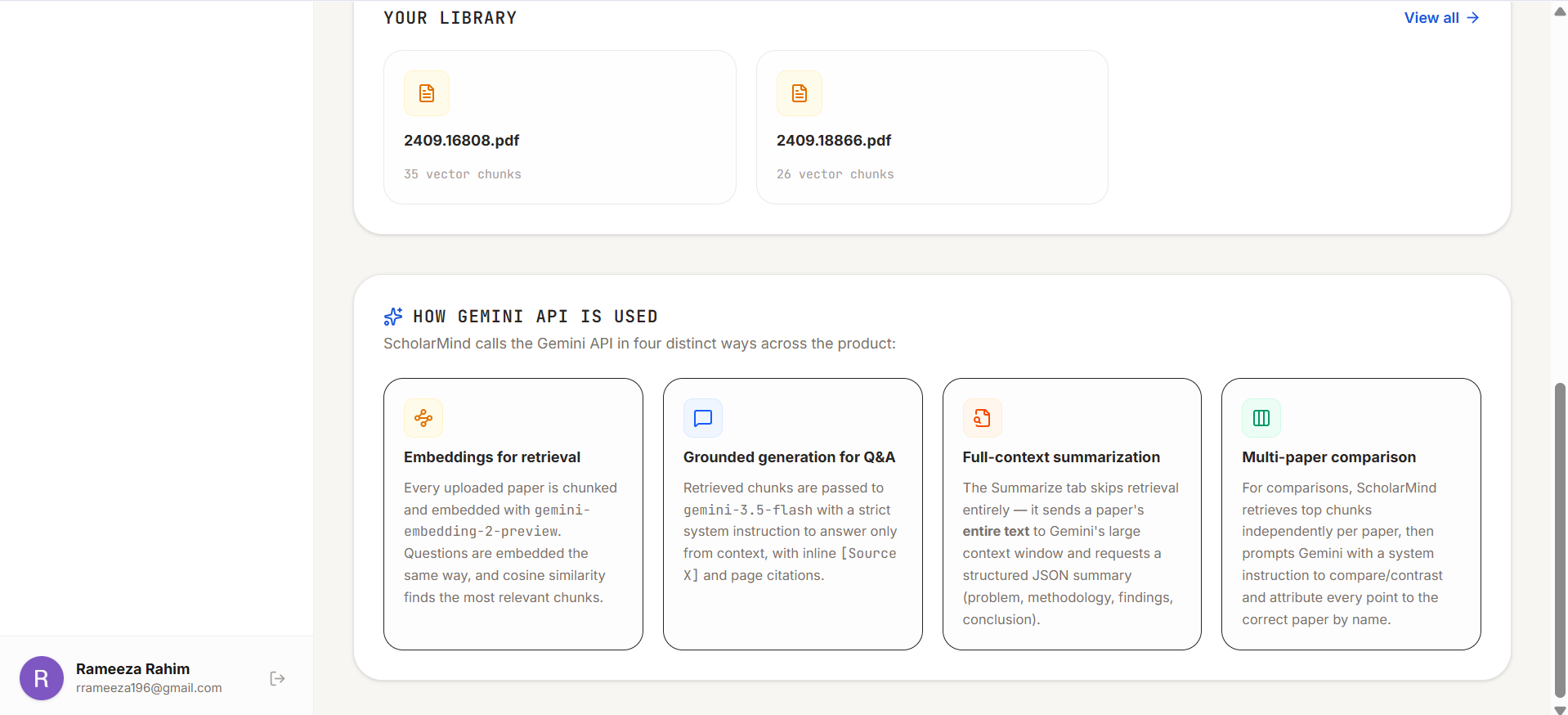
library
-
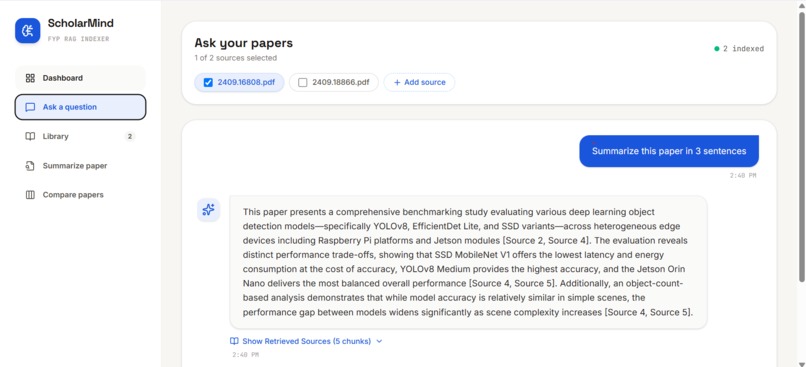
questions-query
-
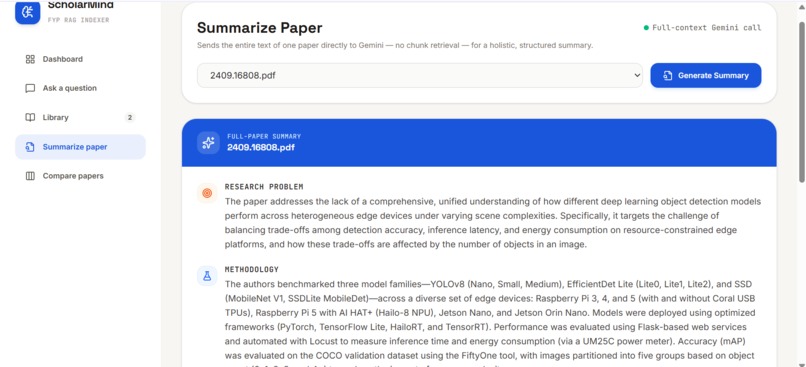
summarization of paper
-
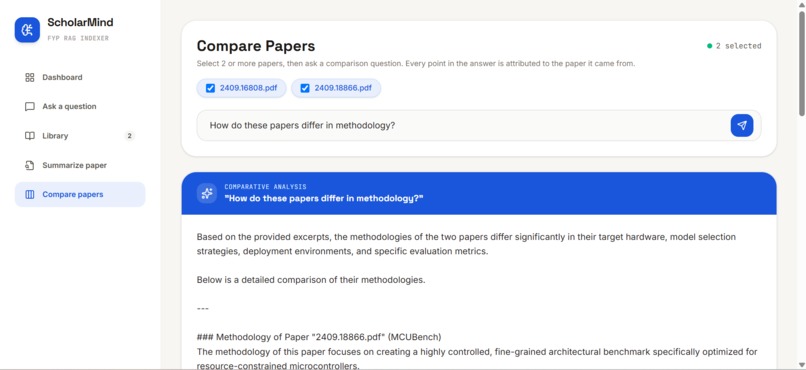
comparison of papers
Inspiration
While working on my FYP (benchmarking CV models for edge devices), I had to read and compare dozens of dense research papers. That process was slow and easy to lose track of. I wanted a tool that could actually answer questions from a specific paper, tell me which page an answer came from, and let me compare multiple papers without mixing up who said what. So I built ScholarMind.
What it does
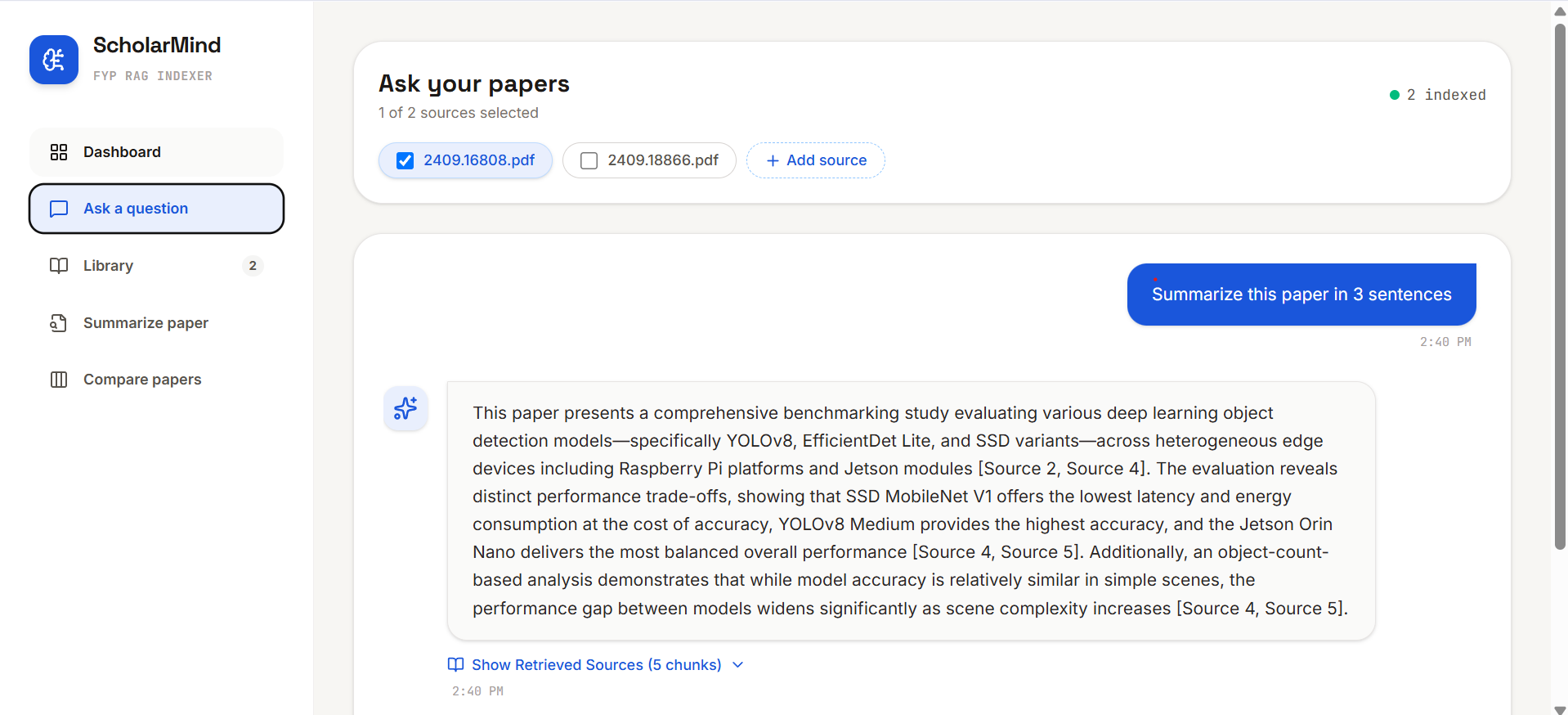
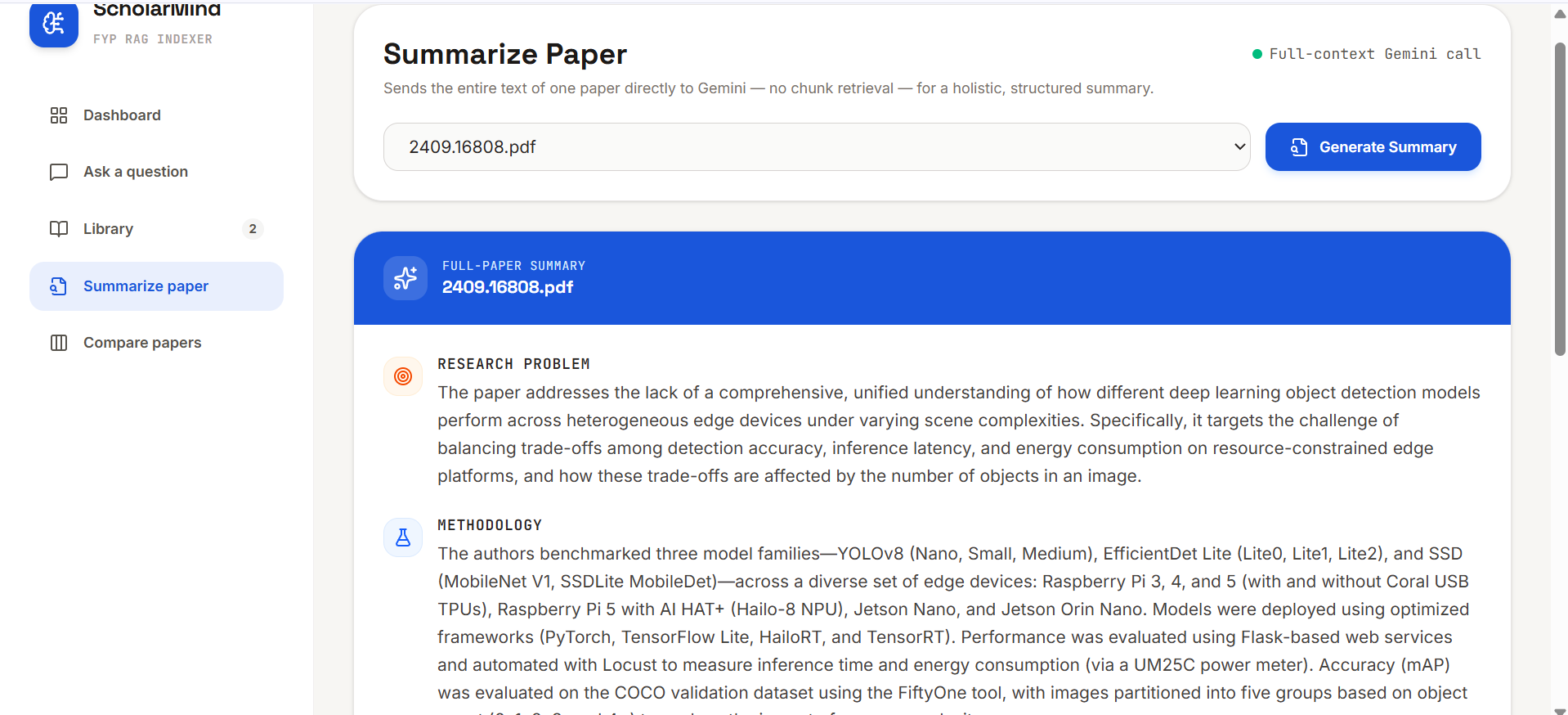
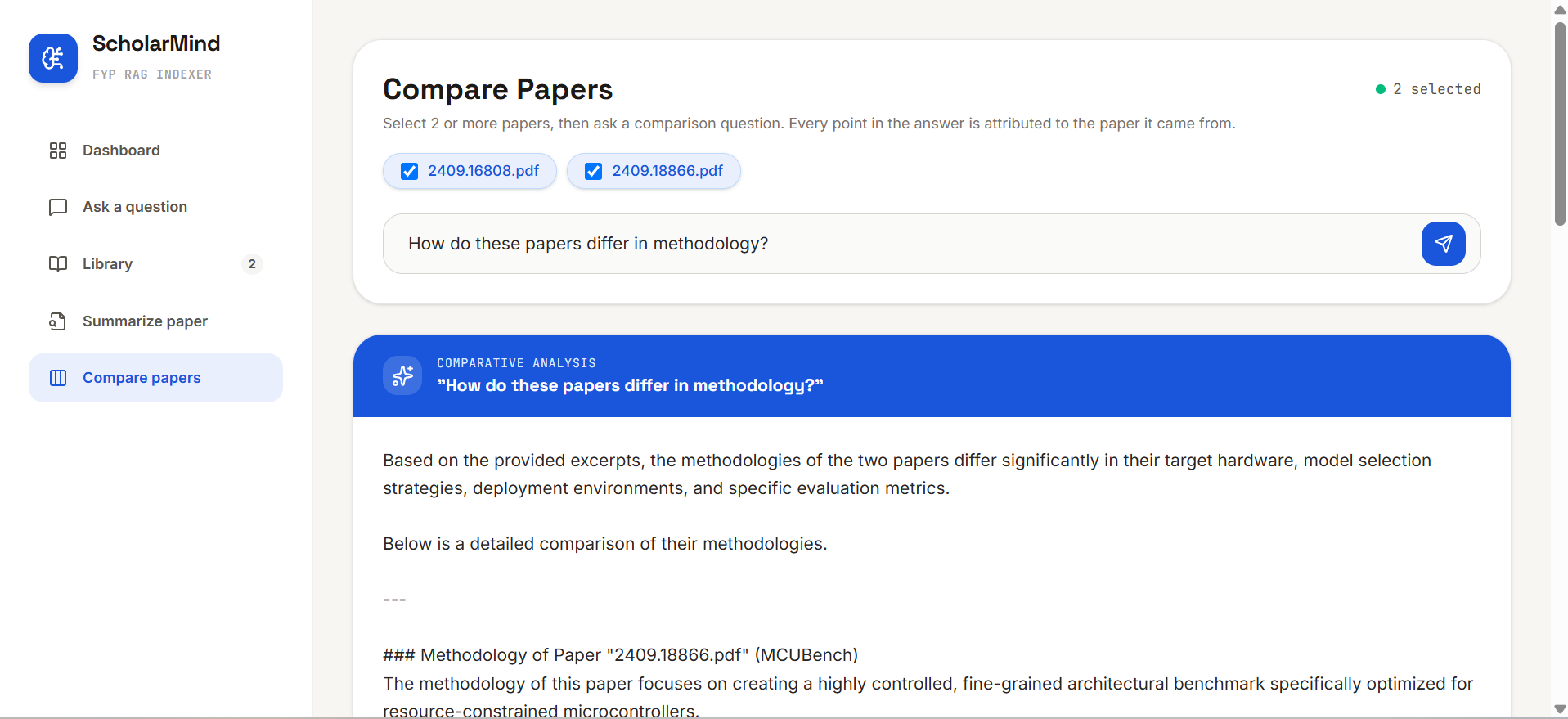
ScholarMind is a research assistant powered by the Gemini API. You can upload papers or paste arXiv links. You can ask questions and get answers grounded in the actual paper text, with page numbers cited. You can summarize a full paper into research problem, methodology, findings, and conclusion. And you can compare two or more papers, with every point in the answer clearly attributed to the right paper. It also has real Google sign in, so each user's papers and chats stay private to them.
How we built it
React and Vite on the frontend, Express and TypeScript on the backend. Gemini's embedding model handles semantic search, and Gemini 3.5 Flash handles answering, summarizing, and comparing. PDF text is extracted page by page so every chunk keeps its page number, all the way through to the final citation. For comparisons, each paper gets its own separate retrieval step so one paper doesn't dominate the results. For summaries, we skip retrieval completely and just send the whole paper to Gemini's large context window. Login uses Google OAuth with a secure session cookie.
Challenges we ran into
Most of the pain wasn't the AI part, it was deployment. We hit a local API key that only worked inside AI Studio, an embedding response format that changed between SDK versions, a lockfile that silently dropped a new dependency during deployment, and a tricky bug where a bundler setting broke file path handling only in production, never locally. Each one took real debugging to track down.
Accomplishments that we're proud of
Page level citations that actually work end to end, from PDF to chat answer. A comparison feature that reasons across papers properly instead of just mashing two summaries together. And real per user authentication and data isolation, not just a login screen for show.
What we learned
Building a basic RAG demo is easy. Making the answers actually trustworthy and traceable is the hard part. We also learned that small things like a lockfile or a bundler quirk can quietly break a deployment even when your app logic is completely correct.
What's next for ScholarMind: RAG Assistant for Research Papers
Caching summaries so we're not recalculating them every time. Highlighting the exact retrieved text on the actual PDF page. Supporting more sources beyond arXiv. And moving from a simple JSON file to a real database so it can handle more users.
Built With
- api
- express.js
- gemini
- github
- google-gmail-oauth
- json
- node.js
- rag
- railway
- react
- restapi
- tailwind
- typescript
- vite


Log in or sign up for Devpost to join the conversation.